Adapter Cards
Adapter Cards are essential components for expanding the functionality and connectivity of your computer or device. Whether you're looking to upgrade your system's capabilities or add new connection ports, these versatile cards make it easy to customize your setup. Explore a wide selection of Adapter Cards designed to help you get the most out of your technology, ensuring seamless integration with a variety of devices and peripherals. Find the right solution to enhance your computing experience and keep your devices connected efficiently.
Sort

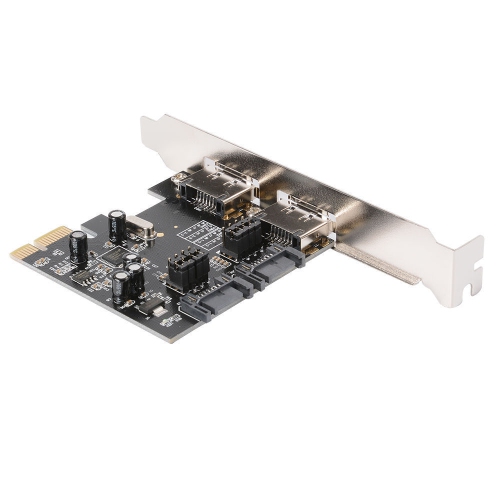


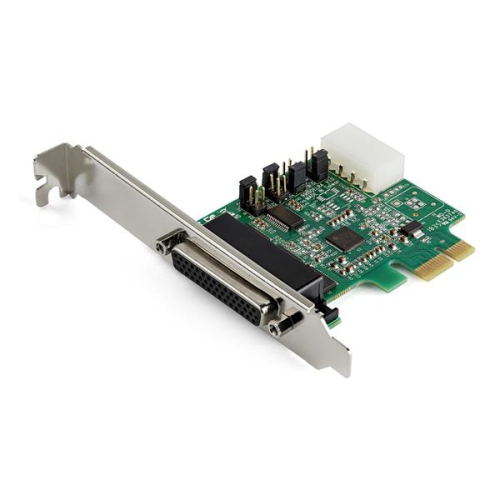

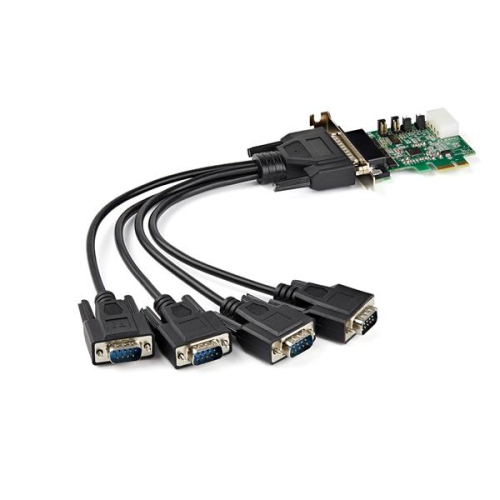


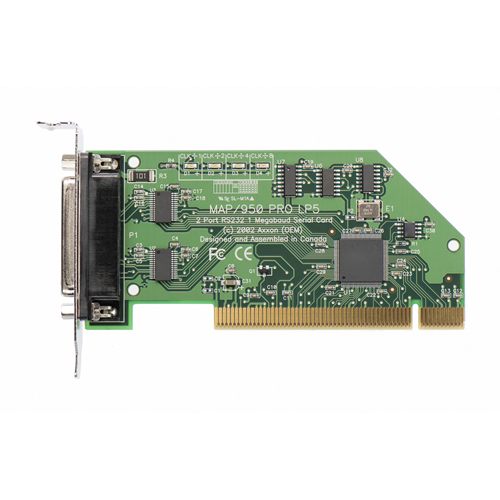


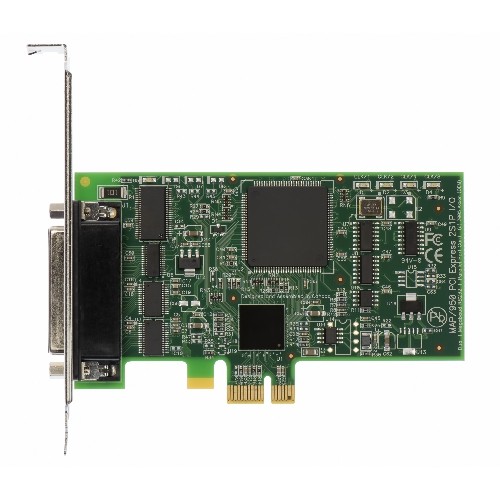
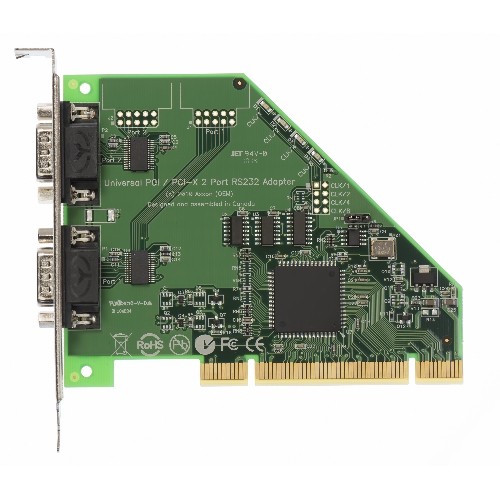

More connections for the desktop you already use
An adapter card is a printed circuit board that fits into a compatible expansion slot on a computer’s motherboard to add connections or hardware functions. Also called an expansion card, it can provide features such as additional USB ports, wired networking, Wi-Fi, audio connections, or support for compatible storage drives. These cards are most often associated with desktop computers and workstations, where internal expansion slots provide room for hardware beyond the motherboard’s built-in connections. They serve a different purpose from a simple cable adapter: rather than changing the shape of a plug, an adapter card adds circuitry that allows the computer to communicate with connected devices. A desktop used for photo editing might benefit from additional USB connections for external drives and a card reader, while a home office computer might need a wired network connection for transferring large files to shared storage. A Wi-Fi adapter card can connect a compatible desktop to a wireless network when running an Ethernet cable is impractical. Other designs support specialized connections for audio equipment, older peripherals, or additional internal drives. The useful distinction is what each card actually adds: more connection points, a different connection standard, or a capability the computer does not already have. Extra ports alone do not guarantee faster transfers, and a card’s stated capabilities depend on the rest of the system and the devices attached to it. For households sharing a desktop, an adapter card can help accommodate a wider mix of accessories without changing familiar everyday routines. For someone building a workstation, it offers a way to tailor connectivity to the work being done, whether that means connecting recording equipment, accessing network storage, or keeping several peripherals connected at once.
Compatibility involves both the expansion slot inside the computer and the space around it. Many desktop adapter cards use PCI Express, commonly shortened to PCIe, which carries data between the card and the motherboard. The PCi Express Cards category covers expansion options built around this interface. PCIe slots and cards come in different lane sizes, and both physical fit and the number of lanes available affect suitability. A shorter PCIe card can generally fit into a longer compatible slot, but that does not mean every slot offers the same bandwidth or supports every intended function. Some motherboard slots also share resources with other connectors, which can affect how several components work together. Case size matters just as much: a slim desktop may require a low-profile card and matching bracket, while a full-height card needs sufficient clearance and an appropriate rear opening. Nearby graphics hardware, cables, and cooling components can limit usable space even when a slot appears to be free. Power requirements vary, with some cards drawing everything they need from the slot and others requiring an additional connection. Operating system support and suitable drivers are also part of compatibility, particularly for older computers or systems used with specialized software. Storage adapter cards bring another layer of detail because a drive’s shape does not establish its connection protocol; M.2 SATA and M.2 NVMe drives are not automatically interchangeable, and starting a computer from an added drive may require motherboard firmware support. Wireless cards may have separate requirements for their Wi-Fi and Bluetooth functions, including an internal USB connection for Bluetooth on some designs. These details make the motherboard specifications, case dimensions, and card documentation more useful than appearance alone when assessing fit. A card that matches the computer’s hardware, software, and intended workload is better suited to everyday use than one selected only for its highest stated speed.
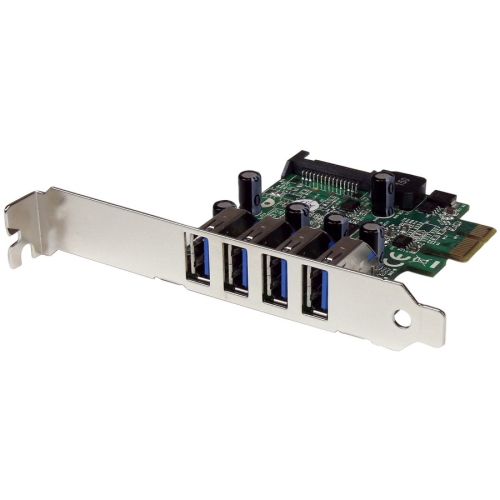
Construction and installation quality influence how well an adapter card holds up in a working desktop. The board typically carries electronic components and connectors, with a metal bracket securing the card at the back of the case; some designs also include a heatsink to help move heat away from key components. A firmly mounted bracket helps keep external ports steady when cables are connected or removed, while supported cabling reduces strain on connectors. Heavy cables hanging from the back of a tower can put unnecessary pressure on a port, especially where the computer is frequently moved or repositioned. Cards with external Wi-Fi antennas need room behind or around the case, and antenna placement can affect reception when a desktop sits under a desk or beside a large metal surface. For wired networking, actual transfer speeds also depend on the router or switch, cabling, and the device at the other end of the connection. USB performance similarly depends on the card’s controller, the attached cable, the peripheral, and how bandwidth is shared across ports. Day-to-day care is mainly about keeping the computer’s airflow unobstructed, limiting dust buildup, and avoiding unnecessary handling of exposed circuitry. Any internal handling calls for a powered-down, unplugged system and suitable precautions against static discharge, with the card held by its edges rather than its contacts. Professional installation can be useful when internal access is restricted or the system has unfamiliar power and cabling arrangements. Once fitted, a well-matched adapter card can become an unobtrusive part of a dependable setup: the wired connection used for large project files, the extra ports that keep desk accessories connected, or the interface needed for a particular piece of equipment. For home users, students, and people working with creative or technical applications, its value lies in adding a clearly useful function that works with the computer they already use.
Compatibility involves both the expansion slot inside the computer and the space around it. Many desktop adapter cards use PCI Express, commonly shortened to PCIe, which carries data between the card and the motherboard. The PCi Express Cards category covers expansion options built around this interface. PCIe slots and cards come in different lane sizes, and both physical fit and the number of lanes available affect suitability. A shorter PCIe card can generally fit into a longer compatible slot, but that does not mean every slot offers the same bandwidth or supports every intended function. Some motherboard slots also share resources with other connectors, which can affect how several components work together. Case size matters just as much: a slim desktop may require a low-profile card and matching bracket, while a full-height card needs sufficient clearance and an appropriate rear opening. Nearby graphics hardware, cables, and cooling components can limit usable space even when a slot appears to be free. Power requirements vary, with some cards drawing everything they need from the slot and others requiring an additional connection. Operating system support and suitable drivers are also part of compatibility, particularly for older computers or systems used with specialized software. Storage adapter cards bring another layer of detail because a drive’s shape does not establish its connection protocol; M.2 SATA and M.2 NVMe drives are not automatically interchangeable, and starting a computer from an added drive may require motherboard firmware support. Wireless cards may have separate requirements for their Wi-Fi and Bluetooth functions, including an internal USB connection for Bluetooth on some designs. These details make the motherboard specifications, case dimensions, and card documentation more useful than appearance alone when assessing fit. A card that matches the computer’s hardware, software, and intended workload is better suited to everyday use than one selected only for its highest stated speed.
Construction and installation quality influence how well an adapter card holds up in a working desktop. The board typically carries electronic components and connectors, with a metal bracket securing the card at the back of the case; some designs also include a heatsink to help move heat away from key components. A firmly mounted bracket helps keep external ports steady when cables are connected or removed, while supported cabling reduces strain on connectors. Heavy cables hanging from the back of a tower can put unnecessary pressure on a port, especially where the computer is frequently moved or repositioned. Cards with external Wi-Fi antennas need room behind or around the case, and antenna placement can affect reception when a desktop sits under a desk or beside a large metal surface. For wired networking, actual transfer speeds also depend on the router or switch, cabling, and the device at the other end of the connection. USB performance similarly depends on the card’s controller, the attached cable, the peripheral, and how bandwidth is shared across ports. Day-to-day care is mainly about keeping the computer’s airflow unobstructed, limiting dust buildup, and avoiding unnecessary handling of exposed circuitry. Any internal handling calls for a powered-down, unplugged system and suitable precautions against static discharge, with the card held by its edges rather than its contacts. Professional installation can be useful when internal access is restricted or the system has unfamiliar power and cabling arrangements. Once fitted, a well-matched adapter card can become an unobtrusive part of a dependable setup: the wired connection used for large project files, the extra ports that keep desk accessories connected, or the interface needed for a particular piece of equipment. For home users, students, and people working with creative or technical applications, its value lies in adding a clearly useful function that works with the computer they already use.
Top selling and popular products
-
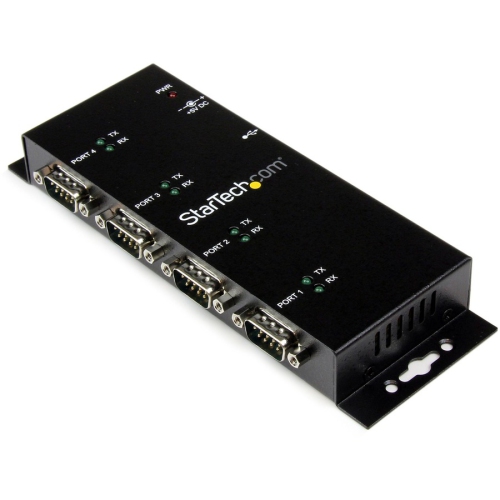 Your price for this item is $172.99
-
 Your price for this item is $188.99
-
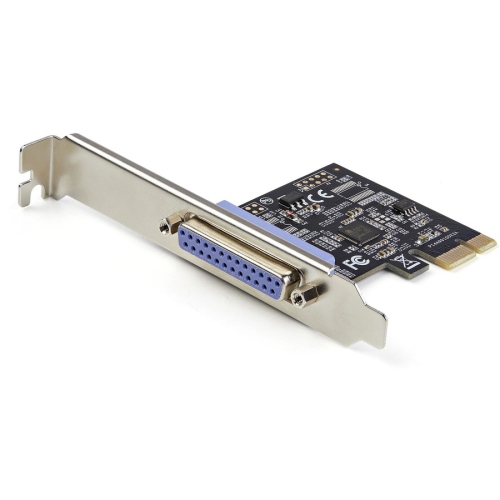 Your price for this item is $45.99
-
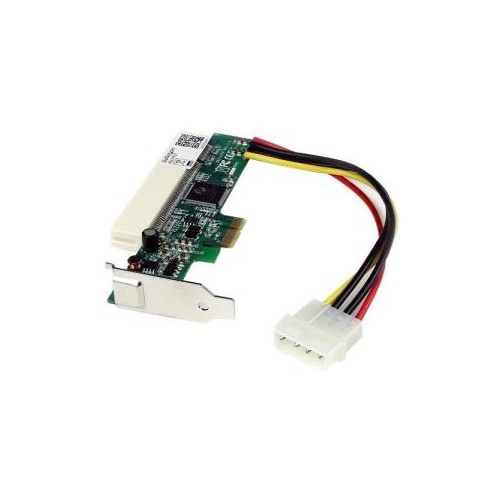 Your price for this item is $81.68
-
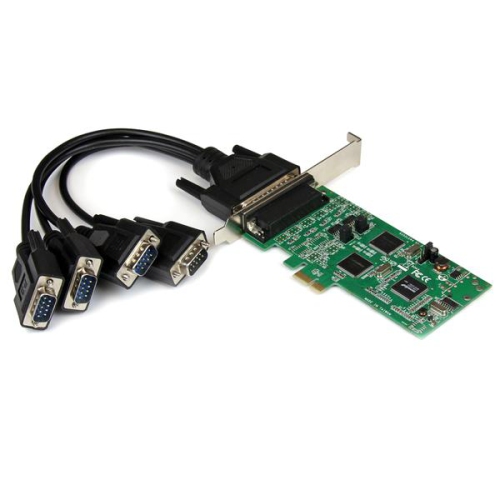 Your price for this item is $251.68
-
 Your price for this item is $75.99
-
 Your price for this item is $92.62
-
 Your price for this item is $399.95
Discover more categories related to Adapter Cards

Top Collections:
Best Black Friday Deals This Year, Best Black Friday Deals On Electronics, Kindle Devices, Pokemon Centers, Best Black Friday Deals On Apple Products, Best Cameras for Sports Photography, Dyson Airwrap, Pokémon 30th Celebration Cards, Apple iPhone 17 Pro, Canon G7X Cameras
Some products may be subject to Environmental Handling Fees
(EHF) depending on your province.
Learn more about EHFs.