Adjustable Computer Stands
Elevate your workspace with an Adjustable Computer Stand, designed to help you create a more comfortable and organized computing environment. Whether you're working from home, gaming, or studying, these stands offer versatile solutions to suit your setup. Discover options that make it easier to find the perfect position for your monitor or laptop while keeping your desk tidy and efficient. Explore the range of Adjustable Computer Stands and find the ideal fit for your needs.
Sort
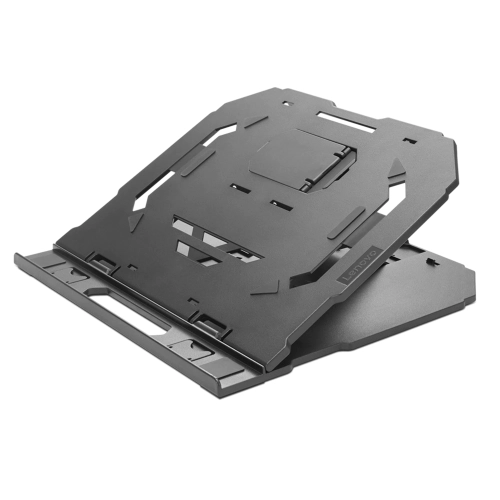
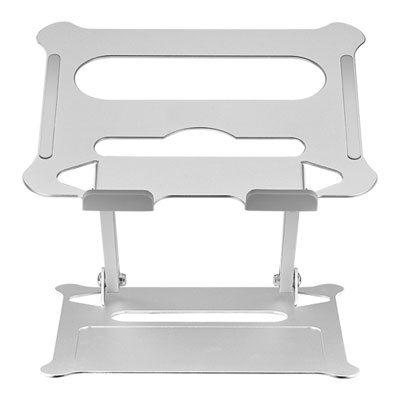
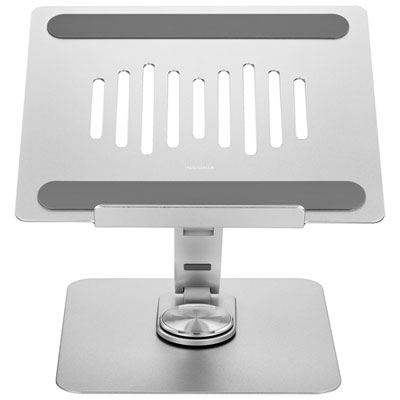
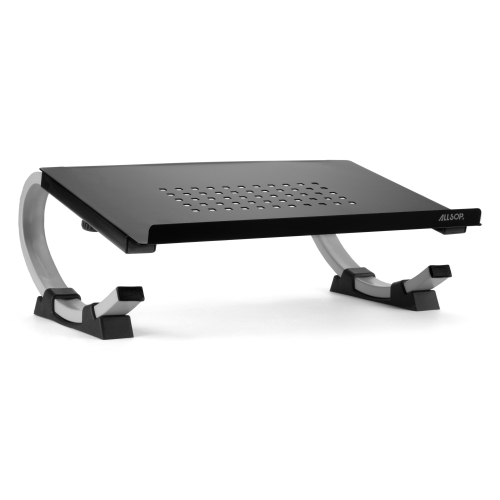
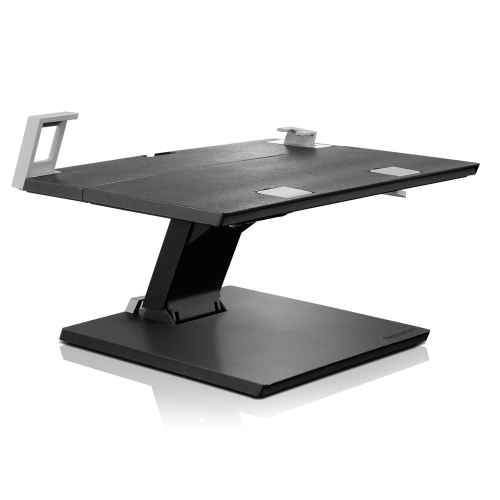
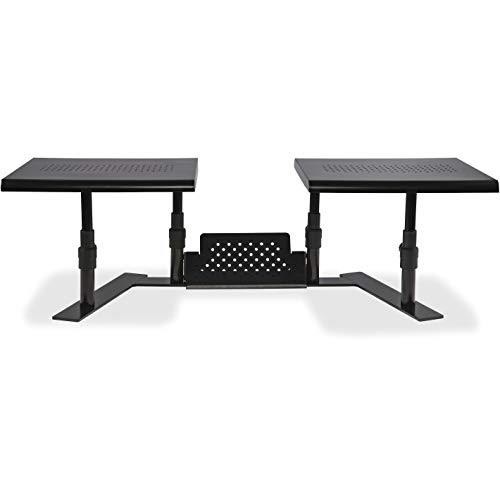
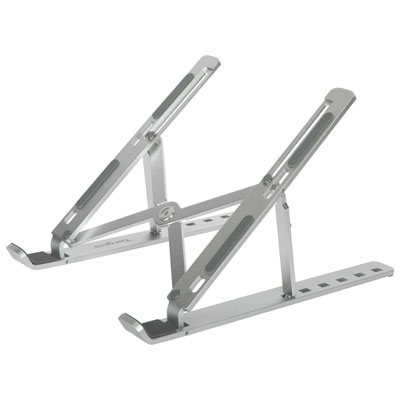
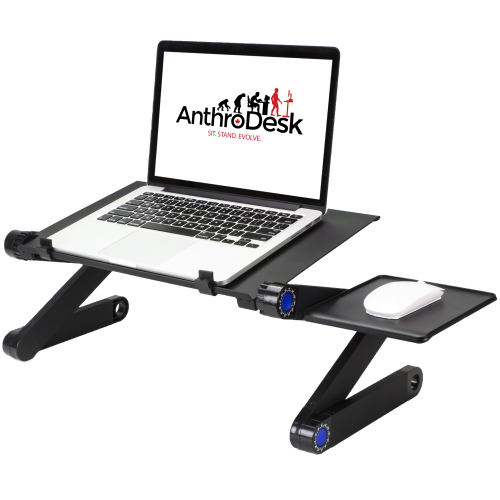
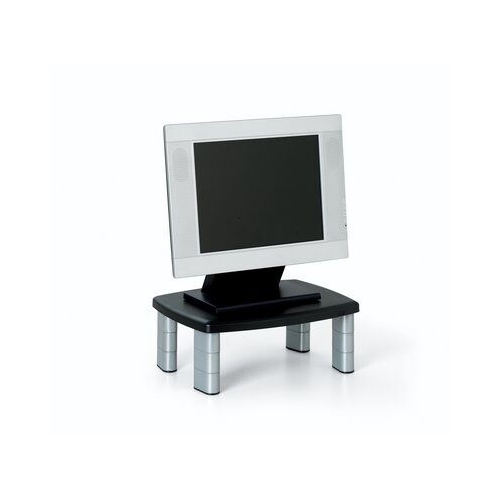
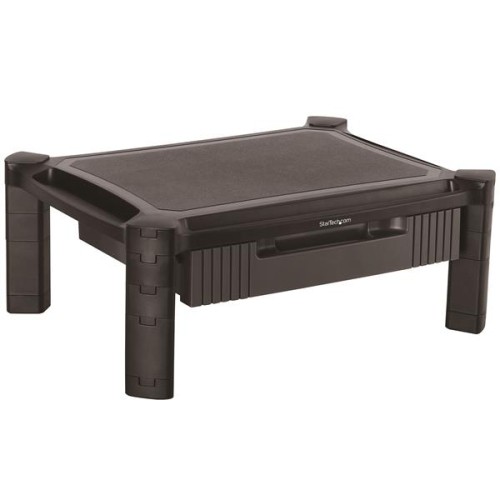
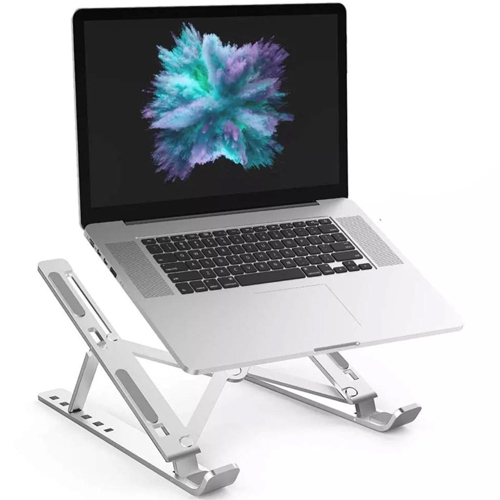
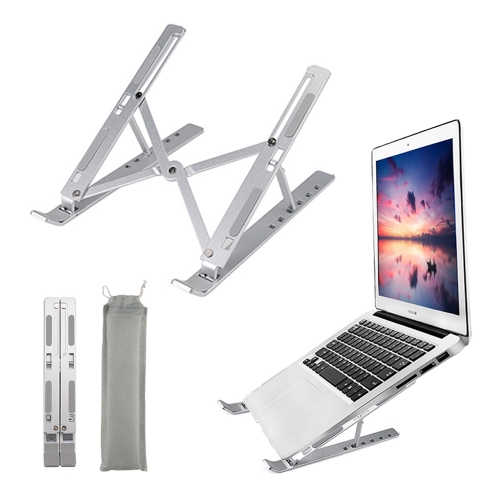

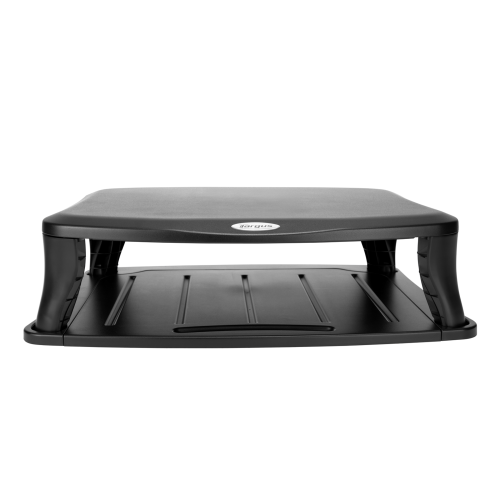
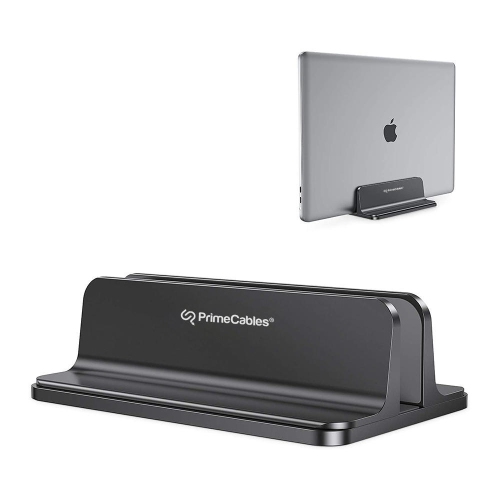

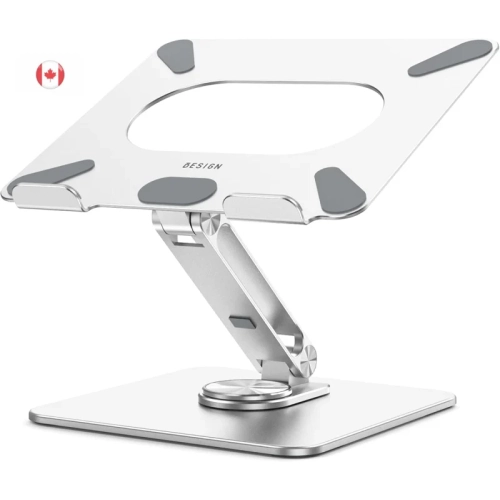

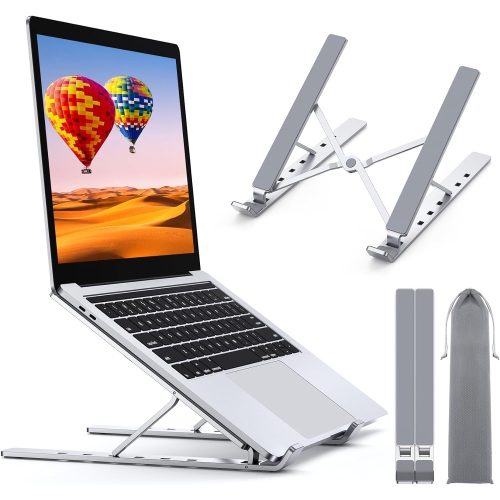

A better screen position with room to work
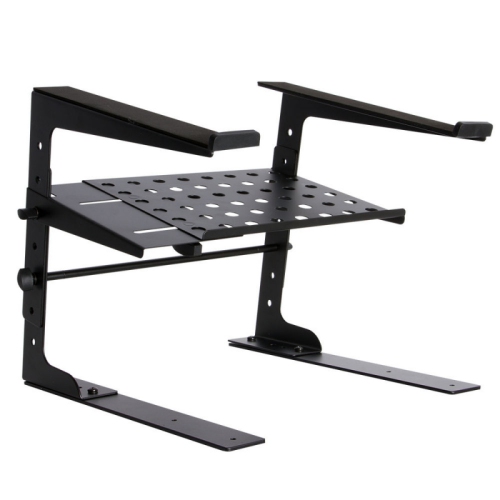
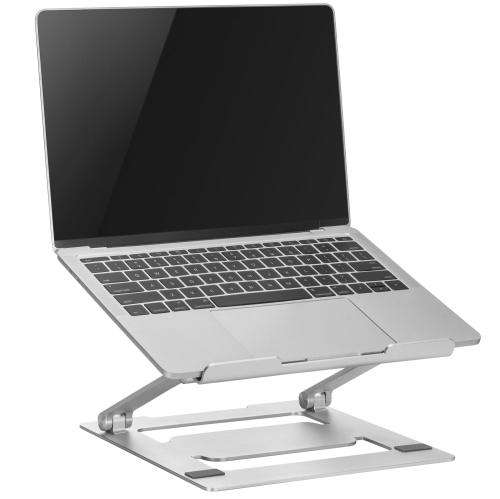
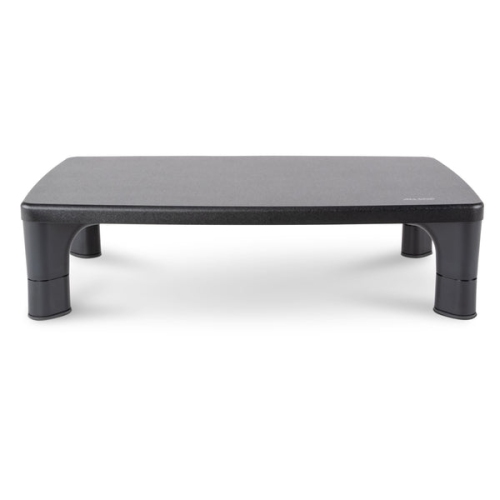
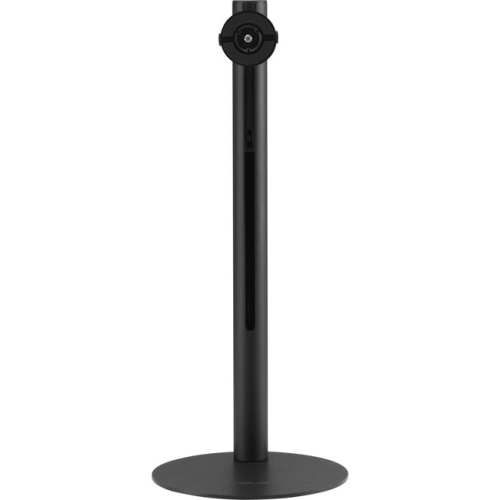
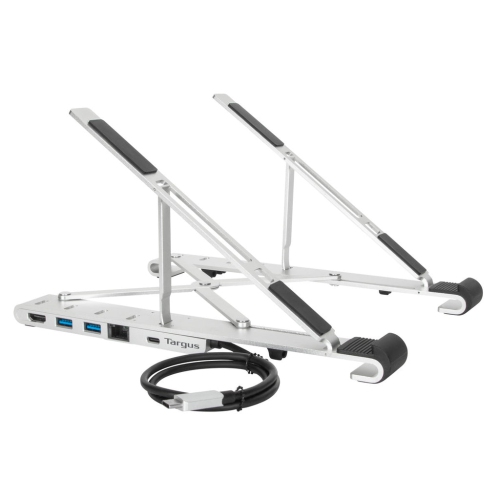
Adjustable computer stands raise or reposition a laptop, monitor, or desktop computer to suit the way a workspace is used. Depending on the design, adjustments can include height, tilt, rotation, or a combination of movements. Bringing a screen closer to eye level can support a more comfortable viewing position and reduce the need to look down, while an elevated platform can create space underneath for a keyboard, notebook, or other desk essentials. Different types serve different purposes: adjustable laptop stands lift the display and may angle the keyboard, monitor risers support a separate screen, and desktop converters provide a larger platform that moves between seated and standing positions. Adjustable tower stands usually sit beneath a desk, supporting the computer case rather than changing the height of a display. Within the broader Computer Stands category, these distinctions matter because the right support depends on which part of the setup needs to move. A student working between lectures may appreciate a folding laptop stand that slips into a bag, while someone using a dedicated home office may prefer a substantial platform that stays in place. Shared workspaces benefit from adjustments that let different users find a suitable screen position without rearranging the entire desk. For video calls, a raised laptop can also place the built-in camera at a more natural angle. Screen height is only one part of a comfortable setup, however. A laptop raised for longer sessions generally works best with a separate keyboard and mouse, allowing the display and typing surface to sit at different heights. There should still be room to rest the forearms comfortably and reach everyday controls without stretching. For someone alternating between spreadsheets, online meetings, and handwritten notes, a stand can help each part of the work surface feel more accessible, rather than letting the computer occupy the whole desk.
Materials and construction influence how an adjustable computer stand feels during everyday use. Aluminum designs can offer a useful balance of strength and manageable weight, particularly for stands that travel between rooms or workspaces. Steel frames often provide a more substantial base, while wood and wood-based platforms can complement furniture finishes in a home office or study area. Plastic components may help keep a folding stand lightweight, though the quality of its joints, supports, and adjustment mechanism matters as much as the material itself. Rubber or silicone contact pads can help limit slipping and protect the surfaces where the stand touches a desk or computer. A smooth hinge that holds its position, a secure locking mechanism, and a base that stays steady during typing all contribute to durability and confidence in daily use. Fit involves more than the screen size listed for a stand. The computer’s weight, overall dimensions, foot placement, and the shape of its underside all affect how securely it rests on the platform. A monitor with a broad pedestal needs enough supported surface beneath its base, while a laptop needs retaining edges that do not obstruct ports or press awkwardly against the front of the case. Ventilation openings also need clearance; a solid surface should not block the computer’s air intake or exhaust. Adjustable height ranges deserve the same attention as platform dimensions, especially where a low shelf or sloped ceiling limits space above the desk. On a desktop converter, the combined weight of the monitor, laptop, keyboard, and accessories must stay within the stated load limit. The desk underneath also needs to support the complete setup. For stands that use clamps or mounting hardware, compatibility depends on desktop thickness, edge shape, and any reinforcement beneath the work surface. Stable support should remain the priority at every adjustment setting, not just when the stand is at its lowest position. Wide feet can improve balance, but their footprint also needs to fit comfortably alongside speakers, desk lamps, and other equipment.
Everyday details often determine whether an adjustable stand becomes a useful part of the workspace or an obstacle to work around. A platform with open space underneath can provide a place to tuck away a keyboard after work, leaving room for reading or paperwork. Cable openings and unobstructed edges can help organize charging leads and display connections, but cables need enough slack to move safely when the stand rises or tilts. A connection that reaches comfortably at the lowest setting may pull tight when the screen is raised. For a compact desktop, a folding design can make it easier to clear the work surface between tasks, while a larger fixed-base stand may suit a permanent workstation where stability matters more than portability. Adjustment controls are worth considering in relation to how often they will be used: occasional changes may be straightforward with a manual locking system, whereas frequent transitions benefit from controls that are easy to reach and operate as intended. A wheeled tower stand serves a different routine, helping reposition a computer case for access to rear connections or the floor beneath it; locking wheels help keep it in place afterward. Care is generally uncomplicated, with regular dusting and a soft cloth helping keep platforms, pads, and joints clean. Cleaning methods should follow the manufacturer’s directions, particularly around coated metal, wood finishes, and moving parts. Hinges, fasteners, and locking points also deserve occasional inspection, especially on stands that are folded or transported frequently. A stand used for typing should remain on a firm, level surface rather than a cushion or soft bedding. For remote workers, students, and people who spend time gaming or creating digital projects, an adjustable stand can be a practical addition when its dimensions match the existing equipment. It can also make a thoughtful gift when the recipient’s computer size and workspace are known, avoiding the guesswork that comes with choosing a support solely by appearance.
Materials and construction influence how an adjustable computer stand feels during everyday use. Aluminum designs can offer a useful balance of strength and manageable weight, particularly for stands that travel between rooms or workspaces. Steel frames often provide a more substantial base, while wood and wood-based platforms can complement furniture finishes in a home office or study area. Plastic components may help keep a folding stand lightweight, though the quality of its joints, supports, and adjustment mechanism matters as much as the material itself. Rubber or silicone contact pads can help limit slipping and protect the surfaces where the stand touches a desk or computer. A smooth hinge that holds its position, a secure locking mechanism, and a base that stays steady during typing all contribute to durability and confidence in daily use. Fit involves more than the screen size listed for a stand. The computer’s weight, overall dimensions, foot placement, and the shape of its underside all affect how securely it rests on the platform. A monitor with a broad pedestal needs enough supported surface beneath its base, while a laptop needs retaining edges that do not obstruct ports or press awkwardly against the front of the case. Ventilation openings also need clearance; a solid surface should not block the computer’s air intake or exhaust. Adjustable height ranges deserve the same attention as platform dimensions, especially where a low shelf or sloped ceiling limits space above the desk. On a desktop converter, the combined weight of the monitor, laptop, keyboard, and accessories must stay within the stated load limit. The desk underneath also needs to support the complete setup. For stands that use clamps or mounting hardware, compatibility depends on desktop thickness, edge shape, and any reinforcement beneath the work surface. Stable support should remain the priority at every adjustment setting, not just when the stand is at its lowest position. Wide feet can improve balance, but their footprint also needs to fit comfortably alongside speakers, desk lamps, and other equipment.
Everyday details often determine whether an adjustable stand becomes a useful part of the workspace or an obstacle to work around. A platform with open space underneath can provide a place to tuck away a keyboard after work, leaving room for reading or paperwork. Cable openings and unobstructed edges can help organize charging leads and display connections, but cables need enough slack to move safely when the stand rises or tilts. A connection that reaches comfortably at the lowest setting may pull tight when the screen is raised. For a compact desktop, a folding design can make it easier to clear the work surface between tasks, while a larger fixed-base stand may suit a permanent workstation where stability matters more than portability. Adjustment controls are worth considering in relation to how often they will be used: occasional changes may be straightforward with a manual locking system, whereas frequent transitions benefit from controls that are easy to reach and operate as intended. A wheeled tower stand serves a different routine, helping reposition a computer case for access to rear connections or the floor beneath it; locking wheels help keep it in place afterward. Care is generally uncomplicated, with regular dusting and a soft cloth helping keep platforms, pads, and joints clean. Cleaning methods should follow the manufacturer’s directions, particularly around coated metal, wood finishes, and moving parts. Hinges, fasteners, and locking points also deserve occasional inspection, especially on stands that are folded or transported frequently. A stand used for typing should remain on a firm, level surface rather than a cushion or soft bedding. For remote workers, students, and people who spend time gaming or creating digital projects, an adjustable stand can be a practical addition when its dimensions match the existing equipment. It can also make a thoughtful gift when the recipient’s computer size and workspace are known, avoiding the guesswork that comes with choosing a support solely by appearance.
Top selling and popular products
-
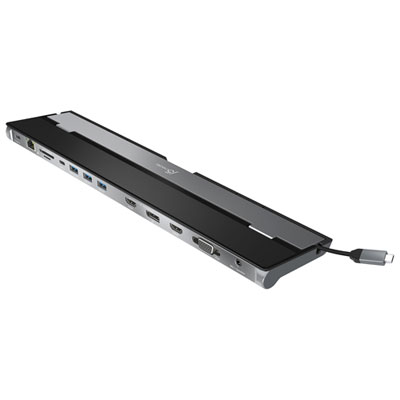 Your price for this item is $149.99
-
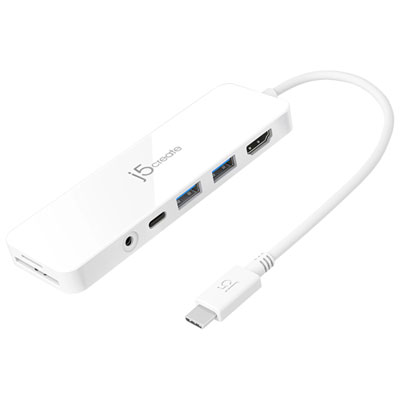 Your price for this item is $69.99
-
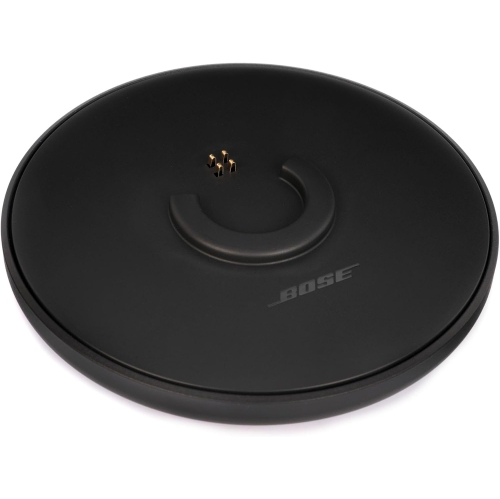 Your price for this item is $87.99
-
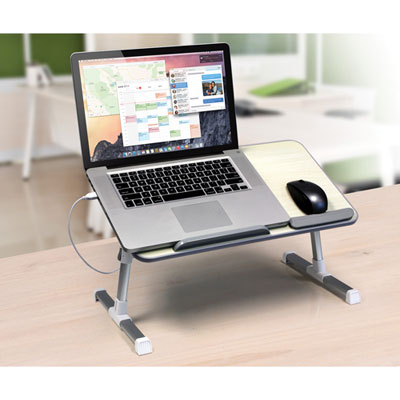 Your price for this item is $59.99
-
 Your price for this item is $96.16
-
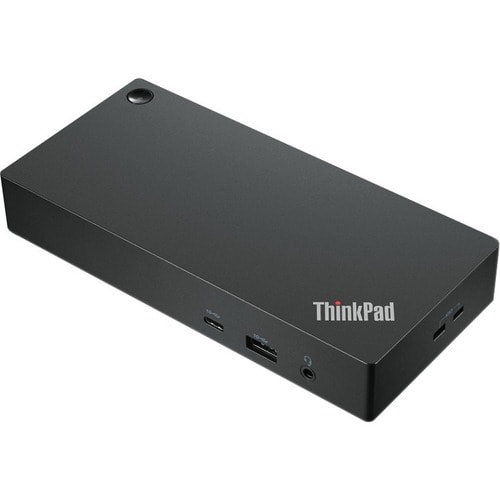 Your price for this item is $179.99
-
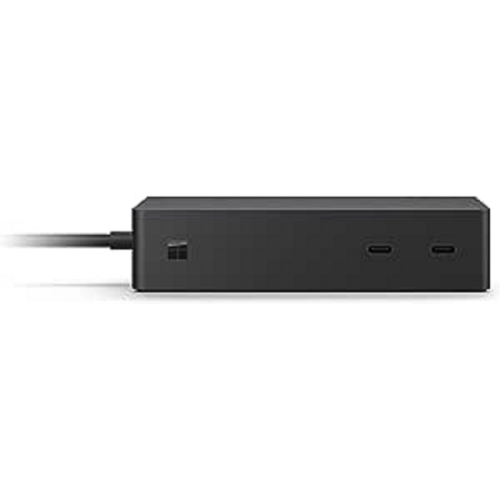 Your price for this item is $214.99
-
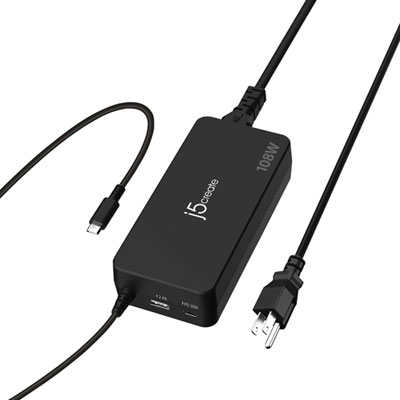 Your price for this item is $89.99
Discover more categories related to Adjustable Computer Stands

Top Collections:
Best Black Friday Deals This Year, Best Black Friday Deals On Electronics, Kindle Devices, Pokemon Centers, Best Black Friday Deals On Apple Products, Best Cameras for Sports Photography, Dyson Airwrap, Pokémon 30th Celebration Cards, Apple iPhone 17 Pro, Canon G7X Cameras
Some products may be subject to Environmental Handling Fees
(EHF) depending on your province.
Learn more about EHFs.