Affordable Graphic Tablets
Looking to unleash your creativity and take your digital artwork to the next level? Look no further than our collection of affordable graphic tablets. Whether you're a seasoned professional or just starting, these tablets offer an intuitive and precise way to bring your ideas to life. With their sleek designs, responsive touchscreens, and advanced features, you'll have all the tools you need to create stunning illustrations, animations, and designs. Explore our range of affordable graphic tablets and find the perfect one to ignite your artistic passion.
Sort
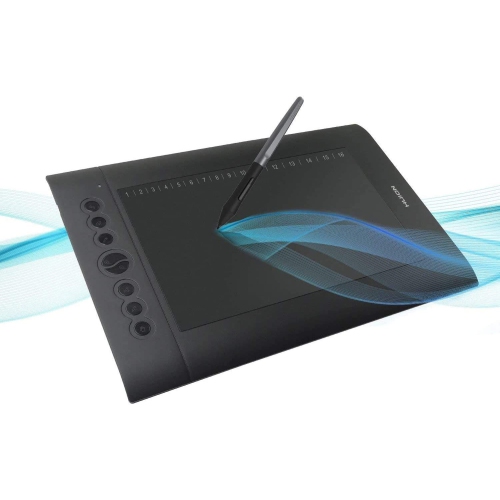
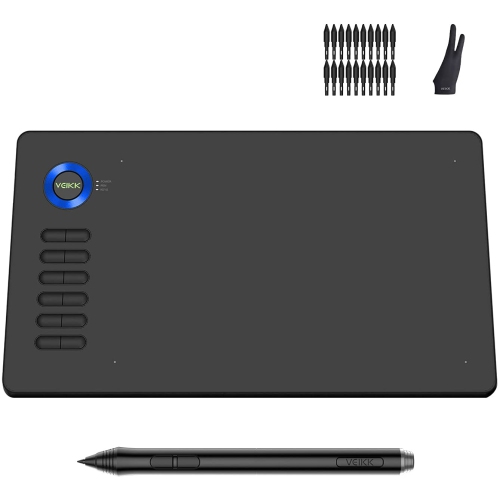
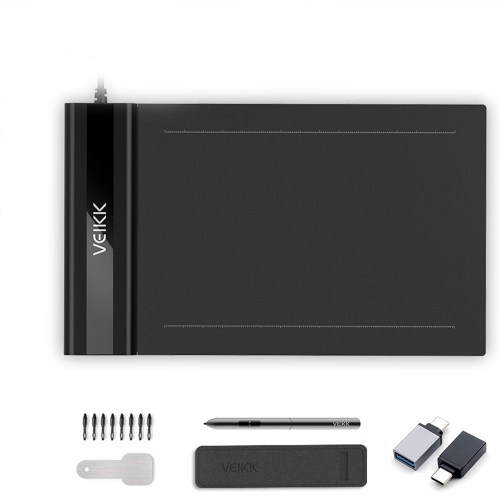
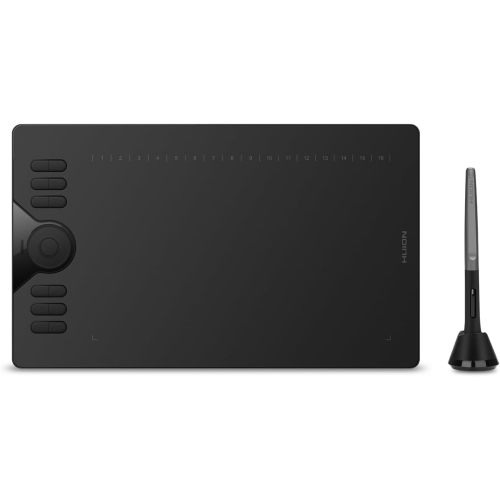

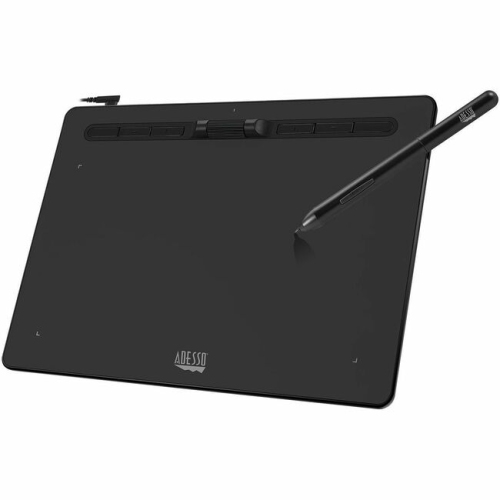
How size, pressure sensitivity and compatibility shape creativity
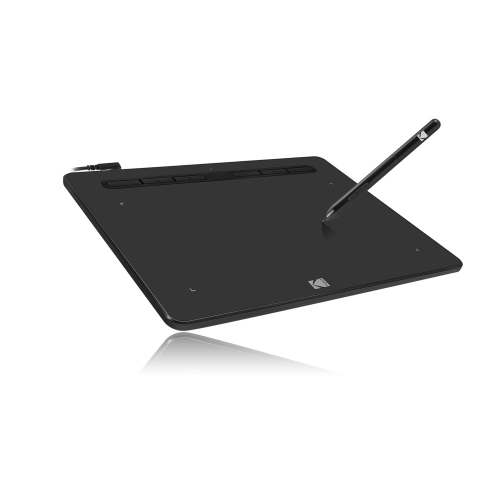
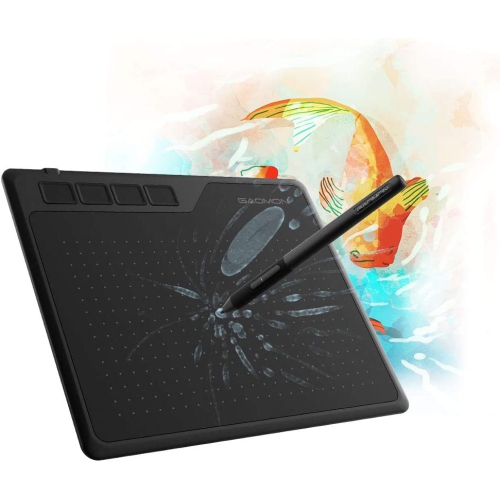
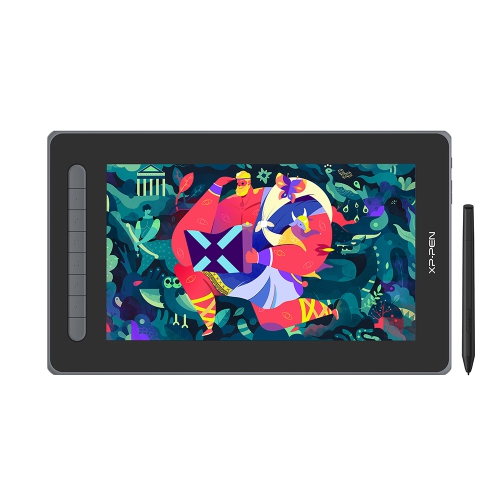
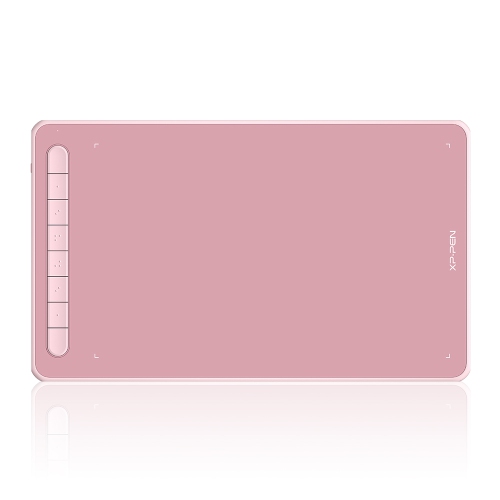
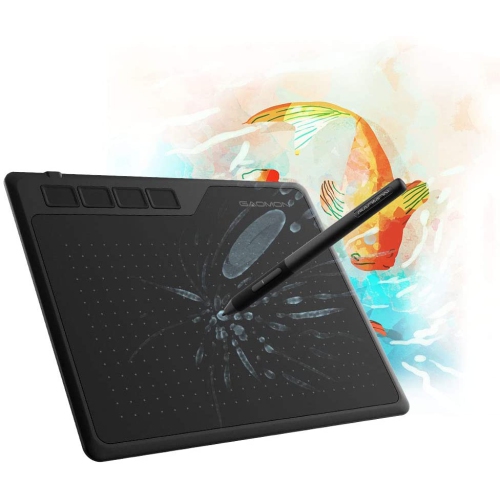
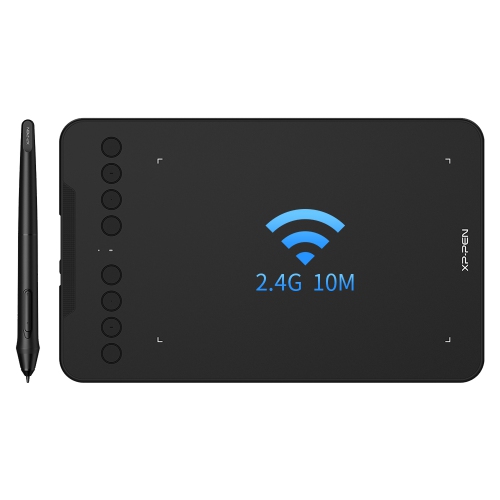
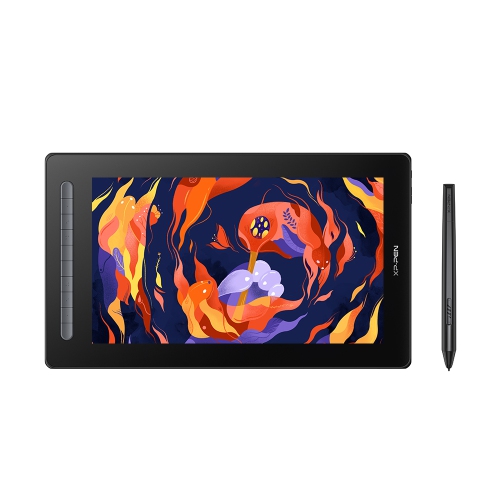
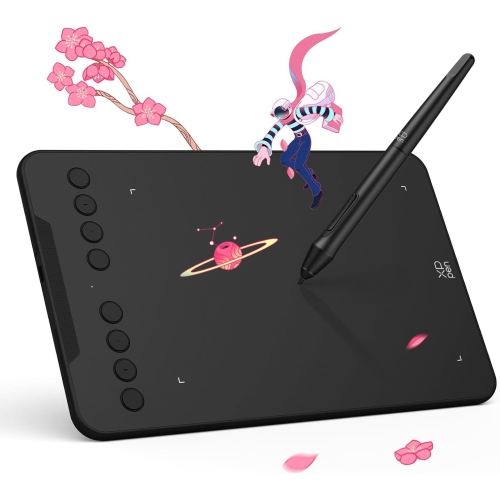
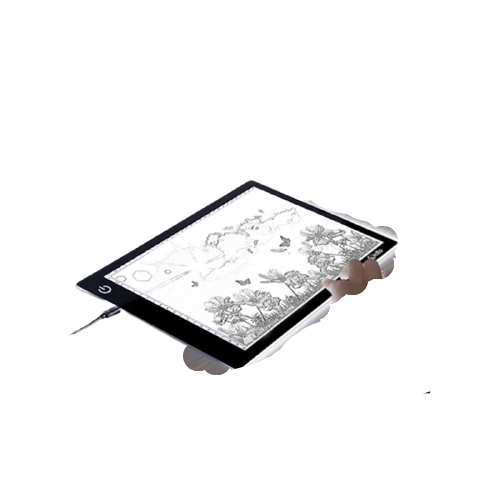
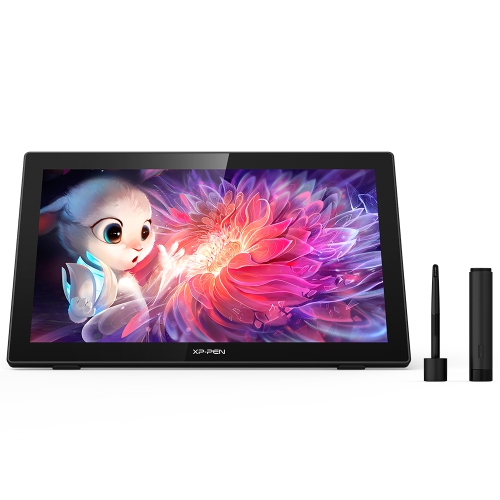
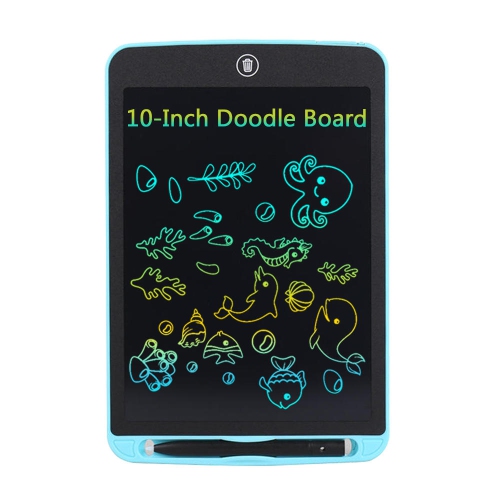
Affordable graphic tablets make digital drawing, handwriting, photo editing and creative mark-making more accessible without requiring a large investment. Many entry-level models are compact, pressure-sensitive drawing pads that connect to a computer, and some can also work with compatible Android devices. Instead of displaying an image on the tablet itself, these screenless models let you draw on the active surface while watching your lines appear on a connected monitor or phone. This setup may take a little practice at first, particularly if you are used to drawing directly on paper, but most people begin to feel more comfortable after a few short sessions. Affordable graphic tablets are a practical choice for students learning illustration, hobby artists sketching at a desk, aspiring animators, photographers making selections and retouching images, and anyone who wants a more natural alternative to using a mouse. They can also be useful for signing documents, marking up PDFs, writing notes during online classes or adding handwritten detail to digital projects. Prices can vary according to size, connectivity and included features, but many budget-friendly options are available in the approximate $30 to $100 range, making them a thoughtful gift for a creative friend, a student setting up a first workstation or a family member exploring digital art during the cooler months.
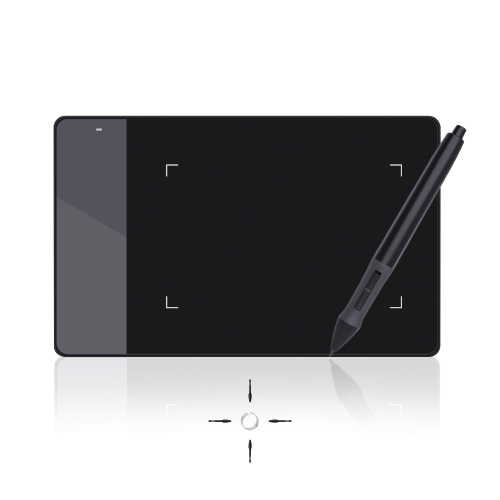
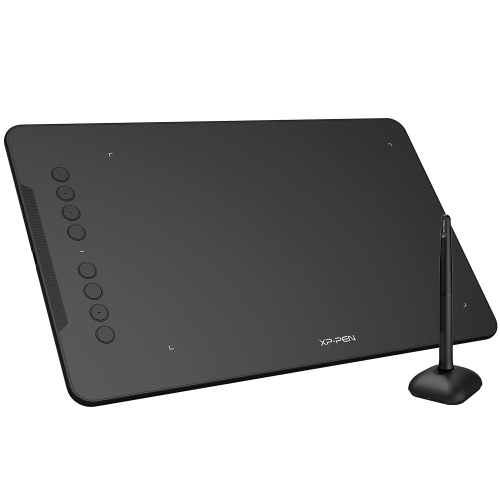
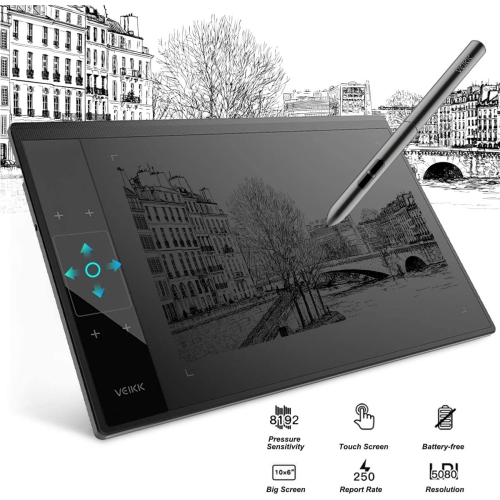
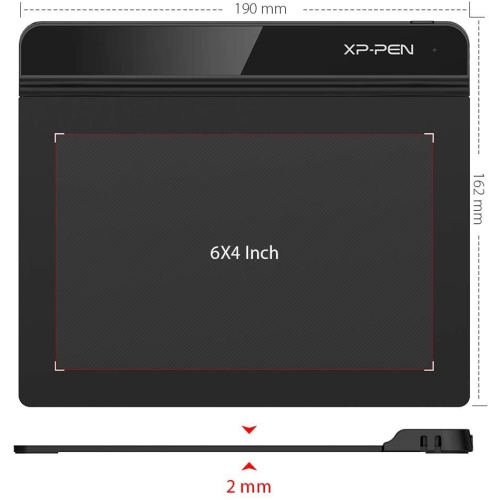
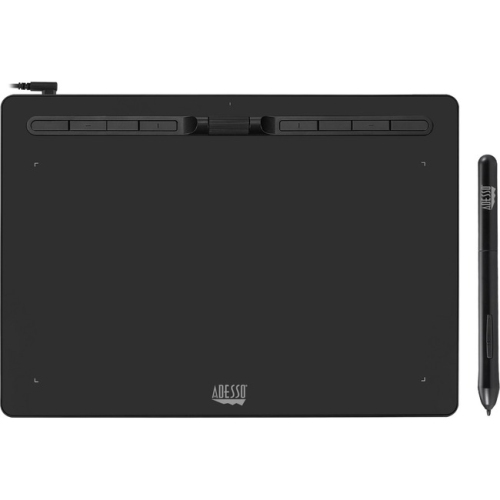
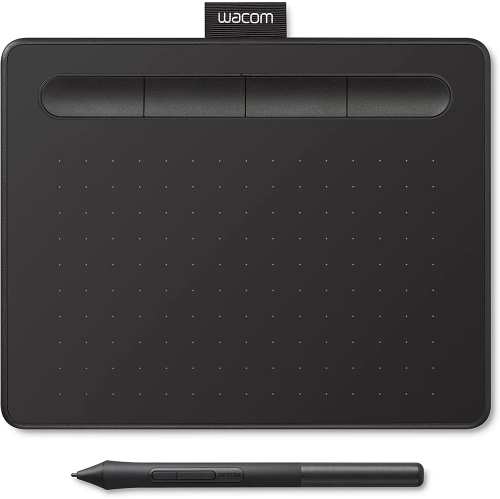
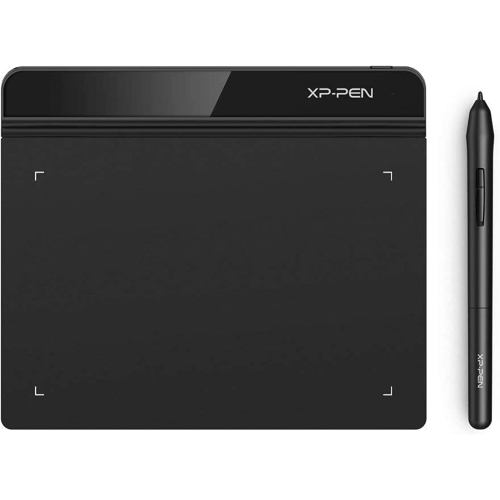
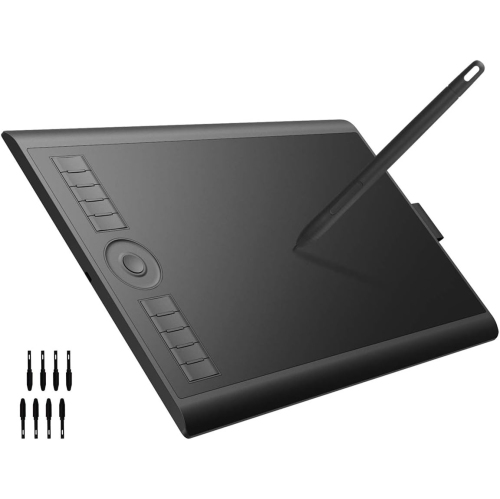
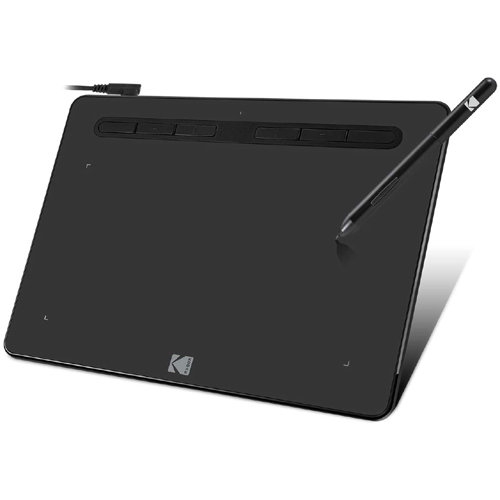
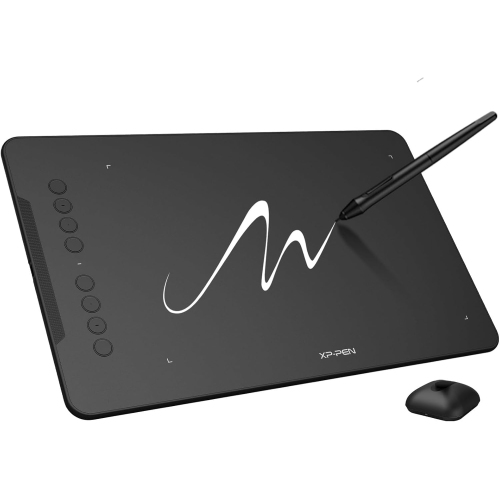
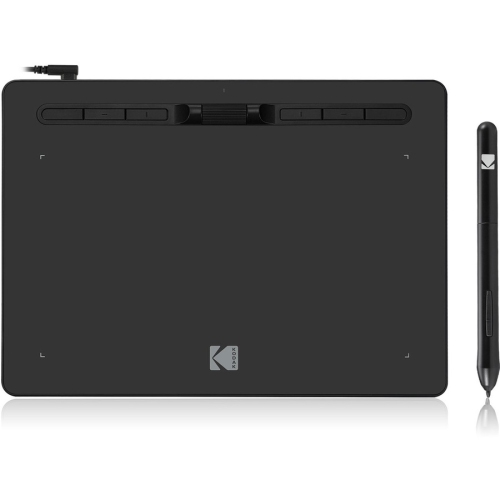
The drawing area is one of the most important details to compare. Smaller tablets, often offering an active area around 6 x 4 inches, take up very little room beside a keyboard and fit easily into a backpack, making them well suited to dorm rooms, shared workspaces and travel. They can also feel quicker to navigate when editing photos or controlling a cursor across a laptop display. Larger surfaces, such as those measuring around 10 x 6 inches, provide more space for broad strokes and detailed illustrations, with a drawing motion that can feel closer to working on a sheet of paper. A larger tablet may be a better match for someone who spends long periods creating artwork, although it needs more room on a desk. Pressure sensitivity helps the stylus respond to changes in hand pressure, allowing compatible software to vary line weight, opacity or brush size for more expressive results. Look for a comfortable, lightweight stylus and check whether it uses a battery-free design, as this can reduce interruptions during a sketch. Programmable shortcut keys can also make everyday tasks faster by providing quick access to undo, erase, zoom or brush controls. Before choosing, confirm that the tablet supports the operating system and creative applications you plan to use, including Windows, macOS, ChromeOS, Android or popular drawing, design and photo-editing software. Driver installation may be required, and compatibility can differ between devices, so reviewing the manufacturer’s requirements is an important part of building a reliable setup.
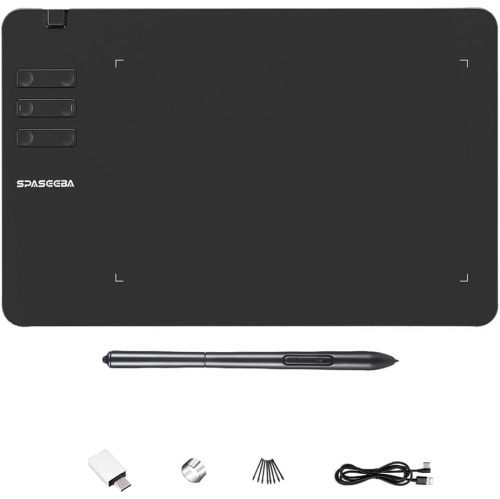
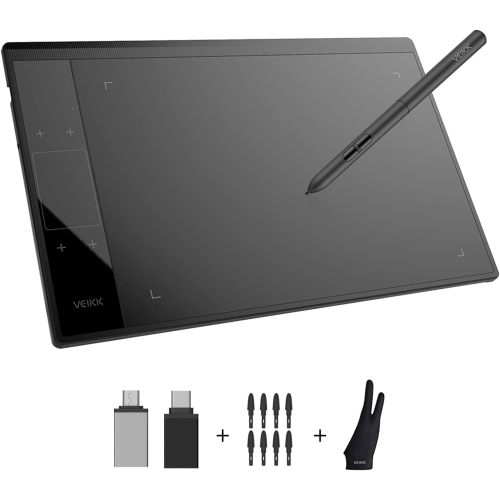
A good affordable graphic tablet should suit both the way you create and the space where you work. Someone who sketches occasionally at the kitchen table may appreciate a simple, compact design, while a digital artist working on illustrations, comics or classroom projects may prefer a larger active surface and several customizable controls. Portability matters as well: a tablet that slips beside a notebook can be convenient for moving between a home office, a classroom and a shared studio. If the tablet will be used with a phone, verify the required adapter and Android support before buying, since compatible connections and supported applications can vary. It is also worth considering the included accessories, such as a stylus holder, replacement nibs, a USB cable or an adapter, because these small details can make setup easier. Keep the tablet’s proportions in mind when matching it to a monitor; an appropriately configured working area helps cursor movement feel more natural and can prevent frustration while learning. Affordable graphic tablets pair especially well with beginner-friendly drawing applications, online art lessons and creative software that lets users experiment with layers, brushes and colour without filling a desk with supplies. For people who prefer handwriting and productivity features over illustration, a related option may be found among Affordable Tablets for Note Taking. Whether it is given as a birthday present, used for school projects or added to a home creative station, a budget-friendly graphic tablet offers a straightforward way to turn pencil movements into digital lines, annotations and finished artwork.
The drawing area is one of the most important details to compare. Smaller tablets, often offering an active area around 6 x 4 inches, take up very little room beside a keyboard and fit easily into a backpack, making them well suited to dorm rooms, shared workspaces and travel. They can also feel quicker to navigate when editing photos or controlling a cursor across a laptop display. Larger surfaces, such as those measuring around 10 x 6 inches, provide more space for broad strokes and detailed illustrations, with a drawing motion that can feel closer to working on a sheet of paper. A larger tablet may be a better match for someone who spends long periods creating artwork, although it needs more room on a desk. Pressure sensitivity helps the stylus respond to changes in hand pressure, allowing compatible software to vary line weight, opacity or brush size for more expressive results. Look for a comfortable, lightweight stylus and check whether it uses a battery-free design, as this can reduce interruptions during a sketch. Programmable shortcut keys can also make everyday tasks faster by providing quick access to undo, erase, zoom or brush controls. Before choosing, confirm that the tablet supports the operating system and creative applications you plan to use, including Windows, macOS, ChromeOS, Android or popular drawing, design and photo-editing software. Driver installation may be required, and compatibility can differ between devices, so reviewing the manufacturer’s requirements is an important part of building a reliable setup.
A good affordable graphic tablet should suit both the way you create and the space where you work. Someone who sketches occasionally at the kitchen table may appreciate a simple, compact design, while a digital artist working on illustrations, comics or classroom projects may prefer a larger active surface and several customizable controls. Portability matters as well: a tablet that slips beside a notebook can be convenient for moving between a home office, a classroom and a shared studio. If the tablet will be used with a phone, verify the required adapter and Android support before buying, since compatible connections and supported applications can vary. It is also worth considering the included accessories, such as a stylus holder, replacement nibs, a USB cable or an adapter, because these small details can make setup easier. Keep the tablet’s proportions in mind when matching it to a monitor; an appropriately configured working area helps cursor movement feel more natural and can prevent frustration while learning. Affordable graphic tablets pair especially well with beginner-friendly drawing applications, online art lessons and creative software that lets users experiment with layers, brushes and colour without filling a desk with supplies. For people who prefer handwriting and productivity features over illustration, a related option may be found among Affordable Tablets for Note Taking. Whether it is given as a birthday present, used for school projects or added to a home creative station, a budget-friendly graphic tablet offers a straightforward way to turn pencil movements into digital lines, annotations and finished artwork.
Top selling and popular products
-
 Your price for this item is $49.99
 -
 Your price for this item is $139.99
 -
 Your price for this item is $409.99
 -
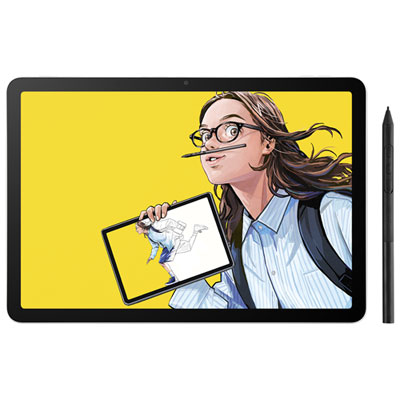 Your price for this item is $699.99
 -
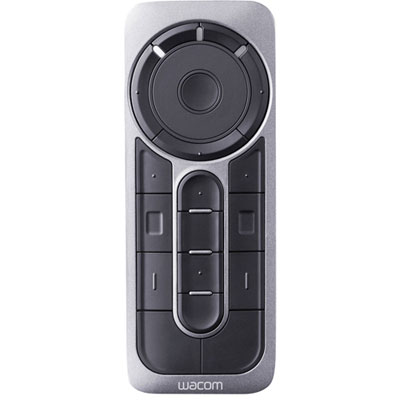 Your price for this item is $139.99
 -
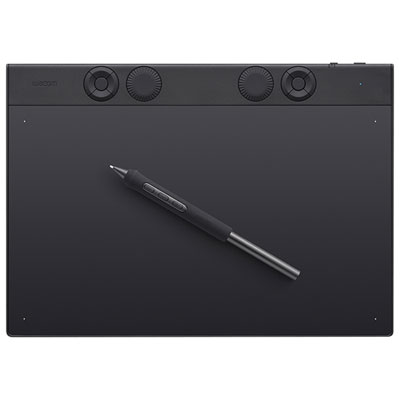 Your price for this item is $439.99
 -
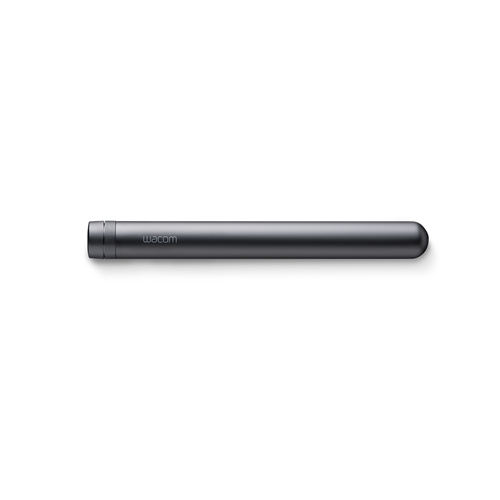 Your price for this item is $120
 -
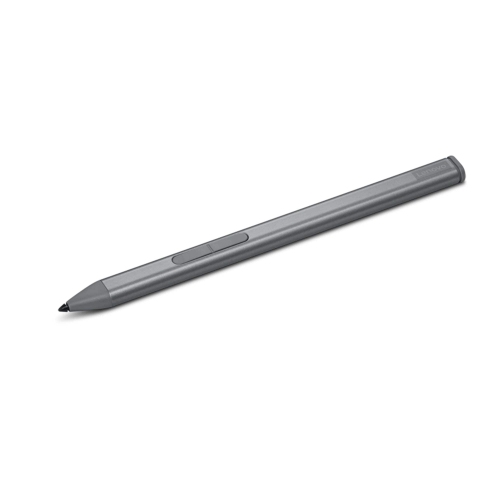 Your price for this item is $64.99
Discover more categories related to Affordable Graphic Tablets

Top Collections:
Pokemon Centers, Kindle Devices, Best Budget Office Chairs, Apple iPhones 16, Best Laptops for Writers, iPhone 15 Apple, Canon G7X Cameras, Refurbished Apple Laptops, Alarm Clock, Motorola Razr Phones
Some products may be subject to Environmental Handling Fees
(EHF) depending on your province.
Learn more about EHFs.