Art Tablets for Beginners
Are you ready to unleash your creativity and dive into the world of digital art? Look no further than our collection of art tablets for beginners. These innovative devices are designed to provide aspiring artists with a seamless and intuitive drawing experience. Whether you're a budding artist starting your journey or simply looking to explore a new artistic medium, our art tablets offer the perfect blend of functionality and affordability. With features like pressure sensitivity, customizable buttons, and precise stylus control, you'll be able to bring your imagination to life with every stroke. Here are some great options available.
Sort

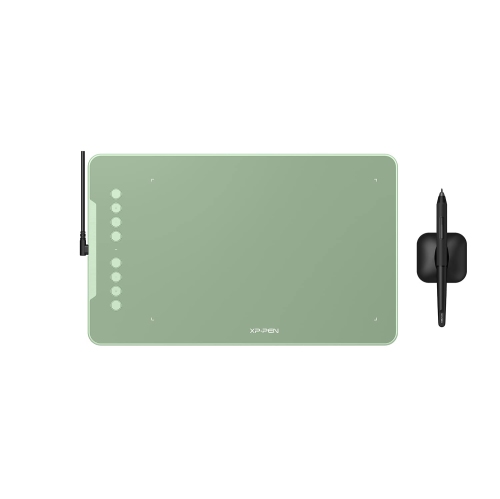
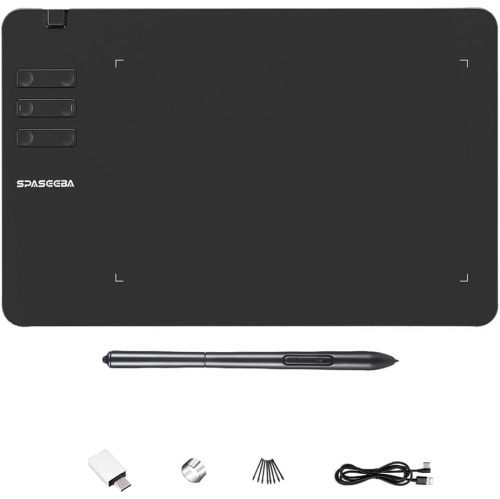
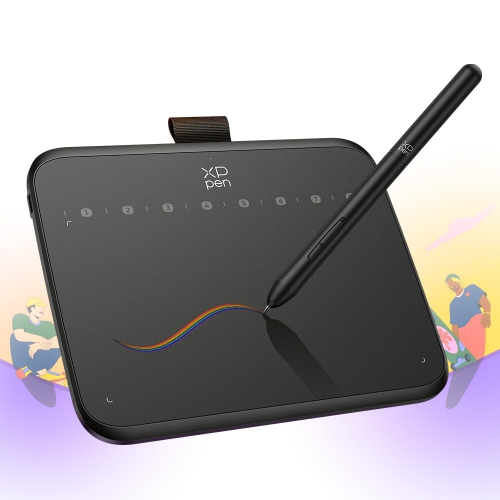
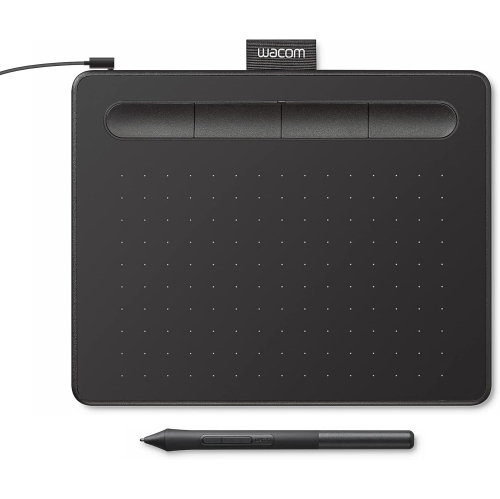

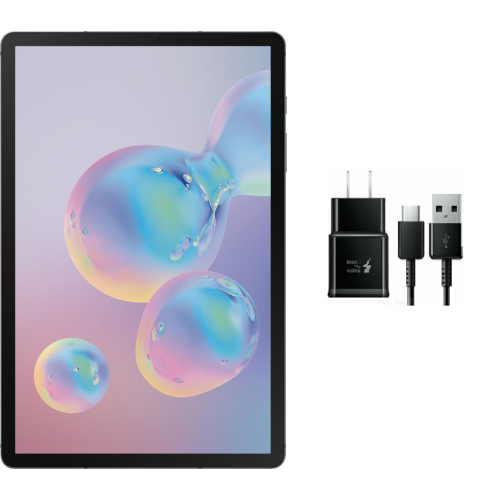
Understanding tablet types, stylus features, and creative setups
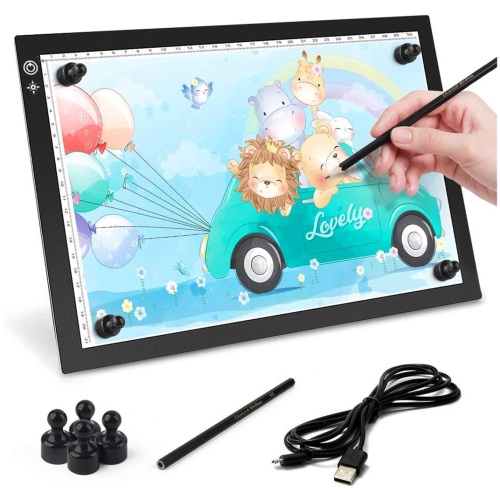
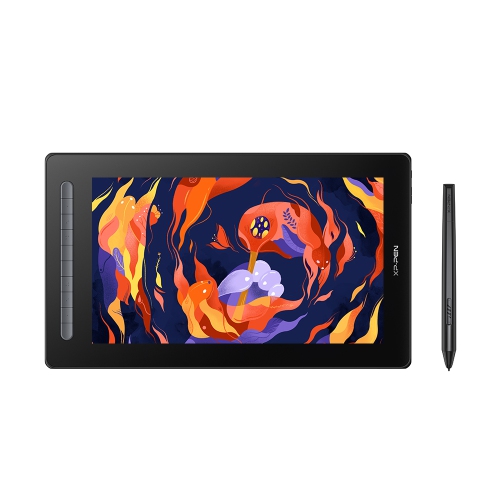
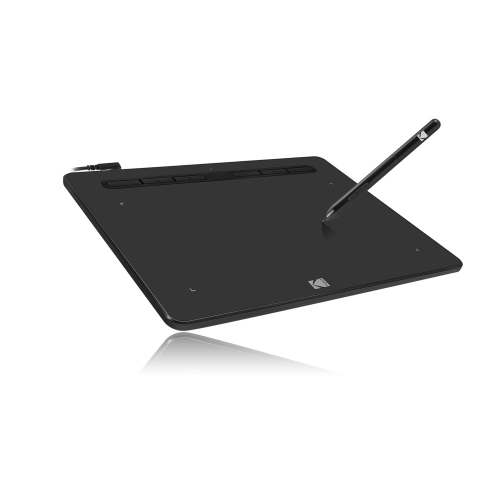
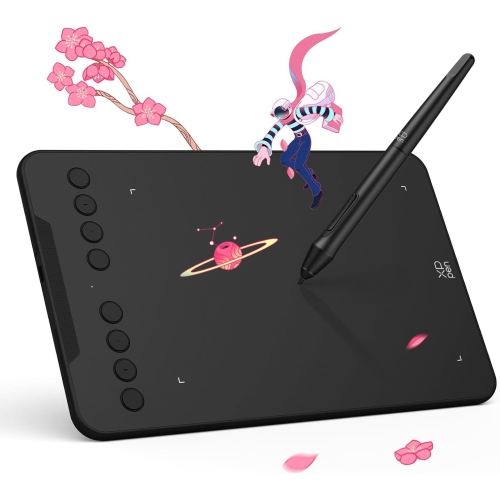
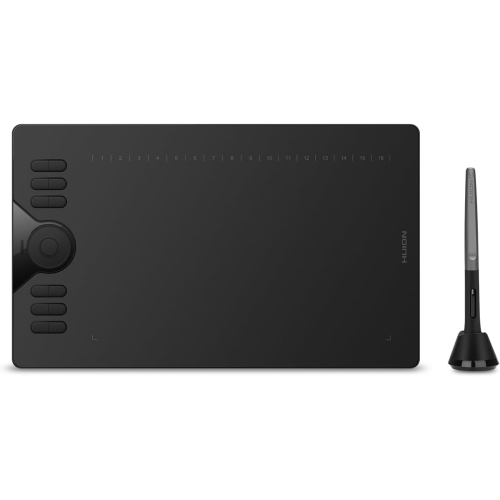
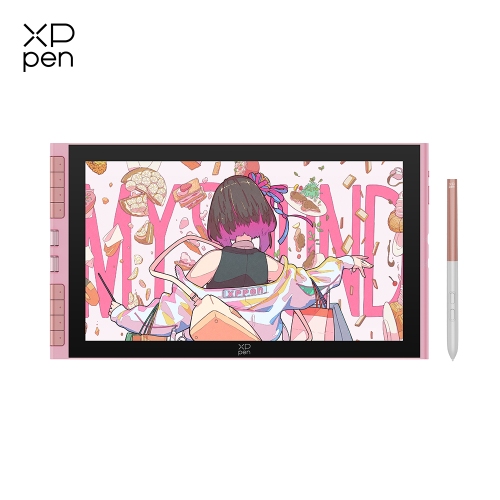
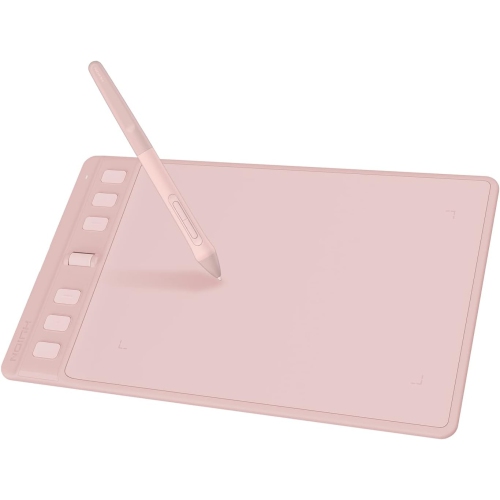
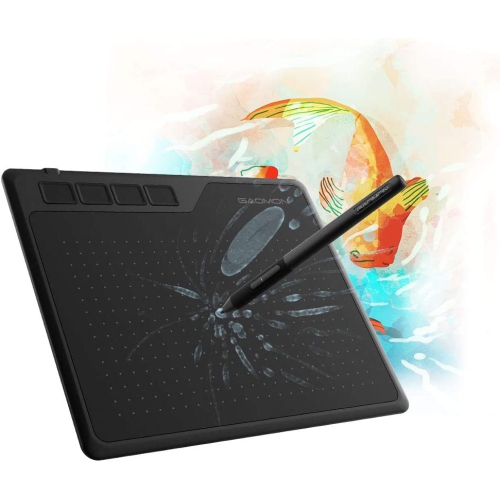
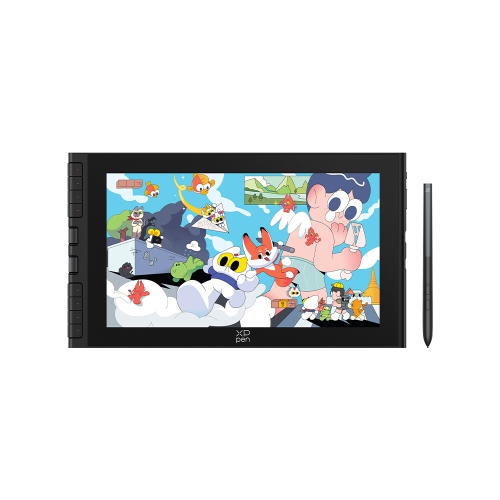
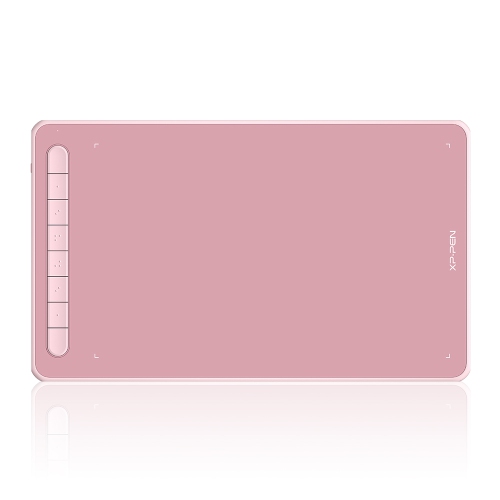
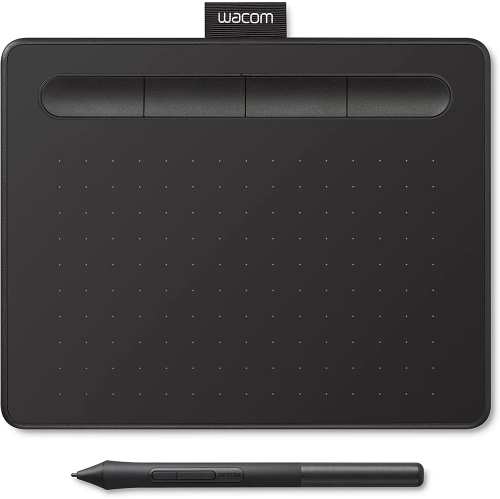
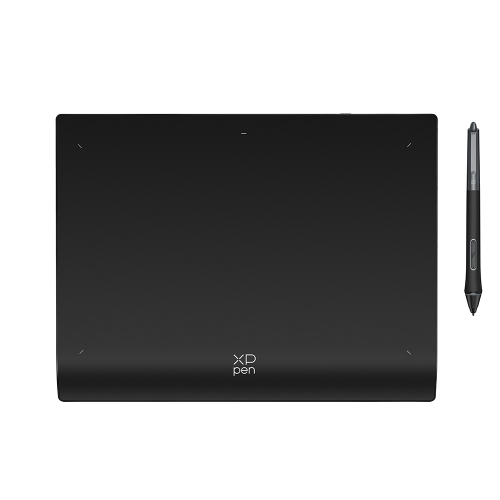
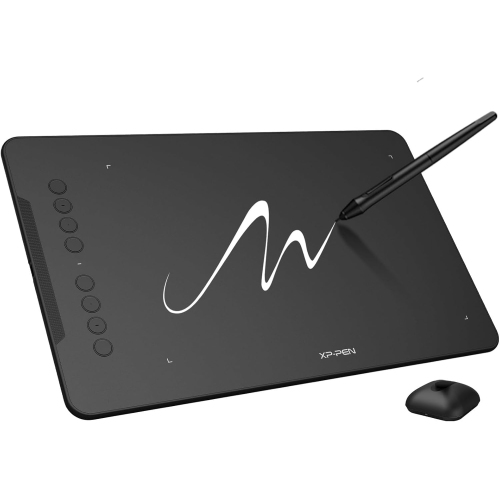
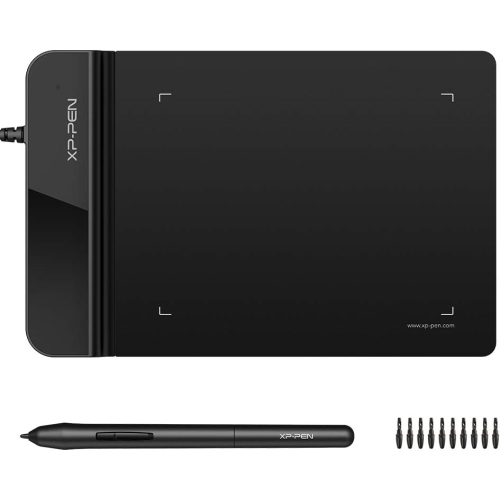
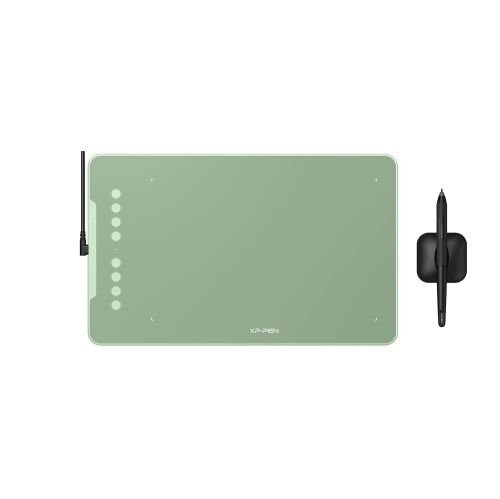
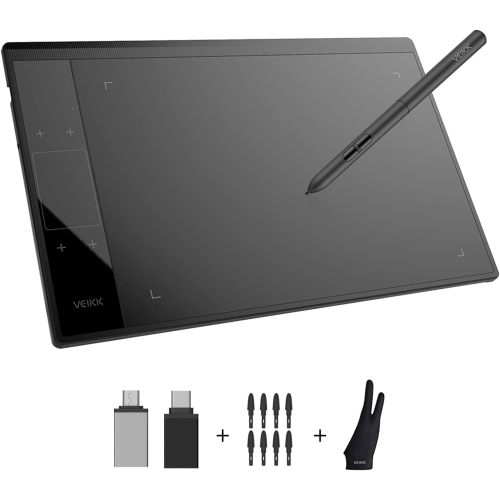
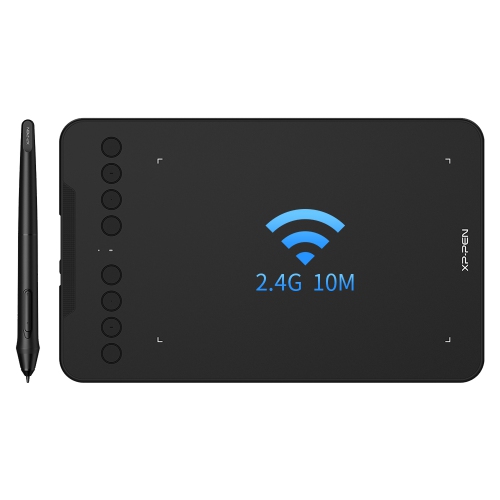
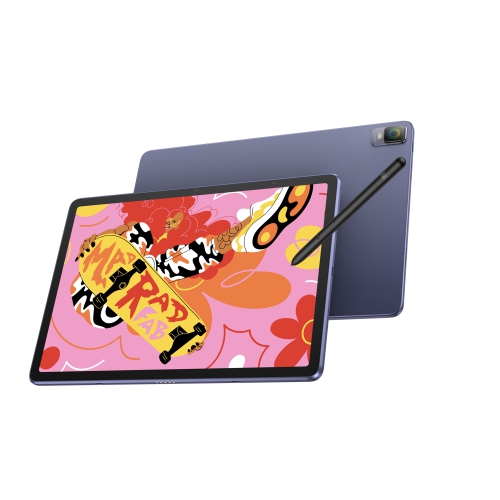
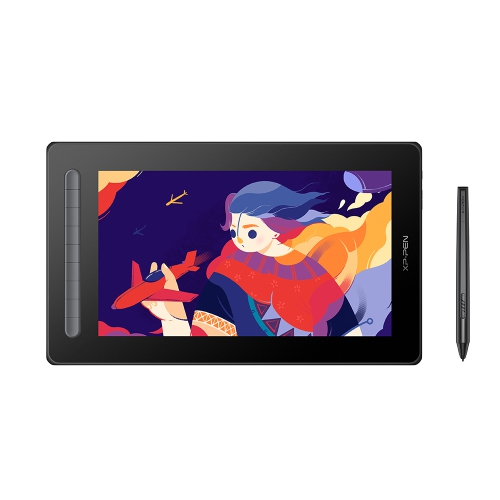
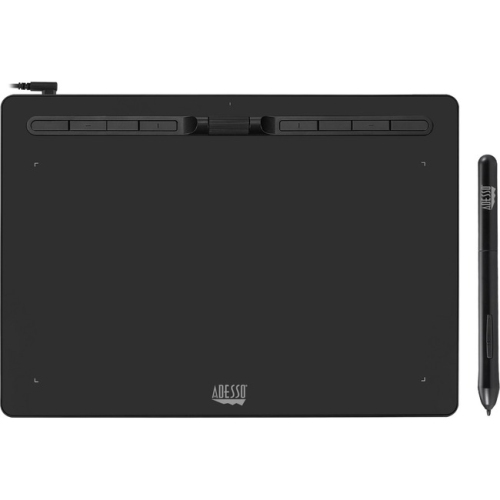
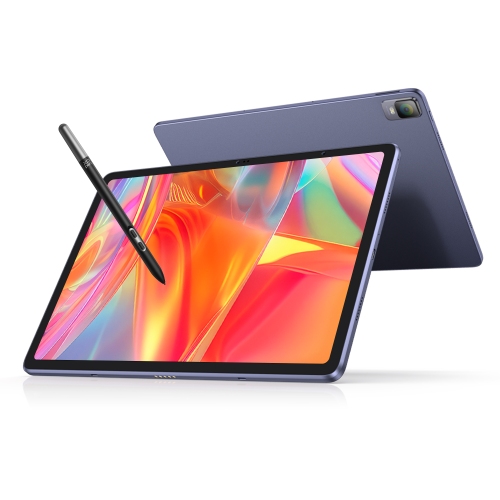
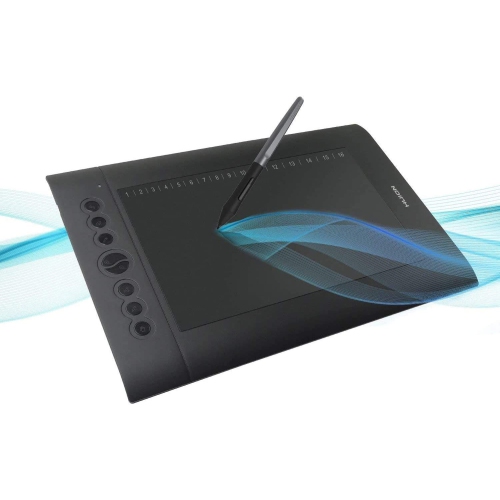
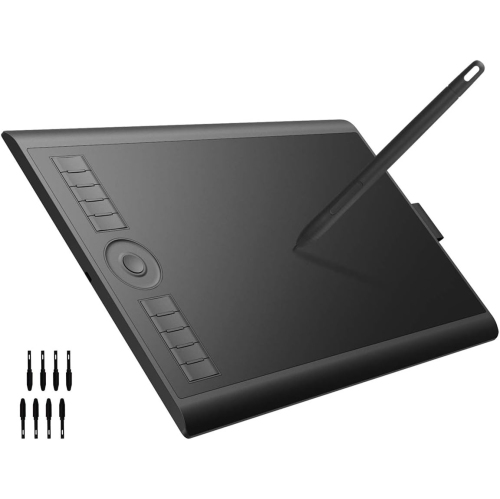
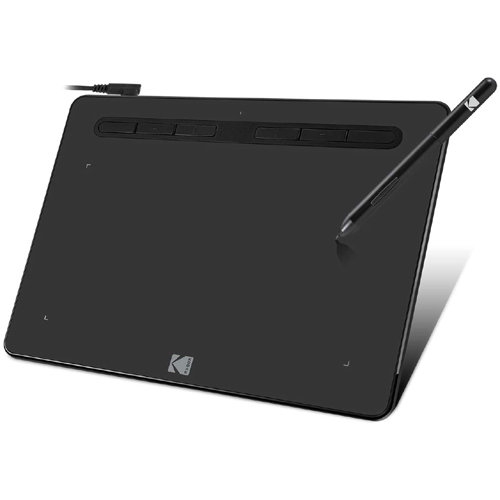
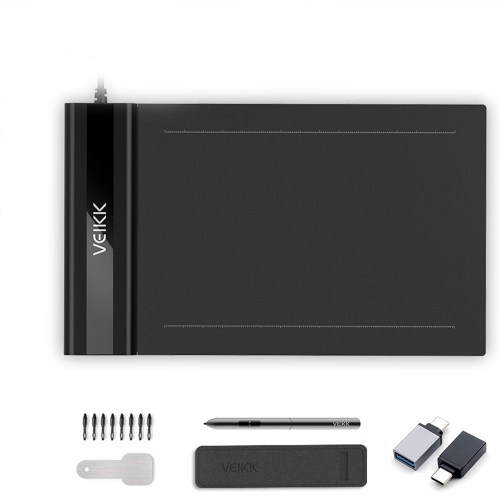
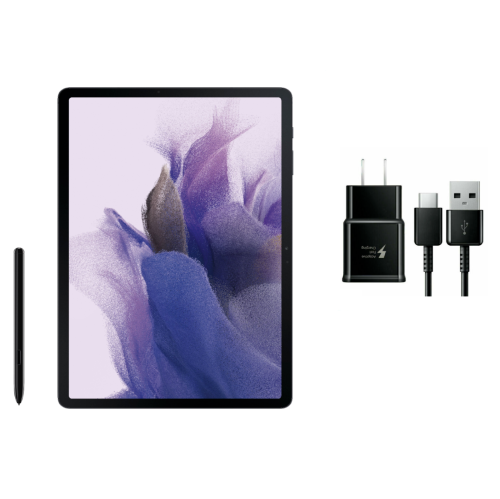
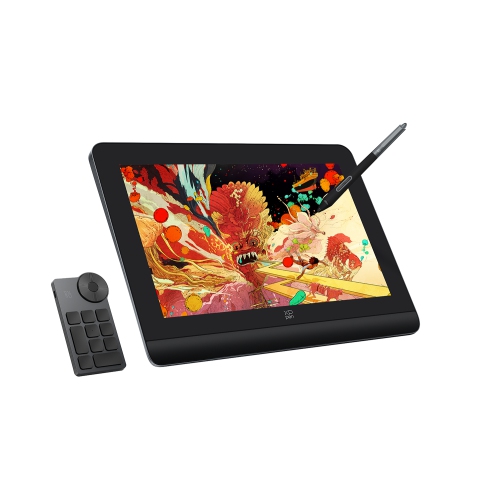
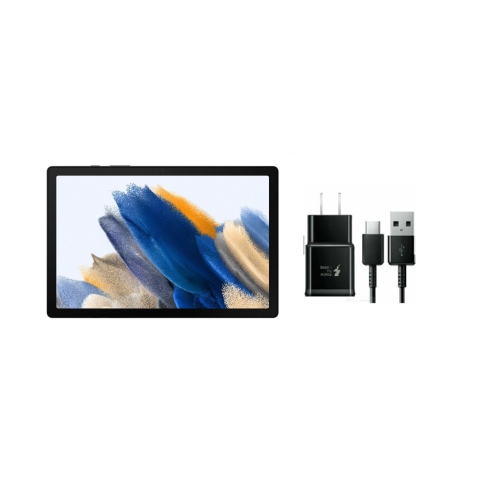
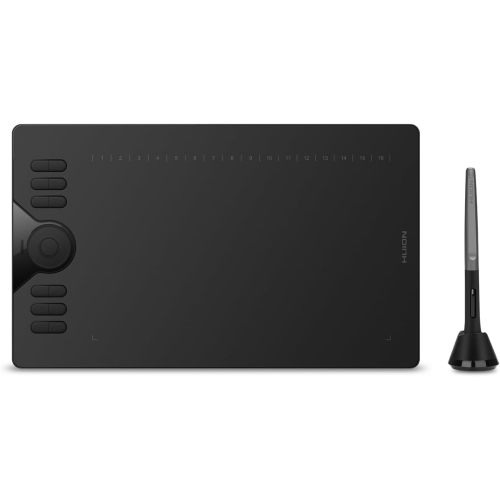
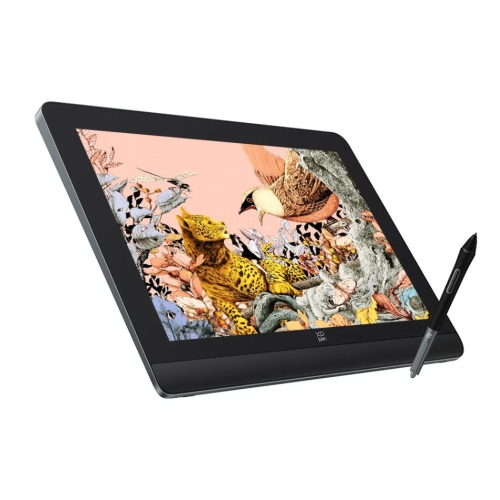
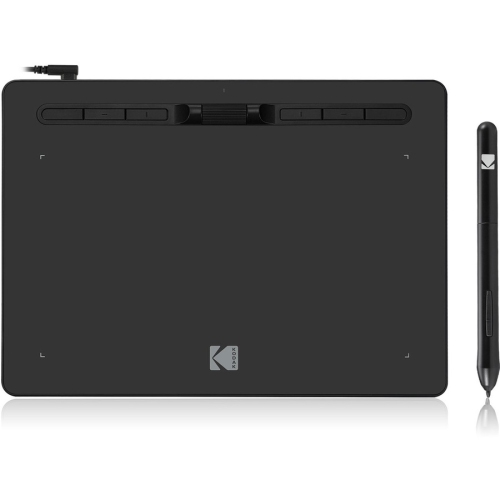
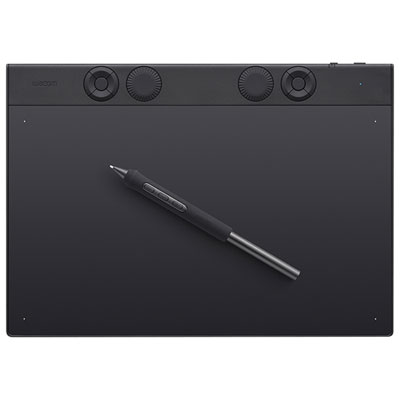
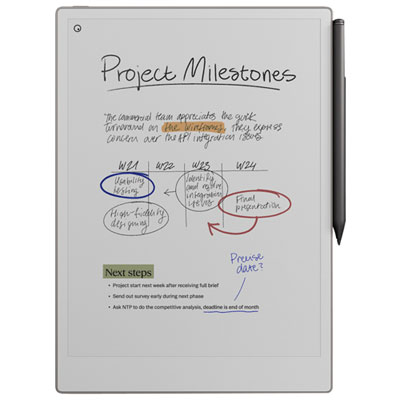
Art tablets for beginners can make digital drawing, painting, lettering, animation, and photo editing feel more approachable, whether the artist is picking up a stylus for the first time or moving from paper to a digital canvas. These devices generally fall into three categories. A graphics tablet without a screen connects to a computer, and you draw on its surface while watching the cursor move across the monitor. This arrangement can take a little practice because your hand and your eyes are working in different places, but most people become comfortable with it after a few short sessions. It is also a practical choice for beginners who already have a laptop or desktop computer and want an affordable way to explore creative software. A pen display has a built-in screen, allowing you to draw directly where the lines appear. The experience is closer to sketching in a notebook or painting on a canvas, which can be especially appealing to artists who prefer a more immediate connection between the stylus and the image. Standalone tablets run drawing applications on the device itself, so they do not need to remain connected to a computer while you work. They can be convenient for moving between a desk, a classroom, and a comfortable chair, although the total investment may be higher when you factor in storage, accessories, and compatible software. Each type can be a good starting point, and the best fit depends on the artist’s workspace, preferred creative process, and existing technology.
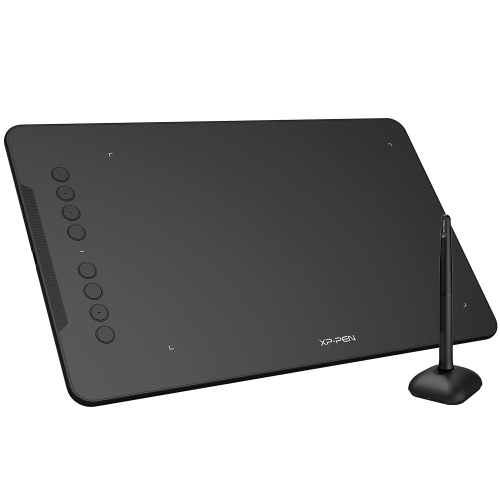
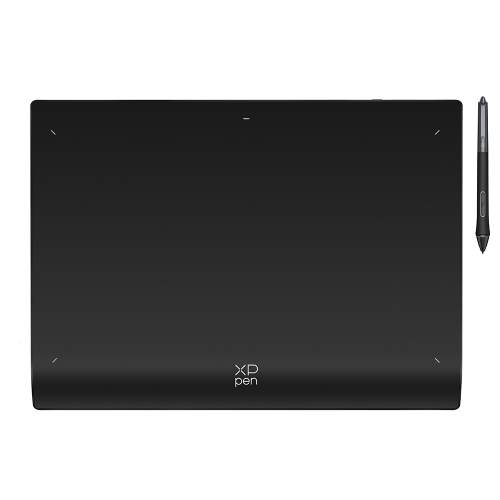
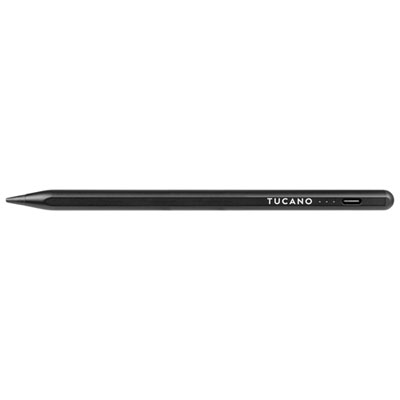
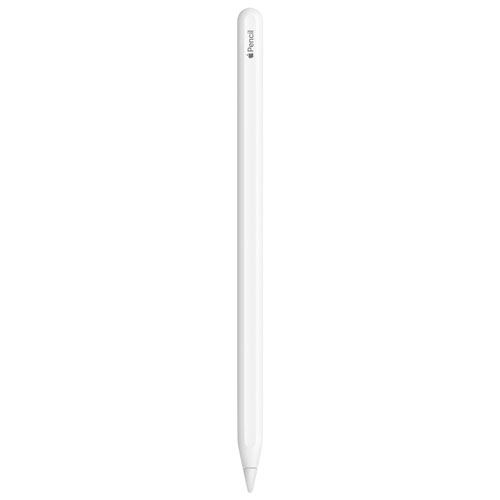
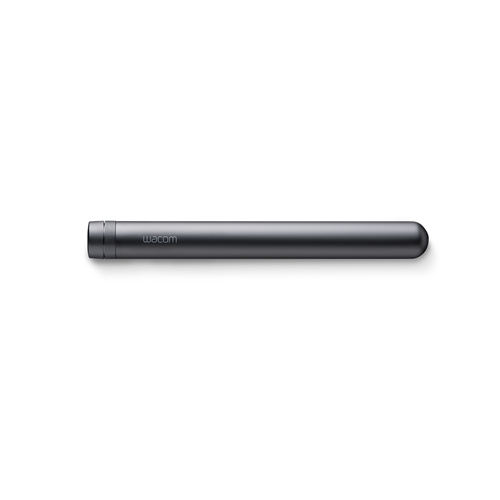
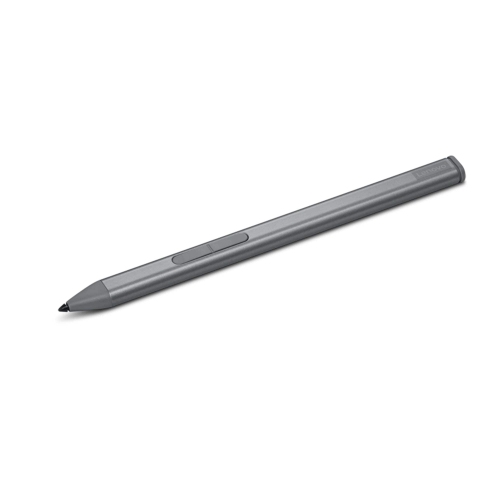
A pressure-sensitive stylus is one of the most important features to consider when choosing an art tablet for beginners. Pressure sensitivity allows a light touch to create a finer, paler stroke and a firmer touch to produce a darker or broader mark, much like changing pressure with a pencil, charcoal stick, or paintbrush. Many entry-level tablets offer thousands of pressure levels, with 8,192 often used as a useful benchmark for smooth, responsive control. Beginners may not use every level immediately, but responsive pressure recognition gives them room to develop a more expressive technique. A battery-free stylus can also simplify the experience by eliminating charging and helping the pen remain ready whenever inspiration strikes. Look for useful shortcut buttons on the tablet or stylus, as they can place common commands such as undo, erase, zoom, or brush size within easy reach. The active drawing area matters as well. A compact tablet can suit a smaller desk and travel easily in a backpack, while a medium drawing surface—around 10 x 6 inch for a non-screen tablet—offers more room for sweeping lines without taking over a workspace. A larger surface may feel comfortable for detailed illustration, but it can require more desk space and may be less convenient beside a keyboard. Screen tablets deserve a close look at display size, resolution, brightness, viewing angle, and surface texture. A lightly textured screen can provide a more paper-like feel, while a smooth surface may make broad strokes glide easily. Adjustable stands, included pen holders, replacement nibs, and protective covers can make a noticeable difference during longer drawing sessions. Before choosing, confirm compatibility with the operating system and the creative applications the artist plans to use. Check the connection type, included cables, and whether an adapter is needed for the computer or mobile device. Software compatibility can affect everything from pressure response to shortcut controls, so it is worth checking the requirements before opening a new project.
Art tablets can support many kinds of beginners. A child who fills the edges of school notebooks with characters may enjoy turning those sketches into colourful digital illustrations, while a teenager might use a tablet to practise comics, concept art, animation, or digital painting during the cooler months. Students can use them for visual presentations, design assignments, handwritten notes, and creative projects, making Drawing Tablets for Students a helpful place to explore options for schoolwork and personal projects. Adults who enjoy calligraphy, scrapbooking, photography, or journaling may appreciate the ability to experiment without filling a desk with paper, inks, and brushes. These tablets can also make thoughtful gifts for a budding artist, a student setting up a first creative workspace, or someone who wants to learn a new skill during evenings at home. A screen-free graphics tablet is often a straightforward gift when the recipient already owns a computer, while a standalone tablet may be more suitable for someone who wants to draw in different rooms or take their work along while travelling. For a first setup, it helps to think beyond the tablet itself. A comfortable chair, a stable surface, good lighting, and a screen positioned at a natural height can make practice sessions easier on the hands, neck, and eyes. New users may begin with simple exercises such as tracing shapes, varying line weight, and drawing quick objects from around the room before moving on to portraits or detailed scenes. Saving work in layers, using undo thoughtfully, and experimenting with brush settings can build confidence without the pressure of getting every line perfect. With regular use, an art tablet can become a familiar part of a creative routine, turning a blank digital canvas into anything from a loose pencil sketch to a polished illustration.
A pressure-sensitive stylus is one of the most important features to consider when choosing an art tablet for beginners. Pressure sensitivity allows a light touch to create a finer, paler stroke and a firmer touch to produce a darker or broader mark, much like changing pressure with a pencil, charcoal stick, or paintbrush. Many entry-level tablets offer thousands of pressure levels, with 8,192 often used as a useful benchmark for smooth, responsive control. Beginners may not use every level immediately, but responsive pressure recognition gives them room to develop a more expressive technique. A battery-free stylus can also simplify the experience by eliminating charging and helping the pen remain ready whenever inspiration strikes. Look for useful shortcut buttons on the tablet or stylus, as they can place common commands such as undo, erase, zoom, or brush size within easy reach. The active drawing area matters as well. A compact tablet can suit a smaller desk and travel easily in a backpack, while a medium drawing surface—around 10 x 6 inch for a non-screen tablet—offers more room for sweeping lines without taking over a workspace. A larger surface may feel comfortable for detailed illustration, but it can require more desk space and may be less convenient beside a keyboard. Screen tablets deserve a close look at display size, resolution, brightness, viewing angle, and surface texture. A lightly textured screen can provide a more paper-like feel, while a smooth surface may make broad strokes glide easily. Adjustable stands, included pen holders, replacement nibs, and protective covers can make a noticeable difference during longer drawing sessions. Before choosing, confirm compatibility with the operating system and the creative applications the artist plans to use. Check the connection type, included cables, and whether an adapter is needed for the computer or mobile device. Software compatibility can affect everything from pressure response to shortcut controls, so it is worth checking the requirements before opening a new project.
Art tablets can support many kinds of beginners. A child who fills the edges of school notebooks with characters may enjoy turning those sketches into colourful digital illustrations, while a teenager might use a tablet to practise comics, concept art, animation, or digital painting during the cooler months. Students can use them for visual presentations, design assignments, handwritten notes, and creative projects, making Drawing Tablets for Students a helpful place to explore options for schoolwork and personal projects. Adults who enjoy calligraphy, scrapbooking, photography, or journaling may appreciate the ability to experiment without filling a desk with paper, inks, and brushes. These tablets can also make thoughtful gifts for a budding artist, a student setting up a first creative workspace, or someone who wants to learn a new skill during evenings at home. A screen-free graphics tablet is often a straightforward gift when the recipient already owns a computer, while a standalone tablet may be more suitable for someone who wants to draw in different rooms or take their work along while travelling. For a first setup, it helps to think beyond the tablet itself. A comfortable chair, a stable surface, good lighting, and a screen positioned at a natural height can make practice sessions easier on the hands, neck, and eyes. New users may begin with simple exercises such as tracing shapes, varying line weight, and drawing quick objects from around the room before moving on to portraits or detailed scenes. Saving work in layers, using undo thoughtfully, and experimenting with brush settings can build confidence without the pressure of getting every line perfect. With regular use, an art tablet can become a familiar part of a creative routine, turning a blank digital canvas into anything from a loose pencil sketch to a polished illustration.
Top selling and popular products
-
 Your price for this item is $49.99
 -
 Your price for this item is $139.99
 -
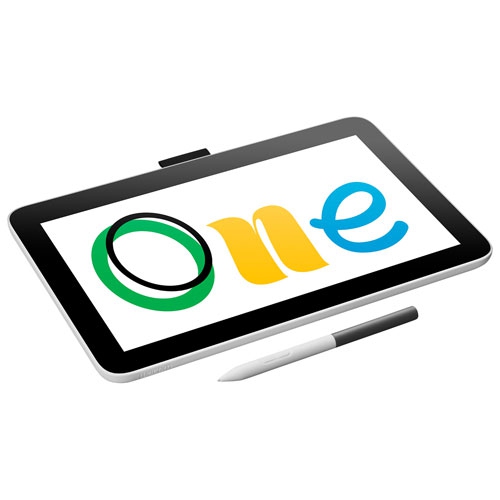 Your price for this item is $409.99
 -
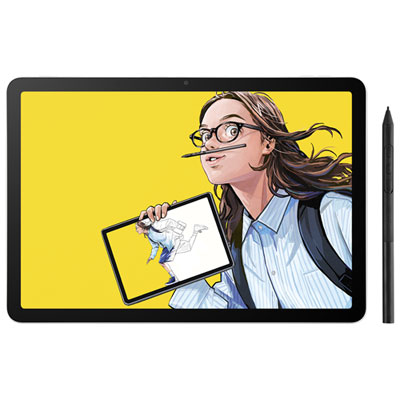 Your price for this item is $699.99
 -
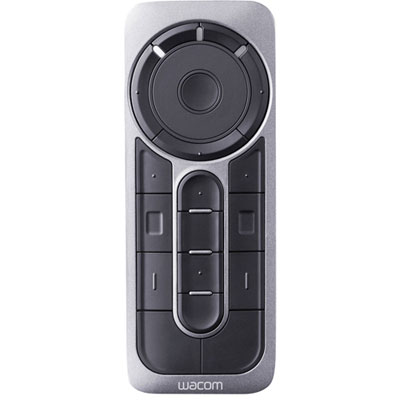 Your price for this item is $139.99
 -
 Your price for this item is $439.99
 -
 Your price for this item is $120
 -
 Your price for this item is $64.99
Discover more categories related to Art Tablets for Beginners

Top Collections:
Pokemon Centers, Kindle Devices, Best Budget Office Chairs, Apple iPhones 16, Best Laptops for Writers, iPhone 15 Apple, Canon G7X Cameras, Refurbished Apple Laptops, Alarm Clock, Motorola Razr Phones
Some products may be subject to Environmental Handling Fees
(EHF) depending on your province.
Learn more about EHFs.