Affordable Laptops for Art and Design
Affordable laptops for art and design make it easier than ever to bring creative ideas to life without stretching your budget. Whether you’re a graphic designer, illustrator, or digital artist, finding the right device is essential for smooth workflow and vibrant results. Explore a range of options designed to support artistic software and creative projects, all while keeping affordability in mind. Discover how affordable laptops for art and design can help you achieve professional-quality work, whether you’re at home, in the studio, or on the go.
Sort
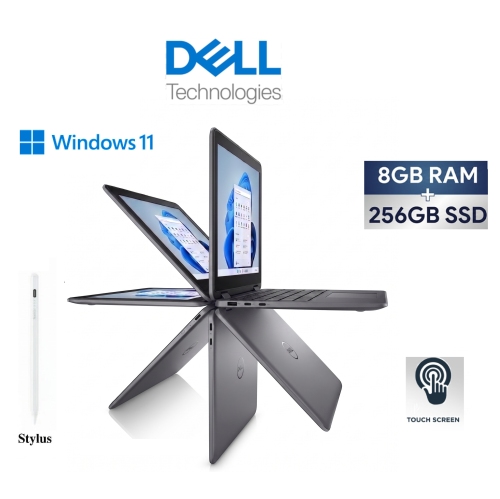
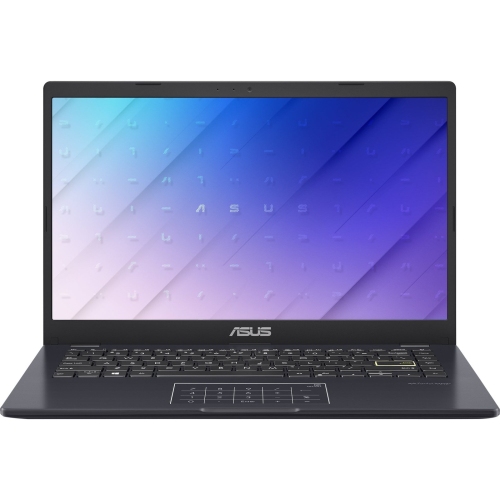
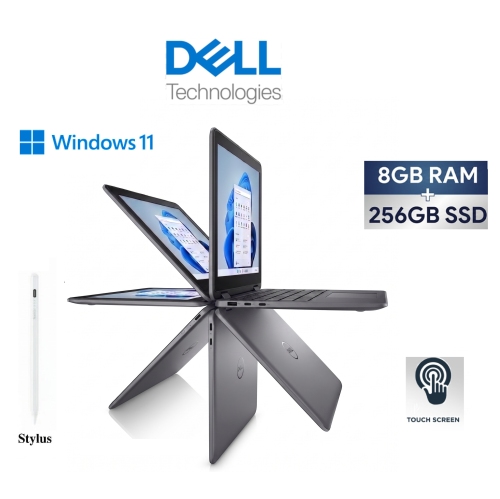
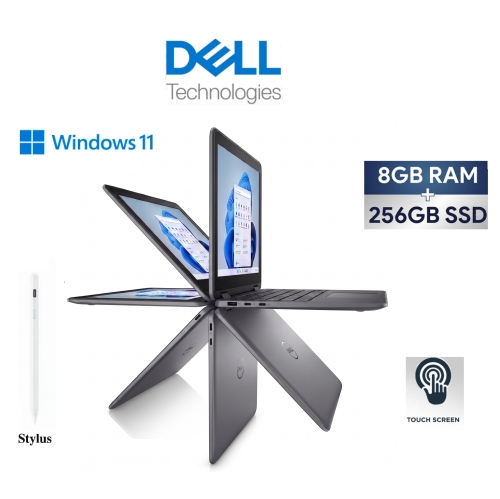
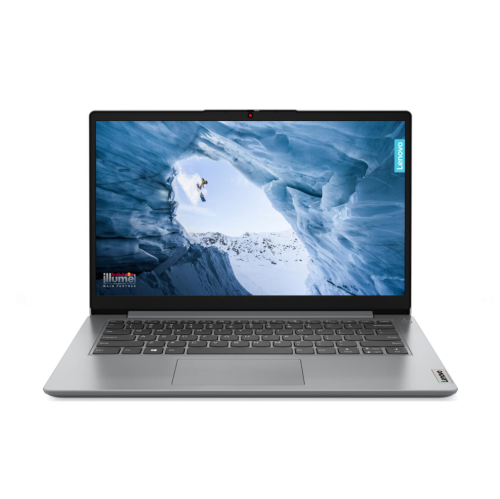
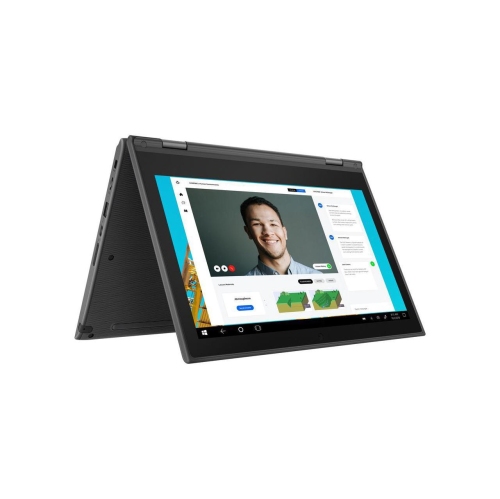
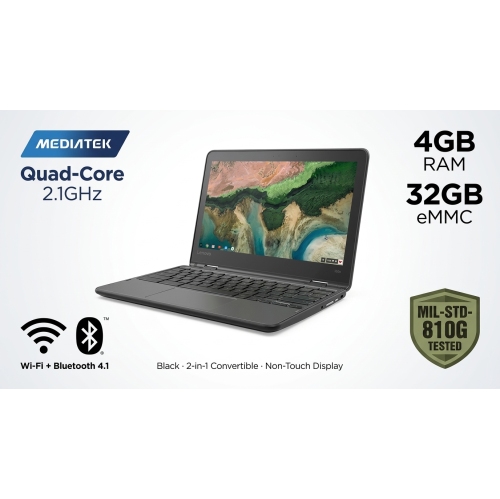
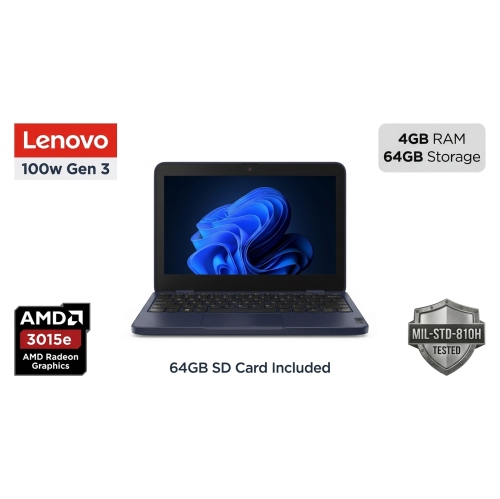
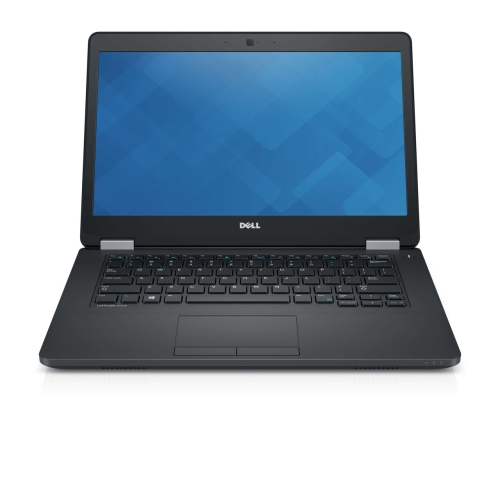
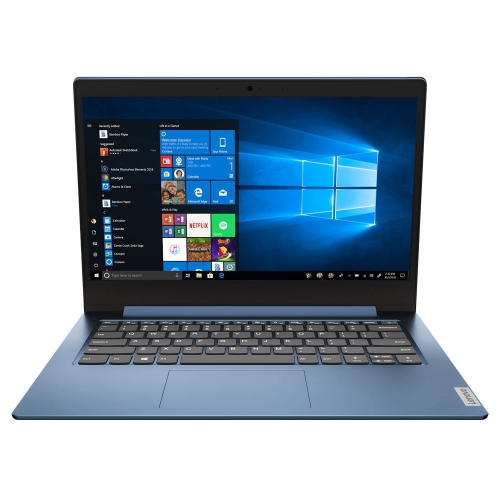
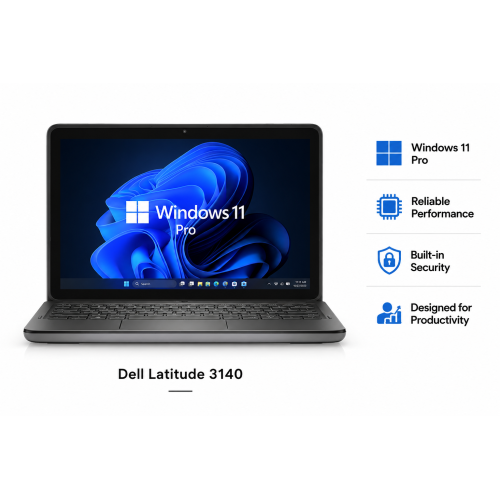
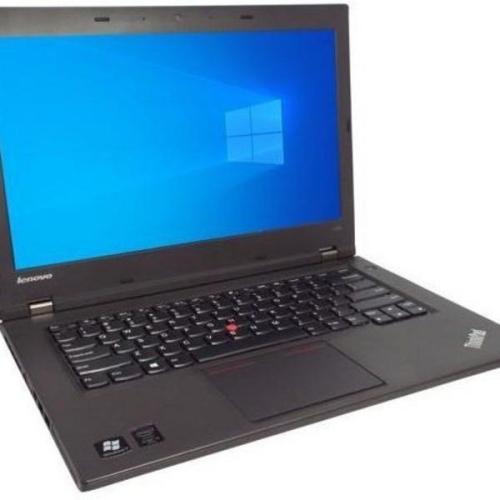
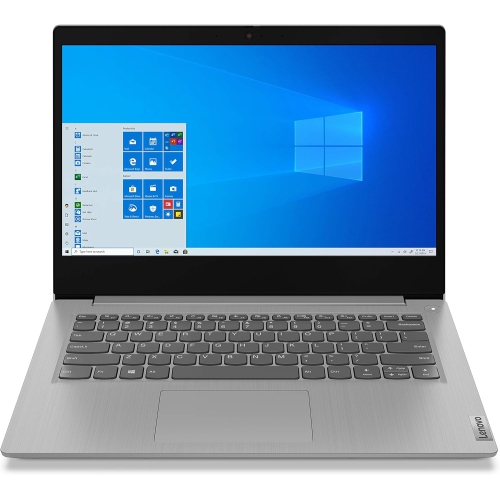
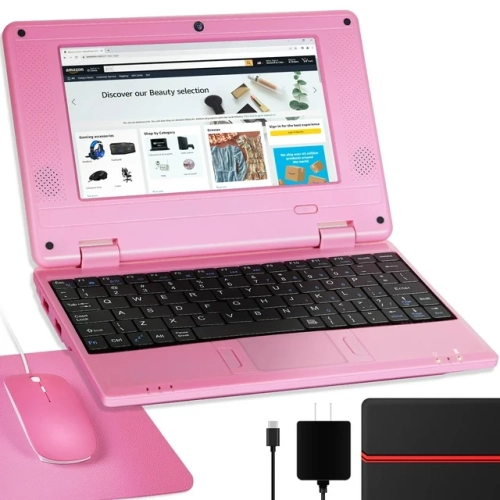
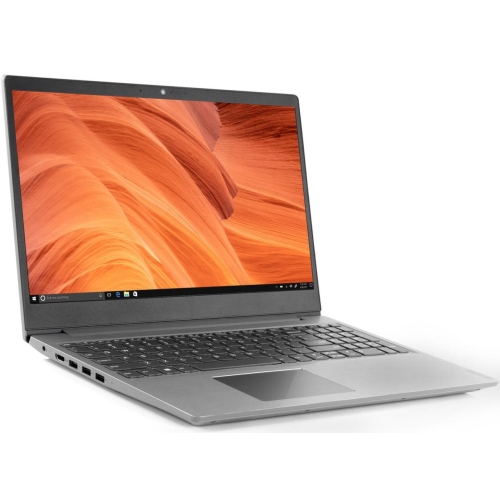
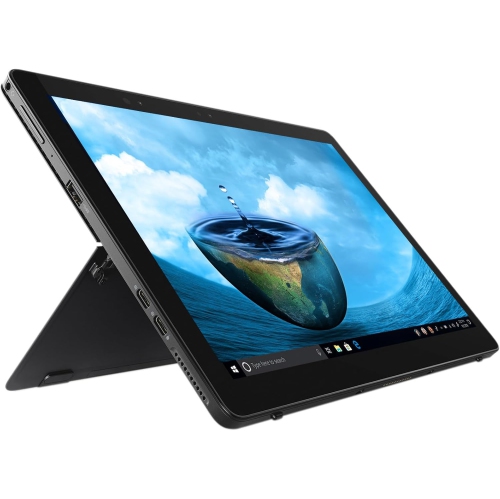
What matters in a laptop from sketch to export
Affordable laptops for art and design can handle everyday creative work such as sketching, photo retouching, poster layouts and portfolio assembly. The right fit depends on how the work gets made. A traditional laptop suits projects built around a keyboard, mouse or separate drawing tablet, with the screen upright and shortcuts within reach. A 2-in-1 with active pen support lets an illustrator fold the keyboard back, draw directly on the display and return to laptop mode to label layers or write project notes. A touchscreen alone doesn’t guarantee pen support, and features such as pressure sensitivity and palm rejection depend on the laptop and compatible pen. Pressure sensitivity is particularly useful for linework that shifts from a fine outline to a broad stroke without changing brushes. For projects where colour matters, display coverage close to 100% sRGB provides a useful starting point for web graphics, illustrations and photos intended for online portfolios. Colour coverage describes the range of colours a screen can show, not how accurately it shows them. A display can cover most of sRGB and still give a neutral grey a blue cast, so independent colour accuracy measurements or calibration matter when small differences count. A matte finish can cut reflections from overhead lights, while a glossy touchscreen may work well at a desk where the lighting is easy to adjust. A 1920 × 1200 display gives a little more vertical room than a 1920 × 1080 display of the same width, which helps keep the top and bottom of a layout visible with toolbars open. Screen space is especially noticeable when comparing two versions of the same composition or checking the spacing on a page without zooming in and out. For pen-first projects, the Laptops for Digital Art collection is a natural place to look for laptops suited to drawing and illustration.
The difference between a laptop for occasional design work and one for longer production sessions often shows up once several files and apps are open. A simple vector logo or a small sketch may run comfortably with 8 GB of RAM, provided the software supports it. For a student switching between a layered photo file, a layout app and a browser full of reference images, 16 GB of RAM gives those tasks more room to run together. An SSD helps projects open quickly and makes it easier to move through a folder of reference photos. A 512 GB SSD gives a growing portfolio more breathing room than a 256 GB drive, especially when a single assignment involves original photos, multiple working versions and exported files. An external drive can handle archived projects, but it’s worth keeping a separate backup of working files as well as finished exports. The flattened image in a portfolio isn’t much help if a client asks for a text change and the editable file is gone. Integrated graphics are often enough for vector illustration, page layout and other light 2D work. Complex 3D scenes, motion graphics and demanding video effects can benefit from a dedicated graphics processor, so the requirements of the actual software are a better measure than the broad label of creative work. Cooling also makes a difference when a quick edit turns into a long export: a thin laptop can handle a short burst of activity well without necessarily sustaining that performance on a large batch of images. Connections matter most when they match the way the desk is set up. An external display can leave the full canvas visible on one screen while references and file folders stay open on the other. Some USB-C ports transfer data but don’t carry a video signal, so a laptop that plugs into a drive through USB-C won’t necessarily connect to a monitor through the same port. A card reader can also be useful for anyone who regularly brings photos straight from a camera into an editing project.
Fit and construction become easier to judge by picturing where the laptop will spend most of its time. A 13- or 14-inch laptop leaves space for a notebook on a shared work surface and slips more easily into a bag between classes. A 15- or 16-inch screen offers more room for layers, timelines and reference images when the laptop doubles as the main workstation. For someone drawing directly on the screen, a larger canvas can feel less cramped, but a smaller 2-in-1 is easier to reposition while alternating between sketching and typing. A hinge that holds its angle under light pressure matters more for drawing than it does for typing a short note. Metal panels can add rigidity, while a well-built plastic chassis can keep carrying weight down; lid flex, hinge movement and the feel of the keyboard are more informative than the material alone. At a desk, a mouse or drawing tablet can sit beside the laptop so the working hand doesn’t have to reach across the keyboard. On the move, a padded sleeve that fits the laptop’s actual dimensions helps protect the corners, and carrying the charger in a separate pocket keeps its plug from pressing against the lid. A clean microfibre cloth is usually enough to lift fingerprints from a touchscreen, and keeping paper scraps and fabric clear of the vents helps maintain airflow during longer sessions. These details matter for an art student who takes a laptop from studio to classroom, a hobby illustrator who makes prints at home or a freelancer who needs to make revisions away from a desk. As a graduation gift, a laptop can give a new design student a place to build a portfolio, but the strongest fit starts with the recipient’s existing habits. Someone who already draws on a separate tablet may appreciate a comfortable keyboard and enough ports to keep the desk connected, while someone moving from paper to digital sketching may get more use from a responsive pen display than from a larger screen alone.
Top selling and popular products
-
 Your price for this item is $449
-
 Your price for this item is $3099
-
 Your price for this item is $1800.68
-
 Your price for this item is $664.05
-
 Your price for this item is $869.99
-
 Your price for this item is $2960.48
-
 Your price for this item is $489.7
-
 Your price for this item is $1199
Discover more categories related to Affordable Laptops for Art and Design
Top Collections:
Best Black Friday Deals This Year, Best Black Friday Deals On Electronics, Kindle Devices, Best Black Friday Deals On Apple Products, Best Budget Office Chairs, Best Cameras for Sports Photography, Dyson Airwrap, Canon G7X Cameras, Best Laptops for Writers, Samsung Galaxy Phones
Some products may be subject to Environmental Handling Fees
(EHF) depending on your province.
Learn more about EHFs.