Affordable Laptops for Teachers
Affordable Laptops for Teachers are designed to support educators with reliable performance and great value. Whether preparing lesson plans, managing virtual classrooms, or staying organized throughout the school year, these budget-friendly options make it easy to find the right device for any teaching style. Explore a wide selection of laptops that help teachers stay productive and connected, all while keeping costs in check.
Sort
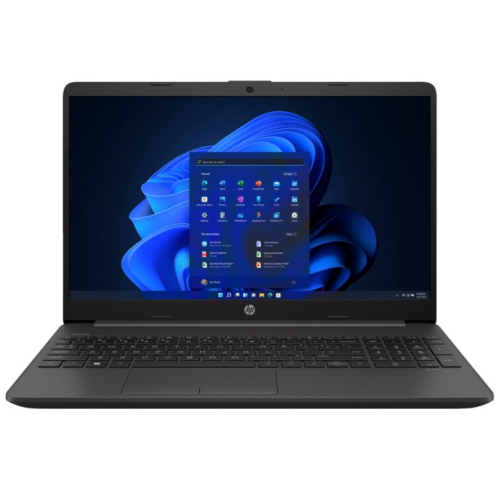
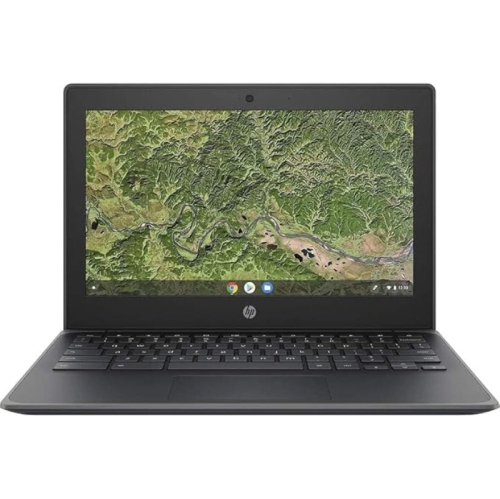
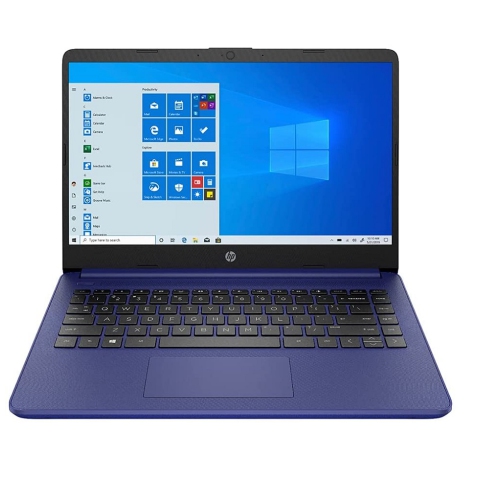
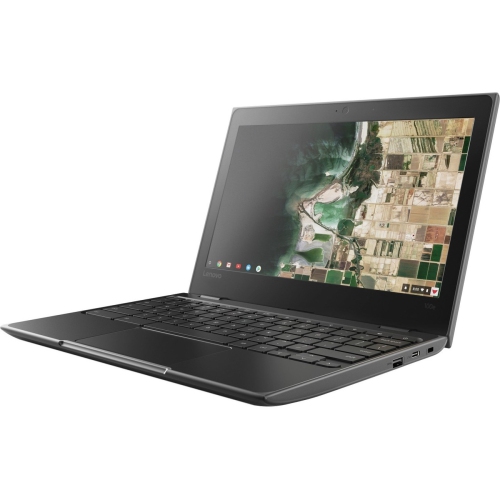




What a teaching day demands from your laptop
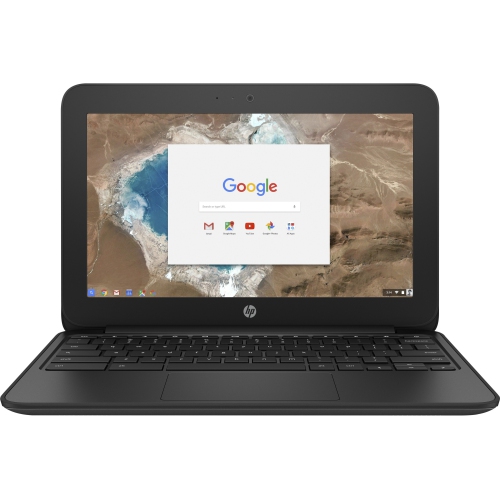
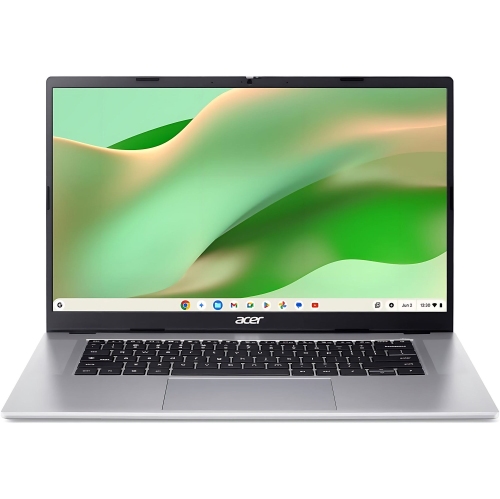
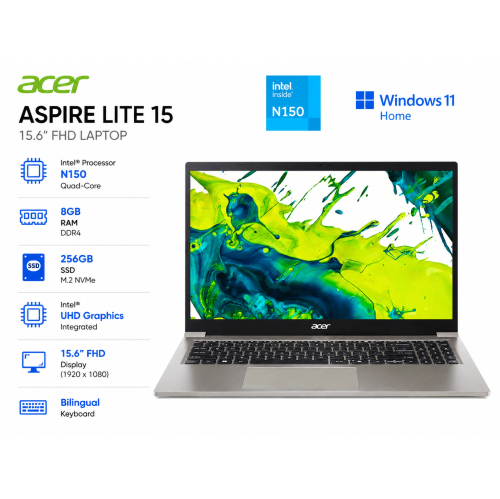
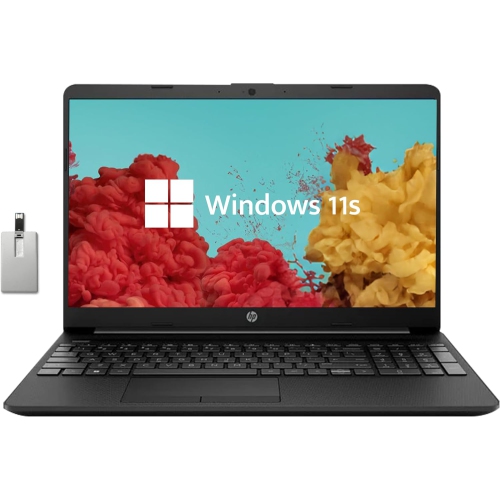
Affordable laptops for teachers balance everyday performance, portability, and compatibility with the tools used for lesson planning, marking, and classroom presentations. A typical teaching day can involve a lesson document, several research tabs, a digital gradebook, and a video call, sometimes all open at once. For that kind of work, a responsive processor, sufficient memory, and solid-state storage matter more than features designed for demanding games. Around 8GB of memory can suit lighter document editing and web-based tasks, while 16GB provides more headroom for larger spreadsheets, frequent video meetings, and switching between multiple applications. Memory requirements also depend on the software running in the background, including school-managed security tools. A solid-state drive helps applications open promptly and makes it easier to move between files without interrupting the flow of a lesson. Storage needs vary: teaching materials made mostly of text take up less space than recorded lessons, high-resolution images, or video projects. A 256GB drive can be a practical starting point for documents and applications, although educators who keep substantial media libraries locally may need more room. Compatibility is just as important as hardware specifications. A laptop needs to work with the school’s learning platform, assessment software, approved applications, and sign-in requirements. Browser-based systems can suit much of the day-to-day workload, but some programs require a particular operating system or installation permissions. Access to shared drives, specialist subject software, and school printers deserves attention before a device becomes part of the daily routine. Offline access can also matter when preparing lessons away from a dependable internet connection. For elementary teachers, secondary teachers, tutors, and occasional teachers moving between assignments, the strongest fit is a laptop that handles familiar tasks consistently without adding unnecessary complexity. Educators working with video production, design, coding, or large data sets may need stronger processing or graphics capabilities than those whose work centres on documents, presentations, and online resources.
Screen size, keyboard comfort, and carrying weight shape how a laptop feels over hours of preparation and marking. A compact 13-inch or 14-inch screen can make a device easier to carry between classrooms, while a 15-inch or 16-inch screen offers more room for a rubric beside a student submission. Full HD resolution, commonly 1920 × 1080 pixels, provides useful clarity for text, spreadsheets, and presentation slides. Screen finish and brightness matter too: a matte surface can help limit distracting reflections, although placement near windows or overhead lighting still affects visibility. Comfortable viewing angles are useful when sharing a screen with a colleague during planning time. Teachers who type lengthy feedback may appreciate well-spaced keys, clear lettering, and a keyboard layout that feels natural under their hands. A dedicated number pad can help with frequent numerical entry, but it usually comes with a larger chassis. A responsive touchpad and accessible controls also make a difference when working without a separate mouse. Portability involves more than the laptop’s weight alone; the charger, protective sleeve, and teaching materials all contribute to what ends up in a shoulder bag. A device weighing around 1.5 kg or less can be easier to carry regularly, provided its screen and keyboard remain comfortable for the intended workload. Battery life should be considered in the context of actual use rather than advertised maximums. Video meetings, higher screen brightness, and multiple active applications can shorten the time between charges. Build quality matters wherever a laptop travels frequently. Plastic housings can keep weight manageable, while metal housings may offer a firmer feel; neither material alone guarantees durability. A stable hinge, a keyboard deck with limited flex, and a lid that closes securely are useful qualities for daily handling. A padded sleeve with a secure fit adds protection against scratches and minor knocks when the laptop shares a bag with books, stationery, or a lunch container.
Connections and communication features help a teaching laptop move smoothly from independent preparation to a shared classroom setting. A built-in display connection can simplify presentations, while other laptops may need a compatible adapter for the room’s projector or monitor. USB-C ports vary in what they support: some handle data only, while others also support charging or video output. Matching those capabilities to existing equipment helps prevent an awkward pause at the start of a lesson. Standard USB ports can remain useful for approved accessories, and printer compatibility depends on the required drivers, network access, and school policies rather than the connector alone. Reliable Wi-Fi supports shared documents, online assessments, and live instruction, though connection quality also depends on the school network and the distance from an access point. For remote lessons and parent meetings, a clear webcam, usable microphones, and accessible volume controls make communication easier. A headset connection can be helpful when taking a call from a shared workspace. Teachers comparing everyday features across similar devices can also explore Best Budget Laptops for Teachers for another relevant selection. Beyond specifications, straightforward care helps a laptop remain dependable through repeated use. Carrying it with the lid closed, keeping drinks away from the keyboard, and leaving ventilation openings unobstructed can reduce avoidable damage. Cleaning should follow the manufacturer’s directions, with the device powered down and liquids never sprayed directly onto the screen or keys. Regular software updates, a secure sign-in method, and school-approved storage practices are especially important when handling student information. Shared or borrowed devices may require additional account-management steps to keep personal and school files separate. For a teacher receiving a laptop as a gift, compatibility with workplace requirements and preferred screen size matters more than an unexpected extra feature. Whether used at a classroom desk, in a staffroom, or at home for marking, a well-matched laptop supports the practical rhythm of teaching: preparing materials, sharing ideas, recording progress, and staying connected.
Screen size, keyboard comfort, and carrying weight shape how a laptop feels over hours of preparation and marking. A compact 13-inch or 14-inch screen can make a device easier to carry between classrooms, while a 15-inch or 16-inch screen offers more room for a rubric beside a student submission. Full HD resolution, commonly 1920 × 1080 pixels, provides useful clarity for text, spreadsheets, and presentation slides. Screen finish and brightness matter too: a matte surface can help limit distracting reflections, although placement near windows or overhead lighting still affects visibility. Comfortable viewing angles are useful when sharing a screen with a colleague during planning time. Teachers who type lengthy feedback may appreciate well-spaced keys, clear lettering, and a keyboard layout that feels natural under their hands. A dedicated number pad can help with frequent numerical entry, but it usually comes with a larger chassis. A responsive touchpad and accessible controls also make a difference when working without a separate mouse. Portability involves more than the laptop’s weight alone; the charger, protective sleeve, and teaching materials all contribute to what ends up in a shoulder bag. A device weighing around 1.5 kg or less can be easier to carry regularly, provided its screen and keyboard remain comfortable for the intended workload. Battery life should be considered in the context of actual use rather than advertised maximums. Video meetings, higher screen brightness, and multiple active applications can shorten the time between charges. Build quality matters wherever a laptop travels frequently. Plastic housings can keep weight manageable, while metal housings may offer a firmer feel; neither material alone guarantees durability. A stable hinge, a keyboard deck with limited flex, and a lid that closes securely are useful qualities for daily handling. A padded sleeve with a secure fit adds protection against scratches and minor knocks when the laptop shares a bag with books, stationery, or a lunch container.
Connections and communication features help a teaching laptop move smoothly from independent preparation to a shared classroom setting. A built-in display connection can simplify presentations, while other laptops may need a compatible adapter for the room’s projector or monitor. USB-C ports vary in what they support: some handle data only, while others also support charging or video output. Matching those capabilities to existing equipment helps prevent an awkward pause at the start of a lesson. Standard USB ports can remain useful for approved accessories, and printer compatibility depends on the required drivers, network access, and school policies rather than the connector alone. Reliable Wi-Fi supports shared documents, online assessments, and live instruction, though connection quality also depends on the school network and the distance from an access point. For remote lessons and parent meetings, a clear webcam, usable microphones, and accessible volume controls make communication easier. A headset connection can be helpful when taking a call from a shared workspace. Teachers comparing everyday features across similar devices can also explore Best Budget Laptops for Teachers for another relevant selection. Beyond specifications, straightforward care helps a laptop remain dependable through repeated use. Carrying it with the lid closed, keeping drinks away from the keyboard, and leaving ventilation openings unobstructed can reduce avoidable damage. Cleaning should follow the manufacturer’s directions, with the device powered down and liquids never sprayed directly onto the screen or keys. Regular software updates, a secure sign-in method, and school-approved storage practices are especially important when handling student information. Shared or borrowed devices may require additional account-management steps to keep personal and school files separate. For a teacher receiving a laptop as a gift, compatibility with workplace requirements and preferred screen size matters more than an unexpected extra feature. Whether used at a classroom desk, in a staffroom, or at home for marking, a well-matched laptop supports the practical rhythm of teaching: preparing materials, sharing ideas, recording progress, and staying connected.
Top selling and popular products
-
 Your price for this item is $449
-
 Your price for this item is $3099
-
 Your price for this item is $449.99
-
 Your price for this item is $664.05
-
 Your price for this item is $869.99
-
 Your price for this item is $2960.48
-
 Your price for this item is $489.7
-
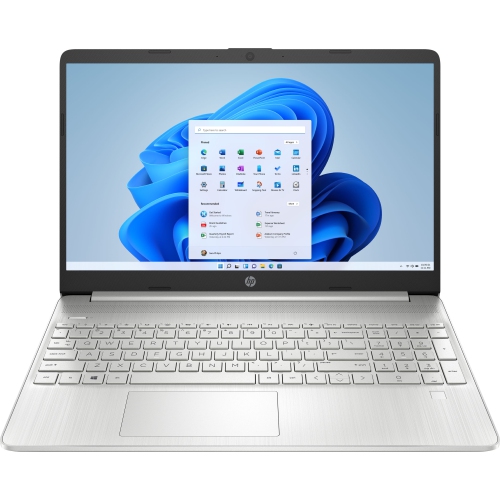 Your price for this item is $829
Discover more categories related to Affordable Laptops for Teachers
Top Collections:
Pokemon Centers, Best Black Friday Deals This Year, Best Black Friday Deals On Electronics, Kindle Devices, Best Budget Office Chairs, Best Black Friday Deals On Apple Products, Best Cameras for Sports Photography, Pokémon 30th Celebration Cards, Dyson Airwrap, Canon G7X Cameras
Some products may be subject to Environmental Handling Fees
(EHF) depending on your province.
Learn more about EHFs.