Best Budget Laptops for Teachers

Finding a budget-friendly laptop for teaching means balancing price with the features you need for lesson planning, grading, and online classes. Explore our best budget laptops for teachers, ranked by user review ratings, and compare options for everyday classroom tasks. Look for reliable performance, a comfortable keyboard, and battery life that suits your school day—all at a price that works for you.

Read More

What to look for in budget laptops for teachers

1. Performance and Storage

Look for at least 8 GB of RAM to handle documents, browser tabs and video calls, with 16 GB offering more room for multitasking. An SSD helps keep startup times and file access quick, while storage needs will depend on whether you save teaching materials locally or in the cloud.

2. Software Compatibility

Check that the laptop supports your school’s learning platform, required apps and IT policies. A Chromebook may suit browser-based teaching tools, while a Windows laptop may be needed for specific desktop software.

3. Portability and Battery Life

A lightweight laptop with a 13-inch to 15-inch screen can balance workspace with ease of carrying between classrooms. Compare battery-life estimates, keeping in mind that video calls and higher screen brightness can reduce time between charges.

4. Classroom Features and Overall Value

Prioritize a comfortable keyboard, a clear screen and a built-in webcam and microphone for daily teaching tasks. Check Wi-Fi support and ports for classroom displays, and factor any required adapters, software subscriptions and warranty coverage into your budget.
Citrus catapult arrow
  1. 1

    About this product

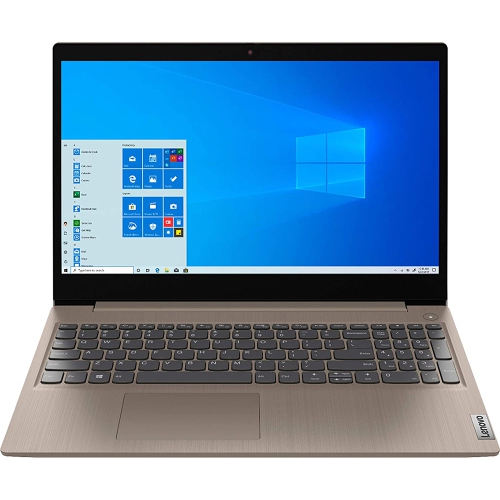
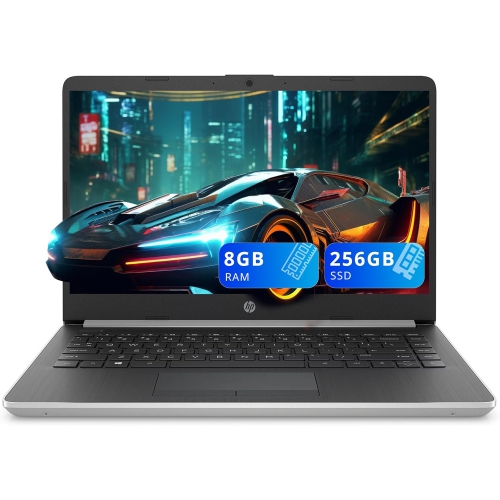
    A versatile laptop featuring Intel Core i5, 8GB RAM, 256GB SSD, and Dolby Audio with Windows 10.

    (14)
    $619.99 Your price for this item is $619.99
  2. 2

    About this product

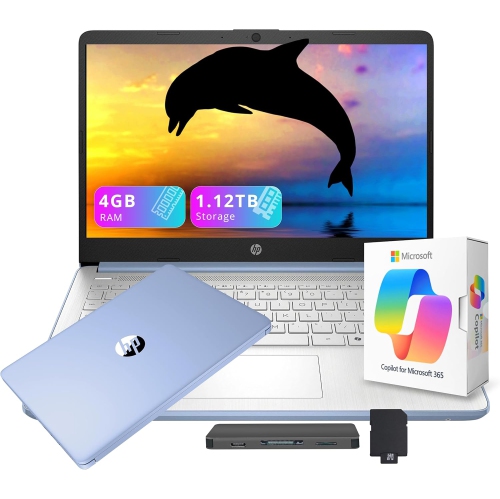
    A versatile blue laptop with 13th Gen Intel processor, AI Copilot, 1.12TB storage, and Office 365.

    (2)
    $449.00
    SAVE $110
    Your price for this item is $449
  3. 3

    About this product

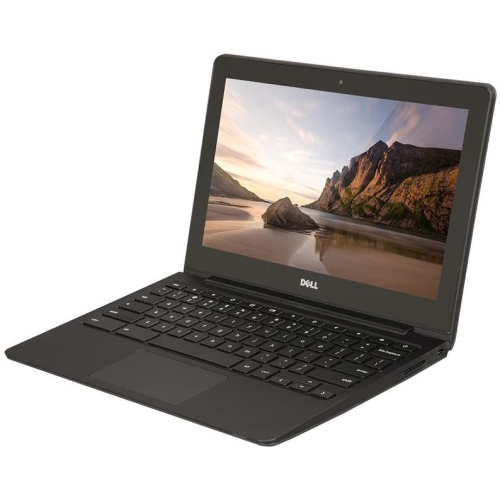
    A durable 11.6" Chromebook with Intel Celeron processor, 16GB SSD, 4GB RAM, and built-in webcam.

    (1)
    $299.00 Your price for this item is $299
  4. 4

    About this product

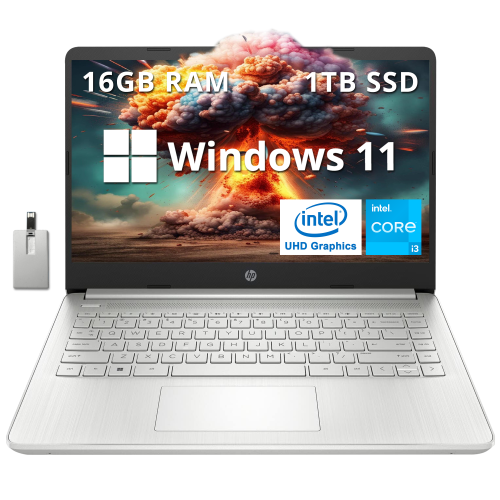
    A sleek silver laptop featuring Intel Core i3, 16GB RAM, 1TB SSD, backlit keyboard, and Windows 11.

    (1)
    $779.00
    SAVE $220
    Your price for this item is $779
  5. 5

    About this product

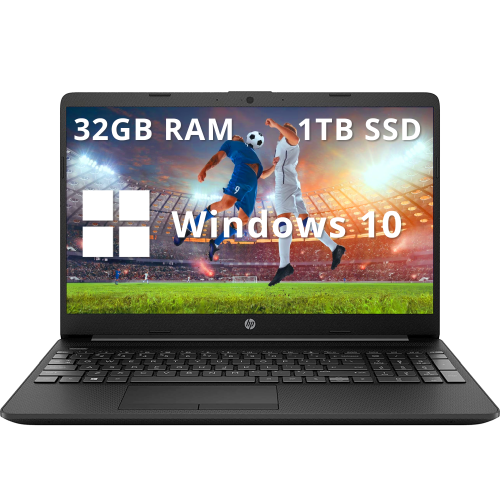
    A black business laptop featuring Intel Celeron N4020, 32GB RAM, 1TB SSD, and fast charging.

    What customers like

    • Fast performance
    • Ample storage and memory
    • Good value for the price
    • Clear anti-glare screen
    • Lightweight and portable
    (0)
    $899.00
    SAVE $330
    Your price for this item is $899
  6. 6

    About this product

    A refurbished platinum tablet featuring an 8th Gen Intel Core i5, 128GB storage, and Windows 10.

    What customers like

    • Versatile 2-in-1 functionality
    • Lightweight and highly portable
    • Strong performance and speed
    • High-quality display and touch response
    • Excellent battery life
    (1,268)
    $699.00 Your price for this item is $699
  7. 7

    About this product

    A silver touchscreen laptop featuring AMD Ryzen 3, 8GB RAM, 256GB SSD, and Radeon Vega 3 graphics.

    What customers like

    • Crisp and large touchscreen display
    • Easy storage and memory expansion
    • High quality build and sound
    • Lightweight and portable design
    • Fast and smooth performance
    (0)
    $599.00
    SAVE $280
    Your price for this item is $599
  8. 8

    About this product

    A lightweight pink laptop with Intel N150 processor, 4GB memory, 128GB UFS, Wi-Fi 6, and Bluetooth.

    (5)
    $369.99
    SAVE $130
    Your price for this item is $369.99
  9. 9

    About this product

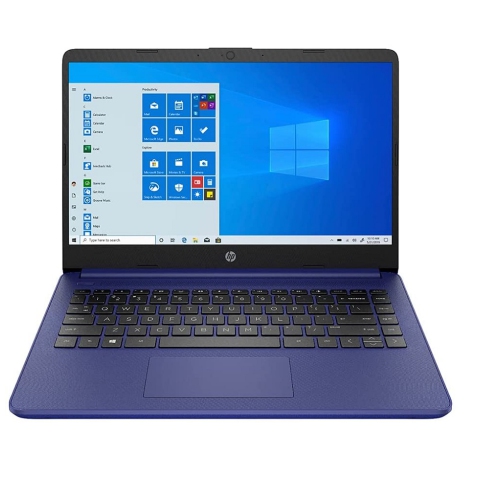
    A blue laptop featuring Intel Celeron N4020, 4GB RAM, 64GB storage, and Windows 10 Home S Mode.

    What customers like

    • Good battery life
    • Easy to set up and use
    • Affordable price
    • Clear and crisp screen
    • Lightweight and portable
    (498)
    $379.00
    SAVE $120
    Your price for this item is $379
  10. 10

    About this product

    A lightweight white laptop featuring an Intel N4120 processor, 64GB storage, and Windows 11 with Office 365.

    What customers like

    • Good battery life
    • Sleek and attractive design
    • Affordable price and value
    • Performs well for basic tasks
    • Lightweight and portable
    (2,844)
    $449.00
    SAVE $56
    Your price for this item is $449

Best Budget Laptops for Teachers

The best budget laptops for teachers combine reliable everyday performance, a comfortable screen and keyboard, and enough portability for the trip between home and school. Teaching often means moving quickly from a lesson plan to a class presentation, then opening a spreadsheet while a video meeting runs in the background. A laptop suited to that routine needs to handle several applications and browser tabs without making simple tasks feel slow. For browser-based lessons, email, document editing, and occasional video calls, 8GB of memory is a practical starting point; 16GB provides more room for heavier multitasking and larger files. Memory is especially worth considering when it cannot be upgraded later. A solid-state drive helps the computer start promptly and open saved work quickly, while 256GB of storage can accommodate everyday documents and a modest collection of teaching resources. Teachers who keep recorded lessons, media projects, or extensive offline materials may benefit from more space. Processor requirements depend on the work involved: marking assignments and managing an online classroom are less demanding than editing video or running design software. For most everyday teaching tasks, dedicated graphics are not necessary, though specialist subjects may have different requirements. Software compatibility matters just as much as these specifications. A laptop built mainly around browser-based applications may suit a school that uses online learning tools, but some assessment platforms, accessibility applications, and subject-specific programs need a compatible desktop operating system. School technology policies may also determine whether a personal laptop can connect to classroom resources or access student information. Within the broader selection of Laptops for Teachers, the strongest match is one that supports the actual teaching workload rather than features that rarely get used. An elementary teacher preparing printable activities, a secondary teacher managing several course sections, and a supply teacher working across different classrooms can all have distinct needs, even when their daily work starts with the same familiar combination of documents, email, and a browser.

Screen size and physical design shape how comfortable a teaching laptop feels throughout the day. A 13- or 14-inch screen generally makes for an easier carry in a school bag, especially alongside folders, a lunch container, and classroom supplies. A 15- or 16-inch screen offers more room for viewing a rubric beside an assignment or keeping a spreadsheet readable without constant scrolling. Full HD resolution provides useful clarity for text and presentation slides, while an anti-glare finish can reduce distracting reflections beneath overhead lights or near a classroom window. Display brightness and adjustable text scaling also affect readability, particularly during long stretches of marking. A keyboard with clear lettering, comfortable key spacing, and a predictable feel matters when writing detailed feedback or preparing reports. Backlit keys can help in a dim room during a projected lesson, and a responsive touchpad is useful when there is no desk space for a mouse. Teachers who enter marks frequently may appreciate a number pad, although it can make the laptop wider. Fit is about the whole setup: the computer should sit securely on a small classroom desk, leave room for notes, and fit inside a protective bag without straining the zip. Plastic and metal casings are both common, but material alone does not determine durability. Firm hinges, a lid that does not flex excessively, and a stable keyboard deck contribute to a more reassuring feel during frequent travel. A convertible hinge and touchscreen can be useful for annotating diagrams or showing work to a small group, though pen support varies and should not be assumed. For mostly typing-based work, a conventional laptop can be a straightforward choice. At a regular marking station, an external keyboard, mouse, and raised screen position can support a more comfortable posture. These practical details become noticeable over a term, whether the laptop spends most of its time on one desk or moves between several teaching spaces each day.

Connectivity, battery life, and care help determine how smoothly a laptop fits into a school routine. A dependable Wi-Fi connection supports online attendance, shared documents, and virtual meetings, although connection quality also depends on the school network. Physical ports remain important when a classroom has an older projector, a wired mouse, or teaching materials saved on a USB drive. HDMI can simplify connecting to a display, while USB-A accommodates many familiar accessories. USB-C ports differ in capability: some support charging and external displays, while others are limited to data transfer, so the connection details matter more than the port shape. A compatible adapter may be needed for older presentation equipment. Clear microphone pickup and a well-positioned webcam are useful for remote lessons, parent conversations, and professional learning sessions. A headset connection can also help keep calls private in shared workspaces. Battery life is most useful when considered against a realistic day of lesson delivery, planning, and meetings rather than a single advertised figure. Video calls, higher screen brightness, and demanding applications draw more power, and access to an outlet may vary between rooms. A manageable charger and supported charging options can make moving around the school less cumbersome. For teachers handling student records, automatic screen locking, timely software updates, and school-approved storage practices are important parts of daily use. Fingerprint sign-in or a camera privacy shutter can add convenience where included, but neither replaces established privacy procedures. A padded sleeve helps protect the laptop from scratches and minor knocks in transit, while keeping drinks separate reduces the chance of spills. Vents should stay clear, and the computer is best used on a firm surface rather than a blanket or soft bag that traps heat. Cleaning should follow the manufacturer's directions, with liquids kept away from openings and harsh cleaners avoided unless expressly permitted. For a teacher candidate beginning placements or an educator receiving a laptop as a gift, compatibility with school requirements is worth confirming first. The most useful choice is a dependable everyday work tool that feels comfortable to carry, supports essential applications, and stays practical from the first lesson through the final round of marking.
Read More

FAQ

Some products may be subject to Environmental Handling Fees (EHF) depending on your province. Learn more about EHFs.