Laptops for Teachers
Laptops for teachers are essential tools for lesson planning, classroom management, and engaging with students both in-person and online. Whether preparing curriculum materials, grading assignments, or participating in virtual meetings, the right laptop can help streamline daily tasks and support professional growth. Explore a wide selection of laptops for teachers designed to meet the unique needs of educators, making it easier to stay organized and connected throughout the school year.
Sort

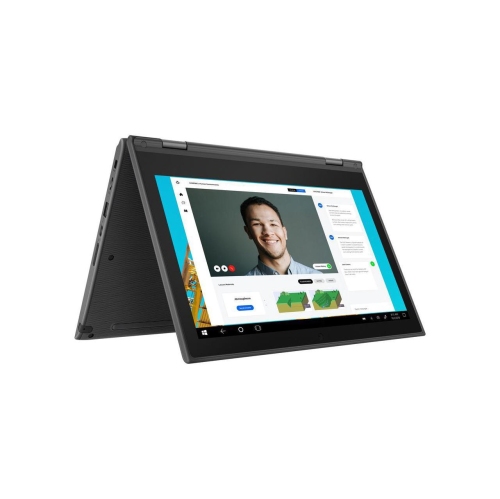
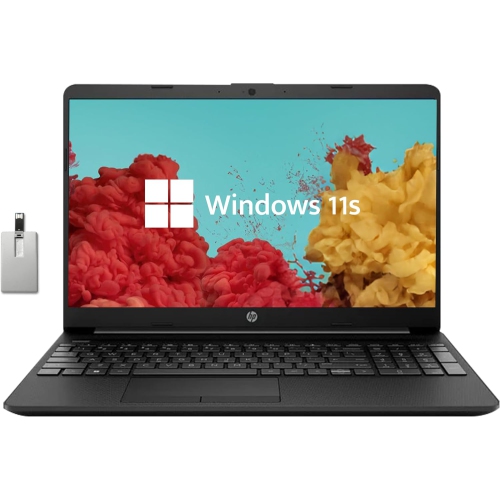
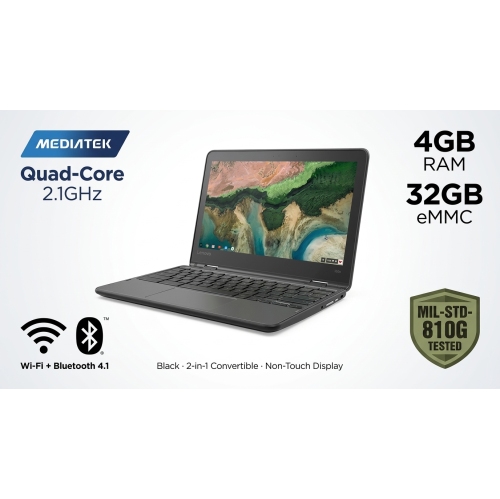
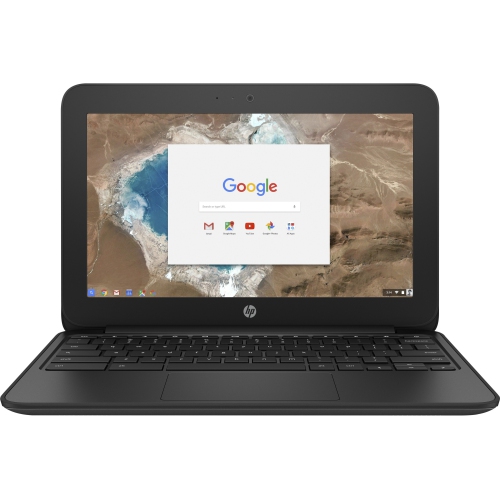
Why teaching software matters as much as laptop specs
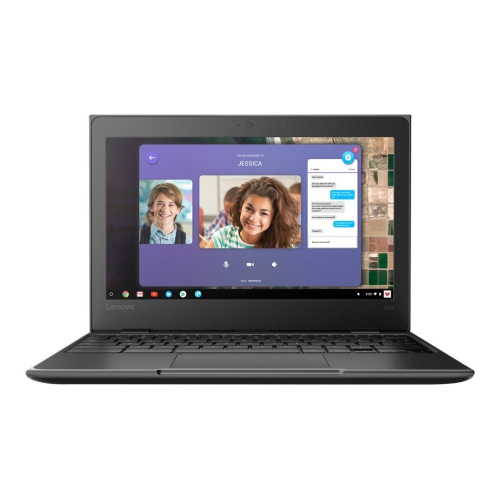
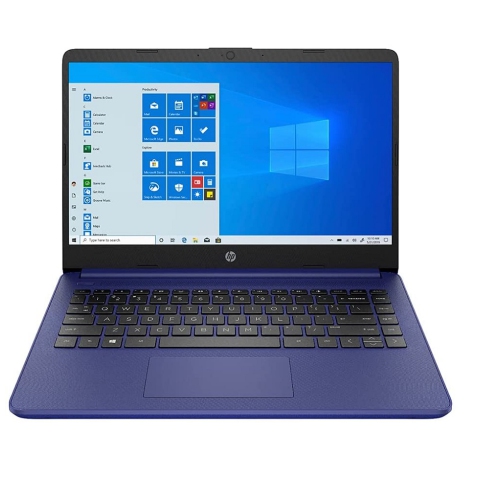
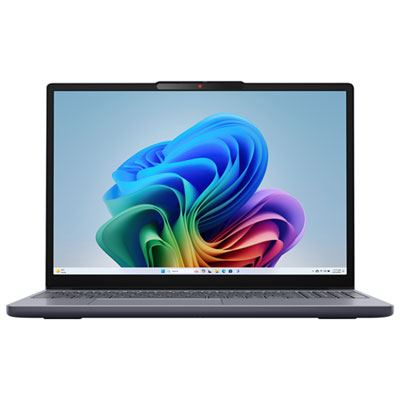
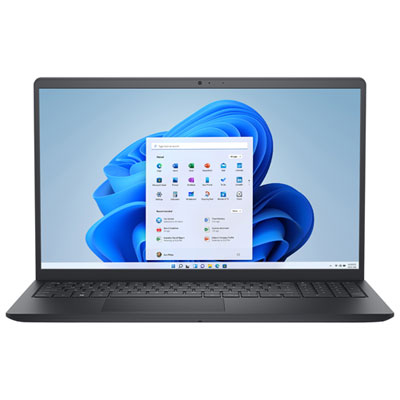
Laptops for teachers support a working day that moves between lesson planning, classroom presentations, marking, and conversations with students and families. A suitable teaching laptop needs to handle those tasks comfortably while fitting the software and security requirements of the school or school board. Browser-based learning platforms, installed assessment tools, digital textbooks, and specialist classroom applications do not all have the same requirements, so operating system compatibility matters as much as hardware specifications. A device used mainly for online documents and email has different demands from one used to edit video, teach coding, or run design software. For many educators, the busiest moments involve several jobs at once: a video meeting on screen, a presentation ready to share, a spreadsheet of marks open, and multiple browser tabs holding lesson resources. A capable processor and sufficient memory help keep that workload responsive. For regular multitasking, 16 GB of memory provides more breathing room than a basic configuration, although lighter browser-based work may need less and specialist applications may need more. Solid-state storage supports quick startup and file access, while storage capacity determines how much space remains for downloaded resources, recordings, and teaching materials. Cloud storage can make documents easier to access across approved devices, but local storage remains useful when an internet connection is unreliable or certain files must be accessible offline. Teachers working with large media files may need additional capacity, while those using mostly shared documents may have lighter storage needs. Primary and secondary school teachers, occasional teachers, tutors, and post-secondary instructors may all use similar laptops, but their daily routines shape which features matter most. Someone delivering online lessons may place extra importance on the camera and microphone; an educator moving between classrooms may prioritize a lighter build. The strongest fit is a laptop that supports required applications without adding unnecessary steps to familiar teaching routines.
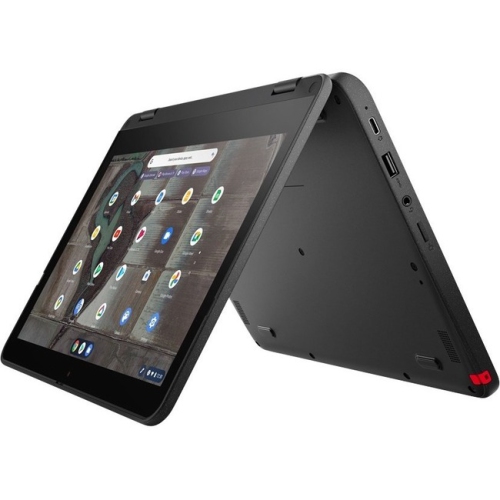
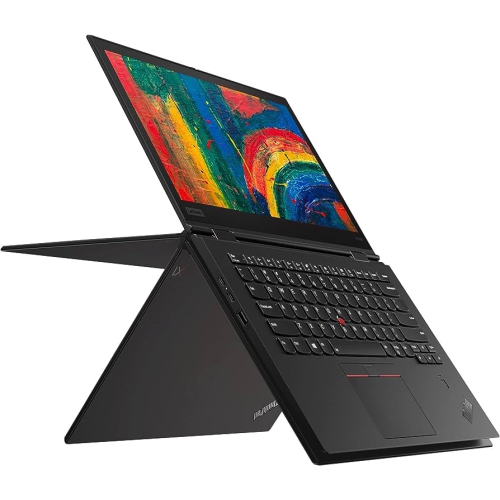
Physical comfort becomes especially noticeable during a long stretch of writing feedback or preparing learning materials. A keyboard with clearly spaced keys and consistent feedback helps with report comments and lesson notes, while a responsive touchpad makes navigation easier when there is no room for a mouse. A numeric keypad can be useful for entering marks or working with spreadsheets, though it usually comes with a larger chassis. Screen size involves a similar balance. A 13- or 14-inch display is easier to carry between rooms, while a larger screen gives documents, presentations, and split-screen work more space. Readable text, useful brightness adjustment, and a finish that limits distracting reflections can matter more in daily teaching than an exceptionally high resolution. A taller display can show more of a document or marking rubric without repeated scrolling. Convertible laptops add another option for educators who annotate assignments, sketch diagrams, or work through equations by hand. A touchscreen alone does not guarantee precise pen input; compatible active pen support and whether a pen is included are separate details. A convertible still functions as a laptop for typing, with additional positions for presenting or writing on screen. Build quality also deserves attention when a computer travels in a teaching bag alongside books, chargers, and classroom supplies. Aluminium and reinforced plastic housings each have different weight and feel, but hinge stability, keyboard rigidity, and protection during transport matter regardless of the material. Connection options can make the difference between a straightforward presentation and a search for an adapter. A built-in display connection may suit an existing classroom projector, while compatible USB-C ports can support charging, accessories, or an external display, depending on their specifications. Not every USB-C port supports every function. Reliable Wi-Fi, convenient headset connections, and enough ports for regularly used accessories help a laptop fit into established classroom setups. For online teaching, a clear webcam, intelligible microphone audio, and accessible volume controls help keep attention on the lesson rather than the equipment.
Battery life is particularly useful when teaching spaces have limited outlets or the day includes meetings away from a desk. Published battery estimates are not a promise of identical classroom performance: screen brightness, video calls, wireless connections, and demanding applications all affect how long a charge lasts. A laptop that lasts through document editing may run for less time during continuous video teaching. Practical portability includes the charger as well as the computer, especially for educators who work across several locations. Charging compatibility should be confirmed before relying on a shared charger or docking station. Quiet operation can also be helpful during recorded lessons and one-to-one discussions, although fan noise varies with workload and design. Beyond comfort and performance, teachers often handle sensitive information, making school-approved security features important. Supported software updates, strong sign-in options, automatic screen locking, and any required device management tools help a laptop fit institutional policies. A fingerprint reader or facial sign-in can make access convenient where supported, but these features do not replace appropriate account settings or school procedures. Keeping student information in approved storage locations and maintaining permitted backups are part of a dependable working setup. Everyday care helps protect the hardware too: a correctly sized padded sleeve reduces contact with other objects in a bag, clear ventilation openings support cooling, and cleaning according to the manufacturer's directions helps protect screens and finishes. Carrying a laptop closed rather than by its display puts less strain on the hinges. For someone choosing a laptop as a gift for a newly qualified teacher or an educator beginning a different role, confirming required software and preferred screen size is more useful than choosing on appearance alone. The Best Budget Laptops for Teachers page provides a related selection for educators comparing options for these everyday tasks. Across different teaching roles, the most useful features are those that make preparing, presenting, communicating, and marking feel straightforward, whether the laptop is open on a classroom desk or connected to a larger workspace.
Physical comfort becomes especially noticeable during a long stretch of writing feedback or preparing learning materials. A keyboard with clearly spaced keys and consistent feedback helps with report comments and lesson notes, while a responsive touchpad makes navigation easier when there is no room for a mouse. A numeric keypad can be useful for entering marks or working with spreadsheets, though it usually comes with a larger chassis. Screen size involves a similar balance. A 13- or 14-inch display is easier to carry between rooms, while a larger screen gives documents, presentations, and split-screen work more space. Readable text, useful brightness adjustment, and a finish that limits distracting reflections can matter more in daily teaching than an exceptionally high resolution. A taller display can show more of a document or marking rubric without repeated scrolling. Convertible laptops add another option for educators who annotate assignments, sketch diagrams, or work through equations by hand. A touchscreen alone does not guarantee precise pen input; compatible active pen support and whether a pen is included are separate details. A convertible still functions as a laptop for typing, with additional positions for presenting or writing on screen. Build quality also deserves attention when a computer travels in a teaching bag alongside books, chargers, and classroom supplies. Aluminium and reinforced plastic housings each have different weight and feel, but hinge stability, keyboard rigidity, and protection during transport matter regardless of the material. Connection options can make the difference between a straightforward presentation and a search for an adapter. A built-in display connection may suit an existing classroom projector, while compatible USB-C ports can support charging, accessories, or an external display, depending on their specifications. Not every USB-C port supports every function. Reliable Wi-Fi, convenient headset connections, and enough ports for regularly used accessories help a laptop fit into established classroom setups. For online teaching, a clear webcam, intelligible microphone audio, and accessible volume controls help keep attention on the lesson rather than the equipment.
Battery life is particularly useful when teaching spaces have limited outlets or the day includes meetings away from a desk. Published battery estimates are not a promise of identical classroom performance: screen brightness, video calls, wireless connections, and demanding applications all affect how long a charge lasts. A laptop that lasts through document editing may run for less time during continuous video teaching. Practical portability includes the charger as well as the computer, especially for educators who work across several locations. Charging compatibility should be confirmed before relying on a shared charger or docking station. Quiet operation can also be helpful during recorded lessons and one-to-one discussions, although fan noise varies with workload and design. Beyond comfort and performance, teachers often handle sensitive information, making school-approved security features important. Supported software updates, strong sign-in options, automatic screen locking, and any required device management tools help a laptop fit institutional policies. A fingerprint reader or facial sign-in can make access convenient where supported, but these features do not replace appropriate account settings or school procedures. Keeping student information in approved storage locations and maintaining permitted backups are part of a dependable working setup. Everyday care helps protect the hardware too: a correctly sized padded sleeve reduces contact with other objects in a bag, clear ventilation openings support cooling, and cleaning according to the manufacturer's directions helps protect screens and finishes. Carrying a laptop closed rather than by its display puts less strain on the hinges. For someone choosing a laptop as a gift for a newly qualified teacher or an educator beginning a different role, confirming required software and preferred screen size is more useful than choosing on appearance alone. The Best Budget Laptops for Teachers page provides a related selection for educators comparing options for these everyday tasks. Across different teaching roles, the most useful features are those that make preparing, presenting, communicating, and marking feel straightforward, whether the laptop is open on a classroom desk or connected to a larger workspace.
Top selling and popular products
-
 Your price for this item is $449
-
 Your price for this item is $3099
-
 Your price for this item is $449.99
-
 Your price for this item is $664.05
-
 Your price for this item is $869.99
-
 Your price for this item is $2960.48
-
 Your price for this item is $489.7
-
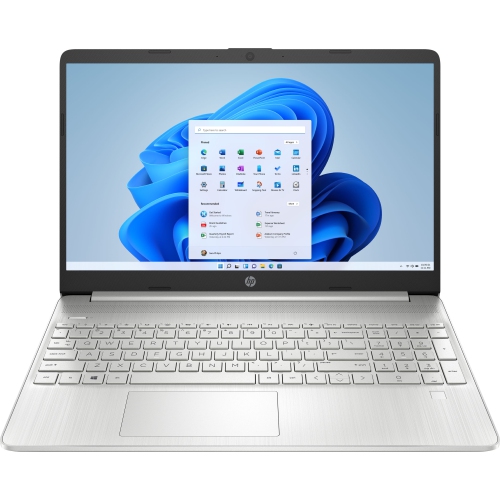 Your price for this item is $829
Discover more categories related to Laptops for Teachers

Top Collections:
Pokemon Centers, Best Black Friday Deals This Year, Best Black Friday Deals On Electronics, Kindle Devices, Best Budget Office Chairs, Best Black Friday Deals On Apple Products, Best Cameras for Sports Photography, Pokémon 30th Celebration Cards, Dyson Airwrap, Canon G7X Cameras
Some products may be subject to Environmental Handling Fees
(EHF) depending on your province.
Learn more about EHFs.