Affordable Scanners for Home Office
Affordable Scanner For Home Office options make it easy to streamline your workflow and keep important documents organized without stretching your budget. Whether you’re digitizing receipts, archiving family photos, or managing paperwork for a small business, these scanners offer practical solutions for everyday tasks. Explore a variety of models designed to fit seamlessly into your home office setup while delivering reliable performance and convenience. Find the right affordable scanner to help you stay productive and efficient from the comfort of your own workspace.
Sort
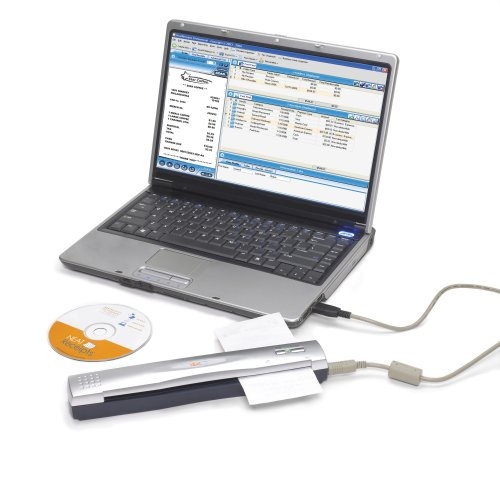
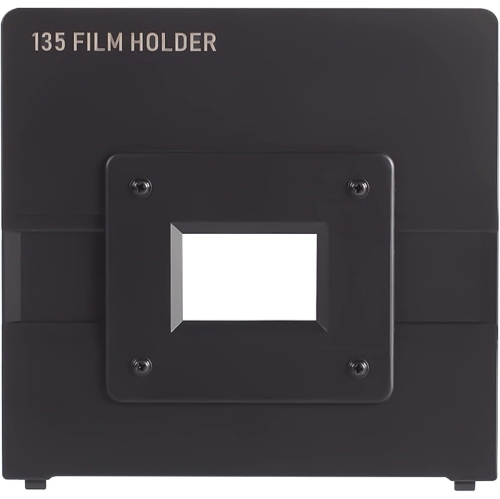
How your paperwork shapes the scanner you need
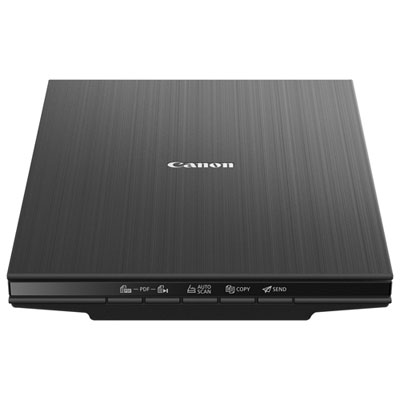
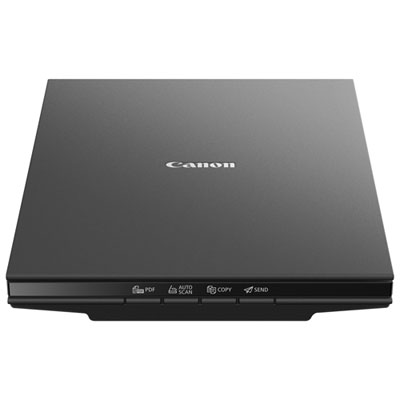
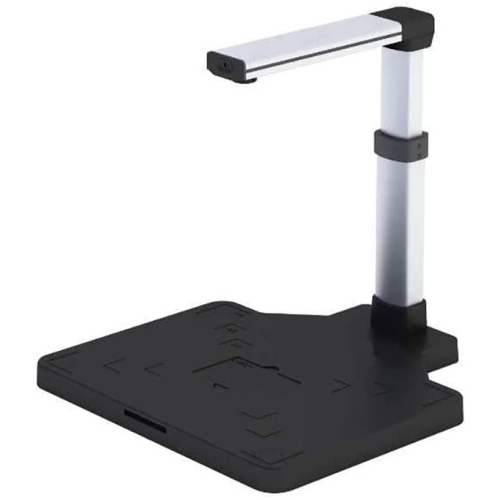
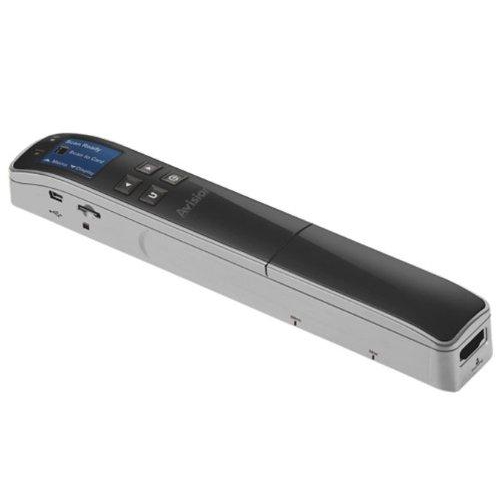
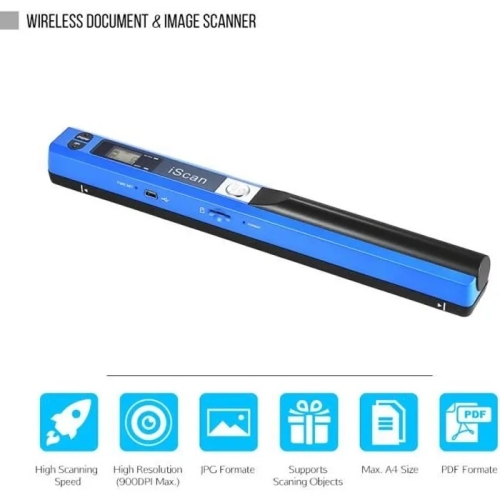
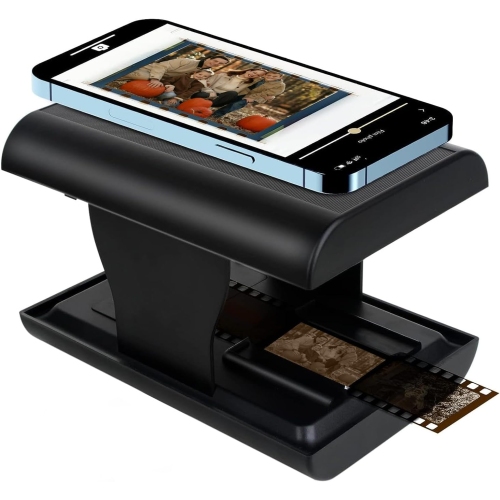
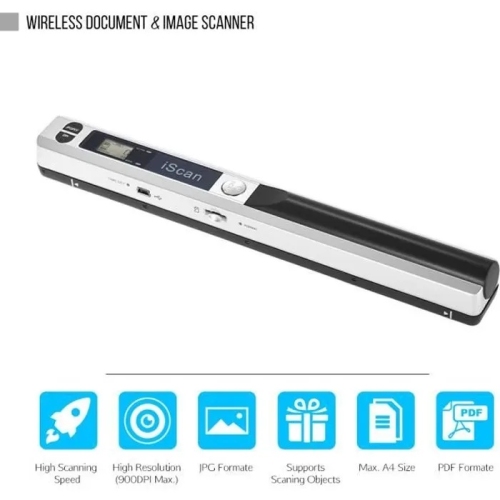
Scanners for a home office turn paper records into digital files that are easier to store, search and share, whether the day’s paperwork is a signed agreement, a handful of receipts or a child’s school forms. The main formats serve different routines: flatbed scanners provide a glass surface for individual pages, photographs and delicate originals, while sheetfed scanners draw loose pages through a paper path and are well suited to recurring document batches. Portable scanners offer a smaller footprint for shared desks or work that moves between rooms, although their paper capacity and feeding method vary. For anyone browsing Affordable Scanners, the most useful features are those that match the documents already passing through the workspace. A freelancer processing invoices may benefit most from an automatic document feeder, while someone preserving family photographs may place greater importance on image detail and gentle handling. A flatbed also accommodates originals that cannot safely travel through rollers, such as a creased certificate or a page in a bound notebook, provided the scanner’s design supports that use. Sheetfed designs work best with documents that meet their stated size, thickness and condition requirements; folded corners, staples and adhesive notes need attention before feeding. Resolution matters, but the highest setting is not necessary for every task. Around 300 dpi is commonly suitable for readable text documents, while 600 dpi can capture more detail from photographs and small print. Higher optical resolution may be useful for enlarging small originals, whereas a larger number produced through software interpolation does not add the same captured detail. Colour scanning preserves highlights, stamps and handwritten annotations; greyscale or black-and-white settings can produce smaller files for straightforward paperwork. These distinctions help keep the focus on useful results rather than specifications alone, especially when the scanner’s main job is making everyday records legible and easy to retrieve. Clear text, complete page edges and faithful colour where it matters usually contribute more to a dependable filing routine than oversized image files that take longer to process.
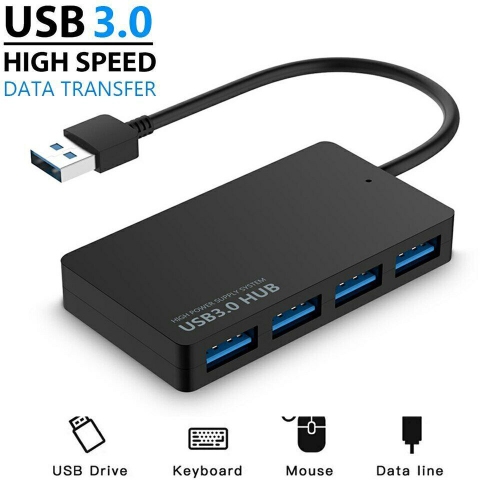
Paper handling, connection options and software support shape how comfortably a scanner fits into daily work. An automatic document feeder reduces the need to position every page individually, and duplex scanning captures both sides without requiring each sheet to be turned over by hand. That can make a noticeable difference with double-sided application forms, lengthy contracts or meeting notes. Feeder capacity describes how many suitable sheets can be loaded at once, not how much continuous use a scanner is designed to handle; recommended daily volume is a separate specification worth considering for frequent paperwork. Published scanning speeds also depend on factors such as resolution, colour settings, connection type and whether both sides are being captured. A compact scanner can still need substantial working room once its input support and output tray are extended, so the space in front of and behind the unit matters as much as its closed dimensions. Flatbeds need clearance above the lid, particularly beneath shelving. A stable desktop or work surface helps keep the unit level, while accessible controls and a reachable cable connection make it easier to move between scanning and other tasks. USB connections provide a direct link to a compatible computer, and some compact models draw power through that connection, though others require a separate adapter. Wi-Fi can allow more flexible placement or sharing where supported, but wireless features differ: scanning to a computer, a mobile device or an online account may involve separate setup requirements. Compatibility includes more than having the right connector. Supported operating system versions, drivers and included software determine which functions are usable on a particular computer. Optical character recognition, often called OCR, can turn printed text into searchable content, which is helpful when locating an invoice by a customer’s name rather than remembering its filename. Recognition accuracy depends on the clarity, typeface and layout of the original, so important names, dates and amounts still deserve a quick check. Software that supports multi-page PDFs, page rotation and cropping can also make a batch of scans easier to organize without extra editing steps.
A scanner’s long-term usefulness depends on both its construction and the way originals are handled. On a flatbed, clean glass helps prevent streaks and spots from appearing across every scan, while a well-supported lid and sound hinges make repeated opening and closing feel secure. Sheetfed units rely on clean rollers and a clear paper path to grip pages consistently. Dust, paper fibres and residue can interfere with feeding, so care should follow the manufacturer’s directions, using approved cleaning materials and keeping liquids away from openings. Scanning surfaces generally need a soft, lint-free cloth rather than abrasive cleaners, and the unit should be disconnected from power before cleaning when directed. Replaceable rollers or separation pads can be relevant for regular document work, although maintenance needs and replacement procedures differ by design. Paper preparation matters just as much: removing fasteners, straightening curled edges and separating sheets that cling together can prevent interruptions and protect originals. Small receipts, cards and unusually thin paper require a scanner that explicitly supports them, or an approved carrier sheet where permitted. Once captured, documents become more useful with consistent filenames and folders, such as a client name followed by a date, or separate folders for household records and business expenses. Saving an untouched scan alongside an edited copy can help preserve the original information when cropping or adjusting contrast. Sensitive files, including identification documents and financial statements, belong in storage with appropriate access controls and a dependable backup routine. Keeping a digital copy does not automatically mean the paper original can be discarded; retention requirements vary by document and purpose. For remote workers, students, household administrators and small-business owners, a well-matched scanner supports a repeatable routine: load or position the original, capture the necessary detail, check the result and save it somewhere recognizable. That practical fit is what makes a scanner a useful part of a home office rather than another device taking up desk space.
Paper handling, connection options and software support shape how comfortably a scanner fits into daily work. An automatic document feeder reduces the need to position every page individually, and duplex scanning captures both sides without requiring each sheet to be turned over by hand. That can make a noticeable difference with double-sided application forms, lengthy contracts or meeting notes. Feeder capacity describes how many suitable sheets can be loaded at once, not how much continuous use a scanner is designed to handle; recommended daily volume is a separate specification worth considering for frequent paperwork. Published scanning speeds also depend on factors such as resolution, colour settings, connection type and whether both sides are being captured. A compact scanner can still need substantial working room once its input support and output tray are extended, so the space in front of and behind the unit matters as much as its closed dimensions. Flatbeds need clearance above the lid, particularly beneath shelving. A stable desktop or work surface helps keep the unit level, while accessible controls and a reachable cable connection make it easier to move between scanning and other tasks. USB connections provide a direct link to a compatible computer, and some compact models draw power through that connection, though others require a separate adapter. Wi-Fi can allow more flexible placement or sharing where supported, but wireless features differ: scanning to a computer, a mobile device or an online account may involve separate setup requirements. Compatibility includes more than having the right connector. Supported operating system versions, drivers and included software determine which functions are usable on a particular computer. Optical character recognition, often called OCR, can turn printed text into searchable content, which is helpful when locating an invoice by a customer’s name rather than remembering its filename. Recognition accuracy depends on the clarity, typeface and layout of the original, so important names, dates and amounts still deserve a quick check. Software that supports multi-page PDFs, page rotation and cropping can also make a batch of scans easier to organize without extra editing steps.
A scanner’s long-term usefulness depends on both its construction and the way originals are handled. On a flatbed, clean glass helps prevent streaks and spots from appearing across every scan, while a well-supported lid and sound hinges make repeated opening and closing feel secure. Sheetfed units rely on clean rollers and a clear paper path to grip pages consistently. Dust, paper fibres and residue can interfere with feeding, so care should follow the manufacturer’s directions, using approved cleaning materials and keeping liquids away from openings. Scanning surfaces generally need a soft, lint-free cloth rather than abrasive cleaners, and the unit should be disconnected from power before cleaning when directed. Replaceable rollers or separation pads can be relevant for regular document work, although maintenance needs and replacement procedures differ by design. Paper preparation matters just as much: removing fasteners, straightening curled edges and separating sheets that cling together can prevent interruptions and protect originals. Small receipts, cards and unusually thin paper require a scanner that explicitly supports them, or an approved carrier sheet where permitted. Once captured, documents become more useful with consistent filenames and folders, such as a client name followed by a date, or separate folders for household records and business expenses. Saving an untouched scan alongside an edited copy can help preserve the original information when cropping or adjusting contrast. Sensitive files, including identification documents and financial statements, belong in storage with appropriate access controls and a dependable backup routine. Keeping a digital copy does not automatically mean the paper original can be discarded; retention requirements vary by document and purpose. For remote workers, students, household administrators and small-business owners, a well-matched scanner supports a repeatable routine: load or position the original, capture the necessary detail, check the result and save it somewhere recognizable. That practical fit is what makes a scanner a useful part of a home office rather than another device taking up desk space.
Top selling and popular products
-
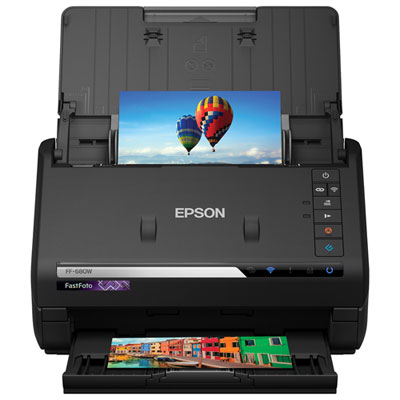 Your price for this item is $699.99
-
 Your price for this item is $107.99
-
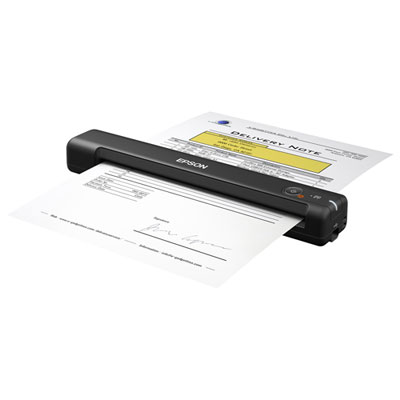 Your price for this item is $179.99
-
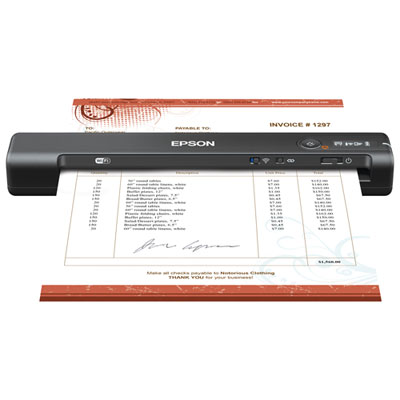 Your price for this item is $199.99
-
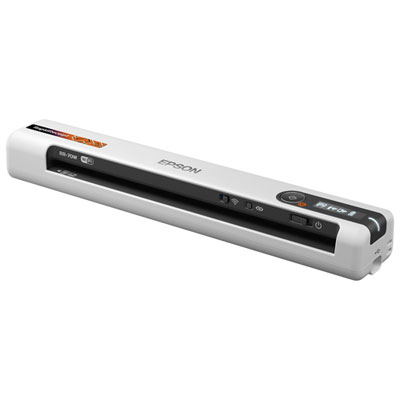 Your price for this item is $289.99
-
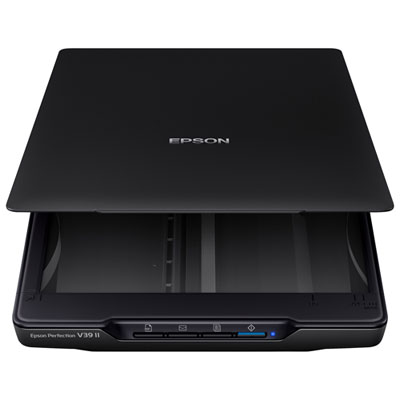 Your price for this item is $139.99
-
 Your price for this item is $199.99
-
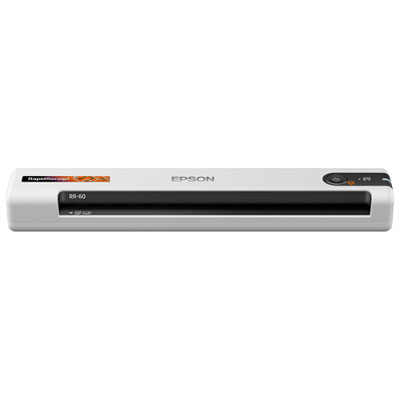 Your price for this item is $319.99
Discover more categories related to Affordable Scanners for Home Office
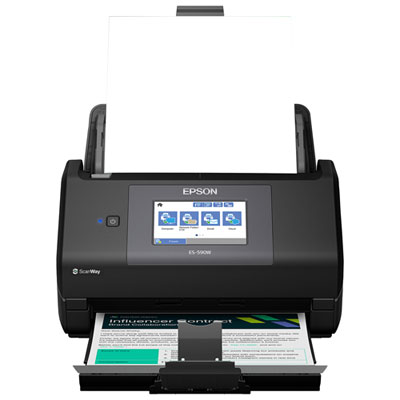
Top Collections:
Best Black Friday Deals This Year, Best Black Friday Deals On Electronics, Kindle Devices, Pokemon Centers, Best Black Friday Deals On Apple Products, Best Cameras for Sports Photography, Dyson Airwrap, Pokémon 30th Celebration Cards, Apple iPhone 17 Pro, Canon G7X Cameras
Some products may be subject to Environmental Handling Fees
(EHF) depending on your province.
Learn more about EHFs.