Scanners for Home Office
Scanners for home office are essential tools for streamlining document management and increasing productivity. Whether you’re organizing paperwork, digitizing important files, or sharing documents with colleagues, the right scanner can make daily tasks more efficient. Explore a wide selection of scanners for home office to find the perfect fit for your workspace and workflow needs.
Sort
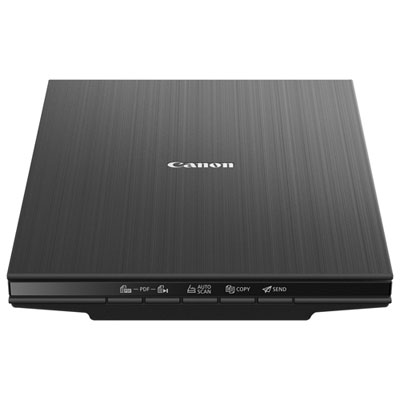

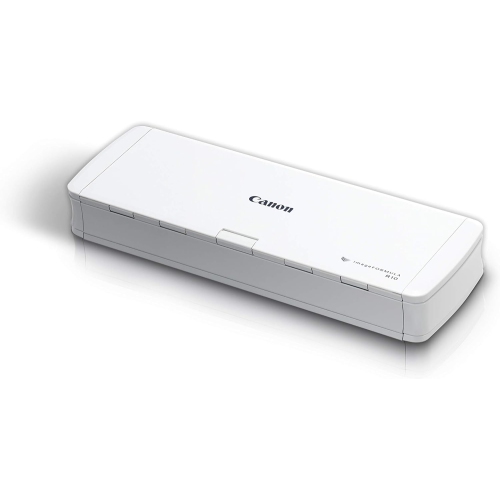
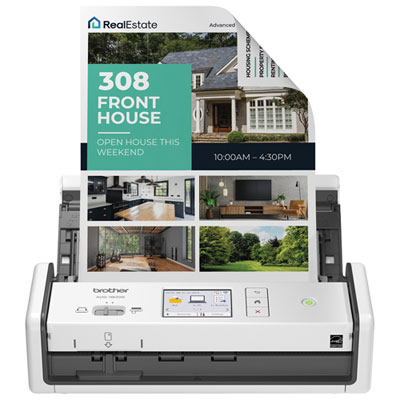
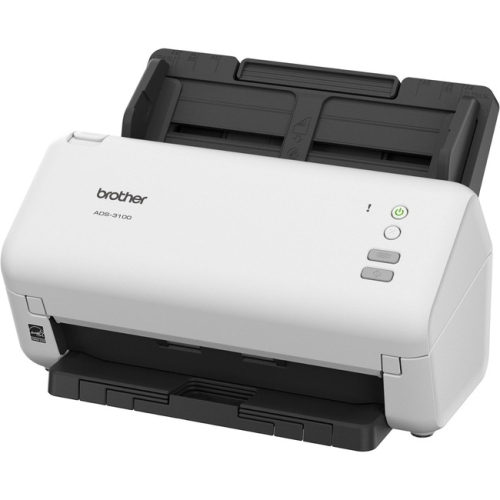

A faster scanner isn’t always the better fit
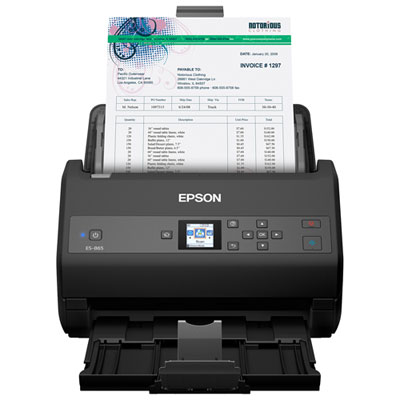
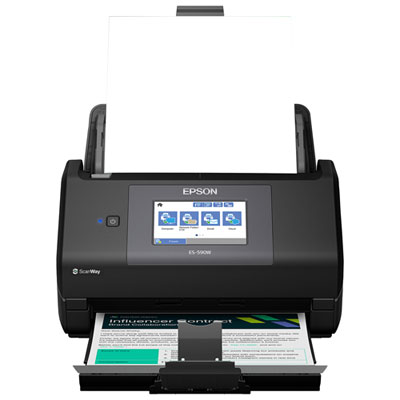
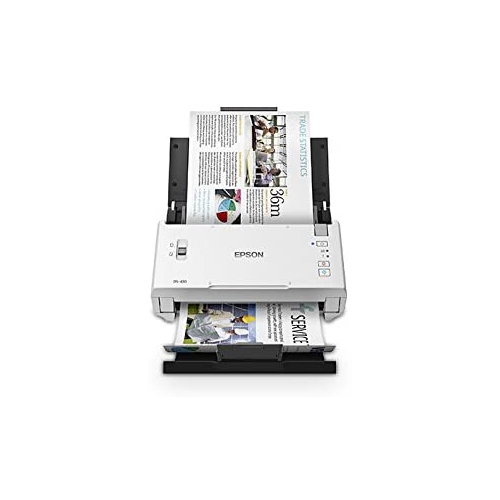
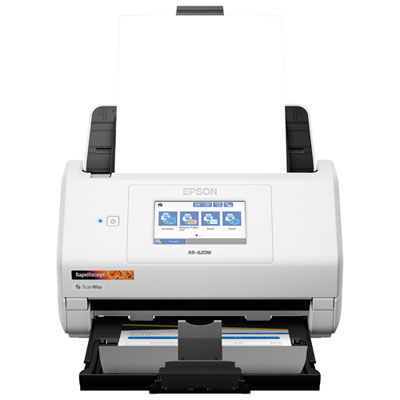
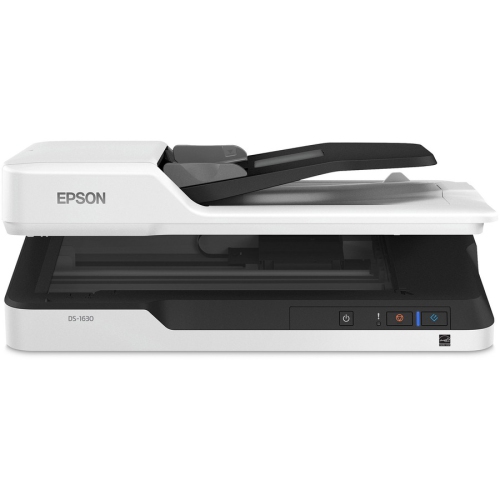
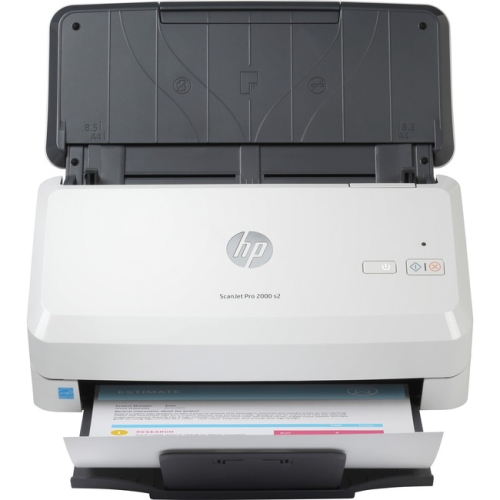
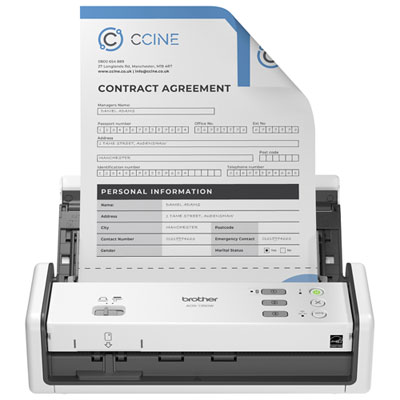
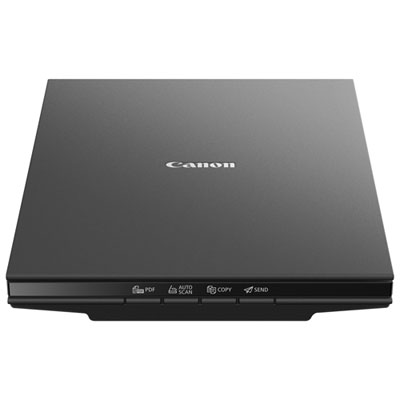
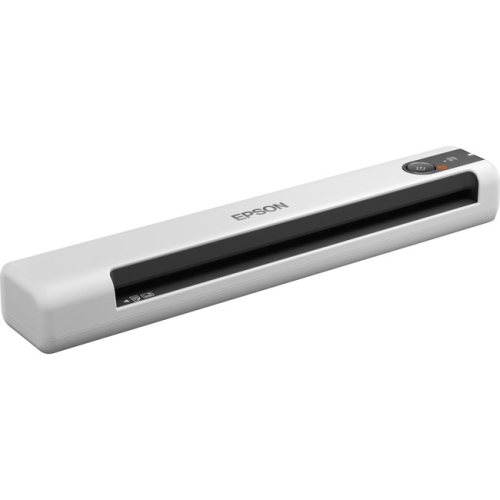
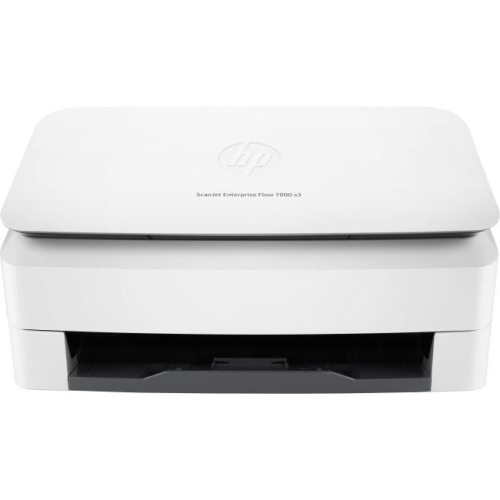
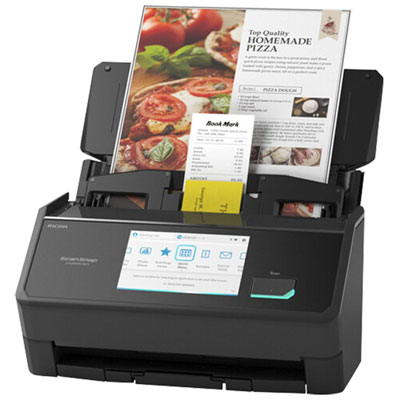
Scanners for home office use turn paper documents, receipts, photographs, and handwritten notes into digital files that are easier to organize, search, and share. A sheet-fed document scanner suits recurring stacks of paperwork, a flatbed scanner accommodates bound pages and delicate originals, and a portable scanner supports occasional scanning where desk space is limited. The right format depends on what passes across the desk: a freelancer may need searchable copies of contracts and expense receipts, while a household may want to digitize school forms, insurance documents, and family photographs. An automatic document feeder reduces the need to load pages individually, making it useful for multi-page agreements or a folder of statements. Duplex scanning captures both sides of a sheet, helping keep signatures, terms, and handwritten additions together in one file. Feeder capacity matters alongside speed because a larger tray can mean fewer interruptions during a longer batch. Published speeds also need context: pages per minute and images per minute are different measurements, and actual performance can vary with resolution, colour settings, connection type, and the computer processing the files. Physical fit is just as important as scanning speed. A compact scanner may occupy little space when closed but still need room for an extended input tray and a clear path for pages leaving the machine. On a shallow desk shared with a keyboard, notebook, and monitor stand, paper handling can make a noticeable difference to daily comfort. Some designs keep pages close to the scanner, while others require more space in front or behind. Flatbed models need clearance above the lid, particularly when scanning a book or other thick material. Portable formats can tuck into a drawer between tasks, although their feeding method and power requirements deserve attention. For regular home office work, a scanner that fits the available workspace and handles the usual documents smoothly is often more useful than one selected for speed alone.
Image quality is about readable details as much as sharp-looking pages. Optical resolution describes the detail the scanner can capture, while higher interpolated figures rely on software processing rather than additional captured detail. Around 300 dpi is a common starting point for ordinary text documents; small print, photographs, and detailed illustrations may call for different settings. Higher resolution generally increases file size and processing time, so a clear, compact PDF can be more convenient for an emailed form than a very large image file. Optical character recognition, often called OCR, can make scanned text searchable and, with suitable software, editable. Accuracy depends on the original page, its alignment, the typeface, and the quality of the scan. A clean printed invoice is typically easier to recognize than faint handwriting or a creased receipt, and important names, dates, and totals still deserve a check. Searchable PDFs are particularly helpful when a folder contains many similar documents: a phrase from a contract or a supplier’s name can be easier to find than a vaguely remembered filename. Software features such as automatic cropping, rotation, blank-page removal, and deskewing can reduce repetitive adjustments, but support varies by scanner and application. Connectivity shapes the routine as well. USB provides a direct connection to a computer, while Wi-Fi or Ethernet, where supported, may allow a scanner to serve more than one workstation. Wireless capability does not always mean every function works without a computer, so compatibility with the intended operating system, mobile device, and scanning software matters. Some scanners support destinations such as a network folder or an online storage service; others depend on desktop software to send files onward. For documents containing financial or personal information, the destination, access permissions, and storage settings deserve the same attention as the scan itself. A predictable filing routine, with clear filenames and separate folders for different records, helps prevent a freshly digitized document from becoming just another difficult-to-find attachment.
Paper handling and ongoing care have a large influence on how well a home office scanner serves over time. Standard letter-size pages are only part of the picture: legal-size agreements, narrow receipts, business cards, and unusually long sheets may require specific support. A feeder’s accepted paper weights and size range help establish whether it can handle the intended originals. Mixed batches can be convenient, but folded corners, staples, sticky notes, and damaged edges can interrupt feeding or affect the image. A double-feed detection feature, where included, can help flag pages travelling through together, though reviewing the finished file remains useful for important records. Fragile photographs, torn documents, and bound material are often better suited to a flatbed because the original rests on glass rather than moving through rollers. Cards and thicker materials should only go through a feeder designed to accept them. The outer casing, hinges, tray supports, and controls all contribute to everyday durability, but accessible cleaning areas and serviceable feed components matter too. Paper dust and residue can build up on rollers and scanning surfaces, leading to feeding problems or unwanted lines across the image. Cleaning with the materials and methods specified by the manufacturer helps protect those surfaces; liquids should not be sprayed directly into the scanner. Feed rollers and separation pads may need replacement after extended use, depending on the design and workload. Published daily volume recommendations offer useful context for repeated scanning sessions, but they are not a promise of identical performance under every condition. Everyday tasks such as saving signed forms, filing receipts, and keeping copies of correspondence provide a practical focus when browsing Affordable Scanners for Home Office. For a student, remote worker, or someone running a small business from home, the most useful combination is straightforward paper handling, suitable software, and a format that fits naturally into the workday. Once those needs are covered, scanning becomes a manageable part of keeping records rather than a separate project that leaves paperwork waiting in a pile.
Image quality is about readable details as much as sharp-looking pages. Optical resolution describes the detail the scanner can capture, while higher interpolated figures rely on software processing rather than additional captured detail. Around 300 dpi is a common starting point for ordinary text documents; small print, photographs, and detailed illustrations may call for different settings. Higher resolution generally increases file size and processing time, so a clear, compact PDF can be more convenient for an emailed form than a very large image file. Optical character recognition, often called OCR, can make scanned text searchable and, with suitable software, editable. Accuracy depends on the original page, its alignment, the typeface, and the quality of the scan. A clean printed invoice is typically easier to recognize than faint handwriting or a creased receipt, and important names, dates, and totals still deserve a check. Searchable PDFs are particularly helpful when a folder contains many similar documents: a phrase from a contract or a supplier’s name can be easier to find than a vaguely remembered filename. Software features such as automatic cropping, rotation, blank-page removal, and deskewing can reduce repetitive adjustments, but support varies by scanner and application. Connectivity shapes the routine as well. USB provides a direct connection to a computer, while Wi-Fi or Ethernet, where supported, may allow a scanner to serve more than one workstation. Wireless capability does not always mean every function works without a computer, so compatibility with the intended operating system, mobile device, and scanning software matters. Some scanners support destinations such as a network folder or an online storage service; others depend on desktop software to send files onward. For documents containing financial or personal information, the destination, access permissions, and storage settings deserve the same attention as the scan itself. A predictable filing routine, with clear filenames and separate folders for different records, helps prevent a freshly digitized document from becoming just another difficult-to-find attachment.
Paper handling and ongoing care have a large influence on how well a home office scanner serves over time. Standard letter-size pages are only part of the picture: legal-size agreements, narrow receipts, business cards, and unusually long sheets may require specific support. A feeder’s accepted paper weights and size range help establish whether it can handle the intended originals. Mixed batches can be convenient, but folded corners, staples, sticky notes, and damaged edges can interrupt feeding or affect the image. A double-feed detection feature, where included, can help flag pages travelling through together, though reviewing the finished file remains useful for important records. Fragile photographs, torn documents, and bound material are often better suited to a flatbed because the original rests on glass rather than moving through rollers. Cards and thicker materials should only go through a feeder designed to accept them. The outer casing, hinges, tray supports, and controls all contribute to everyday durability, but accessible cleaning areas and serviceable feed components matter too. Paper dust and residue can build up on rollers and scanning surfaces, leading to feeding problems or unwanted lines across the image. Cleaning with the materials and methods specified by the manufacturer helps protect those surfaces; liquids should not be sprayed directly into the scanner. Feed rollers and separation pads may need replacement after extended use, depending on the design and workload. Published daily volume recommendations offer useful context for repeated scanning sessions, but they are not a promise of identical performance under every condition. Everyday tasks such as saving signed forms, filing receipts, and keeping copies of correspondence provide a practical focus when browsing Affordable Scanners for Home Office. For a student, remote worker, or someone running a small business from home, the most useful combination is straightforward paper handling, suitable software, and a format that fits naturally into the workday. Once those needs are covered, scanning becomes a manageable part of keeping records rather than a separate project that leaves paperwork waiting in a pile.
Top selling and popular products
-
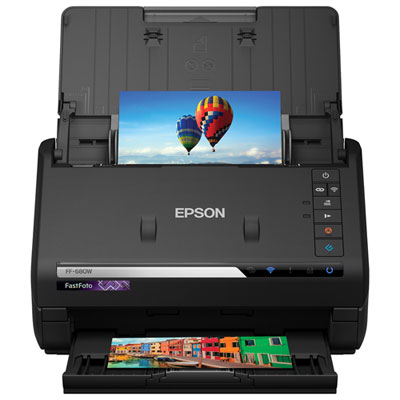 Your price for this item is $699.99
-
 Your price for this item is $107.99
-
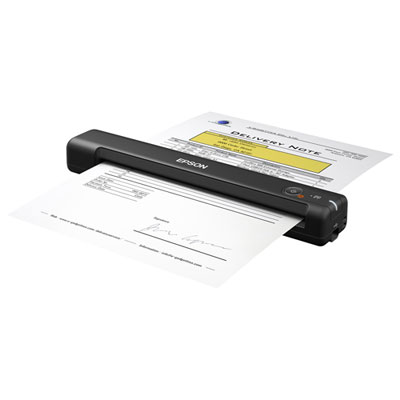 Your price for this item is $179.99
-
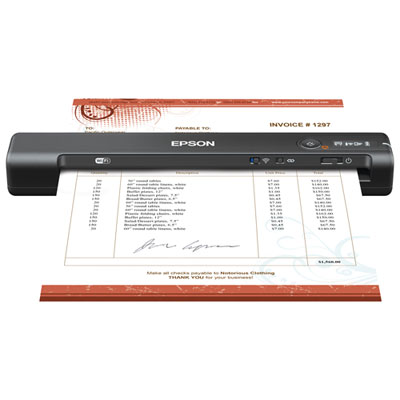 Your price for this item is $199.99
-
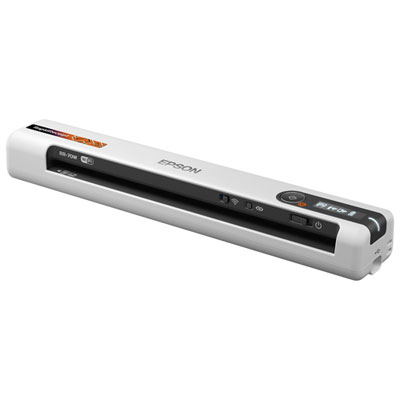 Your price for this item is $289.99
-
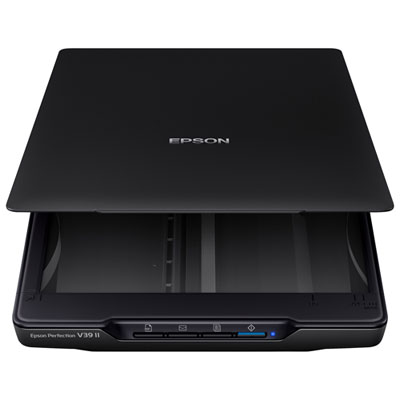 Your price for this item is $139.99
-
 Your price for this item is $199.99
-
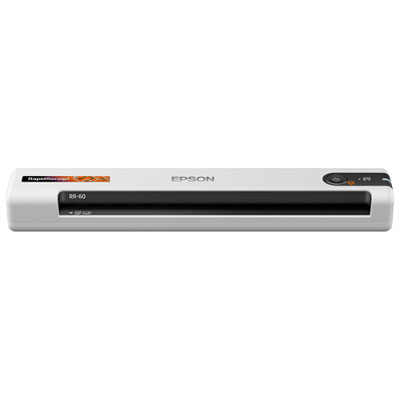 Your price for this item is $319.99
Discover more categories related to Scanners for Home Office
Top Collections:
Best Black Friday Deals This Year, Best Black Friday Deals On Electronics, Kindle Devices, Pokemon Centers, Best Black Friday Deals On Apple Products, Best Cameras for Sports Photography, Dyson Airwrap, Pokémon 30th Celebration Cards, Apple iPhone 17 Pro, Canon G7X Cameras
Some products may be subject to Environmental Handling Fees
(EHF) depending on your province.
Learn more about EHFs.