Wireless Scanners for Home Office
Wireless Scanners For Home Office offer a convenient solution for digitizing documents, photos, and receipts right from the comfort of your workspace. These versatile devices help streamline your workflow by allowing you to scan and share files without the need for cumbersome cables. Perfect for those looking to maximize efficiency and organization, wireless scanners are ideal for home offices of any size. Explore a wide selection of options designed to fit your scanning needs and enhance productivity.
Sort
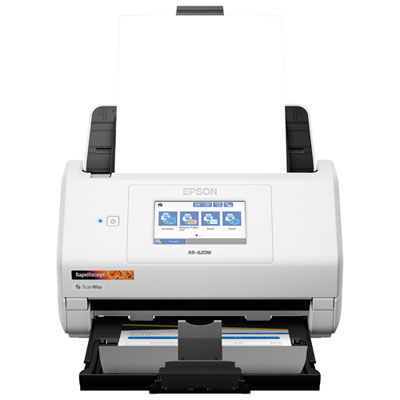
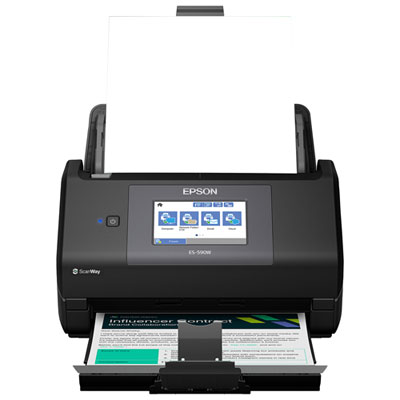
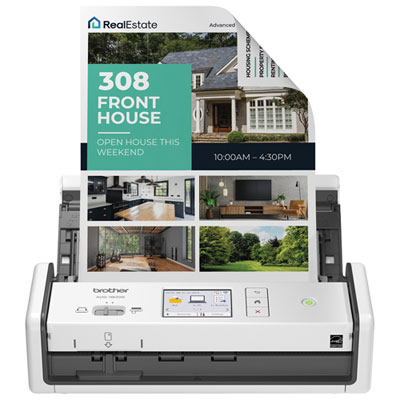
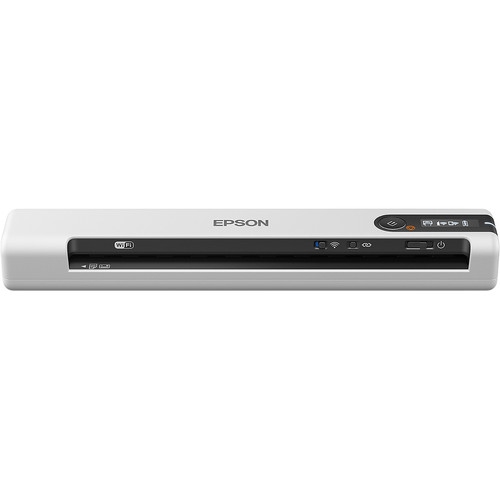
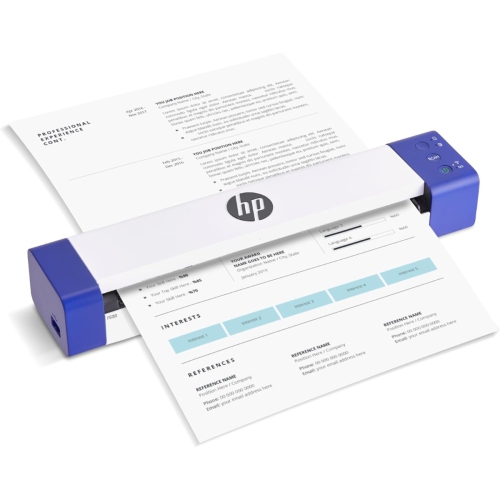
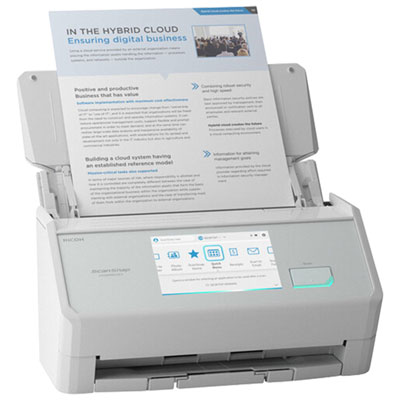
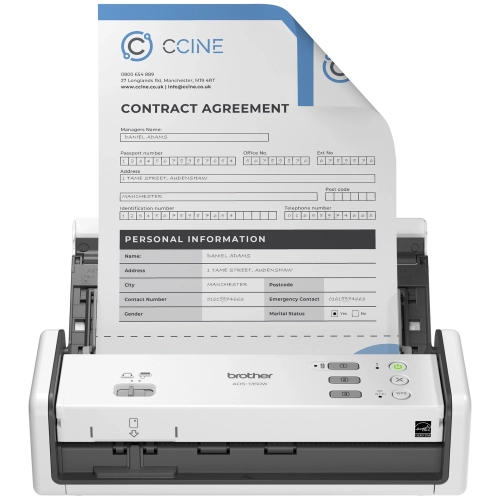
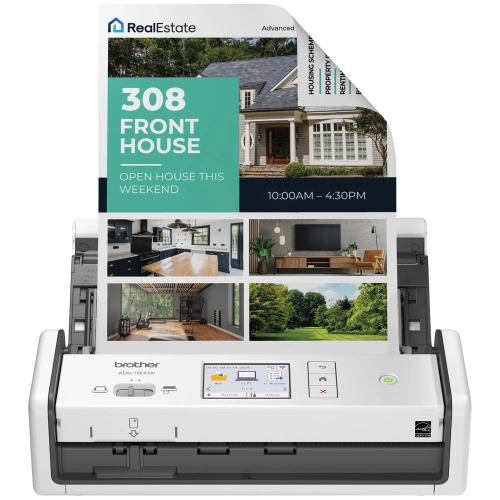

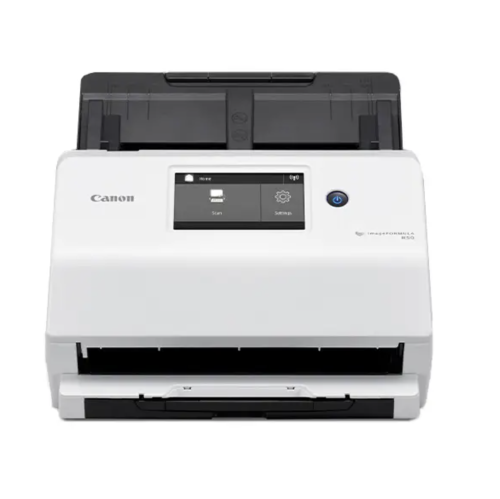

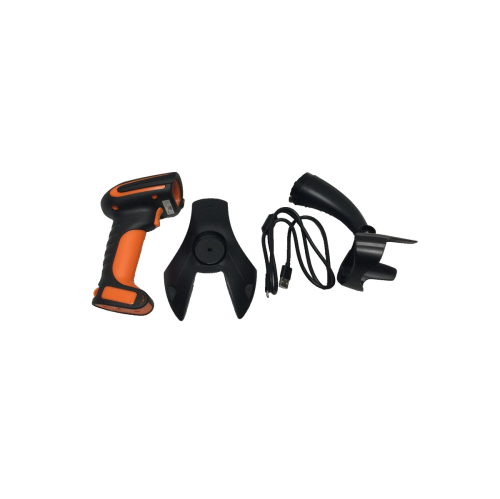
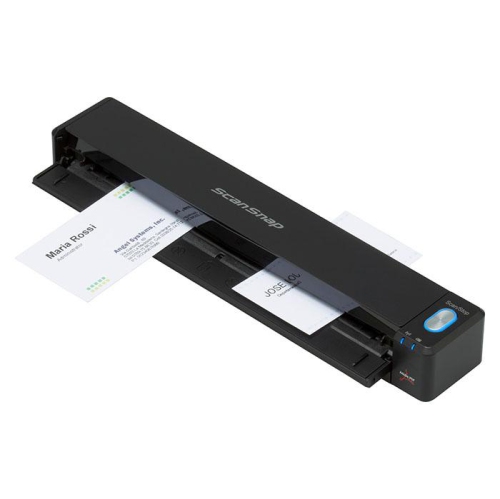
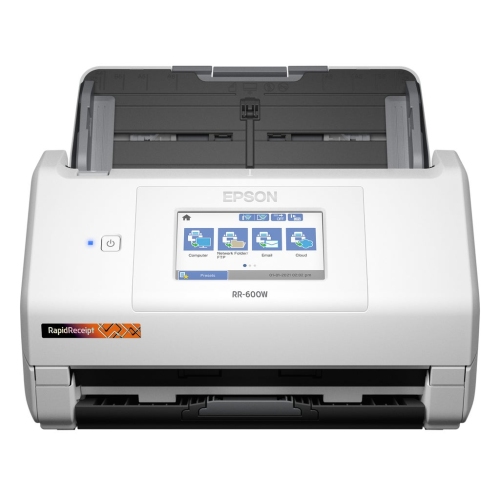
From paper stacks to searchable files over Wi-Fi
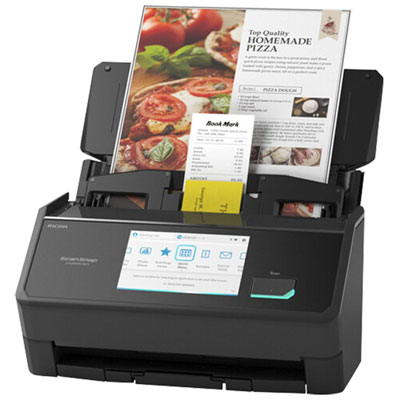
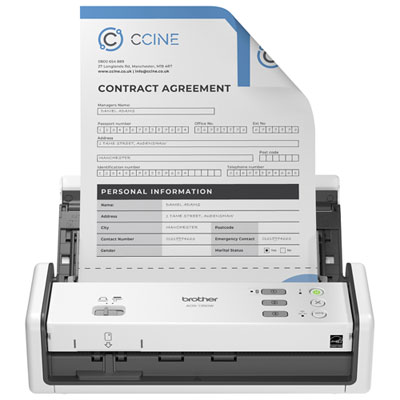
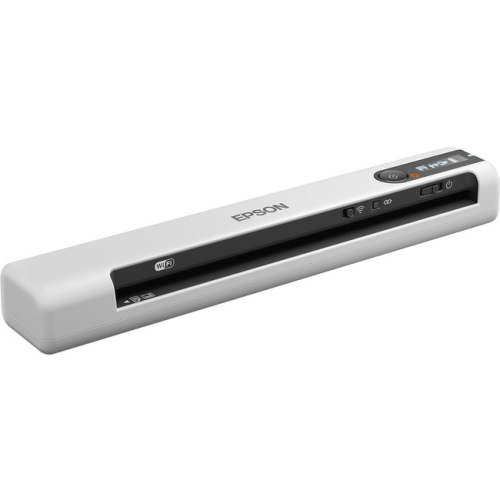
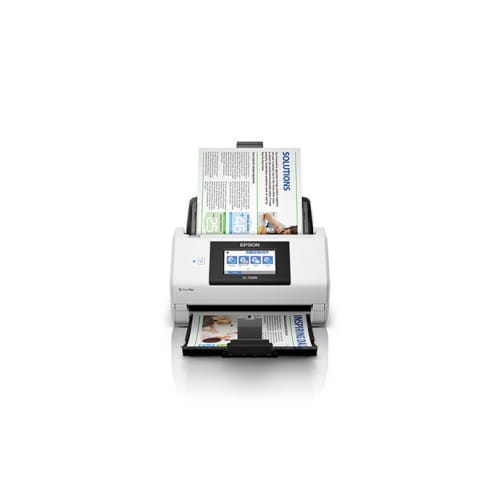
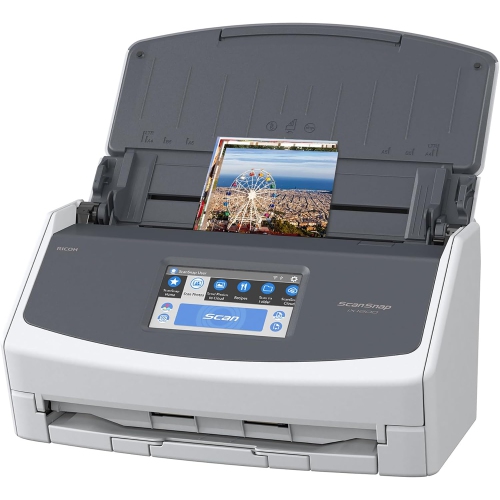
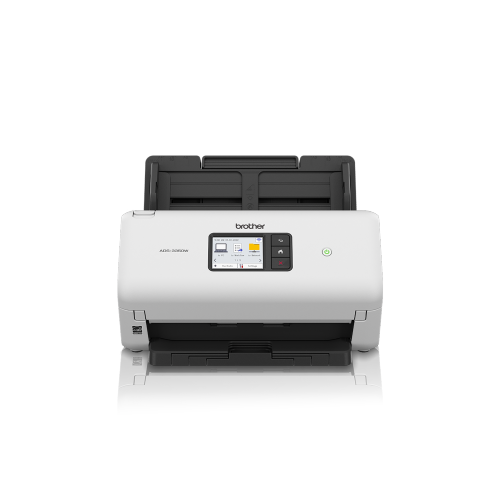
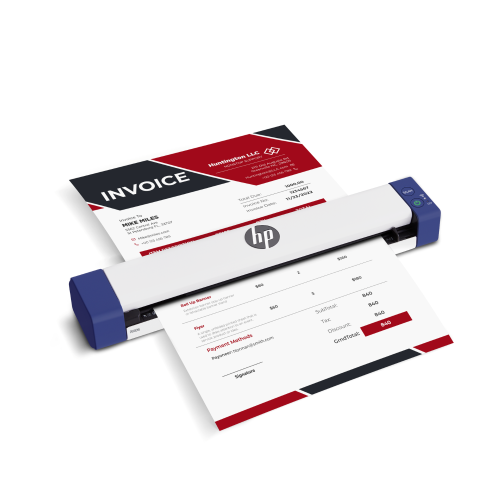
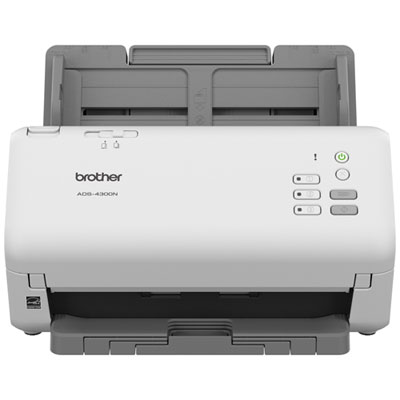
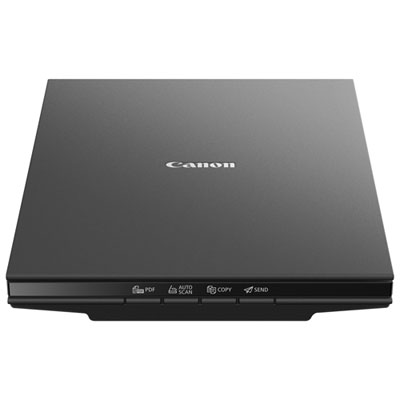
Wireless scanners for home office use make it easier to turn paper receipts, signed forms, invoices, and correspondence into digital files without running a USB cable across the desk. The most useful features for everyday paperwork are a compact footprint, automatic two-sided scanning, dependable Wi-Fi connectivity, and software that sends files to the destinations used most often. Across the selection of Wireless Scanners, different designs suit different routines: a compact sheet-fed scanner can handle regular administrative work, while a portable design may suit someone who divides their time between a home workspace and client visits. A flatbed design provides a supported surface for materials that should not pass through rollers, such as delicate originals or pages from a bound document. For a freelancer processing a stack of invoices or a household organizing insurance paperwork, an automatic document feeder reduces the need to place each sheet individually. Automatic duplex scanning captures both sides of a page without manually turning it over, which is especially useful for contracts and double-sided statements. Feeder capacity matters alongside speed: a larger input tray can accommodate a longer batch, while a smaller scanner may be easier to tuck beside a laptop. Physical fit deserves attention beyond the measurements of the closed housing. Input and output trays need room to extend, and scanned pages need somewhere to land without slipping onto the floor. A stable desktop, accessible controls, and enough clearance to open the cover make regular use more comfortable. Folding trays and a protective carrying case can be useful when a scanner moves between workspaces, while sturdy hinges and well-supported paper guides matter for repeated handling. Wireless connectivity does not necessarily mean cordless operation; many scanners still require a power adapter, and rechargeable operation is a separate feature. For shared home workspaces, a design that is straightforward to set up and put away can be more practical than a larger unit with capabilities that rarely get used.
Scan quality depends on the original document, the scanner’s optical resolution, and the settings applied during capture. Around 300 dpi is commonly suitable for clear everyday text, while higher resolution may help retain fine detail in small print, illustrations, or photographs. Larger resolutions also produce larger files, so the highest setting is not automatically the most convenient choice for emailing a signed form or saving a routine receipt. Colour scanning preserves highlighted notes, coloured charts, and annotations; greyscale or black-and-white settings may be sufficient for straightforward text documents. Optical character recognition, often called OCR, can turn supported scans into searchable PDFs or editable text, making it easier to find a supplier name inside a folder of invoices. Accuracy varies with print quality, page alignment, handwriting, and software support, so important amounts, dates, and names still benefit from a quick review. Automatic cropping, straightening, blank-page removal, and background adjustment can reduce repetitive editing when processing a mixed batch. Paper handling is just as important as image quality. Letter-size pages, legal-size documents, narrow receipts, and cards may have different feeding requirements, and not every scanner accepts every size or thickness. Thermal receipts that curl at the edges and documents with folds may need extra preparation; staples and paper clips should be removed before feeding. Fragile originals and photographs require a suitable scanning method rather than being pushed through a feeder intended for ordinary office paper. Speed specifications also need context. Pages per minute generally describe sheets processed under stated conditions, while images per minute can count each scanned side separately. A two-sided sheet may therefore produce two images. Higher resolution, text recognition, wireless transfer, and saving to a remote destination can all affect the time between loading a batch and opening the finished file. For everyday use, reliable feeding and a clear preview screen can matter as much as a headline speed figure, particularly when a missing page would mean checking an entire document again.
A wireless connection is most useful when it works smoothly with the devices and filing habits already in place. Wi-Fi band support, network security compatibility, and software requirements vary, so compatibility with the home router, computer operating system, and mobile devices is worth confirming. Some scanners use a companion app or desktop application to start scans and manage settings; others offer more controls on the scanner itself. Direct wireless connections may be supported on certain designs, but they should not be assumed to work the same way as joining a household Wi-Fi network. Cloud integration can help a home-based business save documents into shared folders or let a student retrieve scanned notes from another device. The available destinations depend on the scanner and its software, and some workflows require an account, an internet connection, or a computer to remain involved. Local saving can be useful for sensitive paperwork or for routines that do not need an online destination. Searchable PDFs suit many document archives, while image formats may be more appropriate for pictures or individual graphics. Consistent file names, such as a date followed by a client or document name, make the resulting folders easier to navigate. Security deserves particular attention when scanning identification, financial statements, or confidential client information: password-protected network access, supported software updates, and carefully chosen sharing permissions all contribute to a more controlled workflow. Regular care helps preserve performance, too. Dust on the scanning glass can appear as a line across every page, while worn or dirty rollers may cause slipping or uneven feeding. Cleaning should follow the manufacturer’s directions, with suitable materials and no liquid sprayed directly into the scanner. Accessible cleaning areas, replaceable feed components, and a recommended daily scanning volume that matches the workload are useful considerations for long-term use. Whether the task is submitting forms, maintaining client files, or clearing a small stack of household paperwork, a well-matched wireless scanner supports a repeatable routine: load the documents, check the scan, and save each file where it belongs.
Scan quality depends on the original document, the scanner’s optical resolution, and the settings applied during capture. Around 300 dpi is commonly suitable for clear everyday text, while higher resolution may help retain fine detail in small print, illustrations, or photographs. Larger resolutions also produce larger files, so the highest setting is not automatically the most convenient choice for emailing a signed form or saving a routine receipt. Colour scanning preserves highlighted notes, coloured charts, and annotations; greyscale or black-and-white settings may be sufficient for straightforward text documents. Optical character recognition, often called OCR, can turn supported scans into searchable PDFs or editable text, making it easier to find a supplier name inside a folder of invoices. Accuracy varies with print quality, page alignment, handwriting, and software support, so important amounts, dates, and names still benefit from a quick review. Automatic cropping, straightening, blank-page removal, and background adjustment can reduce repetitive editing when processing a mixed batch. Paper handling is just as important as image quality. Letter-size pages, legal-size documents, narrow receipts, and cards may have different feeding requirements, and not every scanner accepts every size or thickness. Thermal receipts that curl at the edges and documents with folds may need extra preparation; staples and paper clips should be removed before feeding. Fragile originals and photographs require a suitable scanning method rather than being pushed through a feeder intended for ordinary office paper. Speed specifications also need context. Pages per minute generally describe sheets processed under stated conditions, while images per minute can count each scanned side separately. A two-sided sheet may therefore produce two images. Higher resolution, text recognition, wireless transfer, and saving to a remote destination can all affect the time between loading a batch and opening the finished file. For everyday use, reliable feeding and a clear preview screen can matter as much as a headline speed figure, particularly when a missing page would mean checking an entire document again.
A wireless connection is most useful when it works smoothly with the devices and filing habits already in place. Wi-Fi band support, network security compatibility, and software requirements vary, so compatibility with the home router, computer operating system, and mobile devices is worth confirming. Some scanners use a companion app or desktop application to start scans and manage settings; others offer more controls on the scanner itself. Direct wireless connections may be supported on certain designs, but they should not be assumed to work the same way as joining a household Wi-Fi network. Cloud integration can help a home-based business save documents into shared folders or let a student retrieve scanned notes from another device. The available destinations depend on the scanner and its software, and some workflows require an account, an internet connection, or a computer to remain involved. Local saving can be useful for sensitive paperwork or for routines that do not need an online destination. Searchable PDFs suit many document archives, while image formats may be more appropriate for pictures or individual graphics. Consistent file names, such as a date followed by a client or document name, make the resulting folders easier to navigate. Security deserves particular attention when scanning identification, financial statements, or confidential client information: password-protected network access, supported software updates, and carefully chosen sharing permissions all contribute to a more controlled workflow. Regular care helps preserve performance, too. Dust on the scanning glass can appear as a line across every page, while worn or dirty rollers may cause slipping or uneven feeding. Cleaning should follow the manufacturer’s directions, with suitable materials and no liquid sprayed directly into the scanner. Accessible cleaning areas, replaceable feed components, and a recommended daily scanning volume that matches the workload are useful considerations for long-term use. Whether the task is submitting forms, maintaining client files, or clearing a small stack of household paperwork, a well-matched wireless scanner supports a repeatable routine: load the documents, check the scan, and save each file where it belongs.
Top selling and popular products
-
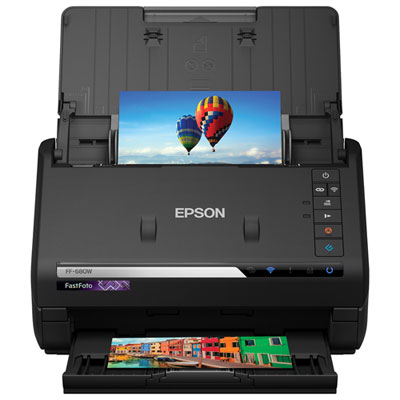 Your price for this item is $699.99
-
 Your price for this item is $107.99
-
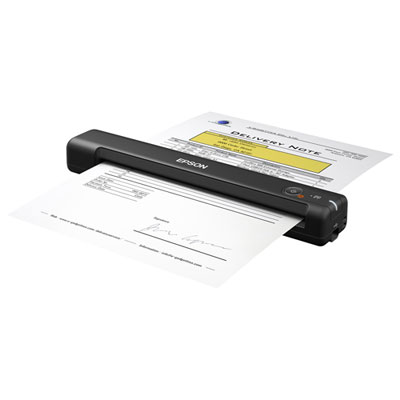 Your price for this item is $179.99
-
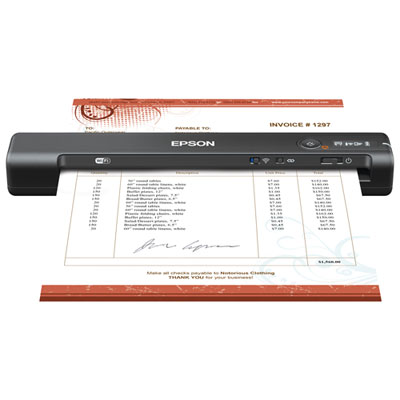 Your price for this item is $199.99
-
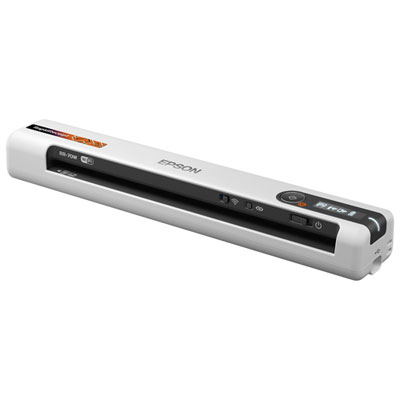 Your price for this item is $289.99
-
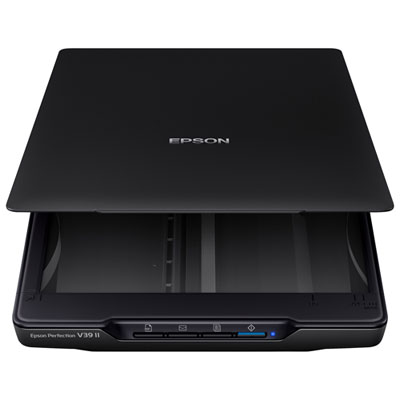 Your price for this item is $139.99
-
 Your price for this item is $199.99
-
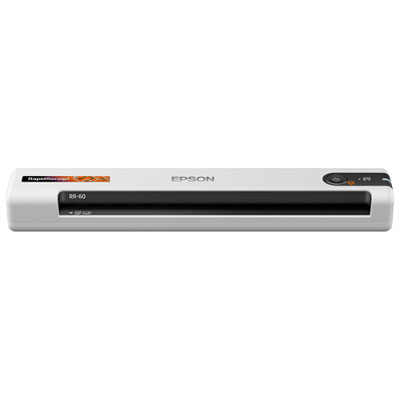 Your price for this item is $319.99
Discover more categories related to Wireless Scanners for Home Office
Top Collections:
Best Black Friday Deals This Year, Best Black Friday Deals On Electronics, Kindle Devices, Pokemon Centers, Best Black Friday Deals On Apple Products, Best Cameras for Sports Photography, Dyson Airwrap, Pokémon 30th Celebration Cards, Apple iPhone 17 Pro, Canon G7X Cameras
Some products may be subject to Environmental Handling Fees
(EHF) depending on your province.
Learn more about EHFs.