Aluminum 65 Keyboards
Discover the perfect balance of style and performance with an Aluminum 65 Keyboard. Designed for both casual users and dedicated enthusiasts, these keyboards offer a modern typing experience that complements any workspace. With their compact layout and premium aluminum construction, Aluminum 65 Keyboards are ideal for those seeking efficiency without sacrificing aesthetics. Explore a range of options to find the ideal fit for your setup and elevate your productivity with ease.
Sort
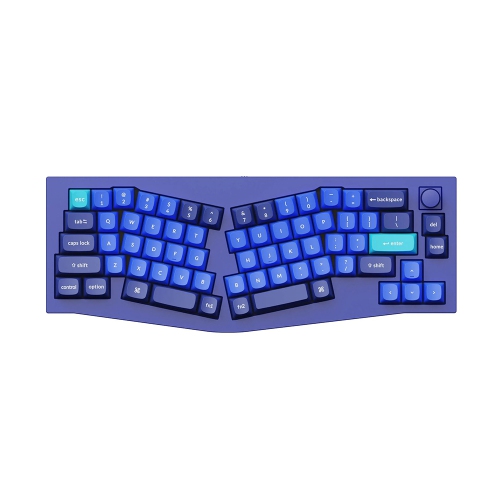
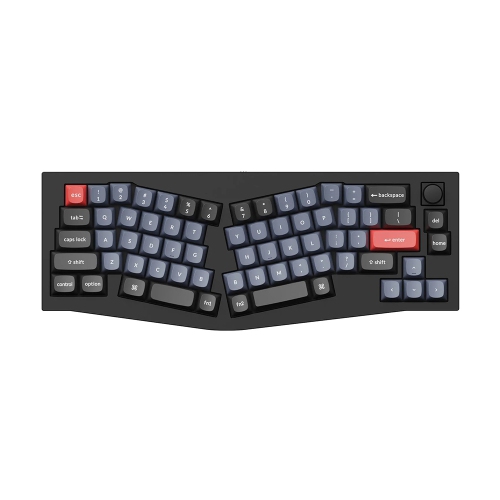
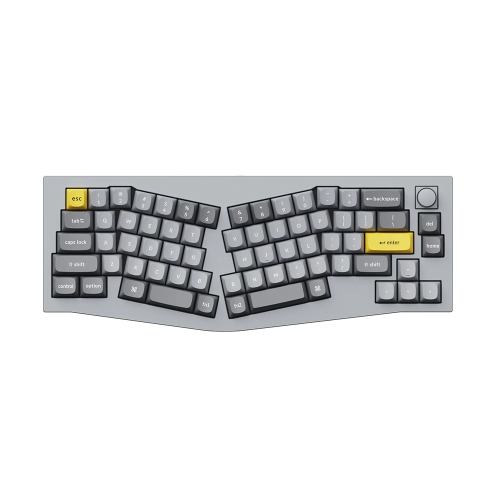
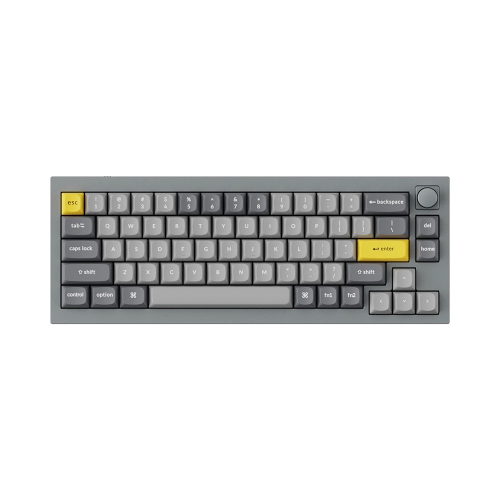
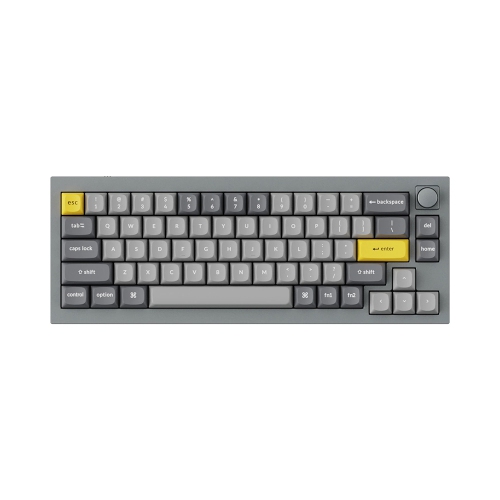
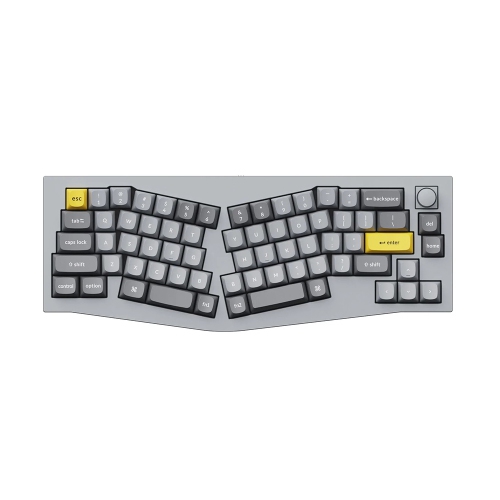
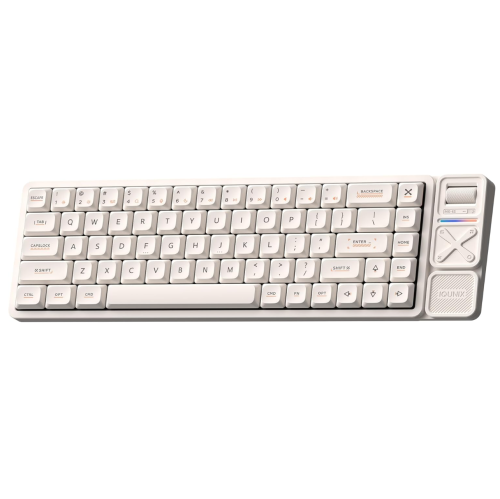
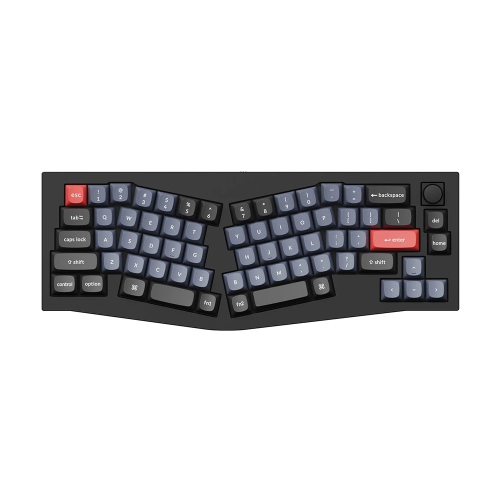
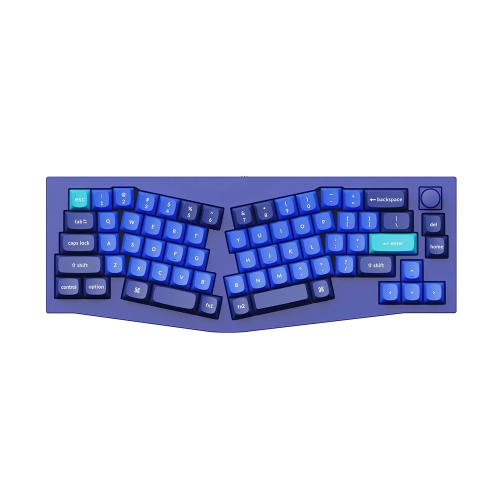
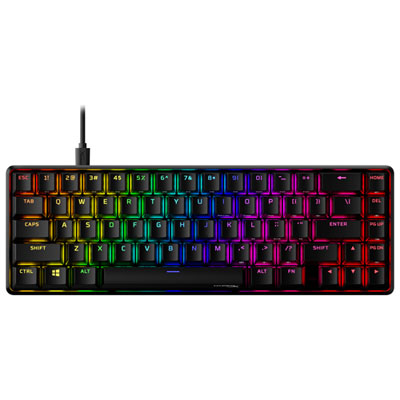
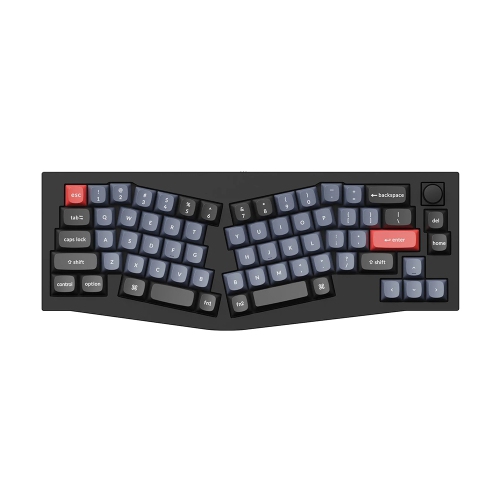
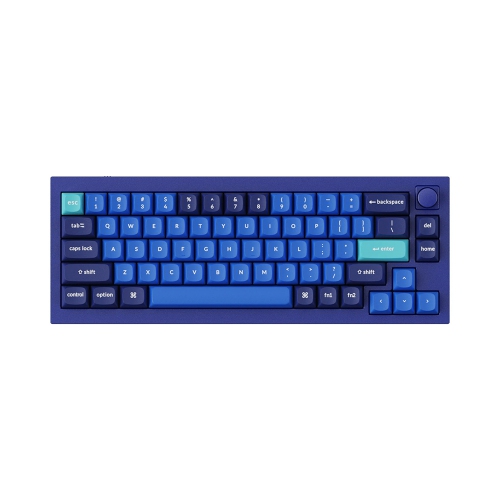
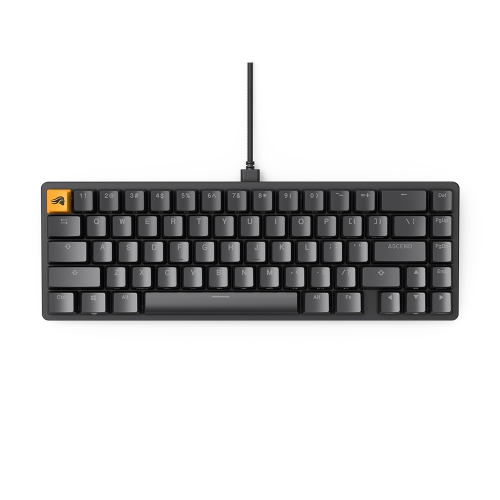
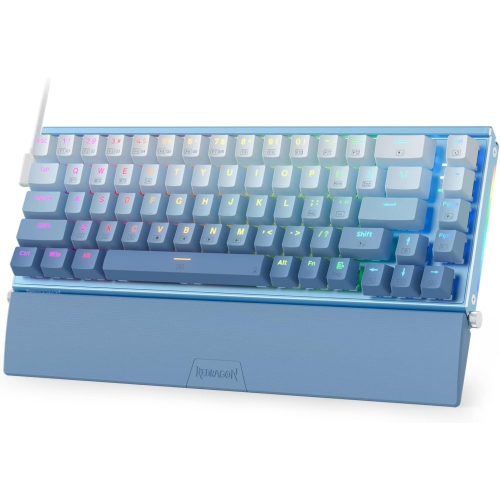
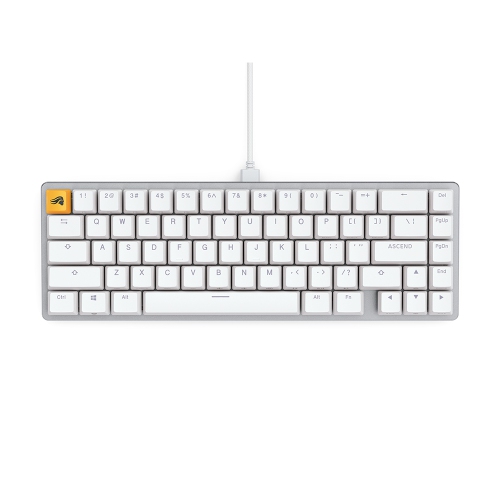
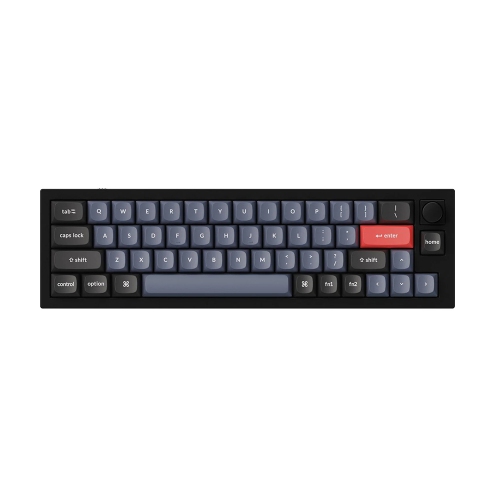
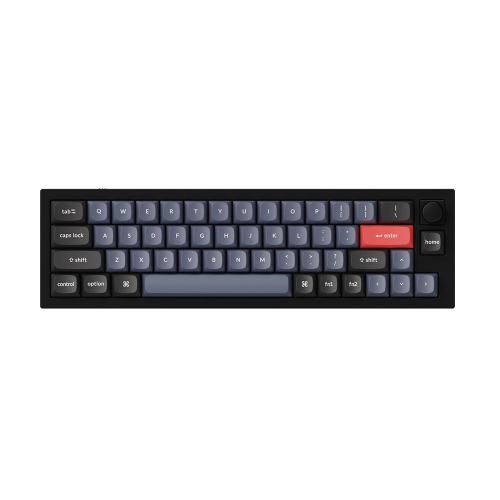
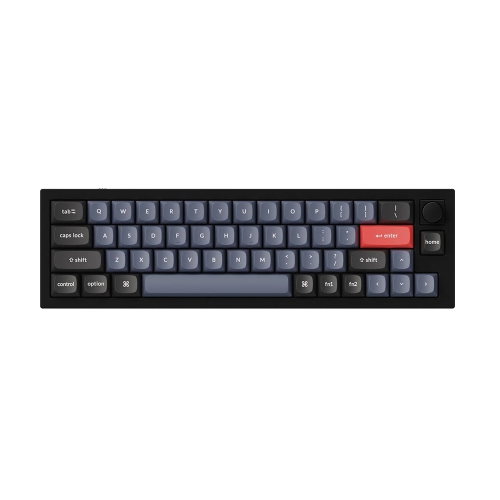
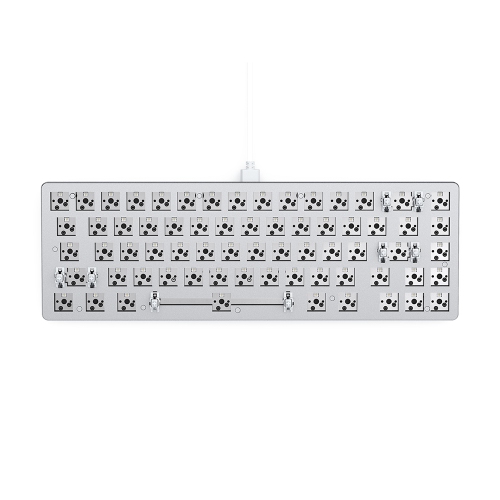
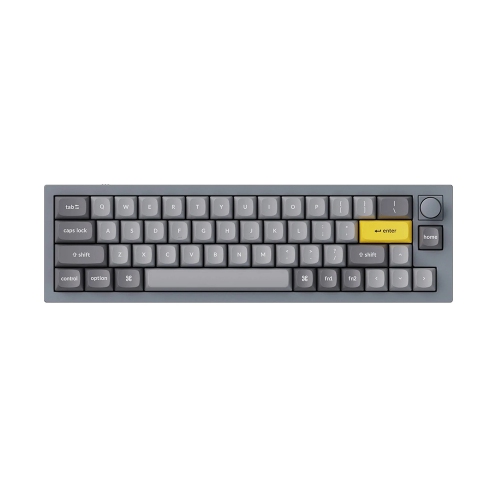
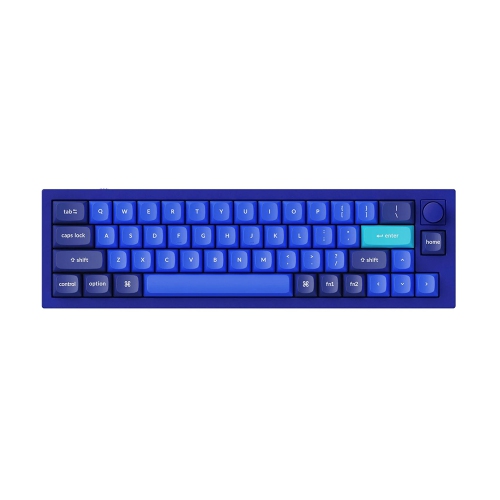
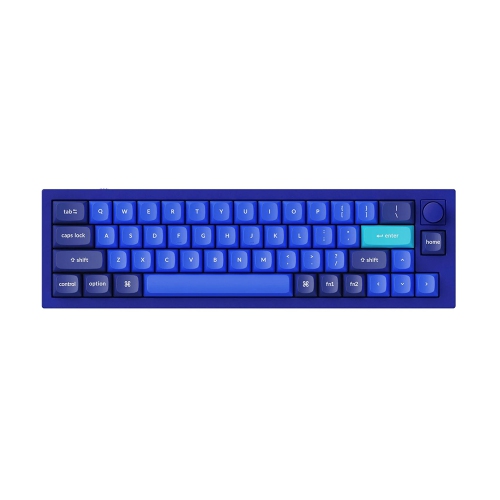
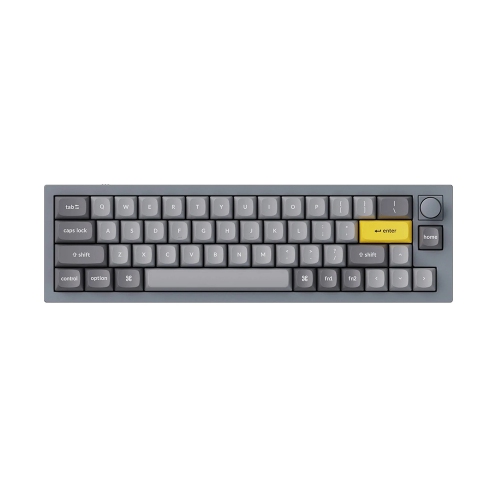
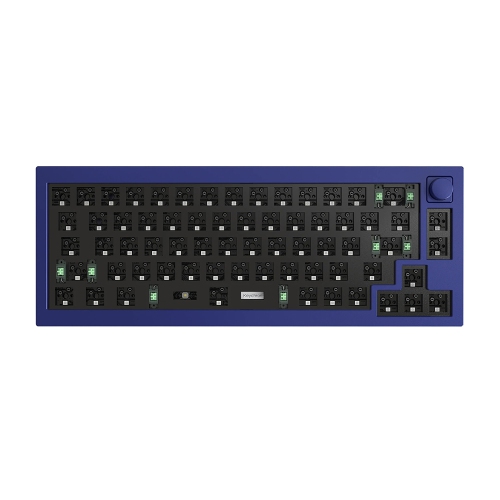
More mouse room without giving up dedicated arrow keys
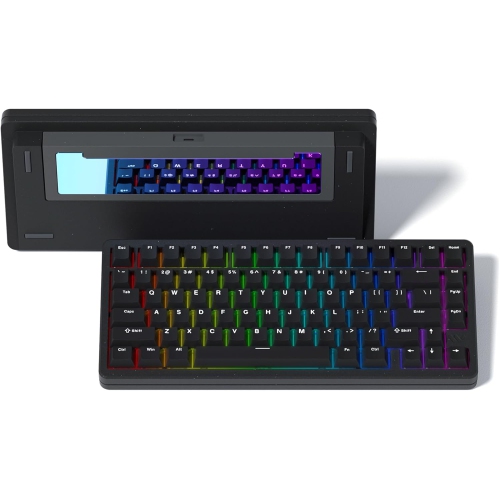
Aluminum 65% keyboards pair a compact mechanical keyboard layout with a metal housing, giving a desk a substantial, tidy centrepiece without the footprint of a full-size board. The 65% designation describes the layout rather than an exact count of 65 keys: these keyboards typically retain the main typing area, dedicated arrow keys, and a small selection of navigation keys while leaving out the number pad and separate function row. That balance suits everyday writing, gaming, coding, and schoolwork, especially when arrow keys are useful but desk space is limited. On a narrow desk, the shorter case leaves more room for a mouse, notebook, or drawing tablet. For gaming, it can also allow wider mouse movements without pushing the keyboard far to one side. Function keys and some navigation commands are usually accessed through a function layer, so the placement of Delete, Home, and Page Up can make a noticeable difference to familiar workflows. Someone who enters long columns of figures may prefer a separate number pad alongside the compact board. Aluminum cases bring rigidity and weight, helping the keyboard feel planted during fast typing, although grip also depends on the feet and desk surface. Construction varies: a keyboard described as aluminum may have a full metal enclosure or an aluminum top plate paired with another housing material. Machined edges, the finish around the USB port, and the fit between case sections all contribute to how the board feels in daily use. Anodized and painted finishes can offer different textures and colours, but neither makes a case immune to scratches or dents. Case dimensions and weight matter for anyone moving between home and an office, since a small metal keyboard can still feel hefty in a laptop bag. The broader Aluminum Keyboards collection provides context for other layouts, while the appeal of the 65% format remains its combination of compact proportions, arrow-key access, and a firm metal build.
Typing feel depends on much more than the outer case. Mechanical switches, keycaps, the internal plate, and the way the typing assembly sits inside the housing all influence each keystroke. Linear switches move smoothly through their travel, tactile switches provide a noticeable bump, and clicky switches add a distinct audible click. These are different preferences rather than a simple ranking of quality: a gamer may enjoy smooth repeated inputs, while a writer may appreciate feedback beneath the fingers during a long draft. In a shared office or a room used for video calls, switch noise deserves particular attention. An aluminum enclosure is not automatically quiet, and the final sound also depends on the desk beneath it, typing force, stabilizers, and internal dampening. A desk mat can soften noise transmitted into the work surface, but it will not remove the click of a clicky switch. Gasket-mounted designs use flexible material to support the typing assembly and can provide a more cushioned feel, although the amount of movement varies between designs. Firmer mounting arrangements may appeal to people who prefer a less yielding surface. Keycap material and shape matter as well. PBT keycaps generally resist developing a shiny surface with use, while ABS keycaps can offer a smooth feel and varied finishes; thickness and manufacturing quality influence both. Sculpted keycap rows can help fingertips settle into position, and clear legends make unfamiliar function-layer shortcuts easier to learn. Compact layouts sometimes use a shorter right Shift key or differently sized keys along the bottom row, so replacement keycap sets need to match the actual layout. Hot-swappable sockets, where included, allow compatible switches to be changed without soldering, but switch type and pin compatibility still need checking. Fully assembled keyboards suit anyone wanting a straightforward setup, while barebones kits may require switches and keycaps before use. For either format, stable larger keys and a comfortable front-edge height can matter more over an afternoon of typing than decorative lighting or an elaborate finish.
Connection options shape how comfortably an aluminum 65% keyboard fits into a daily routine. A wired USB connection offers a straightforward setup without battery charging, while wireless designs may support Bluetooth, a dedicated USB receiver, or both. These features vary by keyboard and should not be assumed from the case material or layout. Bluetooth can be convenient for switching between compatible devices, whereas a dedicated receiver may suit gaming when responsive input is a priority; actual performance depends on the keyboard and connection mode. Battery life also varies with lighting brightness, wireless settings, and usage, so a large battery capacity alone does not establish how long a board will run between charges. A detachable cable can simplify packing and replacement, but the connector opening needs enough clearance for the cable plug. Operating-system support is another practical detail, particularly for users moving between Windows and macOS or working with French-language layouts. Printed legends, software remapping, and the operating system’s selected input language are related but separate considerations. On a compact board, accessible shortcut layers and onboard profile storage, when supported, can make switching tasks less disruptive. Physical comfort deserves equal attention: a thick case may feel better with a suitably sized wrist rest, and an adjustable typing angle can help accommodate different desk heights and preferences. For care, disconnect the keyboard before cleaning, use a soft cloth on the case, and keep moisture away from switches, ports, and seams. Follow the manufacturer’s cleaning directions, avoid abrasive cleaners, and remove loose debris regularly rather than allowing it to collect beneath the keycaps. Unless explicitly rated otherwise, a metal case should not be treated as spill-resistant. A padded sleeve helps protect the finish in transit. As a gift for a student, programmer, gamer, or enthusiastic typist, this format is most useful when its layout, sound, and connection options match the recipient’s habits. The lasting attraction is a compact workspace with satisfying key feel and enough everyday controls close at hand.
Typing feel depends on much more than the outer case. Mechanical switches, keycaps, the internal plate, and the way the typing assembly sits inside the housing all influence each keystroke. Linear switches move smoothly through their travel, tactile switches provide a noticeable bump, and clicky switches add a distinct audible click. These are different preferences rather than a simple ranking of quality: a gamer may enjoy smooth repeated inputs, while a writer may appreciate feedback beneath the fingers during a long draft. In a shared office or a room used for video calls, switch noise deserves particular attention. An aluminum enclosure is not automatically quiet, and the final sound also depends on the desk beneath it, typing force, stabilizers, and internal dampening. A desk mat can soften noise transmitted into the work surface, but it will not remove the click of a clicky switch. Gasket-mounted designs use flexible material to support the typing assembly and can provide a more cushioned feel, although the amount of movement varies between designs. Firmer mounting arrangements may appeal to people who prefer a less yielding surface. Keycap material and shape matter as well. PBT keycaps generally resist developing a shiny surface with use, while ABS keycaps can offer a smooth feel and varied finishes; thickness and manufacturing quality influence both. Sculpted keycap rows can help fingertips settle into position, and clear legends make unfamiliar function-layer shortcuts easier to learn. Compact layouts sometimes use a shorter right Shift key or differently sized keys along the bottom row, so replacement keycap sets need to match the actual layout. Hot-swappable sockets, where included, allow compatible switches to be changed without soldering, but switch type and pin compatibility still need checking. Fully assembled keyboards suit anyone wanting a straightforward setup, while barebones kits may require switches and keycaps before use. For either format, stable larger keys and a comfortable front-edge height can matter more over an afternoon of typing than decorative lighting or an elaborate finish.
Connection options shape how comfortably an aluminum 65% keyboard fits into a daily routine. A wired USB connection offers a straightforward setup without battery charging, while wireless designs may support Bluetooth, a dedicated USB receiver, or both. These features vary by keyboard and should not be assumed from the case material or layout. Bluetooth can be convenient for switching between compatible devices, whereas a dedicated receiver may suit gaming when responsive input is a priority; actual performance depends on the keyboard and connection mode. Battery life also varies with lighting brightness, wireless settings, and usage, so a large battery capacity alone does not establish how long a board will run between charges. A detachable cable can simplify packing and replacement, but the connector opening needs enough clearance for the cable plug. Operating-system support is another practical detail, particularly for users moving between Windows and macOS or working with French-language layouts. Printed legends, software remapping, and the operating system’s selected input language are related but separate considerations. On a compact board, accessible shortcut layers and onboard profile storage, when supported, can make switching tasks less disruptive. Physical comfort deserves equal attention: a thick case may feel better with a suitably sized wrist rest, and an adjustable typing angle can help accommodate different desk heights and preferences. For care, disconnect the keyboard before cleaning, use a soft cloth on the case, and keep moisture away from switches, ports, and seams. Follow the manufacturer’s cleaning directions, avoid abrasive cleaners, and remove loose debris regularly rather than allowing it to collect beneath the keycaps. Unless explicitly rated otherwise, a metal case should not be treated as spill-resistant. A padded sleeve helps protect the finish in transit. As a gift for a student, programmer, gamer, or enthusiastic typist, this format is most useful when its layout, sound, and connection options match the recipient’s habits. The lasting attraction is a compact workspace with satisfying key feel and enough everyday controls close at hand.
Top selling and popular products
-
 Your price for this item is $39.99
 -
 Your price for this item is $94.99
 -
 Your price for this item is $319.99
 -
 Your price for this item is $364.99
 -
 Your price for this item is $149.99
 -
 Your price for this item is $124
 -
 Your price for this item is $94.99
 -
 Your price for this item is $139.99
Discover more categories related to Aluminum 65 Keyboards

Top Collections:
Pokemon Centers, Best Cameras for Sports Photography, Kindle Devices, Samsung Galaxy Phones, Canon G7X Cameras, Pokémon 30th Celebration Cards, Refurbished Apple Laptops, iPhone 15 Apple, Laptops for Students, Budget Smartphones
Some products may be subject to Environmental Handling Fees
(EHF) depending on your province.
Learn more about EHFs.