Tablets for Reading
Tablets for Reading offer a convenient and versatile way to enjoy your favorite books, magazines, and digital publications. With a range of options designed for comfort and clarity, these tablets provide an enjoyable reading experience whether you're at home or on the go. Explore features that make it easy to browse, download, and organize your library, so you can immerse yourself in stories, research, or study materials anytime. Find the perfect Tablets for Reading to match your lifestyle and reading preferences.
Sort

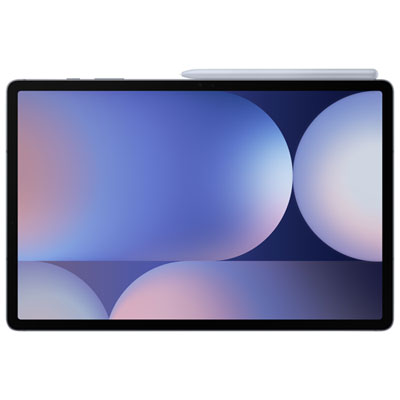
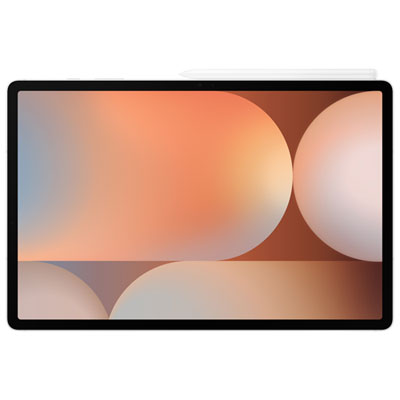
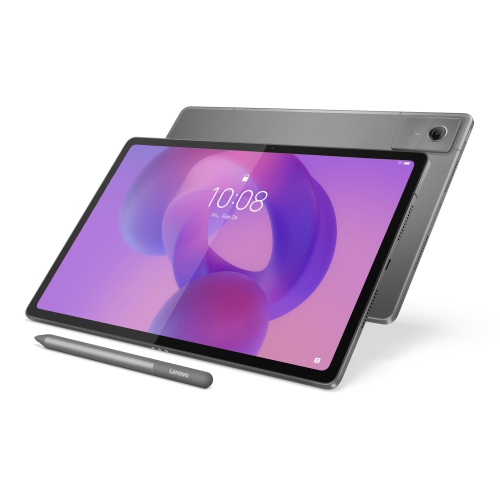
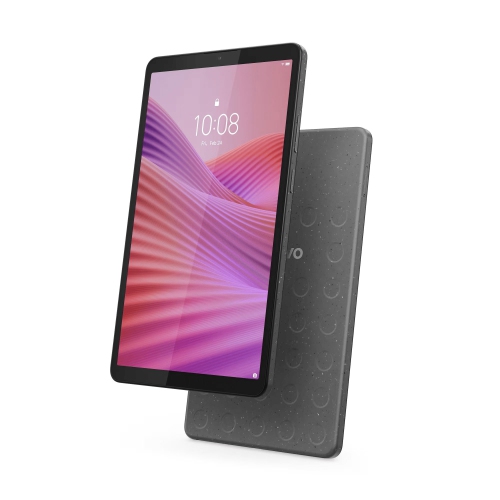


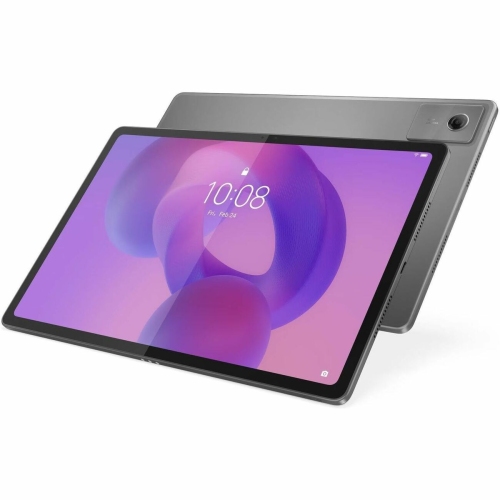
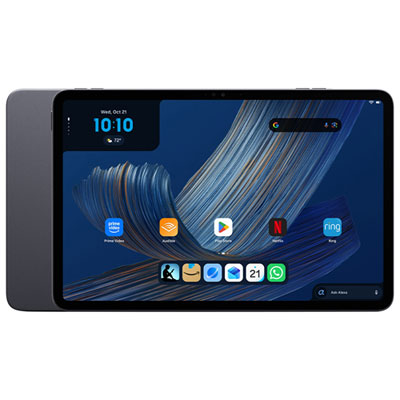
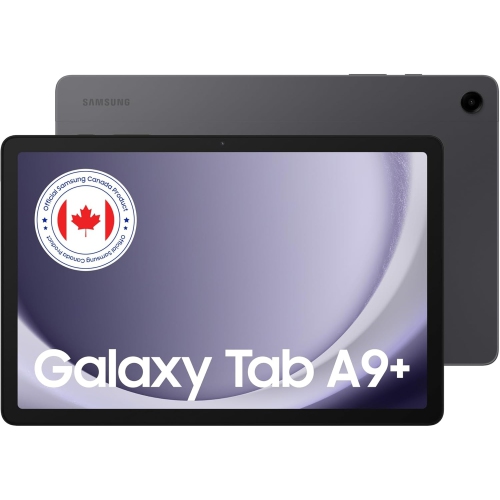
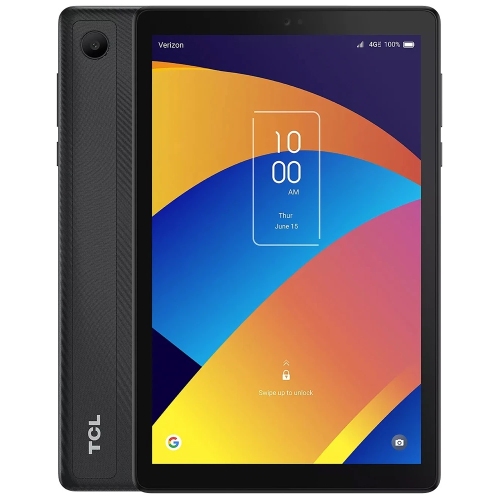
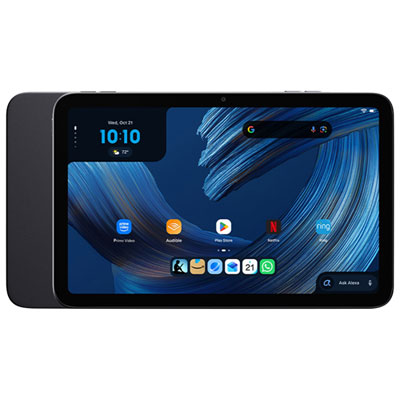

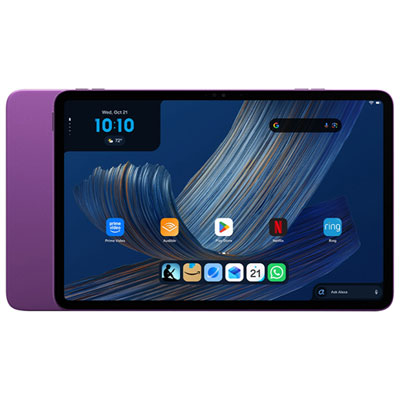


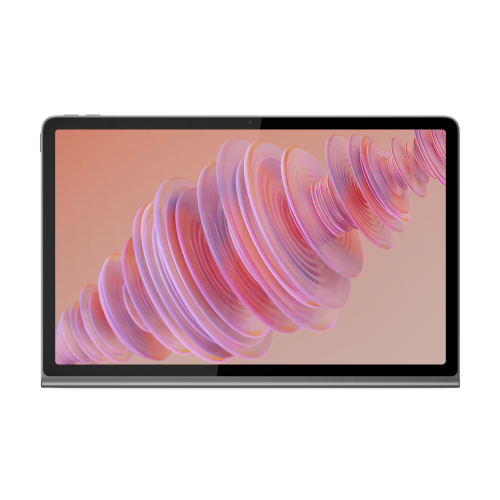

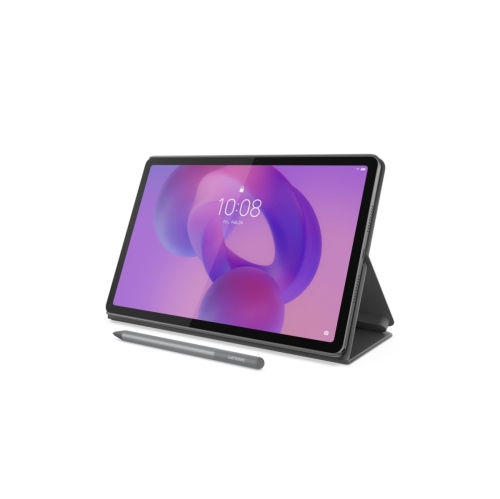
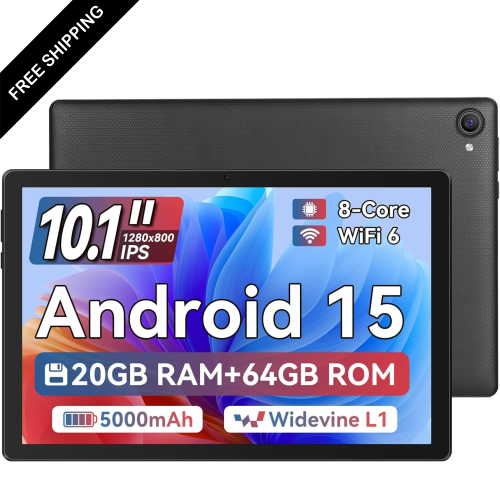
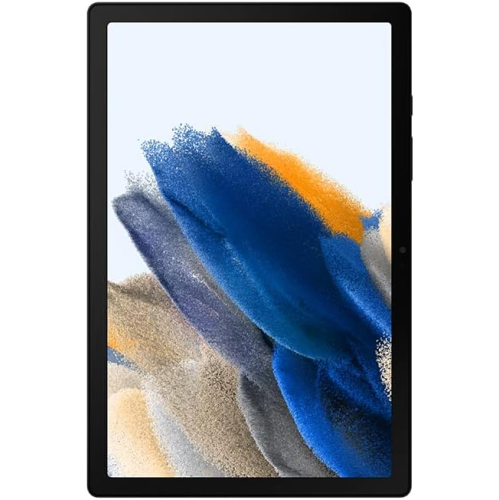
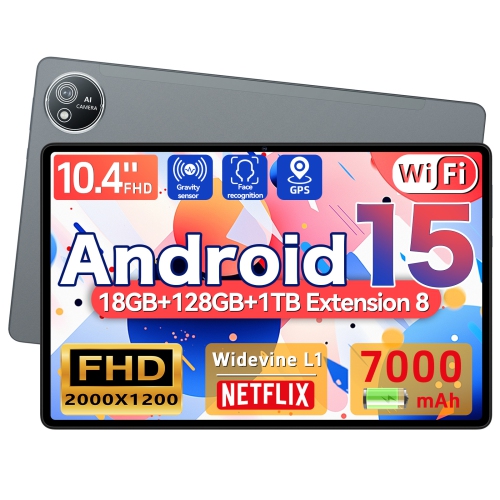
Comfortable reading takes more than a sharp screen
Tablets for reading bring books, magazines, newspapers, comics, and longer documents together on a portable screen, with the flexibility to move from a novel to a recipe or an illustrated reference book without changing devices. The most useful display depends on what fills those pages. A compact tablet with a 7- or 8-inch screen can be comfortable to hold on a train or tuck into a small bag, while a 10- to 13-inch display gives magazine layouts, graphic novels, and full-page PDFs more room. Larger screens can reduce the need to zoom and pan across a document, although the device’s weight and balance matter just as much during a long chapter. Sharp text is especially valuable at smaller font sizes; screen resolution and pixel density both contribute to how clearly letter edges appear. LCD and OLED tablets display colour illustrations and support responsive scrolling, video, and a wide range of apps. Dedicated electronic ink readers take a different approach, using a paper-like display that is well suited to mostly static text but generally less responsive for animation and rapid navigation. Some electronic ink devices also support colour, though their colour range and appearance differ from conventional tablet screens. For an all-purpose reading tablet, adjustable brightness, useful viewing angles, and clear text at a comfortable size often matter more than specifications intended for demanding games. Reflections are another practical consideration: glossy glass can make artwork look vivid, but a nearby lamp or window may appear on the screen. A matte screen protector may soften reflections, with some trade-off in image clarity. Reading apps that let users customize font size, spacing, margins, and page colour can make a substantial difference, particularly when several people share a device. Dark modes and warmer display settings offer additional ways to adjust the appearance of a page, although individual preferences vary. A well-matched tablet makes the text easy to follow without requiring the reader to keep adjusting their grip, repositioning the screen, or enlarging each page.
The reading experience also depends on the software behind the screen. Tablets can support e-book stores, library borrowing apps, web browsers, audiobook services, and document readers, but compatibility varies by operating system, app requirements, and the publication’s file format. Canadian public library members may be able to borrow digital books, magazines, and audiobooks through services offered by their local library; access depends on library participation, borrowing limits, and supported devices. Downloaded content can be convenient for a commute or a trip without a dependable internet connection, provided the app permits offline reading and the files have been downloaded beforehand. Wi-Fi is useful for adding titles and syncing reading progress, while cellular connectivity on supported tablets requires a compatible service plan. Storage needs vary considerably: text-based books usually take up less space than richly illustrated publications, scanned textbooks, or downloaded audiobooks. Expandable storage, where supported, may help with large files, but some apps restrict what can be saved to a memory card. Readers who switch between a tablet and another device may appreciate bookmarks, highlights, and notes that sync within the same service. Students and professionals working with dense PDFs often benefit from a larger display, reliable document search, and annotation tools that support their workflow. A compatible stylus can make handwritten comments feel more natural, though pen support and included accessories differ between tablets. Split-screen features, where available, can keep reference material beside a notes app, while a reading mode or notification settings can reduce interruptions. Battery life deserves similar attention to everyday use: display brightness, wireless connections, audio playback, and other active apps all affect how long a charge lasts. Manufacturer battery estimates reflect particular test conditions rather than every reading routine. For shoppers considering Samsung Tablets for Reading, these same details help connect familiar tablet functions with the practical demands of books, articles, and study materials. Accessible reading features, including text enlargement, screen readers, and text-to-speech for supported content, can also broaden how a digital library is enjoyed.
Comfort and durability become especially noticeable once a tablet is part of a daily reading habit. A device that feels light during a brief demonstration may feel different after an hour held above a sofa cushion, so overall dimensions, edge shape, and the weight of an added case all contribute to its fit. Metal housings can feel firm and substantial, while plastic housings may offer a different balance of weight and grip; neither material alone determines how well a tablet will withstand everyday handling. A fitted folio can protect the screen inside a bag and fold into a stand for reading at a table. Case compatibility depends on the exact tablet model and generation, including camera placement, button access, and charging port position. An adjustable stand can be useful for a cookbook on a kitchen countertop, a textbook on a desktop, or hands-free reading beside a chair. Protective accessories add convenience, but they do not make a device immune to drops or spills. Water resistance, when specified, applies only within the manufacturer’s stated conditions and should not be assumed for every tablet. Routine care is straightforward: a clean, soft microfibre cloth helps remove fingerprints, while abrasive cleaners and excess moisture can damage surfaces or coatings. Charging and cleaning directions are best matched to the device manufacturer’s recommendations. Reading tablets can make thoughtful gifts for avid readers, students, commuters, and family members who enjoy larger text or illustrated content. For a child, manageable weight, a protective case, parental controls, and age-appropriate account settings may matter more than advanced multitasking. For someone who already has an extensive digital library, compatibility with their existing reading service helps preserve access to familiar books and notes. A tablet that suits the recipient’s grip, preferred page size, and reading habits is more likely to become an everyday companion, whether it holds a single unfinished novel or a carefully organized library of books, articles, and reference material.
The reading experience also depends on the software behind the screen. Tablets can support e-book stores, library borrowing apps, web browsers, audiobook services, and document readers, but compatibility varies by operating system, app requirements, and the publication’s file format. Canadian public library members may be able to borrow digital books, magazines, and audiobooks through services offered by their local library; access depends on library participation, borrowing limits, and supported devices. Downloaded content can be convenient for a commute or a trip without a dependable internet connection, provided the app permits offline reading and the files have been downloaded beforehand. Wi-Fi is useful for adding titles and syncing reading progress, while cellular connectivity on supported tablets requires a compatible service plan. Storage needs vary considerably: text-based books usually take up less space than richly illustrated publications, scanned textbooks, or downloaded audiobooks. Expandable storage, where supported, may help with large files, but some apps restrict what can be saved to a memory card. Readers who switch between a tablet and another device may appreciate bookmarks, highlights, and notes that sync within the same service. Students and professionals working with dense PDFs often benefit from a larger display, reliable document search, and annotation tools that support their workflow. A compatible stylus can make handwritten comments feel more natural, though pen support and included accessories differ between tablets. Split-screen features, where available, can keep reference material beside a notes app, while a reading mode or notification settings can reduce interruptions. Battery life deserves similar attention to everyday use: display brightness, wireless connections, audio playback, and other active apps all affect how long a charge lasts. Manufacturer battery estimates reflect particular test conditions rather than every reading routine. For shoppers considering Samsung Tablets for Reading, these same details help connect familiar tablet functions with the practical demands of books, articles, and study materials. Accessible reading features, including text enlargement, screen readers, and text-to-speech for supported content, can also broaden how a digital library is enjoyed.
Comfort and durability become especially noticeable once a tablet is part of a daily reading habit. A device that feels light during a brief demonstration may feel different after an hour held above a sofa cushion, so overall dimensions, edge shape, and the weight of an added case all contribute to its fit. Metal housings can feel firm and substantial, while plastic housings may offer a different balance of weight and grip; neither material alone determines how well a tablet will withstand everyday handling. A fitted folio can protect the screen inside a bag and fold into a stand for reading at a table. Case compatibility depends on the exact tablet model and generation, including camera placement, button access, and charging port position. An adjustable stand can be useful for a cookbook on a kitchen countertop, a textbook on a desktop, or hands-free reading beside a chair. Protective accessories add convenience, but they do not make a device immune to drops or spills. Water resistance, when specified, applies only within the manufacturer’s stated conditions and should not be assumed for every tablet. Routine care is straightforward: a clean, soft microfibre cloth helps remove fingerprints, while abrasive cleaners and excess moisture can damage surfaces or coatings. Charging and cleaning directions are best matched to the device manufacturer’s recommendations. Reading tablets can make thoughtful gifts for avid readers, students, commuters, and family members who enjoy larger text or illustrated content. For a child, manageable weight, a protective case, parental controls, and age-appropriate account settings may matter more than advanced multitasking. For someone who already has an extensive digital library, compatibility with their existing reading service helps preserve access to familiar books and notes. A tablet that suits the recipient’s grip, preferred page size, and reading habits is more likely to become an everyday companion, whether it holds a single unfinished novel or a carefully organized library of books, articles, and reference material.
Top selling and popular products
-
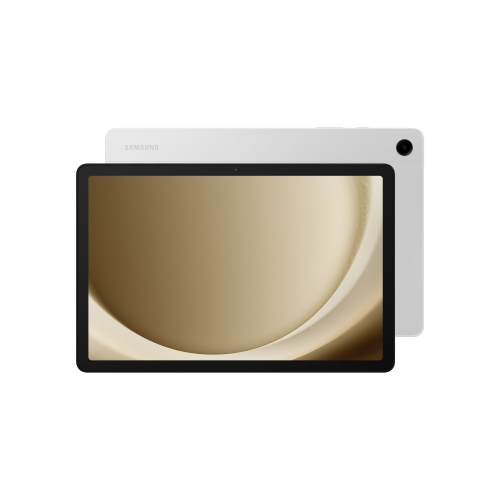 Your price for this item is $499.99
-
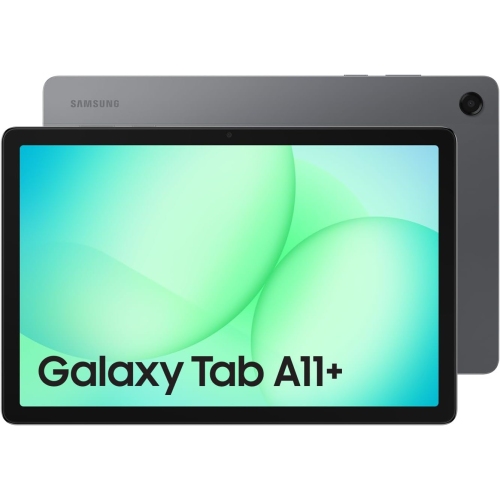 Your price for this item is $363.99
-
 Your price for this item is $579.99
-
 Your price for this item is $979.99
-
 Your price for this item is $579.99
-
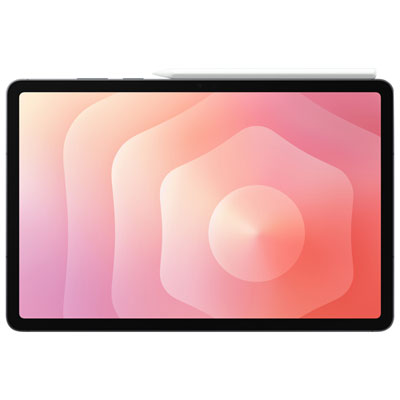 Your price for this item is $1399.99
-
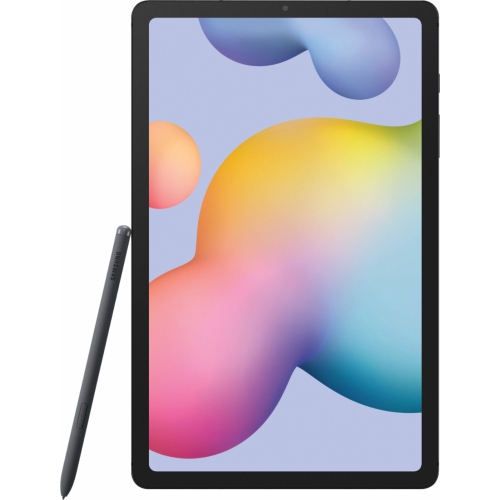 Your price for this item is $699.99
-
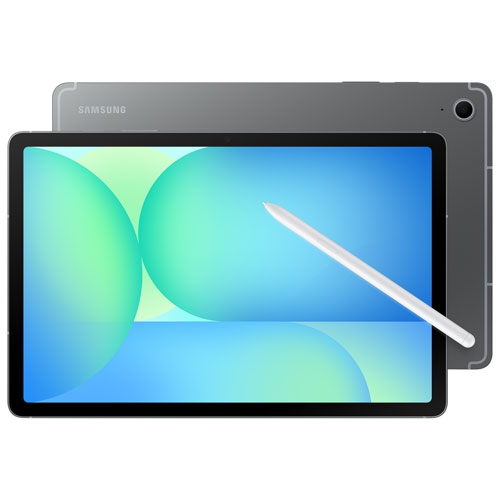 Your price for this item is $624.95
Discover more categories related to Tablets for Reading
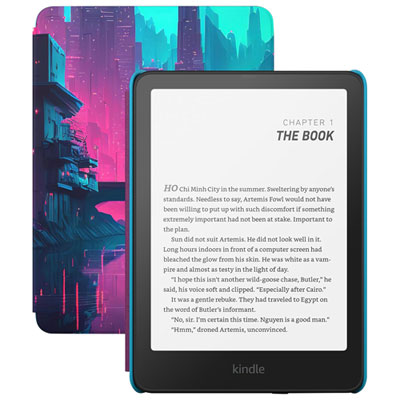
Top Collections:
Pokemon Centers, Pokémon 30th Celebration Cards, Best Budget Office Chairs, Kindle Devices, Best Cameras for Sports Photography, Canon G7X Cameras, Best Black Friday Deals On Electronics, Best Laptops for Writers, iPhone 15 Apple, Jackery Power Stations
Some products may be subject to Environmental Handling Fees
(EHF) depending on your province.
Learn more about EHFs.