Anker Docking
Anker Docking offers a convenient solution for connecting multiple devices and streamlining your workspace. With a range of options designed to enhance productivity, these docking stations make it easy to manage your laptop, monitor, and accessories from a single hub. Whether you're setting up a home office or upgrading your tech setup, Anker Docking provides reliable connectivity to keep everything running smoothly. Explore versatile choices that help simplify your daily routine and maximize efficiency.
Sort
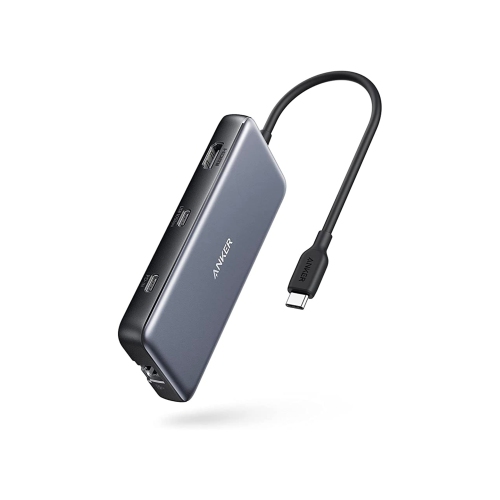
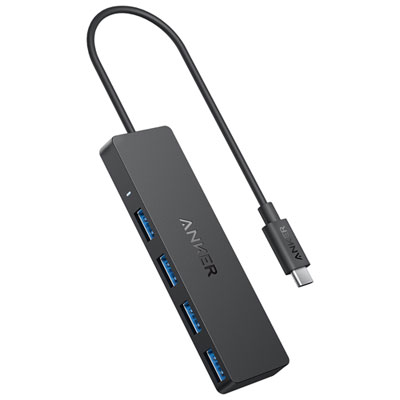
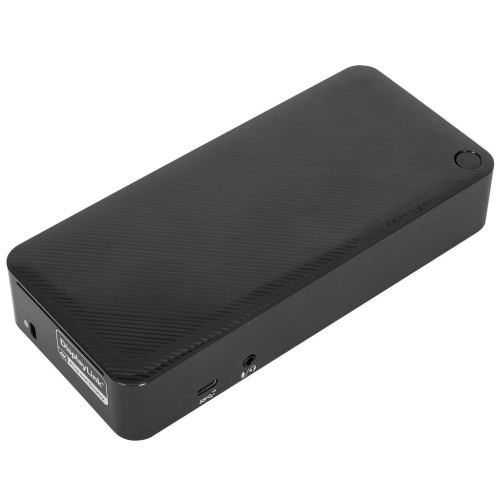
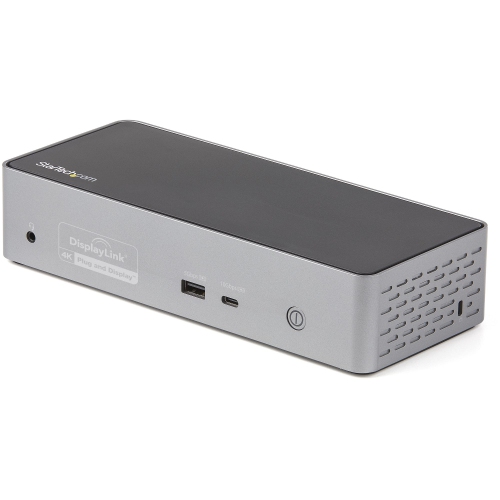
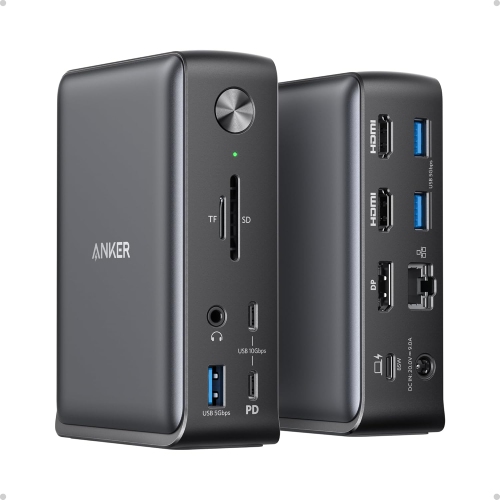
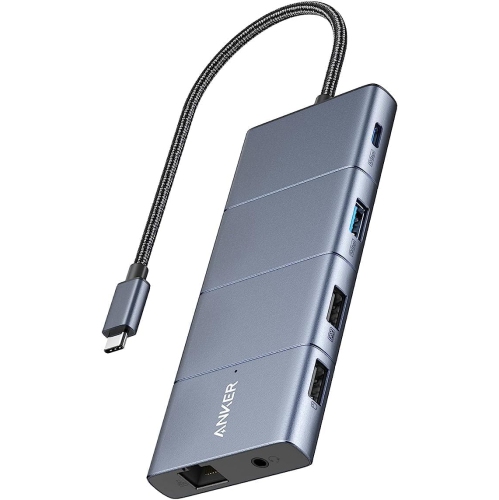
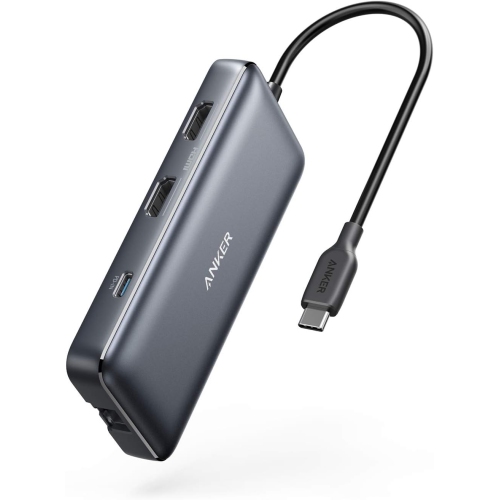
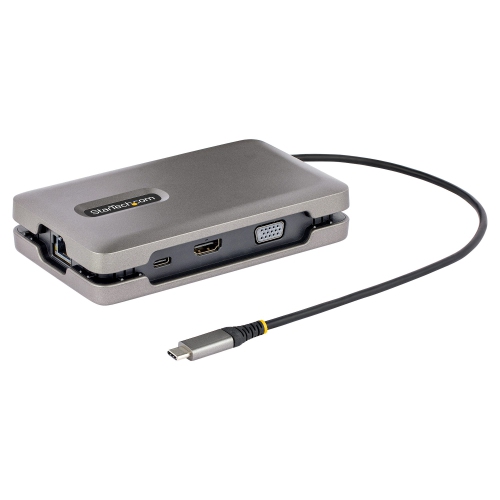
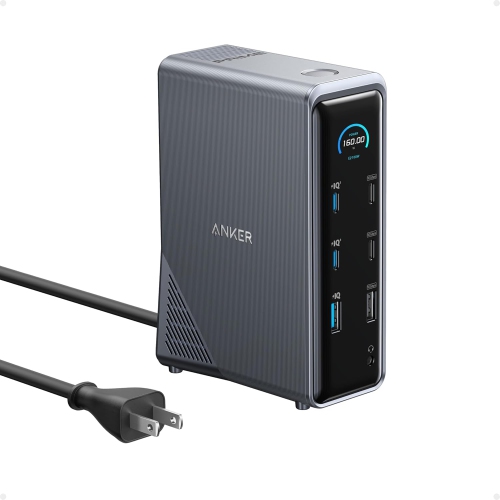
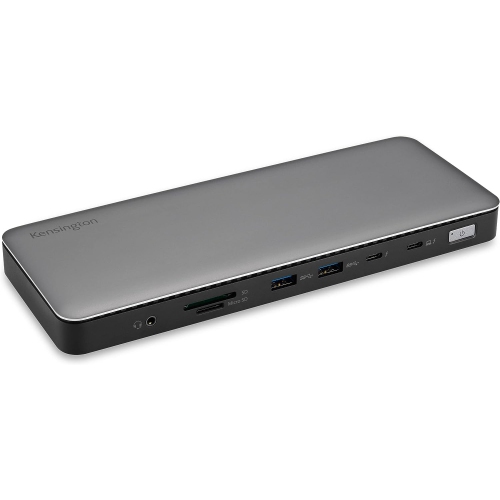
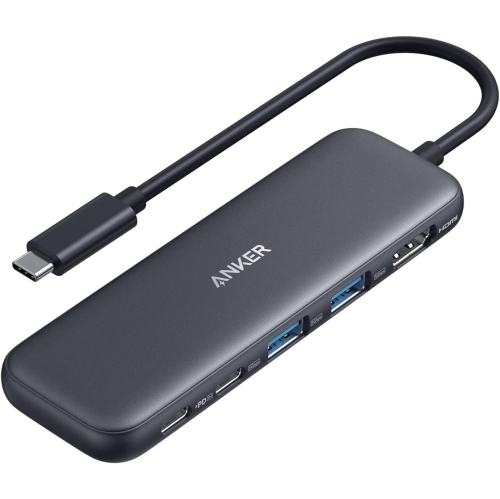
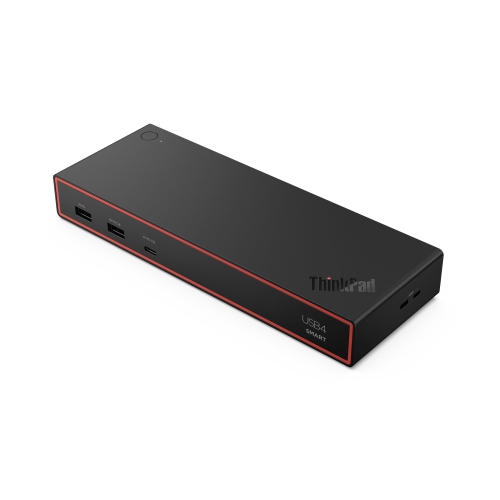
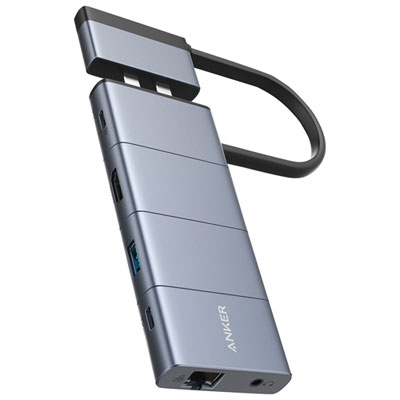
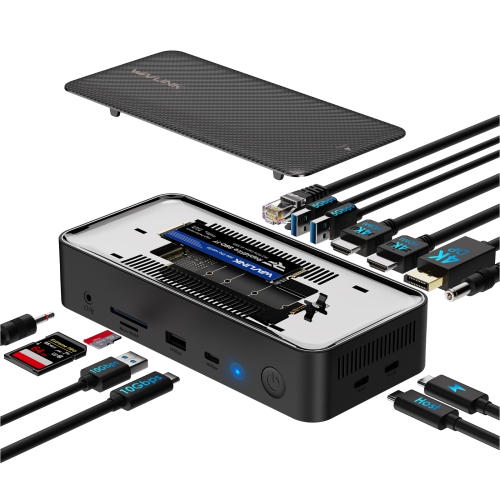
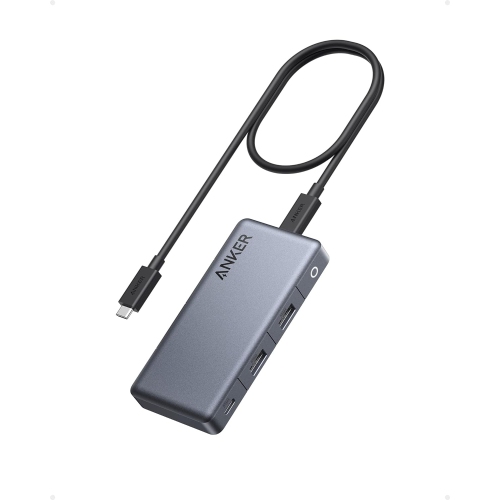
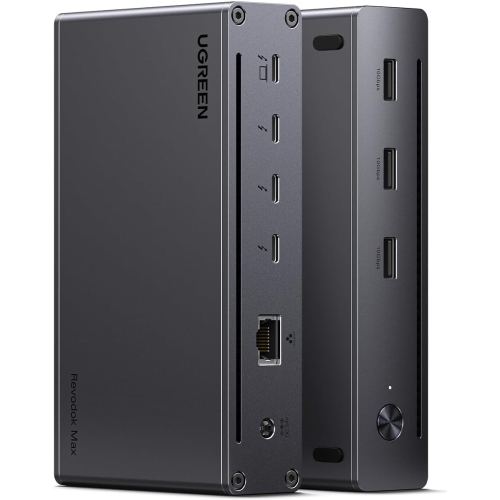
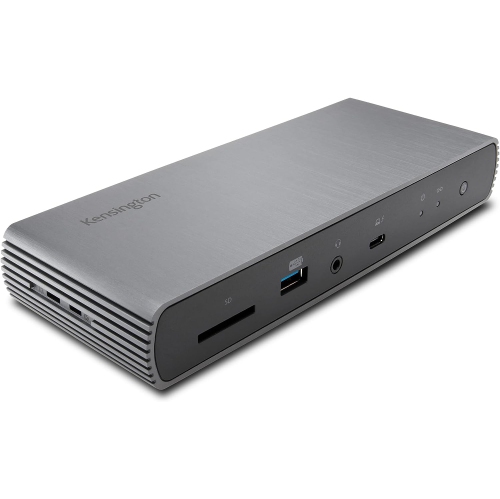
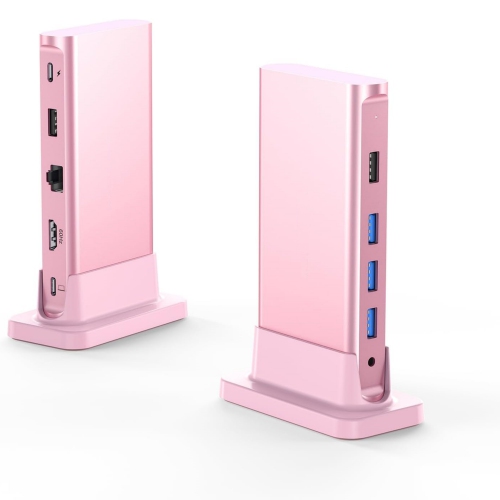
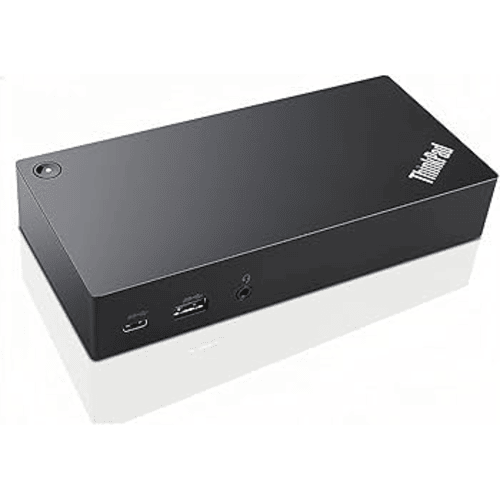
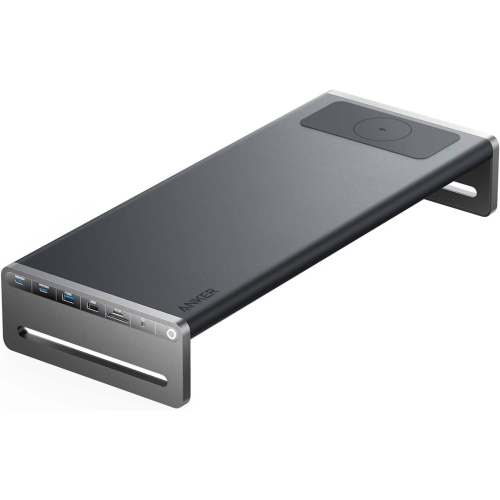
One connection hub for a more seamless workspace
In today’s connected world, a reliable docking station can be the unsung hero of your workspace, transforming the way you use your laptop or tablet at home, in the office, or even on the go. As winter continues to keep many Canadians indoors, the need for a streamlined, clutter-free workstation becomes more apparent, whether you’re setting up a home office in the den or creating a study nook for the kids. Docking stations are a practical solution for anyone who wants to make the most of their technology, offering a single hub to connect multiple devices—monitors, keyboards, external drives, and more—without the hassle of plugging and unplugging cables every time you move your laptop. This is especially useful during the colder months, when you might want to move your work setup closer to the fireplace or into a sunlit corner for a change of scenery. With the right docking station, switching locations is seamless, letting you stay productive and comfortable no matter where you settle in.
These versatile devices are a smart investment for professionals who need to connect to multiple peripherals throughout the workday, students who require a reliable setup for online classes, or creatives who juggle high-resolution monitors and external storage for design projects. They also make thoughtful gifts for anyone starting a new job, heading off to university, or simply looking to upgrade their home technology. A docking station can help reduce cable clutter, improve ergonomics by supporting dual or triple monitor setups, and keep all your essential devices charged and ready to go. For families sharing a workspace, a docking station can serve as a central hub, making it easy for everyone to connect their devices as needed. When choosing the right docking station, consider the types and number of ports you need—USB-C, HDMI, DisplayPort, Ethernet, and SD card slots are common features that cater to a range of uses. Compatibility with your laptop or tablet is key, as is support for features like fast charging or high-resolution video output if you’re working with demanding applications or creative software.
Beyond the practical aspects, a well-chosen docking station can actually enhance your daily routine. Imagine starting your morning with a single connection that instantly powers up your dual monitors, syncs your wireless mouse and keyboard, and charges your phone while you sip your coffee. Or picture a busy student returning from class, plugging in their laptop, and having instant access to a printer, external drives, and a larger screen for research projects. For those who travel frequently or split time between home and office, having a docking station at each location means you can move between spaces with ease—just pack your laptop and go. If you’re exploring different options, you might also want to consider alternatives like Plugable Docking, which offers a range of solutions to suit various needs and preferences. Whether you’re upgrading your own setup or looking for a gift that will truly be appreciated, a docking station is a small addition that can make a big difference in everyday productivity and comfort.
These versatile devices are a smart investment for professionals who need to connect to multiple peripherals throughout the workday, students who require a reliable setup for online classes, or creatives who juggle high-resolution monitors and external storage for design projects. They also make thoughtful gifts for anyone starting a new job, heading off to university, or simply looking to upgrade their home technology. A docking station can help reduce cable clutter, improve ergonomics by supporting dual or triple monitor setups, and keep all your essential devices charged and ready to go. For families sharing a workspace, a docking station can serve as a central hub, making it easy for everyone to connect their devices as needed. When choosing the right docking station, consider the types and number of ports you need—USB-C, HDMI, DisplayPort, Ethernet, and SD card slots are common features that cater to a range of uses. Compatibility with your laptop or tablet is key, as is support for features like fast charging or high-resolution video output if you’re working with demanding applications or creative software.
Beyond the practical aspects, a well-chosen docking station can actually enhance your daily routine. Imagine starting your morning with a single connection that instantly powers up your dual monitors, syncs your wireless mouse and keyboard, and charges your phone while you sip your coffee. Or picture a busy student returning from class, plugging in their laptop, and having instant access to a printer, external drives, and a larger screen for research projects. For those who travel frequently or split time between home and office, having a docking station at each location means you can move between spaces with ease—just pack your laptop and go. If you’re exploring different options, you might also want to consider alternatives like Plugable Docking, which offers a range of solutions to suit various needs and preferences. Whether you’re upgrading your own setup or looking for a gift that will truly be appreciated, a docking station is a small addition that can make a big difference in everyday productivity and comfort.
Top selling and popular products
-
 Your price for this item is $149.99
 -
 Your price for this item is $69.99
 -
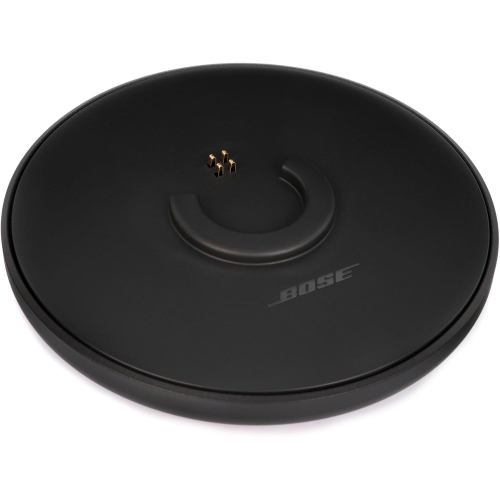 Your price for this item is $35
 -
 Your price for this item is $59.99
 -
 Your price for this item is $179.99
 -
 Your price for this item is $209.99
 -
 Your price for this item is $89.99
 -
 Your price for this item is $154.99
Discover more categories related to Anker Docking

Top Collections:
Pokemon Centers, Kindle Devices, Best Budget Office Chairs, Apple iPhones 16, Best Laptops for Writers, iPhone 15 Apple, Canon G7X Cameras, Refurbished Apple Laptops, Alarm Clock, Motorola Razr Phones
Some products may be subject to Environmental Handling Fees
(EHF) depending on your province.
Learn more about EHFs.