Mini Docking Stations
Mini Docking Station options offer a convenient way to expand your device’s connectivity and streamline your workspace. Perfect for home, office, or travel use, these compact solutions make it easy to connect multiple peripherals and accessories. Whether you need extra ports for monitors, keyboards, or other devices, a Mini Docking Station helps keep everything organized and accessible. Explore versatile choices designed to enhance productivity and simplify your daily setup.
Sort
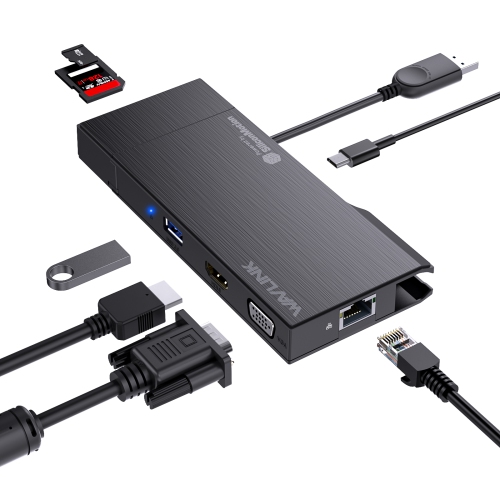
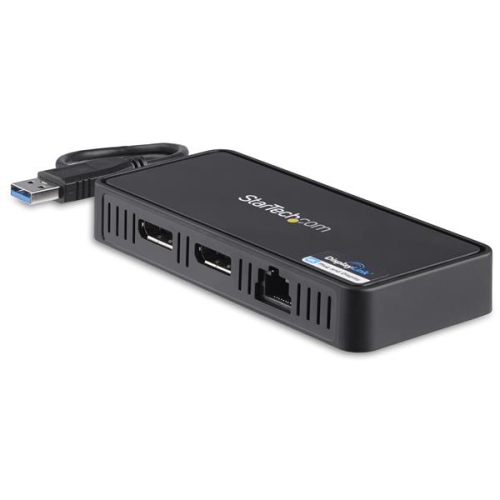
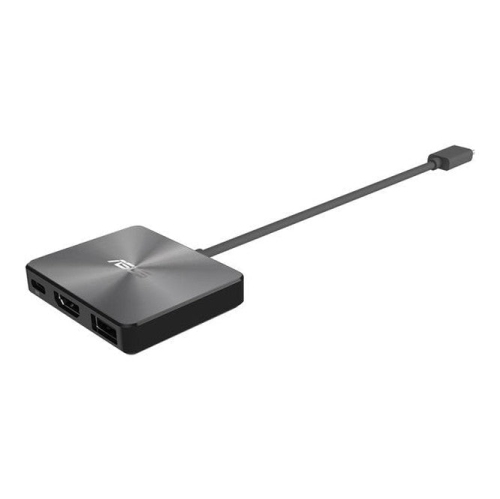
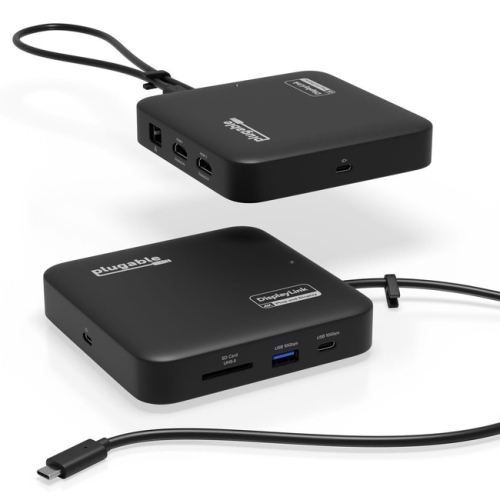
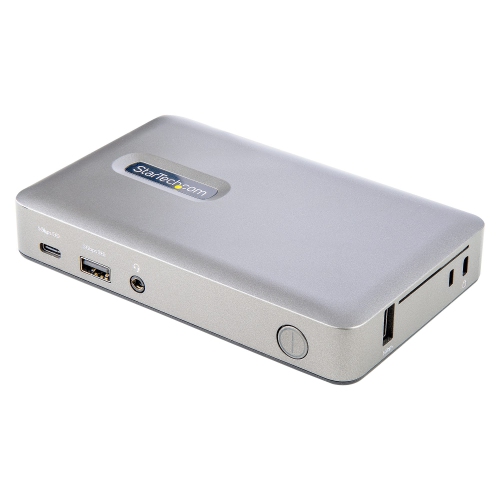
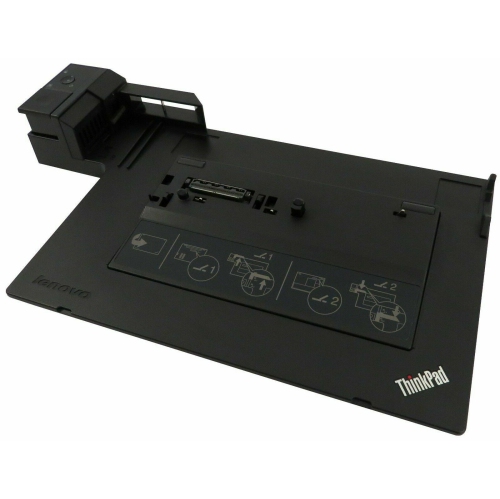
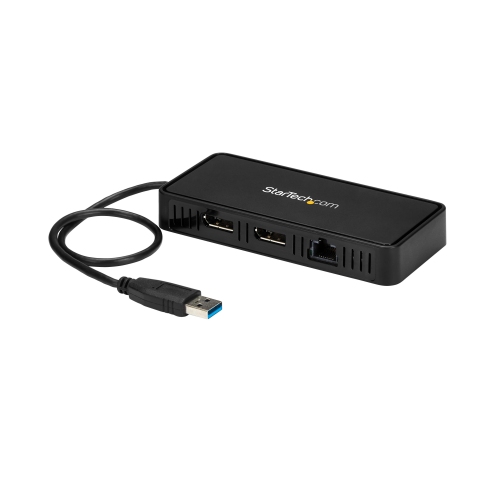
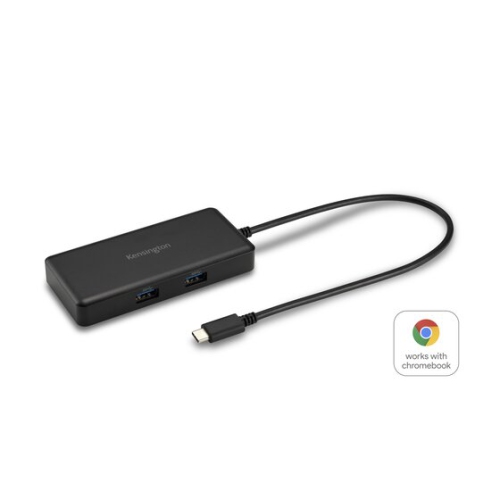
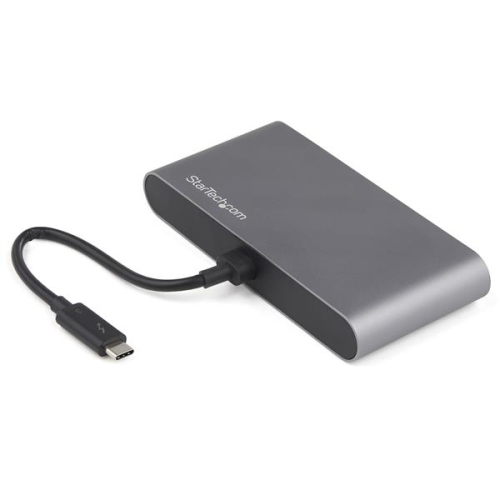
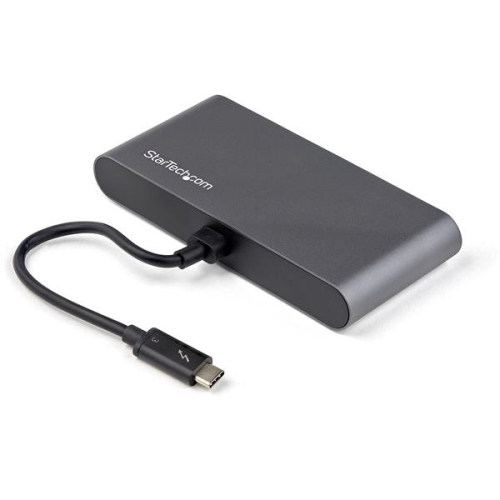
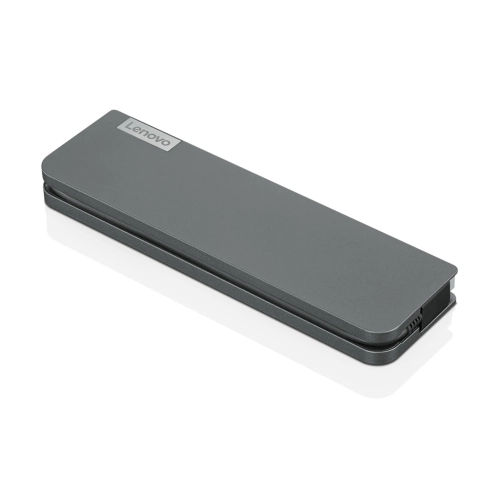
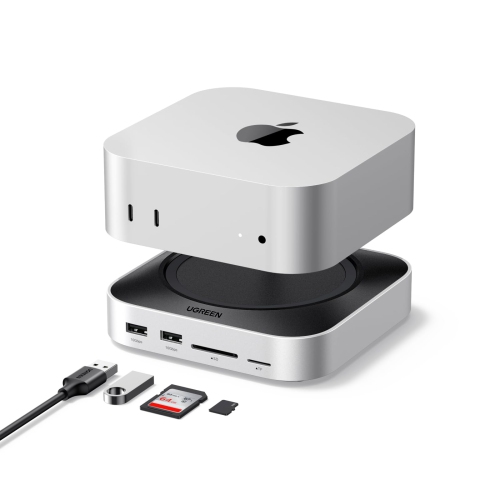
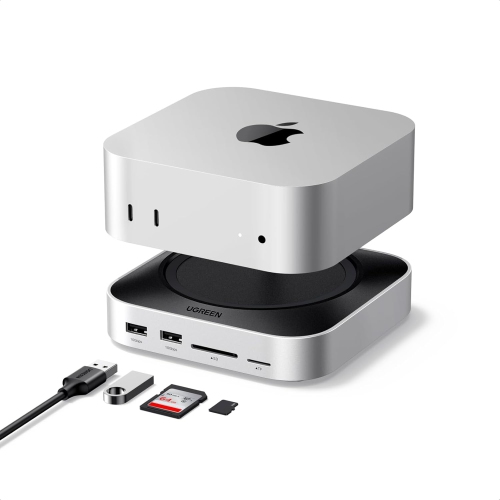
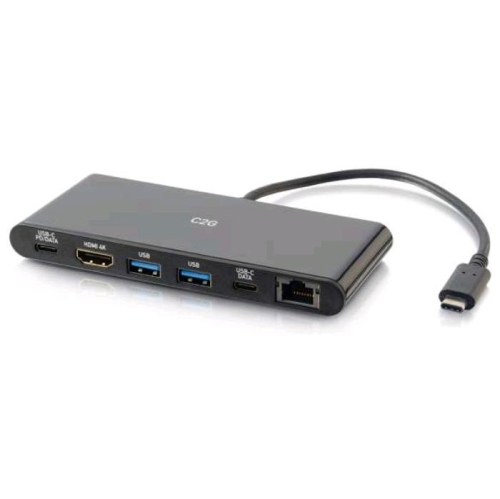
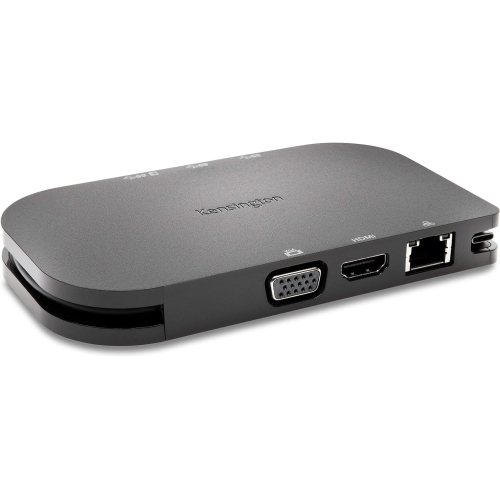

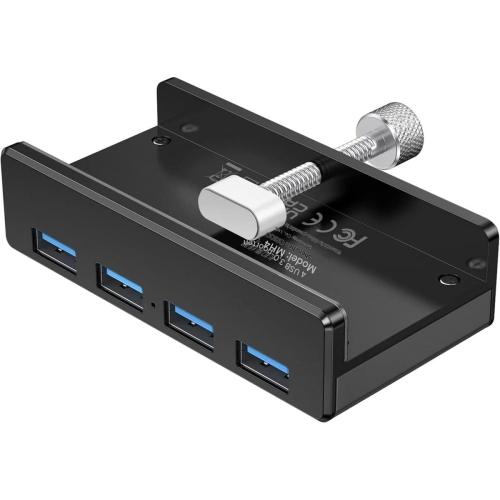
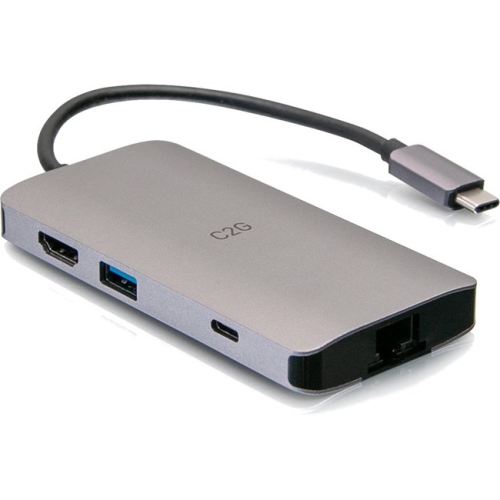
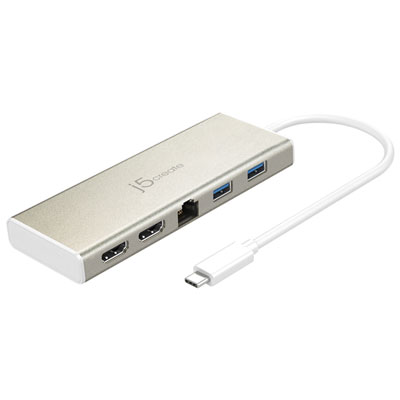
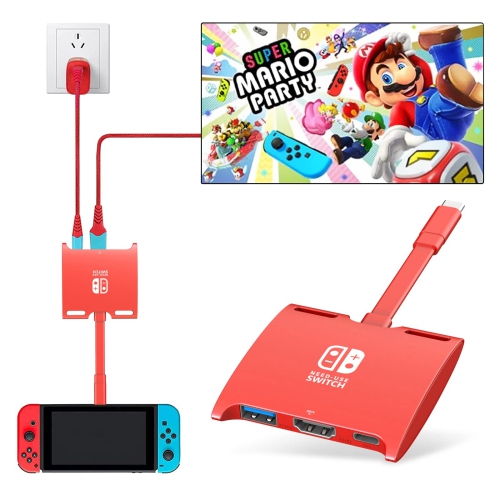
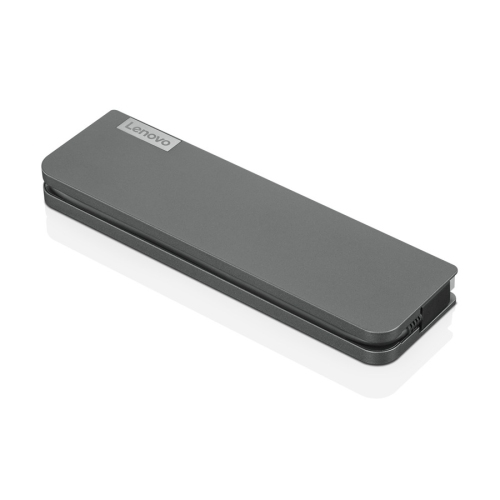
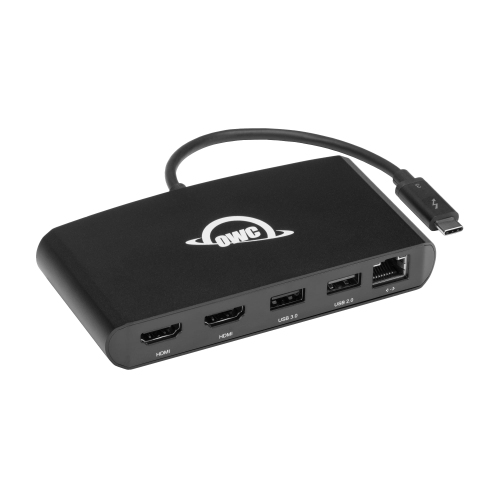
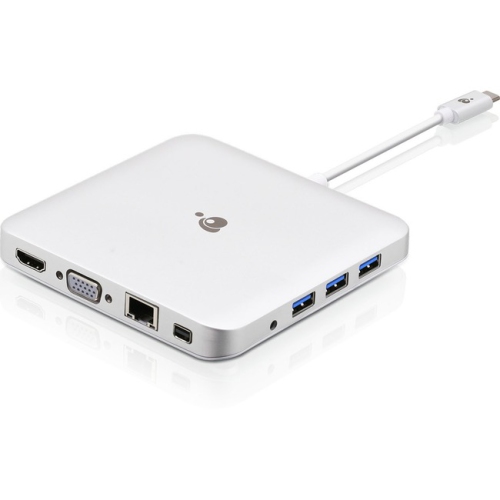
More laptop connections without taking over your desk
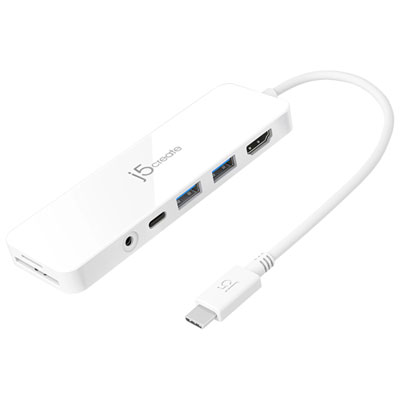
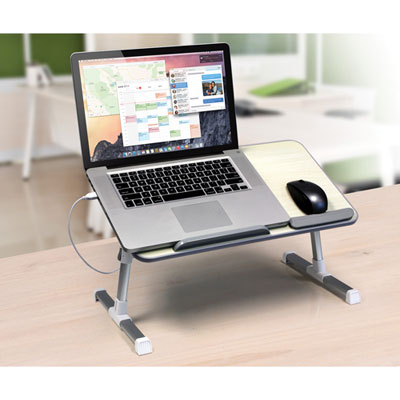
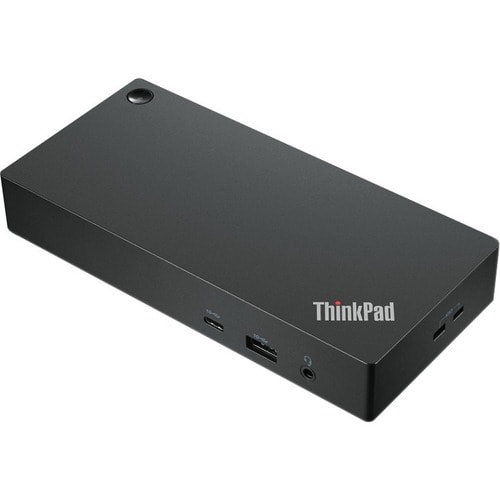
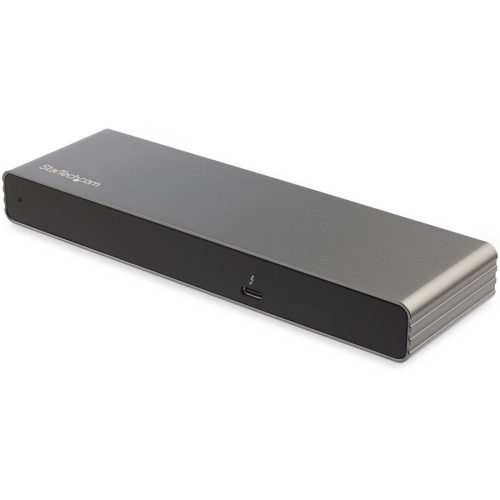
Mini docking stations bring the connections of a larger desk setup into a compact accessory that can slip into a laptop bag or sit beside a computer without taking over the workspace. Typically connected through USB-C or Thunderbolt, a mini dock expands a compatible laptop’s connections for accessories such as monitors, keyboards, mice, external storage, and wired networking. The combination varies by design: some focus on display outputs and a few USB ports, while others add Ethernet, memory card readers, audio connections, or USB-C power delivery. This makes the category useful for anything from a tidy home office to a shared workstation where a laptop needs to connect quickly and leave just as easily. A student might connect a larger screen and keyboard for a research assignment, while someone working between locations might keep a compact dock in a bag for presentations and desk work. Photographers can benefit from a built-in card reader, and anyone moving large files may appreciate a wired connection to external storage. The distinction between a small USB hub and a mini docking station is not always clear from size alone; the meaningful difference is the set of connections and capabilities each design provides. A slim dock with the right ports can be more useful than a larger model with connections that go unused. Physical fit matters, too. An attached host cable needs enough reach to sit comfortably beside the laptop, especially when the computer rests on a stand. A detachable cable offers flexibility for packing and replacement, provided its specifications support the dock’s functions. Port placement also affects everyday comfort: widely spaced connections leave more room for larger USB plugs, while accessible card slots make frequent transfers less fiddly. For a small desk, having display and network cables directed away from the keyboard can make the whole arrangement feel less crowded.
Compatibility determines what a mini docking station can actually do once connected. A USB-C connector describes the physical connection, but it does not guarantee support for video output, high-speed data, or laptop charging. Those functions depend on the host computer’s port capabilities as well as the dock and cables. Thunderbolt docks likewise need a compatible host connection to deliver their full feature set, and any operation through other USB-C connections depends on the individual design. Display support deserves particular attention because the number of video sockets does not necessarily equal the number of independent screens a laptop can run. Extended displays, mirrored displays, maximum resolution, and refresh rate can vary with the computer’s hardware, operating system, and the dock’s technology. Some designs also require software or drivers for certain display functions. A single external monitor for documents has different demands from two high-resolution screens used for detailed visual work, and a display’s maximum resolution may only be supported at a particular refresh rate. HDMI and DisplayPort connections should match the intended monitor setup, with suitable cables completing the connection. Power delivery is another separate consideration. A dock that supports charging may require an external USB-C power adapter, and some of the incoming power can be reserved for the dock and attached accessories rather than passed through to the laptop. The power reaching the computer needs to suit its requirements, particularly during demanding workloads. Data connections have similar qualifications: a USB-C socket may be intended for power input rather than file transfers, and different USB ports on the same dock may offer different speeds. Shared bandwidth can also affect simultaneous tasks such as copying files while driving external displays. Ethernet adds a wired networking option, although actual network performance still depends on the connection, cables, and other network equipment. These distinctions explain why two similarly sized mini docks can serve quite different purposes.
Materials and construction influence how a mini dock feels in daily use and how comfortably it travels. Metal housings can feel sturdy and help spread operating heat, while plastic housings can keep weight down; neither material alone establishes durability or performance. Securely fitted ports, a well-supported cable connection, and a casing that sits steadily on the desk all contribute to a dependable accessory. A compact shape with smooth edges is easier to tuck into an accessory pouch, while a short attached cable reduces the number of loose pieces to carry. For travel between home, campus, and an office, the practical balance is often between having enough connections and keeping the packed setup simple. A dock left connected to a monitor, keyboard, and network cable can make a regular workspace easier to use, while one carried with the laptop offers flexibility at different desks. Students building a space for coursework can also explore Student Laptop Docking Stations for that study-focused use. A mini dock can be a thoughtful gift for someone starting a course, setting up a home office, or replacing a collection of separate adapters, though knowing the recipient’s laptop connections and display needs helps avoid a mismatch. Everyday care is straightforward: disconnect the dock before cleaning, wipe the casing with a soft, dry cloth, and keep liquids away from ports. Leaving space around the housing allows heat to dissipate, and avoiding tightly bundled cables reduces strain on connectors. During transport, separating the dock from loose objects helps protect its ports, while gently coiling an attached cable avoids sharp bends near the connector. Accessories with substantial power demands may need their own power source rather than relying entirely on the dock. With a suitable combination of ports, power support, and display capabilities, a mini docking station becomes a practical connection point for the equipment used every day, without adding the bulk of a full-size desktop dock.
Top selling and popular products
-
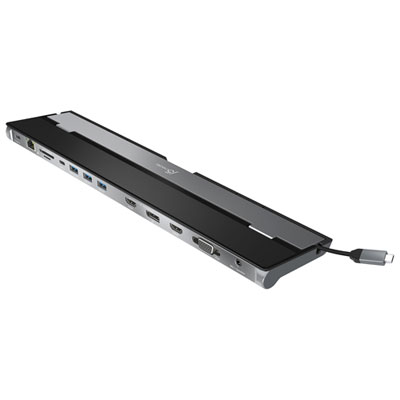 Your price for this item is $129.99
-
 Your price for this item is $59.99
-
 Your price for this item is $44.99
-
 Your price for this item is $59.99
-
 Your price for this item is $96.61
-
 Your price for this item is $179.99
-
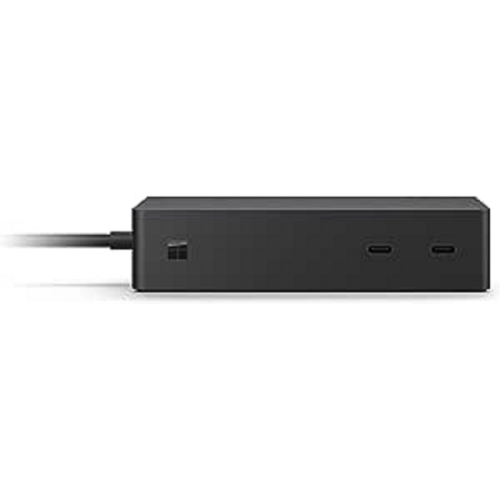 Your price for this item is $209.99
-
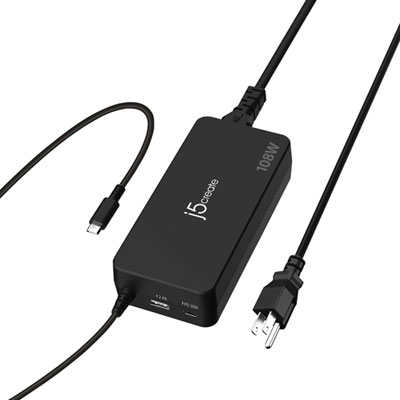 Your price for this item is $59.99
Discover more categories related to Mini Docking Stations
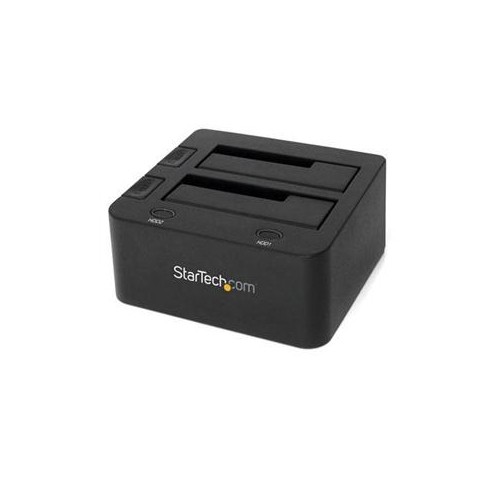
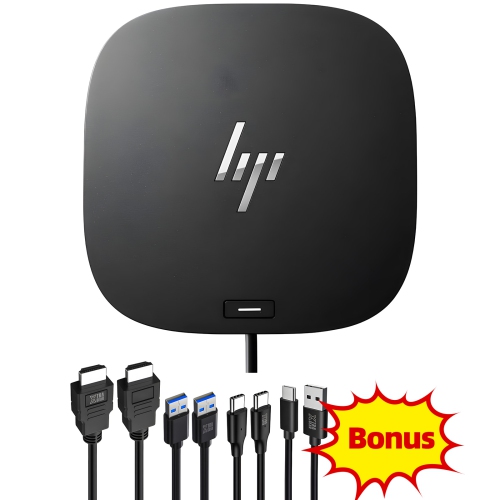
Top Collections:
Best Black Friday Deals This Year, Best Black Friday Deals On Electronics, Kindle Devices, Dyson Airwrap, Best Cameras for Sports Photography, Best Budget Office Chairs, Canon G7X Cameras, PS5 Pro Consoles, Best Black Friday Deals On Apple Products, XBOX One S Consoles
Some products may be subject to Environmental Handling Fees
(EHF) depending on your province.
Learn more about EHFs.