Anti Malware Software for PC
If you're like most people, you've probably been infected at some point with a malware virus. If you're looking for a way to keep your computer safe from malware, you've come to the right place. Here are some of the best anti-malware softwares for personal computers.
Sort
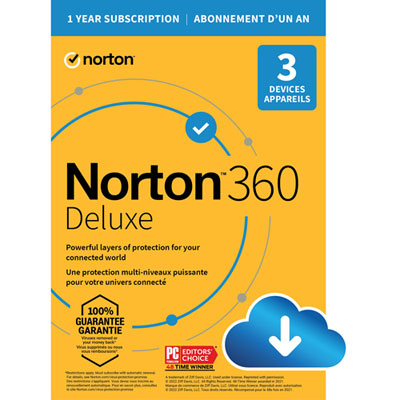
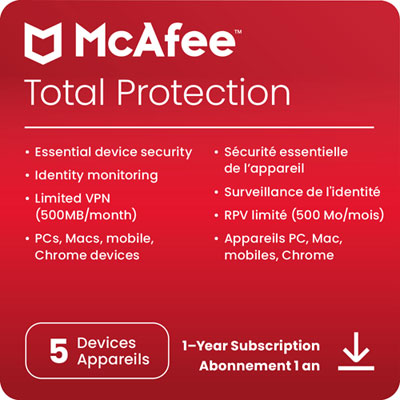
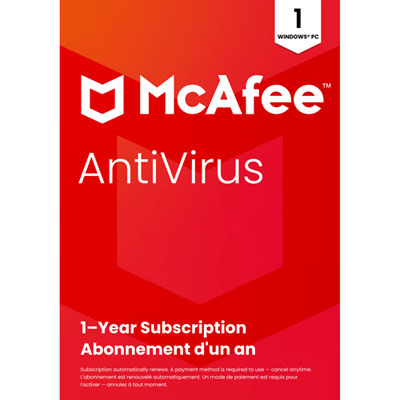
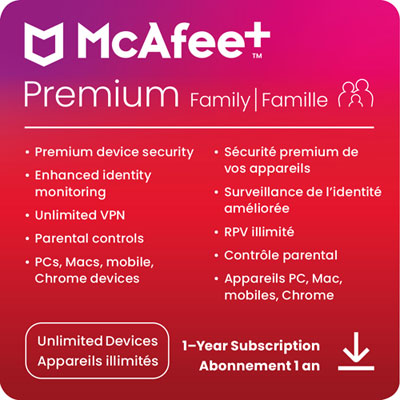
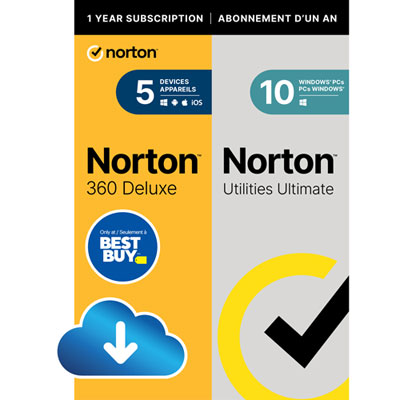
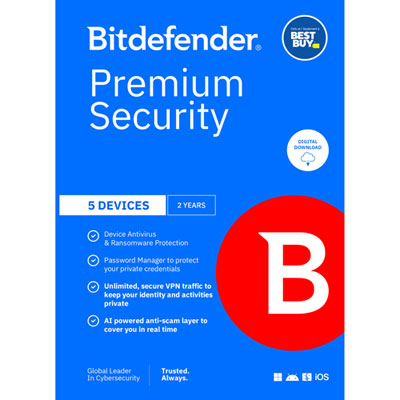
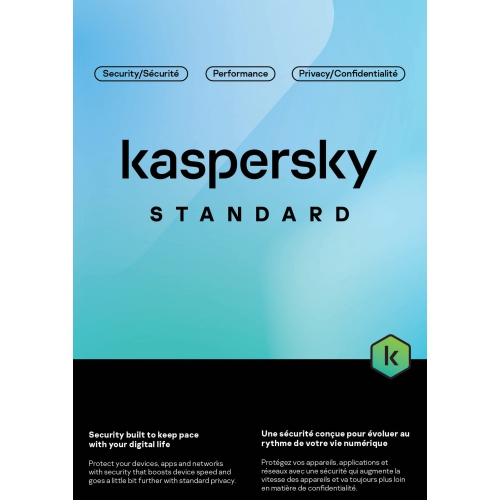
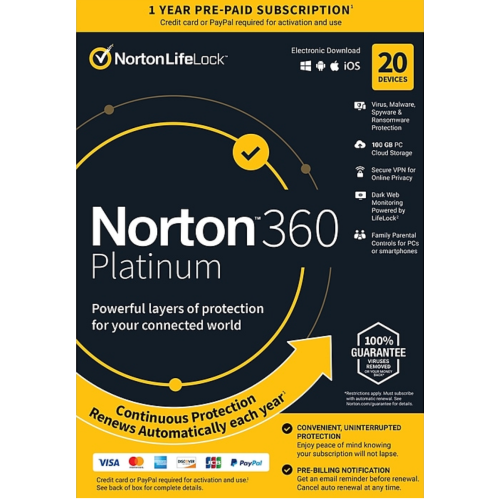
Protection that fits your PC, habits and household
Anti-malware software for PC is designed to help detect, block, quarantine and remove malicious programs that can interfere with your computer or put personal information at risk. Malware can include viruses, spyware, trojans, worms, ransomware and other unwanted software that may arrive through a misleading email attachment, a compromised website, a fake download button or an infected file shared online. For many households, adding dedicated anti-malware protection provides another layer of security alongside the built-in tools included with Windows 10 or Windows 11. Depending on the software, protection may run quietly in the background, scan files as they are opened, check websites before they load and monitor activity for signs of suspicious behaviour. Some options focus on being lightweight and using very few system resources, which can be useful on an older laptop or a PC that is used for everyday tasks such as browsing, banking, schoolwork and video calls. Others include broader features such as phishing protection, ransomware monitoring, a smart firewall, scheduled scans and tools for removing stubborn or unwanted files. When comparing anti-malware software for PC, consider the version of Windows supported, the number of devices covered, whether the licence is intended for one year or longer, and whether the software is delivered as a digital download, activation code or physical package. It is also worth checking how clearly the software presents alerts and settings. Protection is easier to manage when notifications are understandable, scans can be scheduled around your routine and important actions are not hidden behind complicated menus.
The right choice depends on how a PC is used and how much control the user wants over security settings. A basic free option may suit someone who wants core scanning and background protection without adding another recurring expense, particularly when paired with the security features already built into Windows. Paid anti-malware software may be a better fit for users who want more comprehensive coverage, faster access to support or additional safeguards against phishing, ransomware and suspicious websites. A fast scan can help identify common threats, while a deeper scan may take longer but examine more locations, including less obvious folders and connected storage. Some software can also help remove malware after a PC begins behaving unusually, such as opening unfamiliar pop-ups, redirecting web searches, displaying unexpected warnings, slowing down dramatically or showing new applications that the user does not remember installing. These signs do not always mean a computer is infected, but they are good reasons to review security settings and run a scan. Families may appreciate software with coverage for multiple PCs and straightforward controls that make it easier to protect shared computers used by children, parents or guests. Students and people working from home may prefer a low-impact program that stays out of the way during documents, meetings and other demanding tasks. Gamers should look for protection that minimizes interruptions and allows scans or updates to be scheduled outside play sessions; shoppers comparing options for a dedicated gaming setup can also browse Antivirus Software for Gaming PC.
Anti-malware software can also be a practical digital gift for someone setting up a new computer, returning to school, working from home or helping a family member keep an older PC in good working order. A licence or digital download is easy to send and does not require choosing accessories that depend on a particular computer model. Before purchasing, check whether the recipient uses a Windows PC, whether they already have an active security subscription and whether the software covers the number of devices in their home. It is important to avoid running several real-time antivirus programs at the same time, since they may conflict with one another or use more system resources than necessary; a separate on-demand malware scanner can sometimes be used alongside built-in Windows protection, depending on the software’s instructions. Regular updates matter because new threats appear continually, and a program with automatic updates can reduce the need for manual maintenance. Keep in mind that anti-malware software cannot replace careful online habits: strong, unique passwords, multi-factor authentication, secure home Wi-Fi, regular backups and caution around unexpected links or attachments remain valuable parts of PC security. During the cooler months, when more time may be spent indoors shopping, streaming, gaming and handling personal tasks online, dependable protection can provide reassurance without changing the way a PC is used. By matching the software’s features, performance, coverage and renewal terms to the computer and the person using it, shoppers can choose protection that feels useful every day rather than becoming another complicated program to manage.
The right choice depends on how a PC is used and how much control the user wants over security settings. A basic free option may suit someone who wants core scanning and background protection without adding another recurring expense, particularly when paired with the security features already built into Windows. Paid anti-malware software may be a better fit for users who want more comprehensive coverage, faster access to support or additional safeguards against phishing, ransomware and suspicious websites. A fast scan can help identify common threats, while a deeper scan may take longer but examine more locations, including less obvious folders and connected storage. Some software can also help remove malware after a PC begins behaving unusually, such as opening unfamiliar pop-ups, redirecting web searches, displaying unexpected warnings, slowing down dramatically or showing new applications that the user does not remember installing. These signs do not always mean a computer is infected, but they are good reasons to review security settings and run a scan. Families may appreciate software with coverage for multiple PCs and straightforward controls that make it easier to protect shared computers used by children, parents or guests. Students and people working from home may prefer a low-impact program that stays out of the way during documents, meetings and other demanding tasks. Gamers should look for protection that minimizes interruptions and allows scans or updates to be scheduled outside play sessions; shoppers comparing options for a dedicated gaming setup can also browse Antivirus Software for Gaming PC.
Anti-malware software can also be a practical digital gift for someone setting up a new computer, returning to school, working from home or helping a family member keep an older PC in good working order. A licence or digital download is easy to send and does not require choosing accessories that depend on a particular computer model. Before purchasing, check whether the recipient uses a Windows PC, whether they already have an active security subscription and whether the software covers the number of devices in their home. It is important to avoid running several real-time antivirus programs at the same time, since they may conflict with one another or use more system resources than necessary; a separate on-demand malware scanner can sometimes be used alongside built-in Windows protection, depending on the software’s instructions. Regular updates matter because new threats appear continually, and a program with automatic updates can reduce the need for manual maintenance. Keep in mind that anti-malware software cannot replace careful online habits: strong, unique passwords, multi-factor authentication, secure home Wi-Fi, regular backups and caution around unexpected links or attachments remain valuable parts of PC security. During the cooler months, when more time may be spent indoors shopping, streaming, gaming and handling personal tasks online, dependable protection can provide reassurance without changing the way a PC is used. By matching the software’s features, performance, coverage and renewal terms to the computer and the person using it, shoppers can choose protection that feels useful every day rather than becoming another complicated program to manage.
Top selling and popular products
-
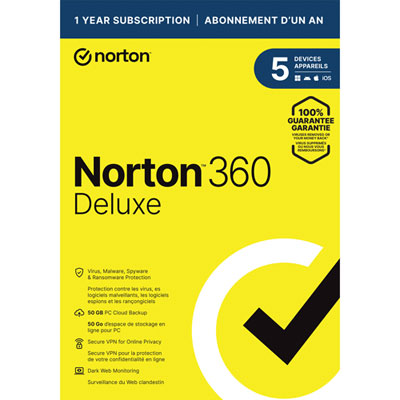 Your price for this item is $49.99
 -
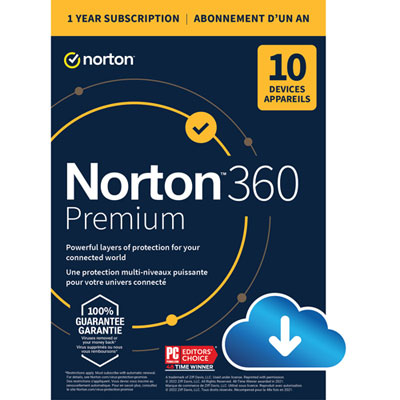 Your price for this item is $99.99
 -
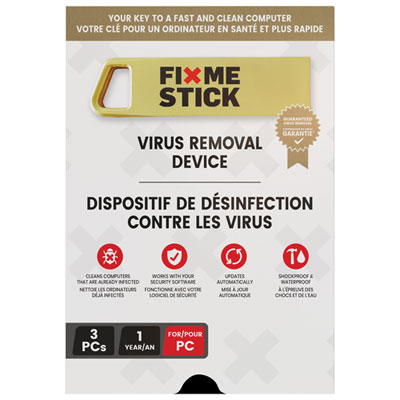 Your price for this item is $89.99
 -
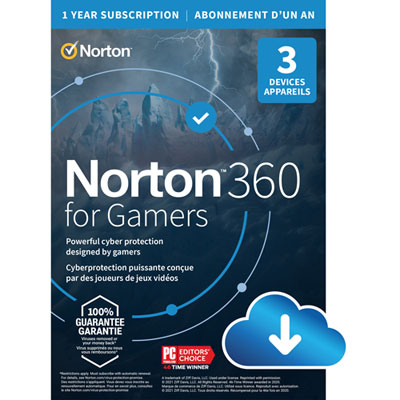 Your price for this item is $89.99
 -
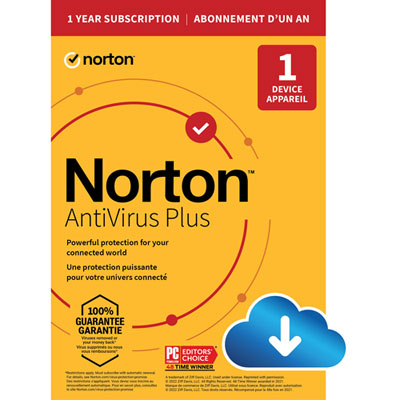 Your price for this item is $14.99
 -
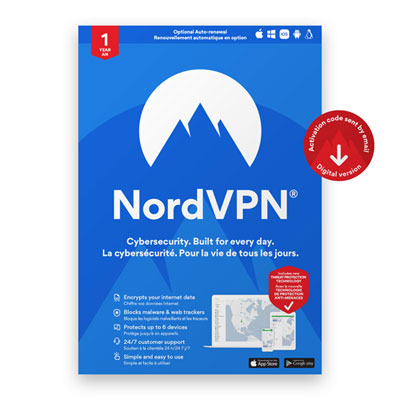 Your price for this item is $49.99
 -
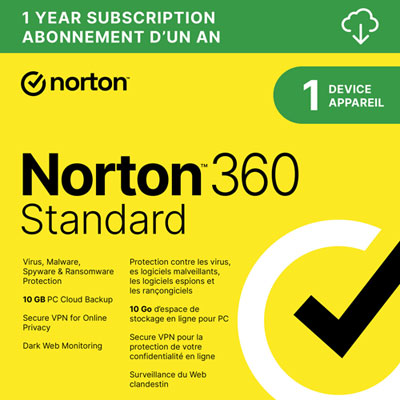 Your price for this item is $69.99
 -
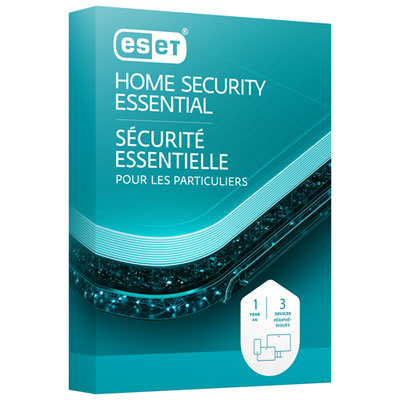 Your price for this item is $59.95
Discover more categories related to Anti Malware Software for PC
Top Collections:
Pokemon Centers, Kindle Devices, Best Cell Phones Under $500, Alarm Clock, Canon G7X Cameras, iPhone 15 Apple, Apple iPhones 16, Laptops for Students, iPhone 14 256GB, Budget Smartphones
Some products may be subject to Environmental Handling Fees
(EHF) depending on your province.
Learn more about EHFs.