Antivirus Software for Gaming PC
Gaming is a popular hobby, and like any other hobby, it requires some equipment. If you're playing games offline or online, you'll want to make sure your gaming PC is protected from viruses and other online threats. Here are some of the best antivirus software for gaming PCs.
Sort
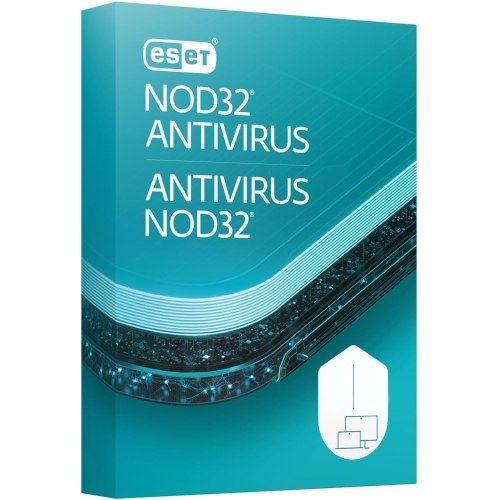
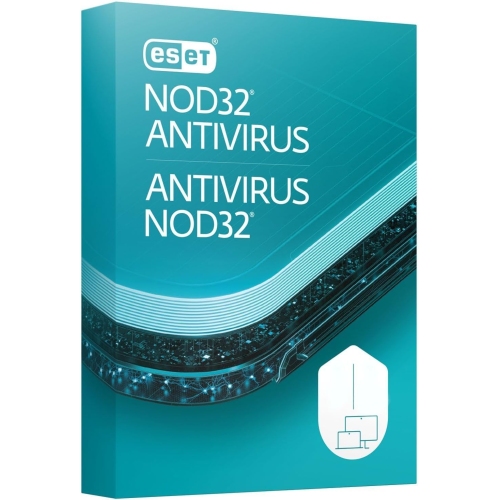
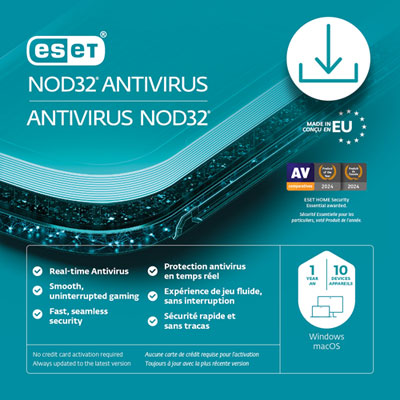
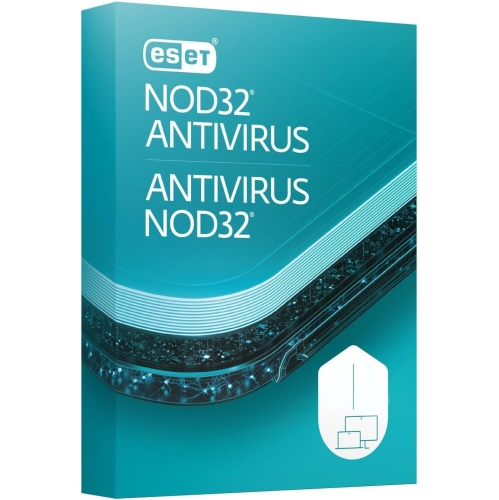
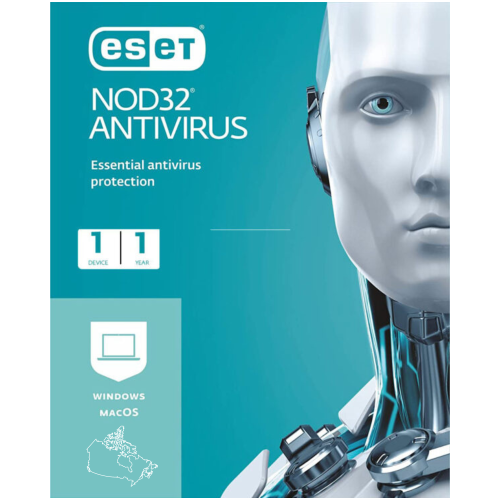
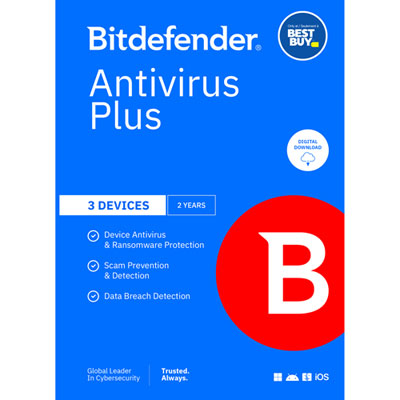


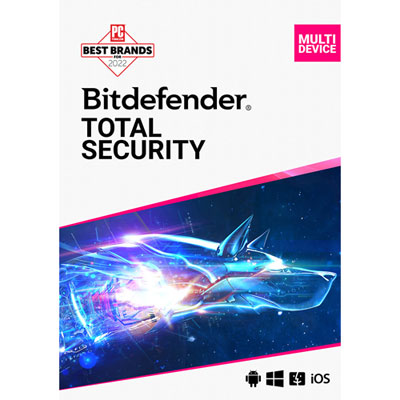

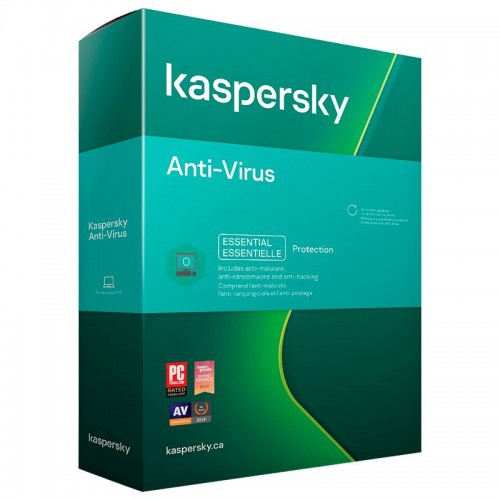
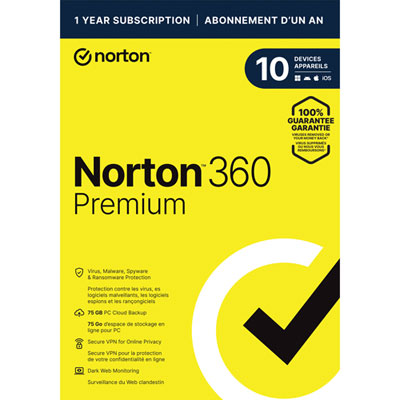
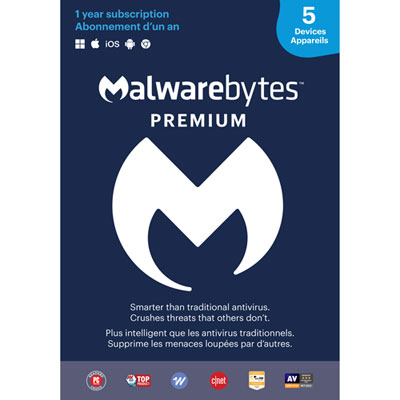
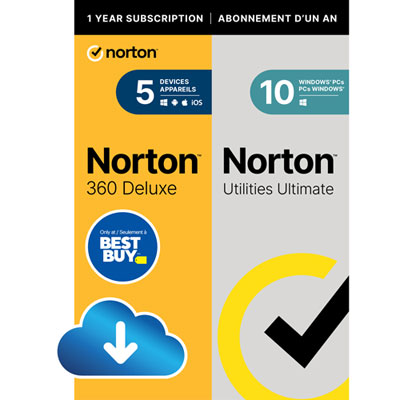
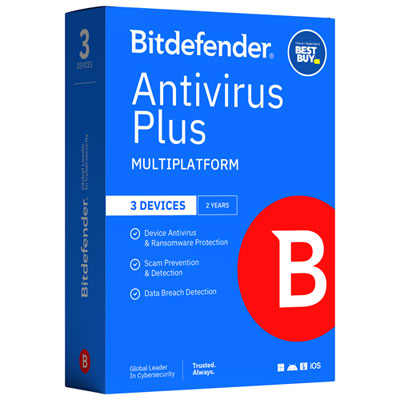

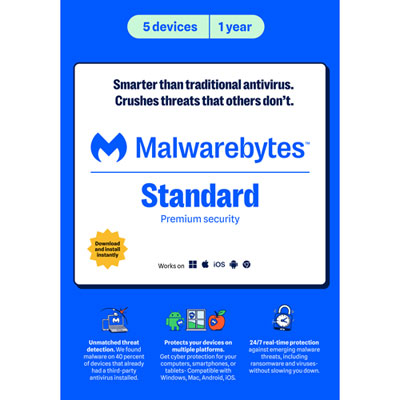
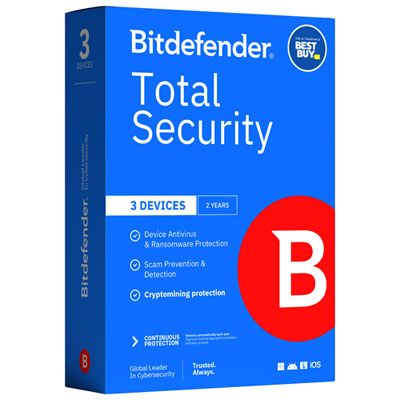
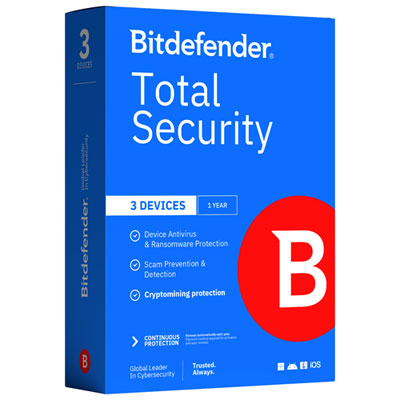


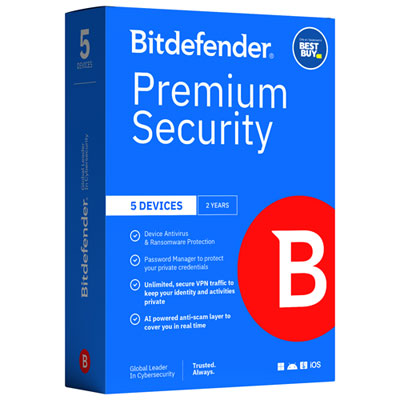
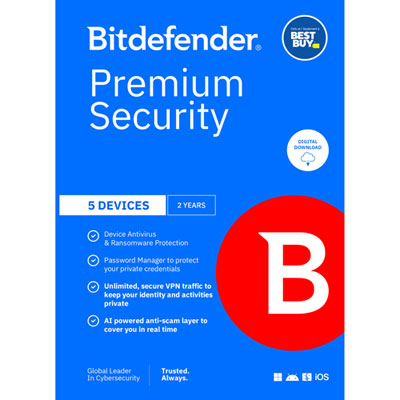
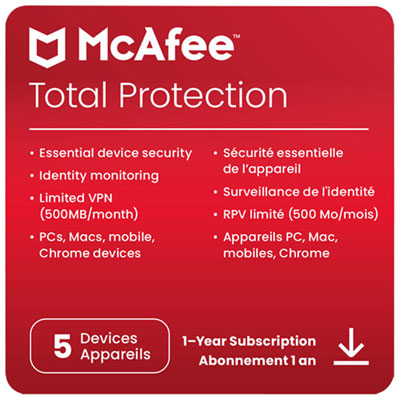

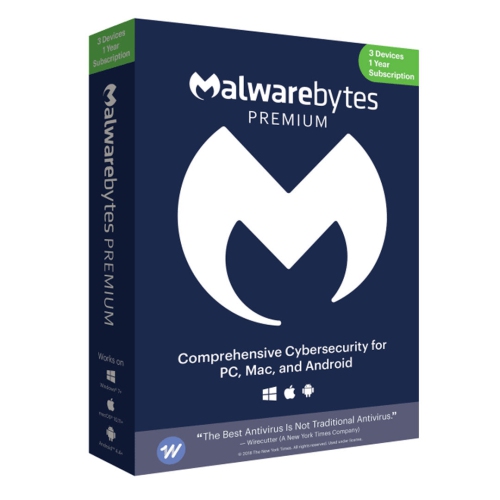
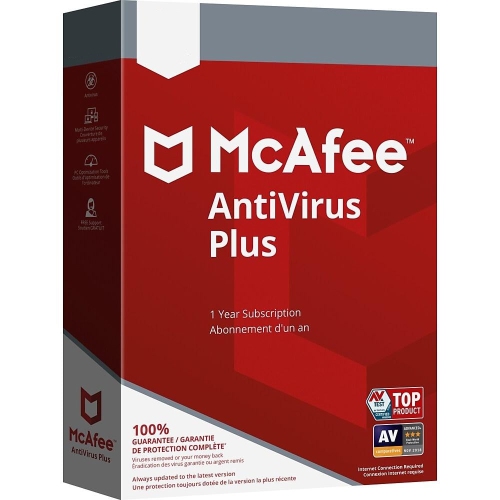
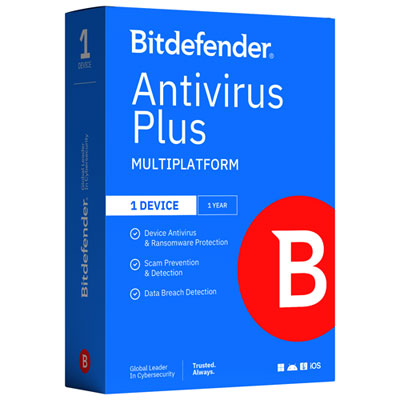


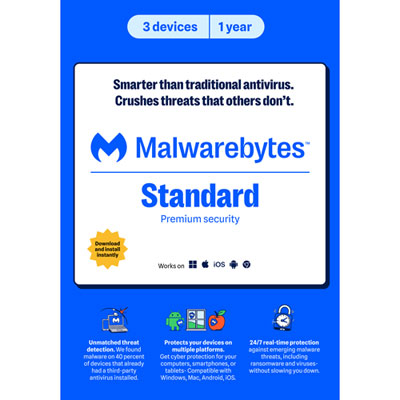
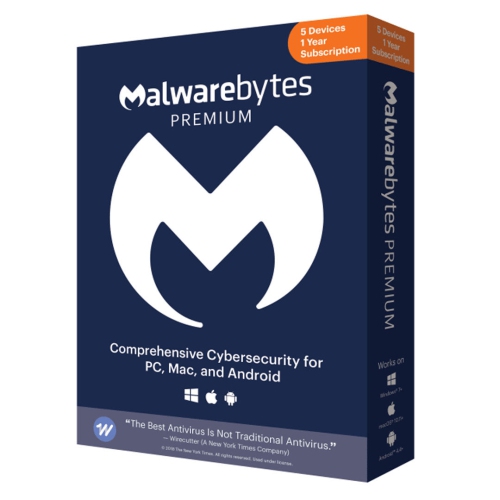

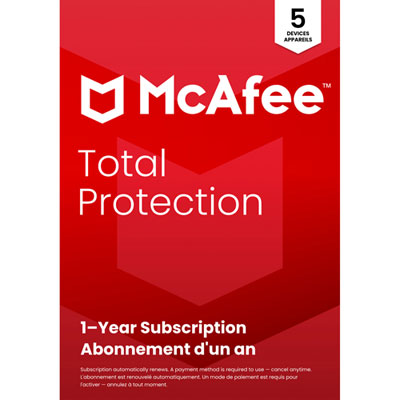
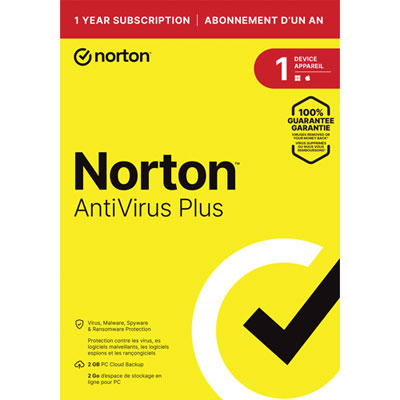


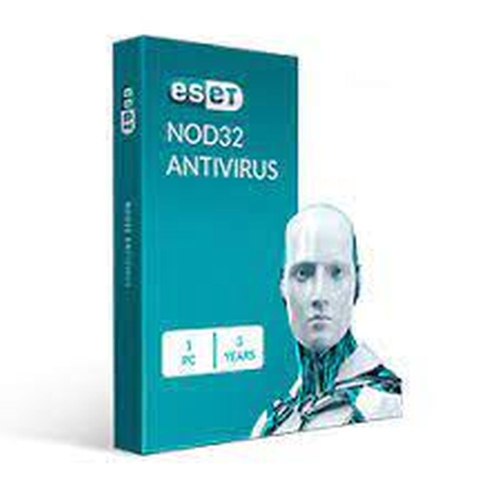
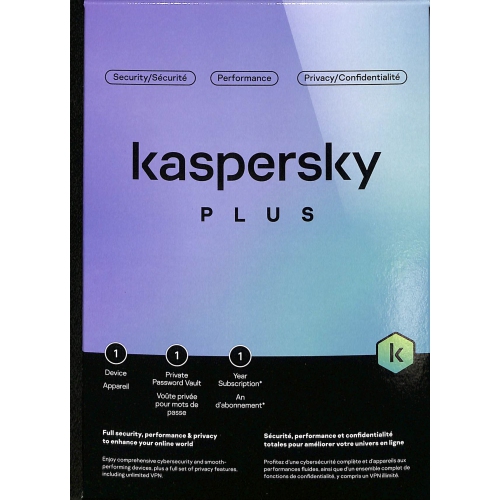

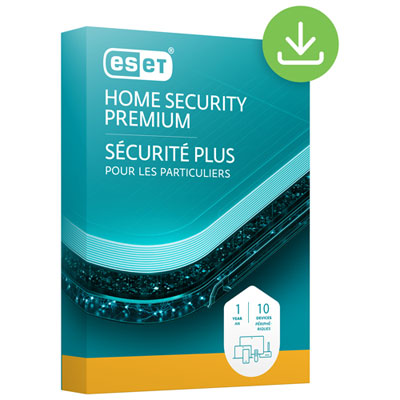
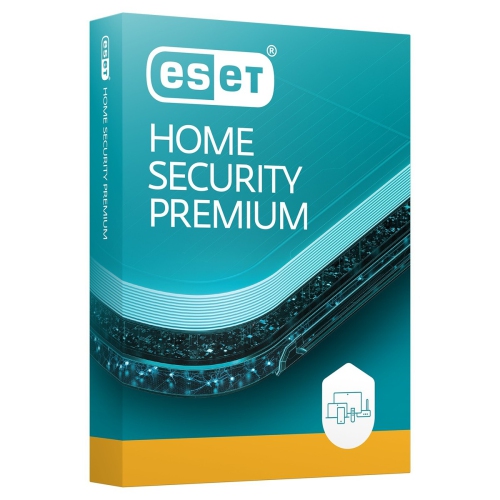


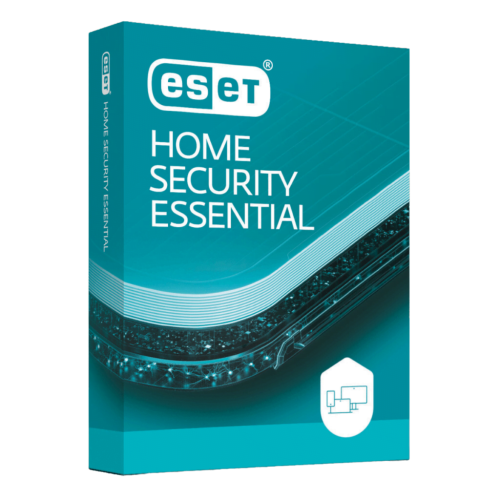
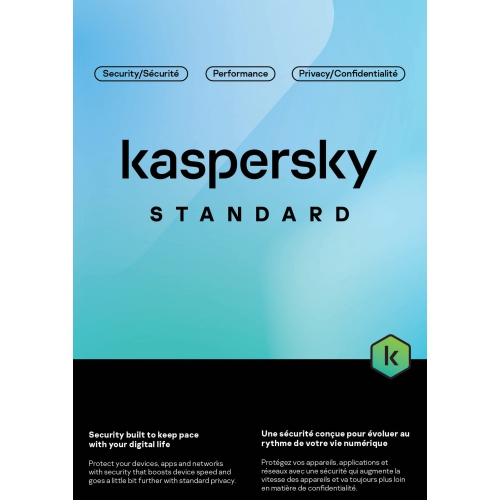

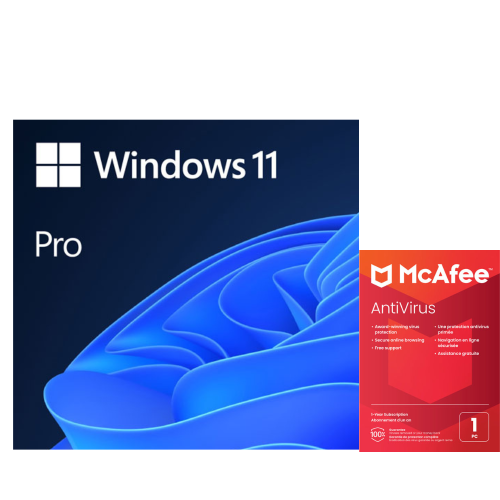
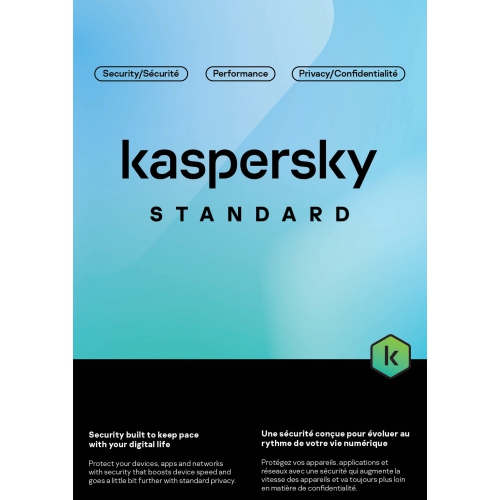
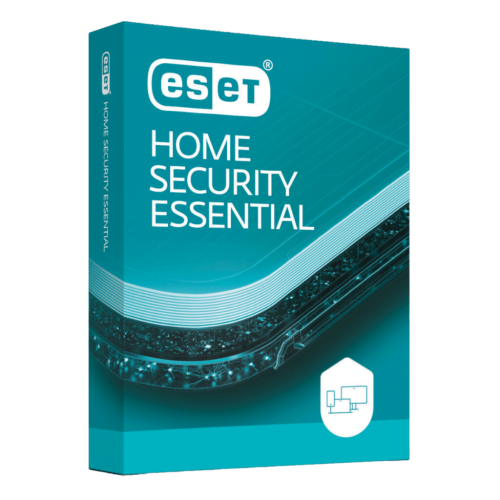
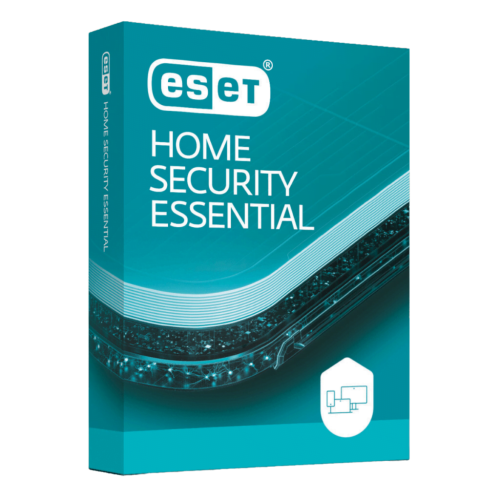
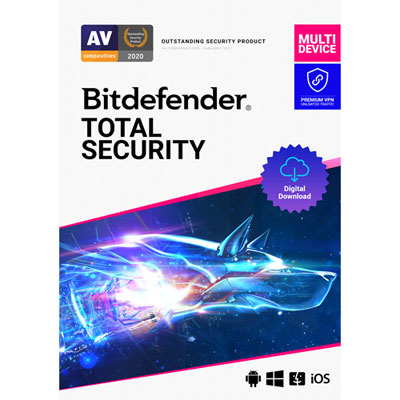

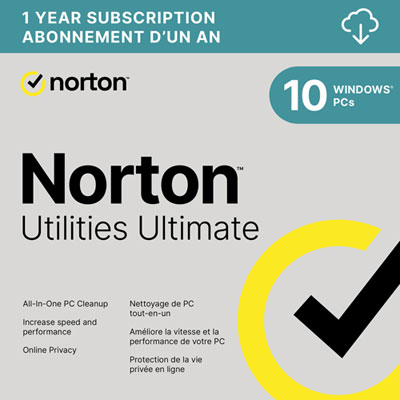
Gaming protection that balances threat detection and performance
Antivirus software for gaming PCs is designed to help protect game libraries, personal files and account information without making security the centre of every gaming session. A gaming desktop often does more than run games: it may also handle school assignments, video editing, online banking, voice chat and livestreaming. That mix of activities creates opportunities for malicious downloads, deceptive sign-in pages and unwanted software to reach the same machine that holds saved progress and carefully tuned settings. Real-time protection checks files as they are opened or downloaded, while web protection, where included, can help flag suspicious websites before a login or download goes ahead. These features are particularly relevant when browsing community forums, downloading mods or following links shared in chat. A file presented as a texture pack or performance utility can contain something quite different, and even a familiar-looking account page may be an imitation. For this category, a strong fit is antivirus software that combines dependable threat detection with modest processor and memory use, clear controls and a gaming or silent mode. Built-in operating system protection may already meet the needs of many players when it stays updated and is paired with careful browsing habits. A separate antivirus package is most useful when its features address a particular need, such as more flexible scan scheduling, additional phishing protection or management across several household devices. No antivirus can guarantee that every threat will be caught, and installing extra software does not automatically make a computer safer. The value lies in protection that suits the way the PC is actually used. A competitive player may place particular importance on uninterrupted matches, while someone who experiments with community-made content may appreciate straightforward file scanning and an accessible quarantine history. For a shared family gaming computer, understandable alerts and separate settings for different users can matter just as much as advanced controls.
Performance is an important consideration because antivirus software shares the processor, memory and storage resources that games depend on. A full system scan can involve considerably more disk activity than routine background monitoring, especially on a PC with a large library spread across several drives. Gaming modes commonly reduce non-essential notifications or defer scheduled tasks while a game is running, but their behaviour varies. Some respond to full-screen applications; others allow selected games to be added to a profile. Borderless-windowed play, a second display and streaming software can all affect how useful that automatic detection feels in practice. Silent mode should not be confused with switching protection off: the aim is fewer interruptions while essential security functions remain active. Software descriptions that explain which alerts are suppressed and which tasks are postponed offer a clearer picture than broad promises of faster gaming. Independent protection and performance tests can also provide useful context, particularly when they assess recent software versions, although results from one test computer cannot predict every gaming setup. A desktop with ample memory and fast storage may handle background activity differently from an older machine already working hard to maintain steady frame rates. For players who stream, record gameplay or keep voice chat open, resource use matters across the whole session, not just inside the game itself. Flexible scheduling helps keep more intensive scans away from ranked matches, group raids or recording sessions. Update controls also deserve attention: delaying a disruptive task is useful, but indefinitely postponing security updates leaves protection less prepared for new threats. Quarantine tools are another practical detail for mod users and hobbyist developers. Legitimate utilities can occasionally trigger an alert, so clear detection details and a manageable review process are valuable. Broadly excluding an entire game drive from scanning creates an avoidable blind spot; a narrow exception for a verified file is a different decision from leaving every future download unchecked.
Compatibility, licence coverage and ongoing support determine how well antivirus software fits a gaming PC over time. The supported operating system version, minimum hardware requirements and installation conditions should match the computer receiving it, including a custom-built tower or an older desktop used mainly for less demanding games. Software does not wear out like a keyboard or headset, but its usefulness depends on continued threat updates, compatible releases and an active licence where required. Subscription length, device limits, account requirements and automatic extension settings are therefore part of the product fit, particularly for households with more than one computer. Digital delivery may involve an activation code and a download rather than physical installation media, making access to the correct account and installation instructions important. Installing two antivirus applications with active real-time scanning can cause conflicts or unnecessary resource use; more overlapping protection is not necessarily better protection. Security suites may also include a firewall, password manager, virtual private network or parental controls, but these features are not universal and do not all serve the same purpose. A virtual private network, for example, does not replace malware detection and may affect connection latency depending on the server and connection. Password management and multi-factor authentication can support account security, while separate backups help preserve valued files if something goes wrong. For gamers, those files may include locally stored saves, screenshots, custom settings and hours of recorded footage. Antivirus software is a practical addition to a newly built PC or a shared household setup when the recipient's device compatibility and existing coverage are known. Players who split their time between a desktop and a portable computer may also find Antivirus Software for Laptops relevant when considering protection across both devices. Whether the PC is used for short evening sessions or long multiplayer weekends, the most suitable protection is understandable, maintained and unobtrusive, with features that match real habits rather than adding complexity for its own sake.
Performance is an important consideration because antivirus software shares the processor, memory and storage resources that games depend on. A full system scan can involve considerably more disk activity than routine background monitoring, especially on a PC with a large library spread across several drives. Gaming modes commonly reduce non-essential notifications or defer scheduled tasks while a game is running, but their behaviour varies. Some respond to full-screen applications; others allow selected games to be added to a profile. Borderless-windowed play, a second display and streaming software can all affect how useful that automatic detection feels in practice. Silent mode should not be confused with switching protection off: the aim is fewer interruptions while essential security functions remain active. Software descriptions that explain which alerts are suppressed and which tasks are postponed offer a clearer picture than broad promises of faster gaming. Independent protection and performance tests can also provide useful context, particularly when they assess recent software versions, although results from one test computer cannot predict every gaming setup. A desktop with ample memory and fast storage may handle background activity differently from an older machine already working hard to maintain steady frame rates. For players who stream, record gameplay or keep voice chat open, resource use matters across the whole session, not just inside the game itself. Flexible scheduling helps keep more intensive scans away from ranked matches, group raids or recording sessions. Update controls also deserve attention: delaying a disruptive task is useful, but indefinitely postponing security updates leaves protection less prepared for new threats. Quarantine tools are another practical detail for mod users and hobbyist developers. Legitimate utilities can occasionally trigger an alert, so clear detection details and a manageable review process are valuable. Broadly excluding an entire game drive from scanning creates an avoidable blind spot; a narrow exception for a verified file is a different decision from leaving every future download unchecked.
Compatibility, licence coverage and ongoing support determine how well antivirus software fits a gaming PC over time. The supported operating system version, minimum hardware requirements and installation conditions should match the computer receiving it, including a custom-built tower or an older desktop used mainly for less demanding games. Software does not wear out like a keyboard or headset, but its usefulness depends on continued threat updates, compatible releases and an active licence where required. Subscription length, device limits, account requirements and automatic extension settings are therefore part of the product fit, particularly for households with more than one computer. Digital delivery may involve an activation code and a download rather than physical installation media, making access to the correct account and installation instructions important. Installing two antivirus applications with active real-time scanning can cause conflicts or unnecessary resource use; more overlapping protection is not necessarily better protection. Security suites may also include a firewall, password manager, virtual private network or parental controls, but these features are not universal and do not all serve the same purpose. A virtual private network, for example, does not replace malware detection and may affect connection latency depending on the server and connection. Password management and multi-factor authentication can support account security, while separate backups help preserve valued files if something goes wrong. For gamers, those files may include locally stored saves, screenshots, custom settings and hours of recorded footage. Antivirus software is a practical addition to a newly built PC or a shared household setup when the recipient's device compatibility and existing coverage are known. Players who split their time between a desktop and a portable computer may also find Antivirus Software for Laptops relevant when considering protection across both devices. Whether the PC is used for short evening sessions or long multiplayer weekends, the most suitable protection is understandable, maintained and unobtrusive, with features that match real habits rather than adding complexity for its own sake.
Top selling and popular products
-
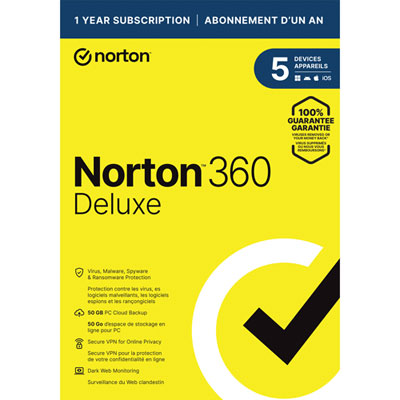 Your price for this item is $89.99
 -
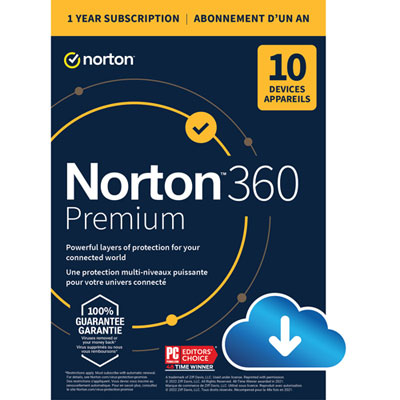 Your price for this item is $99.99
 -
 Your price for this item is $89.99
 -
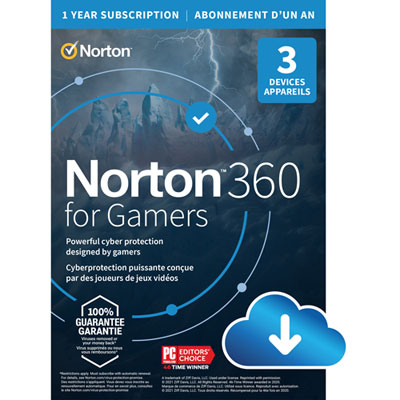 Your price for this item is $89.99
 -
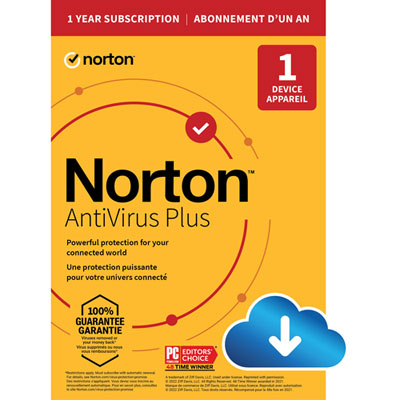 Your price for this item is $14.99
 -
 Your price for this item is $84.99
 -
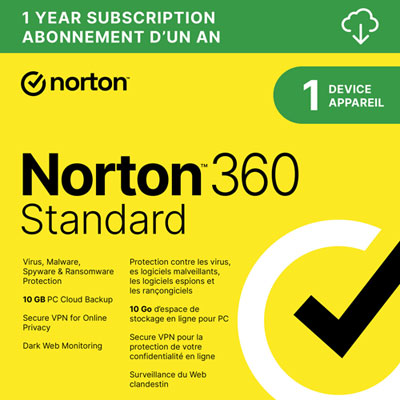 Your price for this item is $69.99
 -
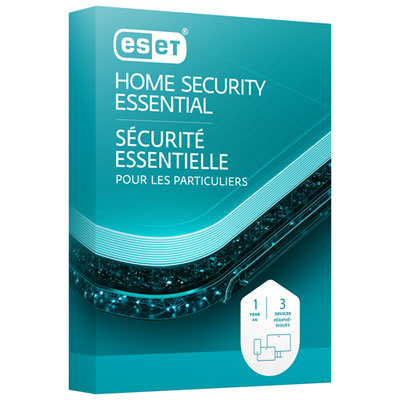 Your price for this item is $59.95
Discover more categories related to Antivirus Software for Gaming PC
Top Collections:
Pokemon Centers, Best Cameras for Sports Photography, Kindle Devices, Samsung Galaxy Phones, Canon G7X Cameras, Pokémon 30th Celebration Cards, Refurbished Apple Laptops, iPhone 15 Apple, Laptops for Students, Budget Smartphones
Some products may be subject to Environmental Handling Fees
(EHF) depending on your province.
Learn more about EHFs.