Antivirus Macs
Safeguard your Mac against online threats with our selection of top-notch antivirus solutions designed specifically for Apple devices. Protect your personal information, sensitive data, and digital identity with advanced security features that offer real-time protection against malware, viruses, and other cyber threats. Ensure your peace of mind while browsing the web, shopping online, or downloading files by choosing from our range of antivirus options tailored to meet the unique security needs of Mac users.
Sort

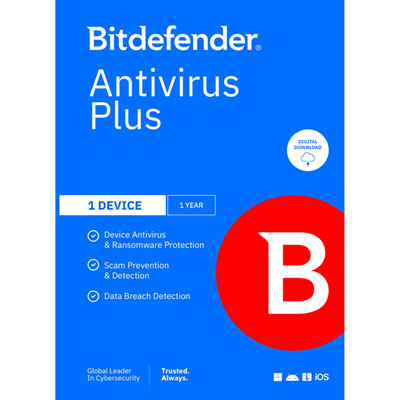
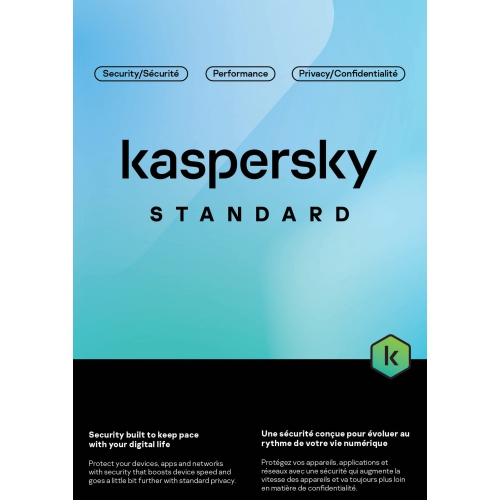
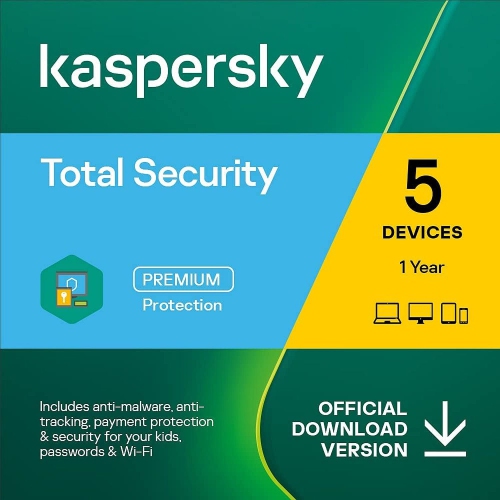
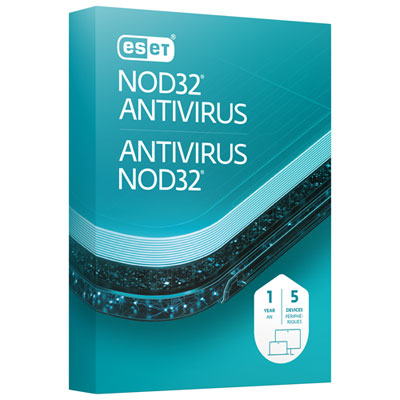

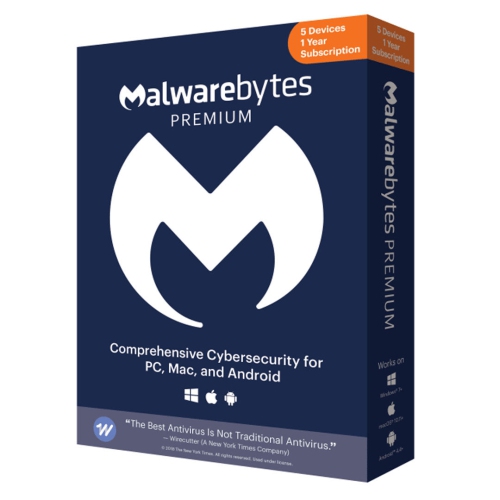

Added safeguards for banking, browsing, and shared computers
Antivirus software for Mac can add an extra layer of protection for people who use their computer for banking, shopping, school, work, creative projects, or everyday communication. Macs include built-in security features such as XProtect, which can identify and block known malware when applications are opened or changed, along with other protections that help keep macOS and personal data safer. Third-party antivirus software can extend those safeguards with real-time monitoring, scheduled or on-demand scans, phishing and scam warnings, malicious website blocking, ransomware detection, and tools that watch for suspicious behaviour rather than relying only on a known threat signature. This can be particularly helpful when downloading files from unfamiliar websites, opening attachments, installing browser extensions, or sharing a Mac with other people. A single unsafe click can lead to a screen filled with urgent warnings, a locked folder of important documents, or a fake login page designed to capture a password; security software may help identify these situations before they become more serious. When comparing antivirus software for Mac, start by checking compatibility with the version of macOS installed on the computer and whether the software supports Apple silicon, Intel-based Macs, or both. It is also worth considering how much protection is needed. A basic plan may focus on malware scanning and web protection, while a broader security suite may include a virtual private network, password management, identity monitoring, parental controls, a firewall, or coverage for Windows PCs and mobile devices in the same household. Some software runs quietly in the background, while other options provide more detailed alerts and settings for people who prefer to review downloads, connected devices, and blocked websites themselves. Look for clear information about system requirements, the number of devices included, subscription length, automatic renewal, and whether key features are available on macOS rather than only on other platforms. A lightweight design can be important for an older Mac used for video calls or photo editing, while families may place more value on central account management and multi-device coverage. Anyone who wants to compare a wider range of options can browse Good Antivirus Software and narrow the selection according to device count, features, and preferred level of control.
Antivirus software for Mac may be a practical choice for students carrying coursework between campus, home, and public networks; remote workers handling client files at a kitchen table; families sharing one iMac for school, streaming, and online purchases; or frequent travellers who connect a MacBook to hotel, airport, and café Wi-Fi. It can also make a thoughtful gift for someone setting up a first computer, moving into a new home office, or replacing an older device, especially when the software includes straightforward installation and support. Before purchasing, check whether the recipient already has an active subscription, since many security services renew automatically and overlapping programs can sometimes cause unnecessary notifications or performance conflicts. Installing more than one full antivirus application is generally not recommended unless the software providers specifically confirm that the programs are designed to work together; a single well-configured solution is usually easier to manage. After installation, allow the software to receive updates, enable real-time protection, and run an initial scan of applications, downloads, external drives, and existing files. Keep macOS, browsers, and commonly used apps updated as well, because antivirus protection works best as part of a broader security routine. Strong, unique passwords and multi-factor authentication can help protect accounts if login details are exposed, while careful attention to unexpected invoices, delivery notices, shared documents, and password-reset messages can reduce the chance of falling for phishing. Privacy settings also deserve a close look: some security tools collect diagnostic information, scan web traffic, or offer optional features that require additional permissions. Review those choices during setup and select only the functions that suit the way the Mac is used. During the cooler months, when more time may be spent indoors on video calls, online shopping, entertainment, and schoolwork, a dependable security setup can help keep those activities running smoothly without turning every download into a source of worry. The right antivirus software for Mac should match the computer, the user’s habits, and the devices that need coverage, with clear controls that make everyday protection simple to maintain.
Antivirus software for Mac may be a practical choice for students carrying coursework between campus, home, and public networks; remote workers handling client files at a kitchen table; families sharing one iMac for school, streaming, and online purchases; or frequent travellers who connect a MacBook to hotel, airport, and café Wi-Fi. It can also make a thoughtful gift for someone setting up a first computer, moving into a new home office, or replacing an older device, especially when the software includes straightforward installation and support. Before purchasing, check whether the recipient already has an active subscription, since many security services renew automatically and overlapping programs can sometimes cause unnecessary notifications or performance conflicts. Installing more than one full antivirus application is generally not recommended unless the software providers specifically confirm that the programs are designed to work together; a single well-configured solution is usually easier to manage. After installation, allow the software to receive updates, enable real-time protection, and run an initial scan of applications, downloads, external drives, and existing files. Keep macOS, browsers, and commonly used apps updated as well, because antivirus protection works best as part of a broader security routine. Strong, unique passwords and multi-factor authentication can help protect accounts if login details are exposed, while careful attention to unexpected invoices, delivery notices, shared documents, and password-reset messages can reduce the chance of falling for phishing. Privacy settings also deserve a close look: some security tools collect diagnostic information, scan web traffic, or offer optional features that require additional permissions. Review those choices during setup and select only the functions that suit the way the Mac is used. During the cooler months, when more time may be spent indoors on video calls, online shopping, entertainment, and schoolwork, a dependable security setup can help keep those activities running smoothly without turning every download into a source of worry. The right antivirus software for Mac should match the computer, the user’s habits, and the devices that need coverage, with clear controls that make everyday protection simple to maintain.
Top selling and popular products
-
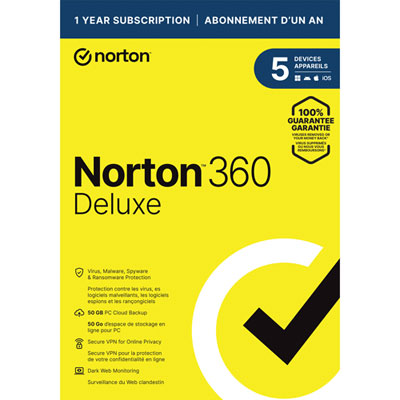 Your price for this item is $49.99
 -
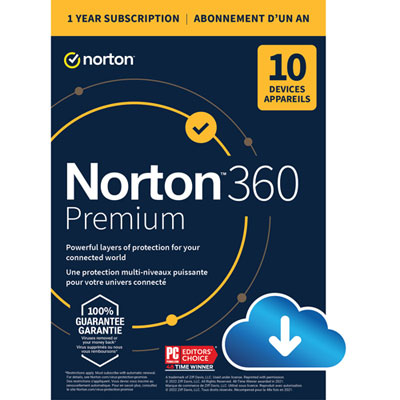 Your price for this item is $99.99
 -
 Your price for this item is $89.99
 -
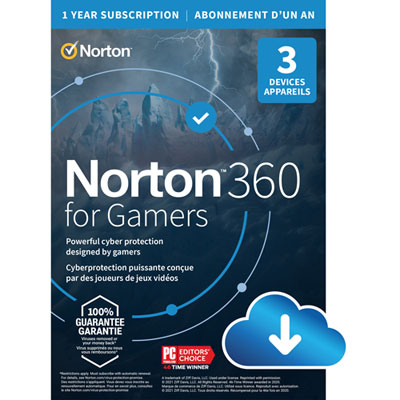 Your price for this item is $89.99
 -
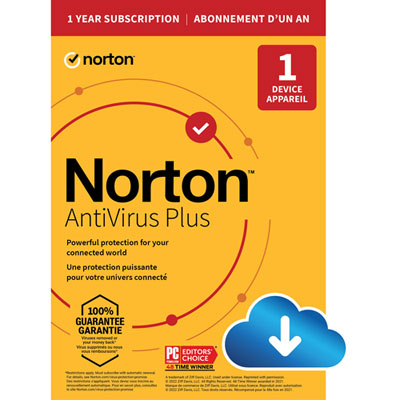 Your price for this item is $14.99
 -
 Your price for this item is $49.99
 -
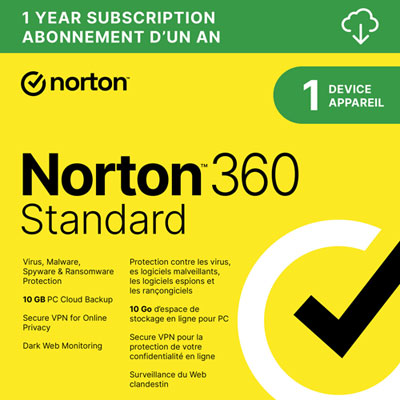 Your price for this item is $69.99
 -
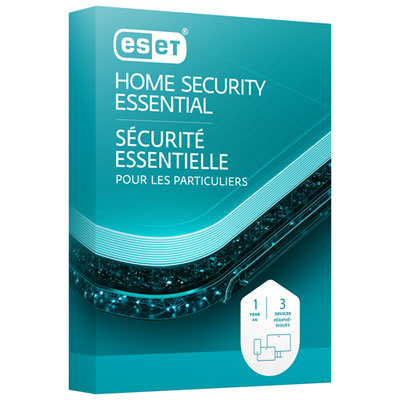 Your price for this item is $59.95
Discover more categories related to Antivirus Macs
Top Collections:
Pokemon Centers, Kindle Devices, Best Cell Phones Under $500, Alarm Clock, Canon G7X Cameras, iPhone 15 Apple, Apple iPhones 16, Laptops for Students, iPhone 14 256GB, Budget Smartphones
Some products may be subject to Environmental Handling Fees
(EHF) depending on your province.
Learn more about EHFs.