Antivirus Software
In today's digital age, safeguarding your devices from online threats is more crucial than ever. Antivirus software is essential for protecting your computer, smartphone, and tablet from malware, viruses, and other cyber threats that can compromise your data and privacy. Whether you're a casual user or a business professional, finding the right antivirus solution can provide peace of mind as you navigate the internet. Explore a range of options tailored to meet various security needs, ensuring that your digital life remains safe and secure.
Sort

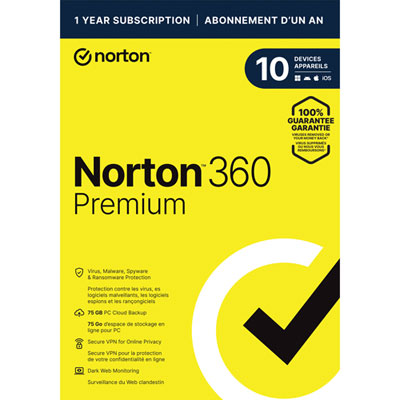
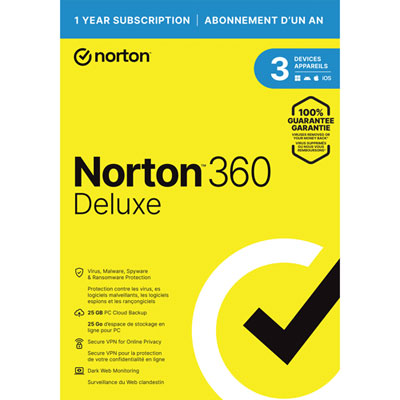
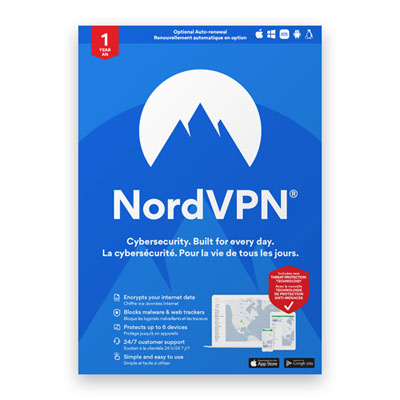
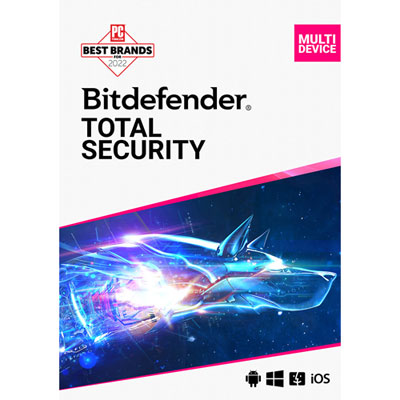
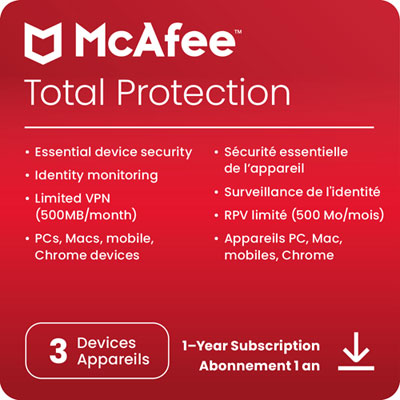
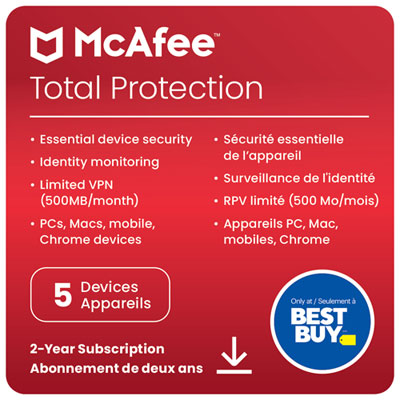
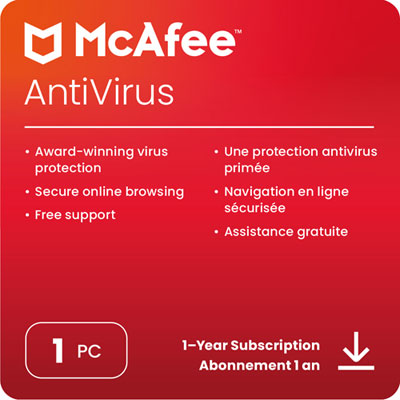

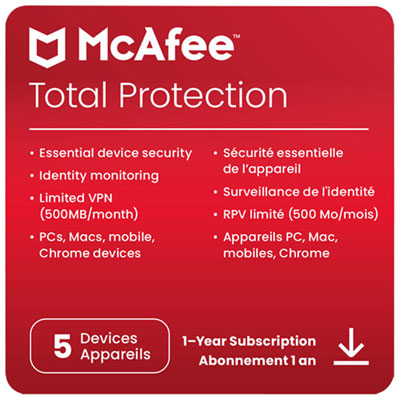
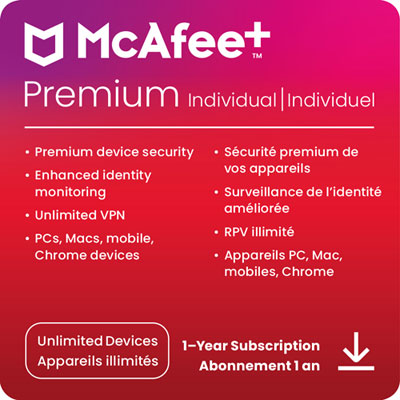
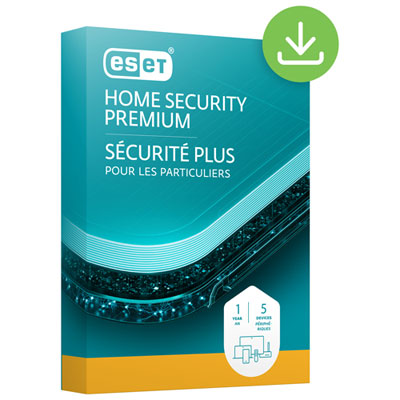
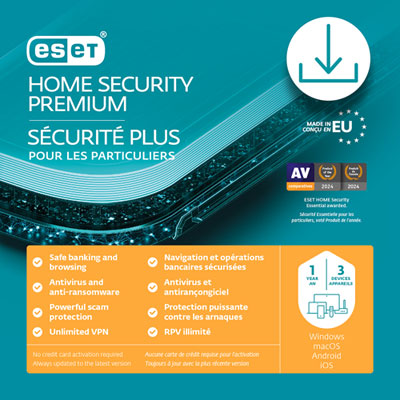


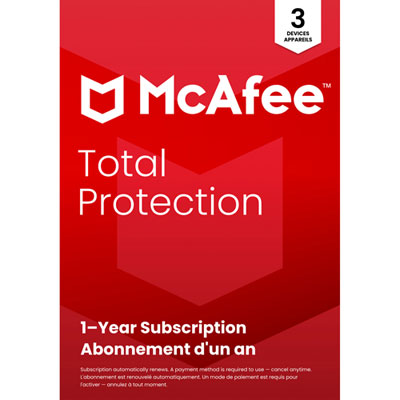
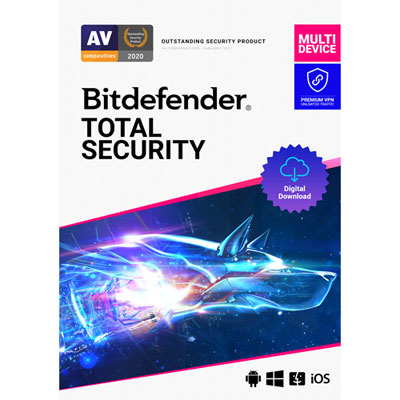
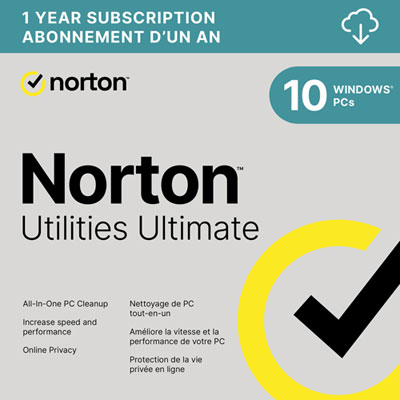
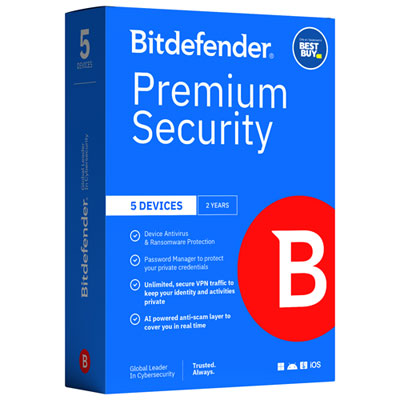
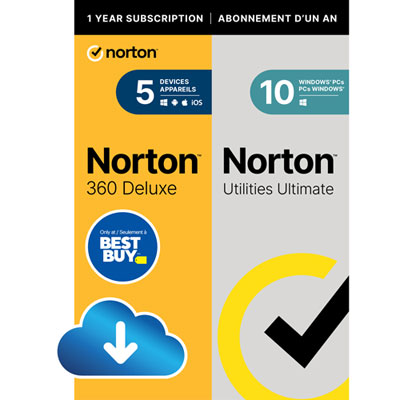
Digital threats can hide in seemingly harmless downloads
Antivirus software helps protect computers and compatible mobile devices from viruses, malware, and other digital threats by detecting suspicious files, blocking harmful activity, and isolating or removing identified infections. It adds a layer of protection to everyday tasks such as opening email attachments, downloading documents, browsing websites, and connecting external storage drives. A convincing delivery notification, a shared file that looks like a school assignment, or a download disguised as a useful utility can all carry risks that are not obvious at first glance. Real-time protection checks supported activity as it happens, while on-demand and scheduled scans examine files and storage locations for threats that may already be present. Detection methods can include matching known malware signatures, analysing unusual behaviour, and checking threat information through cloud-connected services. These methods serve different purposes: a familiar malicious file may be identified by its signature, while unexpected attempts to alter many documents could trigger behaviour-based monitoring. Depending on its capabilities, antivirus software may also help address spyware that gathers information without permission, ransomware that attempts to lock files, and potentially unwanted applications that interfere with normal device use. No antivirus can guarantee protection against every attack, and its effectiveness depends partly on updates, configuration, and the threats it is designed to detect. For a student exchanging coursework, a parent managing household accounts, or someone keeping years of photos on a personal computer, the practical value is protection that fits ordinary routines. Antivirus software ranges from focused malware protection to broader security suites that combine several tools in one interface. Neither approach is automatically the better fit for every household. A single-purpose application may suit someone who already has separate password and backup tools, while an integrated suite can make multiple security functions easier to manage together. The most useful distinction is what the software protects, how it responds to threats, and whether its functions match the way the device is used.
Compatibility and device coverage are central considerations when choosing antivirus software. Supported operating systems, minimum system requirements, and compatibility with the installed operating system version determine whether an application will work as intended. Protection also differs across computers, phones, and tablets because each platform gives security applications different access to files and system functions. A mobile security application may focus on malicious links, risky settings, or account-related alerts rather than offer the same scanning capabilities as desktop antivirus. Multi-device coverage can be useful for households with a mix of personal laptops, shared computers, and compatible mobile devices, but the permitted device count and supported platforms still need to match the household’s setup. Some licences cover one user, while others allow protection to be managed across several users or devices; those terms are distinct from the number of installations alone. Digital delivery typically involves an activation code or account-based setup, and the licence term determines how long the included protection and updates remain active. Day-to-day fit matters just as much as installation. Background monitoring uses system resources, and a full scan can place a greater load on processing power and storage than routine real-time checks. Software with adjustable scan schedules and clear performance settings can make it easier to avoid interruptions during video calls, coursework, or demanding creative tasks. Quiet modes may reduce non-essential notifications during presentations or full-screen activities, though their exact behaviour varies. Clear alerts are particularly helpful on a shared family computer, where the person seeing a warning may not be the person who installed the software. A useful interface explains whether a threat was blocked, whether a file was placed in quarantine, and whether further action is needed. For households that favour straightforward controls and uncomplicated daily operation, Simple Anti-Virus Software offers a more focused way to explore that preference. Ease of use is especially valuable when checking protection status, finding scan results, or helping a less experienced computer user understand an alert.
Additional security features can broaden the role of antivirus software, although the contents of a security suite vary and should not be assumed from its name. Web protection may flag known malicious pages or suspicious links before a visit, while phishing protection aims to identify attempts to steal login details or other personal information. These features can be relevant when an email directs someone to a convincing imitation of a banking sign-in page, but they do not replace careful attention to the website address and the request being made. A password manager, where included, can store login credentials and help generate distinct passwords for different accounts. A virtual private network, or VPN, encrypts traffic between a device and the VPN service, which can be useful on shared Wi-Fi connections; it does not make every website trustworthy or prevent every type of tracking. Backup features serve another purpose by keeping copies of important files, with storage limits, supported file types, and restoration options varying by package. Ransomware protection and backups are complementary rather than interchangeable: blocking suspicious file changes is different from having a separate copy of a family photo album or an important work document. Identity monitoring, when offered, may provide alerts about exposed personal information, but coverage and eligibility can differ in Canada, and monitoring cannot prevent all identity theft. Long-term usefulness also depends on routine upkeep. Automatic software updates and fresh threat information help protection respond to newly identified risks, while operating system and browser updates address weaknesses antivirus alone cannot fix. Running multiple real-time antivirus applications can cause conflicts or unnecessary slowdowns, so compatibility with existing protection deserves attention. Recovery options, accessible support, and understandable quarantine controls can make a meaningful difference if a legitimate file is flagged or a device needs extra attention after an infection. Antivirus software works best as part of a broader set of habits that includes strong, unique passwords, multifactor authentication, separate backups, and caution with unexpected downloads. The right fit brings these practical needs together without making everyday computer use unnecessarily complicated.
Compatibility and device coverage are central considerations when choosing antivirus software. Supported operating systems, minimum system requirements, and compatibility with the installed operating system version determine whether an application will work as intended. Protection also differs across computers, phones, and tablets because each platform gives security applications different access to files and system functions. A mobile security application may focus on malicious links, risky settings, or account-related alerts rather than offer the same scanning capabilities as desktop antivirus. Multi-device coverage can be useful for households with a mix of personal laptops, shared computers, and compatible mobile devices, but the permitted device count and supported platforms still need to match the household’s setup. Some licences cover one user, while others allow protection to be managed across several users or devices; those terms are distinct from the number of installations alone. Digital delivery typically involves an activation code or account-based setup, and the licence term determines how long the included protection and updates remain active. Day-to-day fit matters just as much as installation. Background monitoring uses system resources, and a full scan can place a greater load on processing power and storage than routine real-time checks. Software with adjustable scan schedules and clear performance settings can make it easier to avoid interruptions during video calls, coursework, or demanding creative tasks. Quiet modes may reduce non-essential notifications during presentations or full-screen activities, though their exact behaviour varies. Clear alerts are particularly helpful on a shared family computer, where the person seeing a warning may not be the person who installed the software. A useful interface explains whether a threat was blocked, whether a file was placed in quarantine, and whether further action is needed. For households that favour straightforward controls and uncomplicated daily operation, Simple Anti-Virus Software offers a more focused way to explore that preference. Ease of use is especially valuable when checking protection status, finding scan results, or helping a less experienced computer user understand an alert.
Additional security features can broaden the role of antivirus software, although the contents of a security suite vary and should not be assumed from its name. Web protection may flag known malicious pages or suspicious links before a visit, while phishing protection aims to identify attempts to steal login details or other personal information. These features can be relevant when an email directs someone to a convincing imitation of a banking sign-in page, but they do not replace careful attention to the website address and the request being made. A password manager, where included, can store login credentials and help generate distinct passwords for different accounts. A virtual private network, or VPN, encrypts traffic between a device and the VPN service, which can be useful on shared Wi-Fi connections; it does not make every website trustworthy or prevent every type of tracking. Backup features serve another purpose by keeping copies of important files, with storage limits, supported file types, and restoration options varying by package. Ransomware protection and backups are complementary rather than interchangeable: blocking suspicious file changes is different from having a separate copy of a family photo album or an important work document. Identity monitoring, when offered, may provide alerts about exposed personal information, but coverage and eligibility can differ in Canada, and monitoring cannot prevent all identity theft. Long-term usefulness also depends on routine upkeep. Automatic software updates and fresh threat information help protection respond to newly identified risks, while operating system and browser updates address weaknesses antivirus alone cannot fix. Running multiple real-time antivirus applications can cause conflicts or unnecessary slowdowns, so compatibility with existing protection deserves attention. Recovery options, accessible support, and understandable quarantine controls can make a meaningful difference if a legitimate file is flagged or a device needs extra attention after an infection. Antivirus software works best as part of a broader set of habits that includes strong, unique passwords, multifactor authentication, separate backups, and caution with unexpected downloads. The right fit brings these practical needs together without making everyday computer use unnecessarily complicated.
Top selling and popular products
-
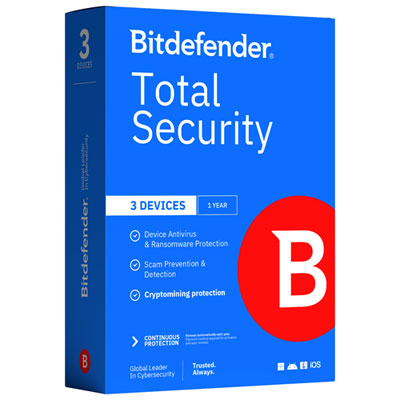
 Your price for this item is $89.99
 -
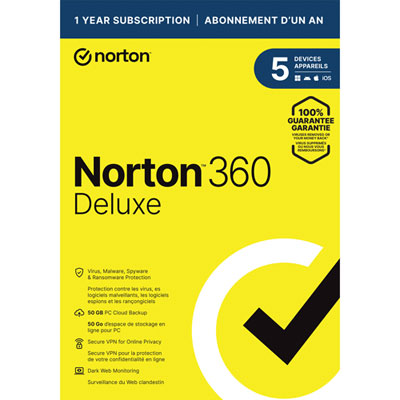
 Your price for this item is $99.99
 -
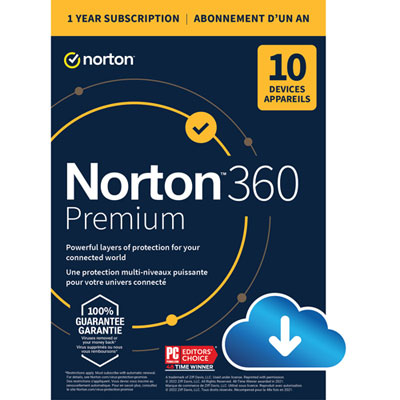
 Your price for this item is $89.99
 -
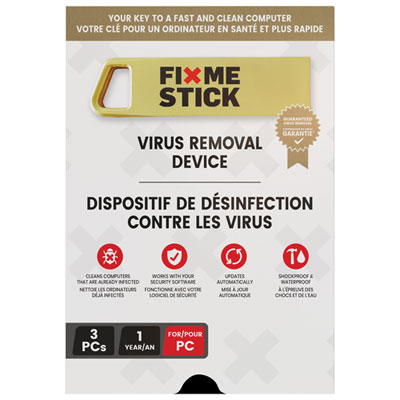
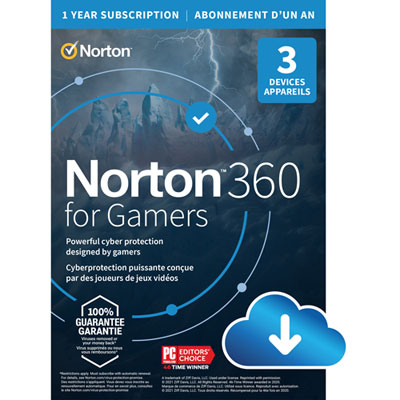 Your price for this item is $89.99
 -
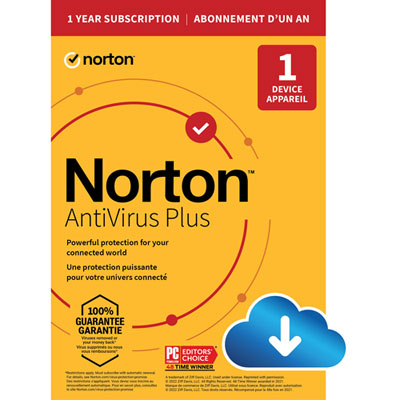 Your price for this item is $14.99
 -
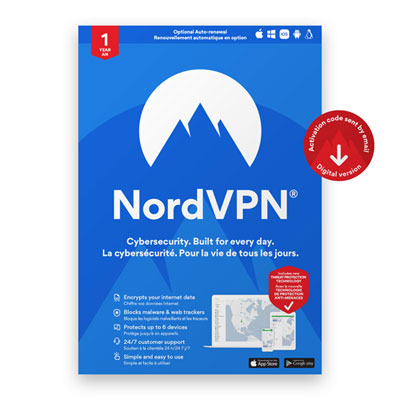 Your price for this item is $84.99
 -
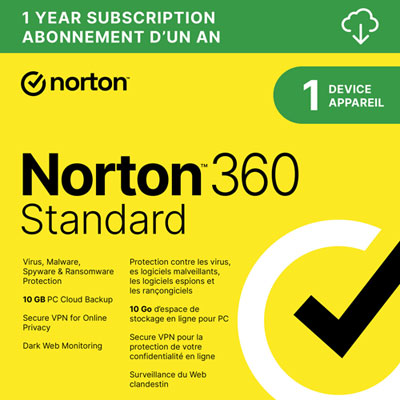 Your price for this item is $69.99
 -
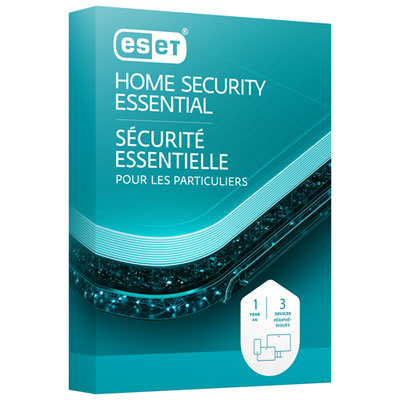 Your price for this item is $59.95
Discover more categories related to Antivirus Software
Top Collections:
Pokemon Centers, Best Cameras for Sports Photography, Kindle Devices, Samsung Galaxy Phones, Canon G7X Cameras, Pokémon 30th Celebration Cards, Refurbished Apple Laptops, iPhone 15 Apple, Laptops for Students, Budget Smartphones
Some products may be subject to Environmental Handling Fees
(EHF) depending on your province.
Learn more about EHFs.