Apc Battery Packs
Looking for reliable power solutions to keep your devices running smoothly? Look no further than our selection of APC battery packs. Whether you're on the go or need a backup power source at home, these battery packs are designed to provide you with the peace of mind and convenience you need. They are lightweight and easy to transport, making them ideal for anyone who needs reliable power on the go.
Sort
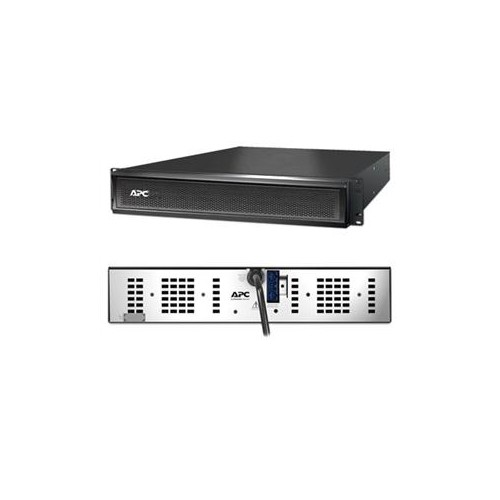
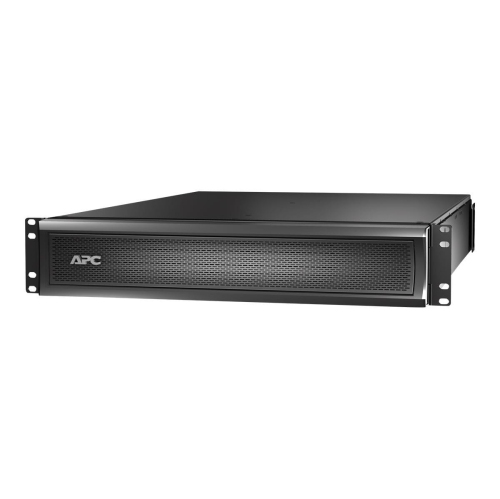

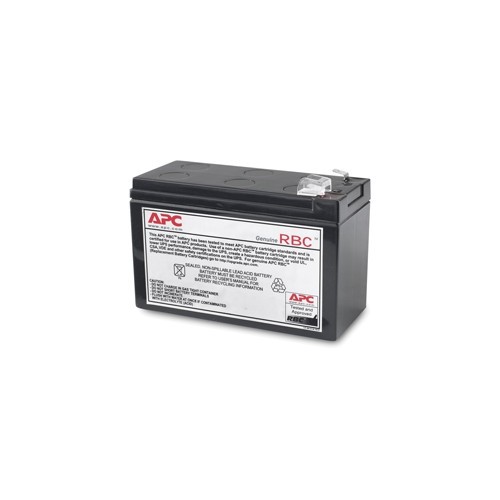
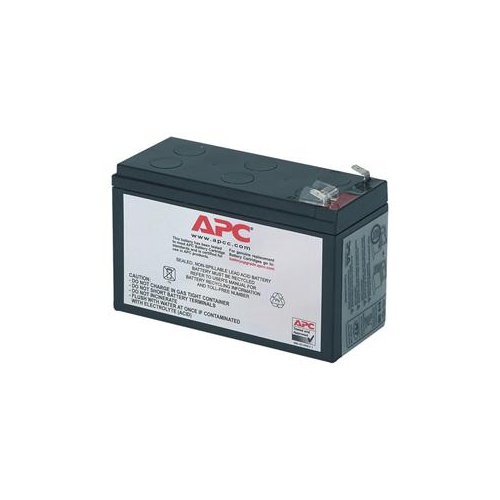
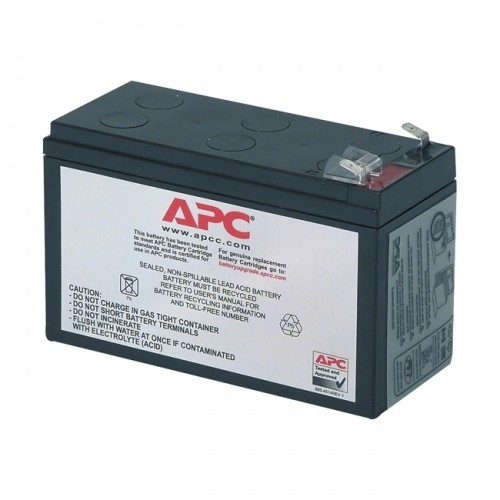
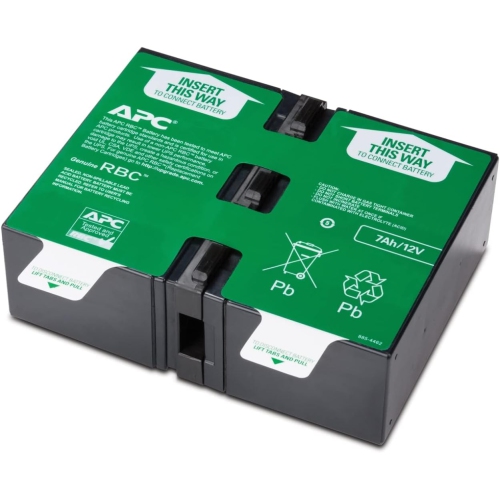
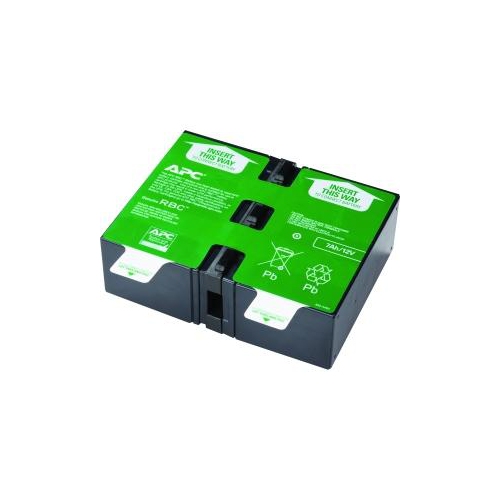
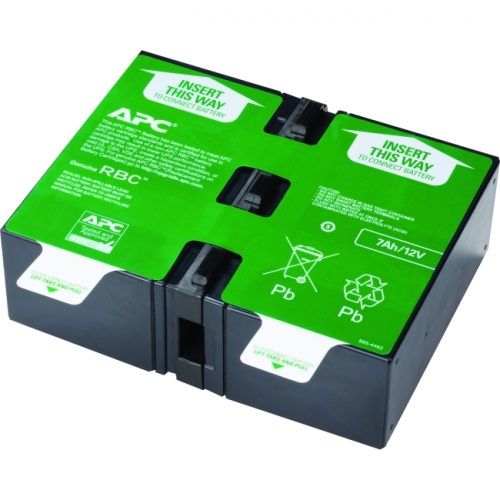
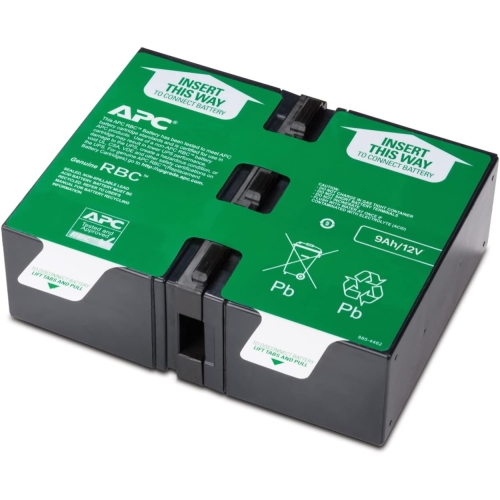
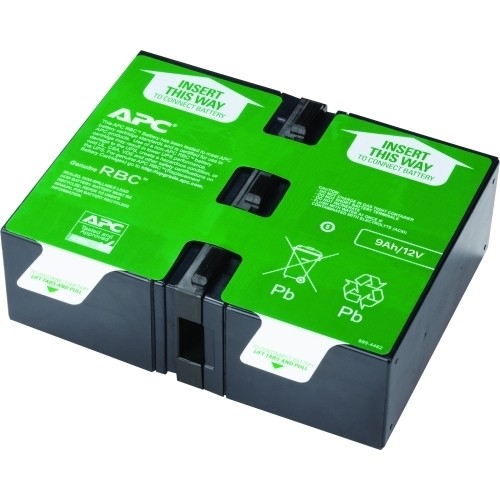
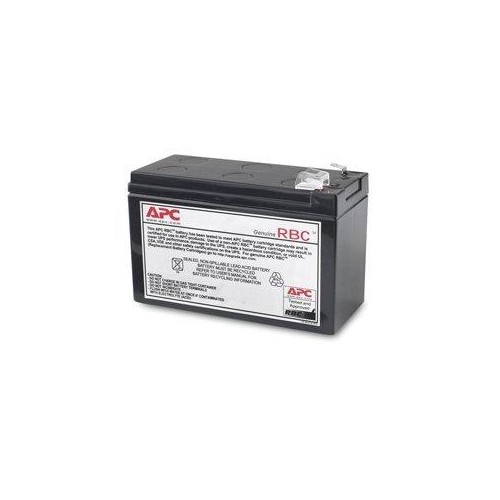
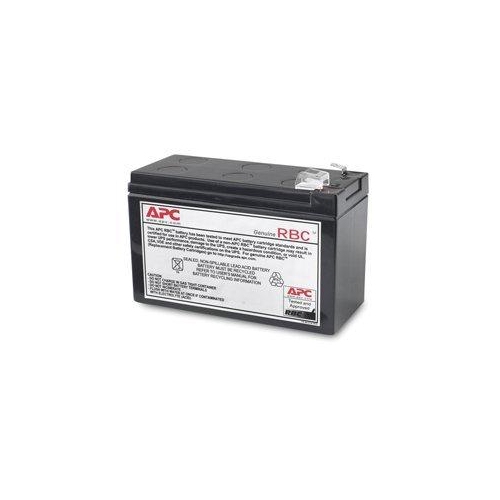
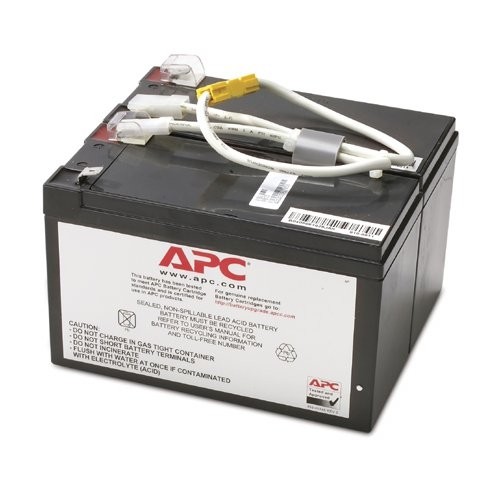
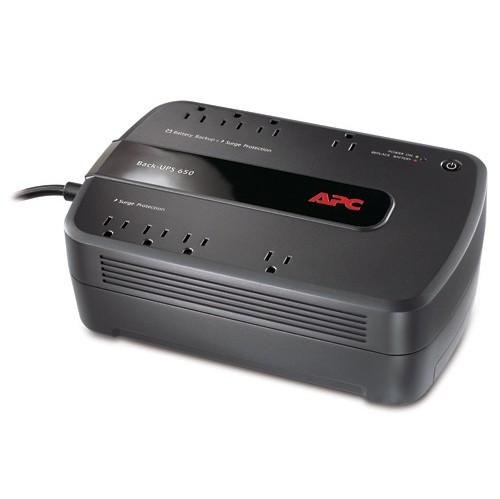
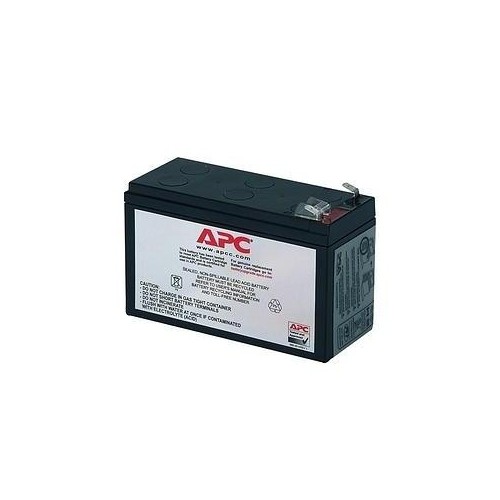
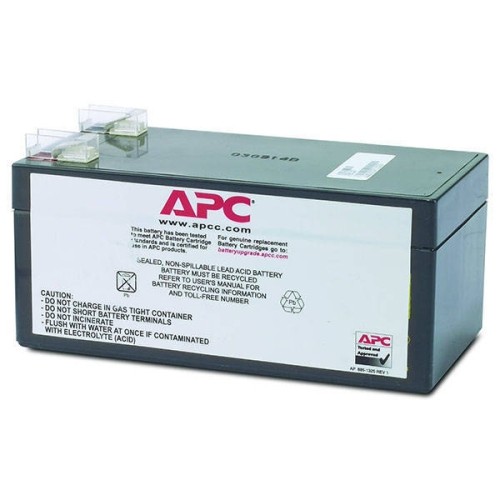
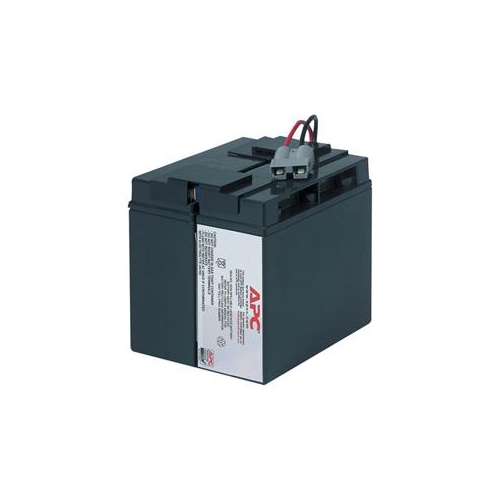
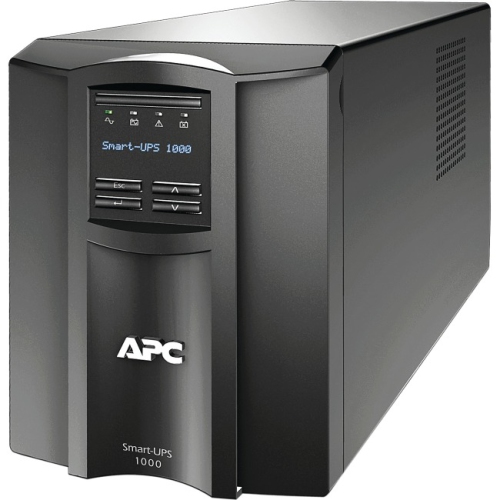
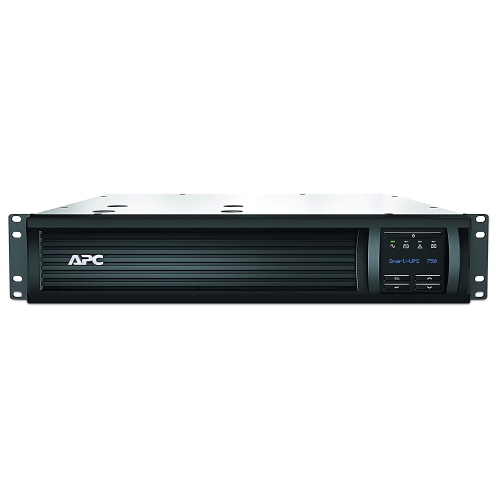
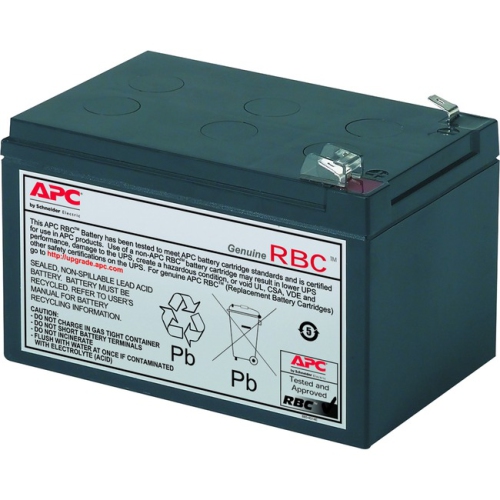
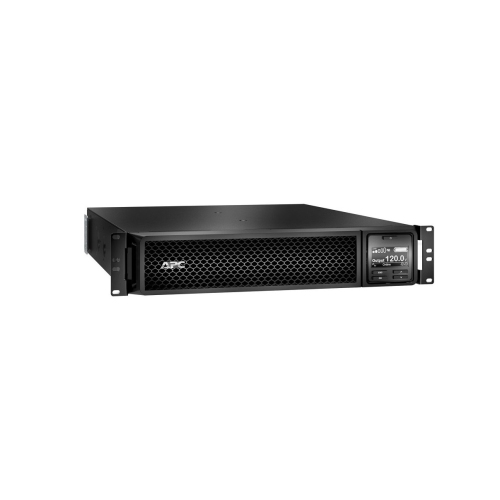
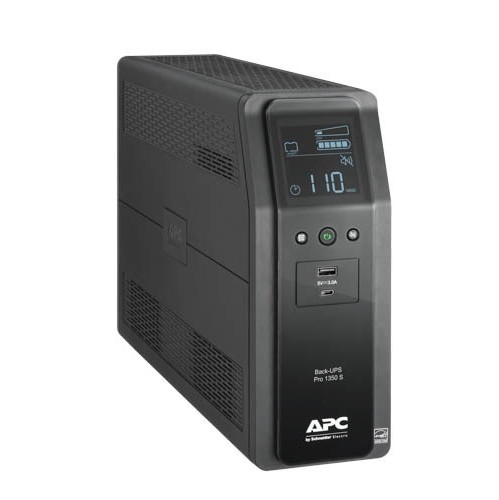
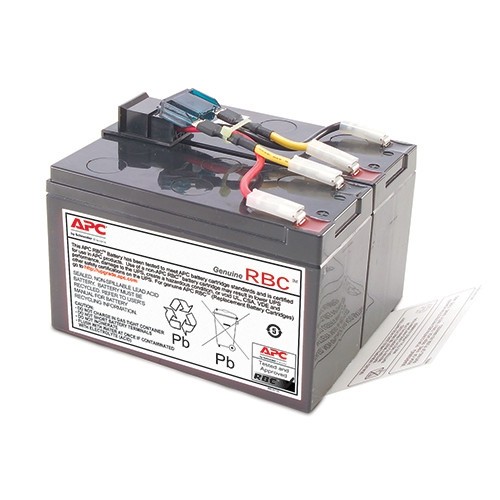
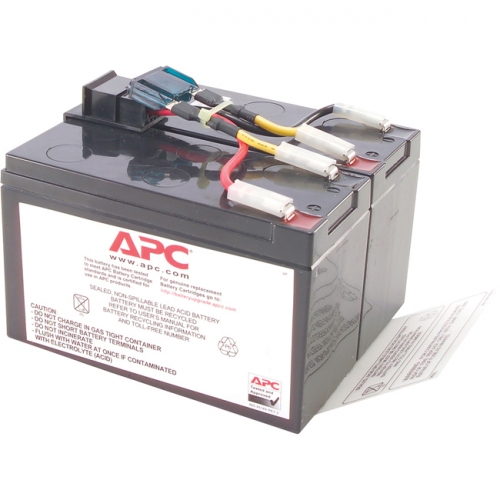
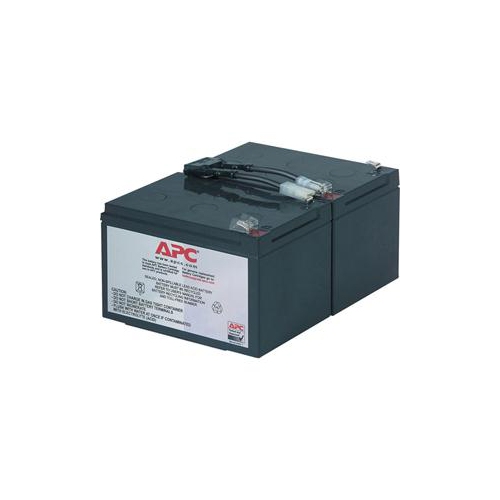
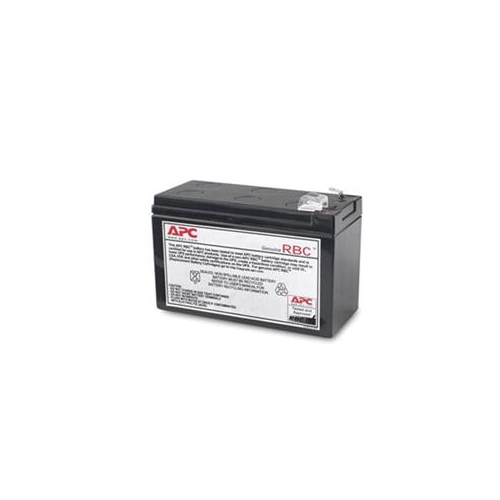
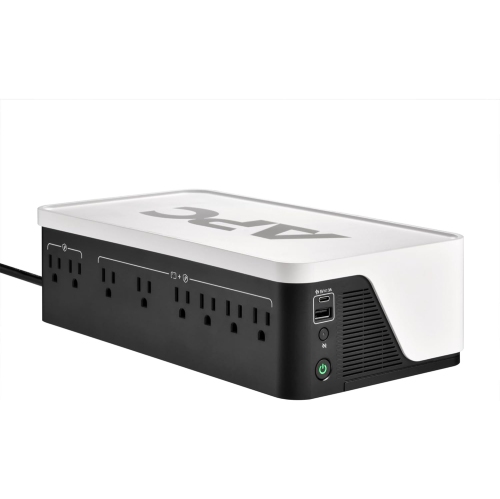
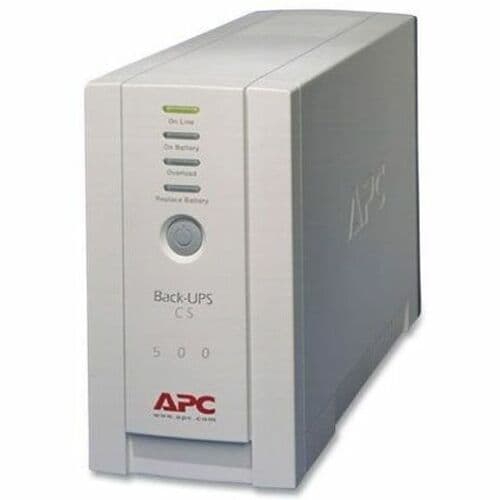
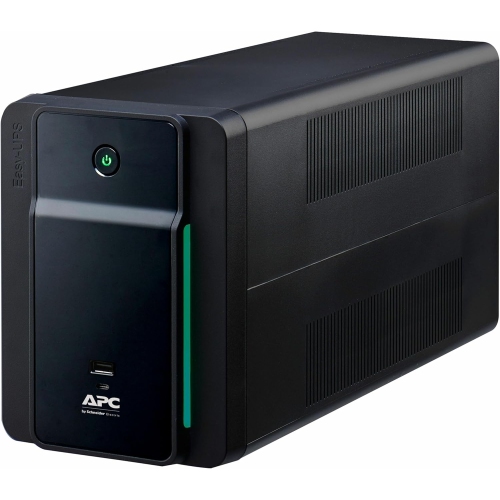
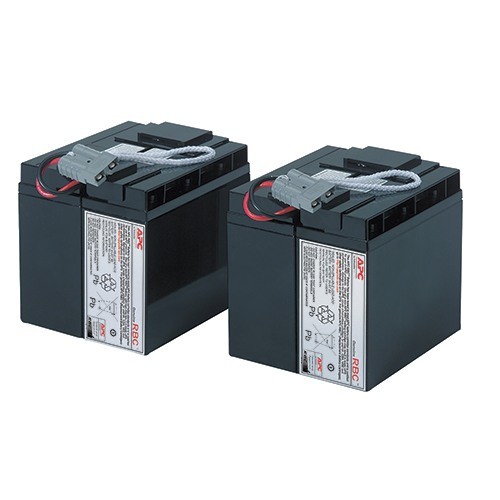
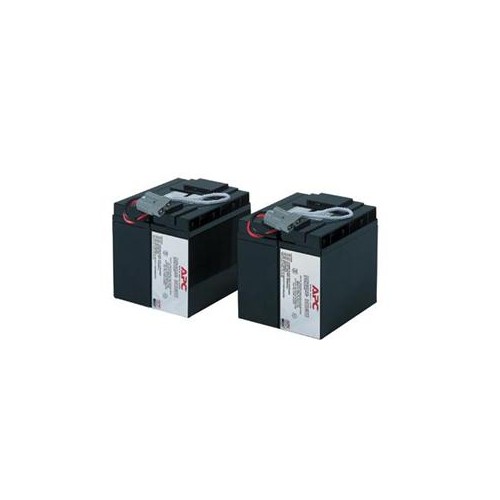
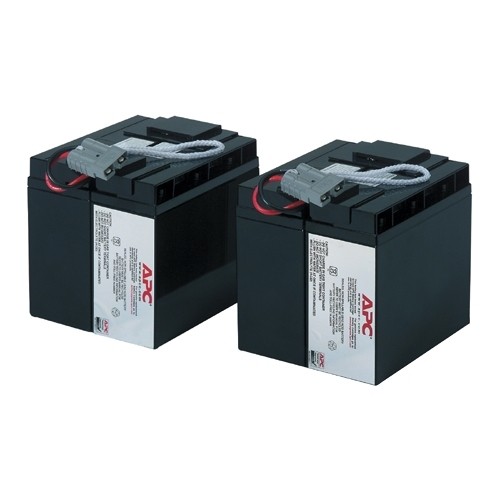
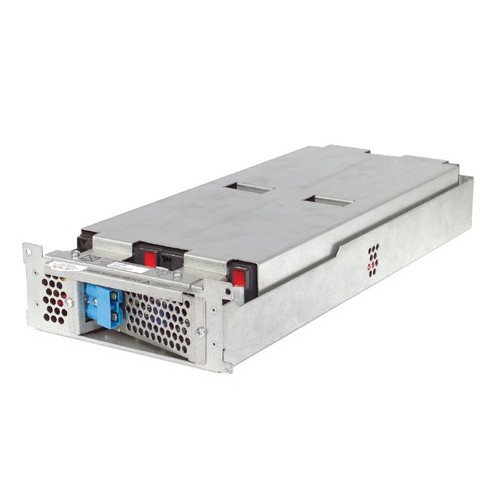
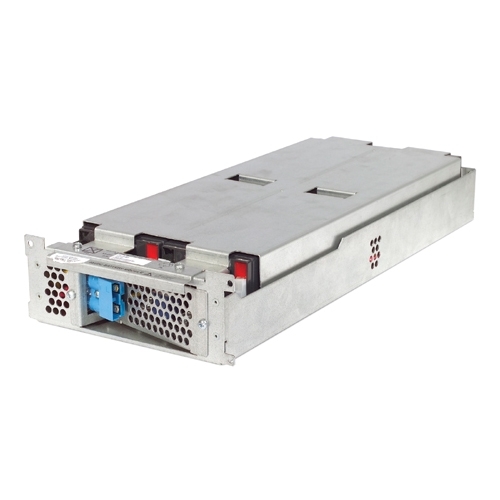

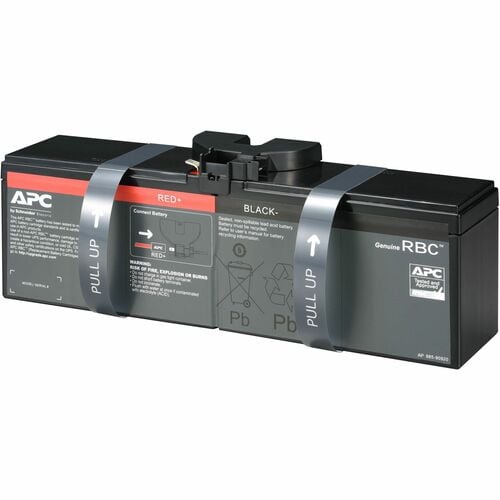
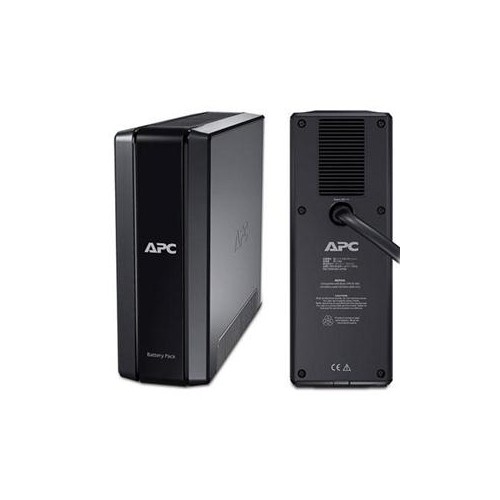
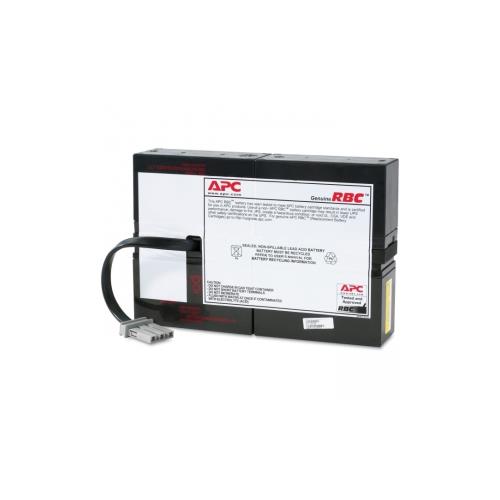
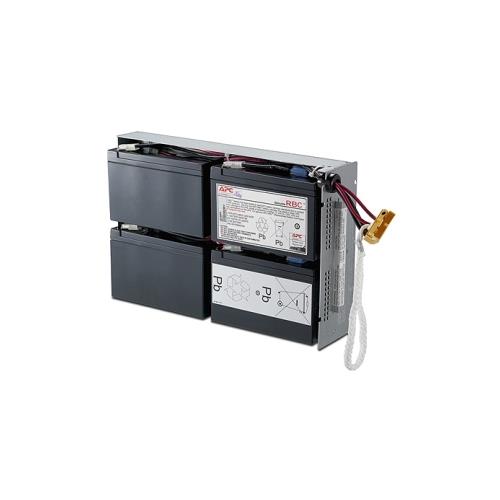
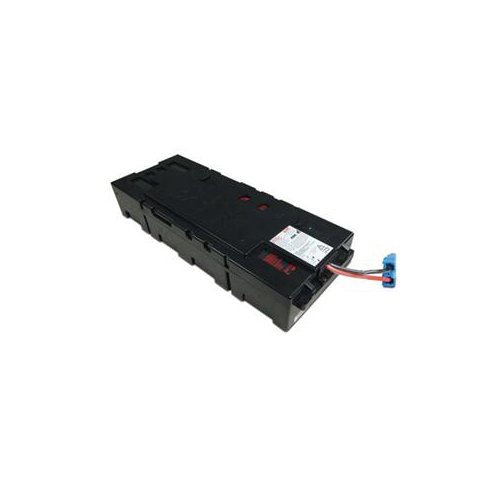
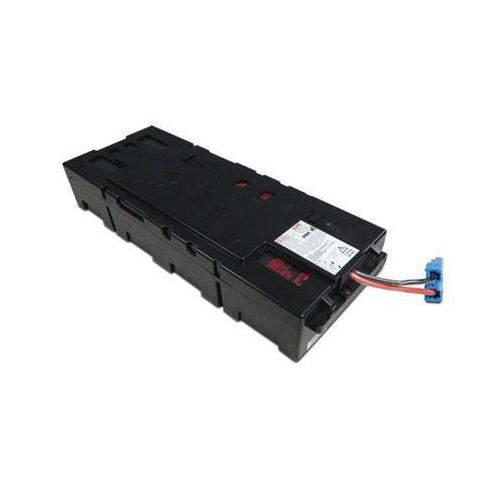
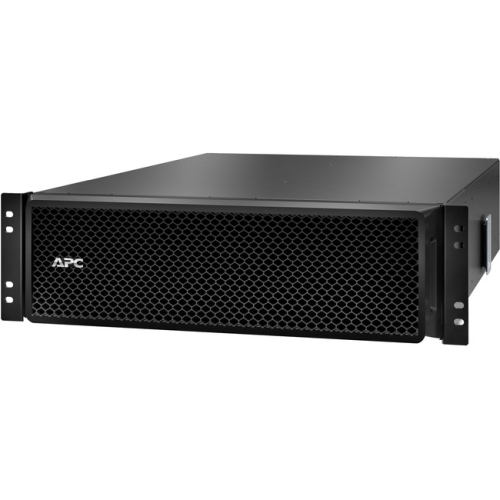
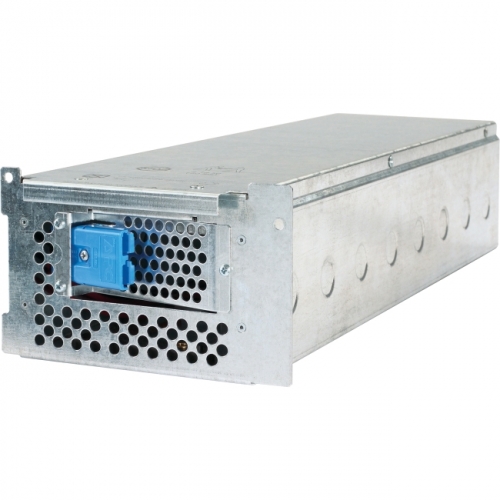
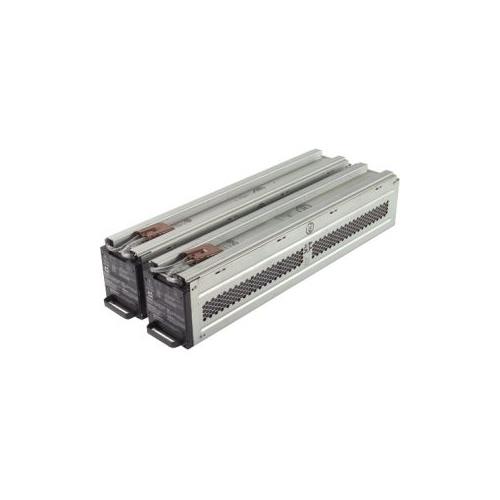
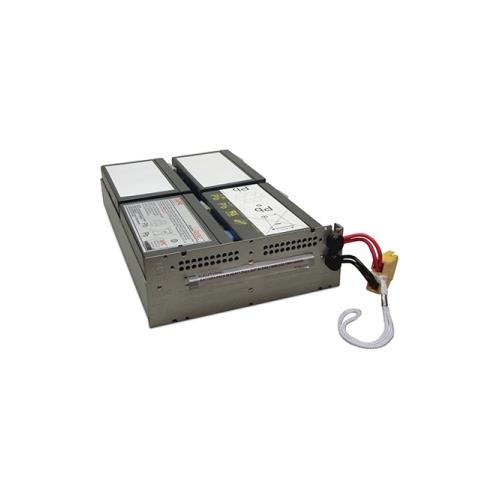
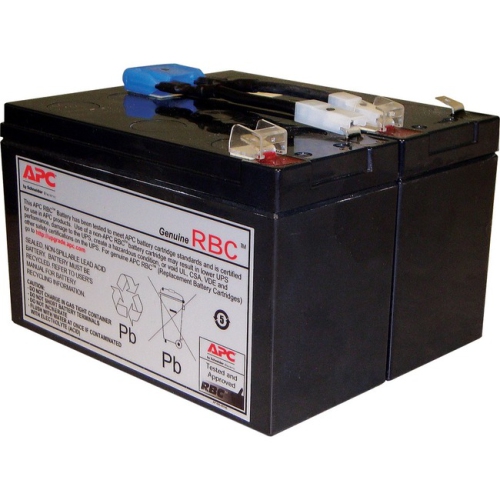
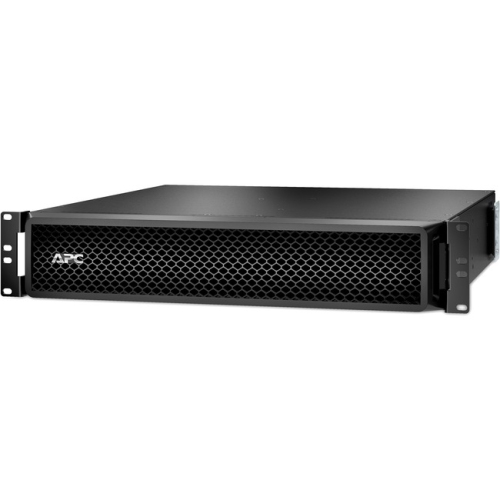
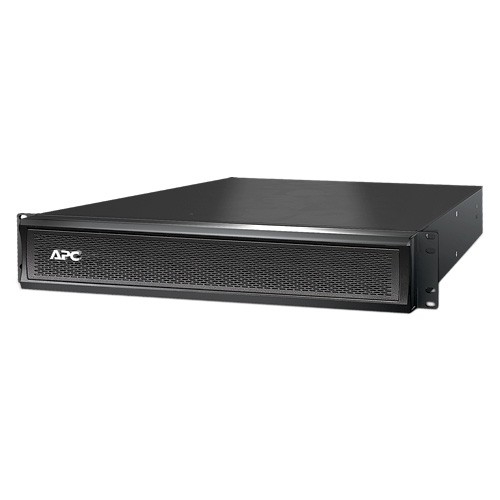
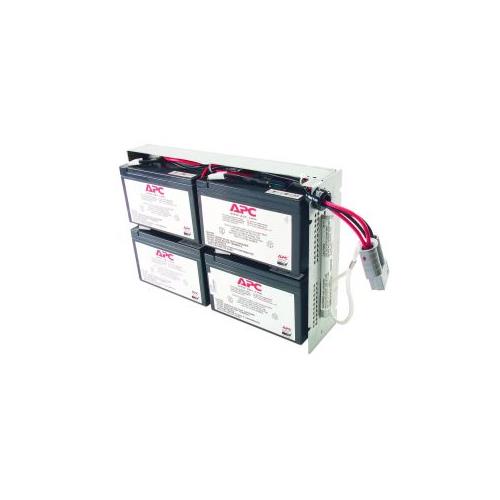
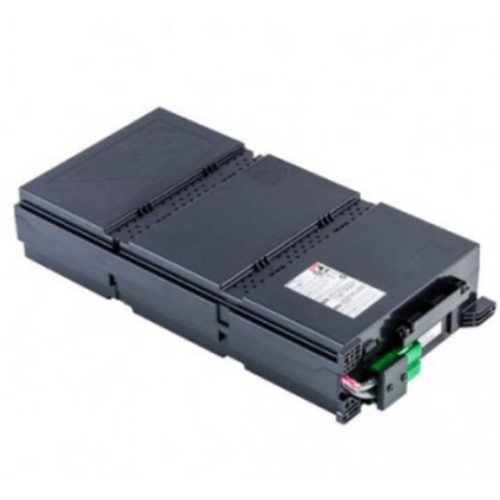
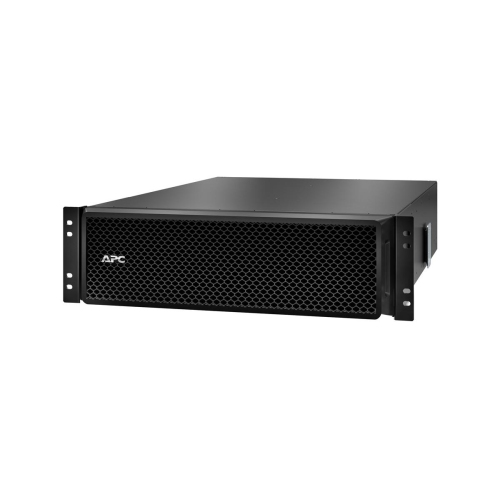
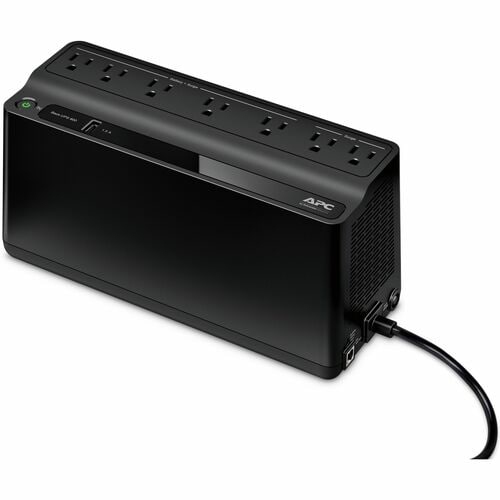
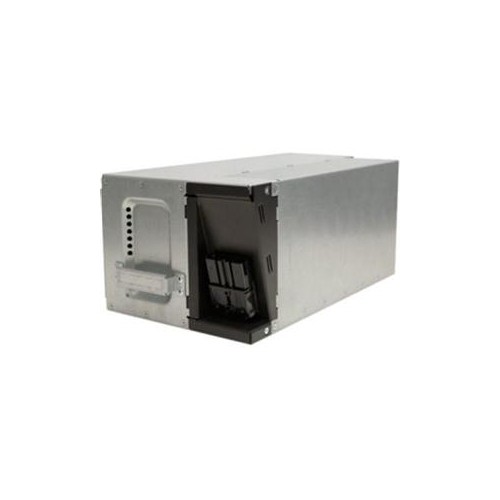

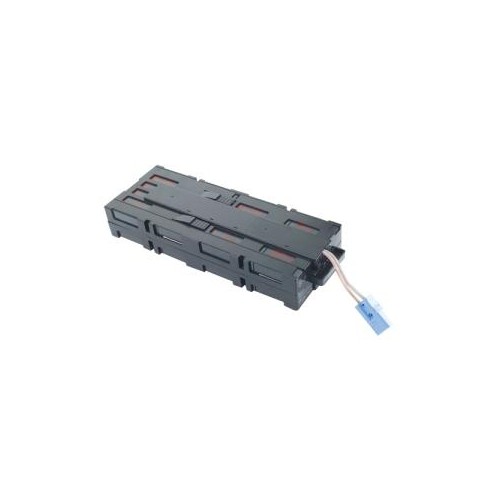
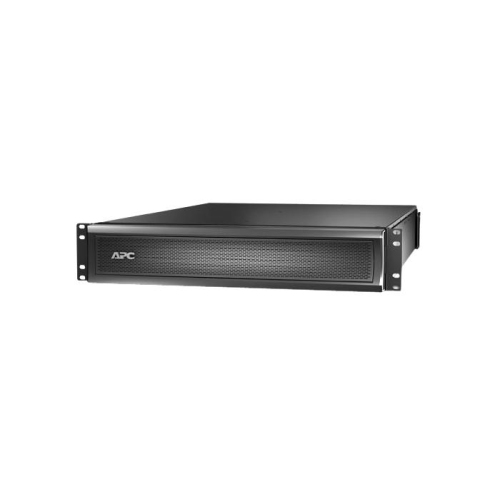
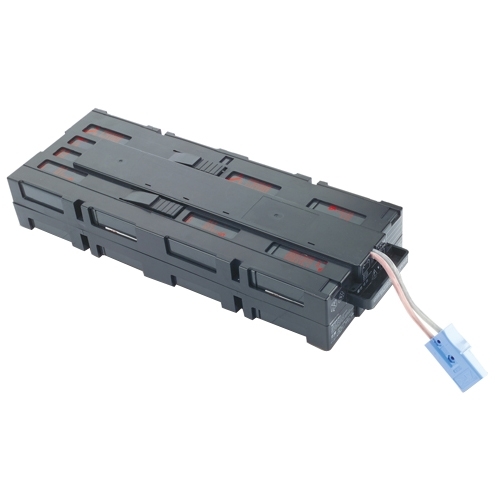
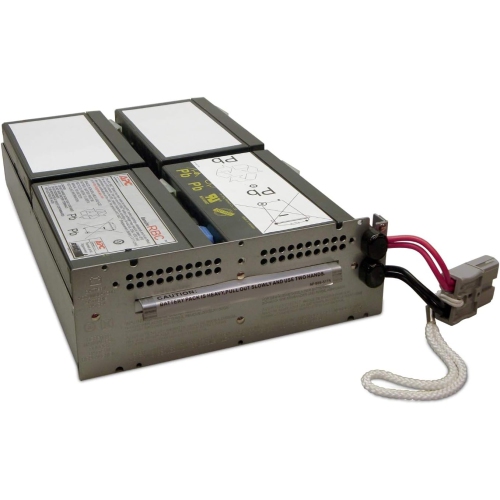
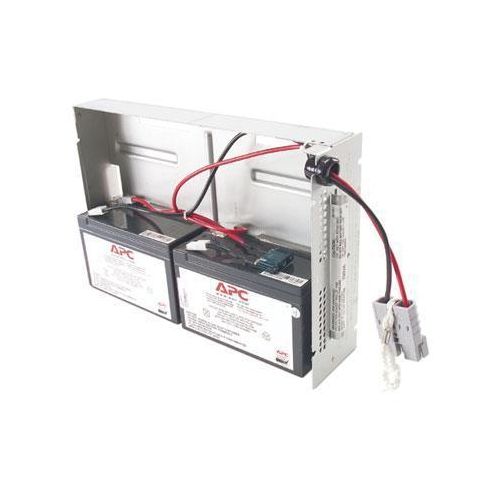
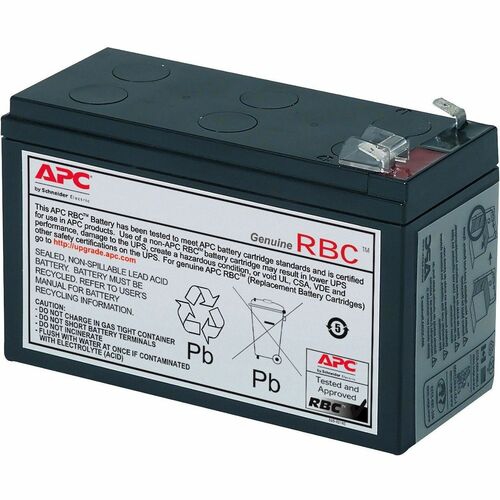
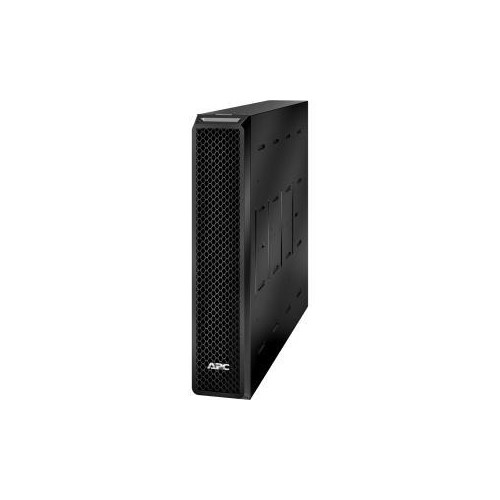
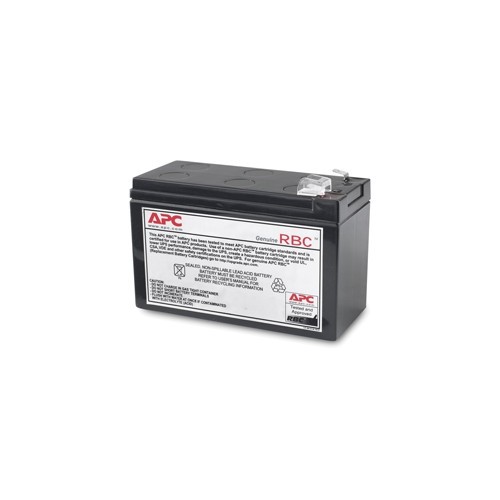
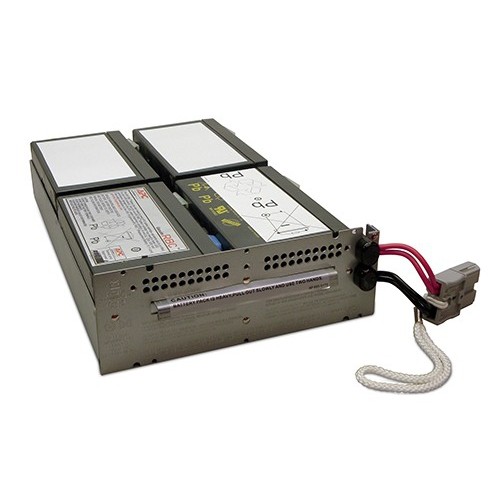
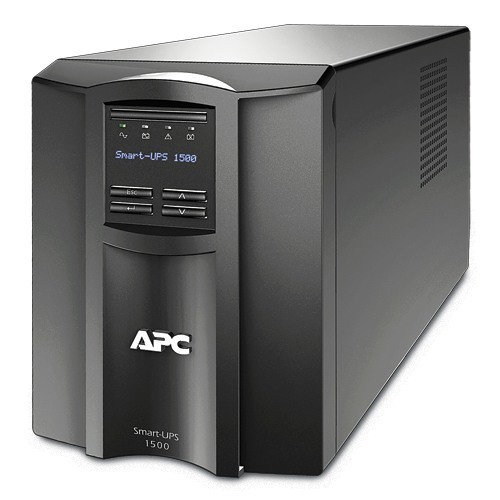
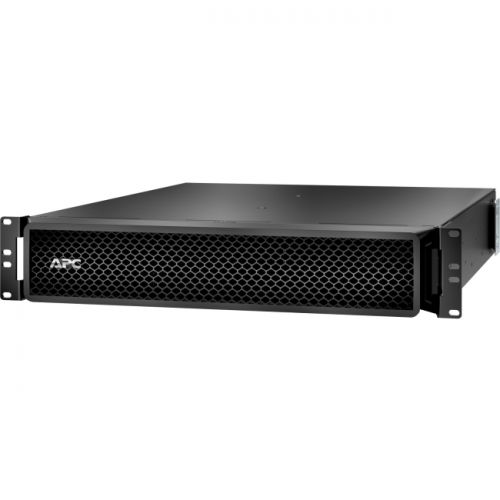
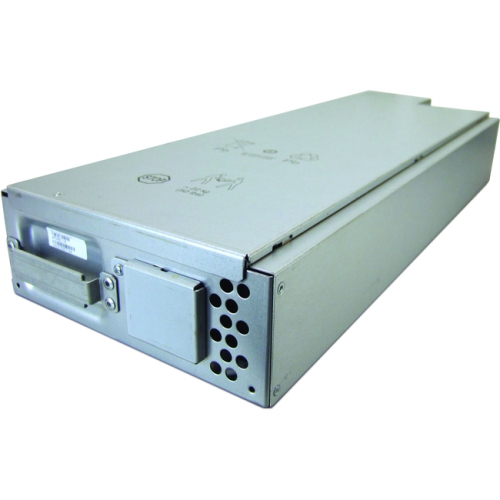
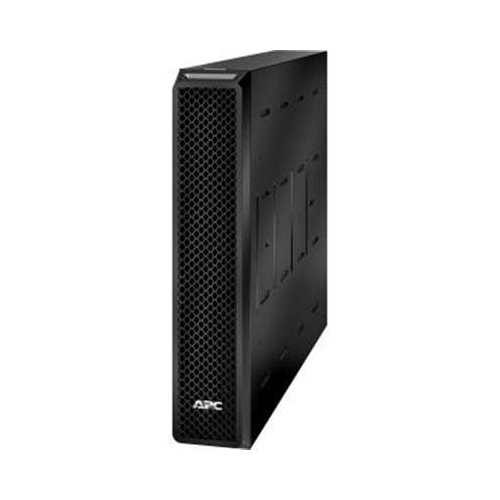
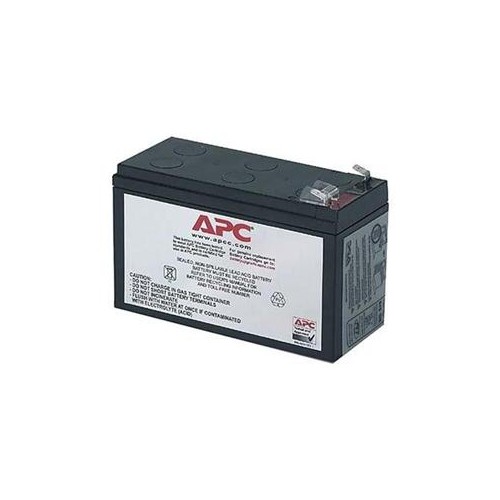
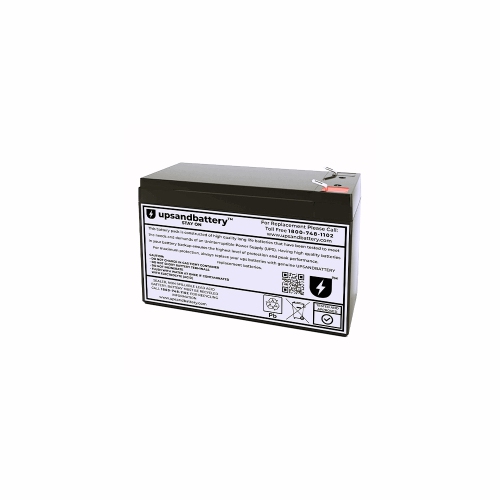
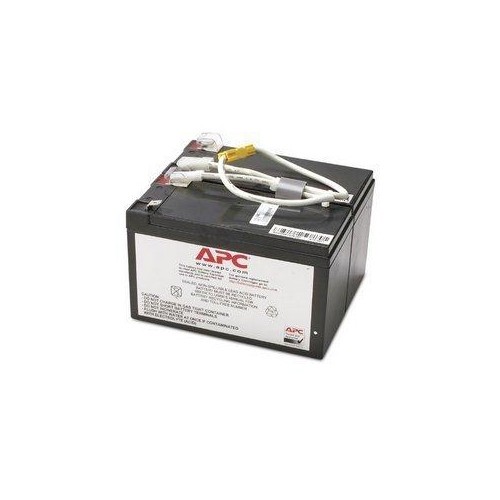
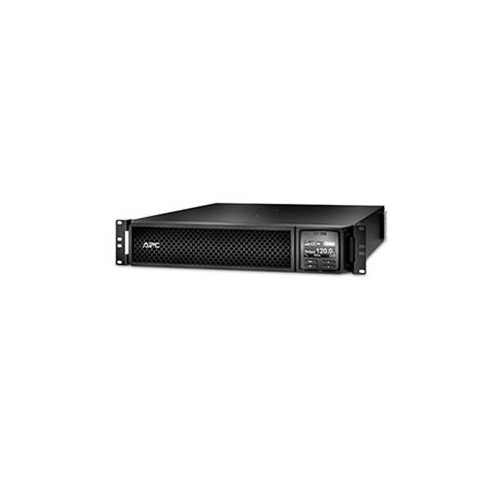
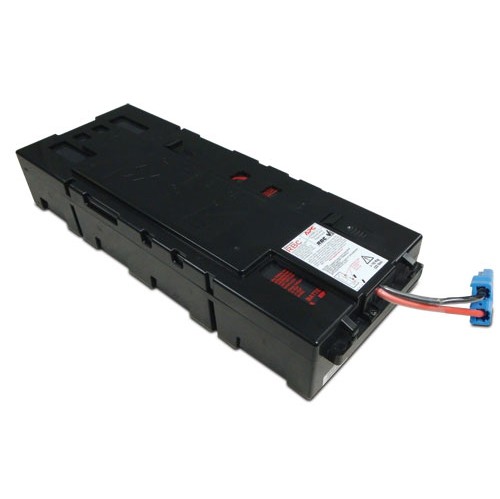
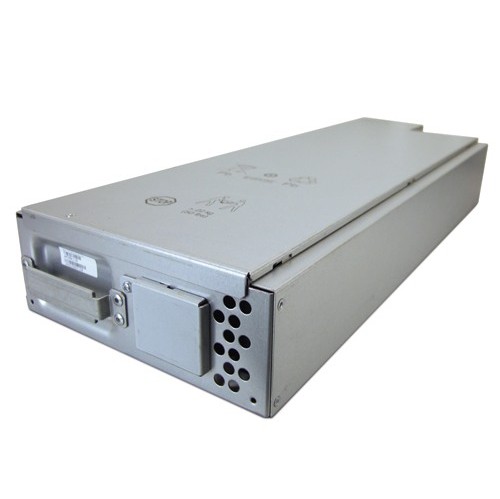
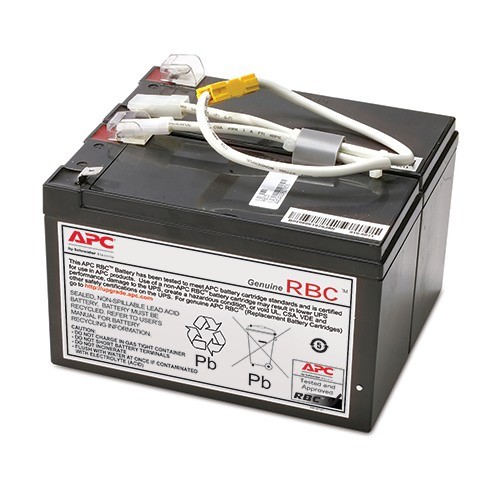
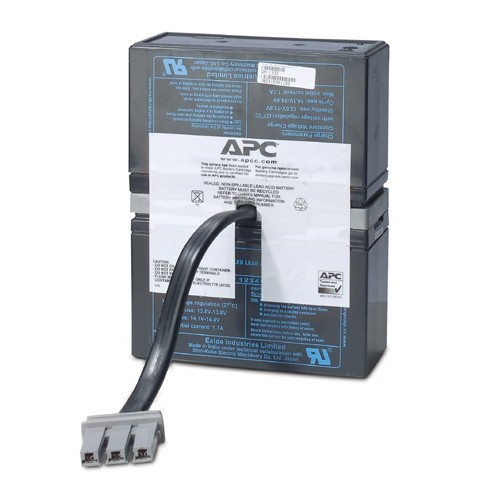
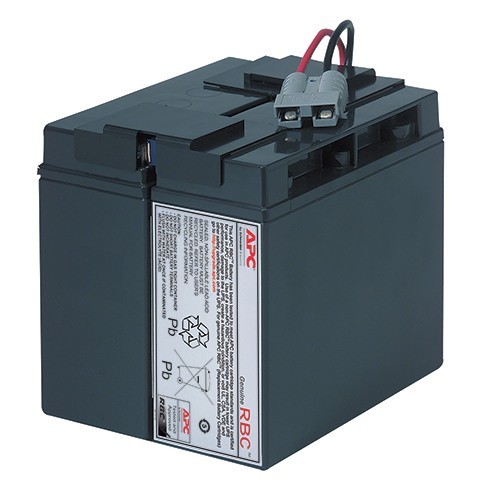
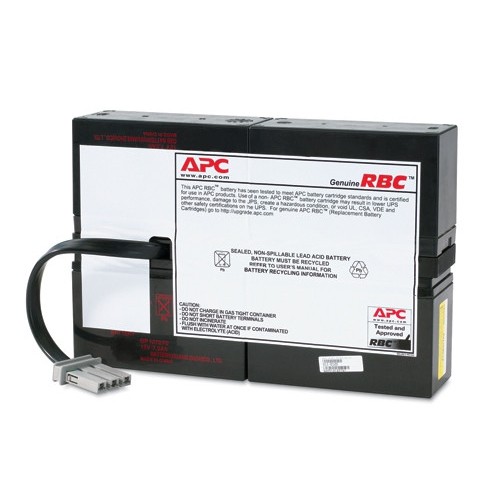
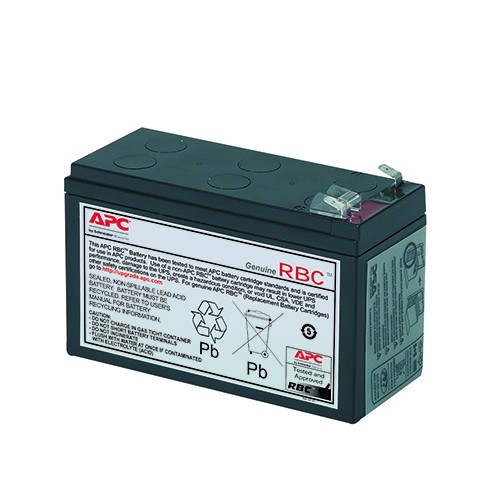
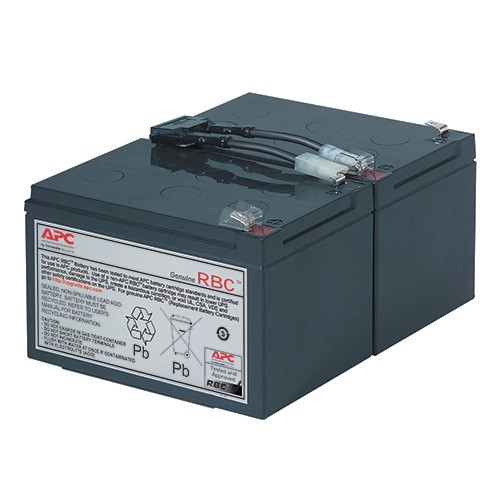


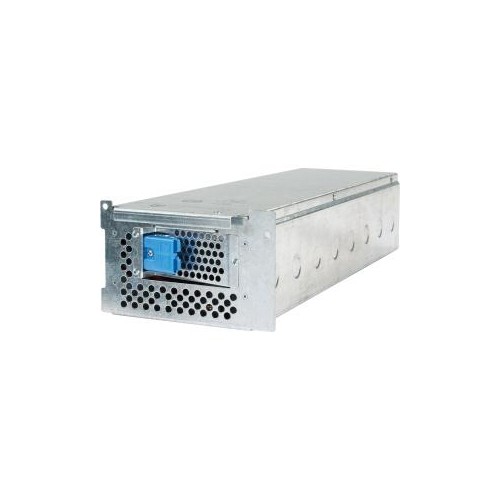
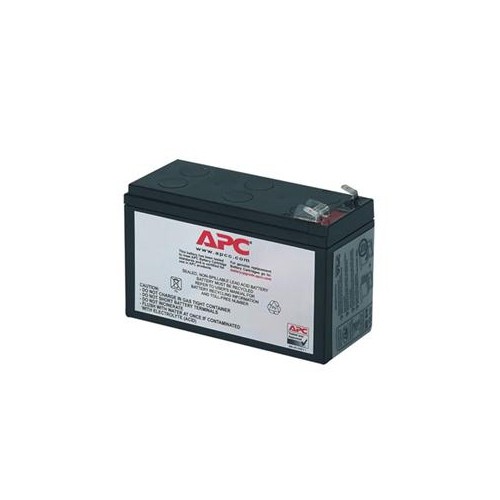
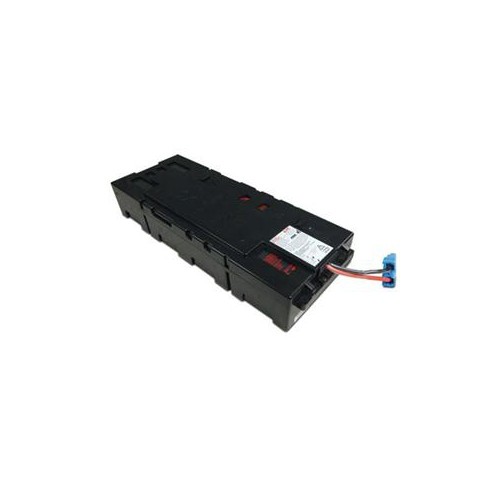
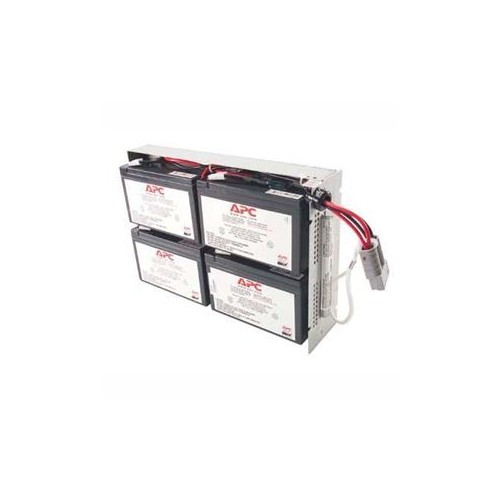
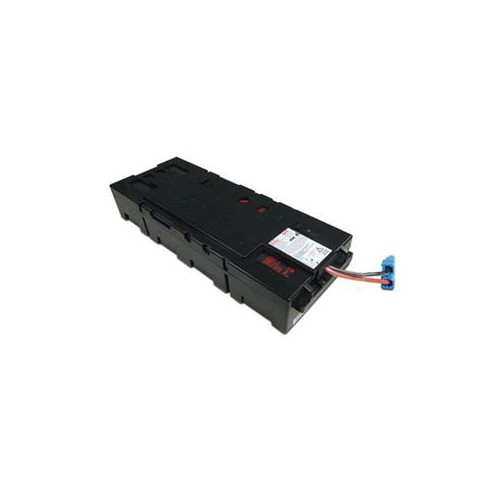
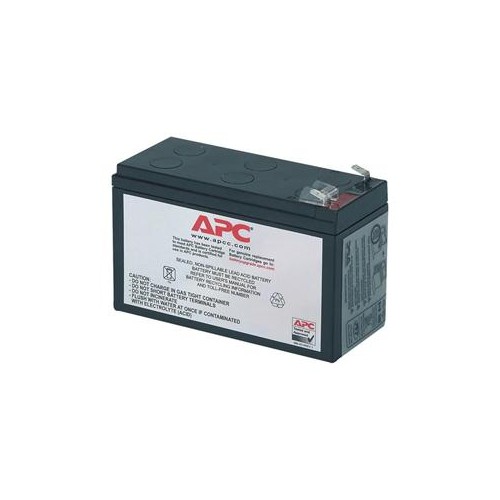
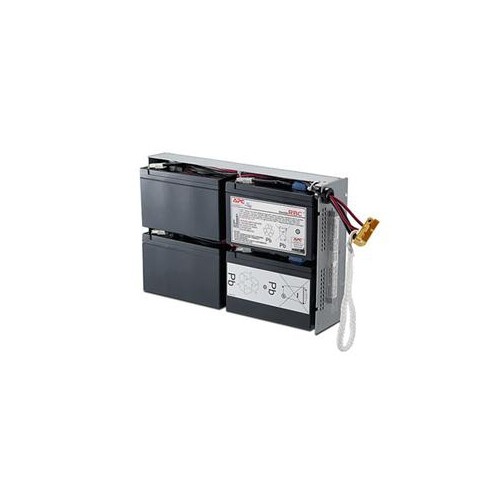
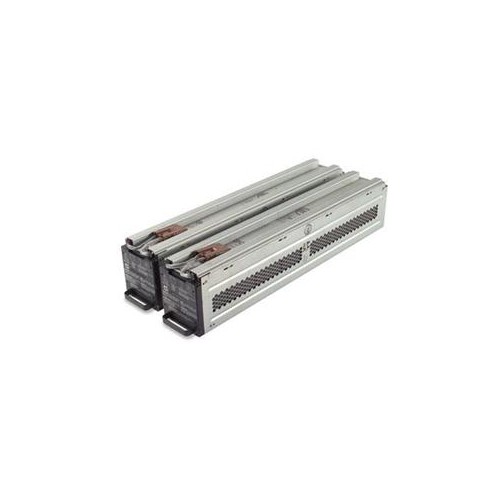
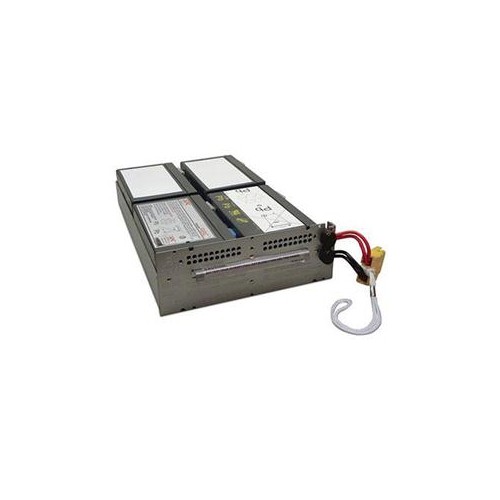
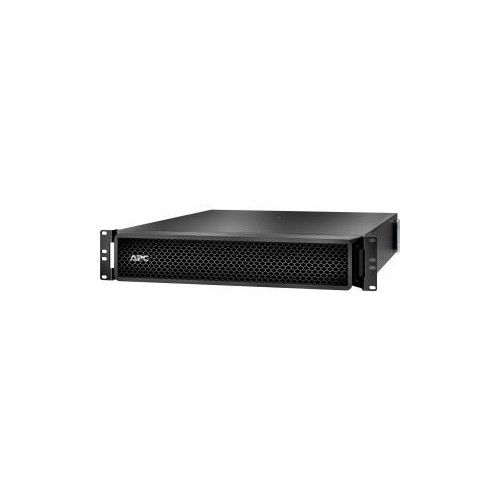
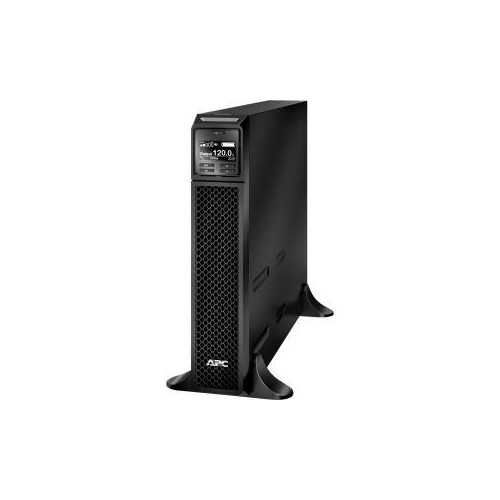

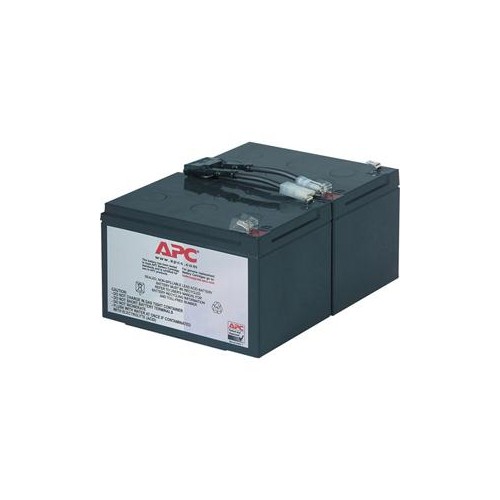
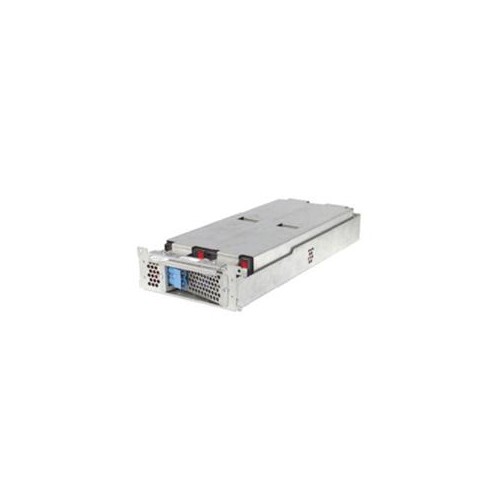
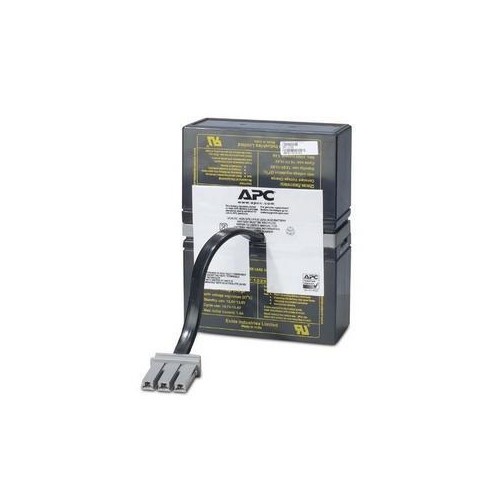
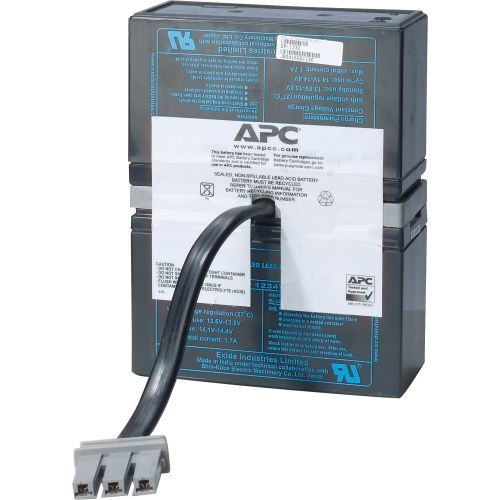
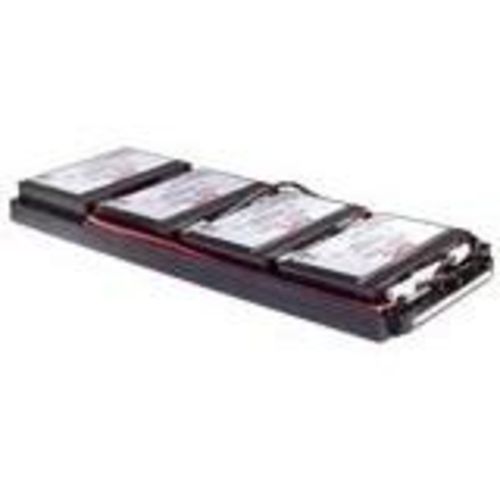
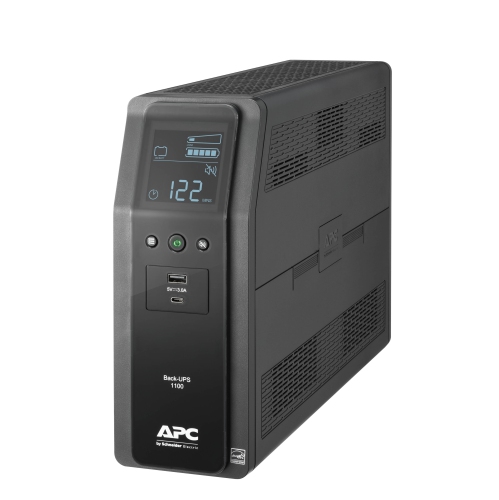
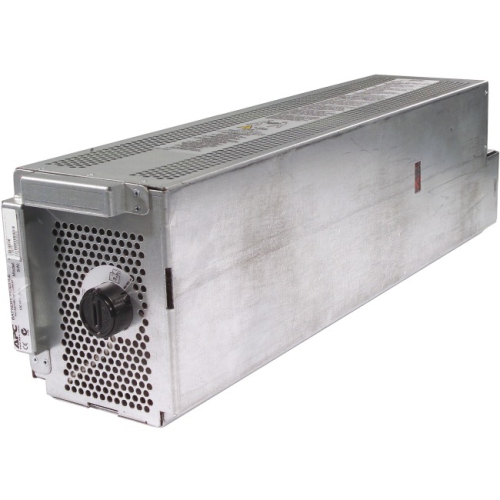
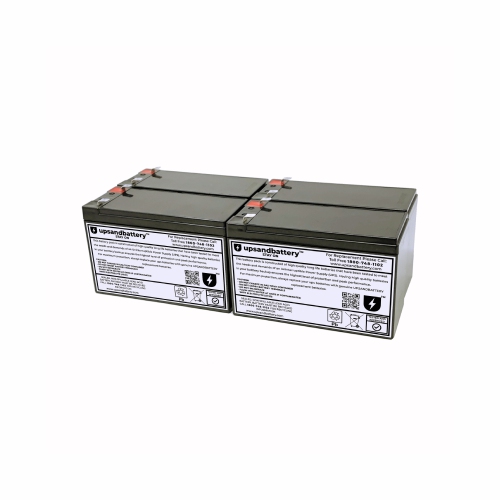
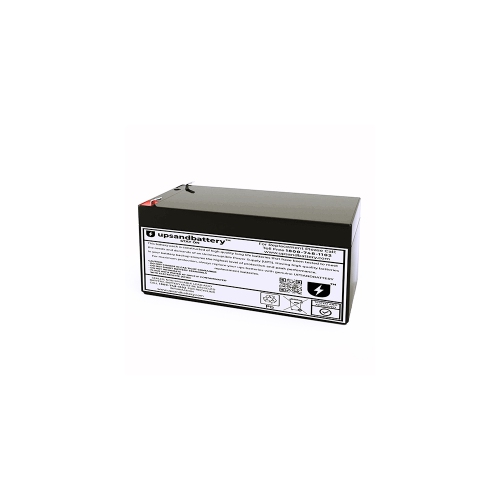
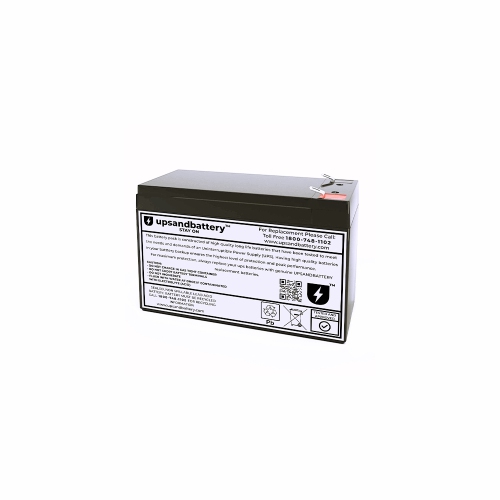
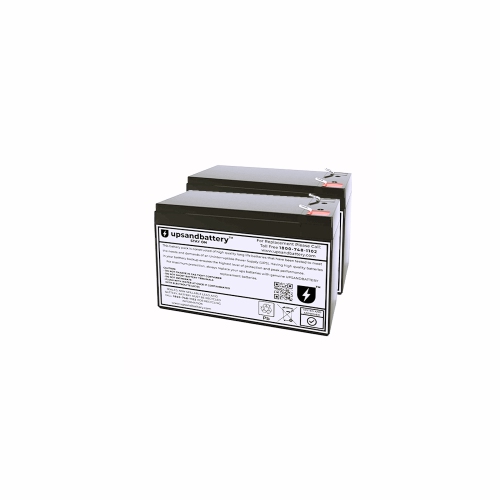
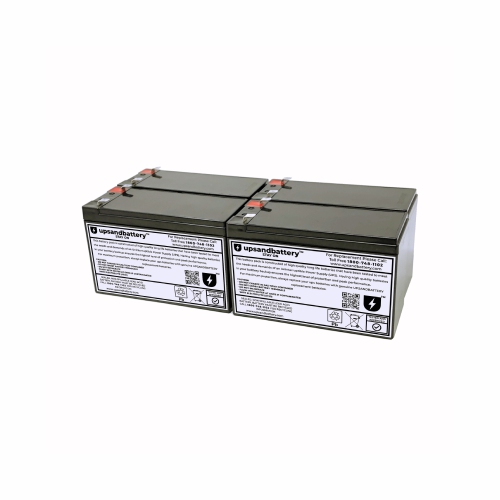
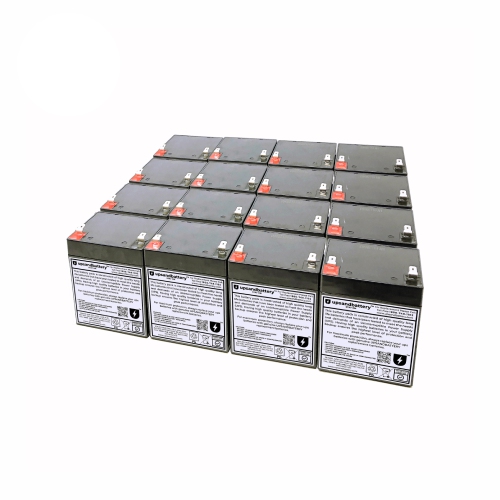
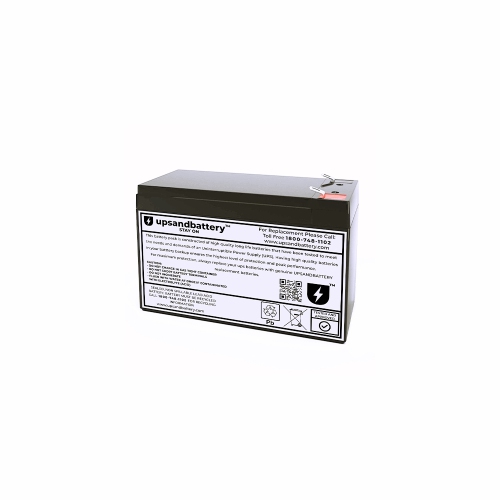
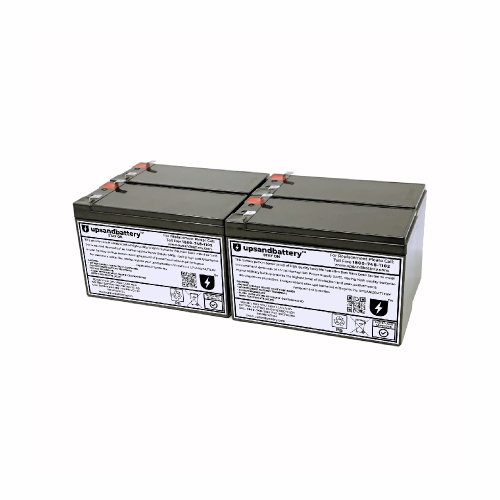
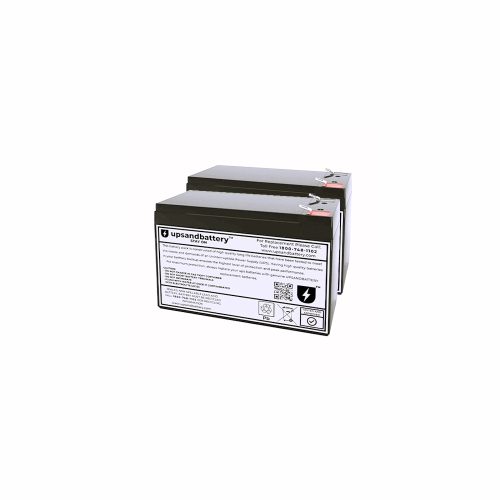
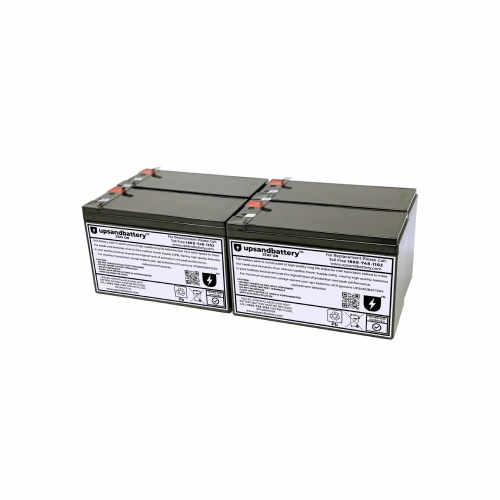
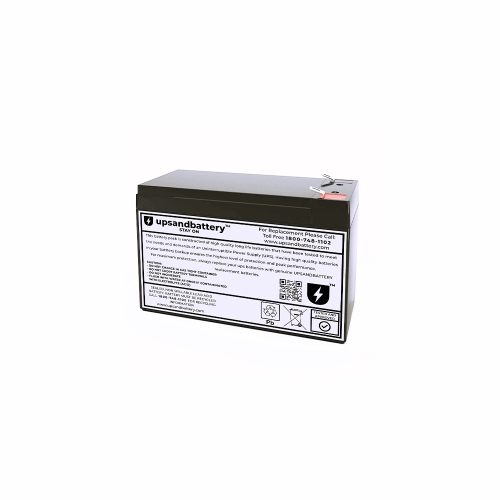
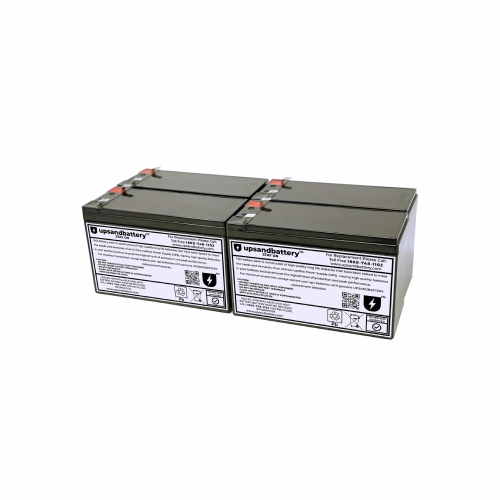
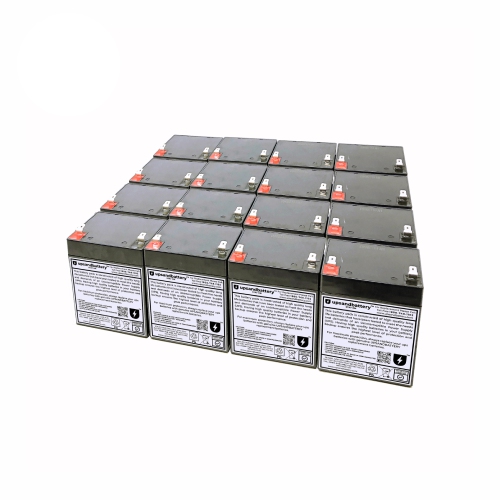
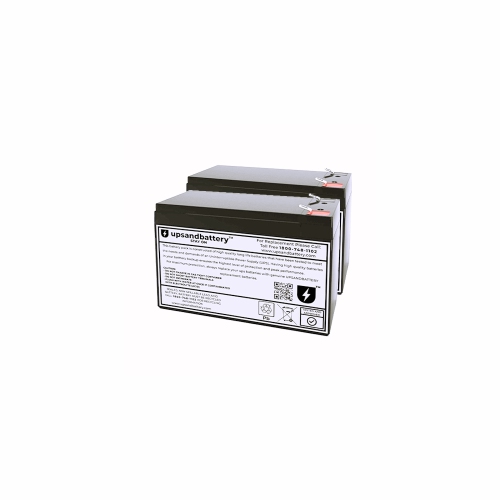
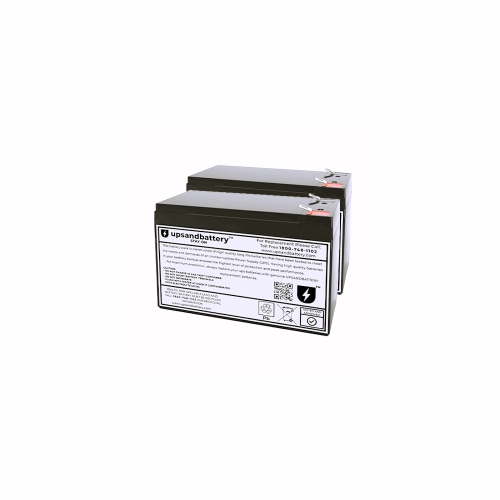
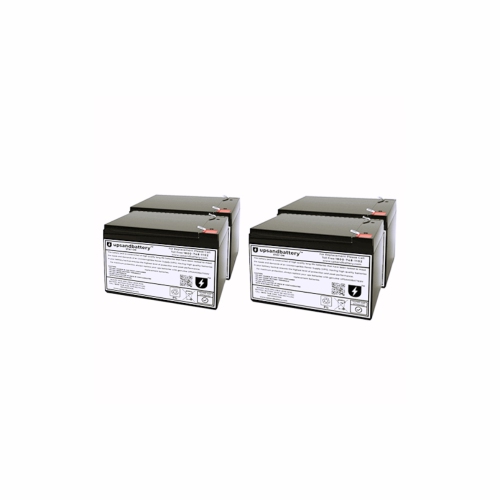
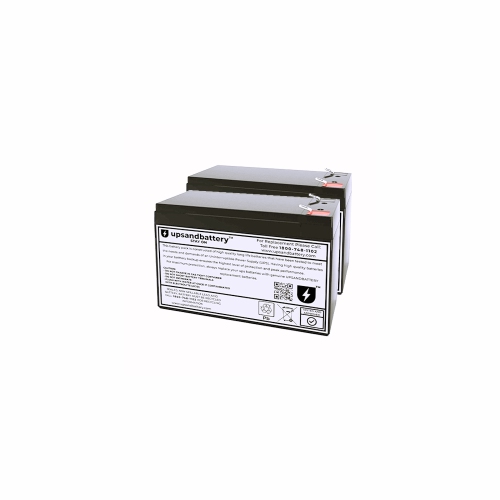
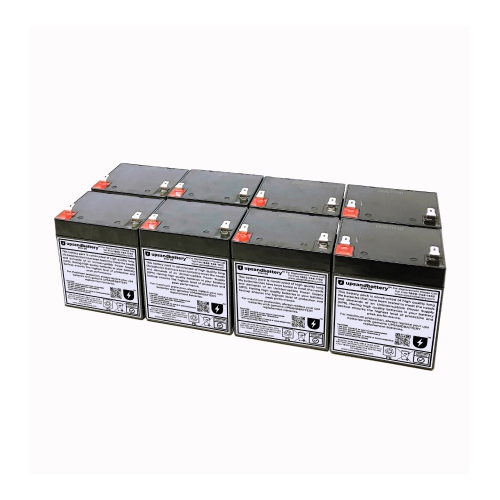
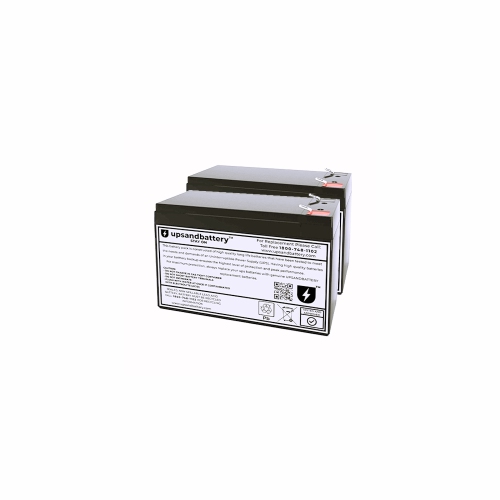
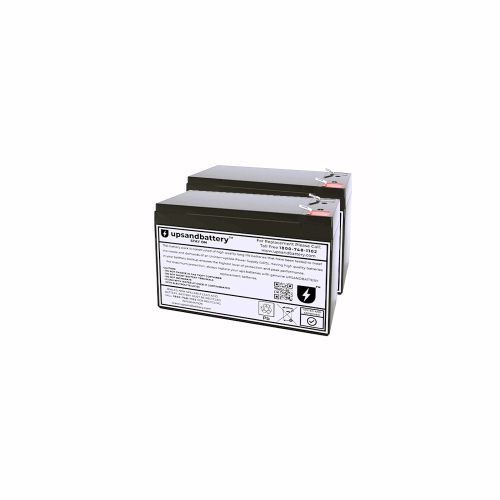
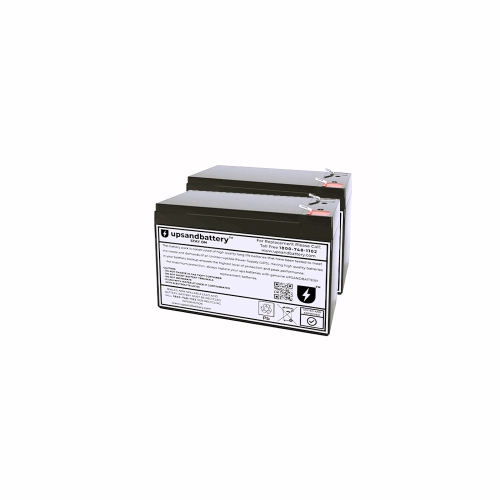
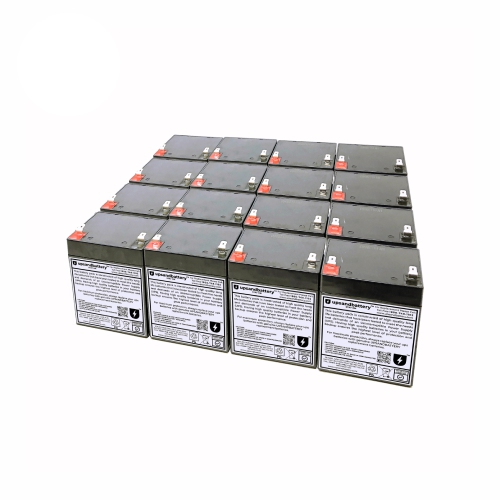
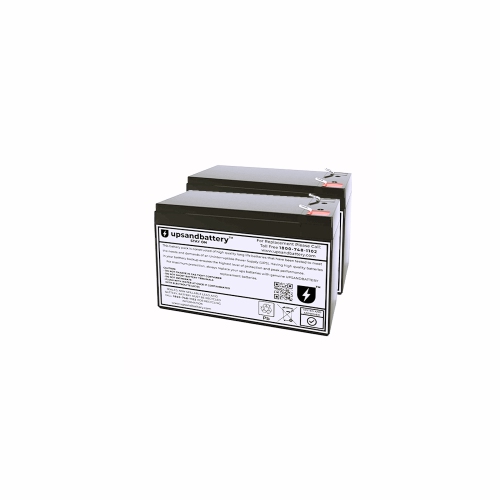
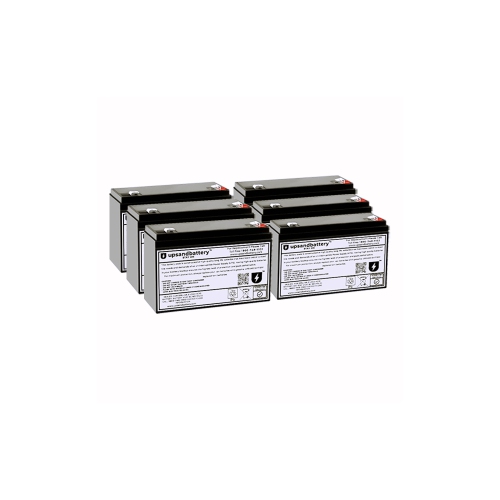
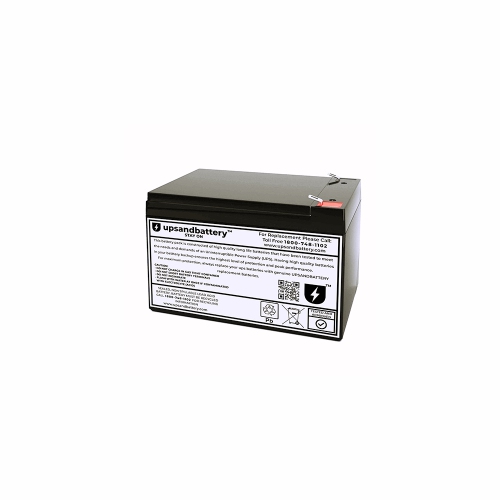
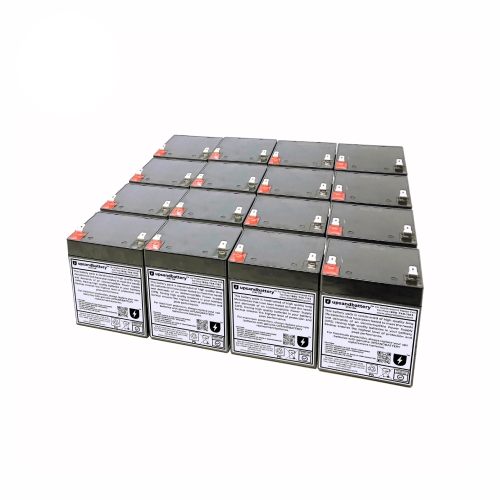
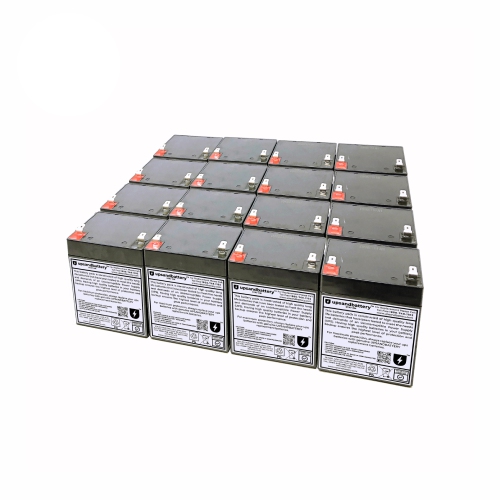
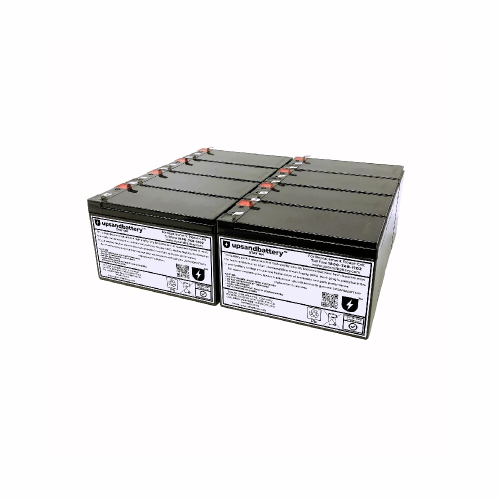
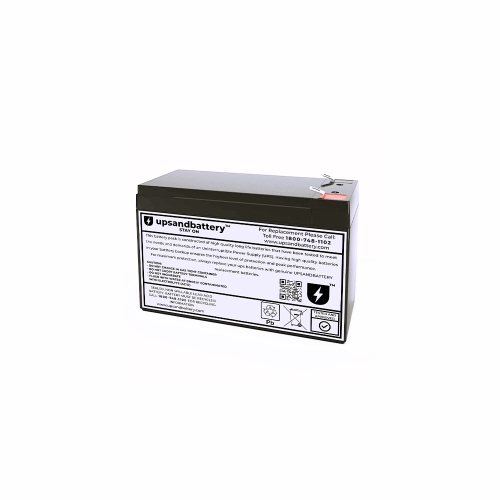
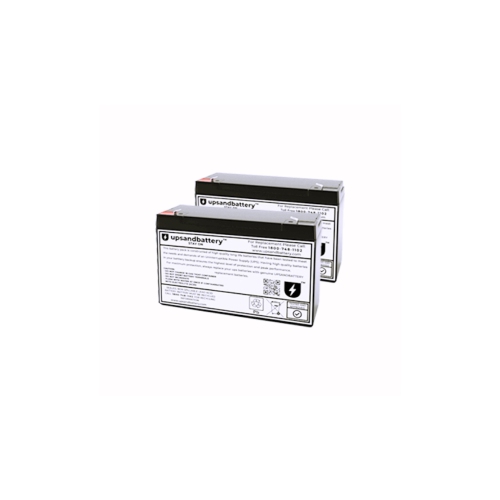
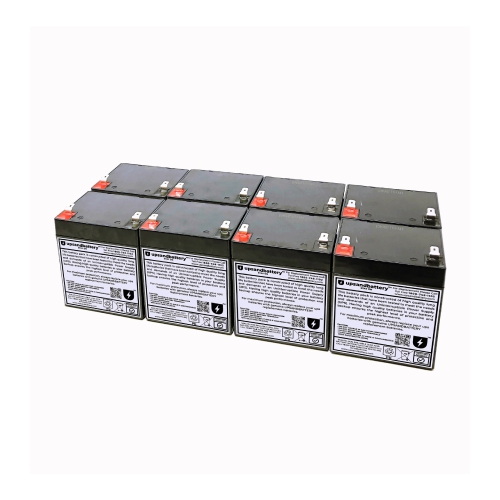
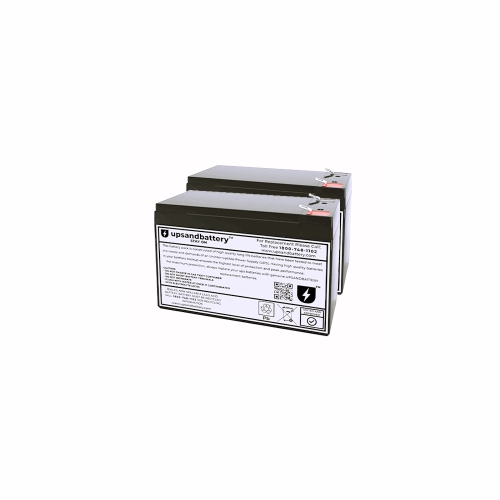
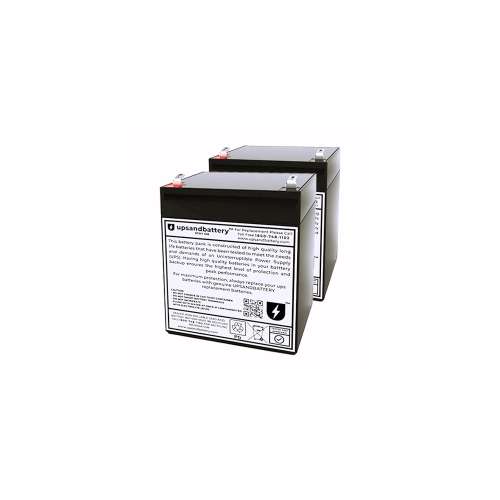
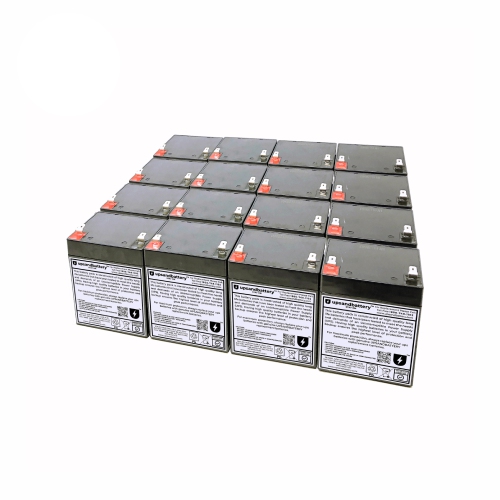
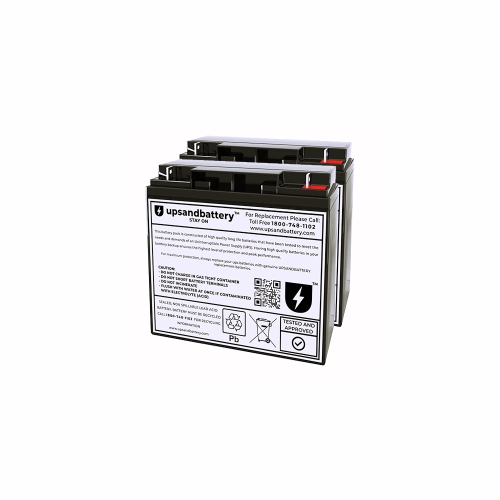
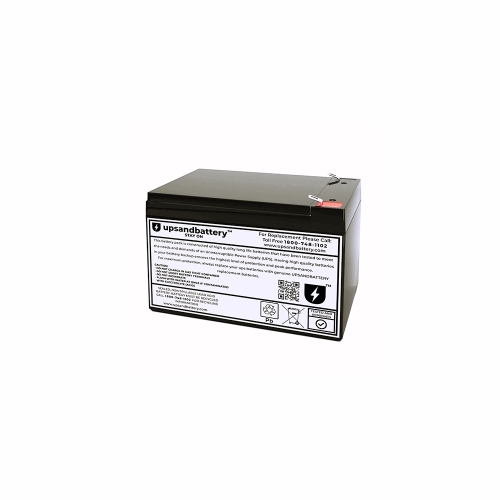
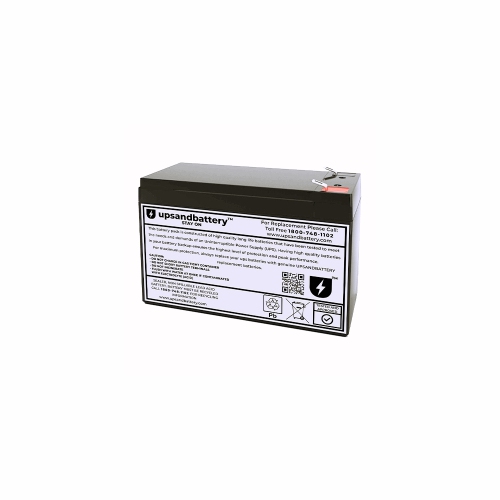
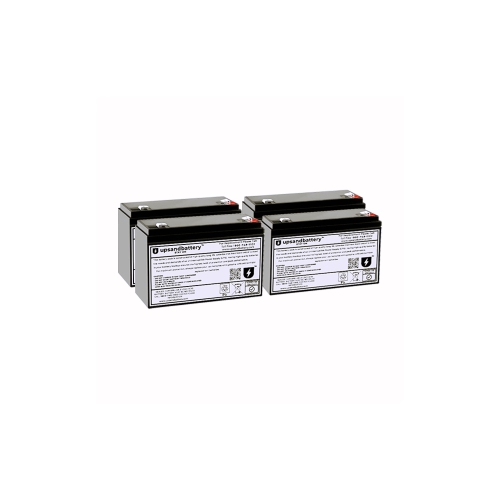
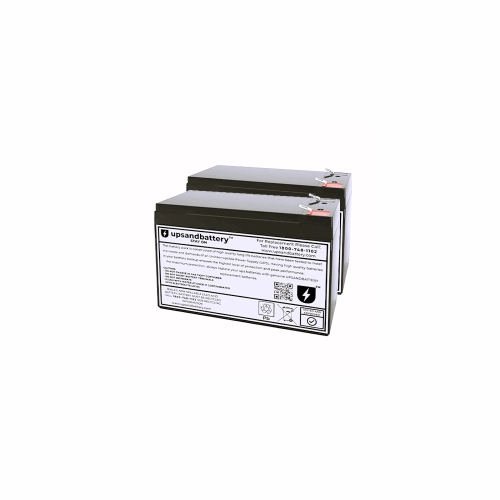
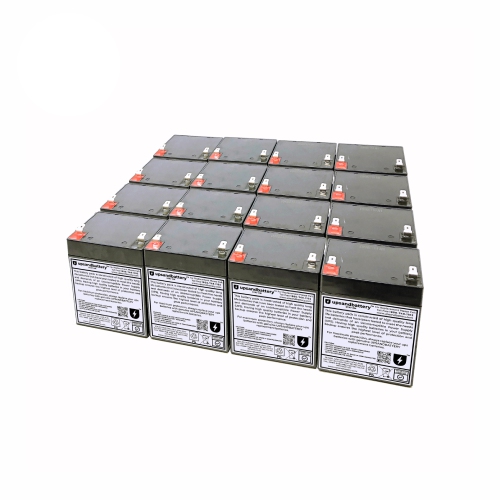
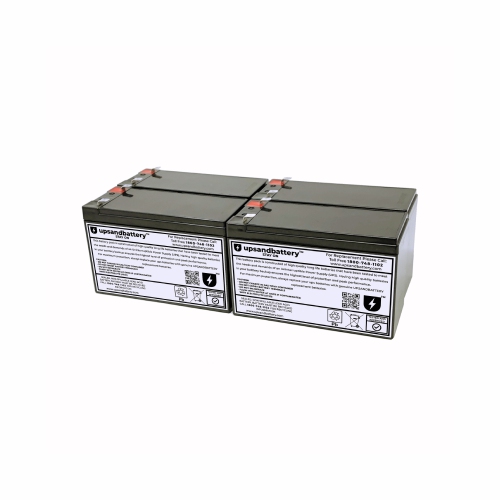
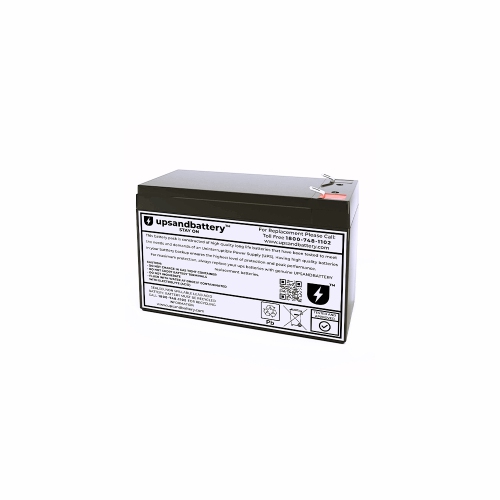
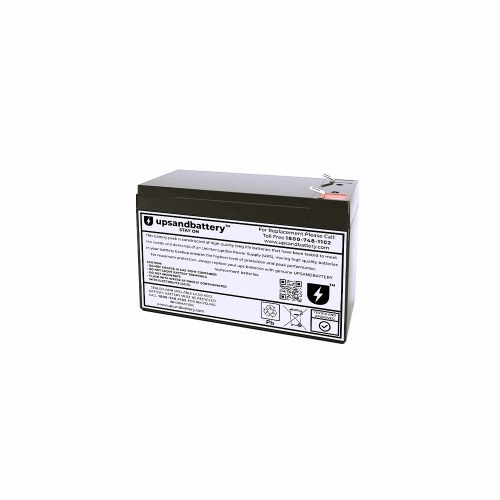
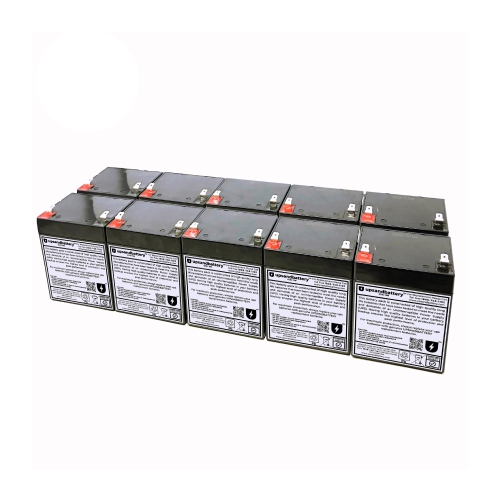
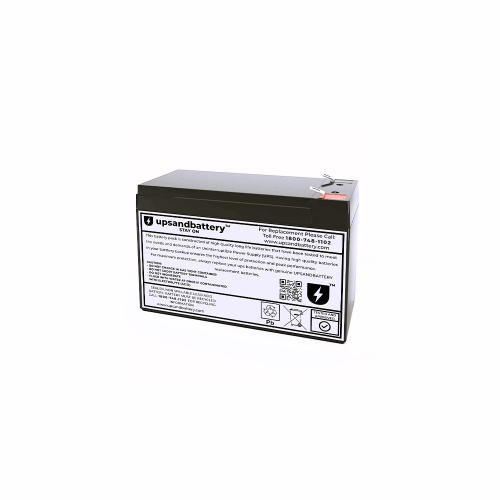
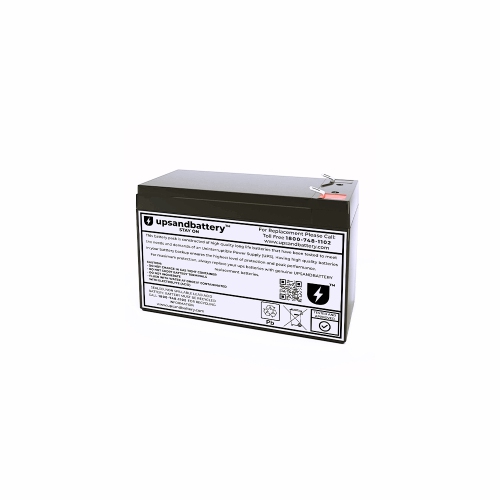
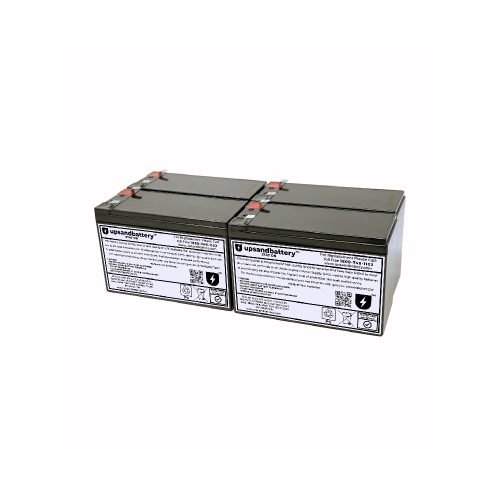
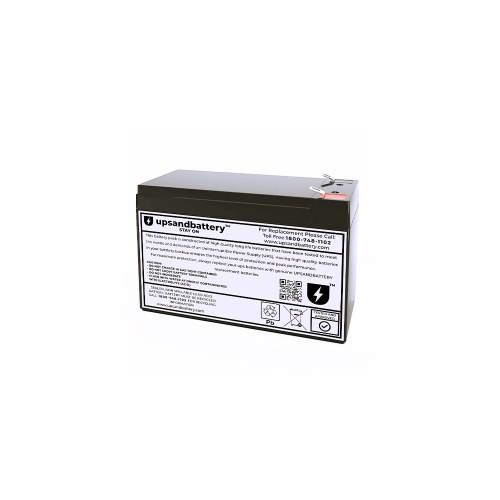
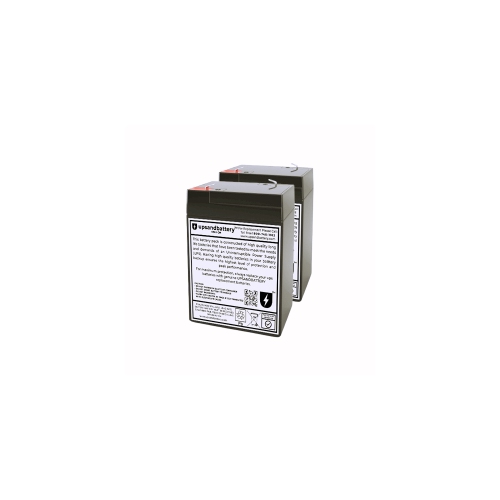
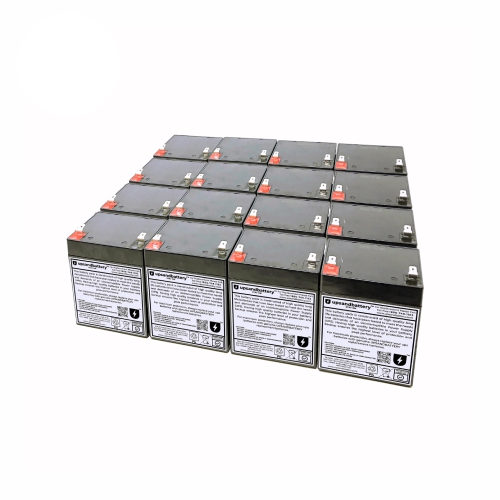
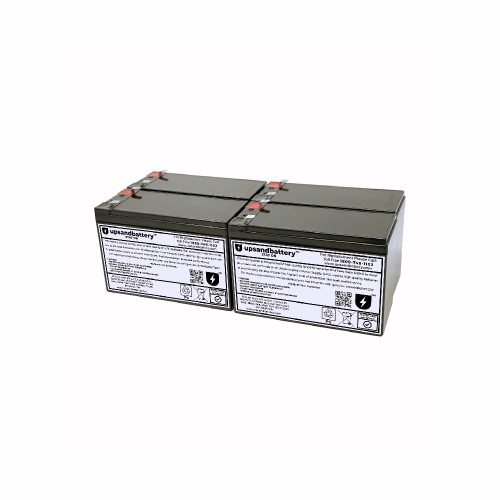
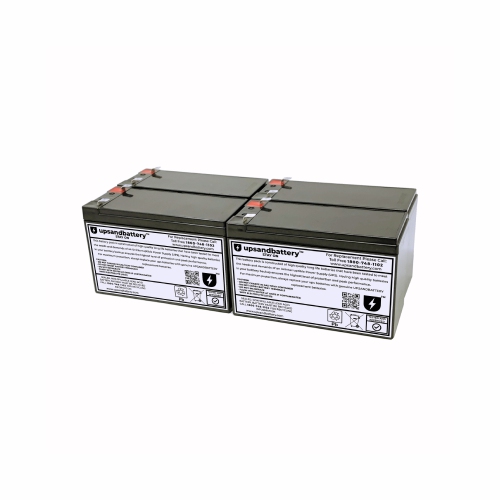
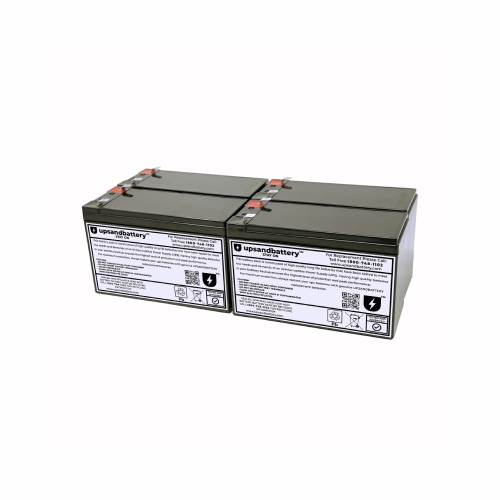
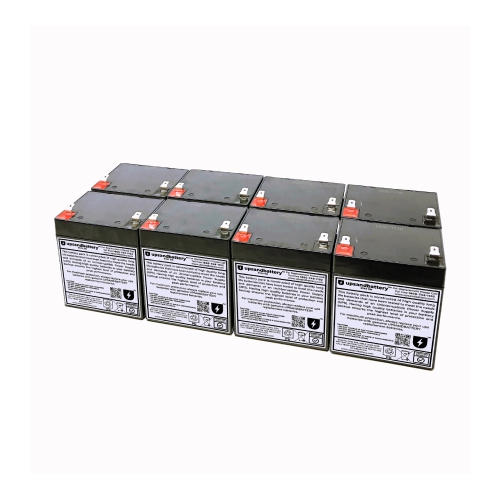
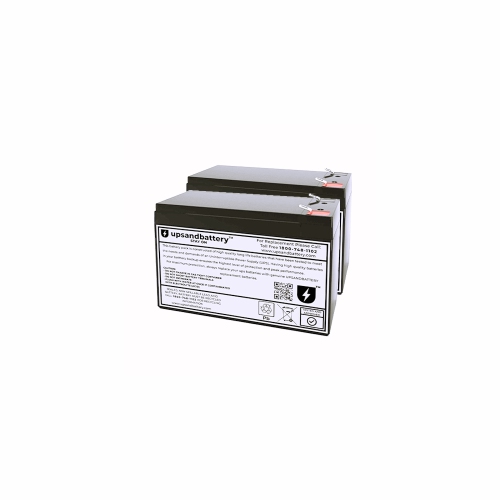
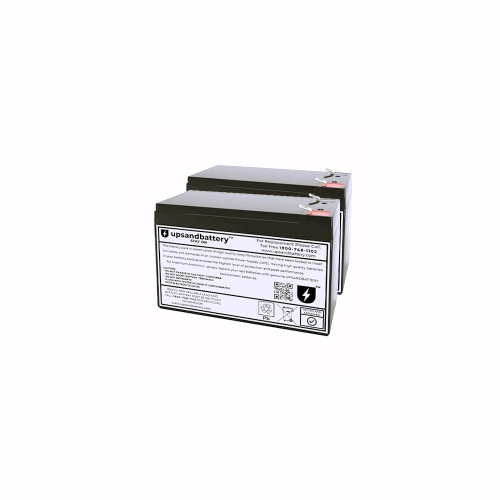
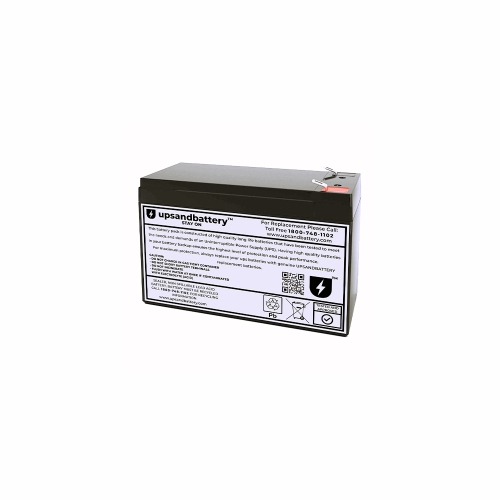
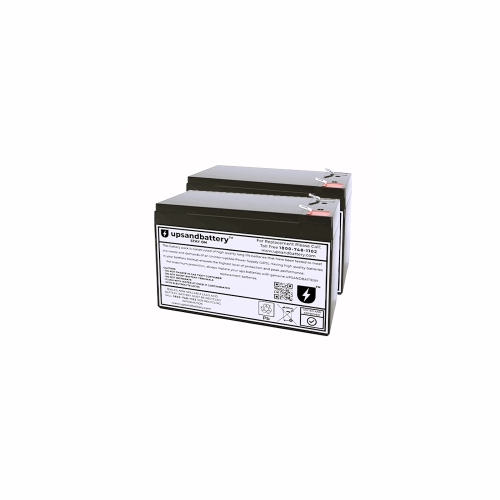
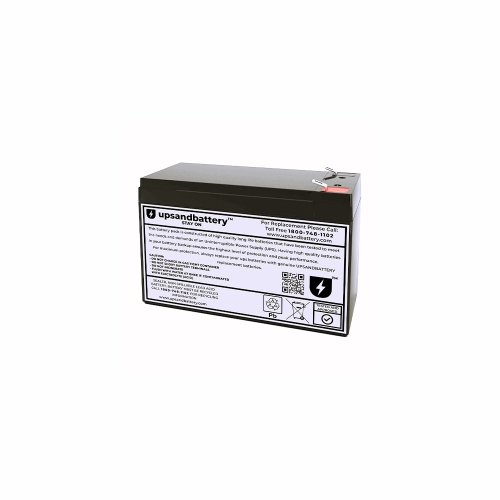
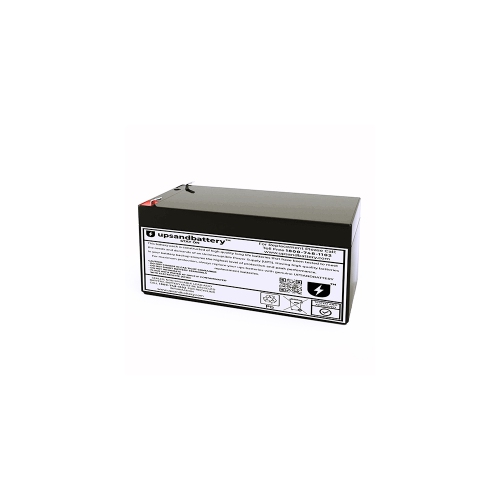
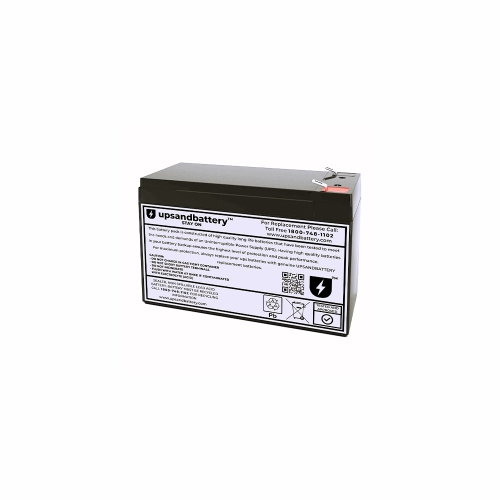
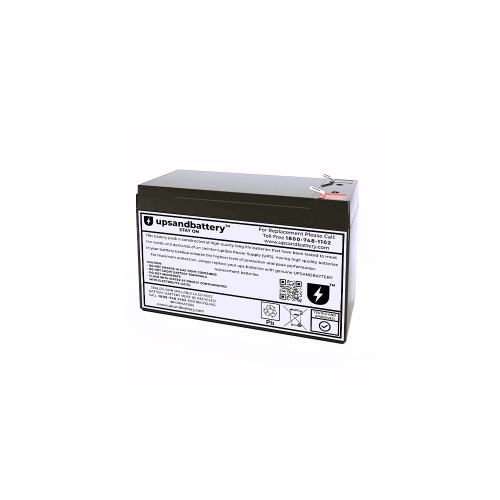
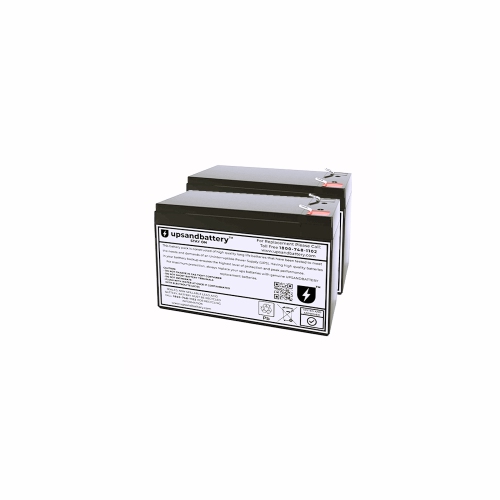
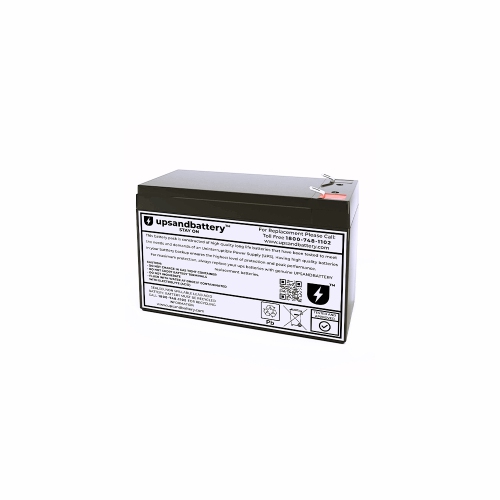
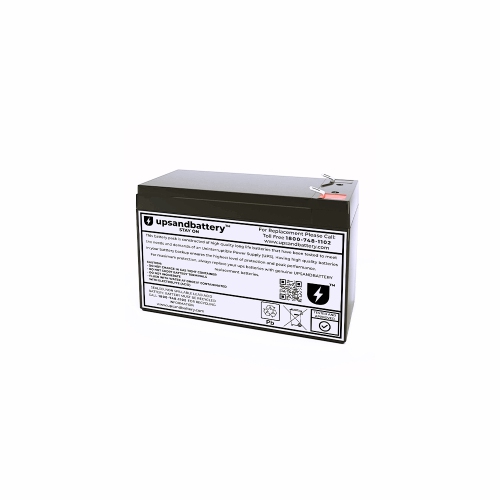
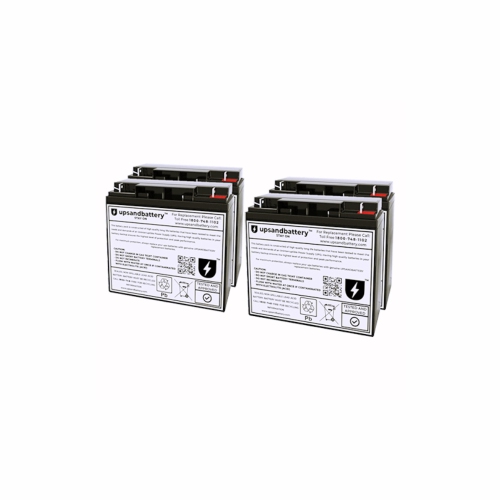
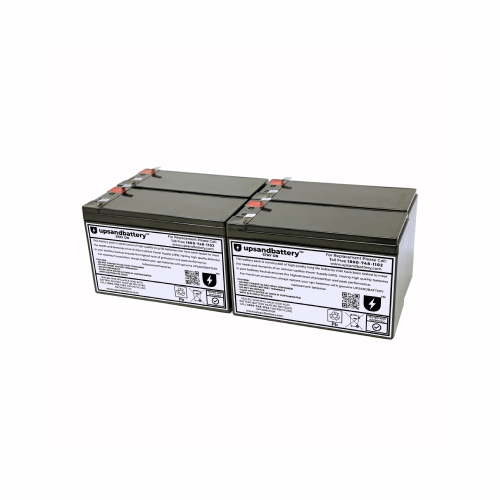
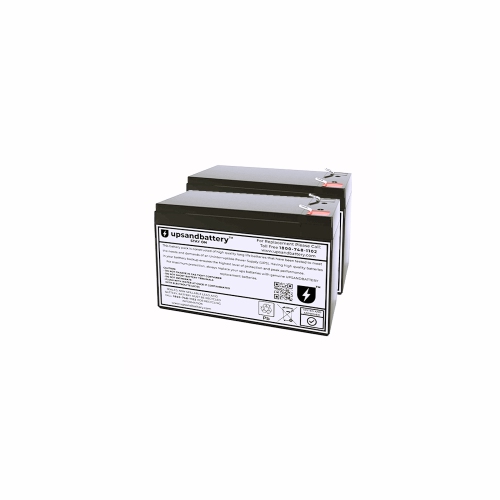
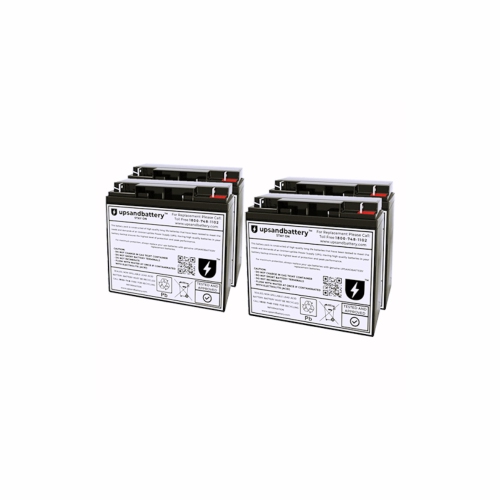
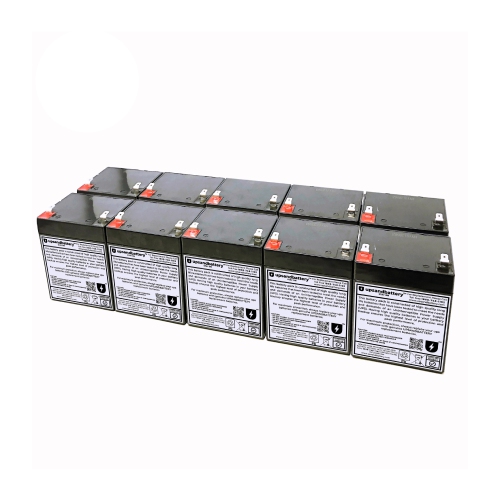
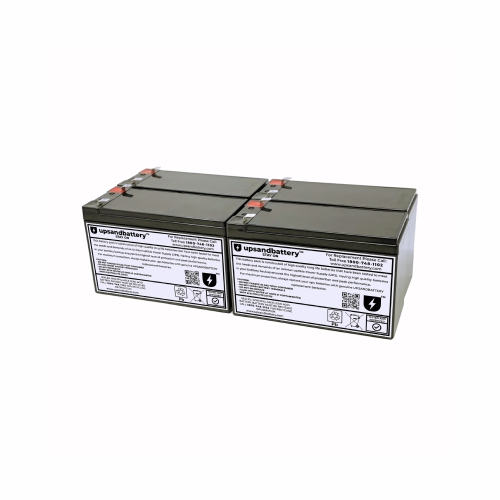
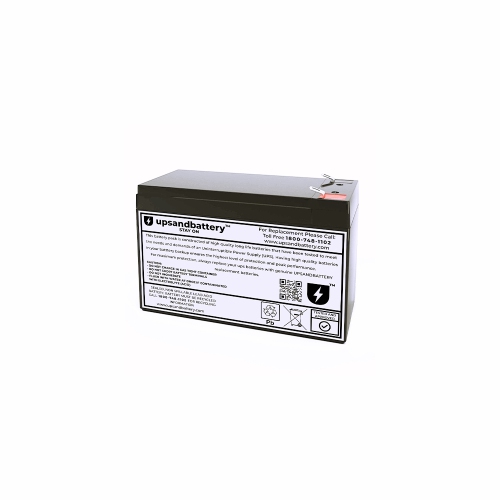
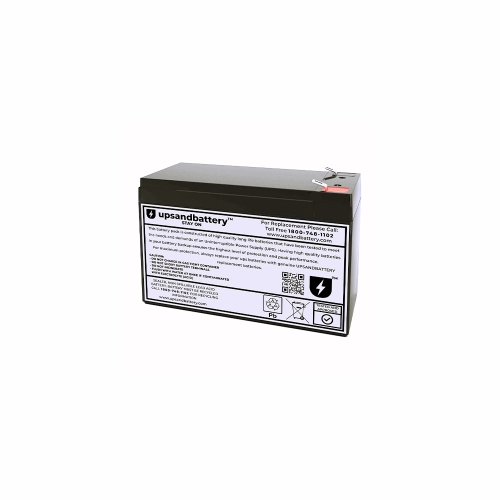
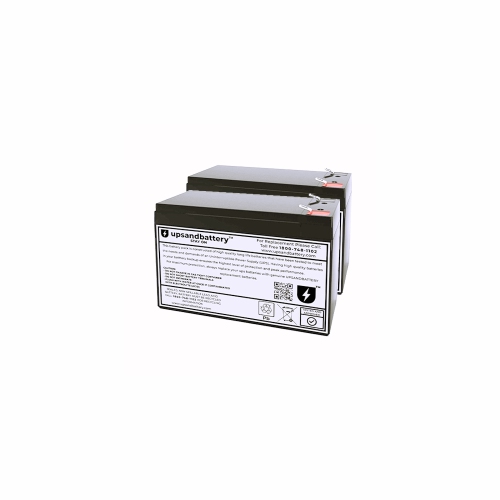
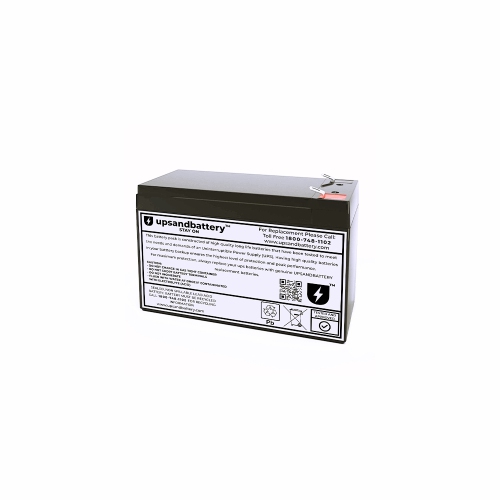
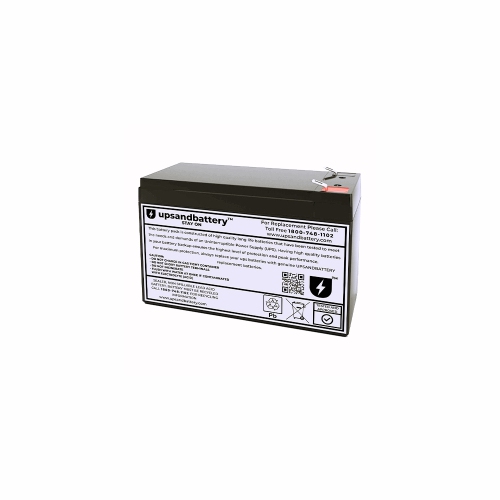
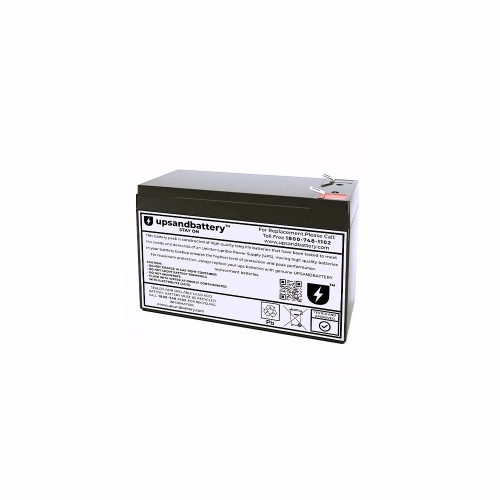
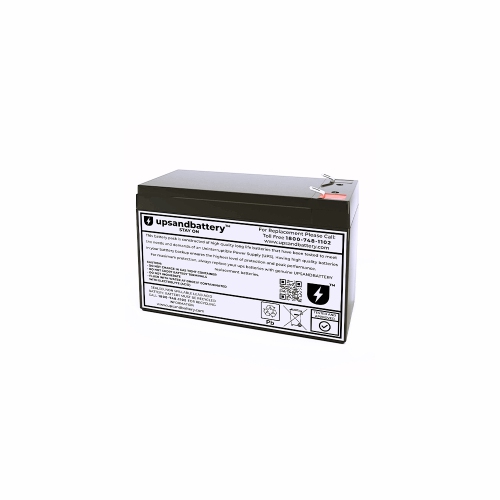
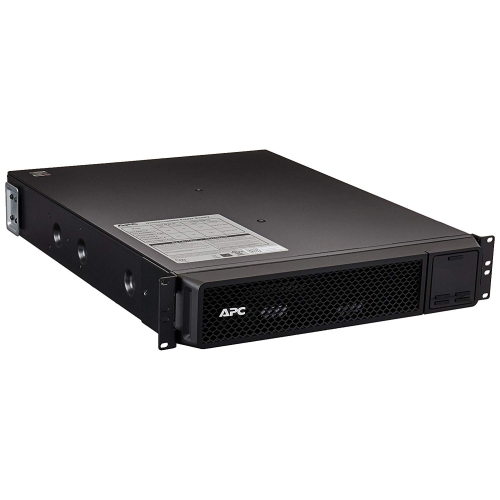
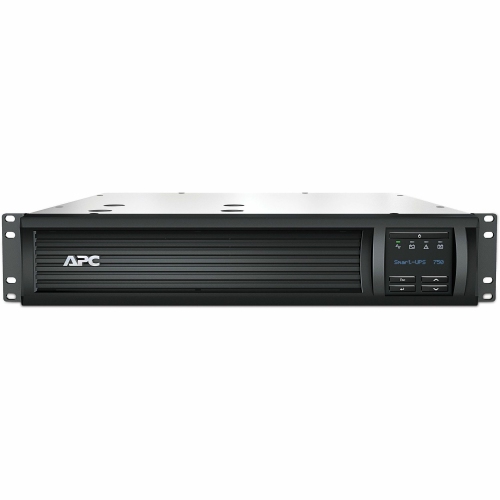
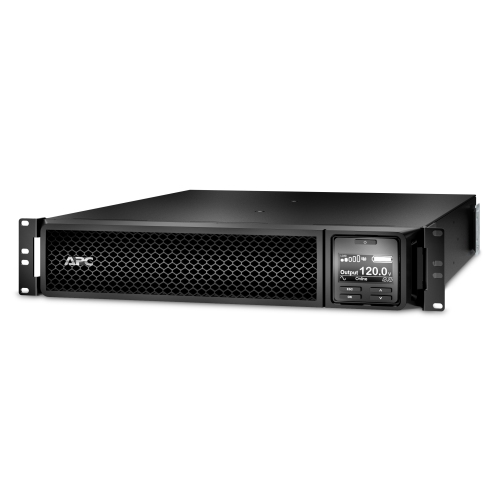
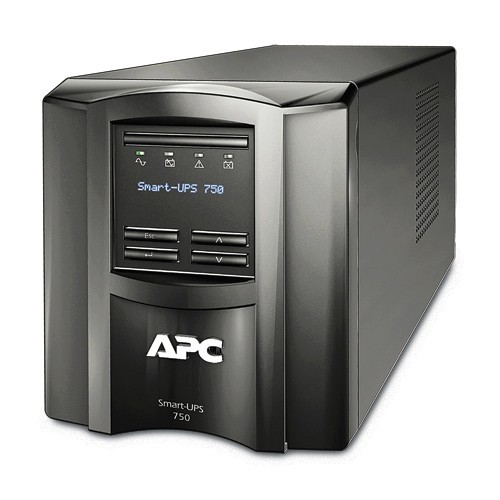
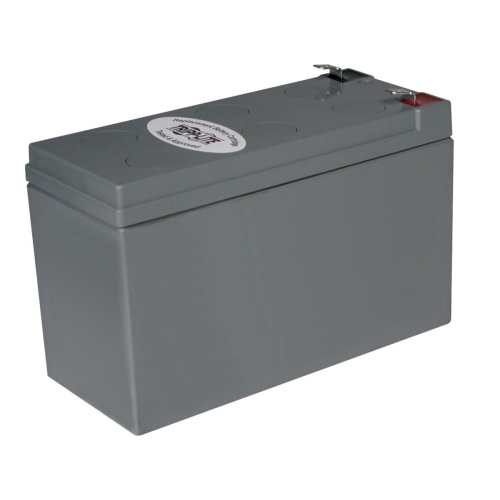
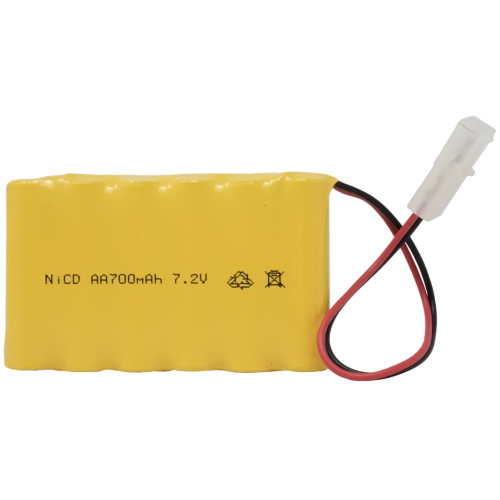
Support reliable backup power when interruptions affect essential electronics
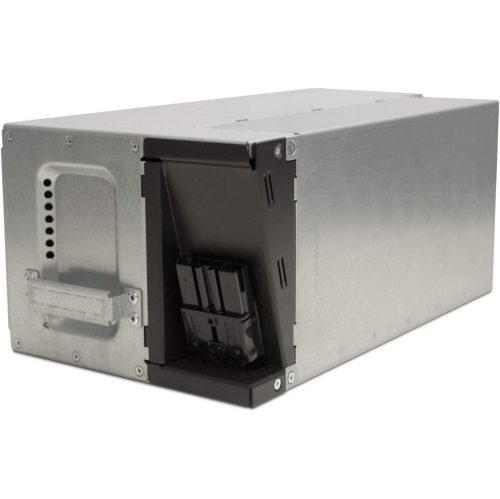
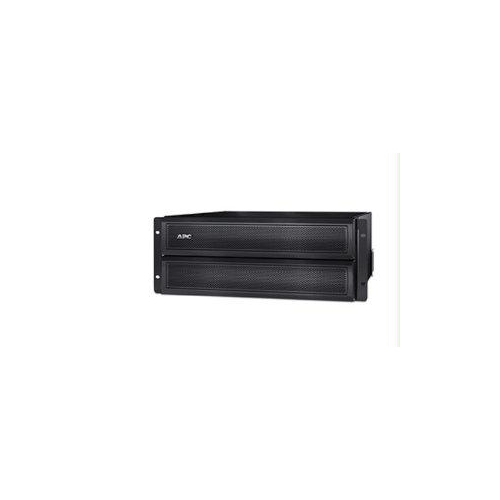
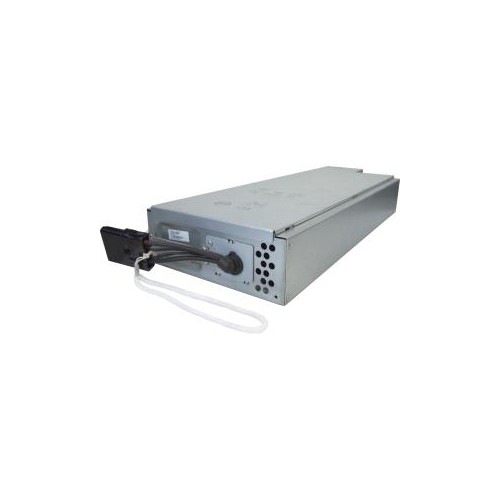
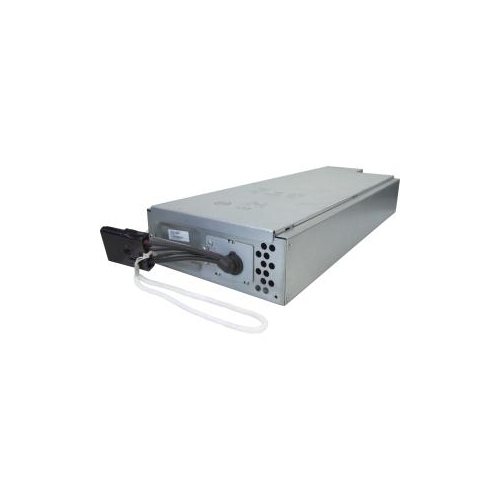
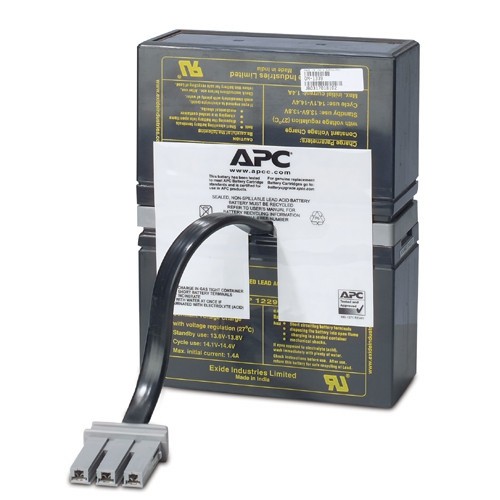
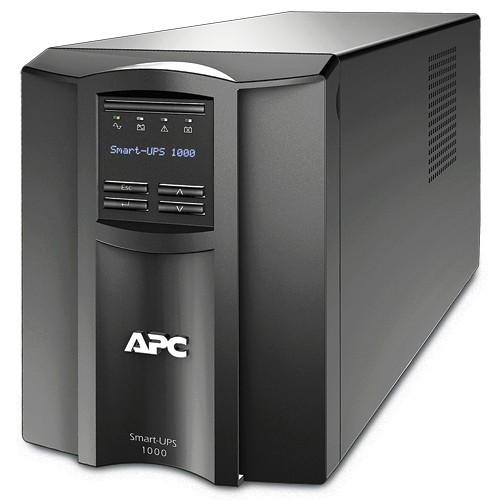
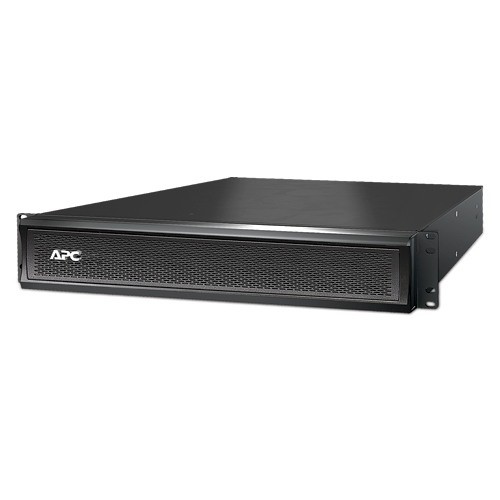
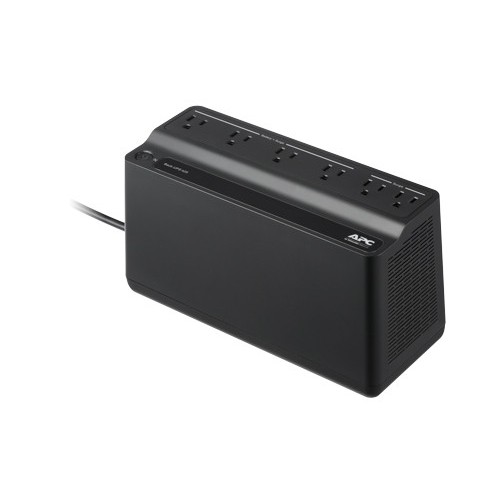
Battery packs for uninterruptible power supplies (UPS) help keep essential electronics running when the electricity goes out, fluctuates, or briefly drops. They are commonly used with desktop computers, monitors, networking equipment, modems, routers, storage devices, security systems, point-of-sale hardware, and other electronics that need a stable source of power. There are two main types to consider. An external extended-run battery pack connects to a compatible UPS to provide additional runtime, which can be useful during a prolonged outage or in places where interruptions are frequent. An internal replacement battery cartridge is designed to restore the backup function of a UPS whose original battery no longer holds a charge. If a UPS begins beeping regularly, shuts down soon after an outage starts, or reports a battery fault, replacing the battery may be all that is needed to bring the unit back to dependable operation. Browse APC Battery Replacements to find options suited to compatible UPS systems and replacement needs. These products can be especially helpful in a home office, where a sudden power interruption could interrupt a video call or damage unsaved work, and in a small business, where a few extra minutes may allow staff to save files, close applications, and shut down equipment properly. They can also support a home network during an outage, keeping internet equipment powered long enough to maintain connectivity or complete important tasks.
Compatibility is the most important consideration when choosing a battery pack. Check the exact UPS model number, series, battery type, voltage, connector arrangement, and capacity requirements before ordering. External packs are not universal, even when they look similar, and they must be matched with a UPS that supports additional battery modules. Internal replacement cartridges should also be selected for the specific UPS model rather than by appearance alone. The UPS rating, often expressed in volt-amperes (VA), can help indicate the type of equipment it was designed to support, but the actual runtime depends on the connected load. A computer with several monitors and accessories will draw more power than a modem and router, so the same battery pack can provide noticeably different results in different setups. For longer runtime, consider the equipment that truly needs backup power and connect only essential devices to the battery-backed outlets. Less critical items, such as speakers, printers, or decorative lighting, may not need to remain powered during an outage. An external extended-run module is generally worth considering when equipment must operate for an extended period, while a replacement cartridge is a more direct solution when an existing UPS has lost its ability to hold a charge. Features such as tool-free access, clear installation instructions, and a hot-swappable design can make replacement easier, but these capabilities vary by UPS model. Always review the manufacturer’s instructions, switch off equipment when required, and follow safe handling practices for batteries. Lead-acid batteries are heavy, and a used cartridge should be handled carefully and recycled or disposed of according to local requirements.
Battery packs are practical for anyone who depends on electronics through the cooler months, when storms, heavy precipitation, and increased indoor activity can make a power interruption particularly disruptive. A student can use a UPS to protect a desktop computer and maintain enough time to save an assignment, while a remote worker may rely on backup power to finish a presentation or send a final message before shutting down. Families can use a UPS with networking equipment, allowing smart-home hubs, internet hardware, and other essentials to remain active for a limited period. A replacement battery can also be a thoughtful gift for someone setting up a home office, managing a small workstation, or maintaining a home server, particularly when their UPS has started showing signs of an ageing battery. For business users, extended-run packs can provide additional time for orderly shutdowns or help keep vital network and communications equipment available during a longer interruption. To help preserve battery life, avoid repeatedly draining the battery completely, keep the UPS in a dry, well-ventilated location, and avoid placing it near heat sources. Runtime can change as batteries age, so occasional testing is useful, especially before a season when storms or service interruptions are more likely. Choosing the correct pack, installing it properly, and keeping the connected load within the UPS’s rated capacity can help provide reliable backup protection for the electronics that matter most.
Compatibility is the most important consideration when choosing a battery pack. Check the exact UPS model number, series, battery type, voltage, connector arrangement, and capacity requirements before ordering. External packs are not universal, even when they look similar, and they must be matched with a UPS that supports additional battery modules. Internal replacement cartridges should also be selected for the specific UPS model rather than by appearance alone. The UPS rating, often expressed in volt-amperes (VA), can help indicate the type of equipment it was designed to support, but the actual runtime depends on the connected load. A computer with several monitors and accessories will draw more power than a modem and router, so the same battery pack can provide noticeably different results in different setups. For longer runtime, consider the equipment that truly needs backup power and connect only essential devices to the battery-backed outlets. Less critical items, such as speakers, printers, or decorative lighting, may not need to remain powered during an outage. An external extended-run module is generally worth considering when equipment must operate for an extended period, while a replacement cartridge is a more direct solution when an existing UPS has lost its ability to hold a charge. Features such as tool-free access, clear installation instructions, and a hot-swappable design can make replacement easier, but these capabilities vary by UPS model. Always review the manufacturer’s instructions, switch off equipment when required, and follow safe handling practices for batteries. Lead-acid batteries are heavy, and a used cartridge should be handled carefully and recycled or disposed of according to local requirements.
Battery packs are practical for anyone who depends on electronics through the cooler months, when storms, heavy precipitation, and increased indoor activity can make a power interruption particularly disruptive. A student can use a UPS to protect a desktop computer and maintain enough time to save an assignment, while a remote worker may rely on backup power to finish a presentation or send a final message before shutting down. Families can use a UPS with networking equipment, allowing smart-home hubs, internet hardware, and other essentials to remain active for a limited period. A replacement battery can also be a thoughtful gift for someone setting up a home office, managing a small workstation, or maintaining a home server, particularly when their UPS has started showing signs of an ageing battery. For business users, extended-run packs can provide additional time for orderly shutdowns or help keep vital network and communications equipment available during a longer interruption. To help preserve battery life, avoid repeatedly draining the battery completely, keep the UPS in a dry, well-ventilated location, and avoid placing it near heat sources. Runtime can change as batteries age, so occasional testing is useful, especially before a season when storms or service interruptions are more likely. Choosing the correct pack, installing it properly, and keeping the connected load within the UPS’s rated capacity can help provide reliable backup protection for the electronics that matter most.
Top selling and popular products
-
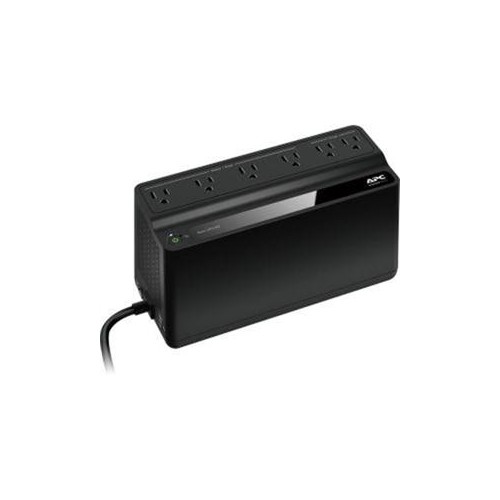 Your price for this item is $106.68
 -
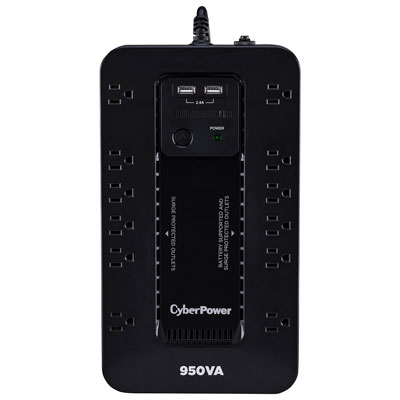 Your price for this item is $149.99
 -
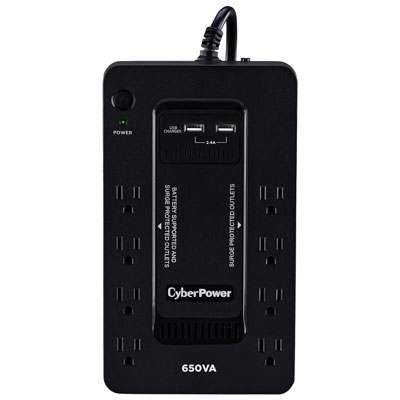 Your price for this item is $99.99
 -
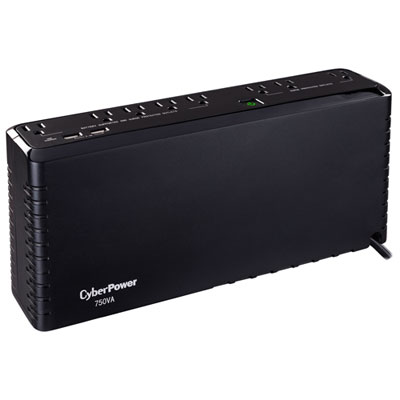 Your price for this item is $119.99
 -
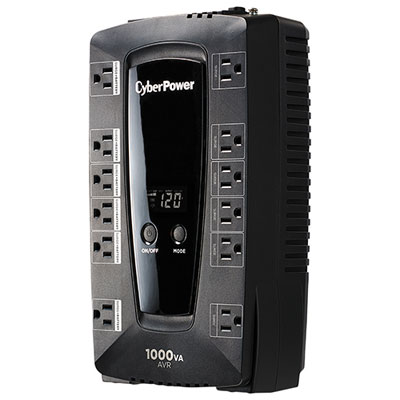 Your price for this item is $149.99
 -
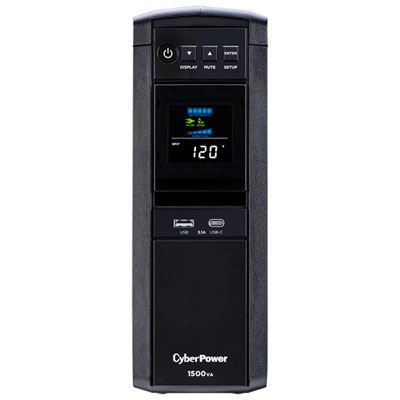 Your price for this item is $299.99
 -
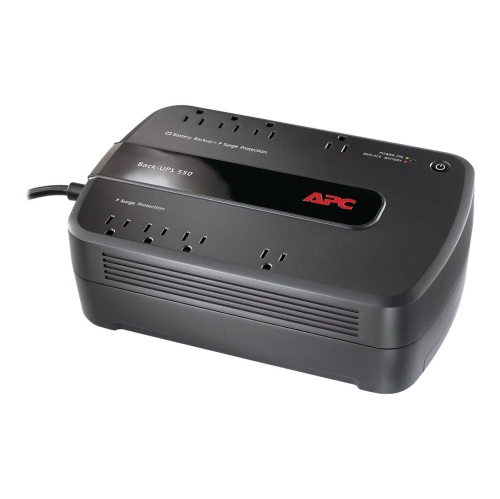 Your price for this item is $170.99
 -
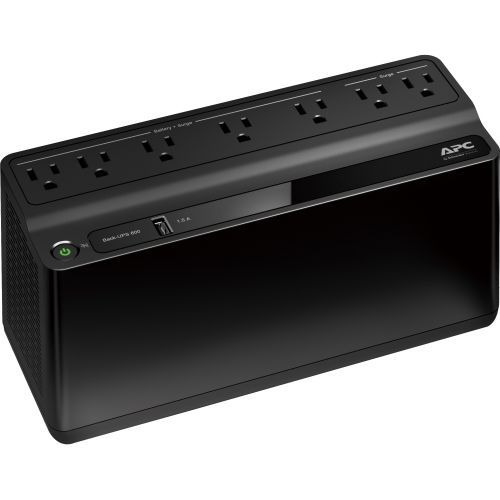 Your price for this item is $171.53
Discover more categories related to Apc Battery Packs

Top Collections:
Pokemon Centers, Kindle Devices, Best Budget Office Chairs, Apple iPhones 16, Best Laptops for Writers, iPhone 15 Apple, Canon G7X Cameras, Refurbished Apple Laptops, Alarm Clock, Motorola Razr Phones
Some products may be subject to Environmental Handling Fees
(EHF) depending on your province.
Learn more about EHFs.