Apple Computers
Looking for a sleek and powerful computing solution that seamlessly integrates into your digital lifestyle? Our selection of cutting-edge computers offers top-of-the-line performance, stunning displays, and innovative features to meet all your tech needs. Whether you're a creative professional, a busy student, or a dedicated gamer, we have the perfect computer to enhance your productivity and enjoyment. Explore our range of high-quality computers and find the ideal match for your requirements.
Sort



Why your workspace matters as much as performance
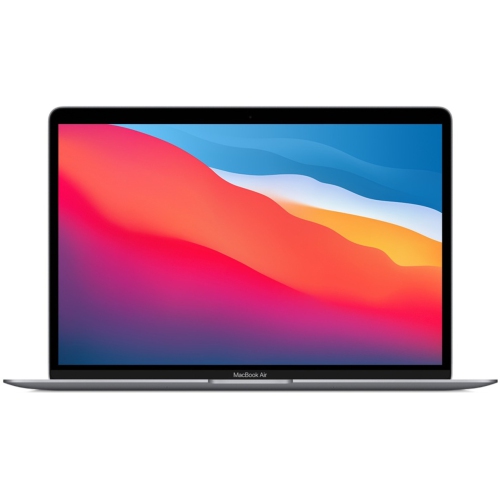
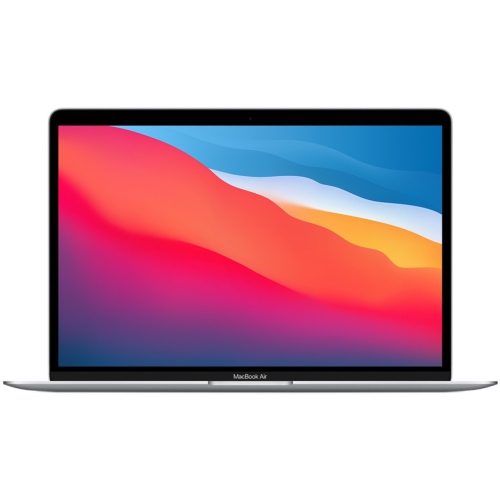
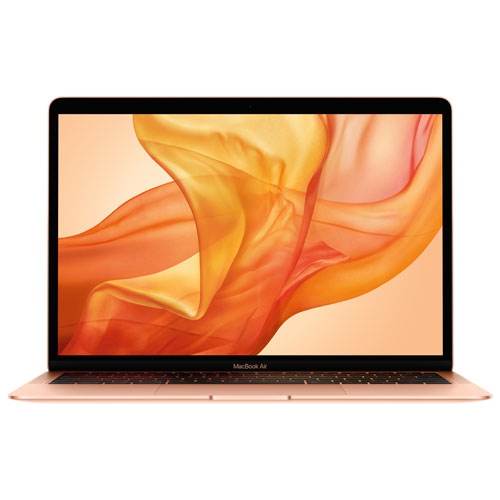
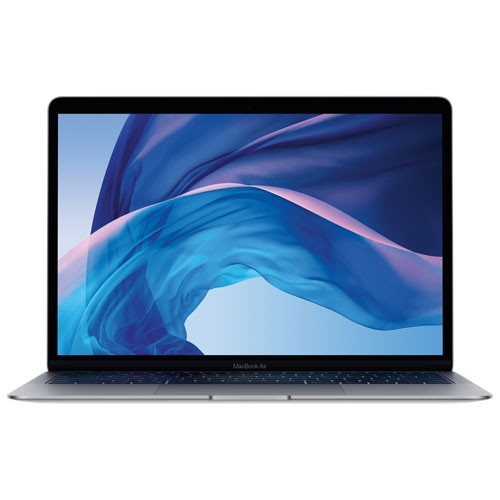
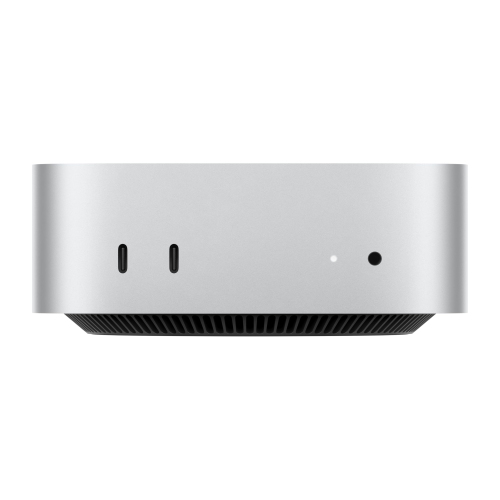
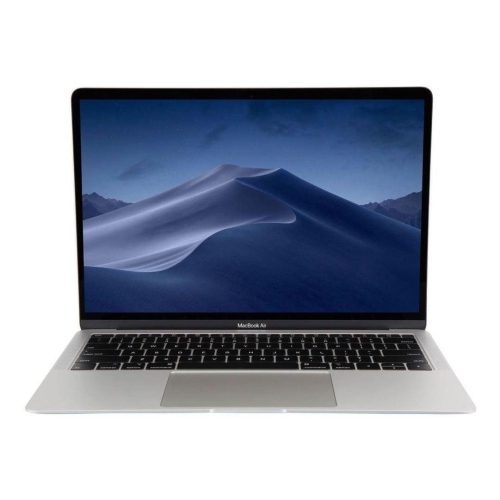
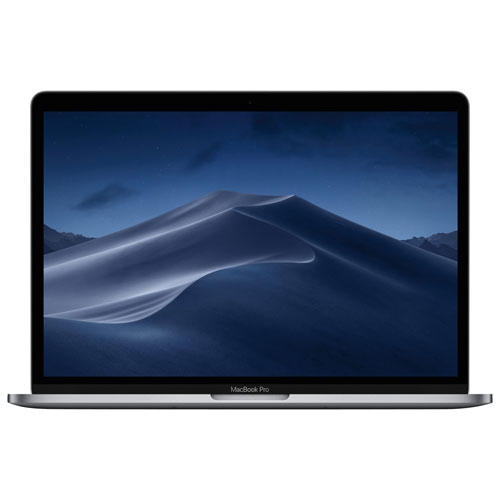
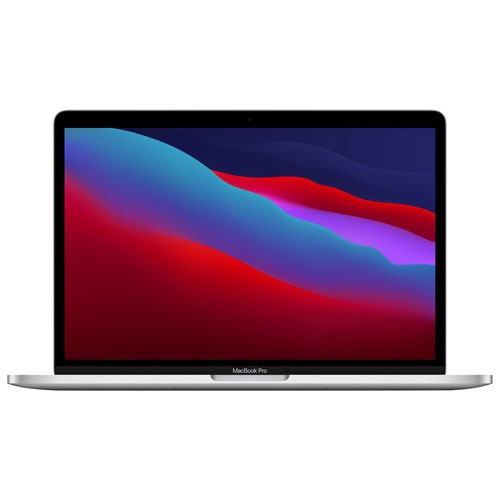
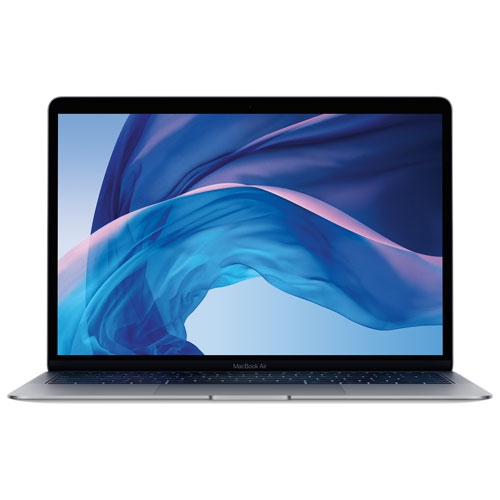
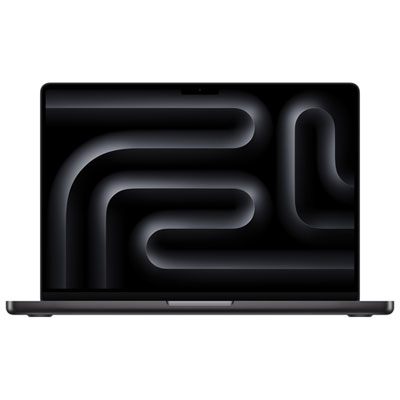
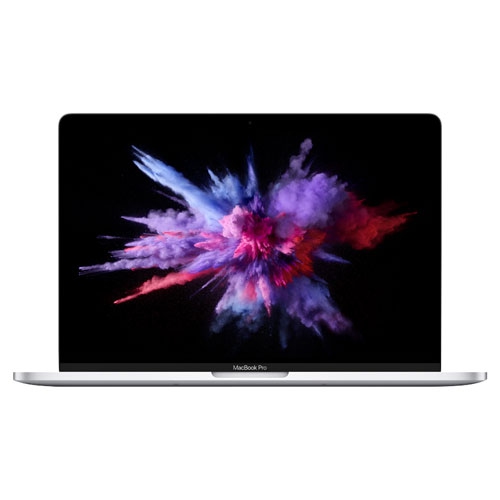
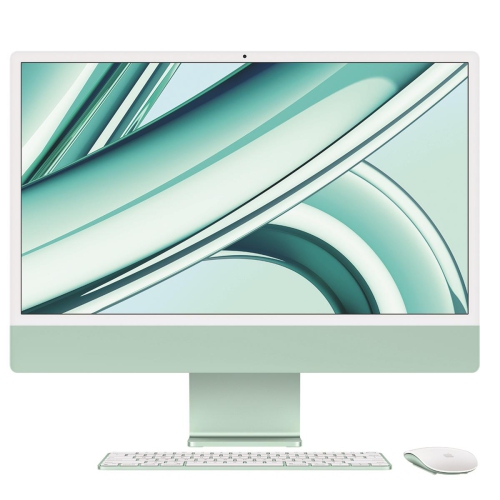
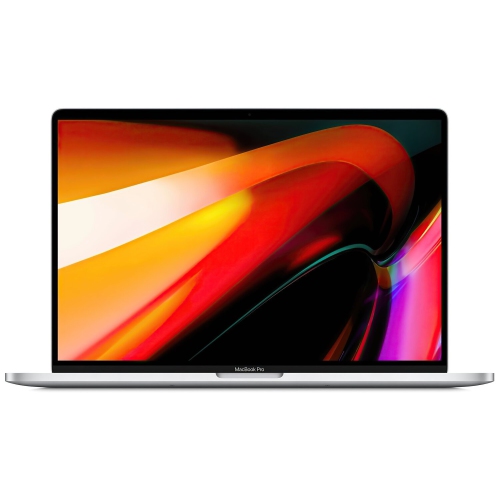
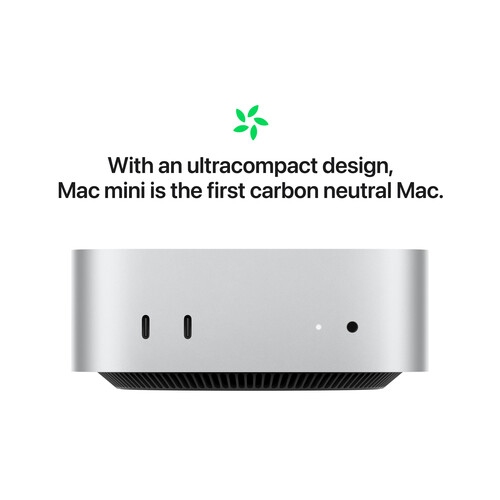
Desktop and laptop computers with closely integrated hardware and software bring everyday work, communication, and creative projects into a single workspace. Their appeal extends from familiar tasks such as writing documents and joining video calls to more demanding activities such as editing photographs, arranging music, and working with large design files. Laptop formats suit people who carry their computer between home, school, and the office, while desktop formats provide a permanent setup with room for a larger display and separate input devices. An all-in-one desktop combines the screen and computer in one enclosure, reducing the number of components on a desk. A compact desktop can fit beside an existing monitor, while higher-performance desktop configurations suit work that benefits from sustained processing power. The physical differences matter as much as the specifications. A smaller laptop fits more easily into a backpack and takes up less space on a shared table; a larger screen gives spreadsheets, timelines, and side-by-side documents more breathing room. Slim metal enclosures offer a solid feel, though their surfaces can still pick up scratches from loose keys or an unprotected bag compartment. Weight, keyboard spacing, trackpad size, and screen dimensions all affect how comfortable a computer feels after several hours of use. Display brightness and reflections also influence the experience, particularly at a desk beside a window. For photography and design, colour reproduction and support for the required display settings deserve attention alongside resolution. For writing, research, and routine office tasks, clear text and a comfortable viewing distance may matter more than the highest screen specification. A computer that suits its owner's working habits can make practical differences throughout the day: fewer interruptions when moving between applications, more room to review a document, and less effort arranging a workspace before starting a task. The most useful format is the one that fits both the work and the space where it happens.
Performance depends on the relationship between the processor, graphics capabilities, memory, storage, and the software being used. Many configurations use a unified memory design, allowing processing and graphics components to work from a shared memory pool. That makes memory capacity an important consideration for people who keep numerous applications open or handle large creative projects. A browser full of research tabs, a video meeting, and a presentation running together place different demands on a computer than a single word-processing document. Video editing, detailed image work, software development, and three-dimensional projects can require substantially more processing and graphics capacity. Storage serves a separate purpose: it holds applications, documents, photographs, and other files. Fast internal storage helps with launching software and opening projects, but capacity determines how much can remain on the computer without moving files elsewhere. Someone working with high-resolution footage may need considerably more space than a person whose day revolves around email and cloud-based documents. Memory and internal storage are not user-upgradeable on many configurations, so expected use over several years matters as well as immediate needs. Software compatibility is equally important. Required school applications, workplace tools, plug-ins, and specialist programs need to support the computer's operating system and processor architecture. Accessory connections shape the setup too. Ports, wireless connections, and external display support vary, affecting how a computer connects to a monitor, camera, storage drive, or wired network. A desk with several accessories may benefit from a compatible dock, while a mobile setup may need only a charger and a reliable Wi-Fi connection. Laptop battery life changes with screen brightness, application demands, and connected accessories; a long writing session is not the same workload as exporting video. Built-in cameras, microphones, and speakers can simplify remote meetings, although placement and room acoustics still affect call quality. These details help distinguish a computer suited to light daily use from one intended for a heavier professional workload, without treating the most powerful configuration as necessary for everyone.
Students, home users, and professionals often need similar core capabilities but use them in different ways. A student may carry a laptop to lectures, annotate reading material, and write an assignment with several reference windows open. A home user may organize family photographs, manage household documents, and make video calls from a kitchen table. A creative professional may spend hours reviewing fine detail on an external display or waiting for complex files to finish processing. For education-focused browsing, Apple School Computers offers a related collection for considering study and coursework needs. Computers can also make thoughtful gifts for a student beginning a program, a family member replacing an older machine, or someone developing a creative interest, provided the format and software support match the recipient's plans. Everyday comfort and care help preserve that usefulness. At a permanent desk, placing the display at a comfortable height and using a separate keyboard and pointing device can make longer sessions easier to manage. For travel, a padded sleeve or compartment helps protect the enclosure and screen from knocks, while keeping liquids separate reduces an avoidable risk. Vents should remain unobstructed, and soft bedding is a poor surface for a computer that needs airflow. A soft, lint-free cloth and cleaning methods suited to the manufacturer's directions help care for screens and exterior finishes without unnecessary abrasion. Durability also involves protecting what is stored inside. Regular backups provide a separate copy of important files, while software updates, strong account credentials, and supported security features help maintain a dependable working setup. For shared households, individual user accounts can keep documents and preferences separate. When replacing an older computer, transferring files and confirming access to essential applications can make the move less disruptive. A well-matched computer supports the routines around it, whether that means a quiet place to study, a dependable workstation for client projects, or a portable screen for everyday tasks.
Performance depends on the relationship between the processor, graphics capabilities, memory, storage, and the software being used. Many configurations use a unified memory design, allowing processing and graphics components to work from a shared memory pool. That makes memory capacity an important consideration for people who keep numerous applications open or handle large creative projects. A browser full of research tabs, a video meeting, and a presentation running together place different demands on a computer than a single word-processing document. Video editing, detailed image work, software development, and three-dimensional projects can require substantially more processing and graphics capacity. Storage serves a separate purpose: it holds applications, documents, photographs, and other files. Fast internal storage helps with launching software and opening projects, but capacity determines how much can remain on the computer without moving files elsewhere. Someone working with high-resolution footage may need considerably more space than a person whose day revolves around email and cloud-based documents. Memory and internal storage are not user-upgradeable on many configurations, so expected use over several years matters as well as immediate needs. Software compatibility is equally important. Required school applications, workplace tools, plug-ins, and specialist programs need to support the computer's operating system and processor architecture. Accessory connections shape the setup too. Ports, wireless connections, and external display support vary, affecting how a computer connects to a monitor, camera, storage drive, or wired network. A desk with several accessories may benefit from a compatible dock, while a mobile setup may need only a charger and a reliable Wi-Fi connection. Laptop battery life changes with screen brightness, application demands, and connected accessories; a long writing session is not the same workload as exporting video. Built-in cameras, microphones, and speakers can simplify remote meetings, although placement and room acoustics still affect call quality. These details help distinguish a computer suited to light daily use from one intended for a heavier professional workload, without treating the most powerful configuration as necessary for everyone.
Students, home users, and professionals often need similar core capabilities but use them in different ways. A student may carry a laptop to lectures, annotate reading material, and write an assignment with several reference windows open. A home user may organize family photographs, manage household documents, and make video calls from a kitchen table. A creative professional may spend hours reviewing fine detail on an external display or waiting for complex files to finish processing. For education-focused browsing, Apple School Computers offers a related collection for considering study and coursework needs. Computers can also make thoughtful gifts for a student beginning a program, a family member replacing an older machine, or someone developing a creative interest, provided the format and software support match the recipient's plans. Everyday comfort and care help preserve that usefulness. At a permanent desk, placing the display at a comfortable height and using a separate keyboard and pointing device can make longer sessions easier to manage. For travel, a padded sleeve or compartment helps protect the enclosure and screen from knocks, while keeping liquids separate reduces an avoidable risk. Vents should remain unobstructed, and soft bedding is a poor surface for a computer that needs airflow. A soft, lint-free cloth and cleaning methods suited to the manufacturer's directions help care for screens and exterior finishes without unnecessary abrasion. Durability also involves protecting what is stored inside. Regular backups provide a separate copy of important files, while software updates, strong account credentials, and supported security features help maintain a dependable working setup. For shared households, individual user accounts can keep documents and preferences separate. When replacing an older computer, transferring files and confirming access to essential applications can make the move less disruptive. A well-matched computer supports the routines around it, whether that means a quiet place to study, a dependable workstation for client projects, or a portable screen for everyday tasks.
Top selling and popular products
-
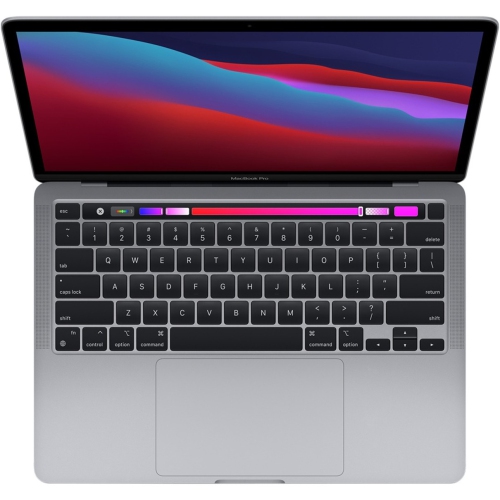 Your price for this item is $1500
-
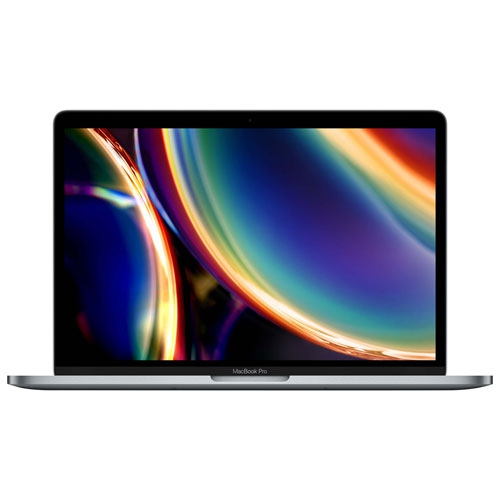 Your price for this item is $749.77
-
 Your price for this item is $659.99
-
 Your price for this item is $499.96
-
 Your price for this item is $549.77
-
 Your price for this item is $629.77
-
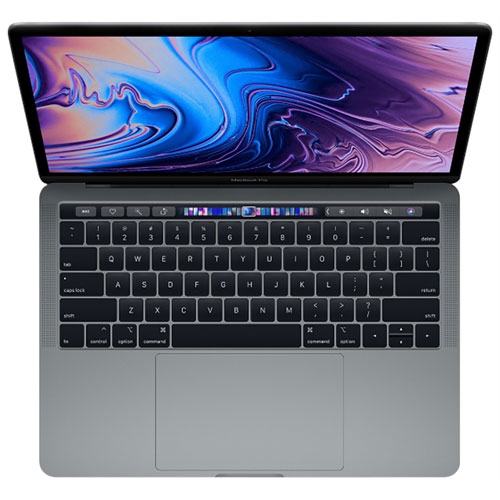 Your price for this item is $629.77
-
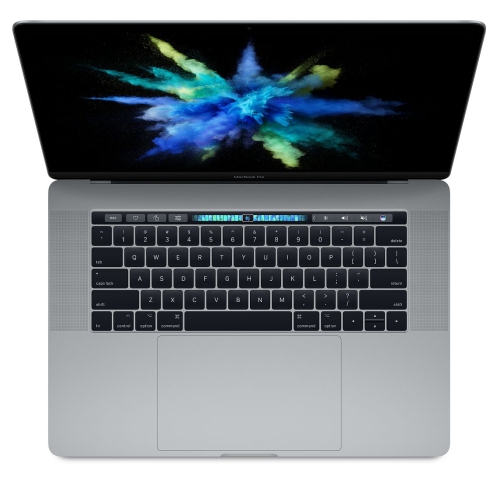 Your price for this item is $519.99
Discover more categories related to Apple Computers

Top Collections:
Best Black Friday Deals This Year, Best Black Friday Deals On Electronics, Kindle Devices, Pokemon Centers, Best Black Friday Deals On Apple Products, Best Cameras for Sports Photography, Dyson Airwrap, Pokémon 30th Celebration Cards, Apple iPhone 17 Pro, Canon G7X Cameras
Some products may be subject to Environmental Handling Fees
(EHF) depending on your province.
Learn more about EHFs.