Apple School Computers
Apple School Computers offer students and educators reliable technology solutions designed to support learning and productivity in the classroom. With a focus on performance and ease of use, these computers help streamline educational tasks, enhance collaboration, and enable access to a wide range of digital resources. Whether outfitting a single classroom or an entire school, Apple School Computers provide the tools needed to inspire creativity and foster academic success. Explore options that meet the needs of students at every grade level and make technology an integral part of the educational experience.
Sort




What makes a computer fit your school day
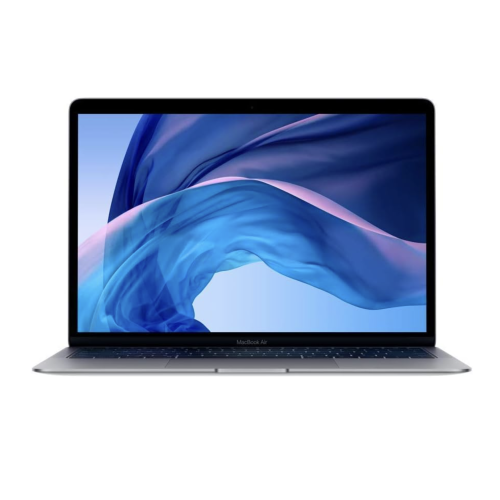
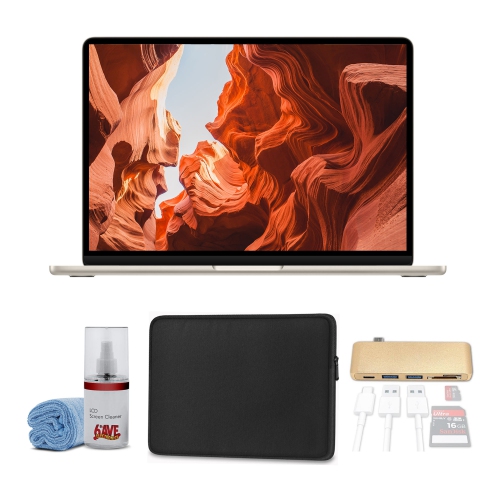
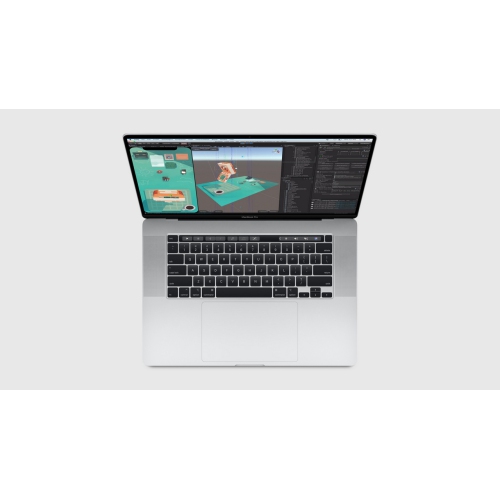
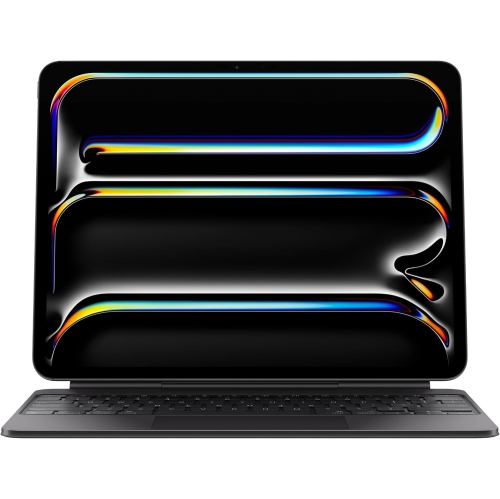
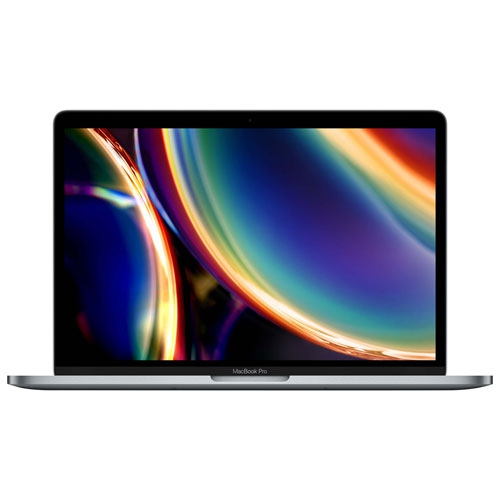
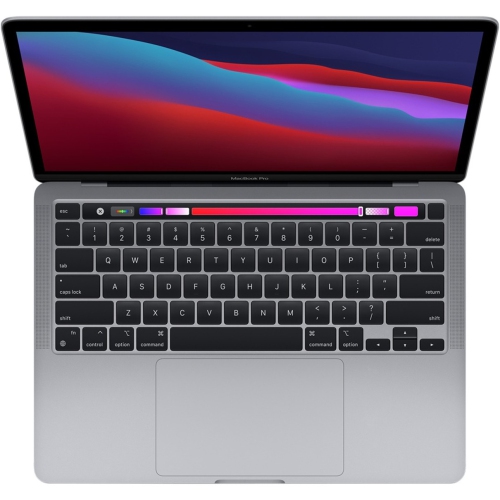
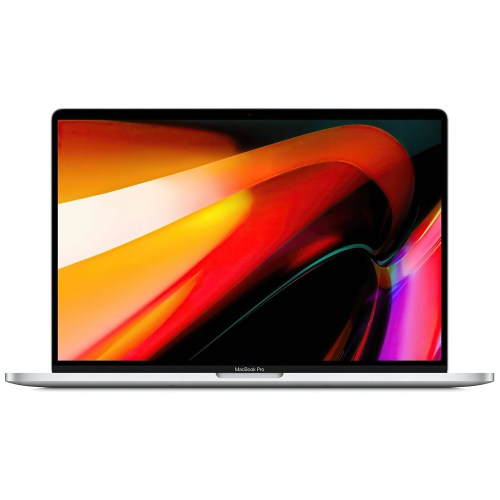
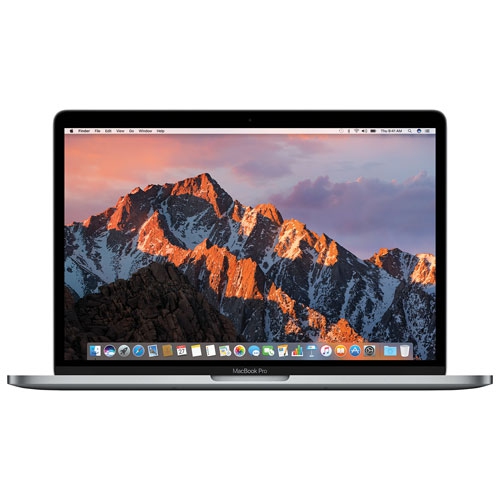
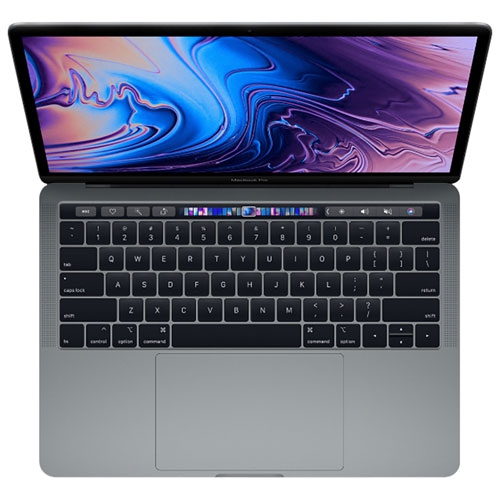
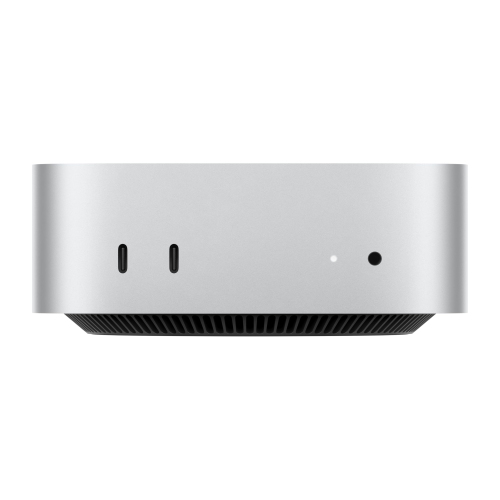
School computers serve a wide range of needs, from practising keyboard skills in elementary school to editing video or writing code in a college or university program. A compact laptop makes sense for a student who carries books and a computer on the bus, works at a small classroom desk and finishes assignments at the kitchen table. A larger laptop display can be more comfortable for reading a source document beside an essay or comparing columns in a spreadsheet without constantly switching windows. For a student who does most coursework in one place, a desktop setup offers room for a larger display and a keyboard that can be positioned independently. A laptop can also fill that role if it supports an external display and the connections needed at the desk. Everyday work such as writing essays, opening course readings, submitting assignments and joining video calls generally places fewer demands on a computer than editing footage, rendering a 3D model or testing a large coding project. For those more demanding tasks, processor performance and memory are worth a closer look, especially when several applications need to stay open at once. Storage is a separate consideration: a student who works mainly with text documents may need less space than one who keeps footage, design files or large sets of data on the computer. Even within the same program, the balance can differ. One student may spend most of the day reading and annotating PDFs, while another works with large images that are easier to review on a bigger screen. Teachers and school staff may put more weight on a comfortable keyboard for marking, a clear display for reviewing submissions or a straightforward connection to classroom presentation equipment. The Latest Apple Computers page provides a broader look at computer options for school and home use.
Software requirements can narrow the choice before screen size or weight comes into play. A school’s learning portal may run in a web browser, but a course can still require a particular operating system, a desktop application or a testing tool with its own compatibility rules. A browser-based version of a program may work for everyday assignments without supporting a feature needed for a lab or final project. Published program requirements are a useful starting point, especially for courses that use specialized design, music production or data analysis software. It’s also worth finding out whether the school expects students to bring a personal computer or provides a managed device for certain tasks. The physical fit matters just as much for work that lasts more than a few minutes. A keyboard that feels comfortable when typing a sentence may feel different halfway through an essay, and a roomy trackpad can help when there’s little space beside the computer for a mouse. On a smaller display, text size and zoom controls can make long readings easier to follow. For students who use assistive tools, features such as captions, dictation, screen magnification and keyboard navigation are most useful when they work with the applications the school actually uses. Battery life is another practical consideration for a student who moves between rooms and cannot count on an outlet. Reading and taking notes draw on the battery differently than a long video call or a video export, so a typical day of classes tells more about the student’s needs than any single task. Connections matter as well: a student who presents in class or transfers work from an external drive should check whether the computer can connect directly or needs an adapter. At a shared study desk, access to a charger, a display and the necessary cables can make it easier to sit down and get to work without rearranging the entire surface.
Materials and construction help determine how well a computer fits into a school routine. An aluminum housing can feel rigid in the hand, but the weight of the computer, charger and protective sleeve together matters more to someone carrying them across campus. A firm hinge can be useful when the screen needs to stay at a comfortable angle on a shallow desk. For a laptop that travels in a backpack, a padded compartment or a close-fitting sleeve helps protect the lid and corners from everyday bumps. Keeping the computer apart from a water bottle and avoiding pressure from tightly packed textbooks can help prevent damage that a sleeve alone can’t stop. At home, a clean, firm work surface gives the computer a stable place to sit and leaves any vents clear. For routine care, a soft, lint-free cloth and the manufacturer’s cleaning directions are a better starting point than household sprays. Keeping software up to date and saving a separate copy of important assignments can also spare a student from having to redo work if the computer needs service. For younger learners using a shared computer, a setup that’s easy to reach and separate sign-ins can make it simpler to keep schoolwork apart from the rest of the household’s files. Older students may need a computer that can handle several years of changing coursework, including larger projects or applications introduced later in a program. A school computer can be a practical graduation gift or a way to support someone returning to study, particularly when the recipient’s course requirements and preferences are known. A student who already has a display at home may appreciate a lighter laptop for the commute, while someone who does most of their work on the built-in screen may prefer more room to read and edit. The right fit comes down to where the computer will be used, what it needs to run and how comfortably it handles a full day of schoolwork.
Software requirements can narrow the choice before screen size or weight comes into play. A school’s learning portal may run in a web browser, but a course can still require a particular operating system, a desktop application or a testing tool with its own compatibility rules. A browser-based version of a program may work for everyday assignments without supporting a feature needed for a lab or final project. Published program requirements are a useful starting point, especially for courses that use specialized design, music production or data analysis software. It’s also worth finding out whether the school expects students to bring a personal computer or provides a managed device for certain tasks. The physical fit matters just as much for work that lasts more than a few minutes. A keyboard that feels comfortable when typing a sentence may feel different halfway through an essay, and a roomy trackpad can help when there’s little space beside the computer for a mouse. On a smaller display, text size and zoom controls can make long readings easier to follow. For students who use assistive tools, features such as captions, dictation, screen magnification and keyboard navigation are most useful when they work with the applications the school actually uses. Battery life is another practical consideration for a student who moves between rooms and cannot count on an outlet. Reading and taking notes draw on the battery differently than a long video call or a video export, so a typical day of classes tells more about the student’s needs than any single task. Connections matter as well: a student who presents in class or transfers work from an external drive should check whether the computer can connect directly or needs an adapter. At a shared study desk, access to a charger, a display and the necessary cables can make it easier to sit down and get to work without rearranging the entire surface.
Materials and construction help determine how well a computer fits into a school routine. An aluminum housing can feel rigid in the hand, but the weight of the computer, charger and protective sleeve together matters more to someone carrying them across campus. A firm hinge can be useful when the screen needs to stay at a comfortable angle on a shallow desk. For a laptop that travels in a backpack, a padded compartment or a close-fitting sleeve helps protect the lid and corners from everyday bumps. Keeping the computer apart from a water bottle and avoiding pressure from tightly packed textbooks can help prevent damage that a sleeve alone can’t stop. At home, a clean, firm work surface gives the computer a stable place to sit and leaves any vents clear. For routine care, a soft, lint-free cloth and the manufacturer’s cleaning directions are a better starting point than household sprays. Keeping software up to date and saving a separate copy of important assignments can also spare a student from having to redo work if the computer needs service. For younger learners using a shared computer, a setup that’s easy to reach and separate sign-ins can make it simpler to keep schoolwork apart from the rest of the household’s files. Older students may need a computer that can handle several years of changing coursework, including larger projects or applications introduced later in a program. A school computer can be a practical graduation gift or a way to support someone returning to study, particularly when the recipient’s course requirements and preferences are known. A student who already has a display at home may appreciate a lighter laptop for the commute, while someone who does most of their work on the built-in screen may prefer more room to read and edit. The right fit comes down to where the computer will be used, what it needs to run and how comfortably it handles a full day of schoolwork.
Top selling and popular products
-
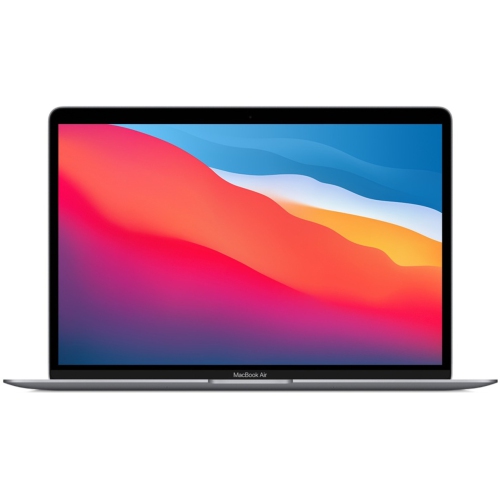 Your price for this item is $799.77
-
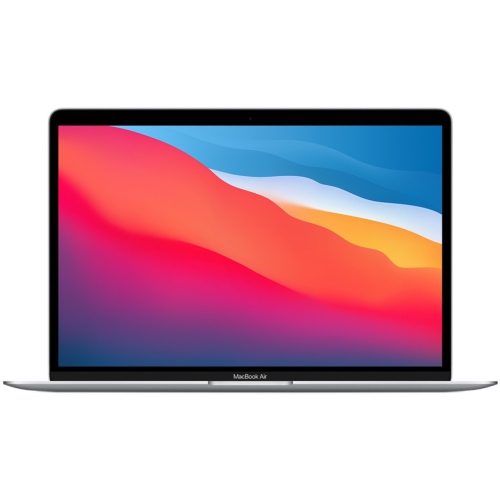 Your price for this item is $799.77
-
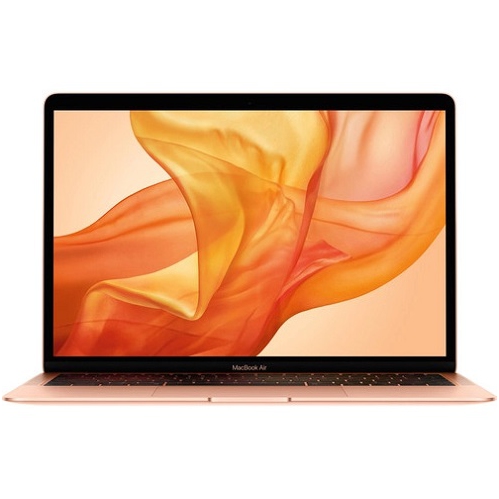 Your price for this item is $549.77
-
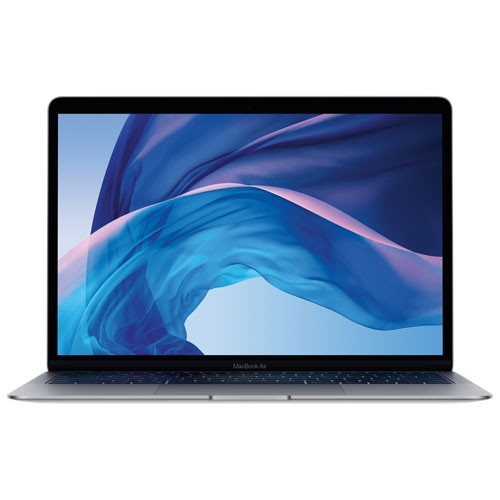 Your price for this item is $549.77
-
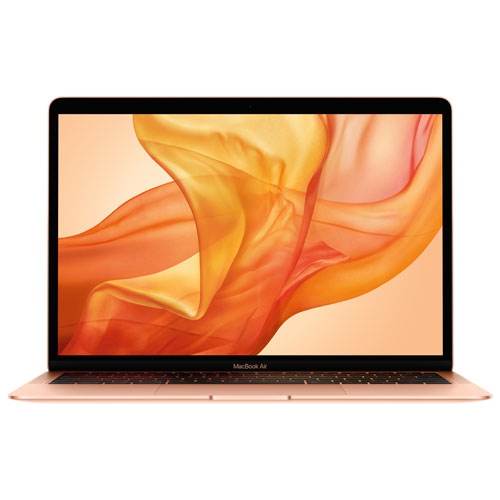 Your price for this item is $599.77
-
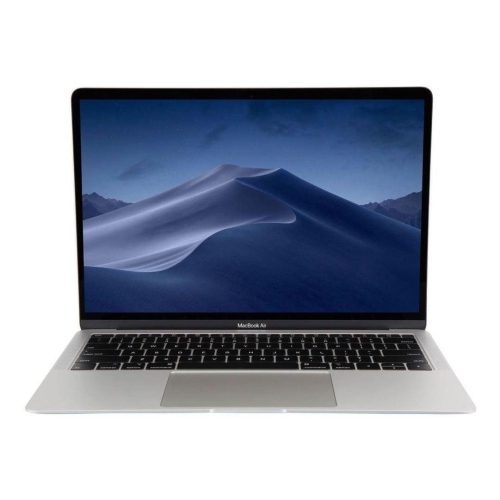 Your price for this item is $499
-
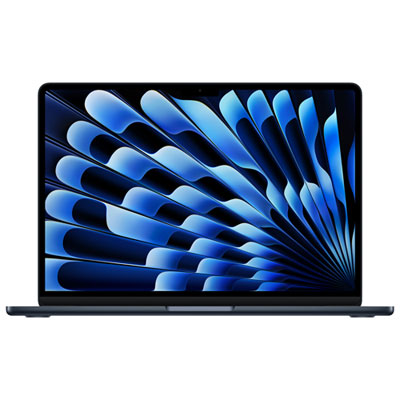 Your price for this item is $1789.99
-
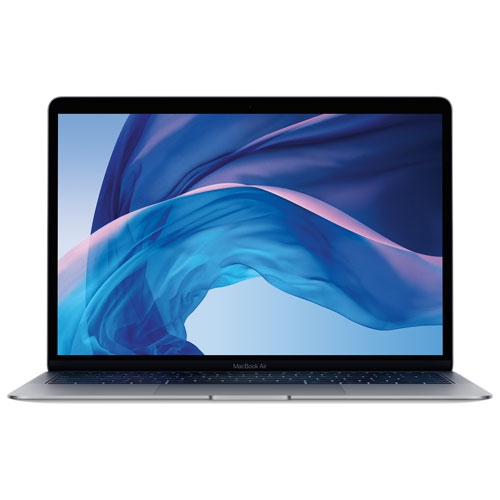 Your price for this item is $579.77
Discover more categories related to Apple School Computers


Top Collections:
Best Black Friday Deals This Year, Best Black Friday Deals On Electronics, Kindle Devices, Pokemon Centers, Best Black Friday Deals On Apple Products, Best Cameras for Sports Photography, Dyson Airwrap, Pokémon 30th Celebration Cards, Apple iPhone 17 Pro, Canon G7X Cameras
Some products may be subject to Environmental Handling Fees
(EHF) depending on your province.
Learn more about EHFs.