Apple iPad 256GB A16
Discover the impressive versatility and storage capacity of the Apple iPad 256GB A16. Perfect for work, creativity, and entertainment, this device is designed to help you stay productive and connected wherever you go. Explore a range of options that combine sleek design with reliable performance to suit your everyday needs. Find the ideal Apple iPad 256GB A16 to elevate your digital experience today.
Sort









Portable computing with room for study and entertainment
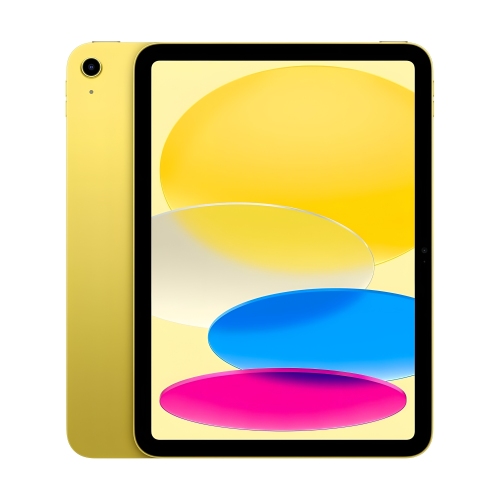
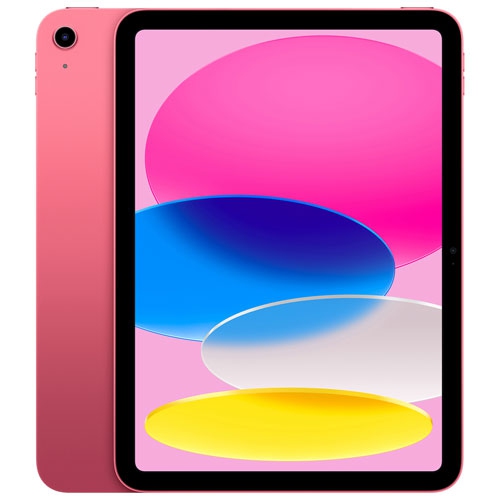
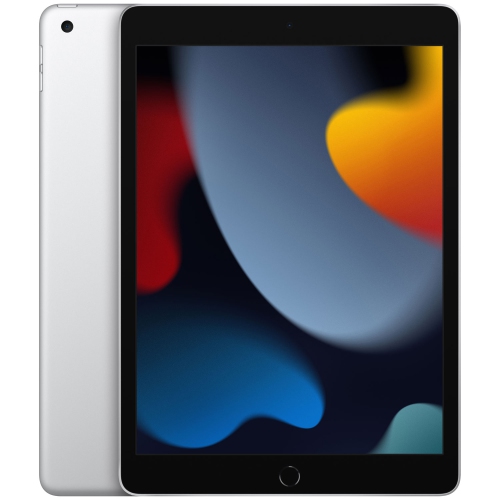
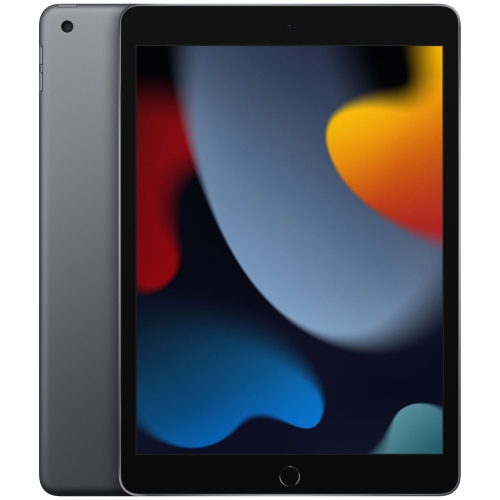
Tablets pairing an A16 chip with 256GB of storage bring everyday computing into a portable format suited to reading, watching, studying and staying in touch. An 11-inch display offers room for a textbook page, a video call or a handwritten diagram without the bulk of a laptop. The 2360 × 1640 resolution keeps text and photographs detailed, while display brightness of up to 500 nits and automatic white-balance adjustment support comfortable viewing across different indoor lighting conditions. The A16 chip combines a 5-core CPU with a 4-core GPU, supporting everyday tasks such as browsing, editing documents, playing games and moving between compatible apps. For a student, that might mean reviewing lecture slides while writing notes; at home, it could mean following a recipe, checking a shared calendar or reading a digital magazine. The 256GB capacity provides space for a substantial mix of apps, photos, documents and downloaded entertainment, although usable storage is lower because the operating system and built-in software occupy part of that capacity. Storage needs depend less on the number of activities than on the files involved: text documents take relatively little room, while downloaded games, long videos and creative projects can be much larger. Keeping a selection of films or course materials stored locally can be useful when a reliable connection is not within reach. Cloud storage can complement local capacity, but it does not turn into additional built-in storage, and some files need to be downloaded before they can be used offline. The iPad 11 256GB collection centres on this combination of screen size and storage, with connectivity and accessory compatibility providing further points of comparison. For many households, this format sits comfortably between a phone and a full computer: large enough for an engaging screen experience, yet easy to carry from a desk to a sofa or tuck into a protective sleeve.
Connectivity shapes how a tablet fits into a daily routine. Wi-Fi 6 supports connections to compatible wireless networks, making Wi-Fi models well suited to homes, classrooms and workplaces with dependable coverage. Models with cellular capability add another way to connect away from those networks, subject to a compatible mobile plan and coverage. Cellular connectivity does not increase built-in storage or processing power; its value lies in keeping connected during a commute, between appointments or while working away from a familiar desk. A USB-C connection provides a charging point and supports compatible accessories, including certain external storage devices, keyboards and adapters. Accessory support depends on the tablet, operating system and connected device, so matching the connection alone does not guarantee every function. A keyboard can make longer emails and assignments more comfortable, while a compatible stylus suits handwritten notes, annotations and casual drawing. Stylus features and charging methods vary, making exact compatibility important. Camera placement matters, too. A 12MP landscape front camera with automatic framing helps keep the speaker in view when the tablet rests horizontally for a call, a practical arrangement for online lessons or conversations with family. The 12MP rear camera supports document capture, everyday photographs and video recording up to 4K, although longer recordings can use considerable storage. Touch ID in the top button offers fingerprint-based unlocking without requiring a password for every routine sign-in, while a strong passcode remains important. Battery life is rated at up to 10 hours for browsing over Wi-Fi or watching video, with actual results affected by brightness, apps, network conditions and other settings. A day of video calls or demanding games places different demands on the battery than reading downloaded documents. A compatible charger and a convenient charging spot help make the tablet dependable for regular use, whether it spends most of its time on a desk or travels in a bag.
The physical fit of a tablet is just as important as its specifications. An aluminum enclosure provides a firm, lightweight structure, but the glass display still benefits from protection against scratches, knocks and pressure inside a crowded bag. A fitted case should match the exact model rather than screen size alone, since camera openings, button placement and accessory connections can differ between generations. Raised edges can help keep the screen from resting directly against a tabletop, while a stable folding stand makes hands-free viewing and typing more comfortable. For someone who reads for long stretches, case weight and grip may matter more than a built-in keyboard; for a student moving between classrooms, a secure closure and a separate place for a stylus may be more useful. A screen protector can add a replaceable barrier against everyday marks, though its surface finish may change how the display looks or how a stylus feels. Routine care is straightforward: disconnect cables before cleaning, use a soft, lint-free cloth and keep moisture away from openings. Avoid abrasive cleaners and carrying the tablet loose beside keys or other hard objects. For shared use, a sturdy stand and a consistent storage spot can help keep the device ready for homework, video calls or household planning. Accessibility features such as adjustable text size, spoken content and voice input can also make a touchscreen more comfortable for people with different viewing or mobility needs. As a gift, this type of tablet can suit a student building a study routine, a reader who enjoys carrying several books at once or a family member who values a larger screen for conversations and photographs. The most useful accessories reflect the recipient’s habits rather than adding bulk without a purpose. A protective case may be enough for reading and streaming, while frequent writing can justify a keyboard or stylus. Thoughtful setup, regular software updates and a reliable backup routine help protect personal files and keep an everyday tablet useful over time.
Connectivity shapes how a tablet fits into a daily routine. Wi-Fi 6 supports connections to compatible wireless networks, making Wi-Fi models well suited to homes, classrooms and workplaces with dependable coverage. Models with cellular capability add another way to connect away from those networks, subject to a compatible mobile plan and coverage. Cellular connectivity does not increase built-in storage or processing power; its value lies in keeping connected during a commute, between appointments or while working away from a familiar desk. A USB-C connection provides a charging point and supports compatible accessories, including certain external storage devices, keyboards and adapters. Accessory support depends on the tablet, operating system and connected device, so matching the connection alone does not guarantee every function. A keyboard can make longer emails and assignments more comfortable, while a compatible stylus suits handwritten notes, annotations and casual drawing. Stylus features and charging methods vary, making exact compatibility important. Camera placement matters, too. A 12MP landscape front camera with automatic framing helps keep the speaker in view when the tablet rests horizontally for a call, a practical arrangement for online lessons or conversations with family. The 12MP rear camera supports document capture, everyday photographs and video recording up to 4K, although longer recordings can use considerable storage. Touch ID in the top button offers fingerprint-based unlocking without requiring a password for every routine sign-in, while a strong passcode remains important. Battery life is rated at up to 10 hours for browsing over Wi-Fi or watching video, with actual results affected by brightness, apps, network conditions and other settings. A day of video calls or demanding games places different demands on the battery than reading downloaded documents. A compatible charger and a convenient charging spot help make the tablet dependable for regular use, whether it spends most of its time on a desk or travels in a bag.
The physical fit of a tablet is just as important as its specifications. An aluminum enclosure provides a firm, lightweight structure, but the glass display still benefits from protection against scratches, knocks and pressure inside a crowded bag. A fitted case should match the exact model rather than screen size alone, since camera openings, button placement and accessory connections can differ between generations. Raised edges can help keep the screen from resting directly against a tabletop, while a stable folding stand makes hands-free viewing and typing more comfortable. For someone who reads for long stretches, case weight and grip may matter more than a built-in keyboard; for a student moving between classrooms, a secure closure and a separate place for a stylus may be more useful. A screen protector can add a replaceable barrier against everyday marks, though its surface finish may change how the display looks or how a stylus feels. Routine care is straightforward: disconnect cables before cleaning, use a soft, lint-free cloth and keep moisture away from openings. Avoid abrasive cleaners and carrying the tablet loose beside keys or other hard objects. For shared use, a sturdy stand and a consistent storage spot can help keep the device ready for homework, video calls or household planning. Accessibility features such as adjustable text size, spoken content and voice input can also make a touchscreen more comfortable for people with different viewing or mobility needs. As a gift, this type of tablet can suit a student building a study routine, a reader who enjoys carrying several books at once or a family member who values a larger screen for conversations and photographs. The most useful accessories reflect the recipient’s habits rather than adding bulk without a purpose. A protective case may be enough for reading and streaming, while frequent writing can justify a keyboard or stylus. Thoughtful setup, regular software updates and a reliable backup routine help protect personal files and keep an everyday tablet useful over time.
Top selling and popular products
-
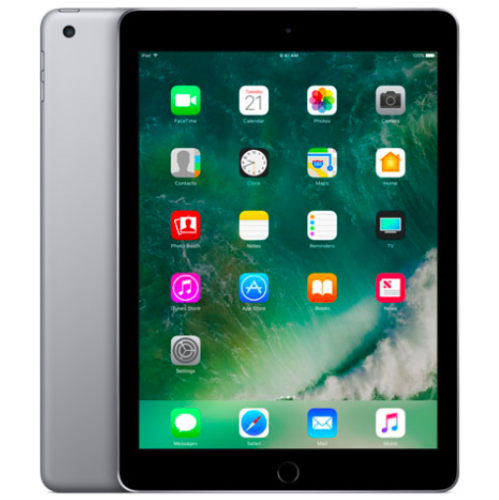 Your price for this item is $109.99
-
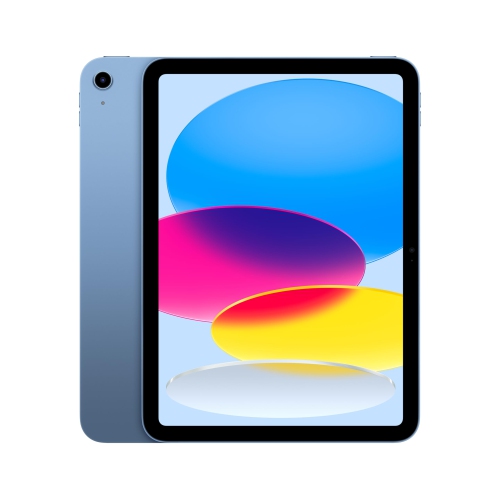 Your price for this item is $634
-
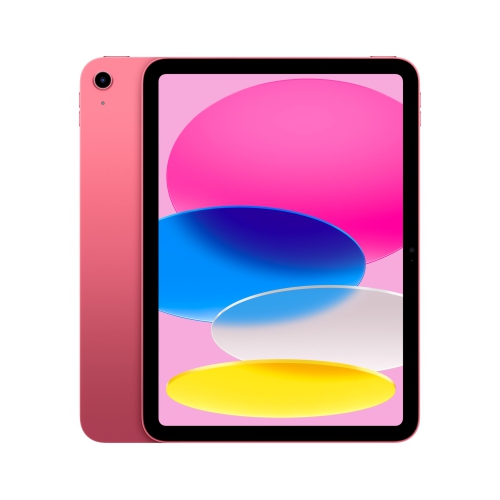 Your price for this item is $649
-
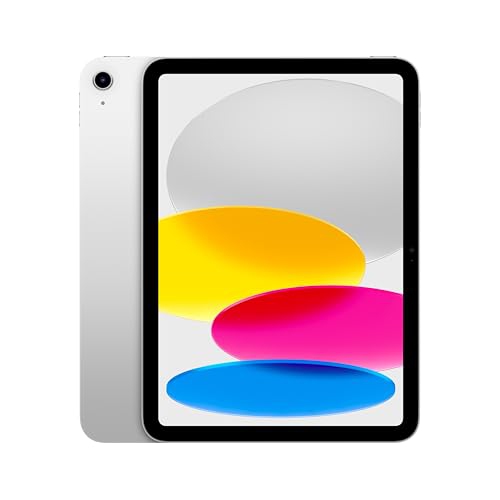 Your price for this item is $669.95
-
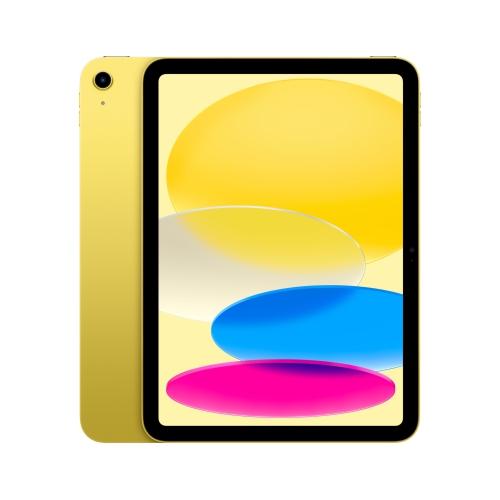 Your price for this item is $638.99
-
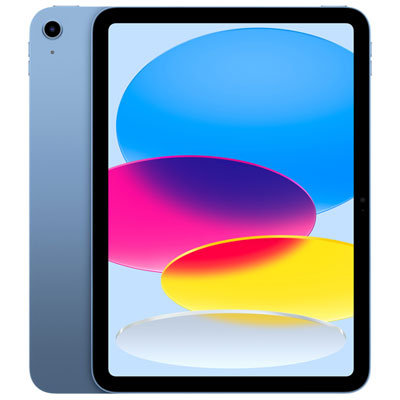 Your price for this item is $649.99
-
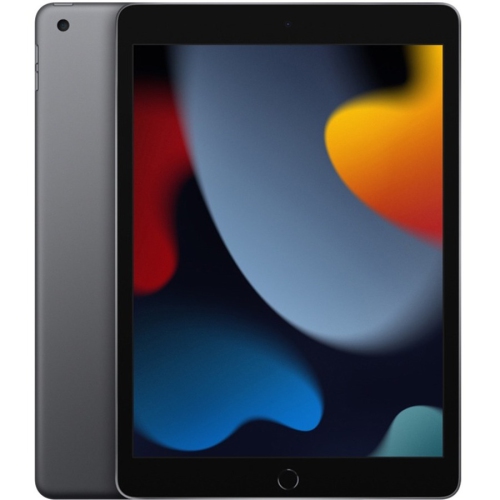 Your price for this item is $323
-
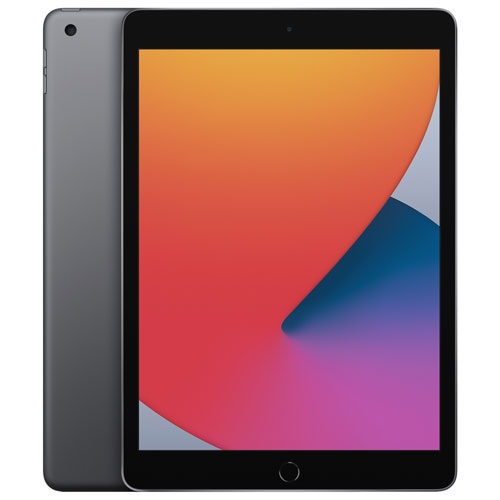 Your price for this item is $249.99
Discover more categories related to Apple iPad 256GB A16


Top Collections:
Pokemon Centers, Best Black Friday Deals This Year, Best Black Friday Deals On Electronics, Kindle Devices, Best Budget Office Chairs, Best Black Friday Deals On Apple Products, Best Cameras for Sports Photography, Pokémon 30th Celebration Cards, Dyson Airwrap, Canon G7X Cameras
Some products may be subject to Environmental Handling Fees
(EHF) depending on your province.
Learn more about EHFs.