iPad A16 128GB
Discover the power and performance of the iPad A16 128GB, designed to elevate your digital experience whether you're at home, work, or on the go. With ample storage space and a sleek design, the iPad A16 128GB offers versatility for a wide range of tasks, from streaming your favorite shows to tackling productivity projects. Explore the selection and find the perfect fit for your lifestyle.
Sort








Room for lecture notes without the laptop bulk
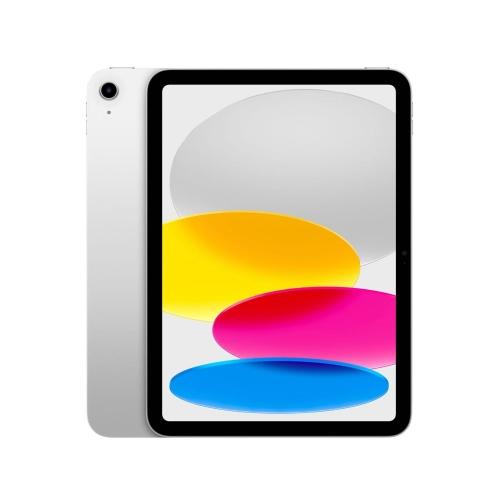
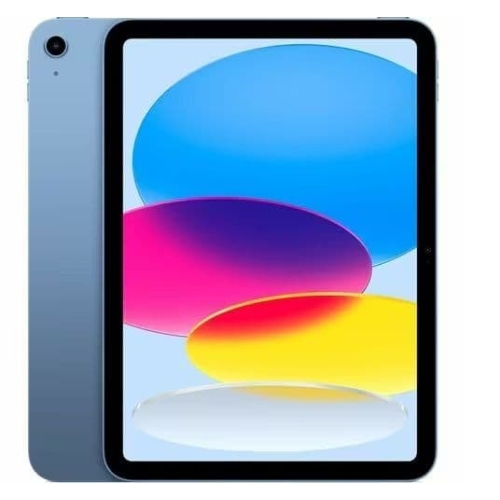
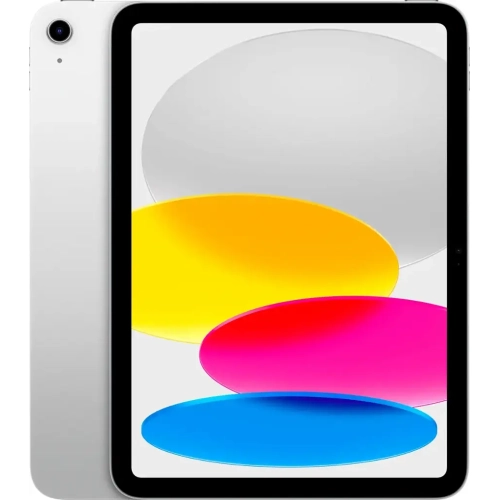
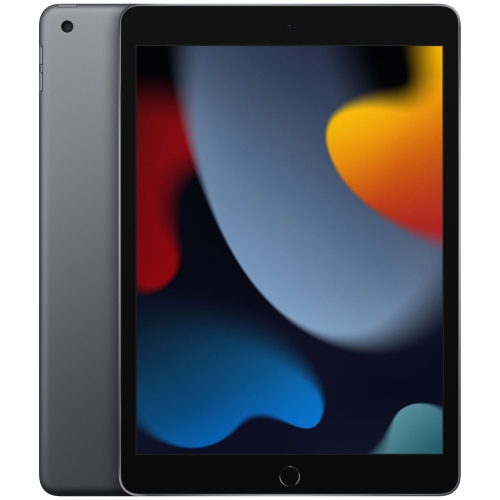
An A16 chip, 128GB of storage, and an 11-inch display make a practical combination for a tablet used for reading, studying, streaming, and everyday tasks. The processor supports activities such as moving between a browser and a document, joining a video call, editing photos, or playing compatible games. An 11-inch screen provides room for a textbook page, a recipe, or a shared photo without requiring the space of a laptop. Its 2360 x 1640 resolution helps keep small text and fine image details clear, although text size settings also make a difference to reading comfort. For students, that screen can hold lecture slides and handwritten notes; for other users, it can become a portable place to manage appointments, read library books, or watch a downloaded episode. The 128GB capacity refers to built-in storage for apps, photos, videos, documents, and other files, with some space used by system software and formatting. It is distinct from the working memory that apps use while running. Whether that capacity suits a particular routine depends more on the files being kept than on the number of hours the tablet is used. Reading, email, web browsing, and streaming generally require less local storage than keeping several large games, extensive video downloads, or a growing collection of original footage. A student who stores assignments online may have different needs from someone who downloads entertainment before travelling. Cloud storage can reduce the number of files kept on the device, but accessing those files may require an internet connection. Built-in capacity cannot be expanded with a memory card, so it helps to consider what needs to remain accessible offline. Reviewing large downloads and removing files that are no longer needed can keep storage manageable. A tablet in this size and capacity range can serve as a main personal screen for lighter tasks or as a companion to a computer for reading, sketching, and communication.
Connectivity shapes where and how a tablet fits into a routine. For browsing, studying, and streaming through a home, school, or workplace network, an iPad A16 Wi-Fi 128GB configuration connects through Wi-Fi rather than its own cellular data service. Wi-Fi 6 support allows connection to compatible networks, though actual performance depends on the router, internet service, signal strength, and other devices sharing the connection. Away from a familiar network, a compatible phone hotspot can provide access where permitted by the phone’s plan and coverage. Downloaded books, saved documents, and supported offline apps can remain useful without an active connection. Cellular-equipped configurations offer another approach for people who regularly work or travel beyond Wi-Fi coverage, with a compatible mobile plan required for cellular service. A USB-C connection handles charging and supports compatible accessories, making it useful for connecting storage, audio equipment, or adapters when the required hardware and software support are in place. Accessory compatibility deserves close attention: matching the connector alone does not guarantee every function will work. A keyboard can make longer emails and assignments easier to type, while a supported stylus can help with annotating readings, marking diagrams, or keeping handwritten notes. Stylus features vary, so drawing needs such as pressure sensitivity should be checked against the exact tablet and pen combination. A stand is useful for following a recipe without holding the screen or positioning a video call at a comfortable height. The landscape-oriented 12MP front camera suits calls with the tablet resting horizontally, while the 12MP rear camera can capture reference photos and scan documents through compatible apps. Fingerprint authentication in the top button provides a convenient way to unlock the device. For longer writing sessions, a stable surface and well-positioned keyboard matter as much as processing power. Some specialized desktop programs and workflows still require a computer, so app compatibility is worth checking when the tablet is intended for coursework or professional tasks.
Materials, protection, and day-to-day handling matter when a tablet moves between a desk, a bag, and a kitchen counter. An aluminium housing provides structure, while the glass display benefits from careful handling and a case suited to the way the device will be used. A slim cover may be enough for reading at home; a more protective case with reinforced corners can be useful for a child, a shared household device, or frequent travel. Case fit depends on the exact tablet generation and dimensions, not just a similar-looking screen size. Camera openings, speaker cut-outs, button access, and keyboard attachment points need to line up properly. A screen protector can help limit surface scratches, but it does not make a tablet unbreakable, and its texture may affect how a stylus feels. Keeping the screen free of grit before wiping it helps avoid dragging particles across the glass. A soft, lint-free cloth is suitable for routine cleaning, with manufacturer-approved cleaning methods used for more persistent marks. Liquid should not be sprayed directly onto the device, and charging ports should be kept dry and free of debris. In a bag, a separate sleeve or compartment helps prevent contact with keys and other hard objects. Charging routines also deserve attention: a compatible charger, an undamaged cable, and a clear, uncovered charging surface support dependable everyday use. For shared use, parental controls, purchase permissions, and accessibility settings can make the device easier to manage. Larger text, captions, voice input, and supported assistive features can help different users read, communicate, and navigate comfortably. As a gift, a tablet with 128GB of storage may suit a student organizing class materials, a reader who prefers adjustable text, or a family member who enjoys video calls and photo sharing. The most useful accessory depends on that person’s habits: a keyboard for regular writing, a stand for hands-free viewing, or a protective case for carrying it between locations. Matching storage, connectivity, and accessories to those ordinary routines helps create a setup that remains useful beyond its first few days.
Connectivity shapes where and how a tablet fits into a routine. For browsing, studying, and streaming through a home, school, or workplace network, an iPad A16 Wi-Fi 128GB configuration connects through Wi-Fi rather than its own cellular data service. Wi-Fi 6 support allows connection to compatible networks, though actual performance depends on the router, internet service, signal strength, and other devices sharing the connection. Away from a familiar network, a compatible phone hotspot can provide access where permitted by the phone’s plan and coverage. Downloaded books, saved documents, and supported offline apps can remain useful without an active connection. Cellular-equipped configurations offer another approach for people who regularly work or travel beyond Wi-Fi coverage, with a compatible mobile plan required for cellular service. A USB-C connection handles charging and supports compatible accessories, making it useful for connecting storage, audio equipment, or adapters when the required hardware and software support are in place. Accessory compatibility deserves close attention: matching the connector alone does not guarantee every function will work. A keyboard can make longer emails and assignments easier to type, while a supported stylus can help with annotating readings, marking diagrams, or keeping handwritten notes. Stylus features vary, so drawing needs such as pressure sensitivity should be checked against the exact tablet and pen combination. A stand is useful for following a recipe without holding the screen or positioning a video call at a comfortable height. The landscape-oriented 12MP front camera suits calls with the tablet resting horizontally, while the 12MP rear camera can capture reference photos and scan documents through compatible apps. Fingerprint authentication in the top button provides a convenient way to unlock the device. For longer writing sessions, a stable surface and well-positioned keyboard matter as much as processing power. Some specialized desktop programs and workflows still require a computer, so app compatibility is worth checking when the tablet is intended for coursework or professional tasks.
Materials, protection, and day-to-day handling matter when a tablet moves between a desk, a bag, and a kitchen counter. An aluminium housing provides structure, while the glass display benefits from careful handling and a case suited to the way the device will be used. A slim cover may be enough for reading at home; a more protective case with reinforced corners can be useful for a child, a shared household device, or frequent travel. Case fit depends on the exact tablet generation and dimensions, not just a similar-looking screen size. Camera openings, speaker cut-outs, button access, and keyboard attachment points need to line up properly. A screen protector can help limit surface scratches, but it does not make a tablet unbreakable, and its texture may affect how a stylus feels. Keeping the screen free of grit before wiping it helps avoid dragging particles across the glass. A soft, lint-free cloth is suitable for routine cleaning, with manufacturer-approved cleaning methods used for more persistent marks. Liquid should not be sprayed directly onto the device, and charging ports should be kept dry and free of debris. In a bag, a separate sleeve or compartment helps prevent contact with keys and other hard objects. Charging routines also deserve attention: a compatible charger, an undamaged cable, and a clear, uncovered charging surface support dependable everyday use. For shared use, parental controls, purchase permissions, and accessibility settings can make the device easier to manage. Larger text, captions, voice input, and supported assistive features can help different users read, communicate, and navigate comfortably. As a gift, a tablet with 128GB of storage may suit a student organizing class materials, a reader who prefers adjustable text, or a family member who enjoys video calls and photo sharing. The most useful accessory depends on that person’s habits: a keyboard for regular writing, a stand for hands-free viewing, or a protective case for carrying it between locations. Matching storage, connectivity, and accessories to those ordinary routines helps create a setup that remains useful beyond its first few days.
Top selling and popular products
-
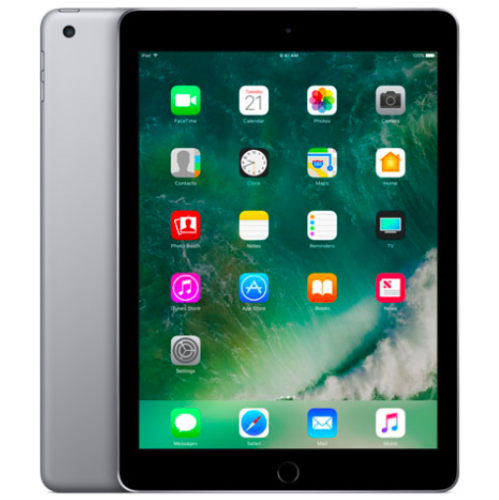 Your price for this item is $109.99
-
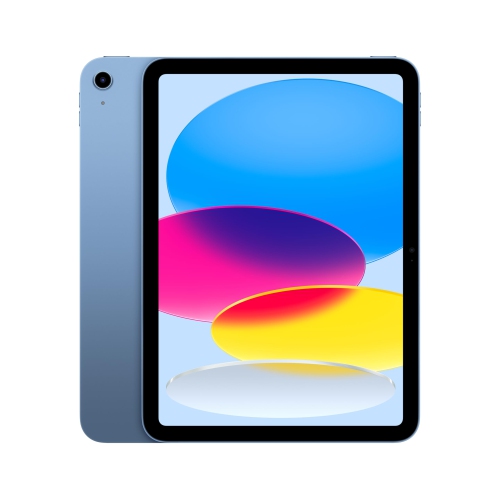 Your price for this item is $649
-
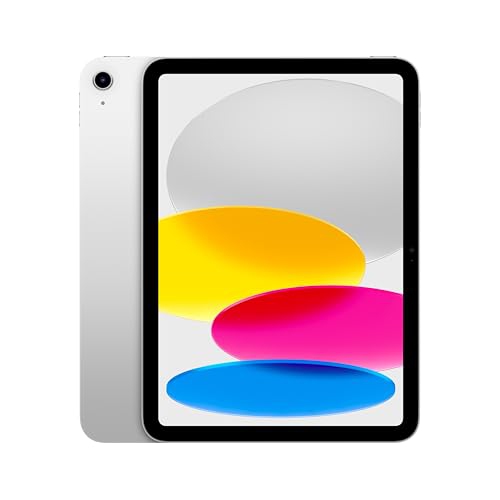 Your price for this item is $669.95
-
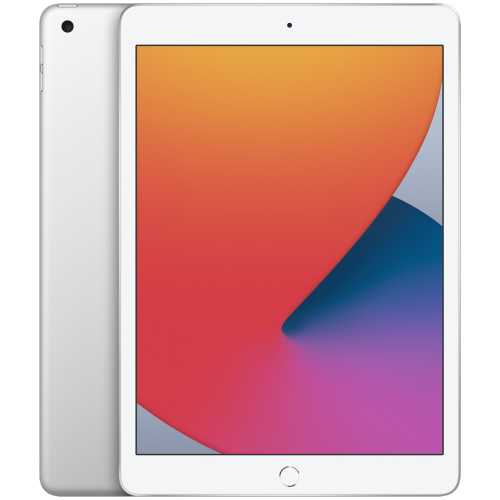 Your price for this item is $141.98
-
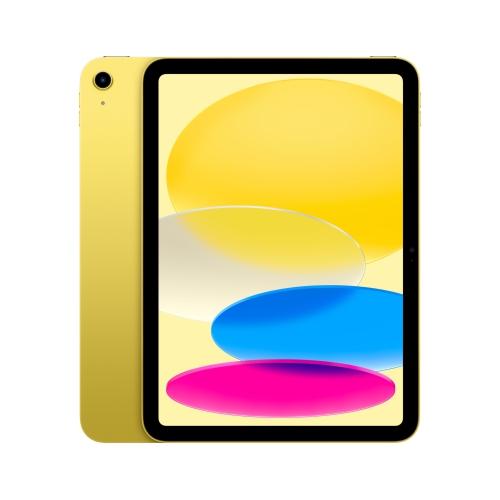 Your price for this item is $639.99
-
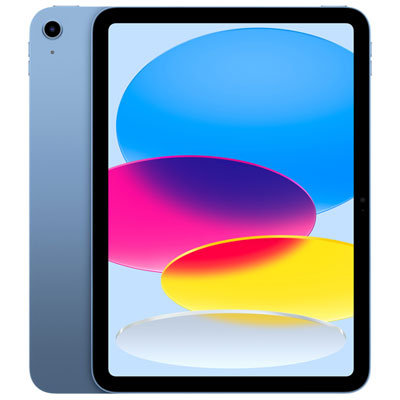 Your price for this item is $649.99
-
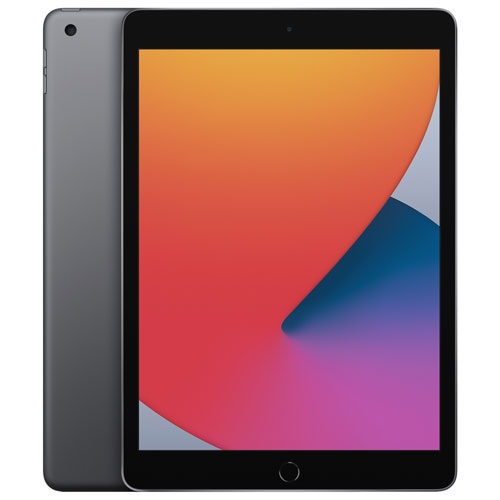 Your price for this item is $249.99
-
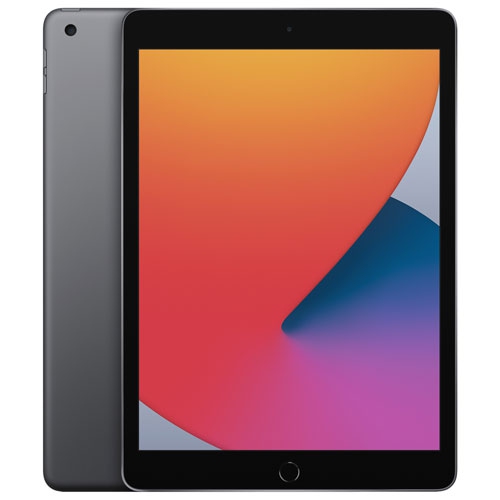 Your price for this item is $169.99
Discover more categories related to iPad A16 128GB

Top Collections:
Best Black Friday Deals This Year, Best Black Friday Deals On Electronics, Kindle Devices, Pokemon Centers, Best Black Friday Deals On Apple Products, Best Cameras for Sports Photography, Dyson Airwrap, Pokémon 30th Celebration Cards, Apple iPhone 17 Pro, Canon G7X Cameras
Some products may be subject to Environmental Handling Fees
(EHF) depending on your province.
Learn more about EHFs.