Apple Laptops for Video Editing
Discover the perfect Apple laptop for video editing that combines power, precision, and portability to elevate your creative projects. Whether you're a professional filmmaker or an aspiring content creator, these laptops are designed to handle demanding editing software with ease. Experience seamless multitasking and stunning visuals as you bring your vision to life. With sleek designs and innovative technology, find the ideal Apple laptop that complements your workflow and enhances your editing prowess. Dive into a world where creativity meets cutting-edge performance, and transform your video editing experience today.
Sort

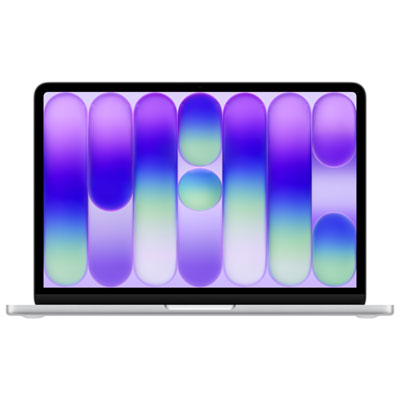
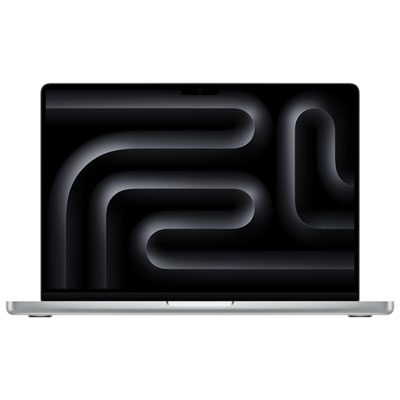
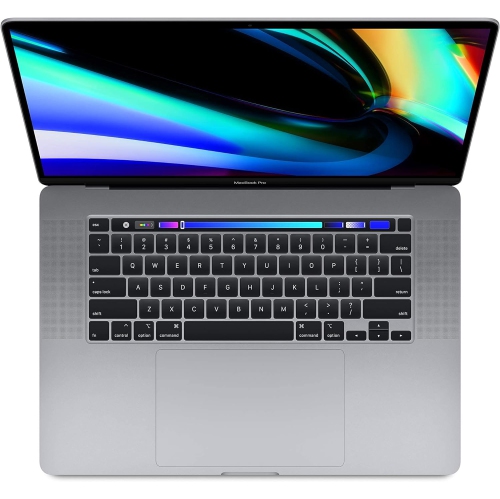
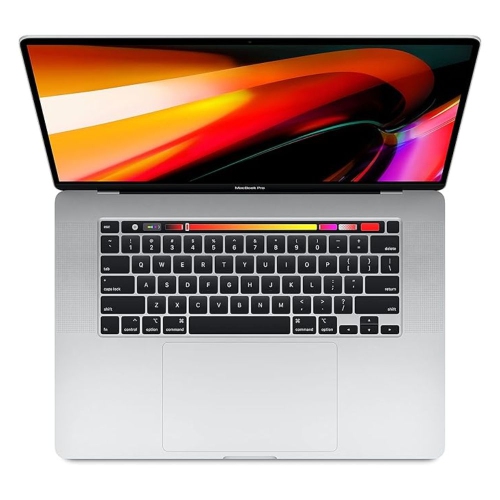

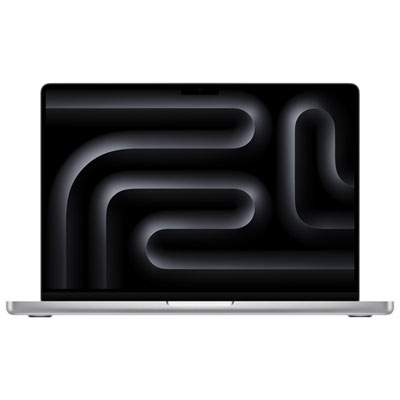
Why your editing workload matters more than one specification
Laptops for video editing bring the workspace for cutting footage, shaping sound, and refining colour into a portable format that can move between a desk, a classroom, and a filming location. Their suitability depends less on a single headline specification than on how the processor, graphics capabilities, memory, storage, and display work together with the editing software. A short interview assembled from a few clips places different demands on a computer than a documentary with several camera angles, layered audio, animated titles, and extensive colour adjustments. Resolution is only part of that picture: the recording format, compression, frame rate, and number of simultaneous video streams also influence playback and export performance. Hardware acceleration for supported video formats can help footage play smoothly and reduce the processing work involved in exporting a finished project. For students, family videographers, and creators making straightforward social content, a lighter laptop may provide a practical balance of editing capability and everyday portability. Editors working through lengthy timelines or frequent exports often benefit from designs with active cooling, which can help maintain performance during sustained processing. Fanless designs offer quiet operation, although their performance under extended workloads depends on the chassis, processor, and project demands. The MacBook for Video Editing collection brings this portable editing focus into a dedicated selection. Across this category, the most useful distinctions are those that match the work itself: responsive trimming for dialogue scenes, enough graphics capability for effects, and sufficient memory to keep an editing application running alongside supporting tools. A laptop used to assemble product demonstrations for a small business may also handle scripts, video calls, and thumbnail design throughout the day. That mix makes multitasking capacity and comfortable everyday operation just as relevant as the speed of an individual export. For someone learning the craft, room to grow into more complex projects can be more useful than specifications aimed at work they are unlikely to do.
Memory and storage have a direct effect on how comfortably a laptop handles an active project. In systems with unified memory, the processor and graphics hardware share a common memory pool, so capacity needs to cover the editing application, footage processing, effects, and other open software. For many straightforward HD and light 4K workflows, 16GB can be a practical starting point, while 24GB or 32GB provides more headroom for larger projects and heavier multitasking. Complex motion graphics, multicamera editing, and demanding high-resolution work may call for considerably more, depending on the application and media. Unified memory is generally fixed at purchase in these designs rather than something that can be expanded later, making the original configuration an important long-term consideration. Internal solid-state storage keeps applications and working files readily accessible, but video can fill a drive quickly. A 1TB internal drive offers useful working space for many editors, though actual needs vary widely with recording formats, project length, and how much footage stays on the laptop. Camera originals, optimized media, render files, and exports can all occupy separate portions of that space. Fast external solid-state drives can extend a working setup, provided the drive, cable, and connection deliver sufficient sustained transfer speeds for the footage. A separate backup remains important; a working drive is not a backup simply because it is external. Editors travelling with a laptop may keep active media on a compact external drive while maintaining another copy elsewhere. Proxy workflows offer another way to make demanding footage easier to manage, using smaller editing files while retaining the originals for finishing. Software compatibility matters throughout this process, including support for camera formats, plug-ins, audio tools, and external hardware. A configuration that works well with the intended applications can provide a more dependable editing experience than one chosen solely for a higher processor specification. Battery-powered performance and runtime also vary with the workload, so a long session involving effects and exports may still be best suited to access to power.
The display and physical design shape the hours spent working just as much as the internal components. A larger screen gives the timeline, preview window, audio meters, and media bins more breathing room, while a smaller chassis is easier to carry between appointments or fit onto a compact desk. Screen resolution affects how clearly fine detail appears, but colour accuracy, supported colour range, brightness, and consistent viewing angles are also important when evaluating footage. For colour-critical delivery, display settings, calibration, and a suitable external monitoring workflow deserve attention; an attractive built-in image alone does not guarantee an accurate final result. High-dynamic-range editing adds further requirements, including compatible software and a display capable of representing the intended brightness and tonal range. At a desk, an external monitor can provide a larger preview while the laptop screen holds editing controls. Connection options determine how easily that arrangement comes together. The number and type of ports, supported external displays, memory card access, and charging connections all affect whether an editor needs additional adapters or a dock. A headphone connection is useful for checking dialogue and background noise, although critical audio decisions are better supported by suitable headphones or monitoring equipment than by built-in speakers alone. Comfort also comes from a keyboard that suits frequent shortcuts, a responsive trackpad, and a workspace that allows a relaxed viewing position. Aluminium housings offer a rigid feel, but no laptop is immune to dents, liquid damage, or pressure against the screen. A padded sleeve, careful cable handling, and a bag with a properly fitted laptop compartment help protect a computer carried to shoots or classes. Keeping ventilation openings clear and cleaning the display according to the manufacturer’s directions supports routine care without risking the finish. As a gift for a film student, an aspiring editor, or someone documenting family stories, a video-editing laptop is most useful when its software compatibility, memory, and portability match the recipient’s plans. Those everyday details help turn capable hardware into a workspace suited to both the creative process and the practical demands of finishing a video.
Memory and storage have a direct effect on how comfortably a laptop handles an active project. In systems with unified memory, the processor and graphics hardware share a common memory pool, so capacity needs to cover the editing application, footage processing, effects, and other open software. For many straightforward HD and light 4K workflows, 16GB can be a practical starting point, while 24GB or 32GB provides more headroom for larger projects and heavier multitasking. Complex motion graphics, multicamera editing, and demanding high-resolution work may call for considerably more, depending on the application and media. Unified memory is generally fixed at purchase in these designs rather than something that can be expanded later, making the original configuration an important long-term consideration. Internal solid-state storage keeps applications and working files readily accessible, but video can fill a drive quickly. A 1TB internal drive offers useful working space for many editors, though actual needs vary widely with recording formats, project length, and how much footage stays on the laptop. Camera originals, optimized media, render files, and exports can all occupy separate portions of that space. Fast external solid-state drives can extend a working setup, provided the drive, cable, and connection deliver sufficient sustained transfer speeds for the footage. A separate backup remains important; a working drive is not a backup simply because it is external. Editors travelling with a laptop may keep active media on a compact external drive while maintaining another copy elsewhere. Proxy workflows offer another way to make demanding footage easier to manage, using smaller editing files while retaining the originals for finishing. Software compatibility matters throughout this process, including support for camera formats, plug-ins, audio tools, and external hardware. A configuration that works well with the intended applications can provide a more dependable editing experience than one chosen solely for a higher processor specification. Battery-powered performance and runtime also vary with the workload, so a long session involving effects and exports may still be best suited to access to power.
The display and physical design shape the hours spent working just as much as the internal components. A larger screen gives the timeline, preview window, audio meters, and media bins more breathing room, while a smaller chassis is easier to carry between appointments or fit onto a compact desk. Screen resolution affects how clearly fine detail appears, but colour accuracy, supported colour range, brightness, and consistent viewing angles are also important when evaluating footage. For colour-critical delivery, display settings, calibration, and a suitable external monitoring workflow deserve attention; an attractive built-in image alone does not guarantee an accurate final result. High-dynamic-range editing adds further requirements, including compatible software and a display capable of representing the intended brightness and tonal range. At a desk, an external monitor can provide a larger preview while the laptop screen holds editing controls. Connection options determine how easily that arrangement comes together. The number and type of ports, supported external displays, memory card access, and charging connections all affect whether an editor needs additional adapters or a dock. A headphone connection is useful for checking dialogue and background noise, although critical audio decisions are better supported by suitable headphones or monitoring equipment than by built-in speakers alone. Comfort also comes from a keyboard that suits frequent shortcuts, a responsive trackpad, and a workspace that allows a relaxed viewing position. Aluminium housings offer a rigid feel, but no laptop is immune to dents, liquid damage, or pressure against the screen. A padded sleeve, careful cable handling, and a bag with a properly fitted laptop compartment help protect a computer carried to shoots or classes. Keeping ventilation openings clear and cleaning the display according to the manufacturer’s directions supports routine care without risking the finish. As a gift for a film student, an aspiring editor, or someone documenting family stories, a video-editing laptop is most useful when its software compatibility, memory, and portability match the recipient’s plans. Those everyday details help turn capable hardware into a workspace suited to both the creative process and the practical demands of finishing a video.
Top selling and popular products
-
 Your price for this item is $1500
 -
 Your price for this item is $699.77
 -
 Your price for this item is $649.77
 -
 Your price for this item is $549.77
 -
 Your price for this item is $649.77
 -
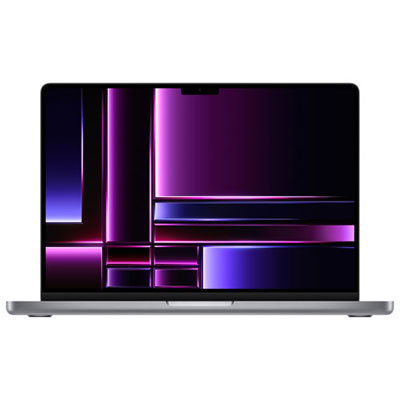 Your price for this item is $2299.97
 -
 Your price for this item is $649.77
 -
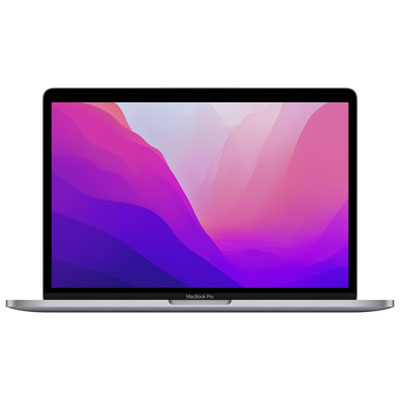 Your price for this item is $1599.97
Discover more categories related to Apple Laptops for Video Editing
Top Collections:
Pokemon Centers, Best Cameras for Sports Photography, Kindle Devices, Samsung Galaxy Phones, Canon G7X Cameras, Pokémon 30th Celebration Cards, Refurbished Apple Laptops, iPhone 15 Apple, Laptops for Students, Budget Smartphones
Some products may be subject to Environmental Handling Fees
(EHF) depending on your province.
Learn more about EHFs.