Best Apple Computers for Video Editing
Bring your creative vision to life with computers built to handle demanding video editing tasks. Whether you’re cutting short clips or working with high-resolution footage, explore options ranked by user review ratings to help narrow your search. Compare processing power, memory, and storage to find the right fit for your editing workflow and budget.

Read More

What to look for in Apple computers for video editing

1. Chip Performance and Software Compatibility

Compare Apple silicon chips based on the demands of your editing software, footage resolution, and visual effects. More powerful CPU and GPU configurations can help with complex timelines, while hardware acceleration for supported video formats can speed up playback and exports.

2. Unified Memory

Unified memory supports both the CPU and GPU, making capacity important when editing high-resolution footage or running several creative apps. Consider 16GB or more for many editing workflows, with 32GB or more offering additional headroom for demanding projects; memory in Apple silicon Macs cannot be upgraded after purchase.

3. Storage and Connectivity

Video files can fill an internal SSD quickly, so choose enough capacity for your apps, active projects, and cache files. Check for Thunderbolt or USB ports that support fast external storage, along with the connections you need for displays, card readers, and other accessories.

4. Display and Portability

A MacBook Pro suits editing on the go, while an iMac, Mac mini, or Mac Studio can suit a dedicated workspace. Compare display resolution, colour accuracy, and HDR capabilities for your workflow, and factor in a separate monitor when choosing a Mac mini or Mac Studio.
Citrus catapult arrow
  1. 1

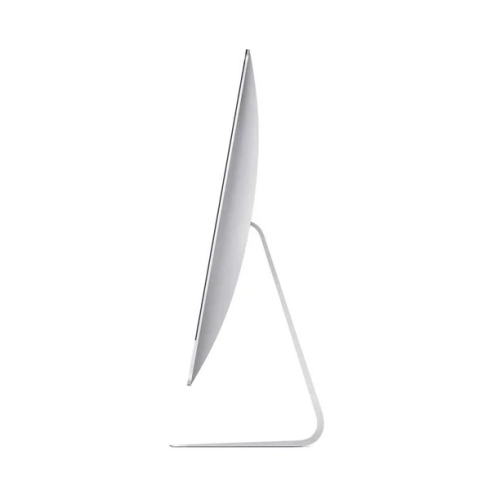
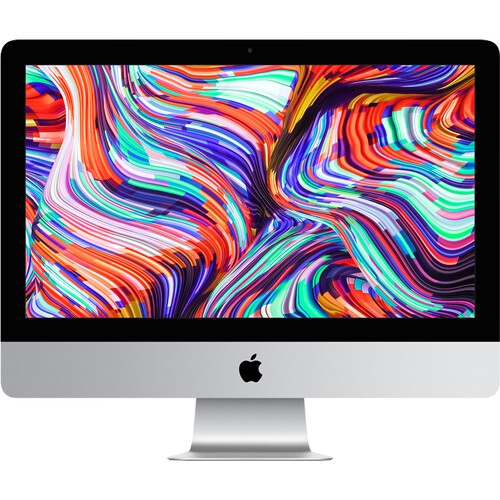
    APPLE Refurbished (Good) - Imac 21.5-Inch, Core I7 - 3.6 Ghz - 16GB Ram, 256GB SSD - Keyboard-Mouse- ( 2017) Mac Os - Ventura(Grade A)

    About this product

    A refurbished desktop featuring a 3.6GHz Core i7, 16GB RAM, 256GB SSD, and macOS Ventura.

    (1)
    $585.00
    SAVE $615
    Your price for this item is $585
  2. 2

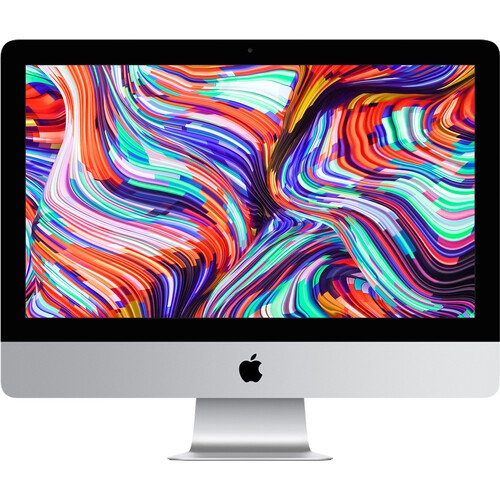
    APPLE Refurbished Excellent - Imac 21.5" 4K Display Mhk23Ll/a (2019) Intel Core I3 Quad Core 3.6Ghz-Radeon Pro 555X 8GB Ram 1Tb SSD - 1 Year

    About this product

    A sleek silver desktop featuring a 21.5" 4K Retina display, 8GB RAM, and 1TB SSD storage.

    (1)
    $849.77
    SAVE $450
    Your price for this item is $849.77
  3. 3

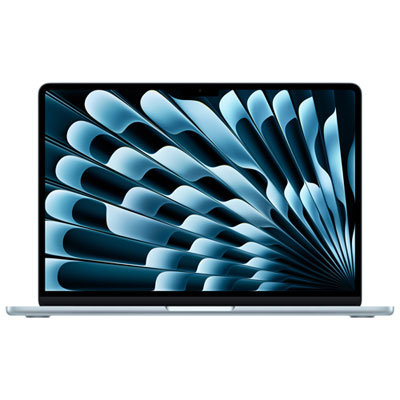
    Apple MacBook Air 13.6" w/ Touch ID (2026) - Sky Blue (Apple M5 / 16GB RAM / 1TB SSD) - English

    About this product

    A sky blue laptop featuring the Apple M5 chip, 16GB RAM, 1TB SSD, and Touch ID security.

    What customers like

    • Compact and convenient size
    • Fast performance and speed
    • Easy data and picture transfer
    • Attractive sky blue colour
    • Lightweight and portable
    (31)
    $2,239.99 Your price for this item is $2239.99
  4. 4

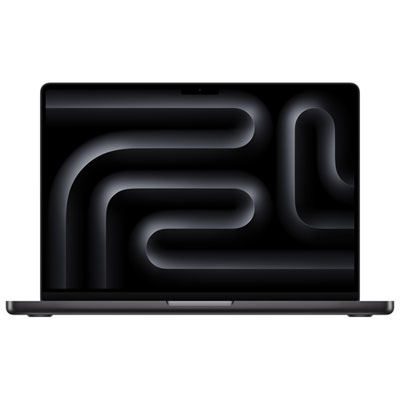
    Apple MacBook Pro 14" (Fall 2025) - Space Black (Apple M5 / 24GB RAM / 1TB SSD) - English

    About this product

    A powerful laptop in space black with an M5 chip, 24GB RAM, and a 1TB SSD.

    What customers like

    • Exceptional performance and processing power
    • Seamless integration with Apple devices
    • Long-lasting battery life
    • Lightweight and portable design
    • High resolution and quality display
    (352)
    $3,089.99 Your price for this item is $3089.99
  5. 5

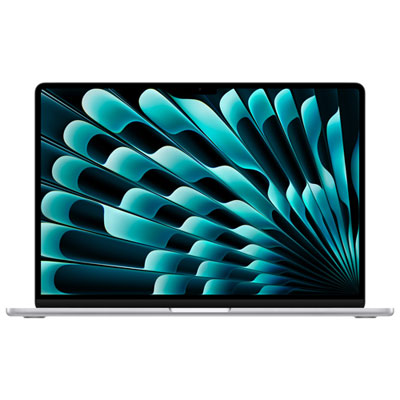
    Apple MacBook Air 15.3" w/ Touch ID (2026) - Silver (Apple M5 / 16GB RAM / 512GB SSD) - English

    About this product

    A sleek silver laptop featuring the Apple M5 chip, 16GB RAM, 512GB SSD, and Touch ID security.

    What customers like

    • Easy and intuitive to use
    • Great value for the price
    • Lightweight and portable design
    • Excellent battery life
    • Fast and smooth performance
    (43)
    $2,089.99 Your price for this item is $2089.99
  6. 6

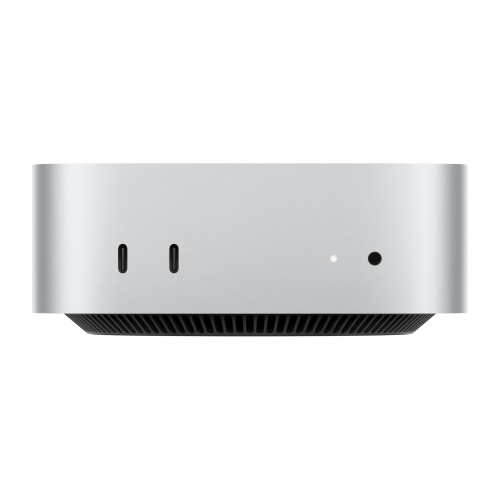
    APPLE 2024 Mac Mini Desktop Computer With M4 Chip With 10‑Core Cpu And 10‑Core Gpu, 16GB Unified Memory, 256GB SSD Storage

    About this product

    A refurbished desktop featuring an M4 chip, 16GB unified memory, and 256GB SSD for powerful performance.

    What customers like

    • Compact and sleek design
    • Excellent value for money
    • Quiet and efficient operation
    • Powerful and fast performance
    • Versatile connectivity and compatibility
    (1,491)
    $1,499.99
    SAVE $100
    Your price for this item is $1499.99
  7. 7

    APPLE Refurbished (Good) - Macbook Pro With Touch Bar 15.4" - Space (Intel Core I7 2.6Ghz/512GB/16GB Ram) - (2018 Model) English In Grey

    About this product

    A refurbished grey laptop featuring a 6-core i7 processor, 16GB RAM, 512GB storage, and Touch Bar.

    What customers like

    • Seamless integration with Apple ecosystem
    • Long battery life and durability
    • High-quality screen and graphics
    • Lightweight and sleek design
    • Fast performance and processing speeds
    (890)
    $597.77
    SAVE $901
    Your price for this item is $597.77
  8. 8

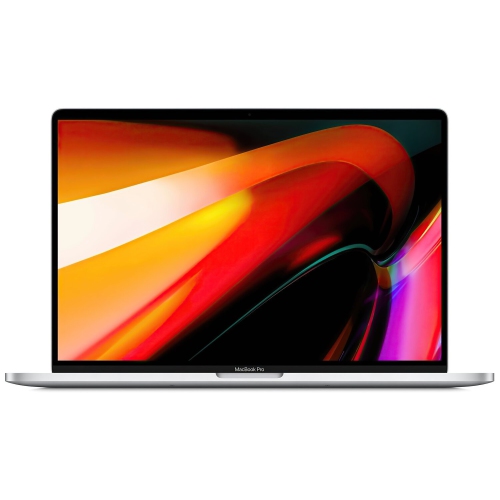
    APPLE Refurbished (Good) - Macbook Pro W/ Touch Bar 16" - (Intel Core I9 2.3Ghz/1Tb SSD/16GB Ram) - En (2019 Model) In Silver

    About this product

    A powerful silver laptop featuring an Intel Core i9 processor, 1TB SSD, 16GB RAM, and Touch Bar.

    What customers like

    • High-quality large display
    • Reliable and comfortable keyboard
    • Durable and well-built design
    • Fast and powerful performance
    • Easy integration with Apple devices
    (290)
    $786.99
    SAVE $313
    Your price for this item is $786.99
  9. 9

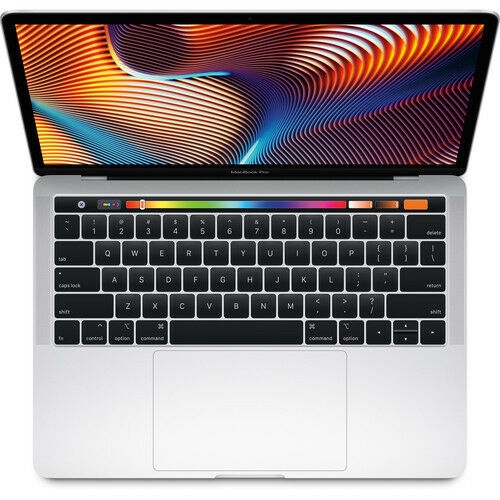
    APPLE - Macbook Pro - 13" Display With Touch Bar (2018) - Intel Core I5 - 8GB Memory - 512GB SSD - "open Box" In Silver

    About this product

    A sleek silver laptop featuring a Retina display, Touch Bar, Intel Core i5, and 512GB SSD.

    What customers like

    • High-quality Retina display
    • Fast performance
    • Excellent build quality
    • Convenient Touch Bar and Touch ID
    • Lightweight and portable
    (105)
    $1,499.99
    SAVE $1299
    Your price for this item is $1499.99
  10. 10

    APPLE Refurbished Excellent - Imac 21.5" 4K Display Mhk23Ll/a (2019) Intel Core I3 Quad Core 3.6Ghz-Radeon Pro 555X 16GB Ram 512GB SSD - 1 Year

    About this product

    A powerful silver desktop featuring a 21.5" 4K Retina display, 16GB RAM, and 512GB SSD storage.

    (1)
    $849.77
    SAVE $350
    Your price for this item is $849.77

Why 4K footage can demand very different computers

The best computers for video editing bring together responsive performance, enough memory for complex projects, and a display that makes fine details easy to judge. The right balance depends on the footage being edited and where the work happens. A student cutting short documentaries, a creator producing weekly tutorials, and a professional assembling multicamera interviews can have very different computing needs, even when all three deliver finished videos in 4K. Resolution is only part of the workload: frame rate, compression format, colour depth, effects, and the number of simultaneous video streams also influence performance. A straightforward sequence of trimmed clips is less demanding than a timeline with noise reduction, animated titles, stabilization, and several layers of colour adjustments. Hardware acceleration for supported video formats can make playback and exports more efficient, while graphics performance becomes especially important for effects, compositing, and certain colour-processing tasks. Support varies by computer and editing application, so compatibility with the software used every day matters as much as headline specifications. For frequent 4K editing with layered effects or several applications open, 32GB of memory or more is a useful starting point rather than a universal requirement. Lighter projects can run well with less, while demanding 8K work, large motion graphics compositions, and complex multicamera edits may benefit from considerably more. Unified memory allows the processor and graphics hardware to share a common pool, which means both parts of the system draw on the same capacity. That capacity deserves particular attention in configurations where it cannot be upgraded after purchase. A well-matched computer supports the whole creative process, from sorting camera files and syncing dialogue to checking transitions and exporting different versions. It should feel comfortable during ordinary tasks, not simply perform well during a final render. Smooth scrubbing, responsive trimming, and the ability to keep reference material open beside an editing application can make a long session more focused and less interrupted.

Desktop and laptop computers suit different ways of working, and neither format is automatically the better choice for every editor. A desktop makes sense for a dedicated workspace with a full-size keyboard, external storage, speakers, and one or more monitors. Depending on its design, it can provide cooling suited to sustained workloads and a convenient range of connections for a permanent editing setup. Compact desktops leave more room for a drawing tablet or audio equipment, while larger workstation designs may suit heavier processing needs. An all-in-one computer combines the screen and computing hardware in a single unit, keeping the desk arrangement straightforward without requiring a separate display. A laptop is easier to carry between a classroom, a shared studio, and a filming location, allowing footage to be reviewed before equipment is packed away. Screen size, weight, charger size, and battery performance all affect that portability. Video editing is demanding work, so battery life during exports or effects-heavy playback can be much shorter than it is during web browsing. A larger built-in screen offers more room for a timeline and preview window, while a smaller laptop can be paired with an external monitor at a desk. Display quality matters beyond resolution: accurate colour, suitable gamut coverage, and consistent brightness help reveal differences in skin tones, shadows, and highlights. High peak brightness alone does not establish colour accuracy, and HDR work also depends on the display’s capabilities and the settings used throughout the workflow. Connections deserve similar attention. Fast external-drive connections help with media transfers, a compatible card reader simplifies footage imports, and display outputs determine how external screens can be connected. The number and resolution of supported monitors vary by configuration. For editors recording voice-overs near the computer, fan noise may also influence the workspace. Headphone connections, an audio interface, and room for a microphone can be just as relevant to everyday use as processing speed. These details shape how naturally a computer fits into an established routine, whether that routine involves quick client revisions or several hours of uninterrupted assembly editing.

Storage capacity and file management have a direct effect on how practical an editing computer feels over time. A 1TB internal solid-state drive is a useful starting point for many regular video workflows, but the right capacity depends on project length, camera formats, and how much media stays on the computer. Original footage is only one part of the total: optimized media, proxy files, preview renders, audio, and application caches also need space. High-resolution projects can outgrow an internal drive quickly, making a fast external SSD useful for active media and a separate backup essential for protecting the work. External storage needs sufficient sustained transfer performance for the footage being played, not just a fast-looking connection on the specification sheet. Keeping files on one external drive does not create a backup unless another copy exists elsewhere. Proxy workflows can make demanding footage easier to edit by using smaller working files, with the original media retained for finishing and export. Internal memory and storage are not easily upgradeable in many compact designs, so expected project growth is worth considering alongside immediate needs. For shoppers drawn to a screen-and-computer setup in one unit, Best iMac for Video Editing offers a focused look at that desktop format. Physical construction and care matter, too, especially for a computer that travels regularly. A rigid chassis and well-made hinges contribute to everyday durability, but a fitted, padded sleeve remains useful for protecting a laptop from scuffs and knocks. Clear ventilation openings, a stable work surface, and cleaning methods recommended by the manufacturer help support reliable use. Desk depth, display height, and comfortable keyboard placement also affect long editing sessions. For a film student, aspiring creator, or family member documenting important milestones, a video-editing computer can be a thoughtful gift when it matches their software, existing accessories, and preferred workspace. The strongest fit is a system with room for their projects to develop, without adding size or complexity that gets in the way of creating.
Read More

FAQ

Some products may be subject to Environmental Handling Fees (EHF) depending on your province. Learn more about EHFs.