MacBook Pro For Video Editing
Find the right tools to enhance your creative workflow with MacBook Pro for video editing. Whether you’re working on professional projects or personal content, these laptops are designed to support demanding editing tasks and help bring your vision to life. Explore a range of models and configurations to match your unique needs and take your video editing to the next level.

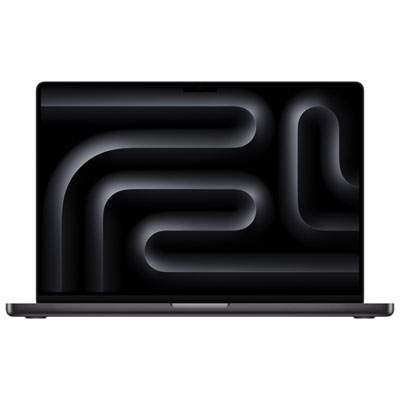
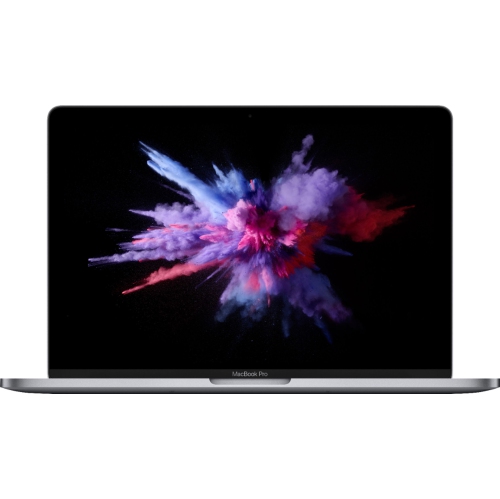
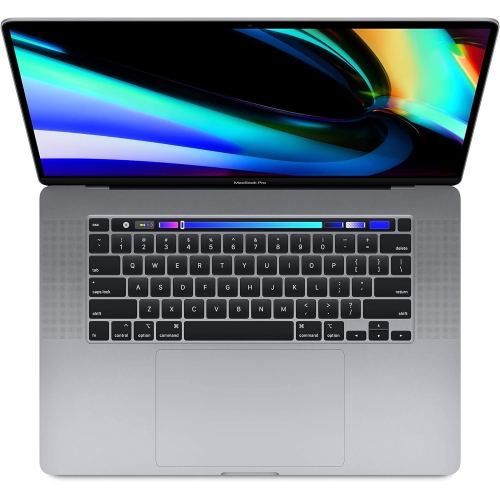

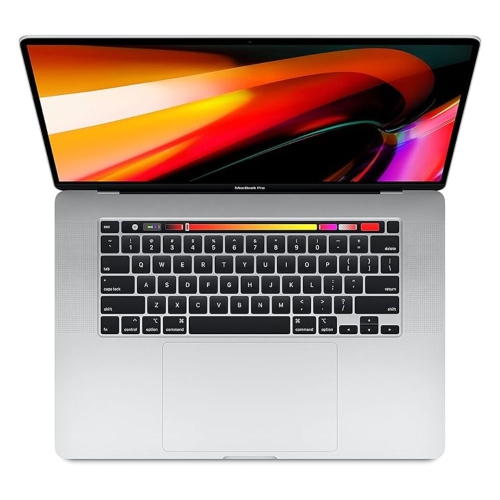


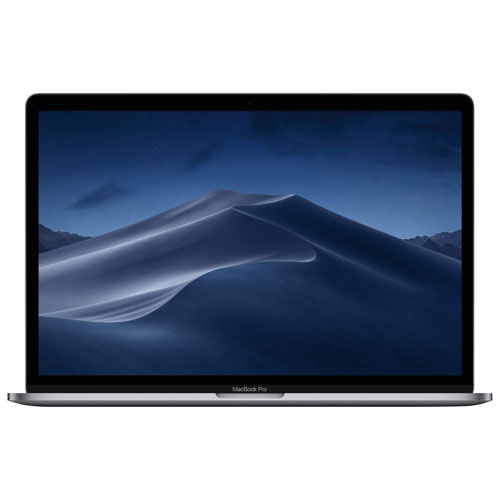
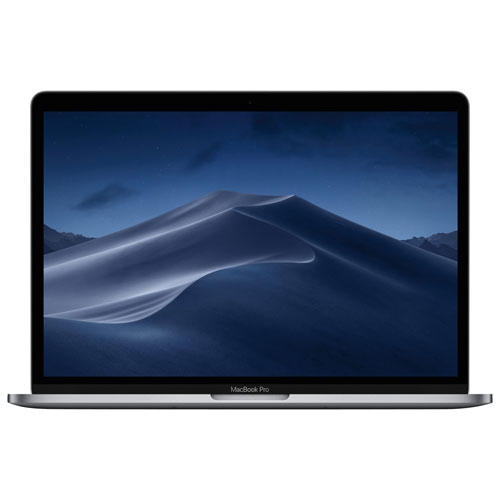
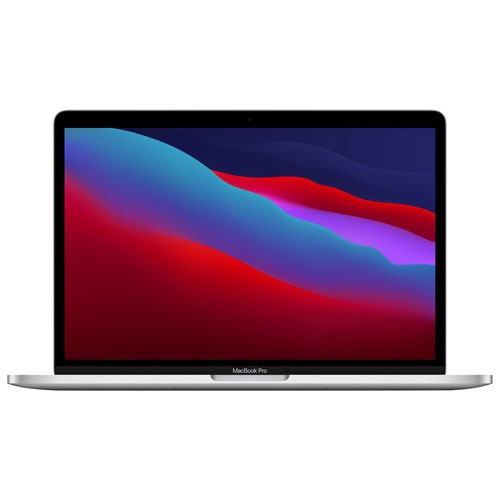
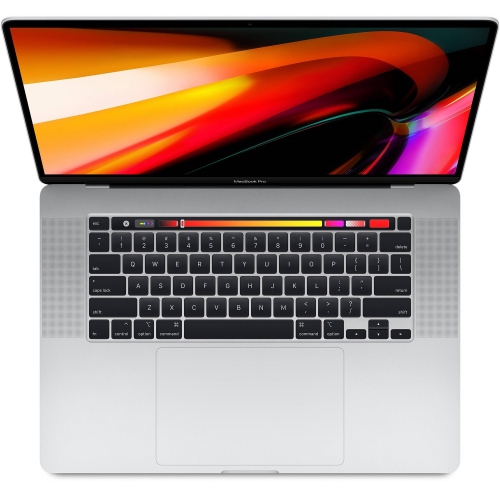
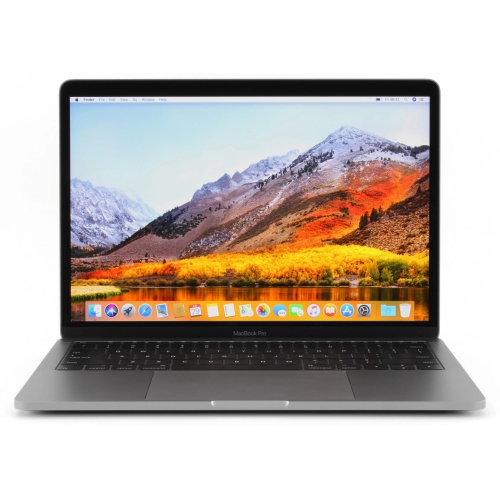
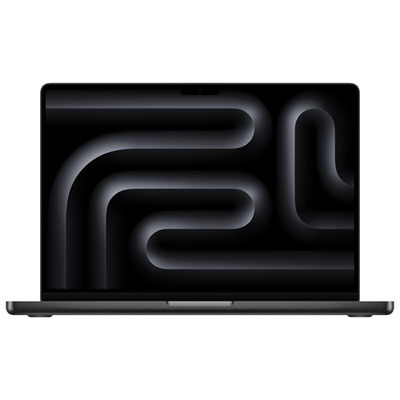
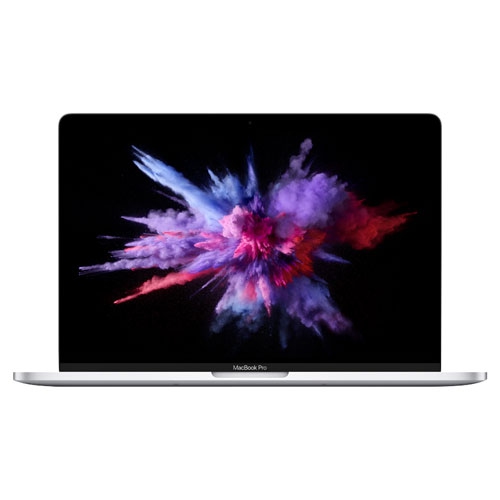
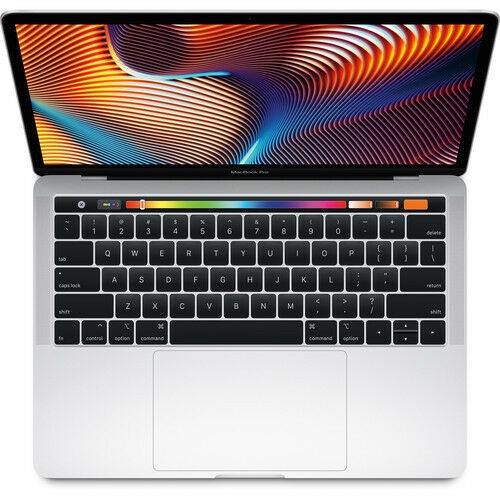
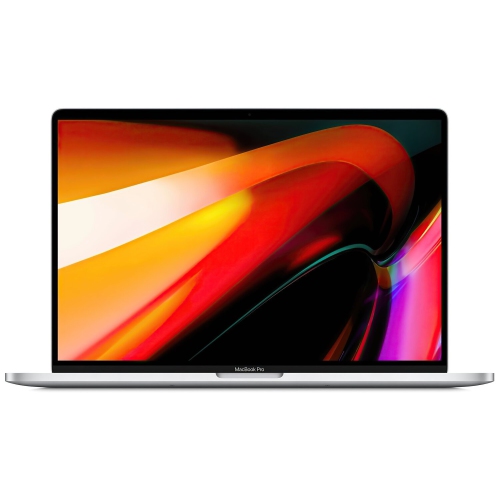
Powerful performance for high-resolution editing wherever inspiration strikes
Gifting a MacBook Pro for video editing can be a thoughtful gesture for aspiring videographers, recent graduates embarking on creative careers, or professionals ready to upgrade their gear. With the flexibility to handle everything from quick social media clips to full-length documentaries, this device is well-suited for both hobbyists and industry veterans. For those collaborating on group projects, the suite of built-in and third-party editing tools ensures seamless teamwork, while the array of ports and wireless connectivity options allow for easy integration with cameras, external drives, and monitors. As projects ramp up during festival season or as students prepare portfolios for the upcoming school year, a MacBook Pro becomes an essential tool for bringing ideas to life. If you’re looking for more details on which models are best equipped for video editing, explore the comprehensive options on our MacBook for Editing page, where you’ll find tailored recommendations to match your creative ambitions.
FAQ
What features make the MacBook Pro a good choice for video editing?
The MacBook Pro is popular among video editors due to its powerful processors, high-resolution Retina display, advanced graphics capabilities, and fast SSD storage. These features help ensure smooth playback, quick rendering times, and accurate color representation.
Which MacBook Pro specifications are most important for video editing?
For video editing, it's important to consider a MacBook Pro with a multi-core processor (such as Apple M1 Pro or M2 Pro chips), at least 16GB of RAM, ample SSD storage, and a dedicated or integrated GPU capable of handling demanding editing software.
Can the MacBook Pro handle 4K or higher resolution video editing?
Yes, recent MacBook Pro models are designed to handle 4K and even 8K video editing efficiently. Their advanced processors and graphics capabilities allow for smooth playback and editing of high-resolution footage in professional software.
What software is compatible with MacBook Pro for video editing?
The MacBook Pro supports a wide range of professional video editing software such as Final Cut Pro, Adobe Premiere Pro, DaVinci Resolve, and iMovie. These programs are optimized for macOS and take advantage of the hardware's performance.
How does battery life on the MacBook Pro support long video editing sessions?
MacBook Pro models are known for their impressive battery life, which allows users to work on intensive tasks like video editing for extended periods without needing to recharge frequently. However, battery duration may vary depending on workload and settings.
Top selling and popular products
-
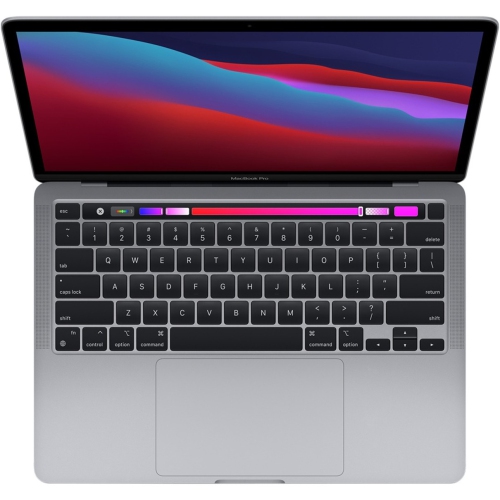 Your price for this item is $1500
-
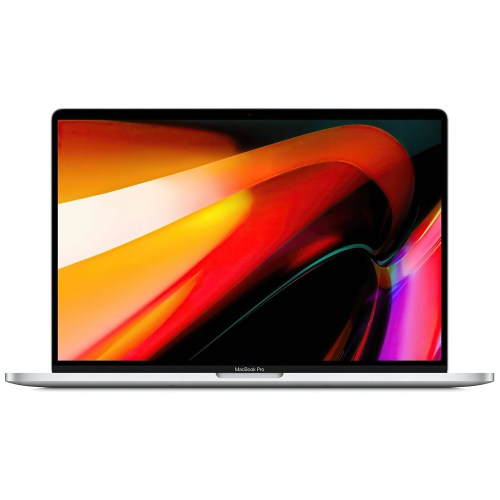 Your price for this item is $659.99
-
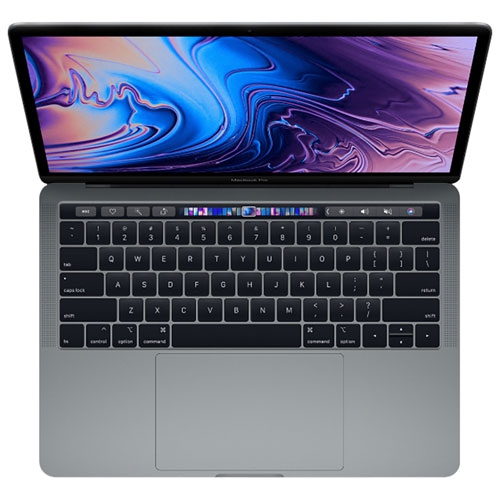 Your price for this item is $499.96
-
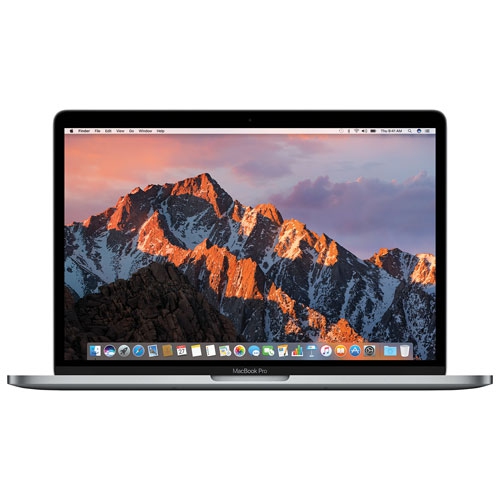 Your price for this item is $549.77
-
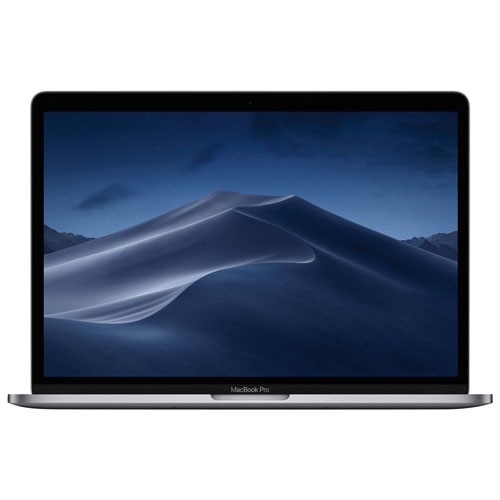 Your price for this item is $629.77
-
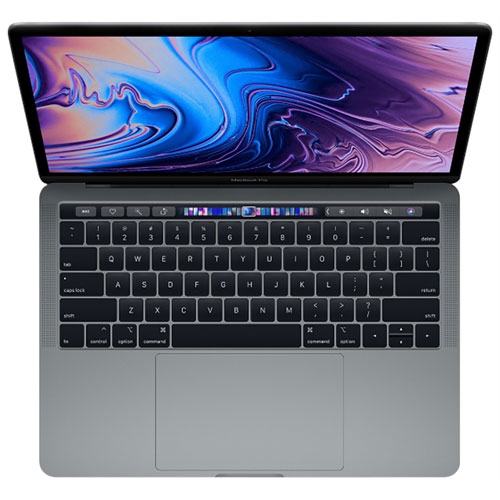 Your price for this item is $629.77
-
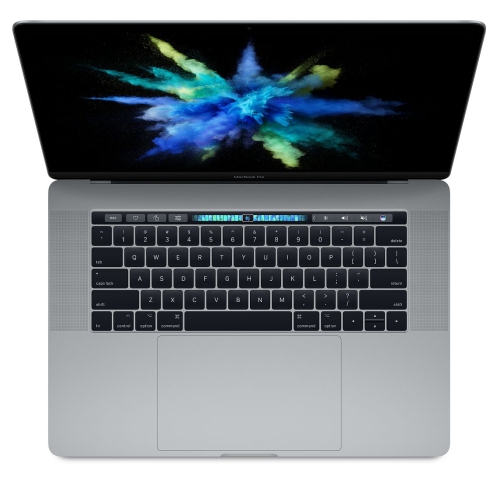 Your price for this item is $519.99
-
 Your price for this item is $549.77