iPad Pro Compatible Pencils
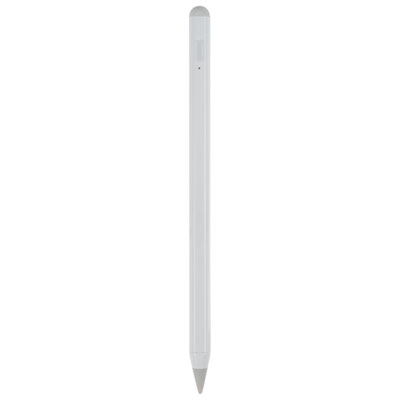
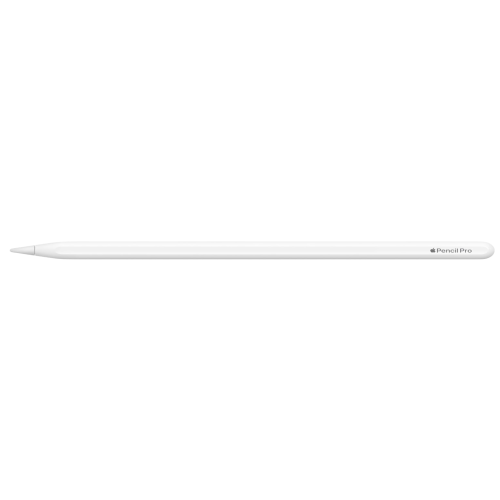
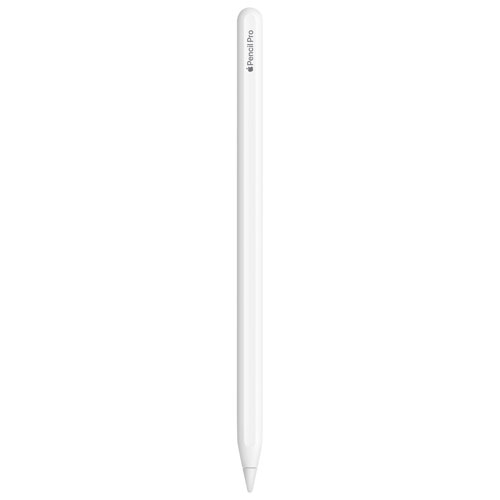
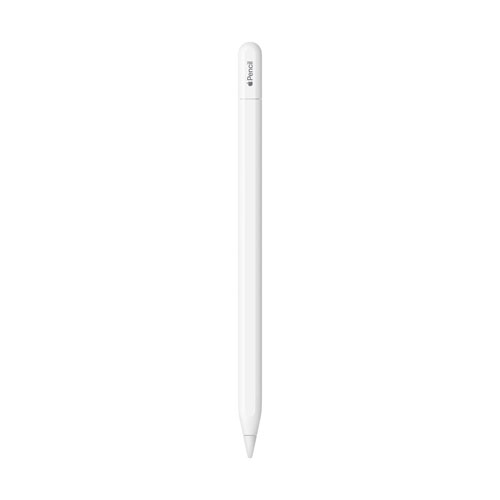
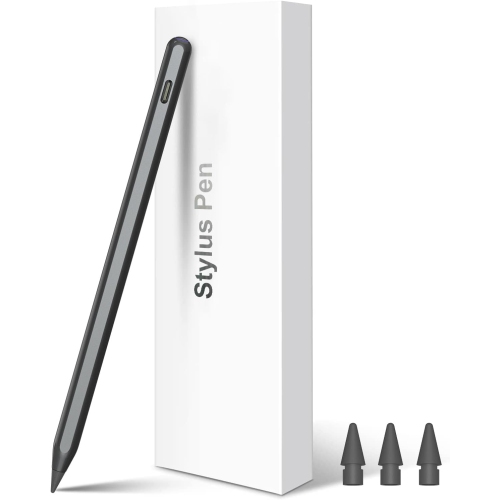
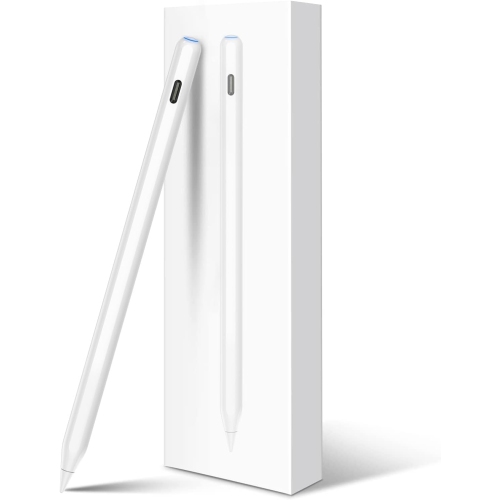
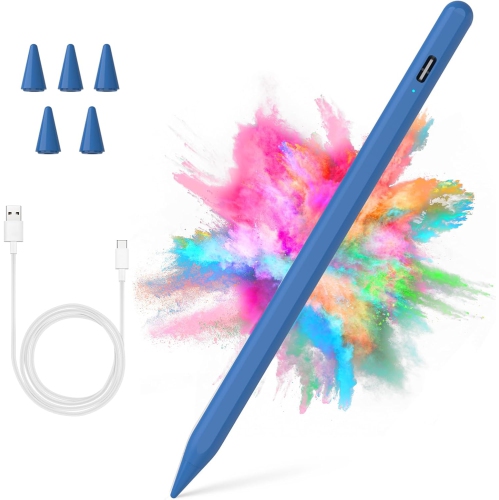
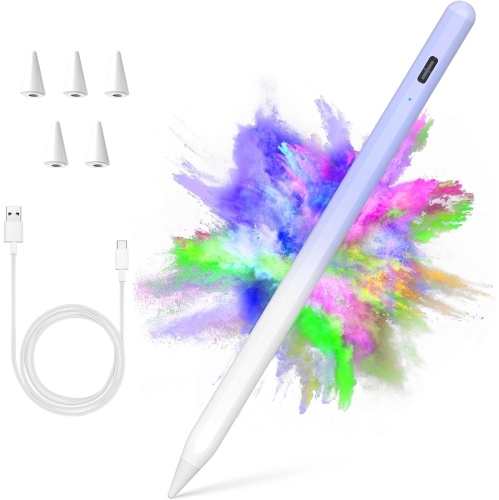
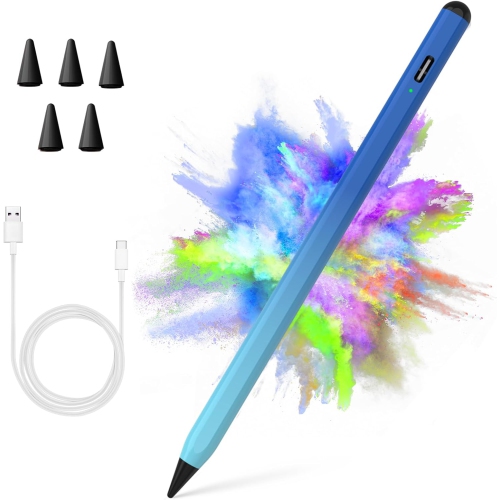
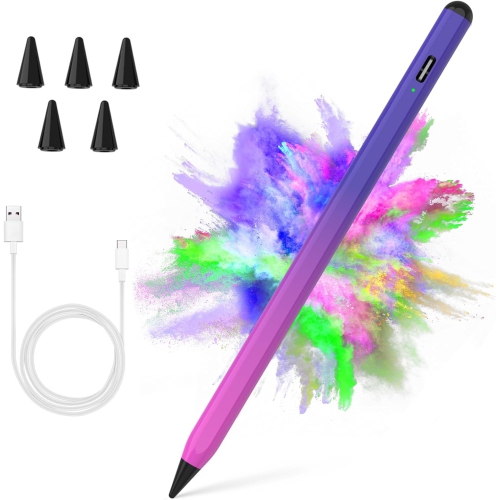
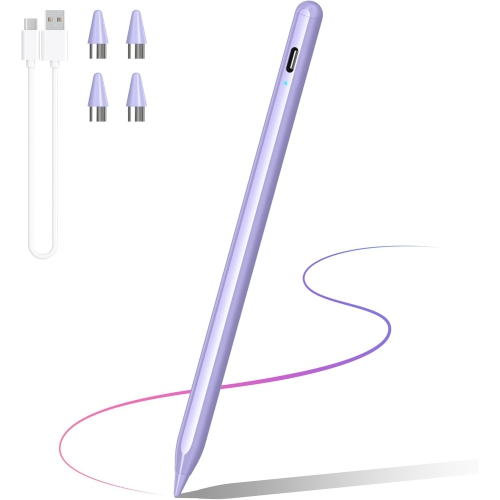
Find iPad Pro compatible pencils for taking notes, sketching, and marking up documents. Compare digital styluses by compatibility with your iPad Pro model and generation, then check charging requirements and supported features to choose an option that suits how you use your tablet.
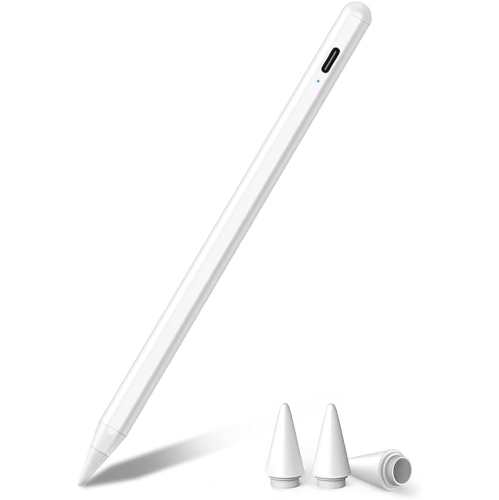
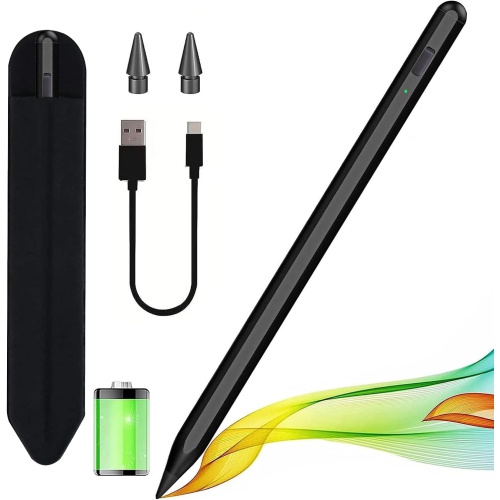
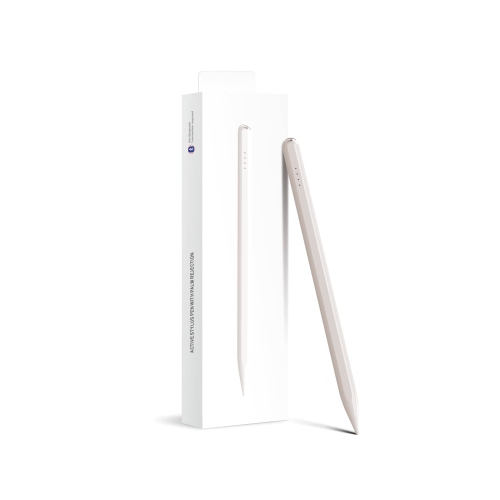
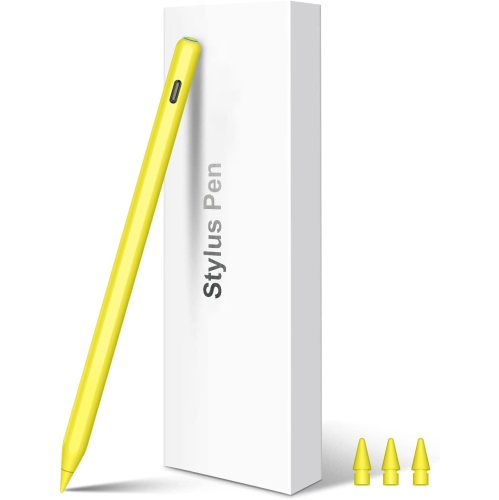





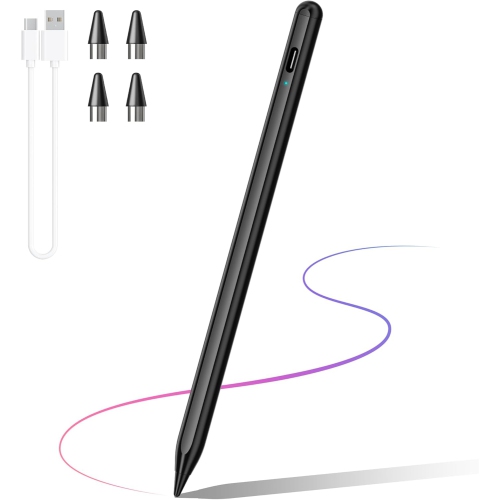
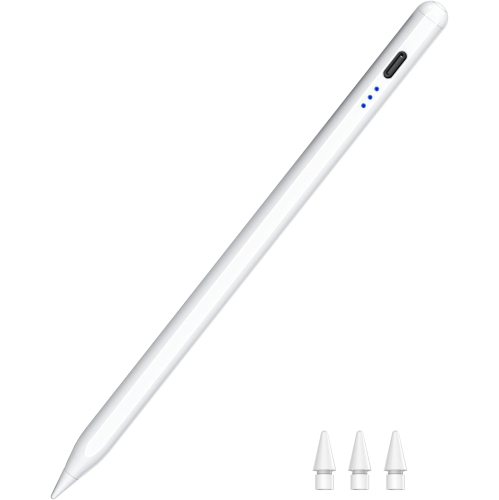
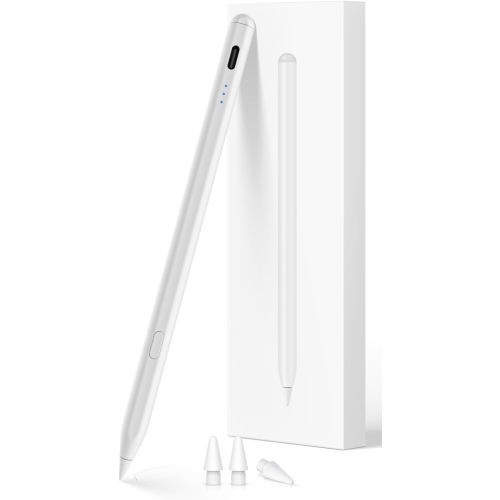

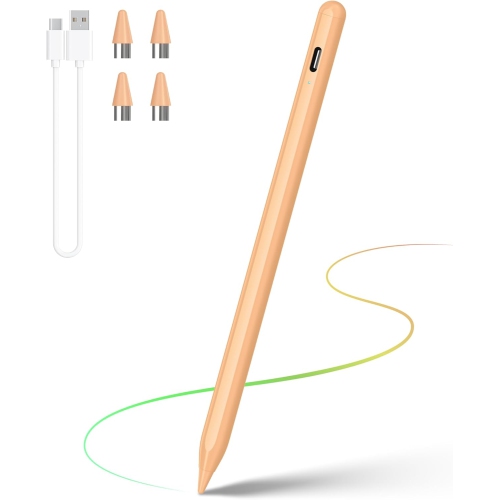
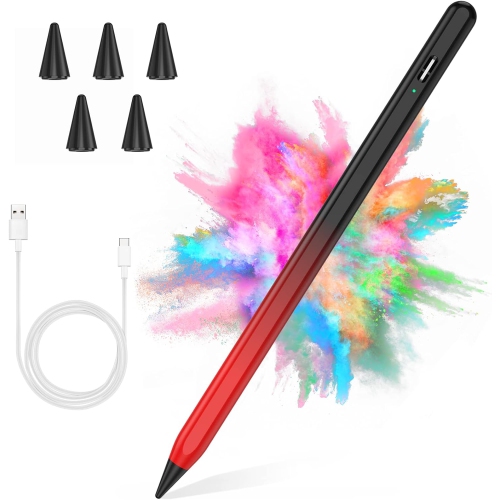
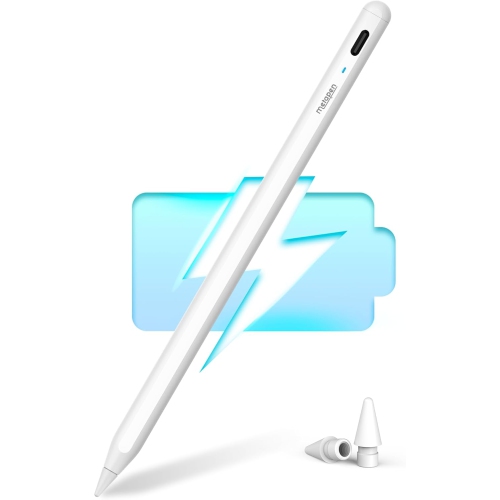
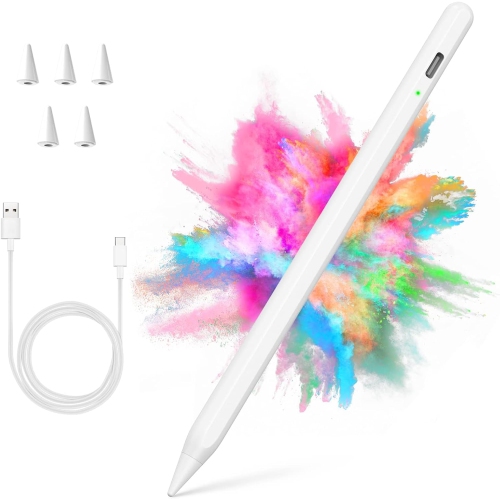
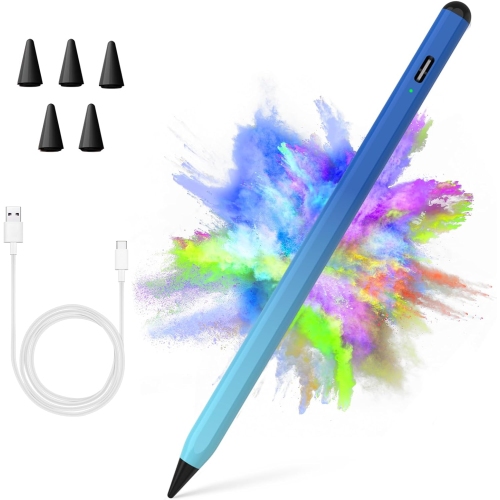
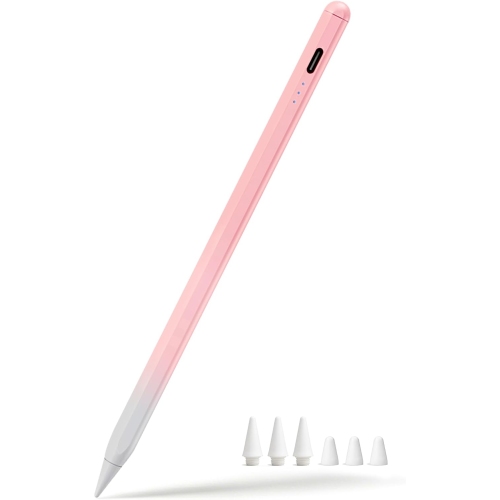
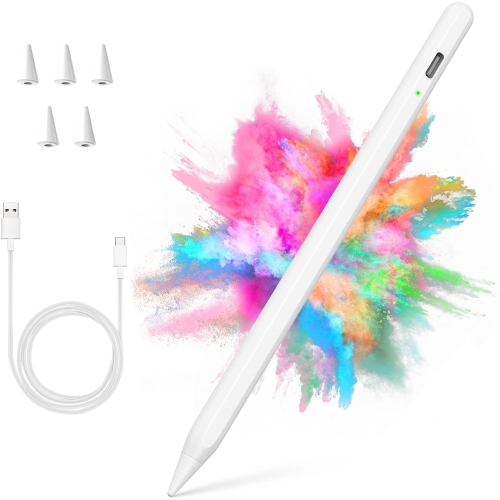
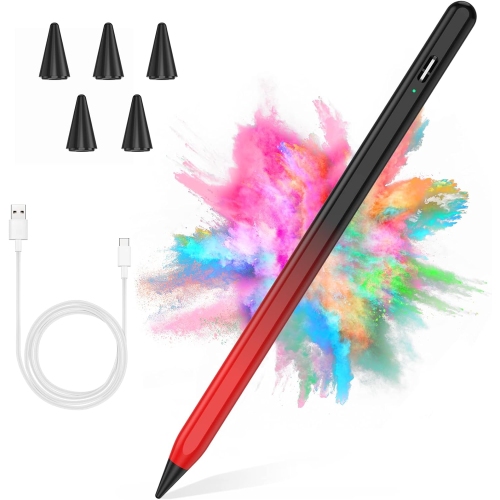


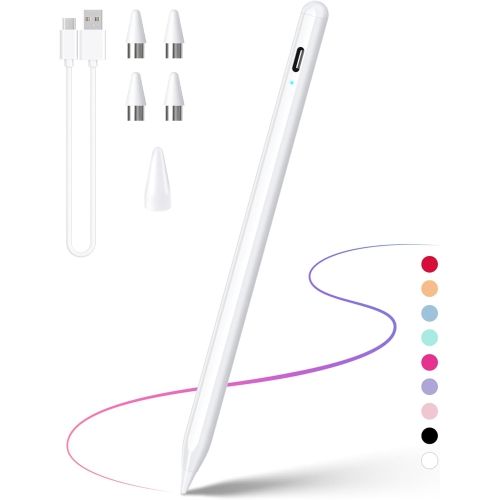
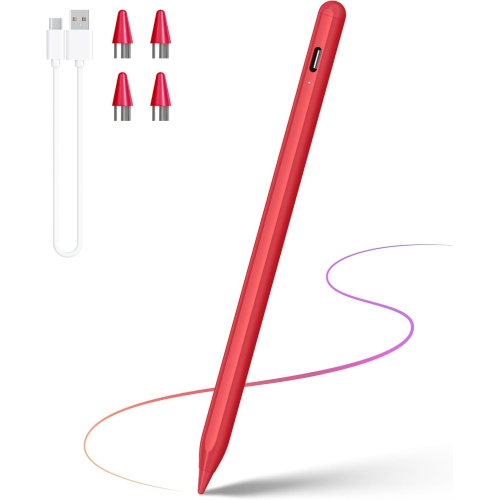
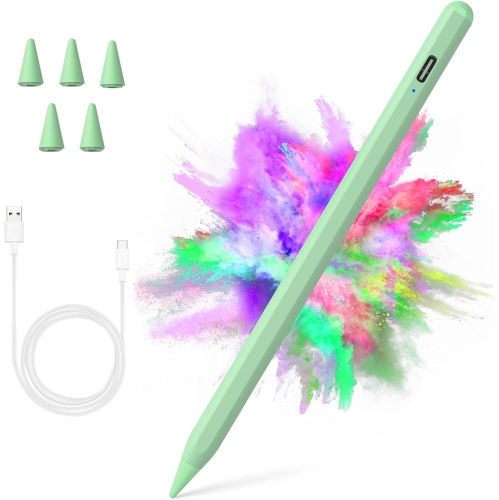
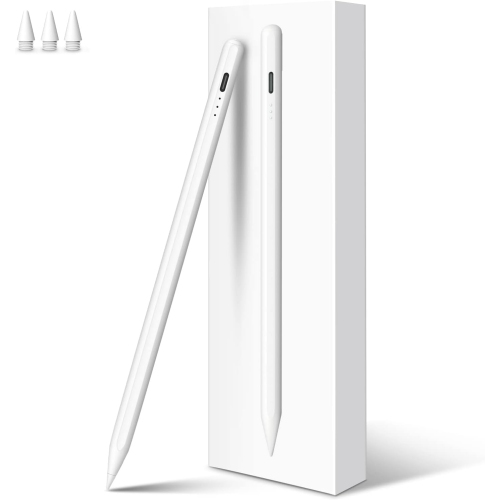
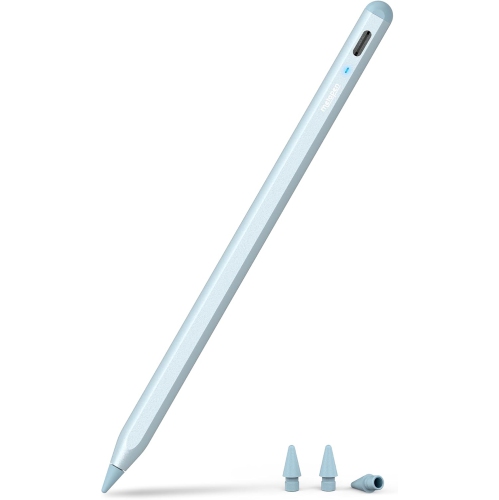
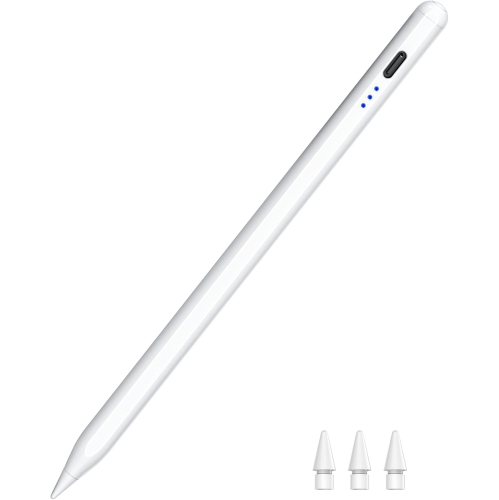
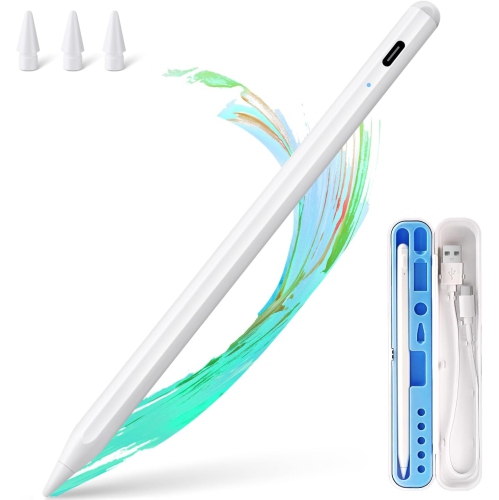
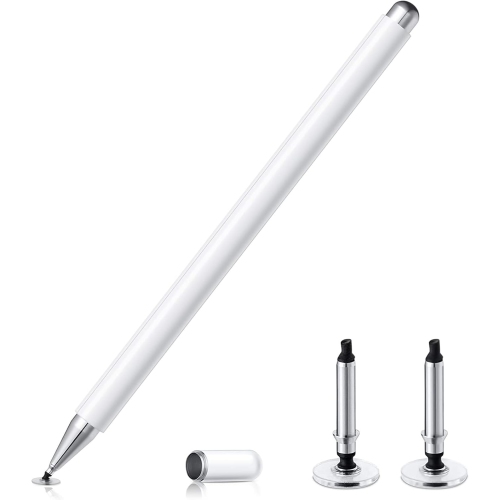






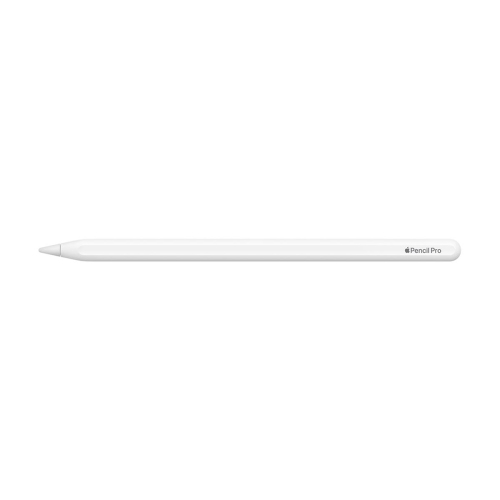
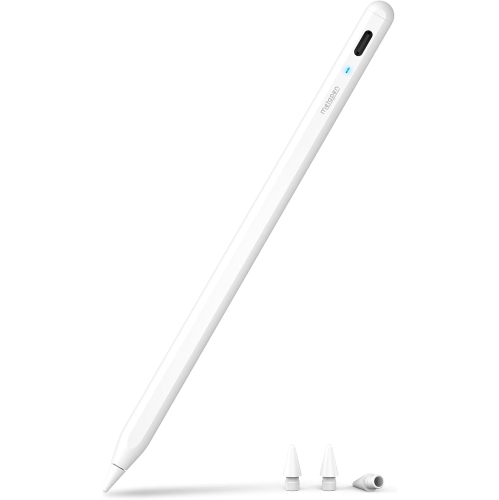
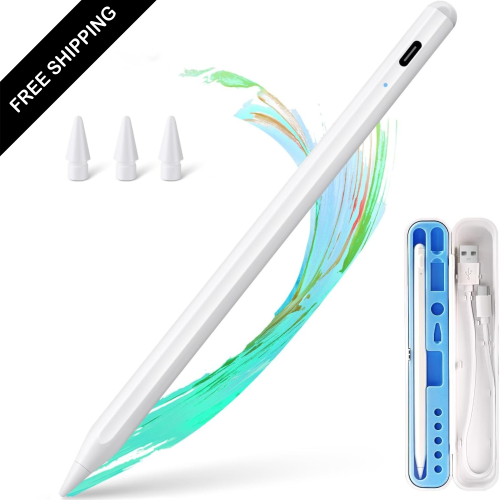
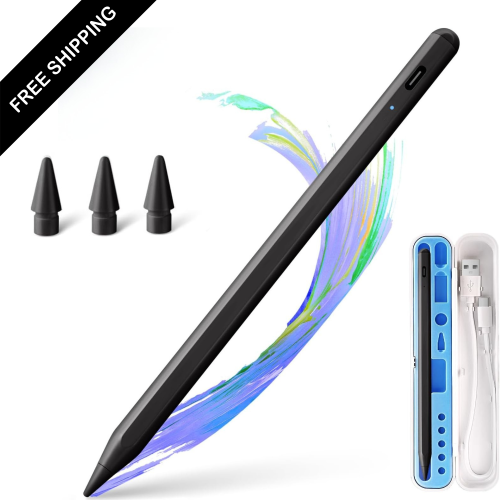


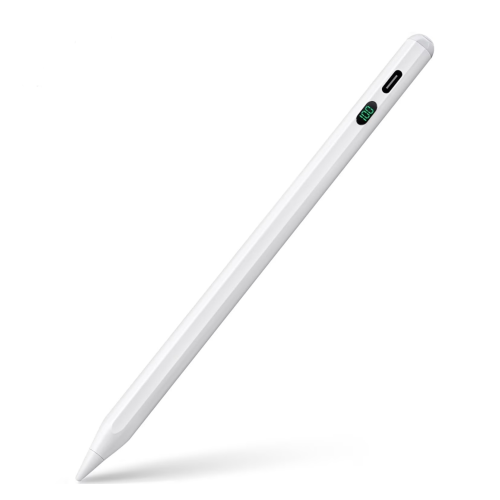
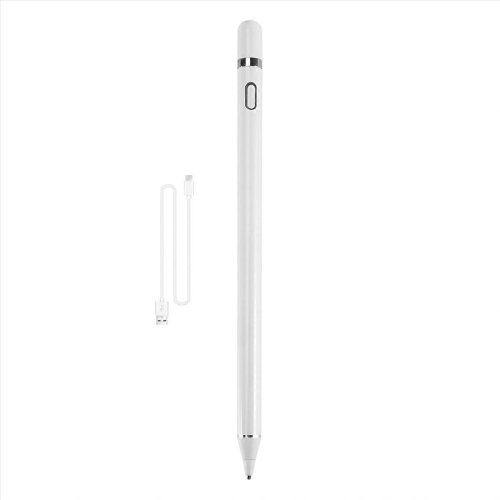
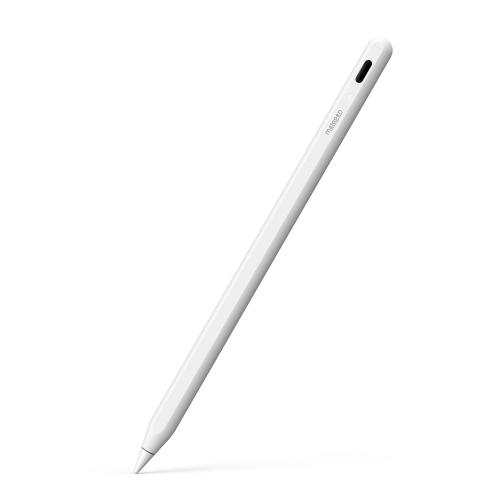
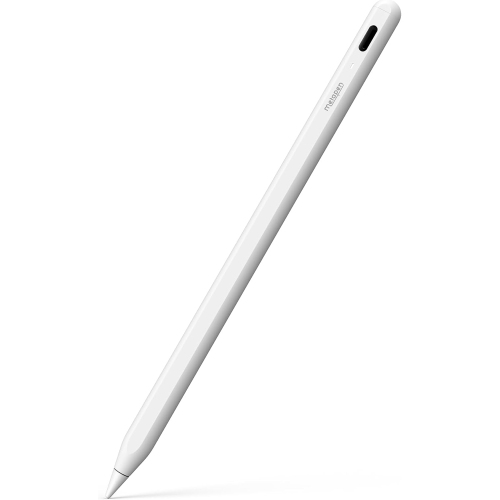
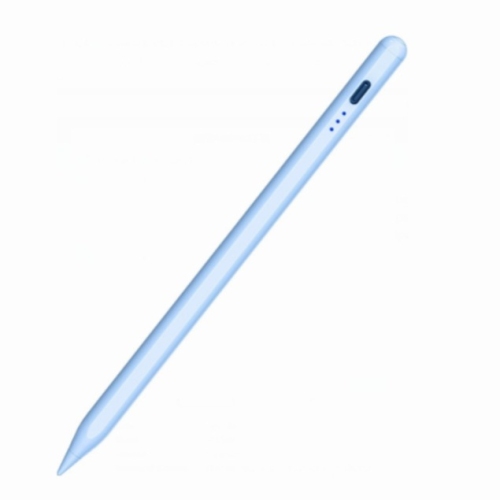
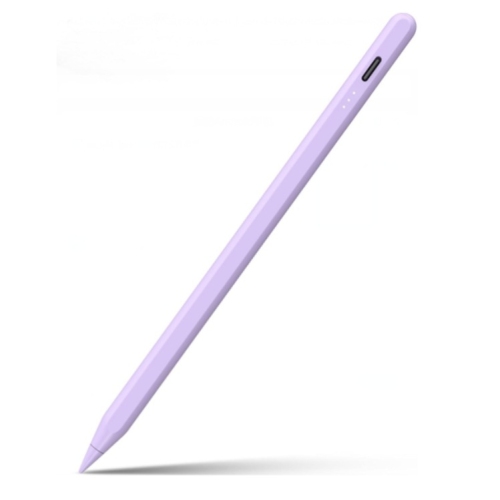
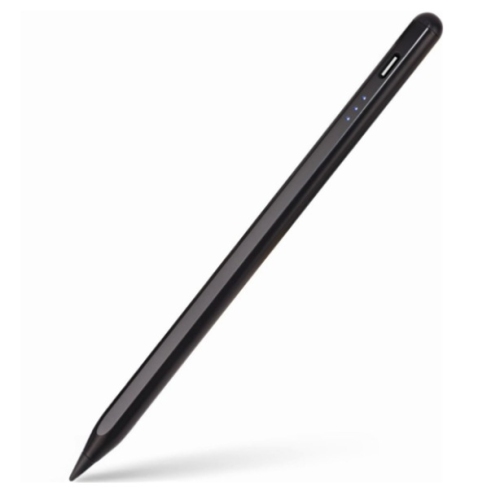
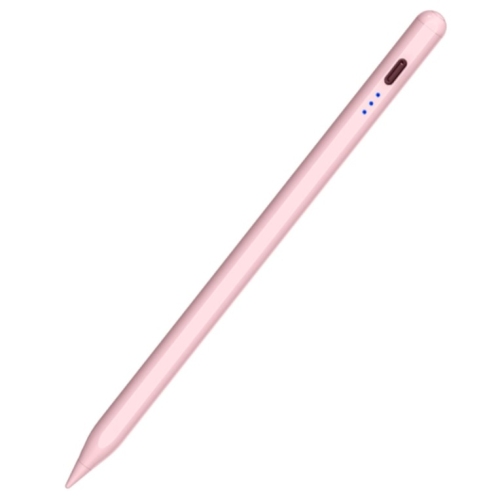
FAQ
Find your iPad Pro model under Settings > General > About, then compare it with the pencil’s compatibility list. Compatibility can vary between iPad Pro generations, so look for your exact model rather than relying on a general mention of iPad support.
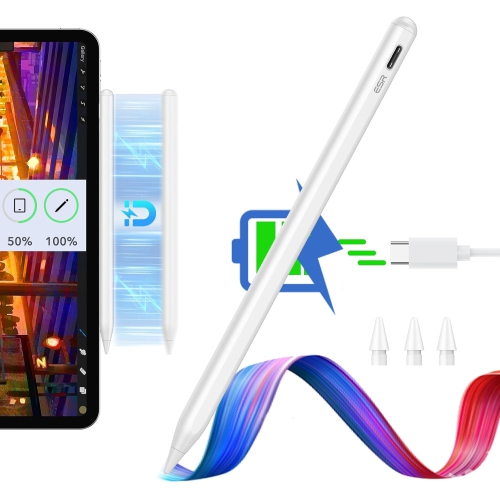
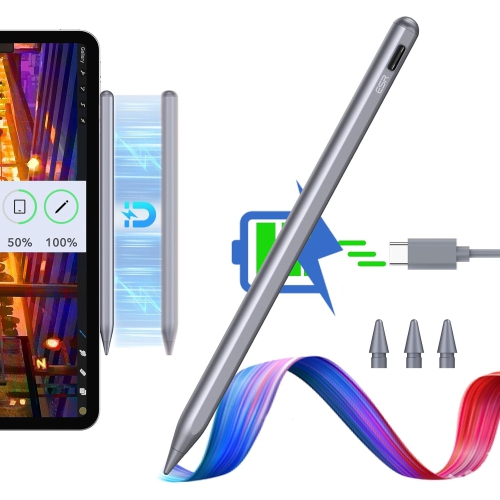
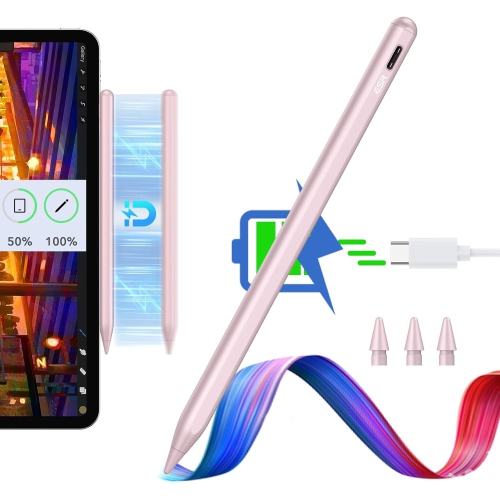
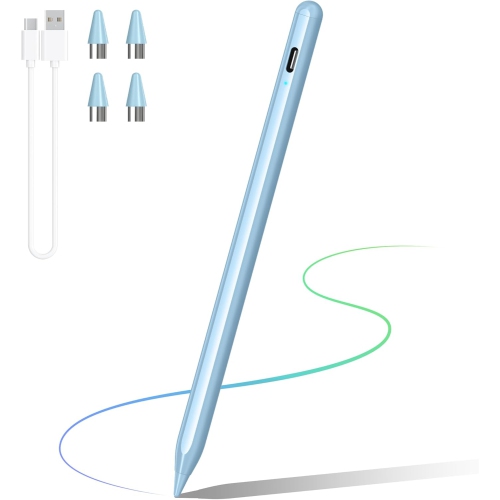
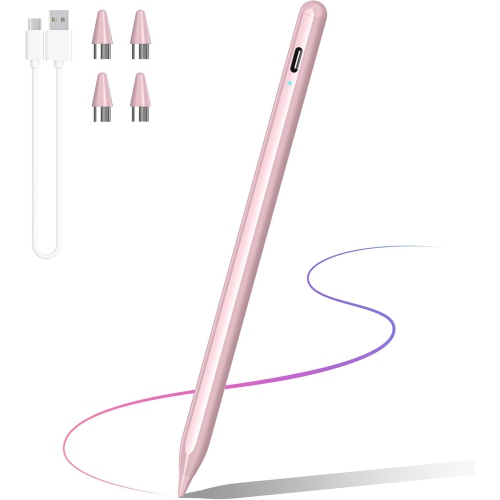
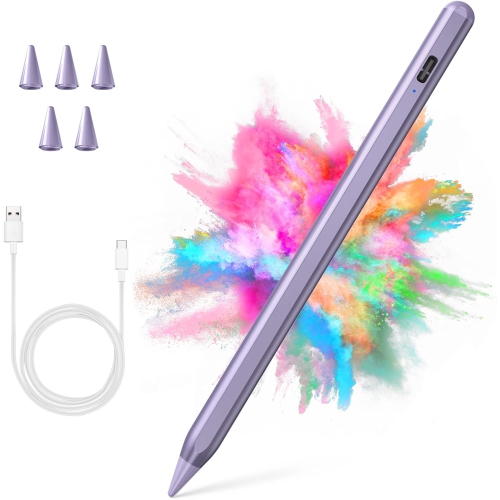
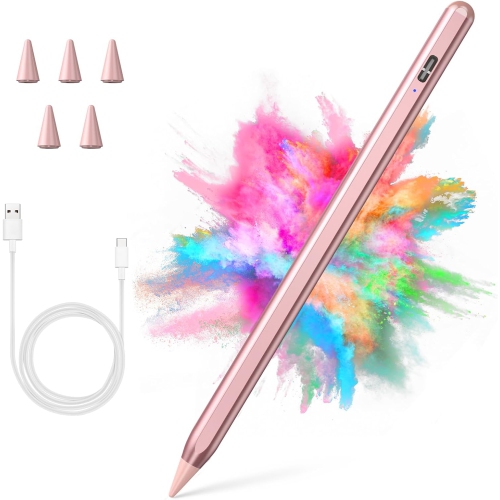
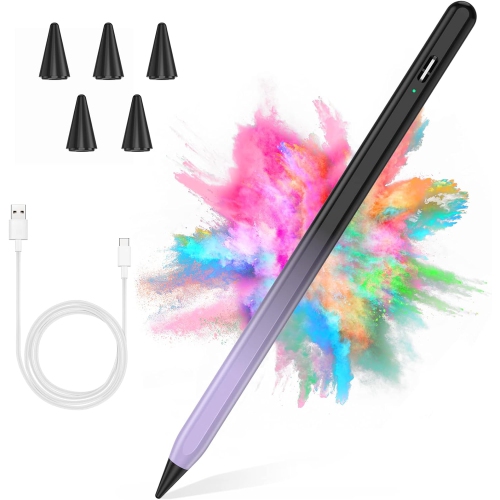
Pairing and charging methods vary by pencil. Some require Bluetooth pairing, while others can be used without pairing. Charging may use a cable or a supported magnetic connection. Magnetic attachment alone does not necessarily mean a pencil supports wireless charging.
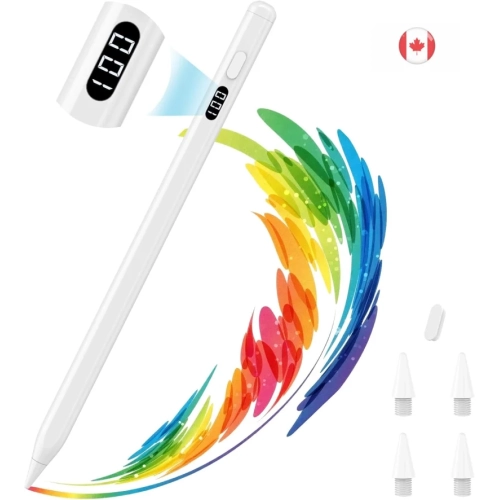
Pressure sensitivity lets a compatible app change a stroke’s appearance based on how firmly you press. Tilt support lets an app adjust a stroke based on the pencil’s angle, such as when shading. These are separate features, and support depends on the pencil, iPad Pro model, and app.
Pencil input is available in many note-taking, drawing, handwriting, and PDF annotation apps. Available tools vary by app and may include handwritten notes, sketches, highlighting, and document markup. Check the app’s requirements for any pencil-specific features you want to use.
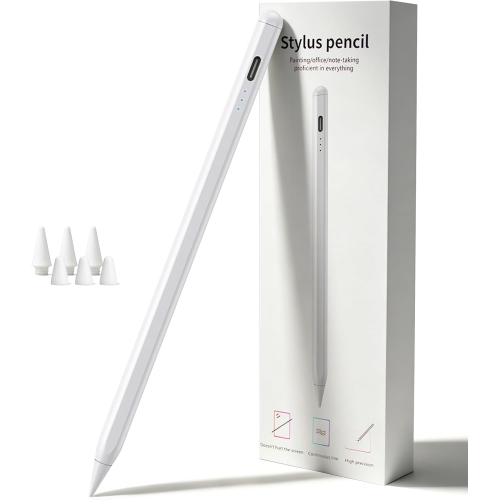
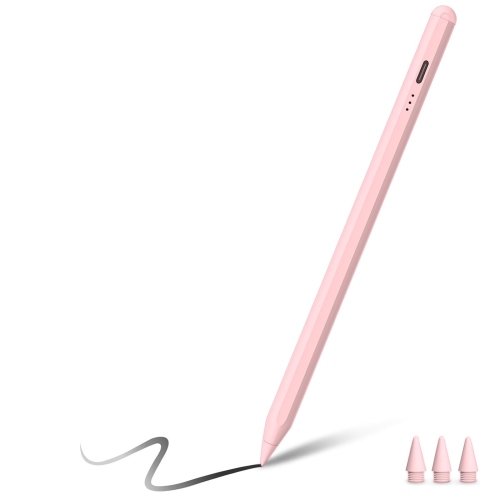
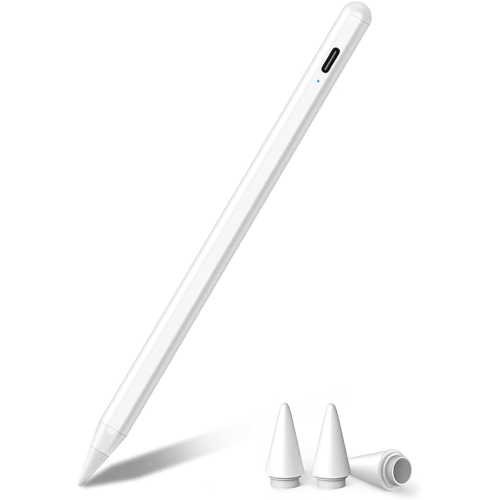
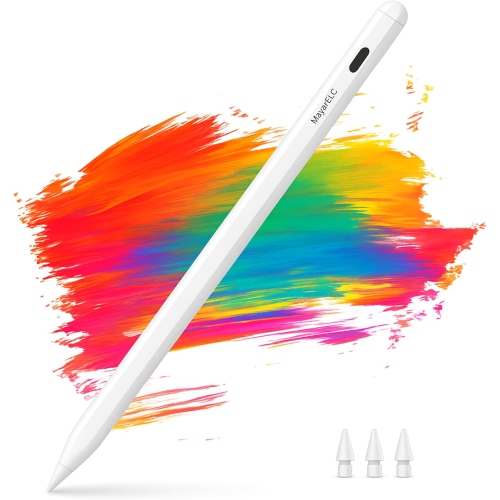
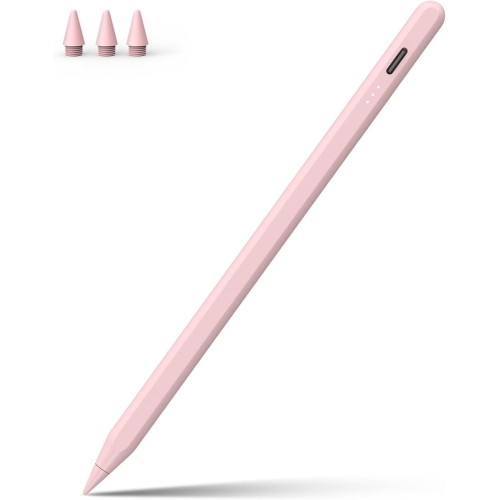
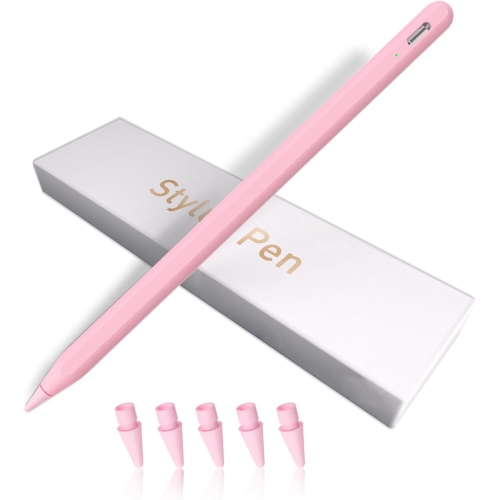
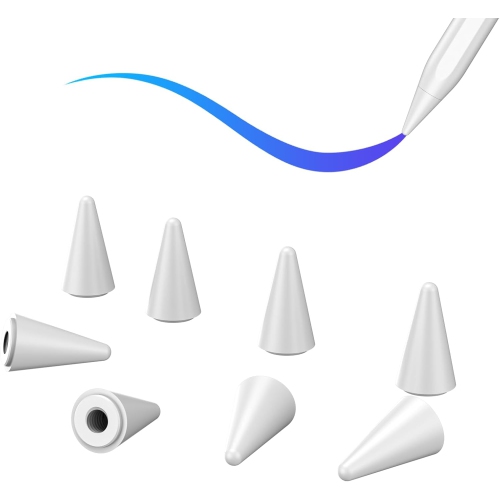
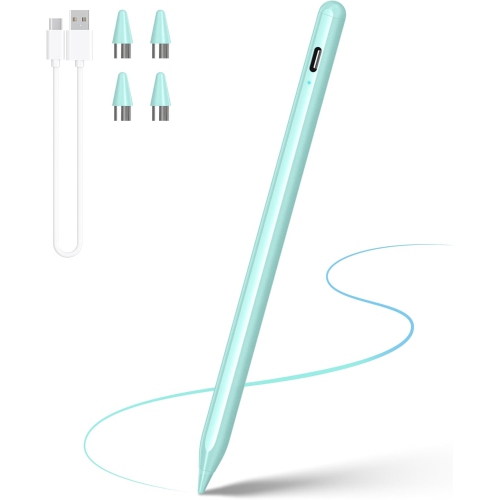
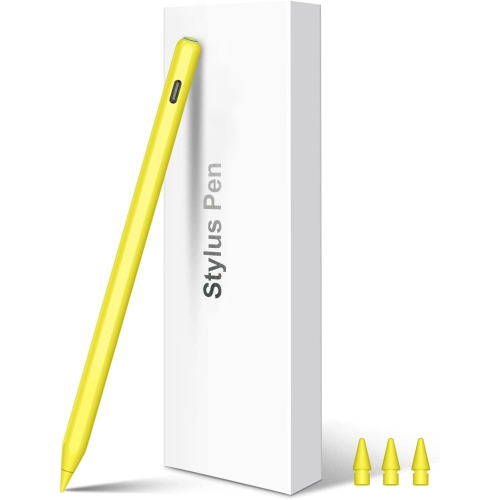
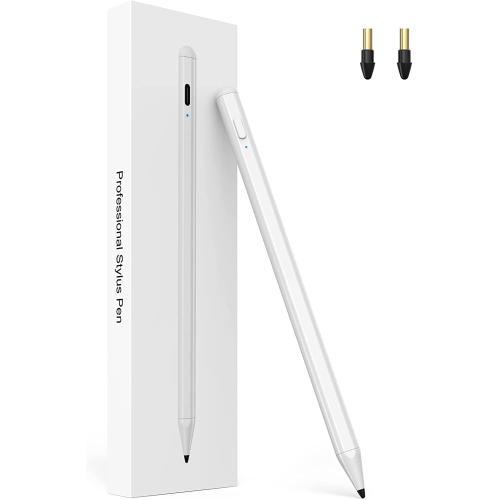
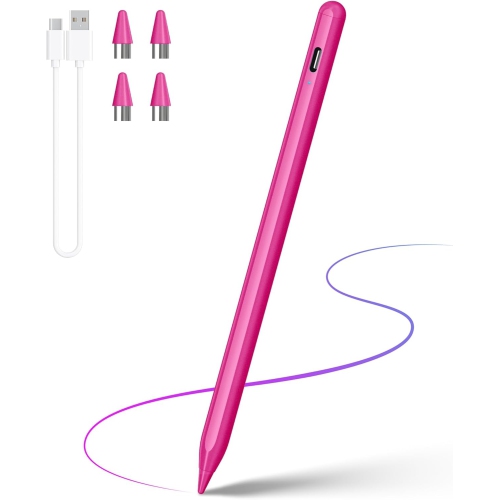
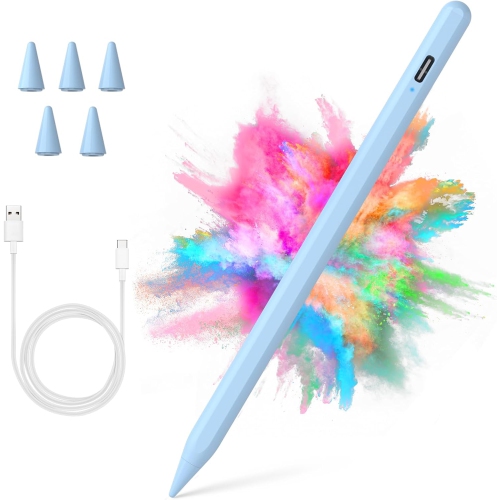
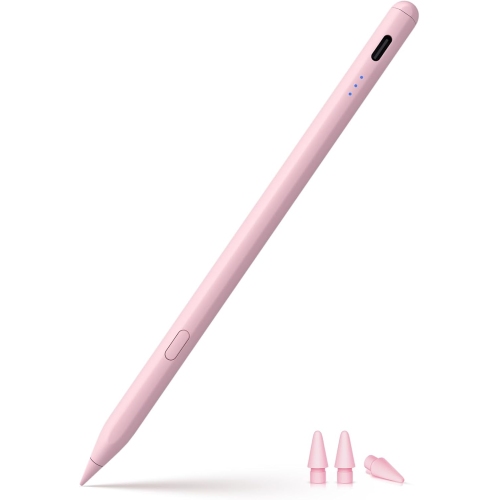
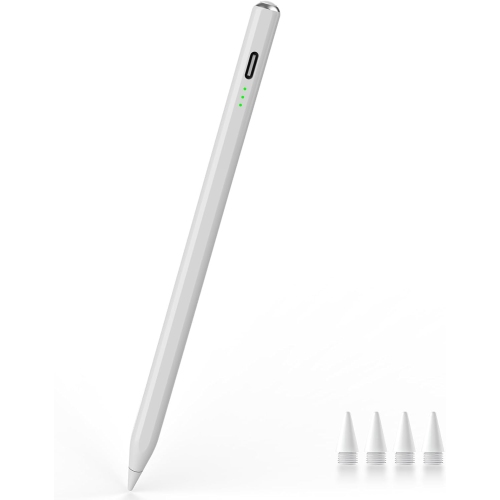
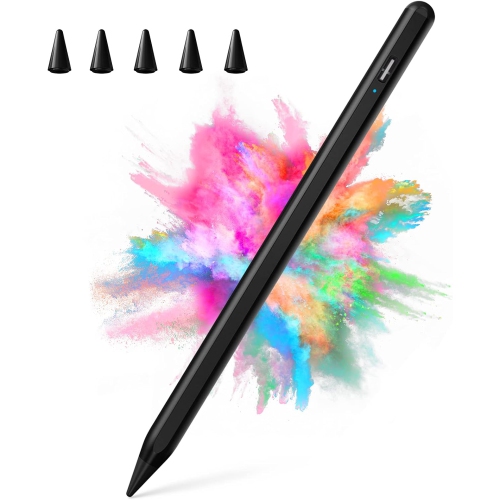
Replacement tips are not universal. They are designed for particular pencil models or product families, even when the pencils support the same iPad Pro. Check the tip’s compatibility information against your pencil’s exact model before choosing a replacement.
Top selling and popular products
Discover more categories related to iPad Pro Compatible Pencils
Some products may be subject to Environmental Handling Fees (EHF) depending on your province. Learn more about EHFs.