ROG Strix B550 F Gaming
Level up your gaming setup with the ROG Strix B550 F Gaming, designed to deliver exceptional performance for both casual and competitive players. Whether you're building a new rig or upgrading your current system, the ROG Strix B550 F Gaming offers the reliability and innovation you need to stay ahead of the game. Explore a range of options to find the perfect fit for your next build and experience smooth, responsive gameplay every time you power up.
Sort
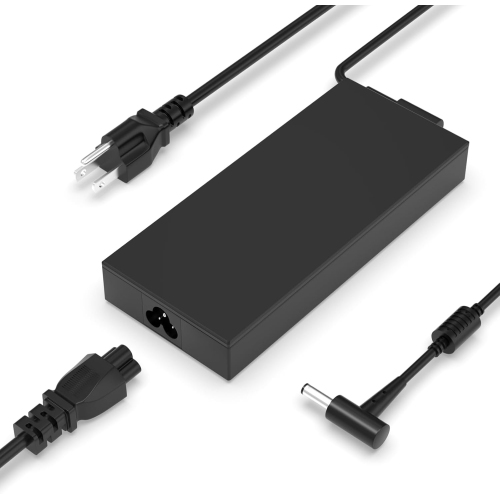
Why compatibility matters for your B550 gaming build
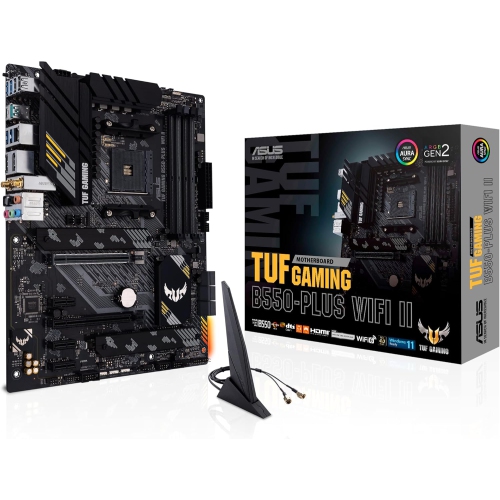
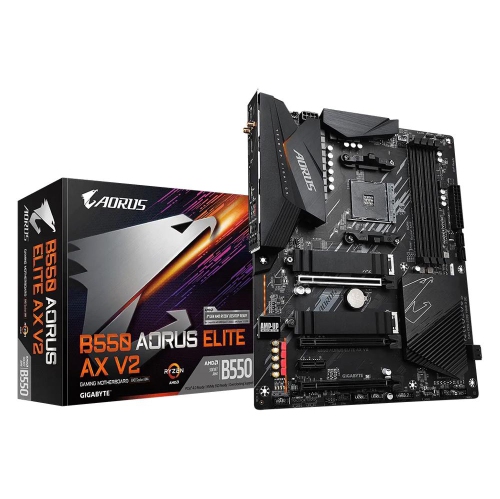
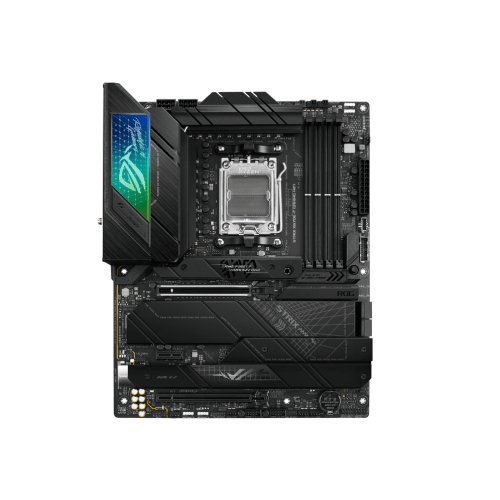
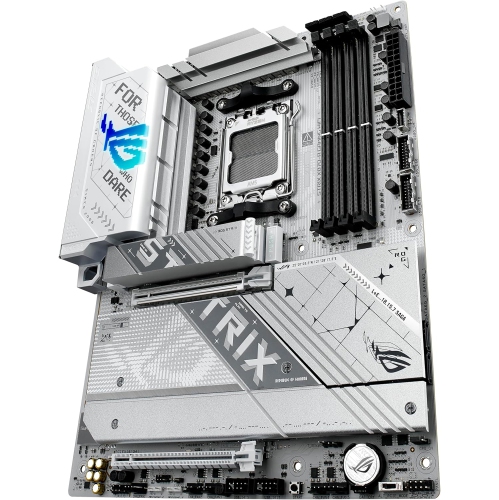
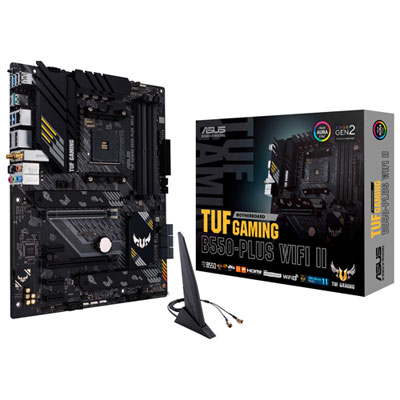
B550 gaming motherboards form the foundation of an AM4 desktop PC, connecting the processor, memory, graphics card, storage, and peripherals in one system. For a gaming build, an ATX motherboard provides a full-size layout with room for expansion, although the exact slot arrangement and connections vary by design. This category suits people assembling a desktop, replacing a compatible board, or refreshing an existing system while keeping suitable components. Compatibility starts with the processor: an AM4 socket alone does not guarantee support for every AM4 processor, and the installed BIOS version can affect which processors a board recognizes. B550 platforms use DDR4 memory rather than DDR5, so existing memory is reusable only when its type, capacity, and configuration meet the motherboard’s requirements. Four memory slots, where included, can provide flexibility for a matched kit and later expansion, though supported speeds depend on the processor, memory, BIOS settings, and number of modules installed. With a compatible processor and board layout, PCIe 4.0 connectivity can serve the primary graphics slot and an appropriate M.2 storage slot. Other connections may use different PCIe generations or share bandwidth, making the detailed specifications more useful than the chipset name alone. These distinctions matter in everyday builds: a gaming PC with one graphics card and one fast SSD has different expansion needs from a system used to record gameplay, edit video, and connect several drives. The motherboard supports the capabilities of the components attached to it, but it does not determine gaming performance by itself. Processor speed, graphics performance, memory configuration, storage, cooling, and display resolution all contribute to the experience. Display outputs on the rear panel also require a compatible processor with integrated graphics; their presence does not mean every installed processor can produce an image through them. A board that matches the intended workload and existing hardware provides a more useful foundation than one chosen solely for its appearance or number of advertised features.
Physical fit is just as important as electrical compatibility. An ATX motherboard needs a case that explicitly supports ATX dimensions, with correctly positioned mounting points and enough clearance for the surrounding components. A roomy case can make cable routing and maintenance easier, but the placement of storage cages, radiator mounts, and front-panel cables still affects access. Large graphics cards may cover adjacent expansion slots, while tall memory heat spreaders can interfere with some processor coolers. The spacing around the processor socket, the location of fan headers, and access to power connectors all influence how comfortably a finished system comes together. Motherboards typically combine a multilayer circuit board with copper pathways, metal contacts, and heatsinks that help manage heat around selected components. Heatsink size and appearance are only part of the picture; power-delivery design, case airflow, and the demands of the installed processor also matter during extended gaming or rendering sessions. M.2 heatsinks can help control SSD temperatures when fitted correctly, with the appropriate thermal pads and mounting hardware. Storage support deserves close attention because M.2 describes a physical format, not a single connection standard, and a particular slot may support PCIe drives, SATA drives, or only one of those types. Some storage connections can also become unavailable when another slot is occupied. Connectivity shapes the daily experience just as much as internal expansion. Rear USB ports accommodate keyboards, mice, headsets, webcams, and external drives, while internal headers determine whether a case’s front USB connections can be used. A front USB-C port requires the right motherboard header, not simply a USB-C connection somewhere on the rear panel. Ethernet is useful for a wired connection, while built-in Wi-Fi and Bluetooth depend on the exact motherboard version. Audio connections, fan controls, and lighting headers are worth matching to the intended setup, especially when accessories use different connector standards or voltages.
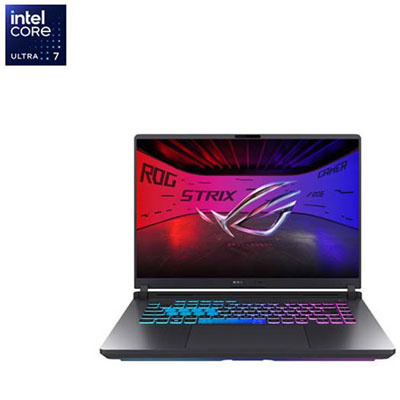
A well-matched B550 gaming motherboard can serve several kinds of desktop user. Competitive players may prioritize reliable networking, straightforward peripheral connections, and space for a capable graphics card. People who stream or create content may place more value on storage expansion, accessible USB ports, and room for additional hardware. A shared household desktop might need a balanced combination of gaming capability, everyday productivity, and easy access to external storage. In each case, clear documentation and useful diagnostic features can make ownership less frustrating. Status lights can help identify whether a startup problem relates to the processor, memory, graphics, or boot device, while BIOS recovery or processor-free update features, where supported, can simplify certain compatibility situations. Those features vary by board and should not be assumed from the B550 label. Care is mostly about protecting connections and keeping the system clean rather than treating the motherboard as a component that needs frequent handling. Power should be disconnected before internal work, and the board is best handled by its edges to avoid touching contacts or delicate circuitry. Correct standoffs help prevent unwanted contact with the case, while cables secured away from fans reduce obstruction and make later maintenance easier. Dust removal around heatsinks, filters, and fans supports airflow; liquids and household cleaning sprays do not belong on exposed electronics. Keeping the socket cover, spare mounting screws, storage fasteners, and documentation together is useful for future upgrades or transport. As a gift, a motherboard is most suitable when the recipient’s processor, memory, case, and required connections are already known, since a visually similar board may not fit the same system. For someone who needs gaming hardware that travels between locations, a laptop-focused option such as ROG Strix 16 represents a different approach from an assembled desktop. For a stationary setup, the appeal of an ATX B550 build lies in choosing compatible parts, arranging them around a clear purpose, and retaining practical options for maintenance and component changes.
Top selling and popular products
-
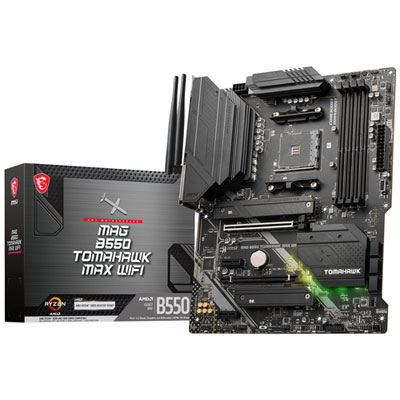 Your price for this item is $224.95
-
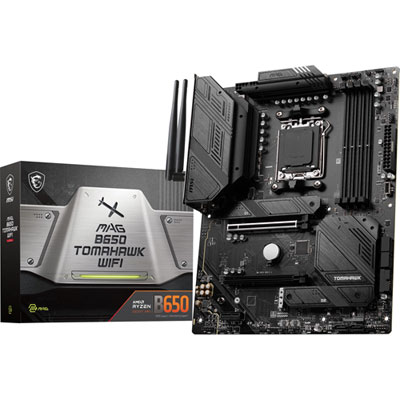 Your price for this item is $199.99
-
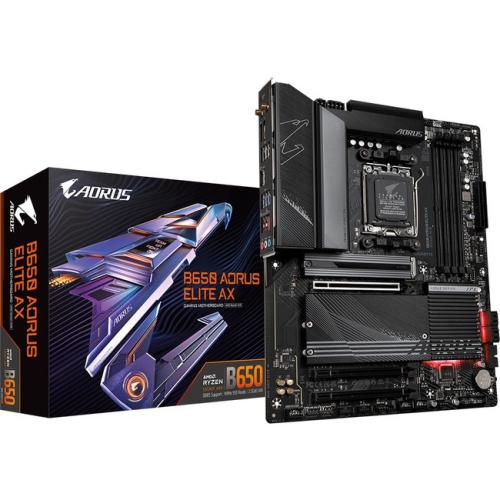 Your price for this item is $331.68
-
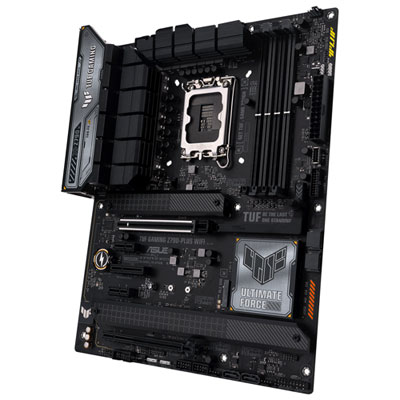 Your price for this item is $349.99
-
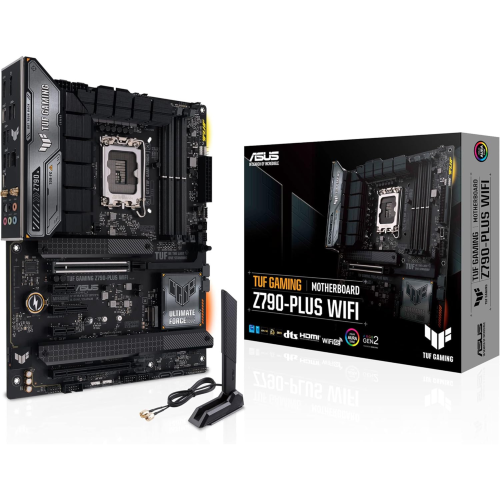 Your price for this item is $361
-
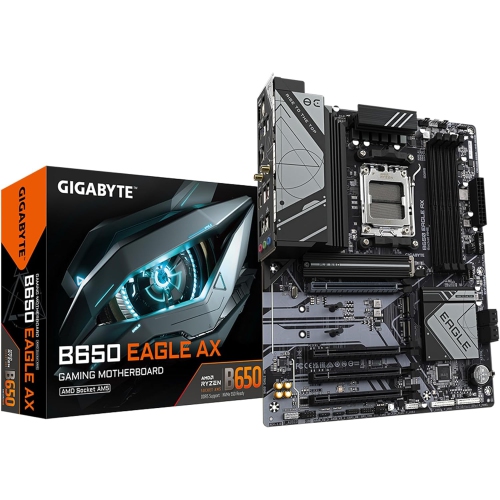 Your price for this item is $172.99
-
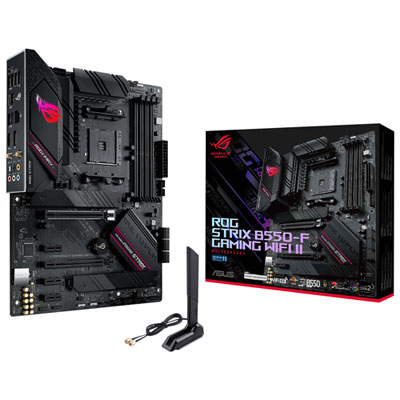 Your price for this item is $259.99
-
 Your price for this item is $587.68
Discover more categories related to ROG Strix B550 F Gaming
Top Collections:
Best Black Friday Deals This Year, Best Black Friday Deals On Electronics, Kindle Devices, Dyson Airwrap, Best Cameras for Sports Photography, Best Budget Office Chairs, Canon G7X Cameras, PS5 Pro Consoles, Best Black Friday Deals On Apple Products, XBOX One S Consoles
Some products may be subject to Environmental Handling Fees
(EHF) depending on your province.
Learn more about EHFs.