Asus CX1500CKA
Discover the versatility and performance of the Asus CX1500CKA, designed to keep up with your daily tasks and entertainment needs. Whether you're working, studying, or enjoying your favorite content, the Asus CX1500CKA offers a reliable solution for a wide range of users. Explore models that combine sleek design with user-friendly functionality to enhance your digital experience. Find the perfect Asus CX1500CKA to fit your lifestyle and enjoy seamless connectivity and convenience every day.
Sort
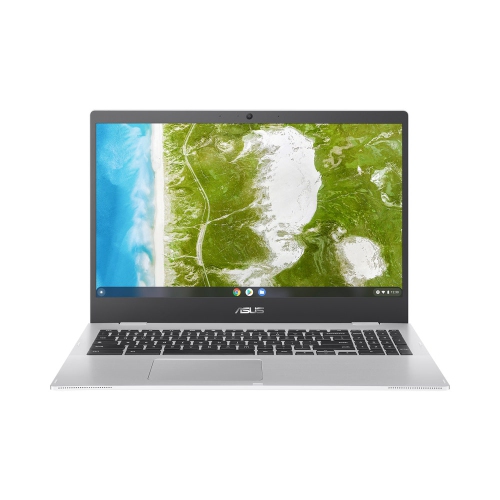
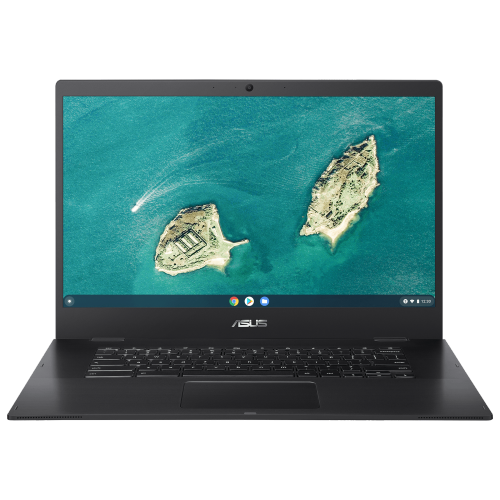
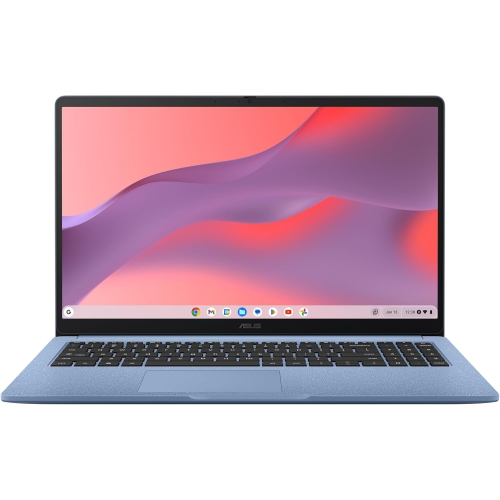
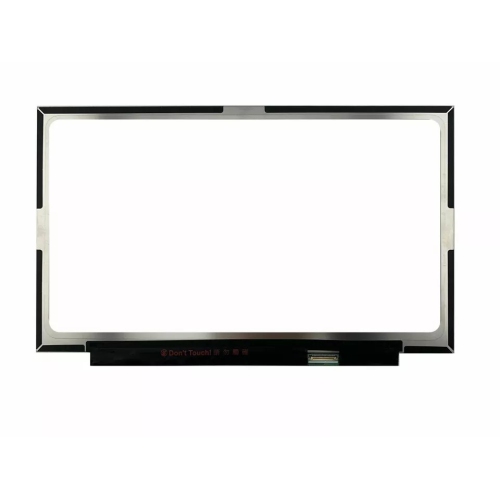
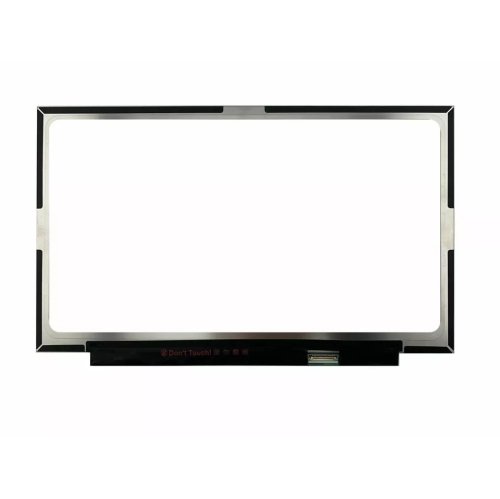
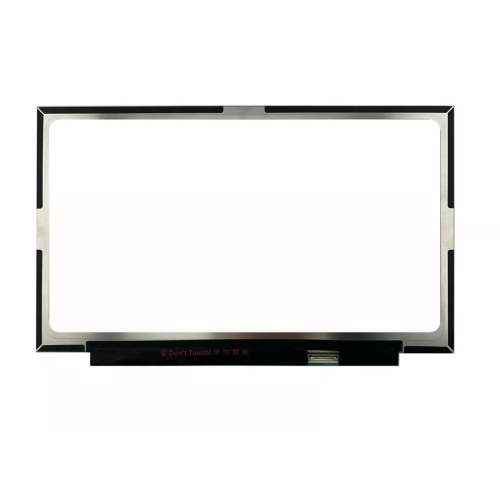
How a larger Chromebook fits your daily routine
A 15.6-inch Chromebook is a laptop built around ChromeOS, with a focus on everyday activities such as web browsing, schoolwork, email, video calls and streaming. The larger screen offers room to read a document beside a reference page, follow an online lesson or watch a film without leaning over a small display. For students, that can mean keeping assignment instructions visible while drafting an essay; for a shared household computer, it can mean a comfortable place to complete forms, manage appointments or catch up with family. The experience centres on the browser and compatible apps rather than the traditional desktop software used on some other laptops. That distinction matters more than the appearance of the computer: a familiar website may work much as expected, while a specialized application required by an employer or course may need a different operating system. Browser-based documents, spreadsheets and presentations suit many everyday routines, and online storage can make files accessible across compatible devices when signed into the same account. Some applications also support offline work once they have been set up, though internet access remains important for syncing changes, joining calls and using online services. A larger Chromebook can be especially useful for someone who moves between a kitchen table, a desktop and a quiet reading corner but does not need a compact computer for constant travel. Its appeal lies in having a keyboard, a sizeable display and a straightforward workspace together in one device. Families considering a laptop for a student, or a gift for someone whose computer use is mainly online, benefit from matching it to those actual habits. A person who writes assignments and watches tutorials has different needs from someone editing complex video projects or running demanding design software. Screen resolution, brightness and viewing angles also shape daily comfort: readable text and a clear picture matter during a long study session just as much as the diagonal measurement. A 15.6-inch screen describes its size, not its resolution, touch capability or overall image quality.
Everyday responsiveness depends on the processor, memory and storage working together, so a familiar screen size alone does not describe how a laptop will feel in use. A browser session with an email inbox and a few documents is a lighter workload than a video meeting running alongside numerous tabs, large presentations and several apps. Memory helps the computer manage those simultaneous tasks, while the processor influences how smoothly pages load, calls run and applications respond. Local storage holds downloads, offline documents and other saved files; online storage serves a different purpose and depends on account settings, service limits and connectivity. Someone who mainly streams entertainment may need less space for downloaded media than a student keeping course materials accessible away from a reliable connection. Battery life also varies with screen brightness, video playback, calls, wireless activity and other settings, making published estimates a reference rather than a promise for every routine. For a laptop that travels between classes or rooms, its dimensions, weight and charger are part of the everyday experience. Wi-Fi capability matters for connecting to a home or campus network, but the quality of the connection also depends on the router, distance and surrounding interference. Physical connections deserve similar attention. A USB-C port does not automatically support every charging, display or data function, and connecting an external monitor may require a compatible port, cable or adapter. Headsets, storage devices and other accessories likewise need suitable connections or wireless support. For video calls, camera quality, microphone pickup and speaker clarity affect whether a conversation feels easy or tiring. A comfortable keyboard and a responsive touchpad can be just as noticeable during a page of notes as a specification on a product listing. Keyboard layout, key spacing and palm-rest room are worth considering for frequent typing, while a mouse may feel more comfortable during longer sessions. Touchscreens, numeric keypads and backlit keys are features to verify individually rather than assume from the size or shape of the laptop.
Construction and care influence how well a Chromebook fits into daily life. Laptop housings may use plastic, metal or a combination of materials, with different effects on weight, feel and resistance to everyday wear. Material alone does not establish durability: hinge design, lid stiffness, assembly and the way the computer is carried all play a part. A padded sleeve sized to the laptop’s actual dimensions helps separate it from keys, chargers and other objects inside a bag. Closing the lid before moving the computer, keeping objects off the keyboard and lifting it by the base rather than the screen reduce unnecessary strain. For cleaning, a soft, lint-free cloth is a sensible starting point, with the manufacturer’s care directions determining whether any additional cleaning solution is appropriate. Liquid should not be sprayed directly onto the display or keyboard. A firm, stable work surface also helps keep ventilation openings clear; bedding and cushions can block them and make typing awkward. At a desk, positioning the screen to reduce glare and using an external keyboard or mouse where supported can make longer sessions more comfortable. Comparing formats with options such as Asus CM30 can help put screen size, portability and keyboard preferences into perspective. Long-term suitability also includes software support, account management and access to the tools a person needs. ChromeOS devices have model-specific automatic update timelines, so the supported update period is an important consideration for continued use. School-managed devices may have restrictions on apps, accounts or settings, and a personal laptop still needs to meet any course or workplace requirements. Separate user accounts can help household members keep their files and preferences distinct, while accessibility settings such as display scaling and keyboard adjustments may make everyday tasks easier. For a gift recipient, these practical details often matter more than an impressive feature list. A larger Chromebook is best understood as a workspace for familiar online tasks, with its suitability determined by the software, connections and physical comfort those tasks require.
Top selling and popular products
-
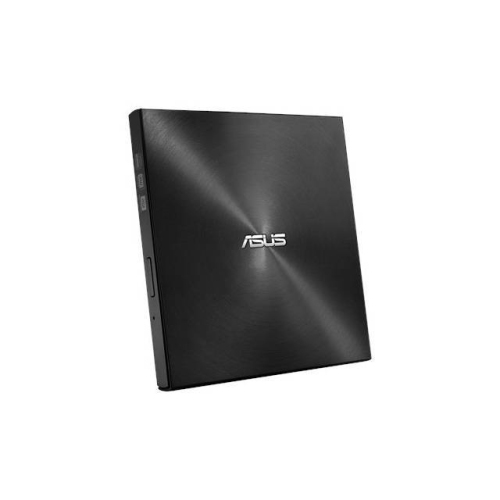 Your price for this item is $104.68
-
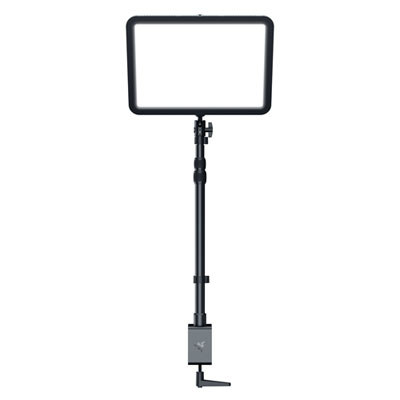 Your price for this item is $407.95
-
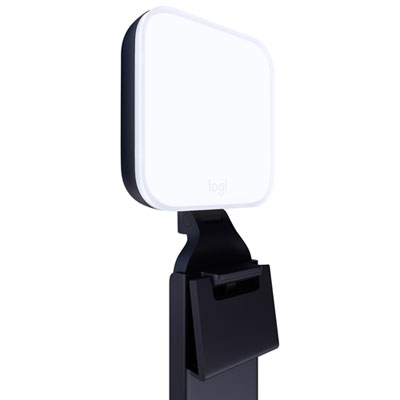 Your price for this item is $39.99
-
 Your price for this item is $72.49
-
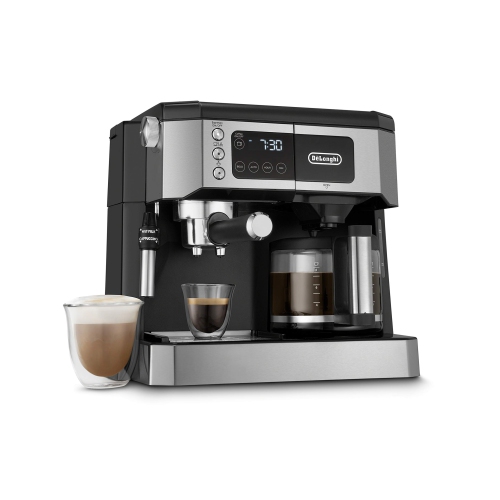 Your price for this item is $279.99
-
 Your price for this item is $439
-
 Your price for this item is $102.68
-
 Your price for this item is $128.68
Discover more categories related to Asus CX1500CKA
Top Collections:
Best Black Friday Deals This Year, Best Black Friday Deals On Electronics, Kindle Devices, Dyson Airwrap, Best Cameras for Sports Photography, Best Budget Office Chairs, Canon G7X Cameras, PS5 Pro Consoles, Best Black Friday Deals On Apple Products, XBOX One S Consoles
Some products may be subject to Environmental Handling Fees
(EHF) depending on your province.
Learn more about EHFs.