Asus Laptops 15
Discover the perfect blend of performance and style with the Asus Laptop 15 collection. Whether you’re working, studying, or enjoying entertainment, these laptops offer reliable solutions for your everyday needs. Explore a range of models designed to suit different preferences and requirements. Find the right Asus Laptop 15 to elevate your computing experience today.
Sort
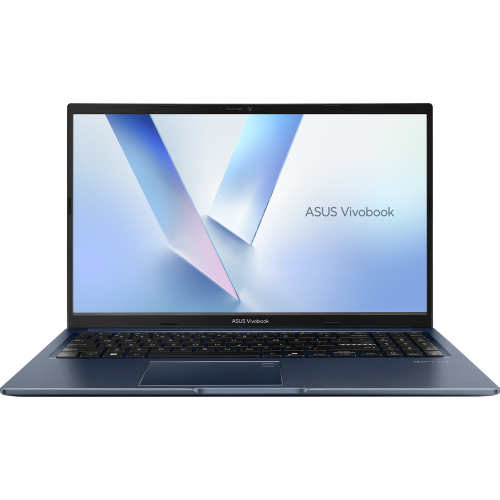
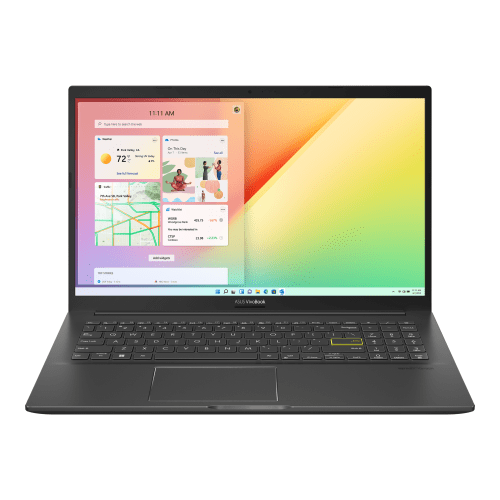
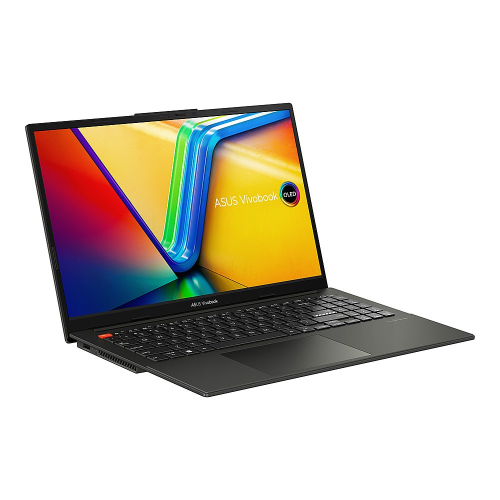
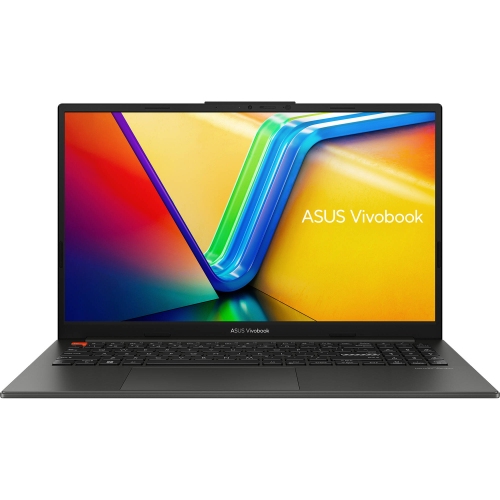
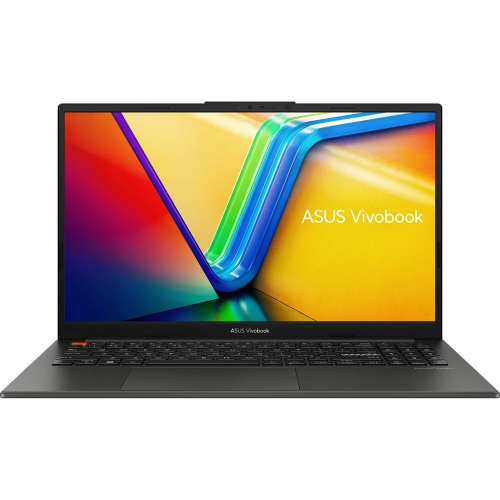
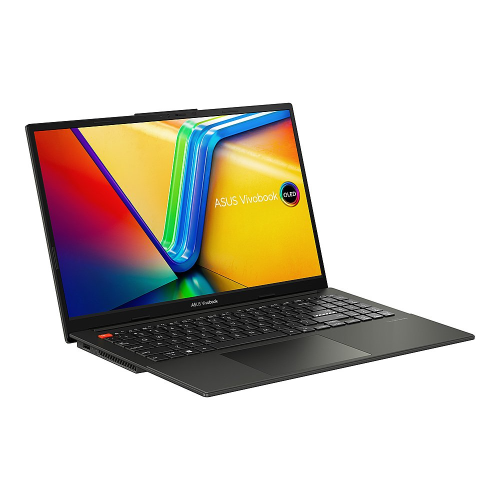
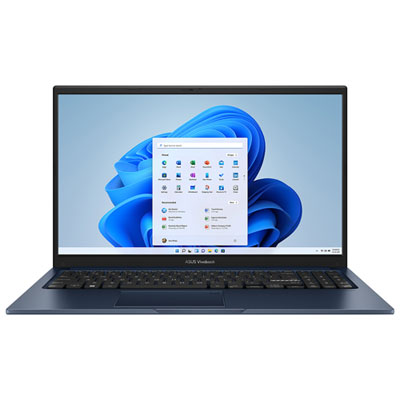
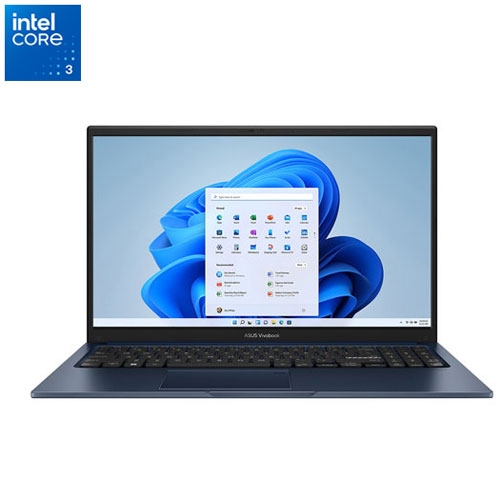
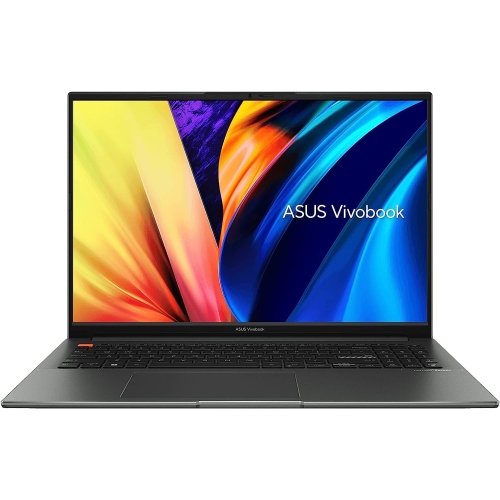
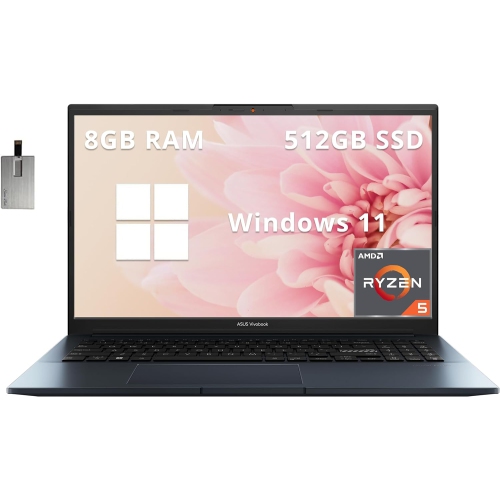
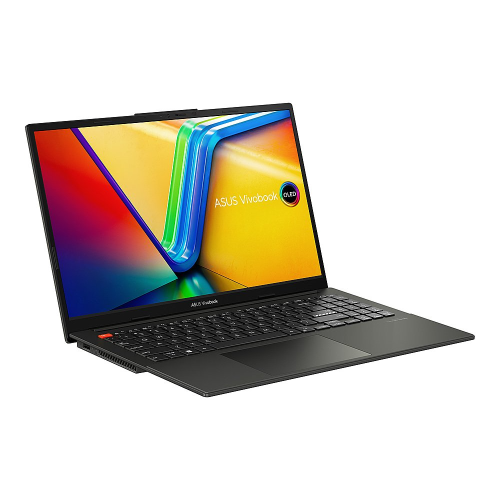
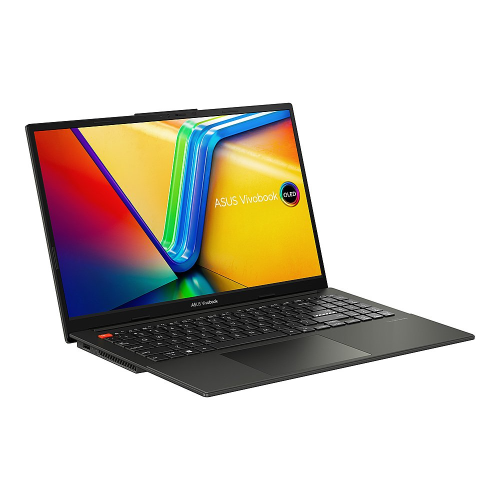
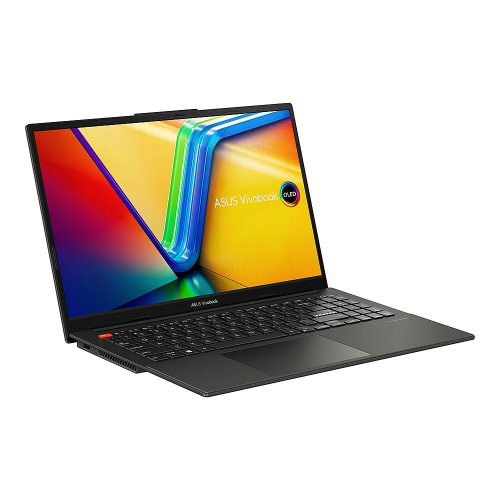
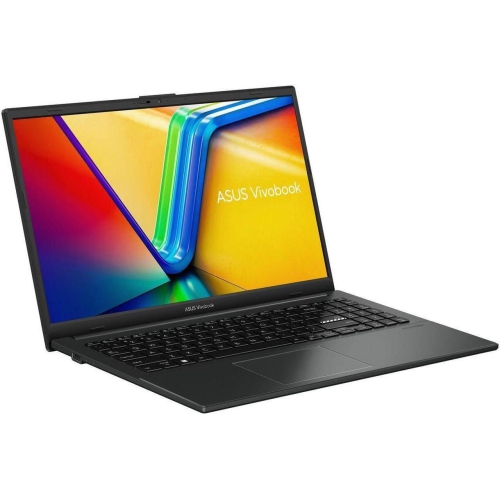
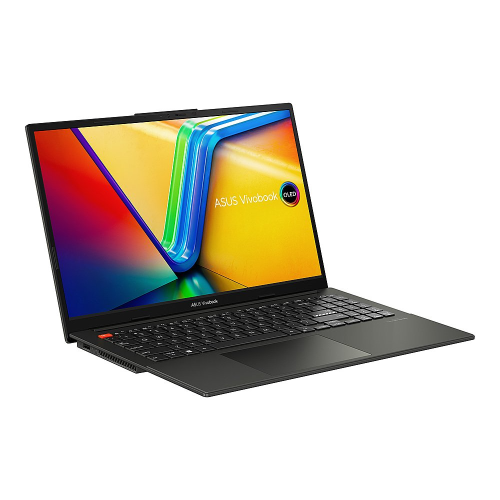
Where screen space meets everyday comfort and portability
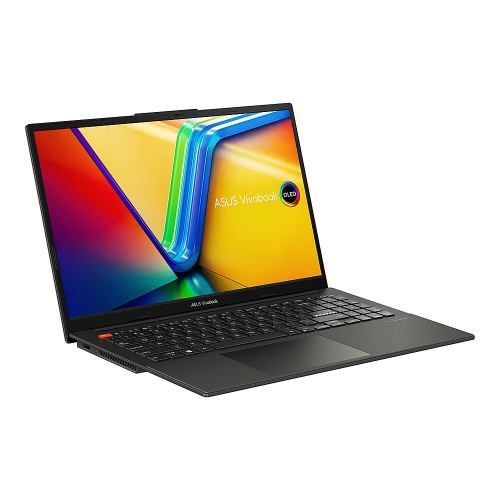
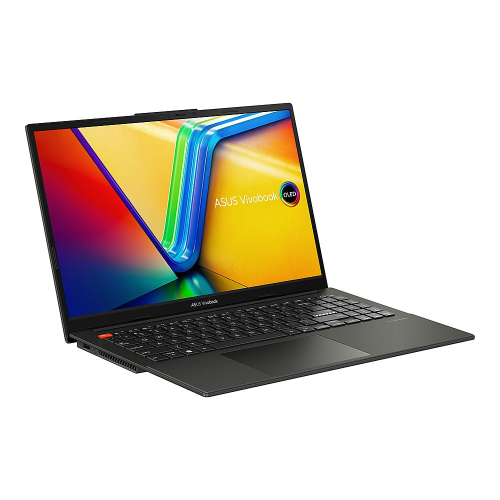
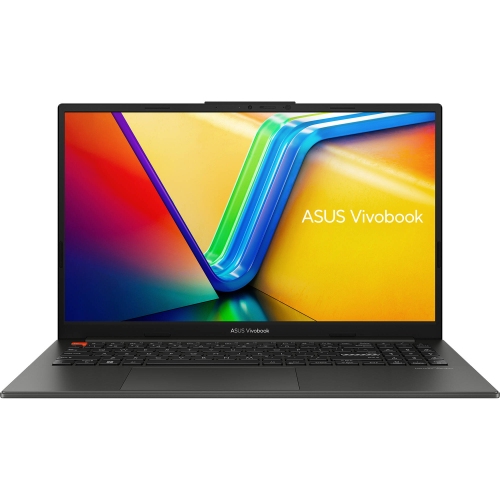
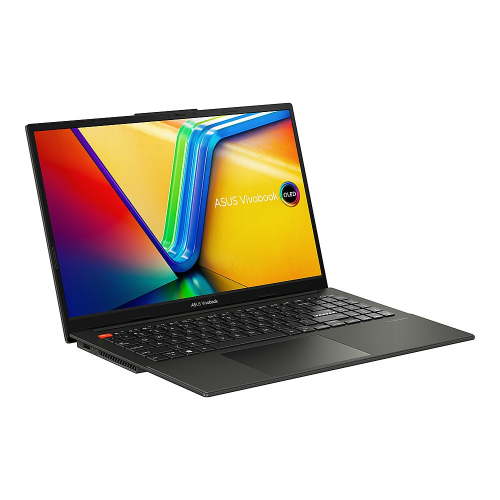
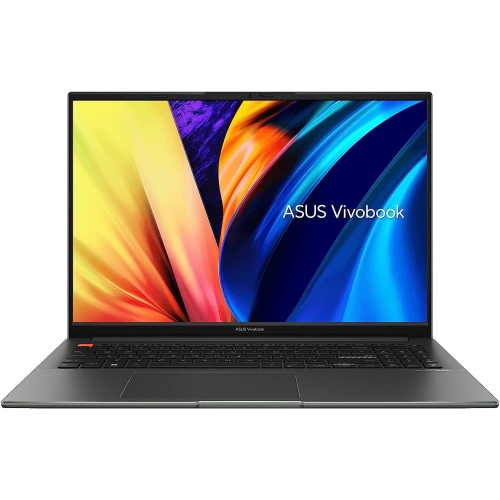
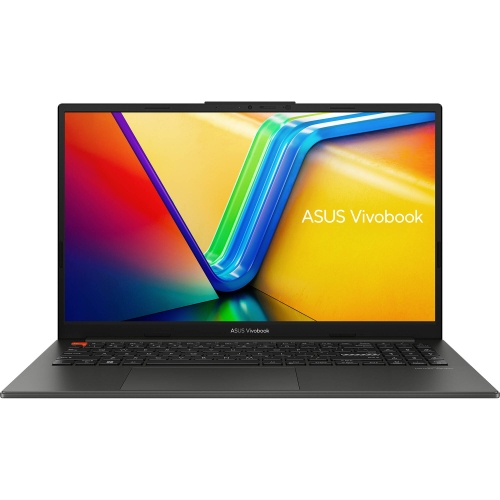
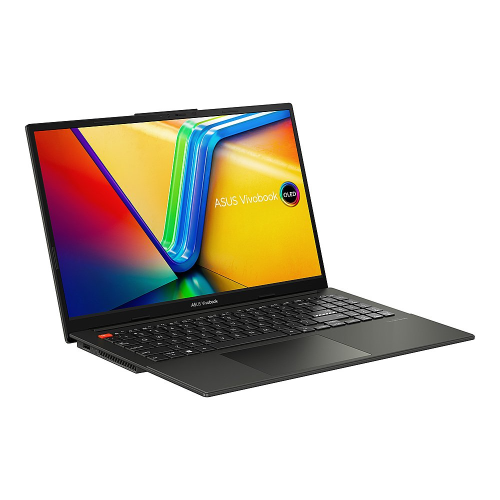
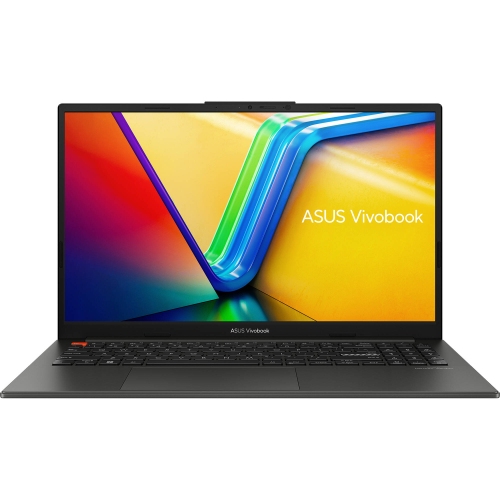
The 15-inch laptop category commonly includes 15.6-inch displays, combining enough screen space for everyday work with a design that can travel between home, school, and the office. This size suits students working through research papers, professionals balancing spreadsheets and video calls, and households sharing a computer for forms, streaming, and personal projects. A 15.6-inch screen is measured diagonally, rather than across the lid, so the laptop’s overall width and depth depend on its frame and construction. Narrow display borders can help keep the body compact without reducing the viewing area. Full HD, or 1920 × 1080 resolution, is a common option that provides useful detail for documents, websites, and video. Higher-resolution screens can make fine text and images look sharper, although resolution alone does not determine picture quality. Brightness, contrast, colour reproduction, and viewing angles all influence how comfortable a display feels during a long assignment or an evening film. An anti-glare finish can reduce distracting reflections from overhead lighting, while a glossy screen may look particularly vivid but reflect more of the room. For photography, illustration, or design coursework, colour accuracy and colour coverage deserve attention alongside screen size. An OLED panel can deliver deep blacks and strong contrast, while the quality of other panel types varies by configuration. A larger display also leaves more room for comparing a reference document with a draft, though the amount of content visible depends on resolution and scaling settings. Touch input is a separate feature and should not be assumed from the laptop’s appearance. For anyone moving regularly between a desk and a backpack, the complete picture includes weight, charger size, battery capacity, and the space needed to open the screen comfortably. A roomy display is most useful when the computer also fits the places where it will actually be used.
Everyday performance comes from the balance between the processor, memory, storage, and graphics rather than one specification in isolation. Web browsing, word processing, streaming, and video calls generally place different demands on a laptop than editing high-resolution footage or running complex design software. Processor generation and power characteristics matter alongside the processor name, particularly when comparing responsiveness, battery use, and performance during longer tasks. Memory helps keep active applications running smoothly: 8 GB can suit lighter routines, while 16 GB provides more breathing room for several applications, numerous browser tabs, and larger documents. More demanding creative or technical work may benefit from additional memory, provided the software can use it. Upgrade options differ, and memory may be soldered rather than replaceable. Solid-state storage contributes to quick startup and application loading, but capacity determines how much can remain on the laptop. A 512 GB drive can accommodate everyday applications and a moderate file collection, while 1 TB gives more room for photographs, video, and larger projects. Usable space is lower than the stated capacity because the operating system and other files occupy part of the drive. Integrated graphics can handle everyday visuals and some lighter creative tasks; demanding games, 3D work, and certain editing workflows may call for dedicated graphics. Software requirements remain an important point of comparison. Connections are equally practical: USB-A can support familiar accessories, HDMI can connect a compatible external display, and a headphone jack is useful for wired audio. USB-C capabilities vary, so the presence of the port does not automatically mean it supports charging or video output. Wi-Fi performance also depends on the router and network connection. For remote classes and meetings, webcam quality, microphone clarity, and optional noise-reduction features affect the experience. A physical webcam shutter and fingerprint reader can add everyday convenience where included. Battery figures and fast-charging claims depend on test conditions, workload, settings, and the supplied adapter, rather than screen size alone.
Construction and comfort shape how a 15-inch laptop feels after the specifications have been compared. Plastic bodies can keep weight manageable, while metal panels may offer a firmer feel; neither material alone establishes durability. Hinge design, chassis stiffness, surface finish, and the way the laptop is handled all matter. A hinge that opens flat can be useful when sharing a screen across a table, but it does not necessarily turn the computer into a tablet. Keyboard layout is another practical distinction. Some designs include a number pad for calculations and data entry, while others devote more space to the main keys. Key spacing, travel, backlighting, and touchpad placement influence comfort during repeated use. A student typing lecture notes may value a comfortable keyboard and manageable carrying weight, while someone working mostly at a desk may prioritize an external monitor connection and space for accessories. For a related collection in this screen-size category, explore Asus Vivobook Pro 15. For gifting, a laptop is a practical choice for a graduate, a family member returning to study, or someone replacing an older home computer, with software needs and preferred keyboard layout helping determine the right fit. Care is straightforward but important: carry the laptop in a padded compartment sized to its actual dimensions, keep liquids away from the keyboard, and avoid packing heavy objects against the lid. A clean microfibre cloth is suitable for routine surface care, following the manufacturer’s cleaning directions and keeping moisture out of openings. Using the computer on a firm surface helps keep ventilation clear; blankets and cushions can obstruct airflow. Regular software updates, secure sign-in settings, and backups help protect the work stored inside. At a permanent workstation, a separate keyboard and mouse can make it easier to raise the screen to a comfortable height. Together, these details turn a familiar screen size into a computer suited to the recipient’s routines, workspace, and intended use.
Top selling and popular products
-
 Your price for this item is $449
-
 Your price for this item is $3099
-
 Your price for this item is $1800.68
-
 Your price for this item is $664.05
-
 Your price for this item is $869.99
-
 Your price for this item is $2960.48
-
 Your price for this item is $489.7
-
 Your price for this item is $1199
Discover more categories related to Asus Laptops 15

Top Collections:
Best Black Friday Deals This Year, Best Black Friday Deals On Electronics, Kindle Devices, Best Black Friday Deals On Apple Products, Best Budget Office Chairs, Best Cameras for Sports Photography, Dyson Airwrap, Canon G7X Cameras, Best Laptops for Writers, Samsung Galaxy Phones
Some products may be subject to Environmental Handling Fees
(EHF) depending on your province.
Learn more about EHFs.