Asus Electronics
Discover an impressive selection of asus electronics designed to enhance your everyday experiences. Whether you're upgrading your workspace, powering up your gaming setup, or searching for reliable devices for school or home, you'll find a variety of options to suit your needs. Explore cutting-edge technology and innovative designs that bring convenience and performance to the forefront. Find the perfect fit for your lifestyle with asus electronics available at Best Buy.
Sort

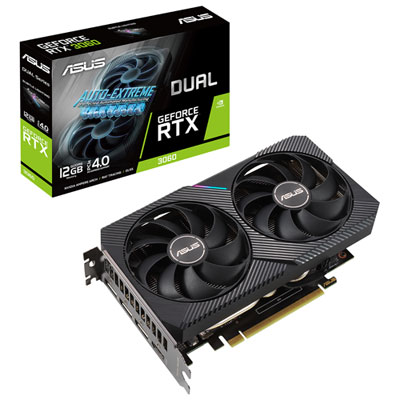

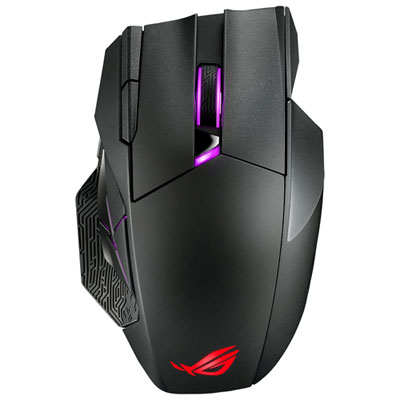
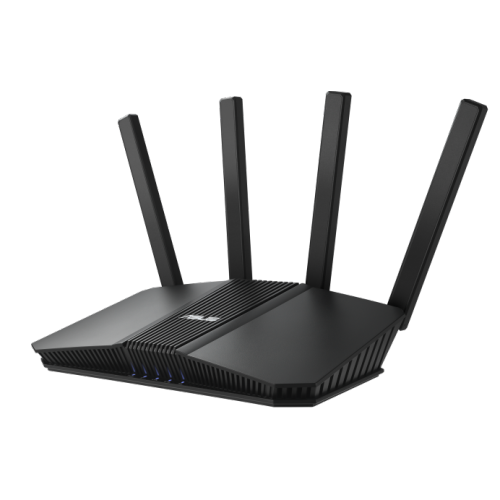
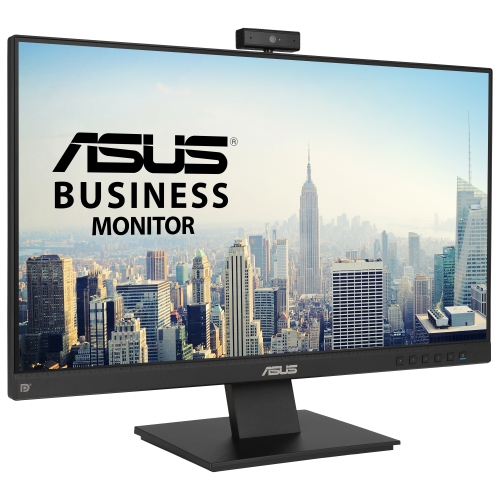

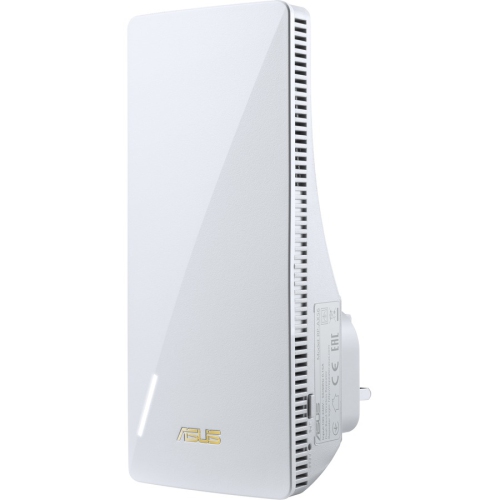
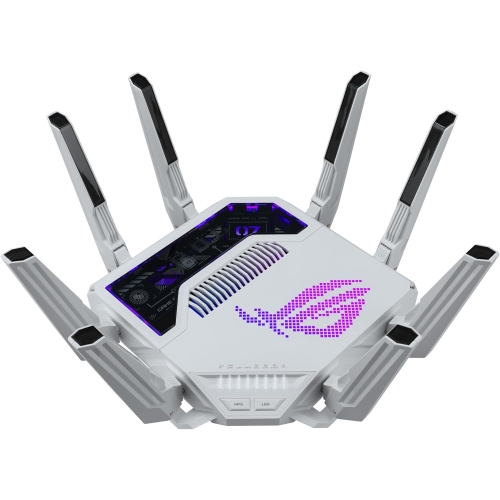
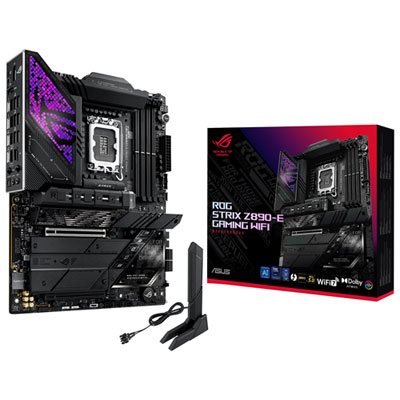
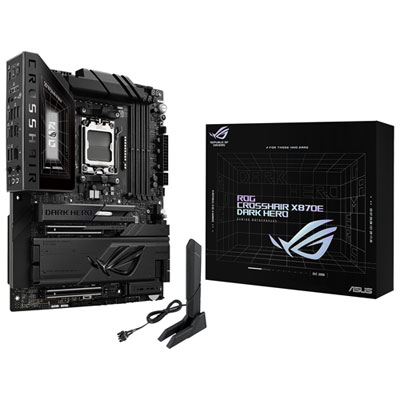
How everyday tasks shape the right computer setup
Electronics for work, study, and play often share the same space, but the demands placed on them can be quite different. A laptop carried between lectures needs a comfortable balance of portability, battery life, and everyday performance, while a desktop used for video editing benefits from room for capable graphics, ample memory, and fast storage. For someone moving between spreadsheets, video calls, and a browser full of tabs, responsive multitasking matters more than an elaborate exterior. Creative work adds other priorities, such as accurate colour reproduction, enough storage for large project files, and connections for a camera, drawing tablet, or external display. Gaming places greater emphasis on graphics performance, cooling, and the relationship between screen resolution and frame rate. These differences make intended use a useful starting point when comparing computers and related electronics. Physical design matters just as much in daily use: a slim chassis slips more easily into a backpack, a larger keyboard provides more room for typing, and a compact desktop leaves space for notebooks and other essentials. Metal and plastic housings each vary in finish, weight, and rigidity, so material alone does not tell the whole story about durability. Hinge construction, ventilation placement, and how a device will be carried also affect its suitability for a busy routine. A student writing in a shared study area may appreciate a clear webcam, a readable screen, and quieter operation, while someone working at a fixed desk may prioritize connections for multiple displays and a wired network. Battery performance also depends on the workload, display brightness, and power settings rather than a single specification. Charging compatibility deserves attention wherever a computer travels, since a USB-C connection does not automatically mean every charger or cable can deliver the required power. The most practical setup supports the tasks performed every day without making ordinary routines, such as joining a call or connecting a display, unnecessarily complicated.
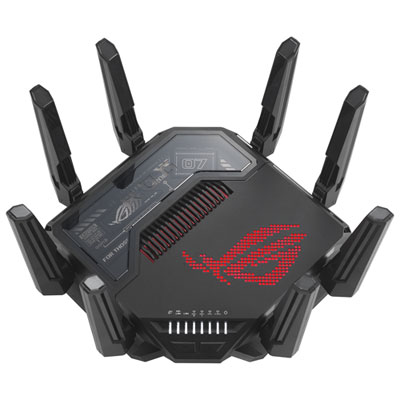
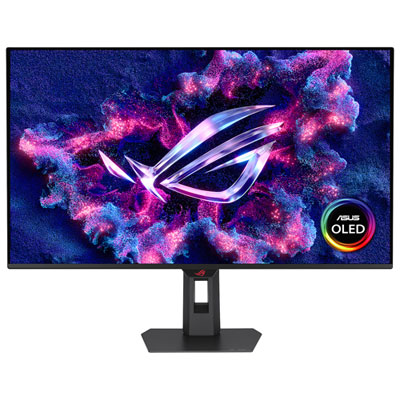
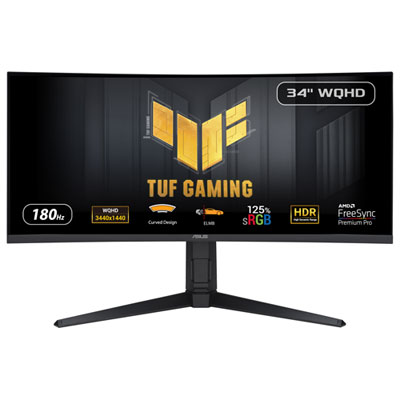
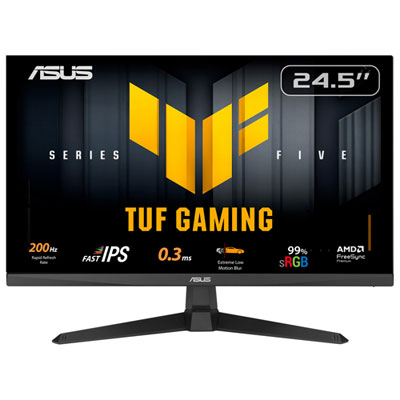
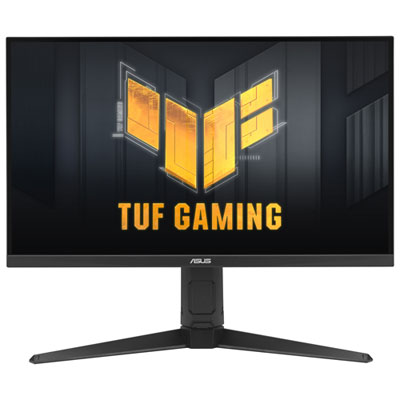
Displays, networking equipment, and computer components shape how that setup feels once everything is connected. A monitor’s size needs to suit both the available desktop space and the distance from the chair; a large screen positioned too close can make viewing less comfortable rather than more immersive. Resolution influences text sharpness and the amount of detail visible in photos, while refresh rate affects how smoothly movement appears. For gaming, support for compatible adaptive-sync features can help reduce distracting visual interruptions, although results depend on the connected computer and its settings. For design, photography, and video work, colour coverage and calibration capabilities deserve attention alongside brightness and resolution. An adjustable stand adds flexibility when a screen needs to sit at a comfortable height, and mounting compatibility matters when an arm is part of the workspace. Connections are another practical detail: the ports on the display, the computer’s output capabilities, and the cable all contribute to supported resolution and refresh rate. Networking has its own relationship with the space around it. A router tucked behind a cabinet or placed far from frequently used rooms may struggle to provide the same experience as equipment positioned more centrally and away from obstructions. Walls, floor layouts, neighbouring networks, and the capabilities of connected devices can all affect Wi-Fi performance. A wired connection remains useful for a stationary computer, particularly when consistent connectivity matters during online play or large file transfers. For people assembling or updating a desktop, compatibility extends beyond whether a component physically fits. Processor support, motherboard connections, memory type, power requirements, and case clearance all need to work together. Cooling also depends on clear airflow paths and appropriate component placement, not simply the number of fans. A compact case may suit a small room, while a roomier design can make assembly and later maintenance easier. Across these categories, specifications are most useful when they relate to an actual task, whether that means reading detailed drawings, sharing a connection across several rooms, or keeping a gaming system responsive.
The smaller details around a computer often determine how comfortable and dependable it is to use over time. Keyboard spacing, key feel, mouse shape, and headset fit are personal considerations, especially for someone spending long stretches typing, editing, or playing. A mouse that suits a smaller hand may feel cramped in a larger one, while a headset’s weight, adjustability, and ear cushion materials influence comfort during extended sessions. Clear microphone pickup can be valuable in a shared home, where a conversation may compete with nearby activity. Connections should match the intended device, and wireless peripherals may require charging, batteries, or a compatible receiver. For complementary options, Asus Accessories brings attention to the finishing pieces that support a complete setup. Carrying cases and sleeves need enough room for the device’s actual dimensions, not just its advertised screen size, with padding and secure closures suited to the journey. A snug compartment can help limit movement inside a bag, while a separate pocket keeps chargers and other hard objects away from a screen or lid. At home, cable routing helps keep the desktop clear and reduces the chance of a cord catching as a chair moves. Everyday care is generally straightforward, but it should follow the manufacturer’s directions: power devices down before cleaning, use suitable soft cloths, and avoid spraying liquid directly onto electronics. Ventilation openings need clearance, and soft furnishings are not a suitable base for a laptop whose cooling system draws air from underneath. Regular software updates, sensible file organization, and backups also support a smoother ownership experience. These electronics can make thoughtful gifts for students, home-office workers, creative hobbyists, and gamers when the recipient’s needs are understood. Compatibility with an existing computer, preferred controls, desk space, and the software they use all matter more than choosing something solely for its appearance. A well-matched addition feels useful from the first day because it fits naturally into the way its owner works, learns, or relaxes.
Top selling and popular products
-
 Your price for this item is $189.99
-
 Your price for this item is $219
-
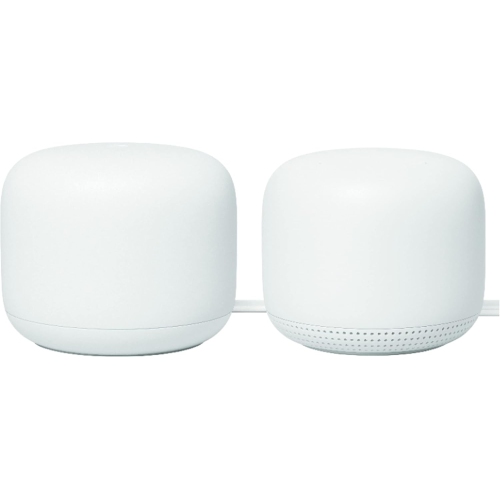 Your price for this item is $249.99
-
 Your price for this item is $749.99
-
 Your price for this item is $299.99
-
 Your price for this item is $139.99
-
 Your price for this item is $499.99
-
 Your price for this item is $349.99
Discover more categories related to Asus Electronics

Top Collections:
Best Black Friday Deals This Year, Best Black Friday Deals On Electronics, Kindle Devices, Dyson Airwrap, Best Cameras for Sports Photography, Best Budget Office Chairs, Canon G7X Cameras, PS5 Pro Consoles, Best Black Friday Deals On Apple Products, XBOX One S Consoles
Some products may be subject to Environmental Handling Fees
(EHF) depending on your province.
Learn more about EHFs.