Asus ROG Strix X670E Gaming
Elevate your gaming setup with the Asus ROG Strix X670e Gaming collection, designed for those who demand top-tier performance and reliability. Explore a range of options tailored to deliver smooth gameplay, advanced connectivity, and exceptional customization. Whether you're building a new rig or upgrading your current system, the Asus ROG Strix X670e Gaming lineup offers the perfect foundation for immersive gaming experiences. Find the ideal components to match your style and take your competitive edge to the next level.
Why motherboard layout matters for your gaming build
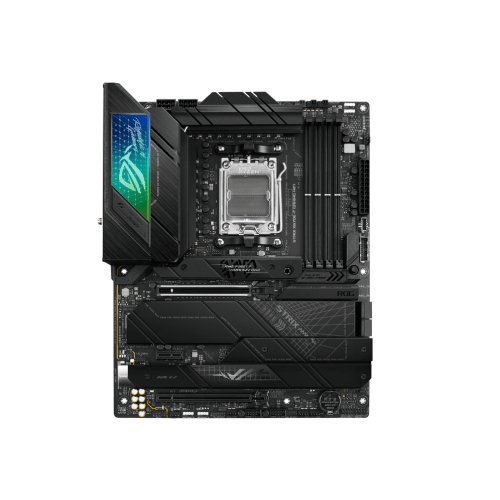
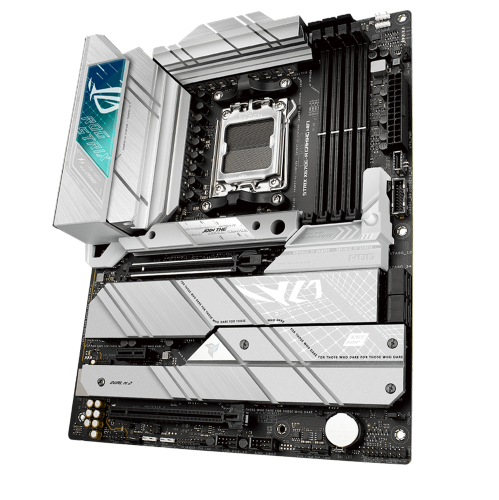
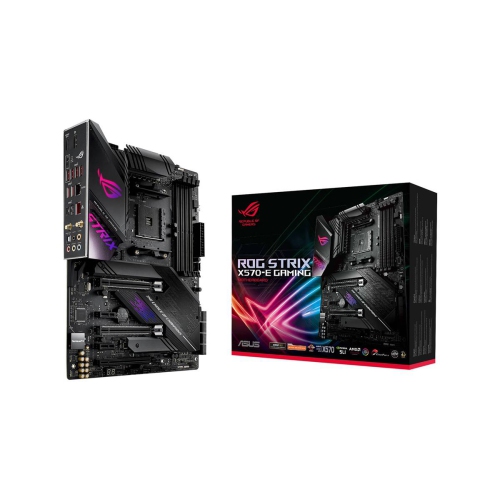
X670E gaming motherboards form the foundation of performance-focused desktop PCs, connecting the processor, memory, graphics card and storage through a single platform. Within the broader Asus ROG Gaming range, these motherboards suit custom builds where expansion, connectivity and component compatibility matter alongside appearance. The X670E platform uses the AM5 processor socket and DDR5 memory, making it distinct from older platforms that use different sockets or DDR4 modules. Processor support depends on the exact motherboard and its installed BIOS version, so a matching socket alone does not establish compatibility with every processor generation. PCIe 5.0 support for graphics and NVMe storage is a defining feature, although usable connection speeds and lane arrangements also depend on the processor and board layout. That distinction matters in a desktop built for a powerful graphics card today and additional storage later. A motherboard does not produce higher frame rates on its own; its role is to support the components doing the work, supply stable power and provide suitable connections. ATX and Mini-ITX formats address different needs within this category. An ATX layout offers more physical room for expansion slots, storage connections and internal headers, while Mini-ITX concentrates the essentials into a much smaller footprint. A compact gaming PC beside a living-room display has different requirements from a large desktop used for gaming, streaming and video editing. Both can benefit from a capable platform, but their case dimensions, cooling arrangements and expansion plans will differ. Memory capacity, supported speeds and the number of memory slots also vary by design. Advertised memory overclocking speeds are not guaranteed with every processor and memory configuration, especially when all slots are populated. For demanding games, large creative projects or several applications running together, a balanced combination of processor, memory and storage is more meaningful than any single specification.
Connectivity is where the differences between X670E gaming motherboards become especially tangible in daily use. Multiple M.2 sockets can accommodate separate drives for the operating system, a game library and working files, reducing the need to move large installations between drives. The number of sockets, their supported PCIe generations and their relationship with other expansion slots vary by board. Some connections share bandwidth, meaning that populating a particular storage socket can change how another slot operates. This is relevant to builds combining a graphics card, several NVMe drives and an additional capture or networking card. Larger layouts generally provide more expansion options, whereas compact layouts require closer attention to the connections already built into the board. Networking may include 2.5-gigabit Ethernet and Wi-Fi 6E, depending on the design. A wired connection can suit a stationary gaming desk, while wireless networking offers flexibility where a cable run is impractical. Wi-Fi 6E access to the 6 GHz band requires a compatible router, and actual performance depends on the wider network rather than the motherboard alone. Rear USB connections serve keyboards, mice, external drives, audio equipment and other peripherals; their connector shape does not, by itself, indicate transfer speed or charging capability. USB4 appears on selected designs, while internal headers determine whether a case’s front USB-C and other ports can function as intended. Audio connections deserve similar attention, particularly for a desktop that alternates between a headset, speakers and recording equipment. Display outputs on the rear panel depend on compatible processor graphics and are not a substitute for checking how a dedicated graphics card connects to a monitor. For streamers and creators, enough usable ports can make the difference between a tidy permanent setup and a desk crowded with adapters. For gaming-focused builds, dependable networking, accessible peripheral connections and sensible storage expansion often have more practical value than a long list of rarely used features.
Physical construction and layout influence how comfortably these motherboards fit into a build and how straightforward that desktop will be to maintain. The circuit board carries copper pathways between components, while metal heatsinks help move heat away from power-delivery components and supported storage drives. Power-stage counts and current ratings describe aspects of the power-delivery design, but they are not a standalone measure of performance or durability. Cooling, processor demands and overall implementation also matter. Reinforced expansion slots can add mechanical support, although a large, heavy graphics card may still require a separate support bracket. Around the processor socket, substantial heatsinks and tall memory modules can affect clearance for an air cooler, while compact cases leave less room for radiator tubing and power cables. Case support for the motherboard’s form factor is only the starting point: cable access, graphics-card thickness and the position of front-panel connections shape the finished build too. Details such as integrated rear connection shields, accessible graphics-card release mechanisms, diagnostic indicators and tool-free storage retention can make assembly or later upgrades less awkward, though these features vary between designs. Appearance also plays a part in a windowed desktop. Dark finishes can blend into a restrained setup, while lighter heatsinks create contrast; lighting headers offer another way to coordinate compatible components. Those visual choices work best alongside a layout that leaves adequate room for airflow and cable routing. Routine care centres on keeping dust from accumulating, protecting exposed contacts and handling the board by its edges with appropriate static precautions. Cleaning or component changes belong in a fully powered-down, disconnected system, with care around small connectors and the delicate socket contacts. These motherboards appeal to experienced builders, enthusiasts planning a substantial upgrade and creators who also game. As a gift, a motherboard is most suitable when the recipient’s processor, memory and case requirements are already known. The strongest match is a board whose socket support, dimensions and connections suit the intended desktop without relying on unnecessary adapters or compromising the planned configuration.
Top selling and popular products
-
 Your price for this item is $224.95
-
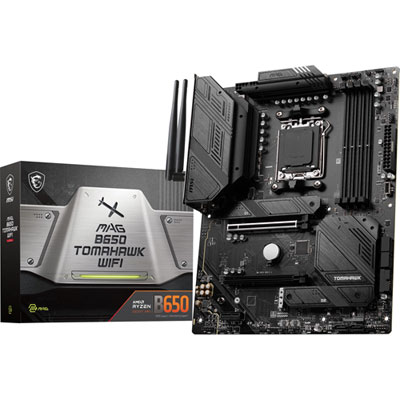 Your price for this item is $199.99
-
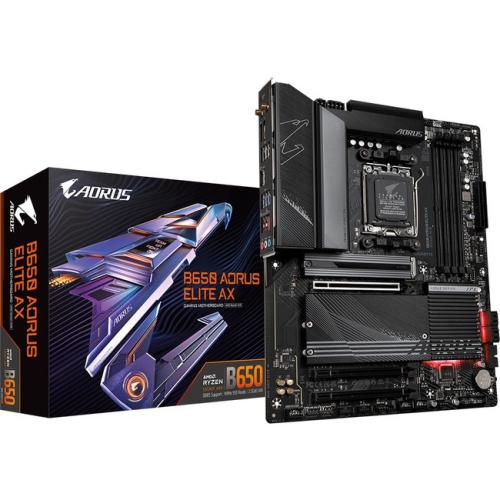 Your price for this item is $331.68
-
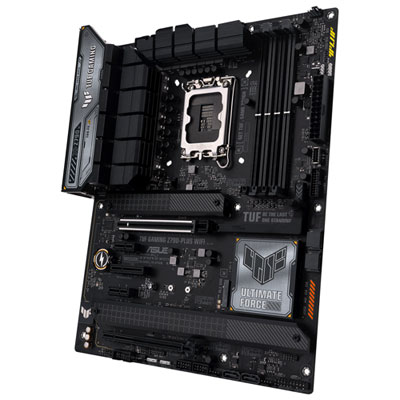 Your price for this item is $349.99
-
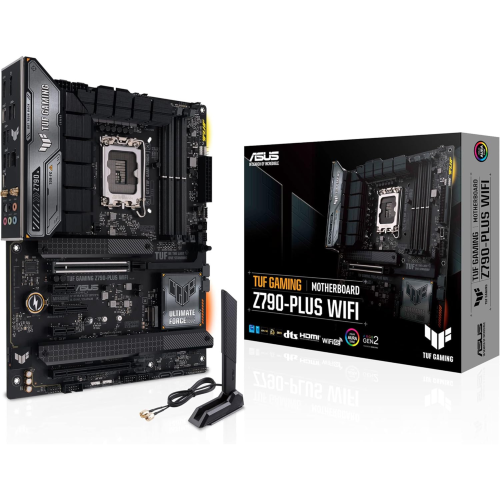 Your price for this item is $361
-
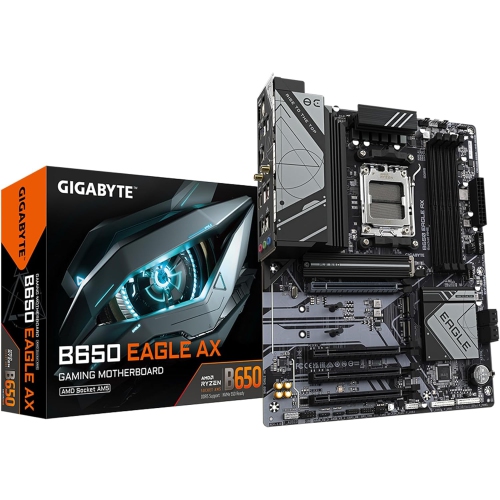 Your price for this item is $172.99
-
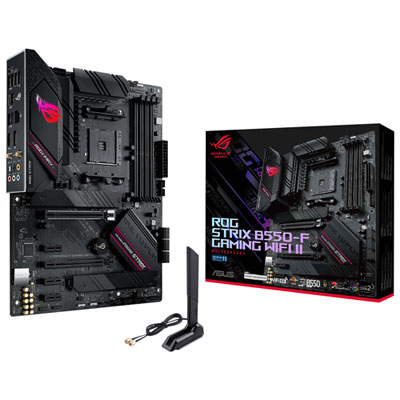 Your price for this item is $259.99
-
 Your price for this item is $587.68
Discover more categories related to Asus ROG Strix X670E Gaming
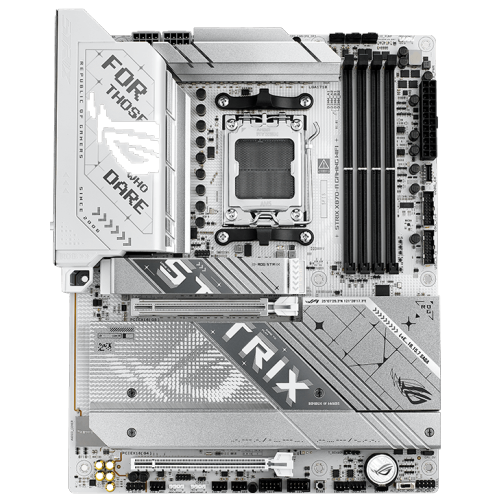
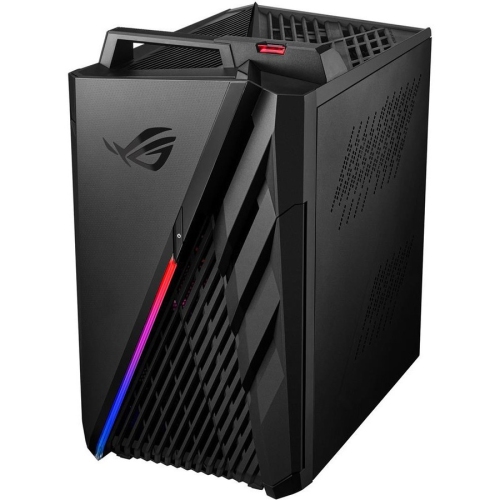
Top Collections:
Best Black Friday Deals This Year, Best Black Friday Deals On Electronics, Kindle Devices, Best Black Friday Deals On Apple Products, Best Budget Office Chairs, Best Cameras for Sports Photography, Dyson Airwrap, Canon G7X Cameras, Best Laptops for Writers, Samsung Galaxy Phones
Some products may be subject to Environmental Handling Fees
(EHF) depending on your province.
Learn more about EHFs.