Asus ROG Strix 18
Discover the power and performance of the Asus ROG Strix 18, designed to elevate your gaming and productivity experience. Explore a range of options that combine innovative technology with sleek design, offering versatility for both work and play. Whether upgrading your setup or searching for a reliable device, the Asus ROG Strix 18 delivers the capability you need to stay ahead. Find the ideal model to match your style and requirements right here.
Sort
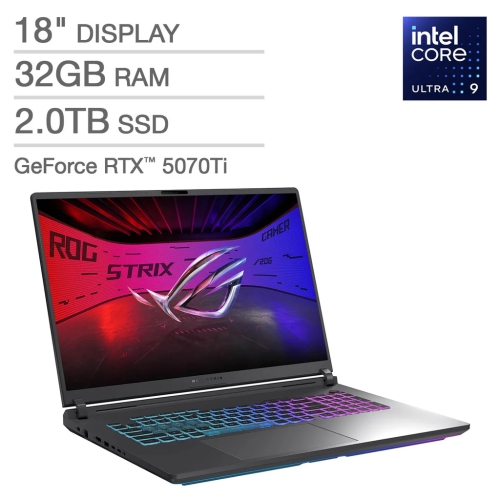
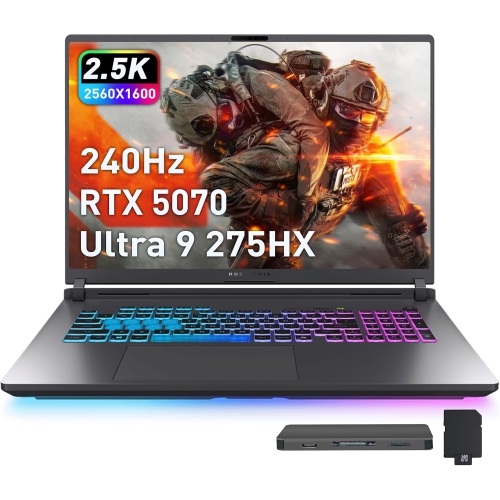
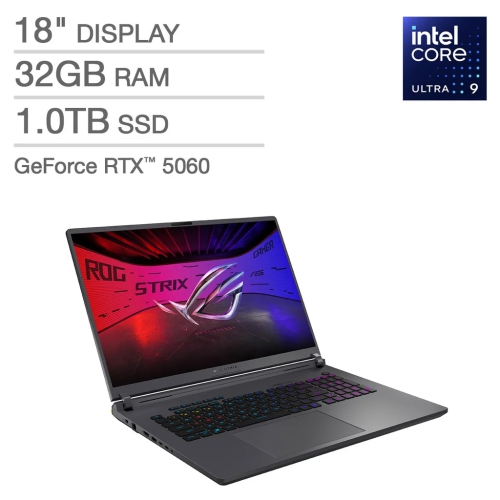
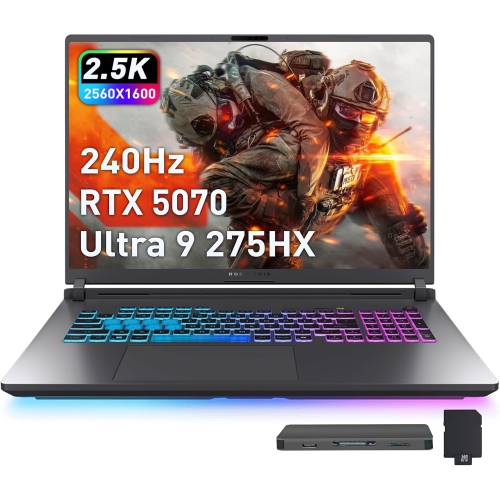
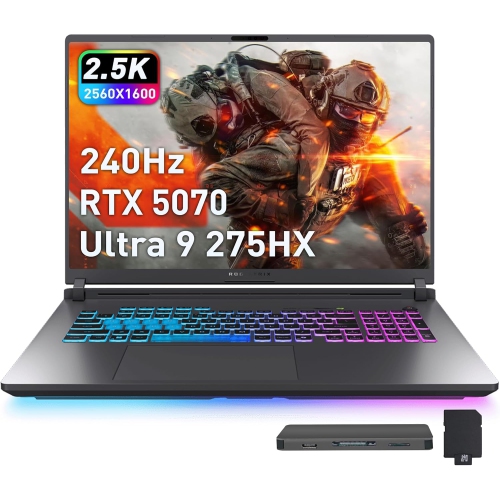
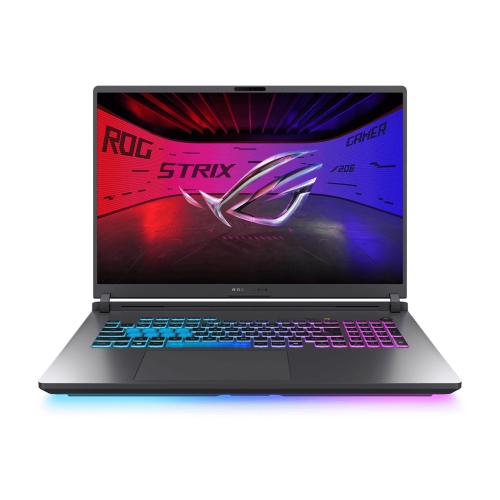
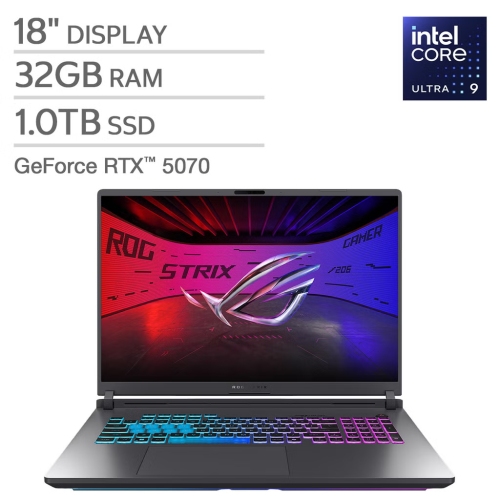
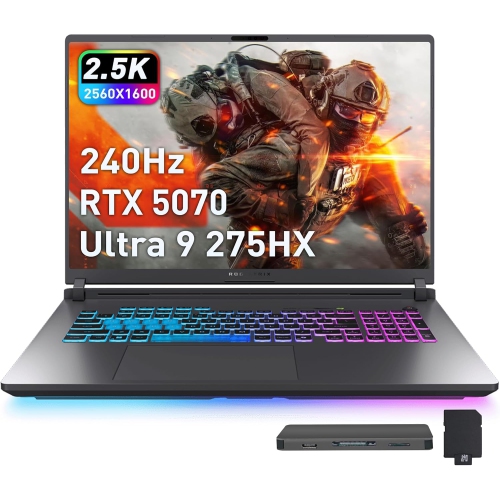


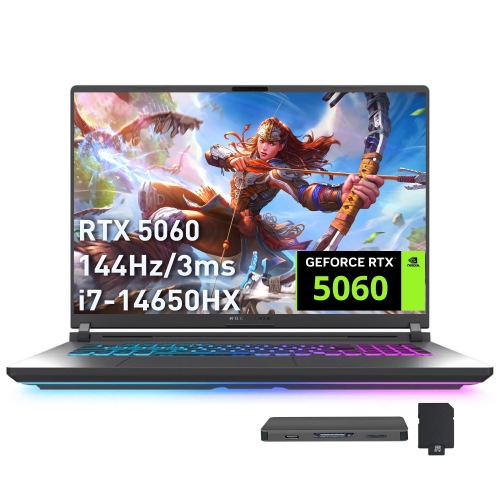
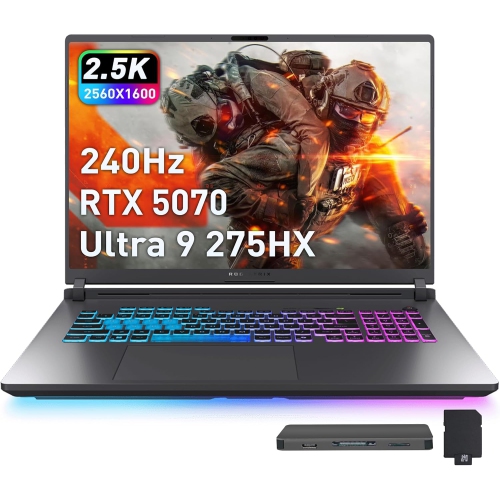
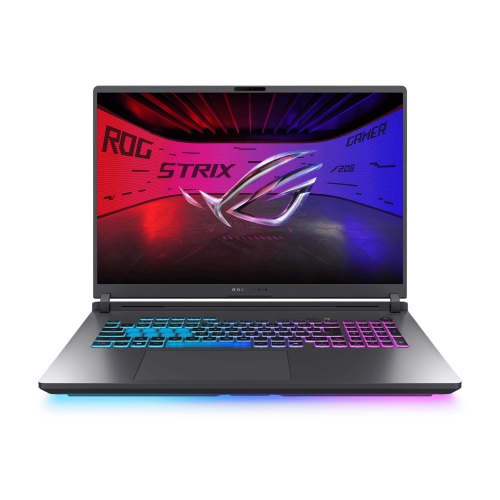


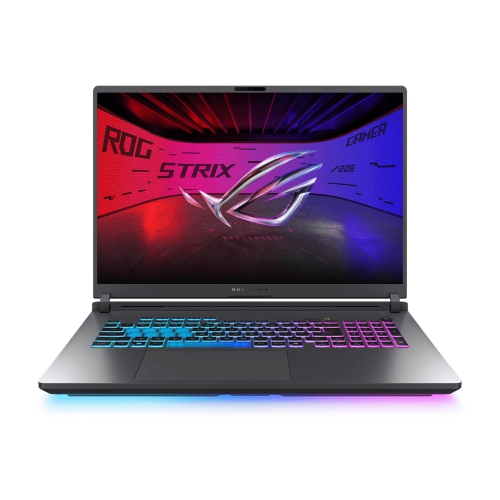
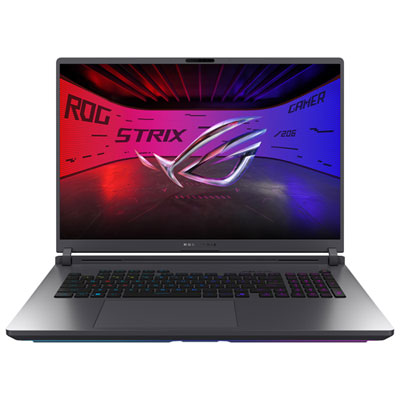
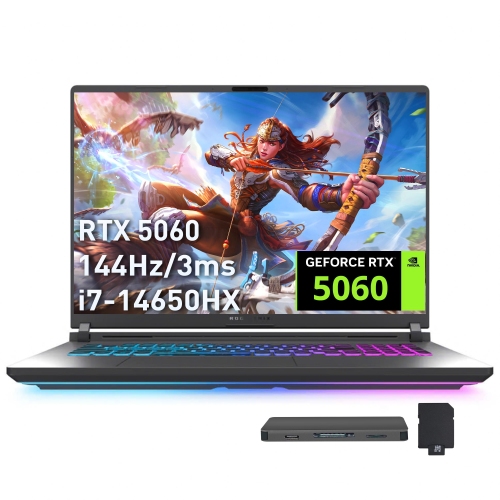
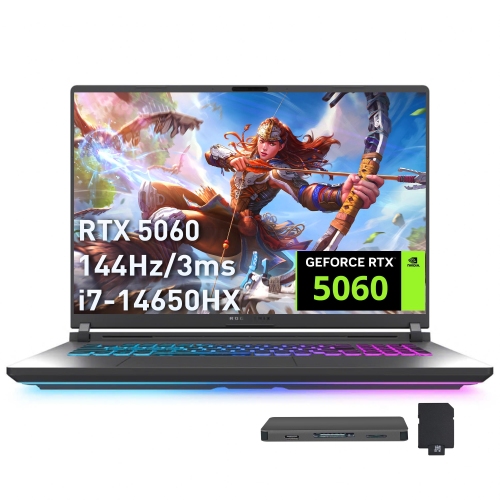
Desktop-style gaming with room for creative work
An 18-inch gaming laptop brings a large display and performance-focused hardware into a single computer, making it a practical desktop replacement for players who want a spacious screen without building a separate tower-and-monitor setup. The appeal is easy to picture: a racing circuit stretches across the display, small interface details are easier to distinguish, and a video-editing timeline has room beside the preview window. Screen size describes the diagonal measurement, however, so the laptop’s overall dimensions still matter when planning a desk setup or choosing a carrying bag. Display quality also involves more than size. Resolution affects detail and the amount of workspace on screen, while refresh rate describes how often the panel can update its image. A high refresh rate can make fast movement look smoother when the graphics hardware delivers enough frames, but it does not guarantee high frame rates in every game. A higher-resolution panel can make text and fine textures look sharper, though demanding games may need adjusted settings to run smoothly at that resolution. Where offered, variable refresh rate technology helps keep the display’s updates aligned with rendered frames, reducing visible tearing. Brightness, contrast, colour coverage, response time, and the screen’s surface finish also influence the experience, whether the laptop is used for competitive matches, cinematic adventures, photo editing, or everyday coursework. Mini LED describes a backlighting approach rather than a resolution, and its presence, dimming behaviour, and other display characteristics depend on the configuration. A taller screen format can provide extra vertical space for documents and creative applications, while reflections from a nearby window can affect how comfortable any display feels in practice. For someone dividing time between gaming and creative work, accurate colour reproduction may be as useful as fast motion handling. These distinctions matter because two laptops with the same diagonal screen measurement can offer noticeably different experiences, even before their processing hardware is considered.
Performance in a large gaming laptop comes from the balance between its processor, graphics hardware, memory, storage, and cooling system. The processor handles game logic and many everyday computing tasks, while a dedicated graphics processor takes on much of the work involved in rendering detailed scenes. Graphics memory helps hold textures and other visual data, particularly at higher resolutions or with more demanding settings. The graphics processor’s name alone does not describe the whole experience: its configured power allowance, the laptop’s cooling design, and the selected operating mode can all affect sustained performance. Ray tracing can add more realistic lighting and reflections in supported games, but it also increases the workload. Upscaling and frame-generation features may improve perceived smoothness where supported, although results depend on the game, settings, and hardware. System memory is a separate consideration, especially when a game runs alongside voice chat, a browser, streaming software, or a creative application. Storage capacity deserves similar attention, since a collection of large games, recorded matches, and project files can fill a drive quickly. Solid-state storage helps with responsiveness and loading, but storage capacity alone does not determine gaming frame rates. Anyone planning future upgrades should check whether memory is replaceable, how many storage slots are present, and what access or servicing requirements apply; tool-free access and expansion options are not universal features. Cooling is particularly important during long sessions. Fans need unobstructed intake and exhaust paths, so a firm desk surface is more suitable than bedding or a soft cushion. Performance modes may increase fan noise, while quieter modes can reduce performance to suit lighter tasks. A headset can make a busy multiplayer session easier to follow, but it does not replace the need for proper airflow. These laptops generally deliver their strongest gaming performance when connected to their supplied power adapters, and unplugged runtime varies with workload, display settings, and battery capacity. Their mobility is therefore often about moving a capable setup between locations rather than gaming for an entire day away from an outlet.
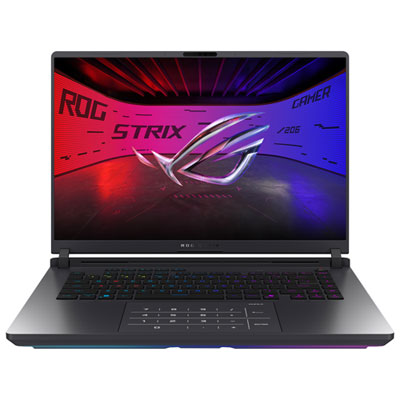
The physical design of an 18-inch laptop deserves as much attention as its internal specifications. A roomy chassis can provide space for a broad keyboard, a larger touchpad, and substantial cooling hardware, although keyboard layouts and number pads vary. Key spacing, travel, and the position of frequently used controls influence comfort during both play and typing. Lighting may help identify keys in a dim room, while adjustable brightness is useful when a colourful keyboard would otherwise distract from a film or shared workspace. Chassis materials, hinge construction, and assembly quality contribute to everyday durability; a metal finish alone does not guarantee that a laptop will tolerate rough handling. Carrying weight should include the power adapter, cables, and any peripherals, not just the computer. A padded bag needs to fit the laptop’s actual width, depth, and thickness rather than relying only on its advertised screen-size label. For a smaller-format comparison, the ROG Strix 16 range provides another screen-size option to weigh against the workspace of an 18-inch display. At a desk, port placement can make a noticeable difference: a charging cable or display connector beside a mouse hand may feel awkward, while sufficient USB connections can simplify a setup with a keyboard, controller, and external drive. Check what each connection supports, since a USB-C connector does not automatically guarantee the same charging, video, or data capabilities across configurations. Wi-Fi performance depends partly on the router and connection conditions, while Ethernet can be useful for a fixed gaming setup. Routine care includes shutting down and unplugging the laptop before cleaning, using a suitable soft cloth, and following the manufacturer’s directions for the screen and vents. Avoid spraying liquid directly onto the computer or forcing the lid into a crowded bag. For students, creators, or gaming enthusiasts, including those receiving a laptop as a gift, the best fit balances screen space and performance with the desk, travel habits, software, and accessories that shape everyday use.
Top selling and popular products
-
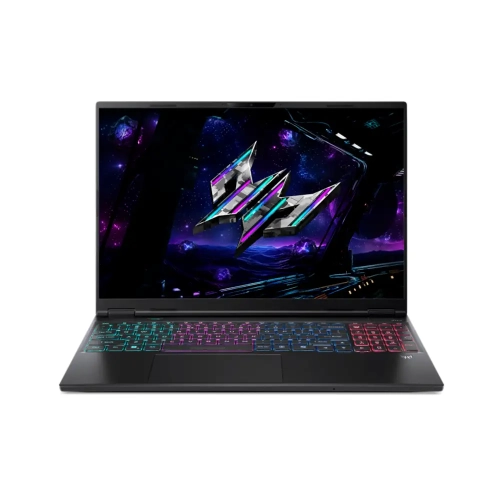 Your price for this item is $3699
-
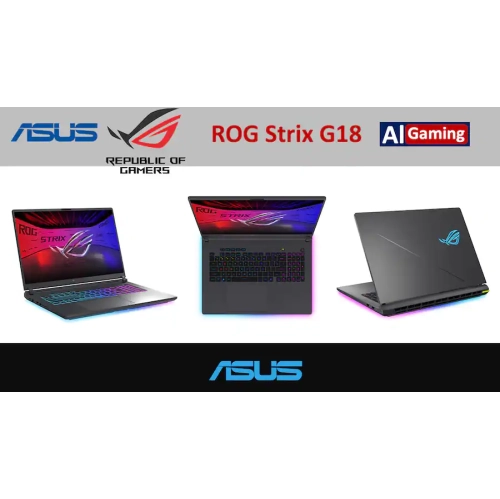 Your price for this item is $2899
-
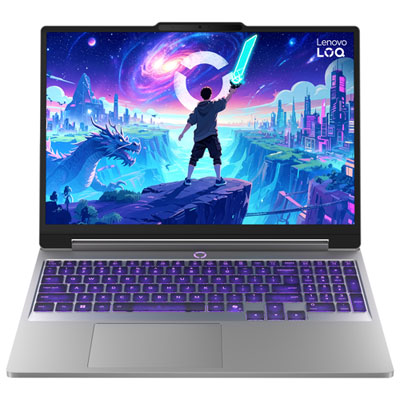 Your price for this item is $1499.99
-
 Your price for this item is $3449
-
 Your price for this item is $2999
-
 Your price for this item is $3649
-
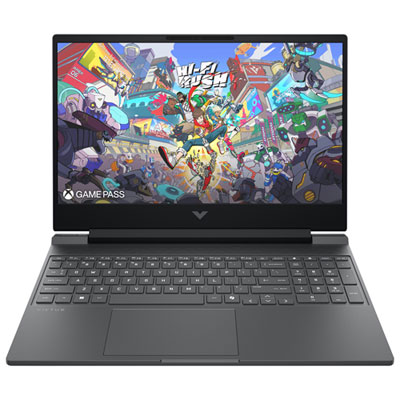 Your price for this item is $999.99
-
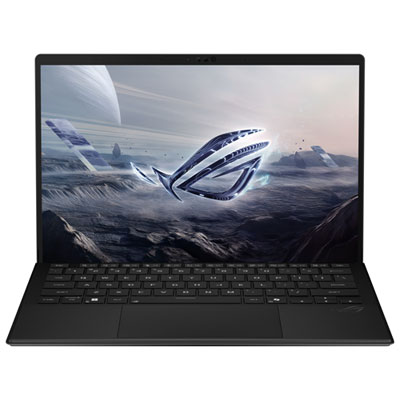 Your price for this item is $2699.99
Discover more categories related to Asus ROG Strix 18
Top Collections:
Best Black Friday Deals This Year, Best Black Friday Deals On Electronics, Kindle Devices, Best Black Friday Deals On Apple Products, Best Budget Office Chairs, Best Cameras for Sports Photography, Dyson Airwrap, Canon G7X Cameras, Best Laptops for Writers, Samsung Galaxy Phones
Some products may be subject to Environmental Handling Fees
(EHF) depending on your province.
Learn more about EHFs.