Asus Vivobook 14 Flip 14
Discover a versatile computing experience with the Asus Vivobook 14 Flip 14. Designed to adapt to your everyday needs, this dynamic device offers flexibility for work, study, and entertainment. Its sleek design and practical features make it a great choice for those seeking performance and convenience in a compact package. Explore the Asus Vivobook 14 Flip 14 to find the perfect balance of style and functionality for your lifestyle.
Sort

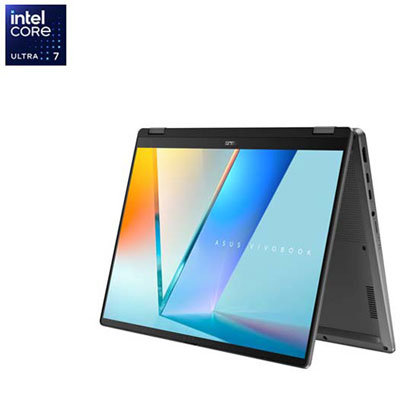
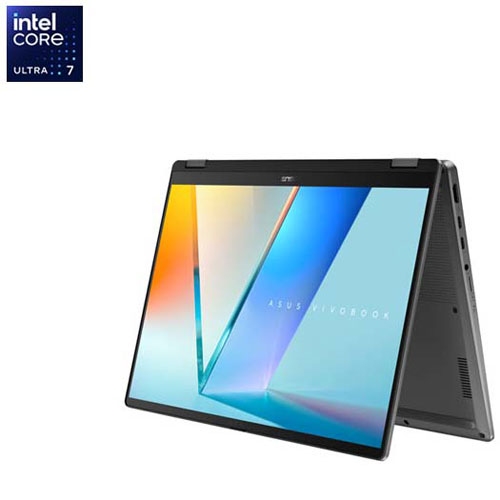
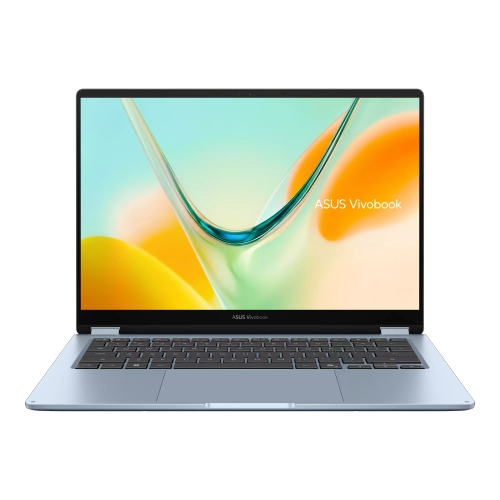
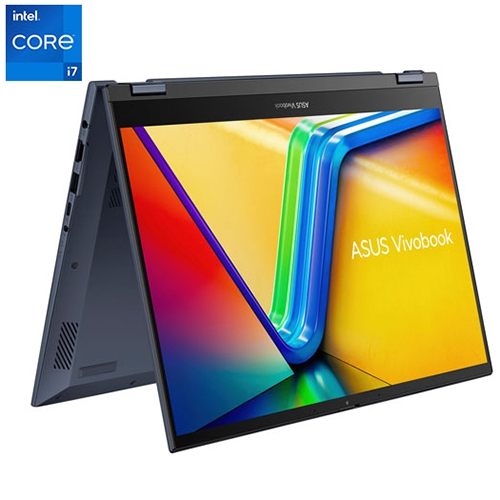
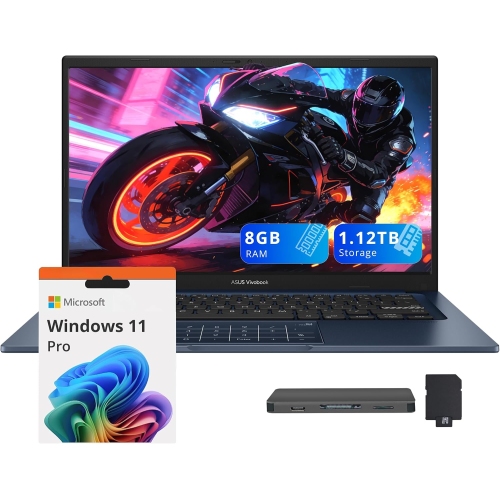
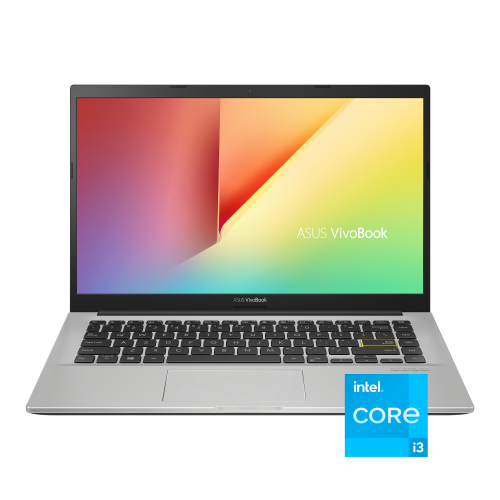
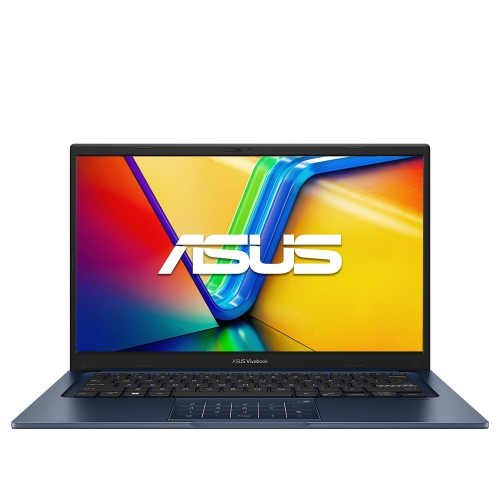
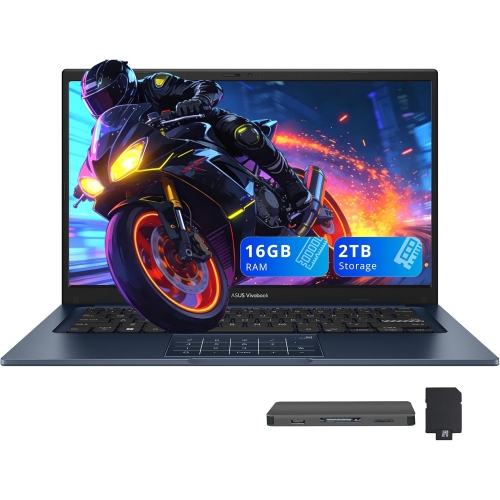
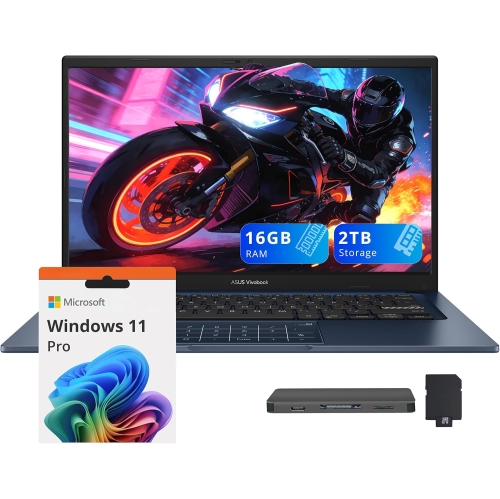
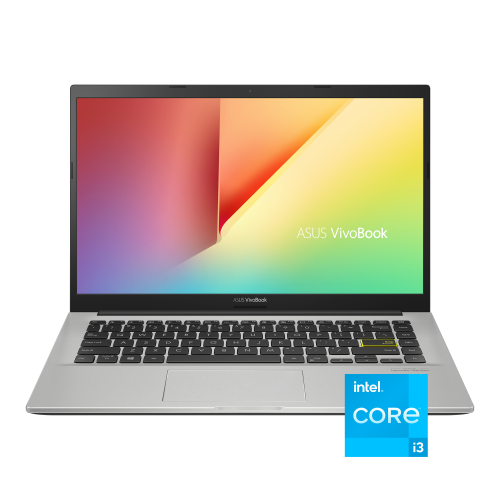
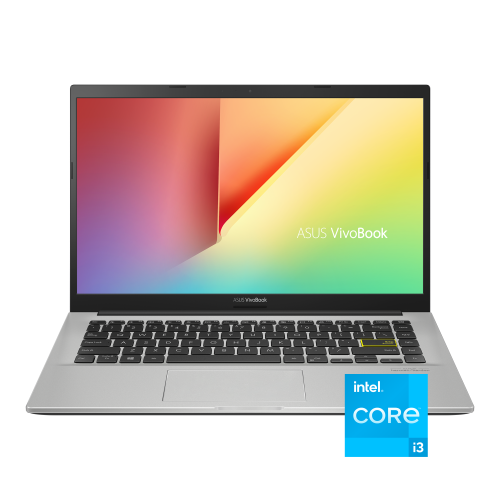
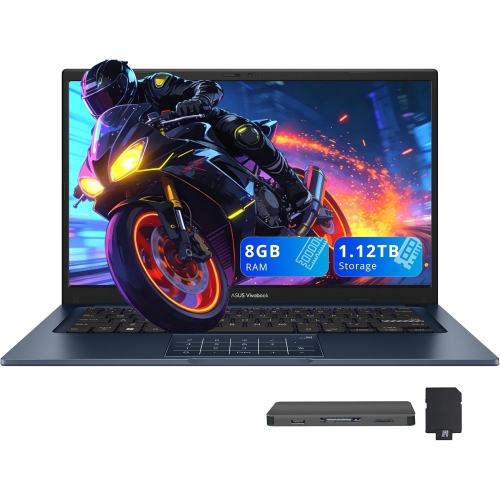
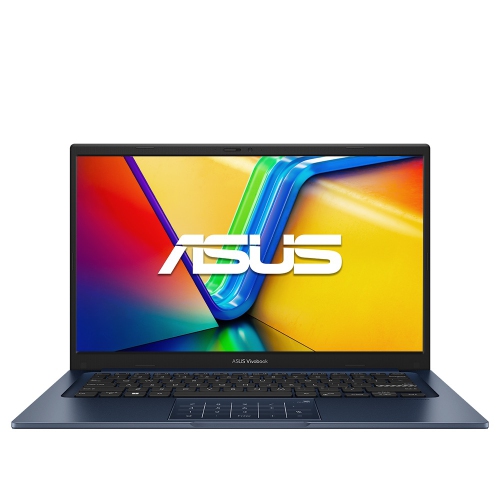
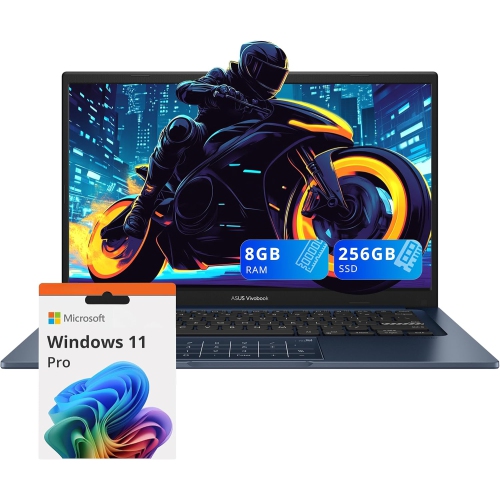
How a folding screen fits your daily routine
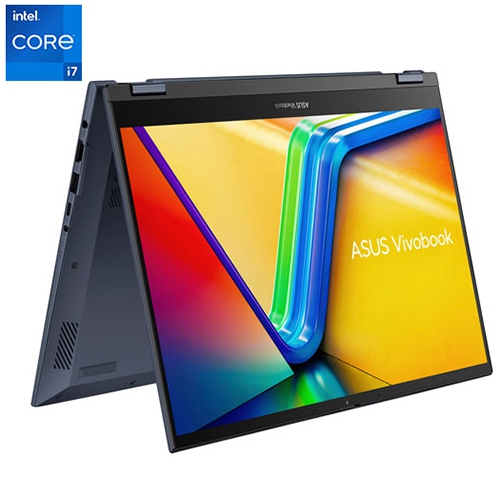
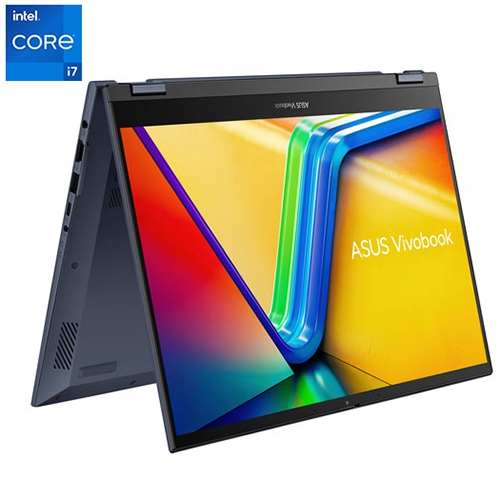
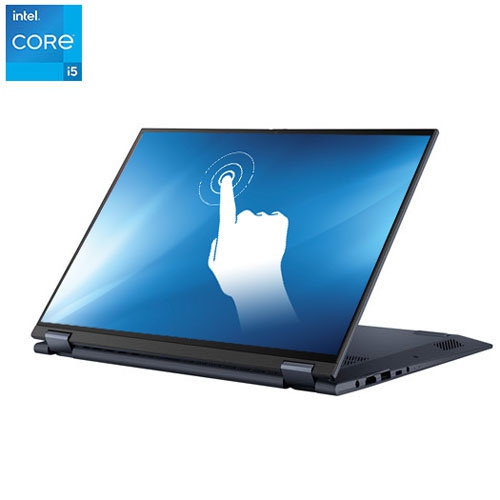
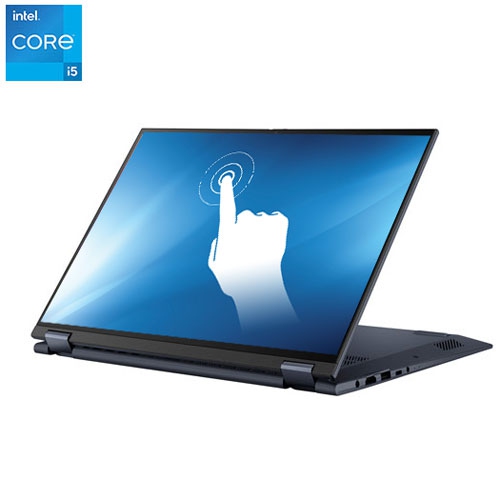
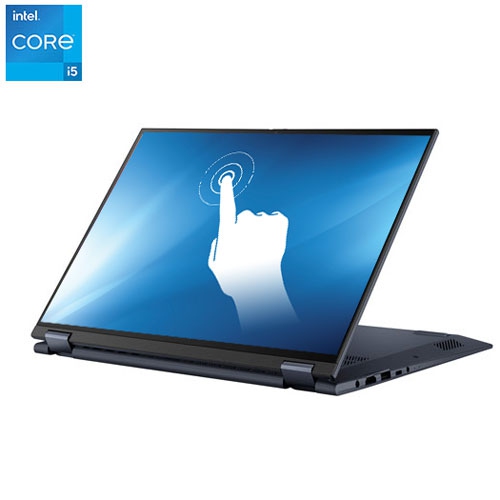
A 14-inch 2-in-1 convertible laptop combines a traditional keyboard-based computer with a touchscreen that folds into different positions for typing, viewing, and touch input. The flip-style design typically uses a 360-degree hinge, allowing the screen to rotate behind the keyboard rather than detach from it. In laptop mode, it suits essays, spreadsheets, email, and everyday browsing. Folded into a tent or stand position, it can keep a recipe visible on a kitchen counter, show a presentation across a small table, or play a lecture beside a notebook. Tablet mode makes the screen easier to hold for reading and annotation, although a convertible laptop generally feels heavier than a dedicated tablet. The 14-inch screen size offers a practical middle ground: enough room for a document and reference material side by side, with a footprint that can fit into many backpacks and smaller workspaces. Actual dimensions and weight vary, so screen size alone does not determine how comfortably a laptop travels. For students moving between classrooms, professionals working in shared spaces, and households using one computer for several tasks, that flexibility can be more useful than a larger display. Touch input is especially convenient for scrolling through articles, enlarging diagrams, and navigating a presentation without reaching for the touchpad. Where active pen input is supported, handwritten notes and quick sketches add another way to work, but pen compatibility and whether a pen is included depend on the configuration. Display characteristics matter just as much as the folding mechanism. Resolution affects text clarity, brightness influences visibility near a window, and screen finish can change how noticeable reflections are. Colour reproduction may be important for casual photo editing or illustration, while comfortable text size and useful viewing angles can have a bigger impact on reading and coursework. A convertible design brings these activities together in one device, with its value rooted in how naturally the different positions fit into a daily routine.
Performance in a compact convertible depends on the processor, memory, storage, and cooling system rather than the screen size or hinge style. Everyday tasks such as writing assignments, attending video calls, streaming video, and managing household paperwork have different demands from editing large photo files or working with complex design software. A computer that handles a few browser tabs comfortably may feel less responsive when a video meeting, a presentation, and several web applications are open together. Memory helps keep those active tasks running smoothly, while solid-state storage contributes to responsive startup and file access. Storage capacity also shapes daily convenience: text documents take relatively little space, but downloaded lectures, family photos, creative projects, and video files can build up quickly. Some thin laptops have limited upgrade options, making the original configuration an important part of their long-term usefulness. Operating system compatibility matters for required school software, workplace applications, and connected accessories. For handwritten work, the screen, compatible pen, and chosen application all influence how natural the experience feels; a touchscreen by itself does not guarantee advanced drawing features. The keyboard and touchpad remain central to longer sessions, particularly for anyone writing reports or entering data. Key spacing, palm-rest room, and keyboard backlighting can affect comfort in ways that a specification sheet does not fully capture. Video calls bring other details into focus, including webcam placement, microphone clarity, speaker quality, and any built-in camera privacy control. Wi-Fi support and a suitable home or campus network help with online work, while physical connections determine how easily the laptop joins a desk setup. USB-C, USB-A, HDMI, and audio connections vary by configuration, and a USB-C port does not automatically support every charging or display function. Battery life also varies with screen brightness, applications, and usage. A full day of light document work places different demands on a battery than repeated video meetings, so the charging arrangement deserves consideration alongside the stated battery estimate.
Build quality and everyday handling help determine how well a 14-inch flip laptop fits life away from a permanent desk. Depending on the design, the chassis may use metal, plastic, or a combination of materials; the overall construction, hinge stability, and panel support are more informative than any one material alone. A firm hinge helps the screen stay in position during touch input, while a balanced base can make typing more comfortable on a small table. The convertible mechanism is designed for movement, but it still benefits from careful handling: opening the display from near its centre helps distribute pressure, and lifting the computer by its base avoids placing unnecessary strain on the screen. A padded sleeve should match the laptop’s actual dimensions rather than simply its advertised display size, with enough room to close without pressing tightly against the corners. Keeping the charger and other hard accessories in a separate compartment helps prevent marks and pressure against the lid. At home, a hard, stable surface leaves ventilation openings clear; soft bedding and cushions can obstruct airflow. Routine care is straightforward, with a clean microfibre cloth suitable for removing fingerprints and screen-safe cleaning methods used according to the manufacturer’s directions. Liquids should not be sprayed directly onto the display or keyboard. For a student, this format can support typed coursework and handwritten diagrams on the same device. For someone who moves between a home office and shared workspaces, the folding screen offers convenient viewing without always needing a separate stand. It can also make a thoughtful gift for a recipient whose software requirements and preferred way of working are understood, especially when portability and touch interaction are priorities. Related compact laptop browsing can include the Asus ZenBook 14 Intel collection, with each design’s specifications and screen movement providing useful points of comparison. Within the convertible category, the strongest fit comes from the combination of comfortable typing, suitable performance, manageable weight, and a touchscreen that serves a clear purpose beyond occasional tapping.
Top selling and popular products
-
 Your price for this item is $449
-
 Your price for this item is $3099
-
 Your price for this item is $1800.68
-
 Your price for this item is $664.05
-
 Your price for this item is $869.99
-
 Your price for this item is $2960.48
-
 Your price for this item is $489.7
-
 Your price for this item is $1199
Discover more categories related to Asus Vivobook 14 Flip 14
Top Collections:
Best Black Friday Deals This Year, Best Black Friday Deals On Electronics, Kindle Devices, Best Black Friday Deals On Apple Products, Best Budget Office Chairs, Best Cameras for Sports Photography, Dyson Airwrap, Canon G7X Cameras, Best Laptops for Writers, Samsung Galaxy Phones
Some products may be subject to Environmental Handling Fees
(EHF) depending on your province.
Learn more about EHFs.