Asus Vivobook S 16 Flip
Discover the versatility and performance of the Asus Vivobook S 16 Flip, designed to meet the demands of work, study, and entertainment. With its sleek design and flexible functionality, the Asus Vivobook S 16 Flip offers a seamless experience for everyday tasks and creative projects alike. Explore options that combine style with convenience, making it easy to stay productive and connected wherever you go. Find the ideal Asus Vivobook S 16 Flip to match your needs and elevate your daily routine.
Sort
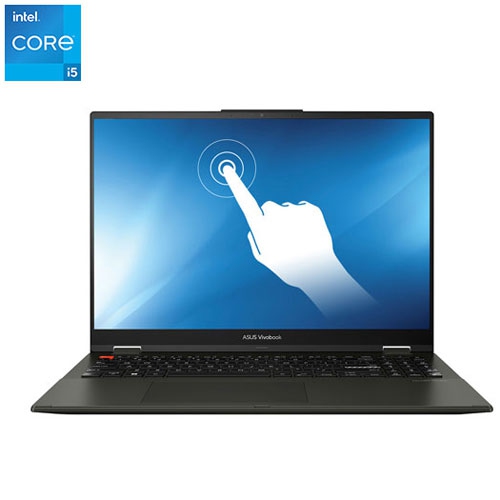
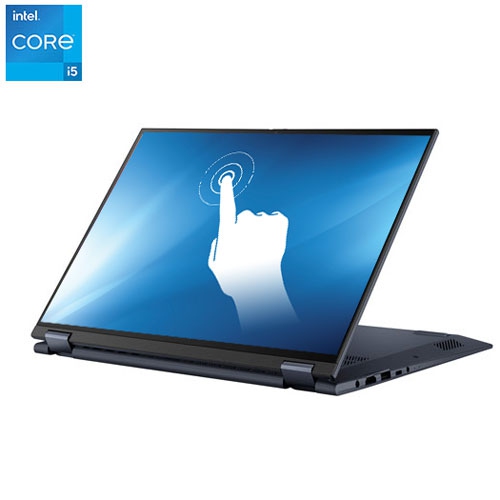
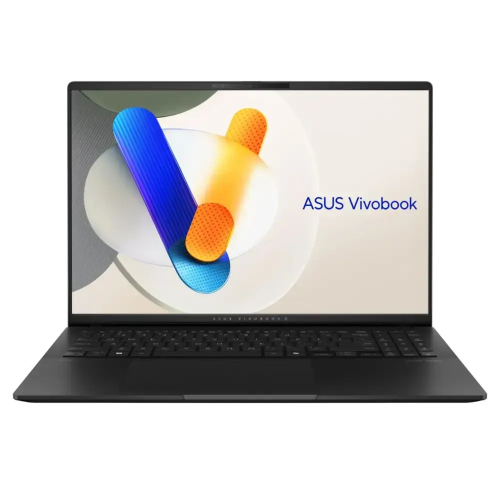
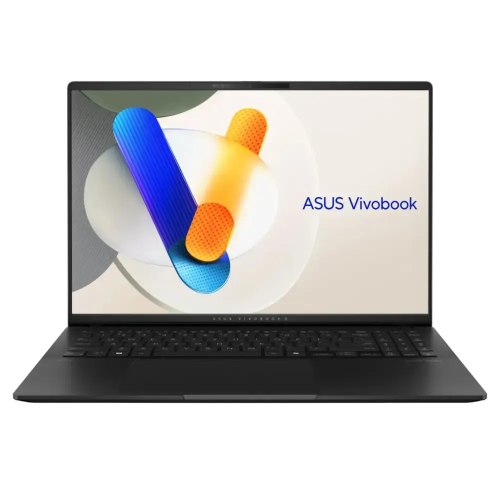
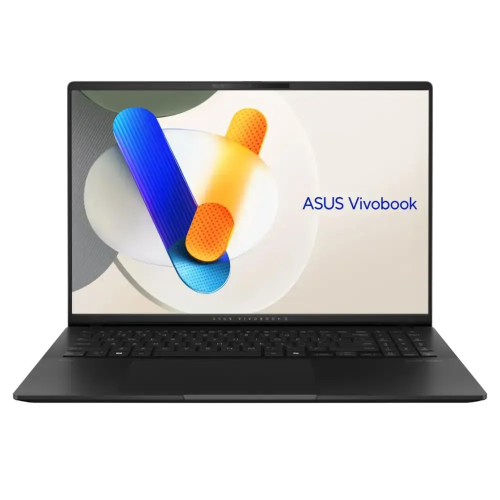
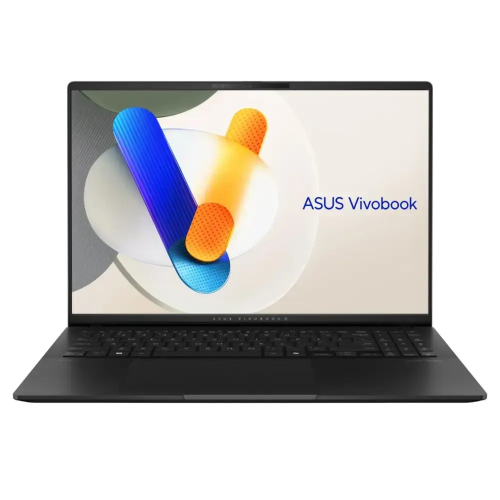
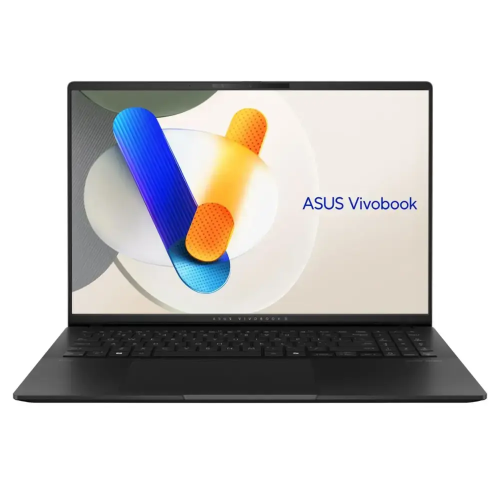
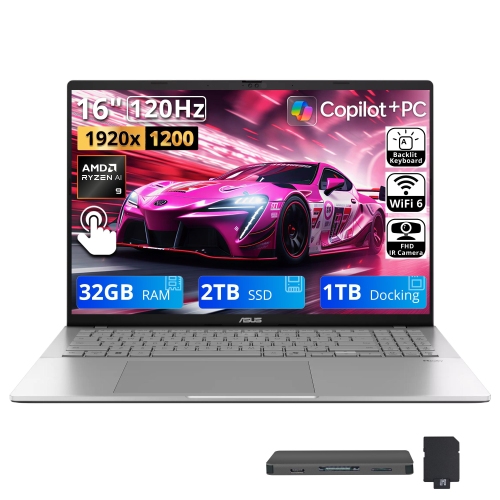
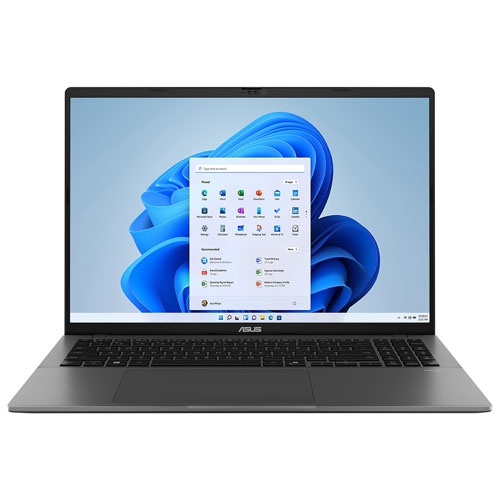
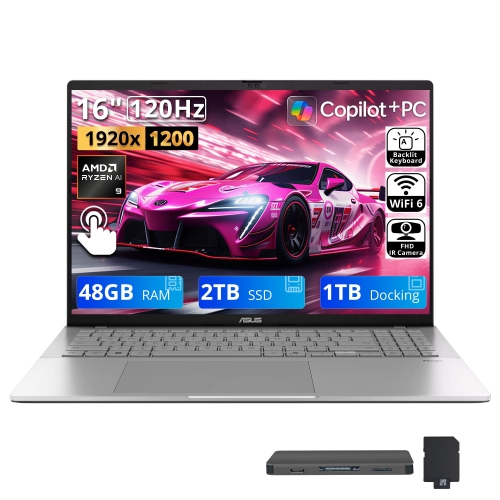
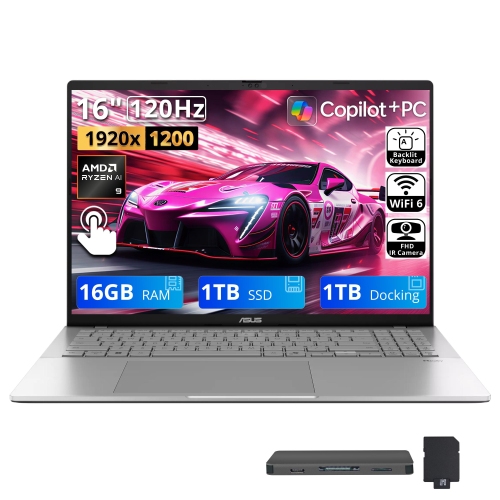
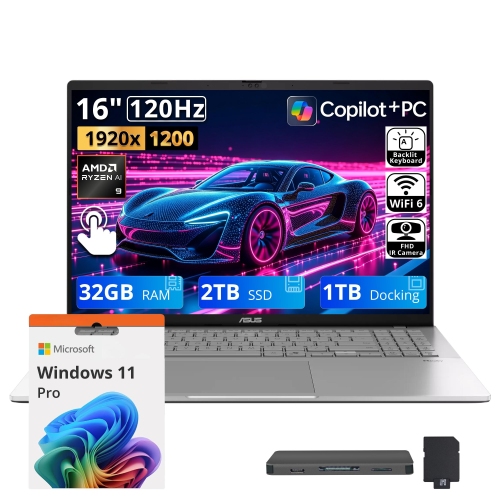
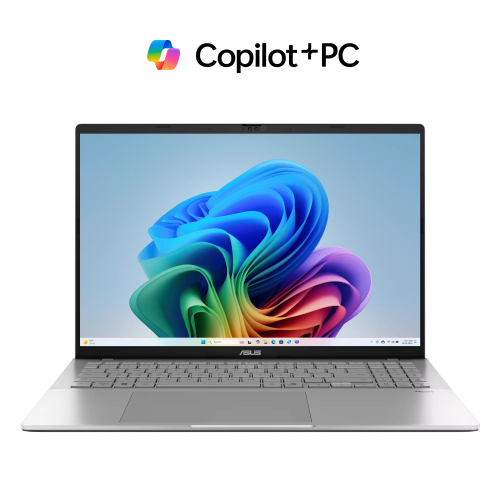
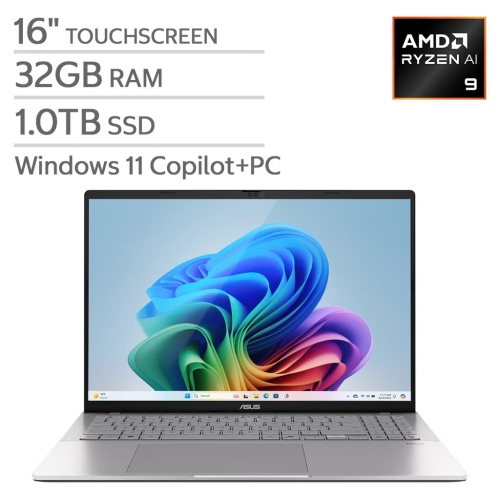
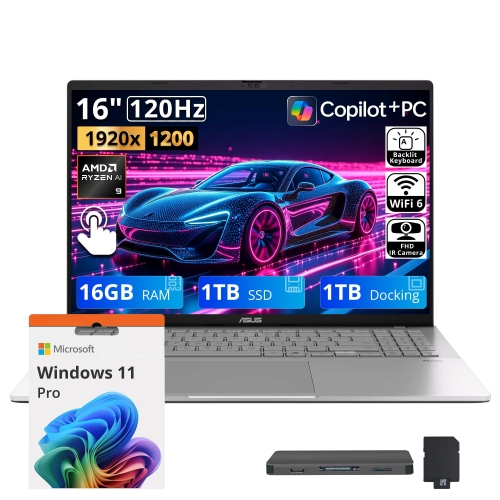
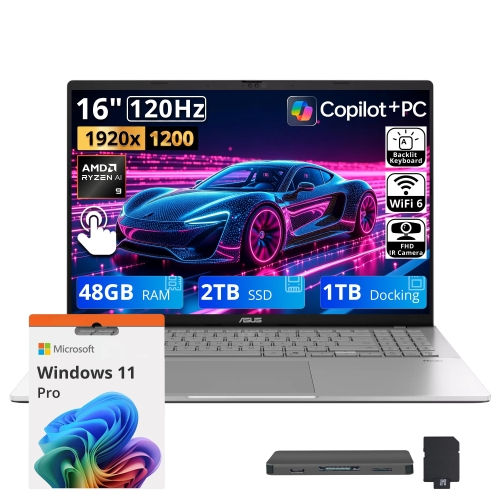
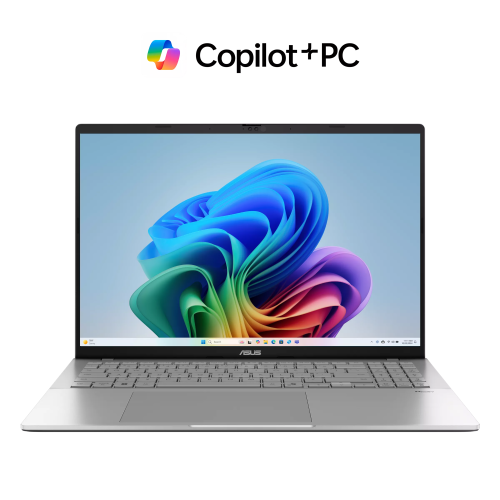
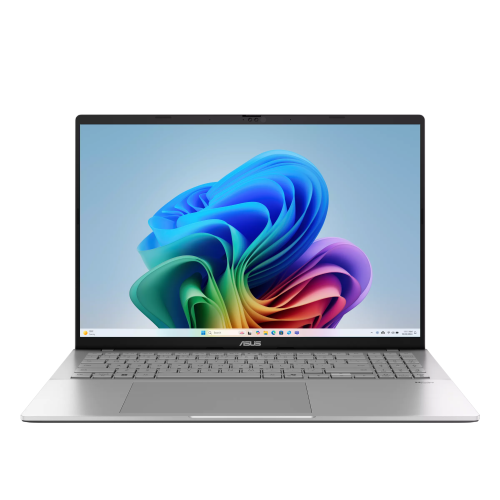
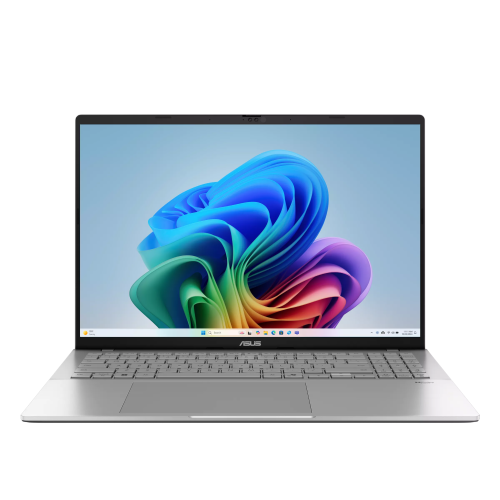
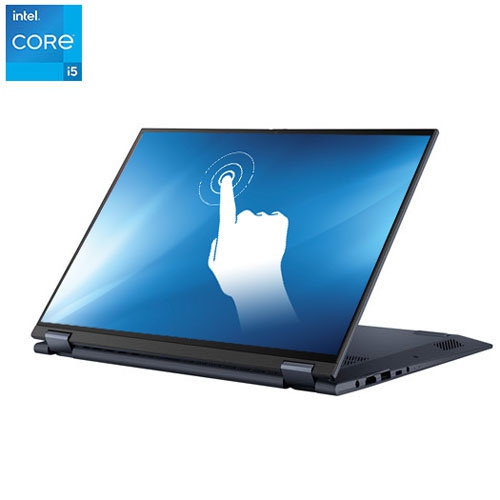
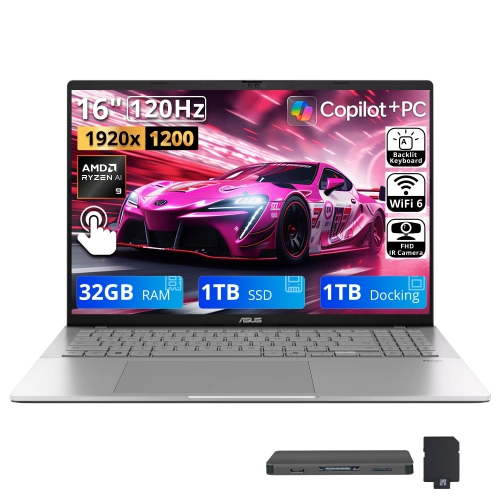
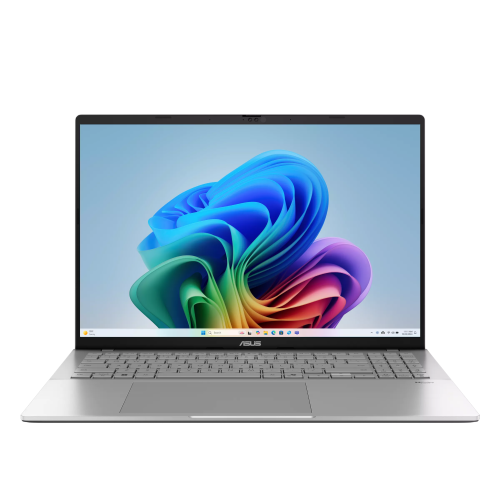
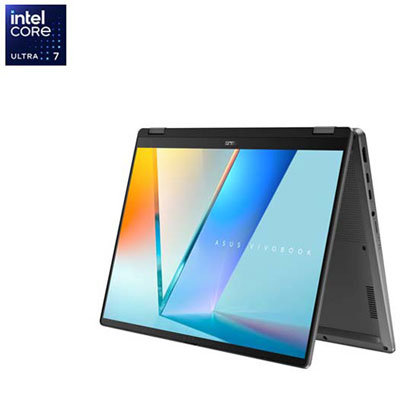
A 16-inch workspace with more ways to work
A 16-inch convertible laptop combines the workspace of a larger notebook with a touchscreen that can fold into different positions. With a 360-degree hinge, this type of 2-in-1 computer can move between a familiar keyboard-and-trackpad setup, a tent position for watching or presenting, and a tablet-style arrangement for touch-based tasks. That flexibility suits days that move between writing, research, video calls, and reading without requiring a separate device for every activity. A student might type an assignment at a desk, fold the keyboard behind the screen to review annotated readings, then prop the laptop up to follow a recorded lecture. Someone working from home could use the larger display for a spreadsheet and reference document side by side, then change its position to share a presentation across a table. The 16-inch screen provides generous space for these activities, although usable detail also depends on resolution, display scaling, and the layout of each application. Text clarity matters during long reading sessions, while colour reproduction and brightness are useful considerations for photo work, presentations, and everyday viewing. A glossy touchscreen can show reflections under overhead lighting, so screen positioning makes a practical difference. Touch input is convenient for scrolling through documents or enlarging a diagram, but active pen support depends on the configuration and compatible accessories. Where supported, a pen can make handwritten notes, signatures, and rough sketches feel more direct than using a trackpad. A larger convertible also has a different physical feel from a small tablet: it is generally better supported on a desk, lap, or stand than held in one hand for extended periods. Its appeal lies in combining a roomy laptop workspace with several useful viewing and input positions, rather than replacing every advantage of a dedicated tablet. That balance can suit shared household computing, study sessions, and work that mixes keyboard input with occasional touch interaction.
Everyday responsiveness depends on the combination of processor, memory, storage, and software rather than screen size alone. Web browsing, document editing, online classes, and video meetings have different demands from large photo libraries, complex spreadsheets, or video editing. Enough memory helps keep several applications and browser tabs working smoothly together, while a solid-state drive supports quick access to the operating system, applications, and saved files. Storage capacity deserves attention when a laptop will hold downloaded course materials, family photos, or substantial work folders rather than relying mainly on online storage. Graphics capabilities also vary: a convertible built for general productivity should not automatically be treated as a substitute for a dedicated gaming or professional graphics computer. Software compatibility matters just as much, particularly for specialized school applications, workplace tools, and accessories with their own drivers. The keyboard and trackpad shape the daily experience in less dramatic but equally noticeable ways. Key spacing, the placement of navigation keys, and a comfortable palm rest become important during an evening of writing or a long session entering figures. A backlit keyboard, where included, can improve key visibility in a dim room. Connections deserve similar attention. USB ports support everyday accessories, a display connection can simplify using an external monitor, and a headphone connection may be useful for calls or focused listening. USB-C capabilities differ between laptops, so a connector’s shape alone does not confirm charging, video output, or compatibility with a particular dock. Wi-Fi performance also depends on the router, network conditions, and the laptop’s wireless hardware. Battery life changes with screen brightness, background applications, video calls, and workload; a manufacturer’s estimate is not a guarantee for every routine. For someone carrying the computer between home, campus, or an office, the combined weight of the laptop and charger matters alongside battery endurance. As a gift for a student or family member, this format is most useful when its size, software support, and input options match the recipient’s actual habits.
Build quality and everyday care help a large convertible remain comfortable to use over time. Metal, plastic, and mixed-material housings each have their own feel, but the material name alone does not establish durability. The rigidity of the keyboard deck, the stability of the display, and the way the hinge holds its position all contribute to the experience. A hinge should support the screen during normal interaction without requiring the display to be forced beyond its intended range. Changing modes is best done with the laptop on a stable surface, keeping fingers and loose objects away from the folding mechanism. In a bag, a padded compartment sized for the computer’s actual dimensions helps protect the screen and corners; a sleeve labelled for a 16-inch laptop may still fit differently depending on the chassis shape. Chargers, pens, and other hard accessories are better stored separately rather than pressed against the lid. At a desk, a firm, clear surface keeps ventilation openings unobstructed, while bedding and thick cushions can interfere with airflow. Routine cleaning is straightforward: shut the computer down, disconnect power, and follow the manufacturer’s directions for the screen and housing. A soft, lint-free cloth is useful for fingerprints, and any approved cleaning liquid should go on the cloth rather than directly onto the device. Keeping crumbs and drinks away from the keyboard reduces avoidable problems. Regular software updates, secure sign-in settings, and a separate backup of important files support dependable daily use beyond the physical hardware. When comparing related laptop families such as Asus Vivobook S16, similar naming does not necessarily indicate the same hinge design, touchscreen capabilities, or pen compatibility. Those distinctions matter more than a shared screen-size label. For people who want one computer for focused typing, spacious viewing, and occasional hands-on interaction, a large convertible offers a practical combination of familiar laptop operation and flexible screen positioning.
Top selling and popular products
-
 Your price for this item is $449
-
 Your price for this item is $3099
-
 Your price for this item is $1800.68
-
 Your price for this item is $664.05
-
 Your price for this item is $869.99
-
 Your price for this item is $2960.48
-
 Your price for this item is $489.7
-
 Your price for this item is $1199
Discover more categories related to Asus Vivobook S 16 Flip

Top Collections:
Best Black Friday Deals This Year, Best Black Friday Deals On Electronics, Kindle Devices, Best Black Friday Deals On Apple Products, Best Budget Office Chairs, Best Cameras for Sports Photography, Dyson Airwrap, Canon G7X Cameras, Best Laptops for Writers, Samsung Galaxy Phones
Some products may be subject to Environmental Handling Fees
(EHF) depending on your province.
Learn more about EHFs.