Asus X515
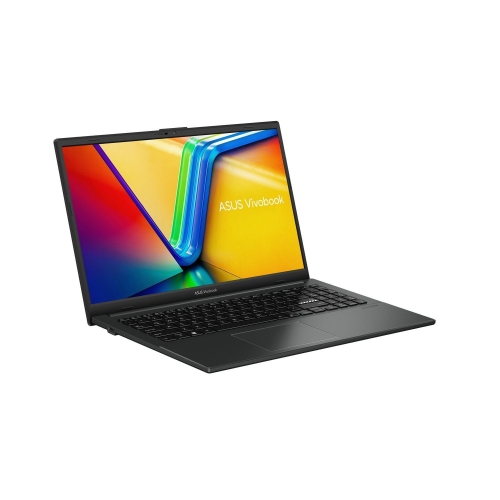
Discover the versatility and performance of the Asus X515, designed to meet your everyday computing needs. Whether you're working, studying, or enjoying entertainment, the Asus X515 offers reliable functionality in a sleek package. Explore a range of options that combine style and practicality, making it easy to find the right fit for your lifestyle. Elevate your digital experience with the Asus X515 and enjoy seamless productivity at home or on the go.
Sort

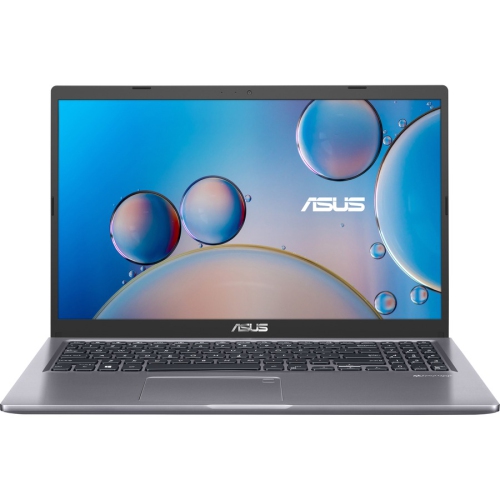
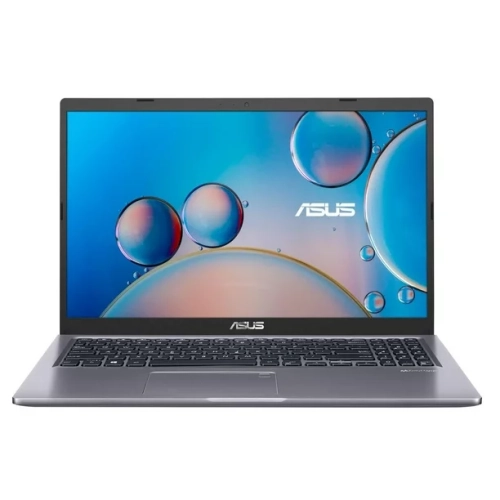
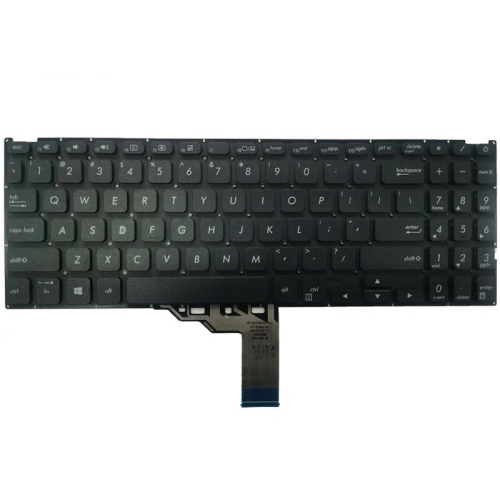
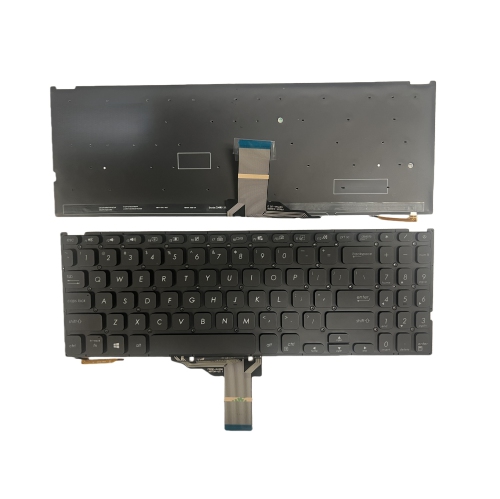
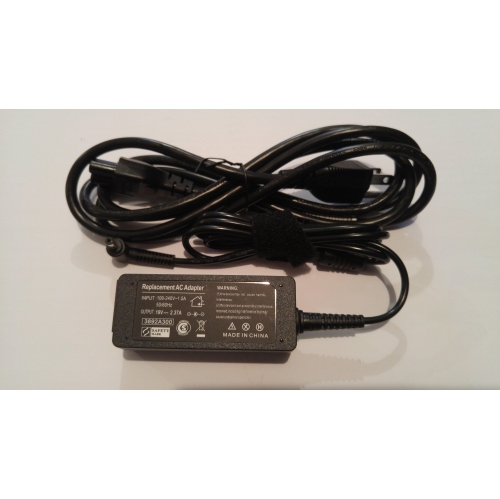
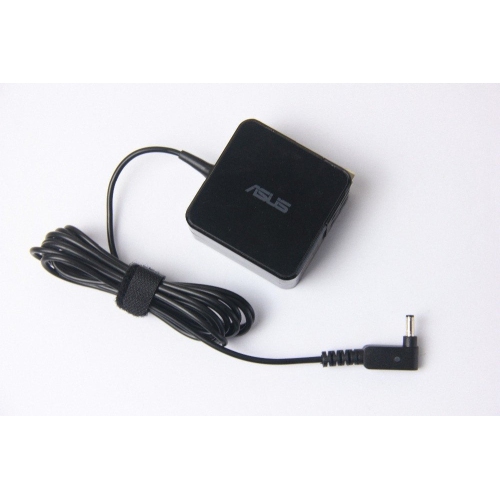
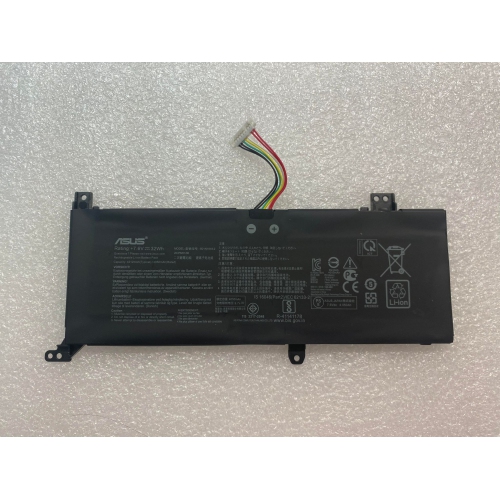
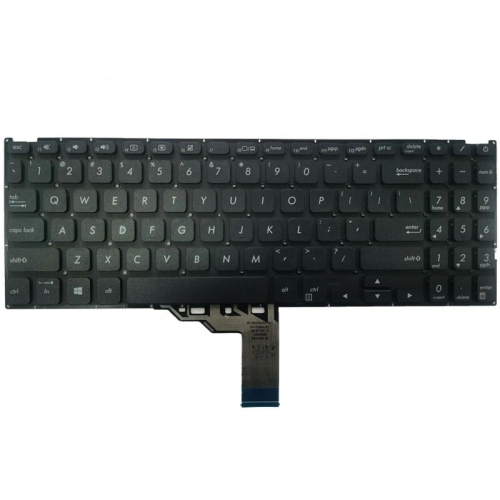
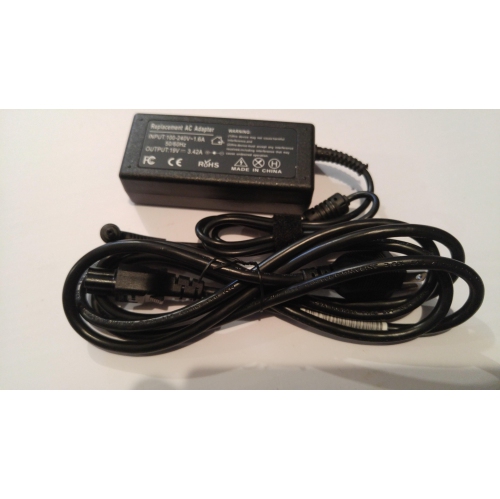
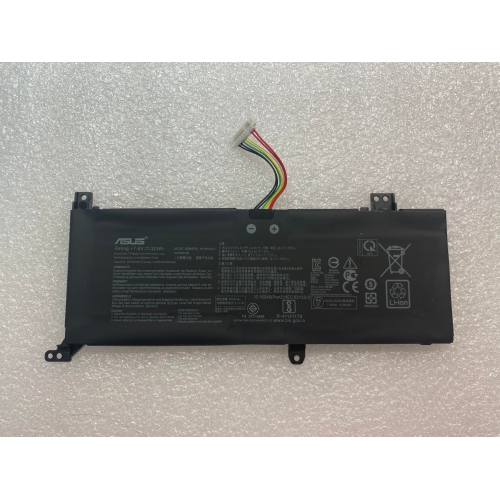
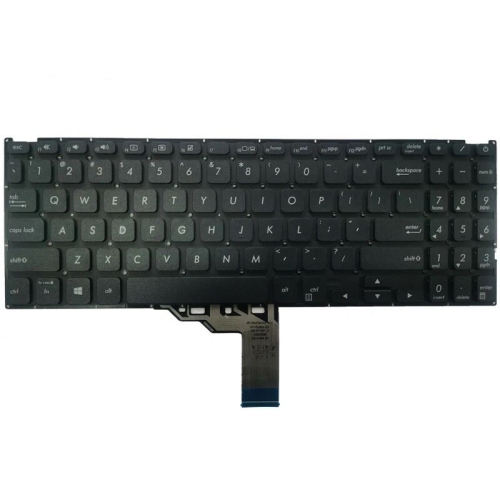
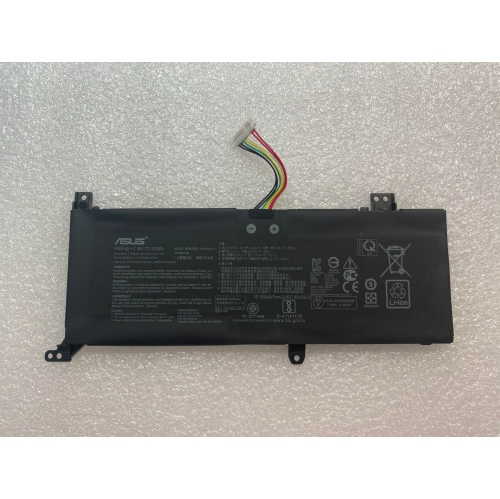
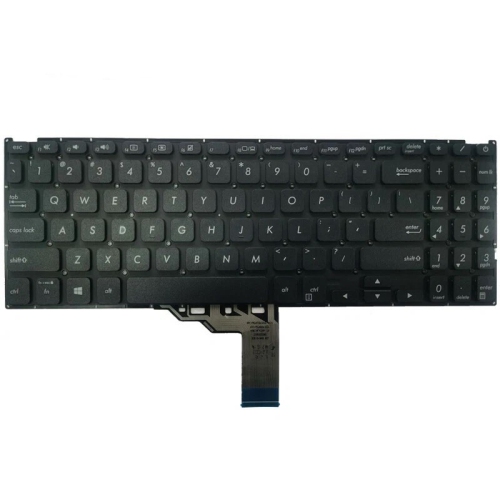
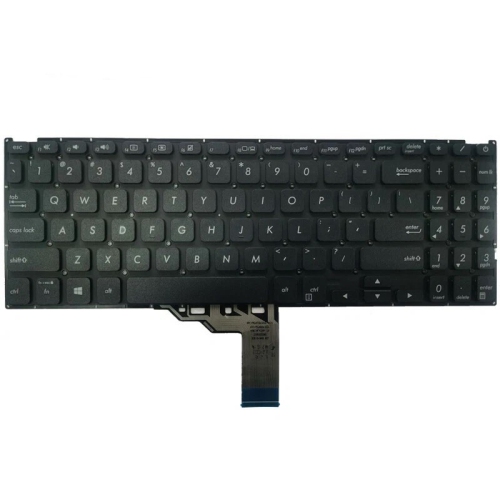
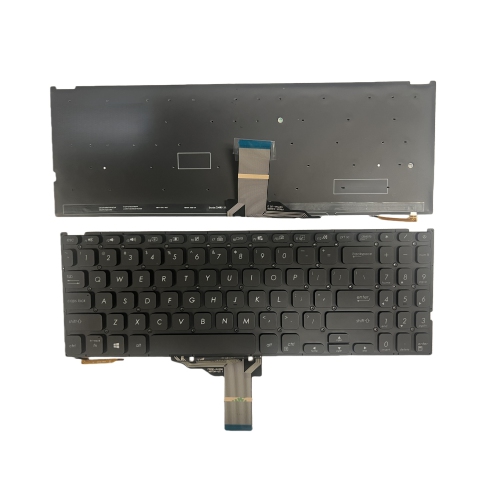
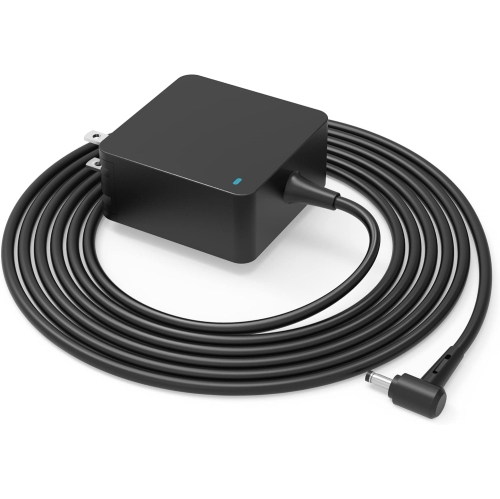
Comfortable screen space for work beyond the desk
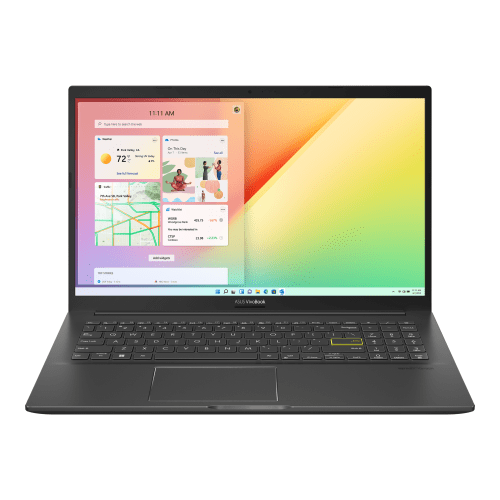
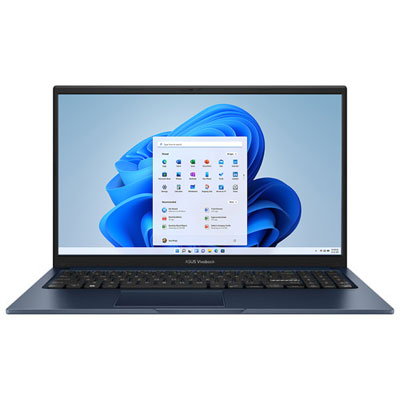
Everyday 15.6-inch laptops offer a practical balance between a comfortable workspace and a design that can move from a desk to a kitchen table or classroom. This type of laptop suits web browsing, word processing, spreadsheets, online learning, video calls, and streaming, with enough screen space to keep a document beside a reference page without making everything feel cramped. A Full HD display has a resolution of 1920 x 1080 pixels, providing useful detail for reading text, viewing photos, and watching compatible video. Resolution varies by configuration, and screen size alone does not indicate how sharp text will look. An anti-glare finish helps reduce distracting reflections from nearby lamps and windows, although brightness and viewing angles also affect comfort. Inside, the processor, memory, and storage work together to determine how responsive the computer feels. Entry-level processors are suited to lighter routines, while more capable configurations provide additional room for multitasking. A student writing an assignment with several research tabs open has different needs from someone checking email and watching a video. Around 8GB of memory can support ordinary productivity tasks, though heavier browser use, larger spreadsheets, and several applications running together can benefit from more. A solid-state drive helps applications open promptly and makes the computer feel responsive when starting up or moving between tasks. These strengths make everyday laptops useful for students, home administration, and office work that does not depend on demanding specialist software. Integrated graphics generally suit video playback and some casual games; performance in newer games, complex 3D applications, and intensive video editing depends on the hardware and can be limited in entry-level designs. The Asus Laptop VivoBook collection provides a related selection of laptop designs, with screen, processor, memory, and storage specifications that differ by configuration. Those differences matter more to everyday performance than a similar-looking exterior, particularly when a laptop will handle both personal tasks and school or office applications.
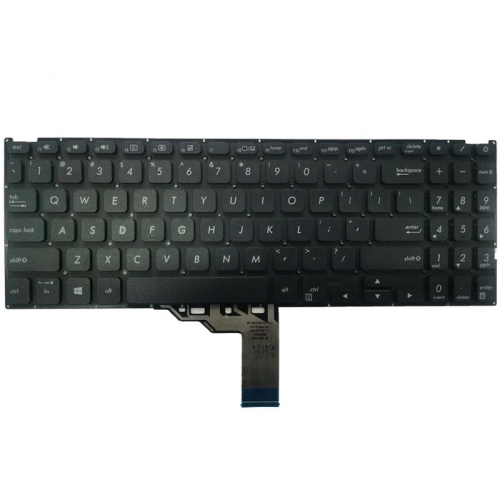
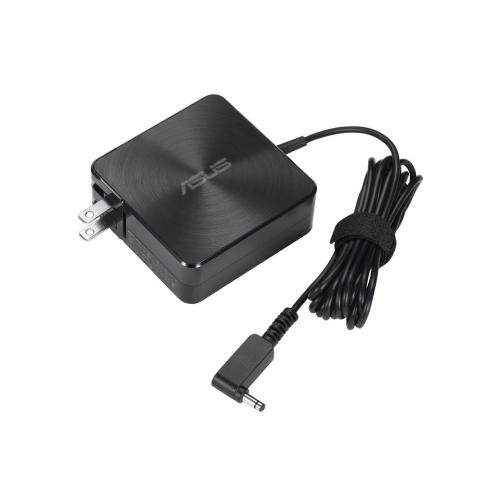
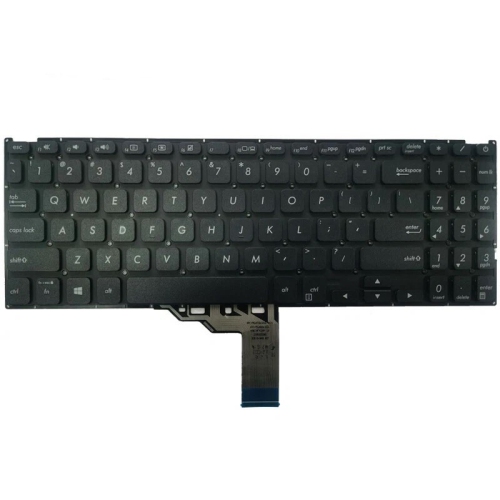
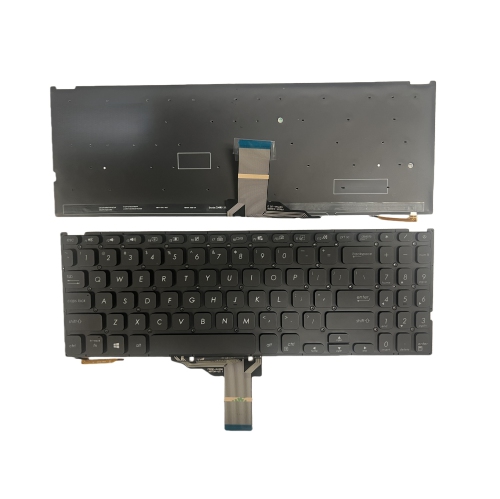
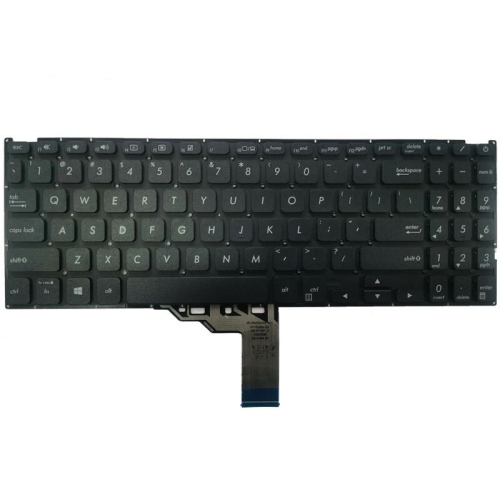
Comfort also comes from the parts of a laptop that get used throughout the day: the keyboard, touchpad, screen hinge, and connections around the edges. A full-size keyboard gives typing room, while a dedicated number pad, when included, can be helpful for entering expenses, working through calculations, or updating a household spreadsheet. Keyboard layouts differ, including the size and placement of navigation keys, so a familiar arrangement can make long writing sessions feel easier. A responsive touchpad supports scrolling and gestures without needing a separate mouse. Some configurations include a fingerprint reader for convenient sign-in, but that feature is not standard across every version. The chassis may use plastic, metal, or a combination of materials, and the feel of the palm rest and rigidity around the keyboard contribute to everyday comfort. A larger screen naturally takes up more bag space than a compact notebook, making overall dimensions and weight relevant for anyone travelling between classes or carrying a computer to work. A padded sleeve with a secure fit protects the finish from keys and other loose objects, while a supportive bag compartment reduces movement in transit. At a desk, USB-A ports can connect familiar accessories, HDMI can provide a connection to a compatible monitor or television, and USB-C may accommodate newer peripherals. The presence of a USB-C socket does not automatically mean it supports charging or video output; those functions depend on the laptop’s specifications. Wi-Fi supports everyday internet access, with connection quality influenced by the router, distance, walls, and other devices sharing the network. Battery life also varies with screen brightness, applications, wireless activity, and battery condition. A lightweight writing session can place a different demand on the battery from a lengthy video call, making access to a suitable power outlet useful during a full day of work or study. The power adapter adds to the weight carried in a bag, even when the laptop itself feels manageable.
Storage capacity and straightforward care can have a lasting effect on how well an everyday laptop fits a household. Documents and spreadsheets usually need relatively little space, while downloaded video, photo libraries, games, and large application files can fill a smaller drive much faster. An SSD offers responsive storage, but its capacity remains separate from system memory: a larger drive holds more files, whereas additional memory helps the computer manage active applications. Storage and memory upgrades depend on the internal design, available connections, and service requirements; some components may be soldered in place rather than replaceable. For shared use, separate user accounts help keep school files, personal documents, and individual settings organized. Regular backups to suitable external storage or an online service provide another copy of important work if the laptop is damaged or a file is accidentally deleted. Physical care is equally practical. A firm, flat surface leaves ventilation openings clear, while bedding and thick cushions can obstruct airflow. Dust around vents can affect cooling, and crumbs around the keyboard can interfere with the keys. A soft, lint-free cloth is useful for routine cleaning, with cleaning methods and liquids governed by the manufacturer’s care directions. Carrying the computer by its base rather than its screen reduces strain on the display assembly, and keeping drinks away from the keyboard helps prevent an avoidable accident. For longer desk sessions, a compatible external monitor, separate keyboard, and mouse can create a more comfortable working position, with the laptop raised to a useful viewing height on a stable stand. As a gift, this category can suit a student starting coursework, a family member managing appointments and correspondence, or someone who needs a dedicated computer for everyday tasks. The strongest fit comes from matching the laptop’s capabilities to the recipient’s actual routine, including required software, portability, keyboard preferences, and any accessibility needs. A well-matched everyday laptop provides a familiar place to write, learn, communicate, and keep personal projects moving without adding hardware intended for workloads the owner rarely uses.
Top selling and popular products
-
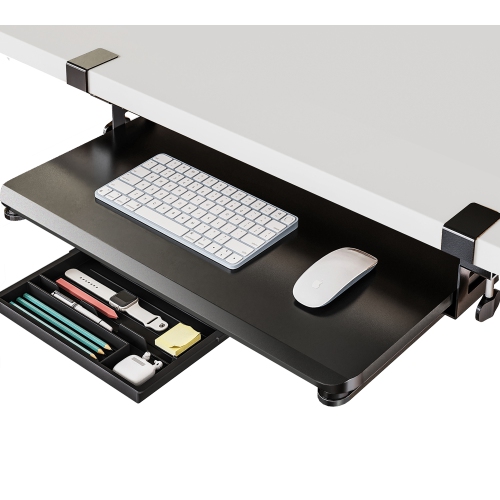 Your price for this item is $59.99
-
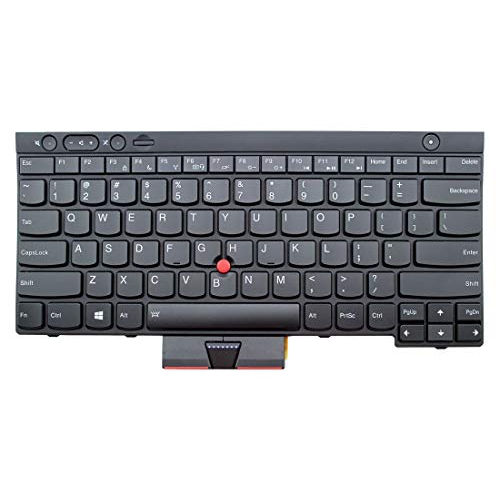 Your price for this item is $29.99
-
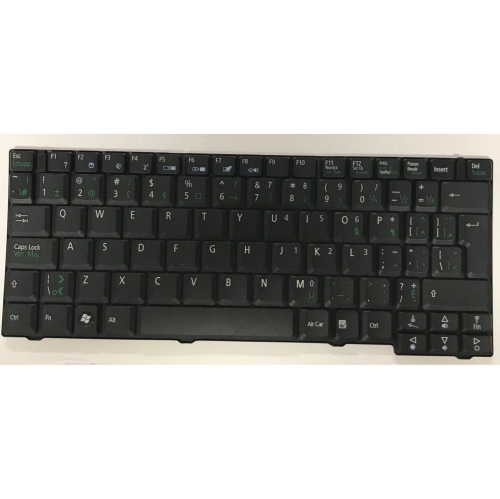 Your price for this item is $65.99
-
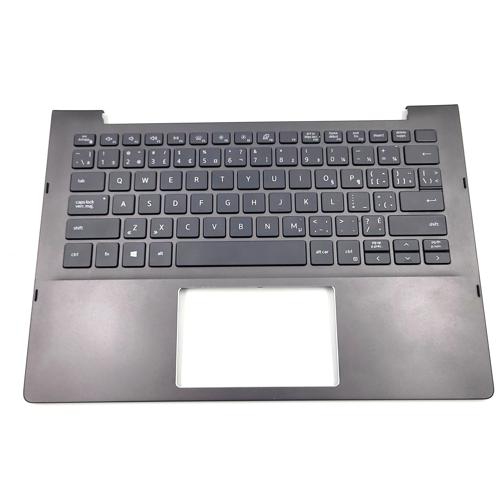 Your price for this item is $49.99
-
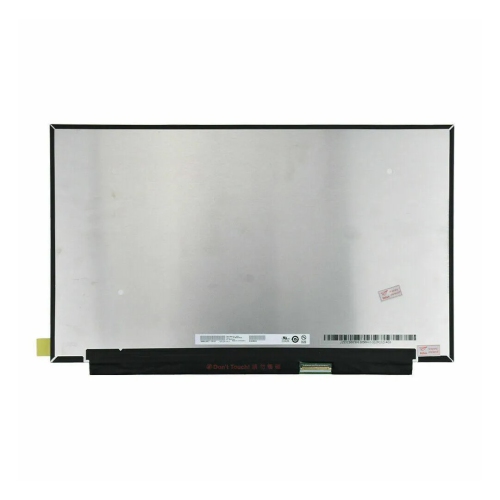 Your price for this item is $79.99
-
 Your price for this item is $24
-
 Your price for this item is $93.99
-
 Your price for this item is $59.98
Discover more categories related to Asus X515

Top Collections:
Best Black Friday Deals This Year, Best Black Friday Deals On Electronics, Kindle Devices, Best Black Friday Deals On Apple Products, Best Budget Office Chairs, Best Cameras for Sports Photography, Dyson Airwrap, Canon G7X Cameras, Best Laptops for Writers, Samsung Galaxy Phones
Some products may be subject to Environmental Handling Fees
(EHF) depending on your province.
Learn more about EHFs.