Asus Zephyrus G16
Discover the power and style of the Asus Zephyrus G16, a standout choice for those seeking top-tier performance in a sleek design. Whether you're diving into intense gaming sessions or tackling demanding creative projects, the Asus Zephyrus G16 delivers a seamless experience that keeps up with your pace. Explore a range of configurations to find the perfect fit for your needs and enjoy advanced technology that enhances productivity and entertainment. Elevate your setup with the Asus Zephyrus G16 and experience innovation at your fingertips.
Sort
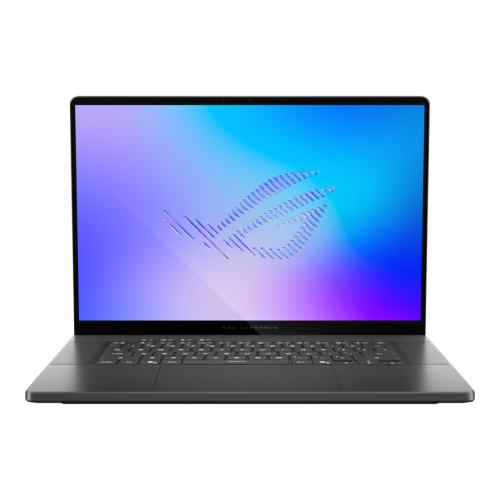
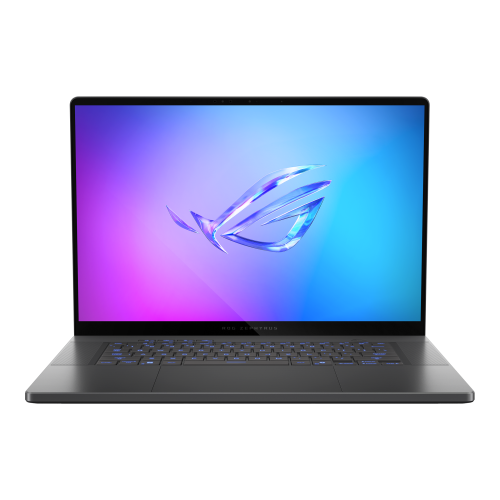
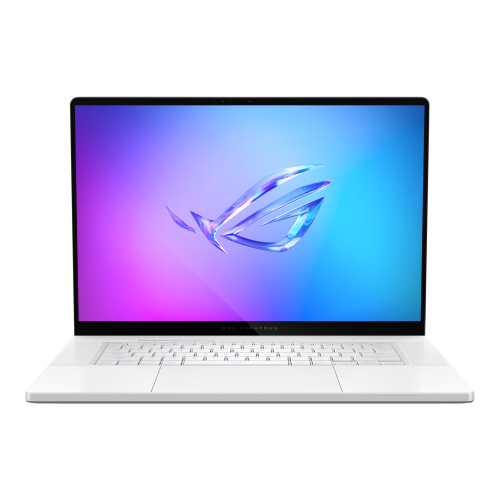
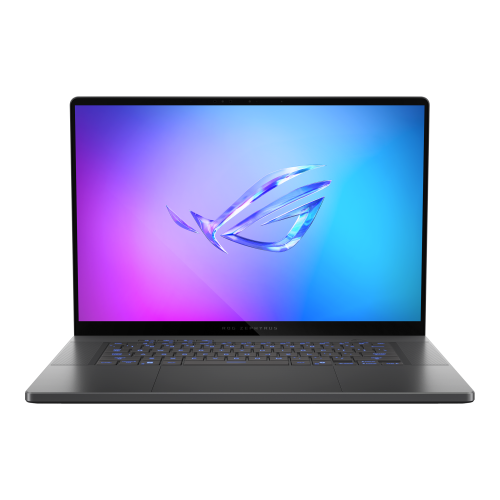
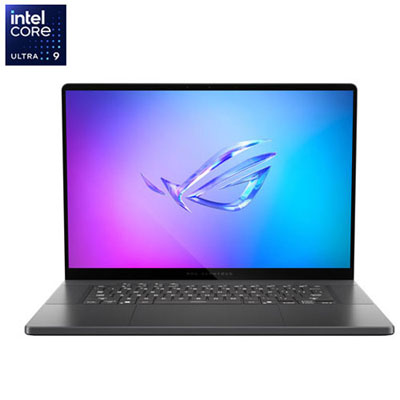

Slim gaming laptops built for more than play
Slim 16-inch gaming laptops bring together a roomy display, dedicated graphics and a chassis that can move between a desk, a classroom and a shared workspace. That combination suits people who want one computer for competitive matches, single-player adventures, coursework and creative projects without making a large desktop setup the centre of every activity. The appeal goes beyond running games: a larger screen gives video timelines, photo-editing tools and side-by-side documents more breathing room, while a relatively thin profile makes daily transport more practical. Performance depends on the full configuration rather than a single headline specification. The processor handles tasks such as compiling code, managing complex spreadsheets and supporting game logic, while the graphics processor takes on demanding visual workloads, including rendering and many video effects. Graphics memory also matters when working with detailed textures, large scenes or higher display resolutions. Two laptops with similarly named graphics hardware can perform differently because their power limits and cooling systems differ. Memory and storage deserve the same attention. For many gaming and everyday multitasking needs, 16GB of memory is a useful starting point, while 32GB offers more headroom for larger creative projects and several demanding applications running together. Fast solid-state storage helps games load and projects open promptly, although capacity becomes important once a library includes several large games alongside footage and working files. Display characteristics shape the experience just as noticeably. A high refresh rate can make movement look smoother, particularly when the graphics hardware delivers a matching frame rate. Higher resolutions reveal finer detail but place greater demands on graphics performance. Where offered, OLED panels provide deep blacks and strong contrast, while colour coverage and accuracy are especially relevant to photography and video work. A 16:10 screen adds vertical workspace for browsing, writing and editing. Resolution, panel technology, refresh rate and surface finish should be checked separately, since screen size alone does not describe how a display will look or feel in use.
The practical details of a portable gaming laptop become clear during an ordinary day: typing through a lecture, joining a video call, editing a project at a café table and connecting a larger monitor at home. Keyboard feel, key spacing and touchpad size affect all of those moments. A comfortable layout matters for long writing sessions, while backlighting helps make key legends easier to see in dim spaces. A built-in camera and microphone can cover everyday calls, but their specifications and placement are worth considering for frequent presentations or remote collaboration. Speakers are convenient for casual listening, although headphones offer more privacy in shared spaces and can make subtle game audio easier to distinguish. Connections are equally important. An external display, wired mouse, headset and storage drive can quickly use several ports, so the number and type of connections should match the intended setup. USB-C capabilities vary: a port may support data, display output or charging in different combinations, and a compatible charging connection does not necessarily provide enough power for full gaming performance. Reliable Wi-Fi is useful for downloads, streaming and online play, while a wired connection may require an adapter if there is no built-in Ethernet port. Portability also involves more than the laptop’s stated weight. The power adapter, mouse and protective sleeve all add to a bag, and a 16-inch screen does not guarantee that every 16-inch sleeve will fit the chassis. External dimensions are the better reference. Metal construction can contribute to a rigid, refined feel, but hinge design, panel support and careful handling also influence durability. A thin gaming laptop still needs room for airflow, and demanding games or rendering jobs can make its fans more noticeable. Battery life varies with screen brightness, refresh rate, graphics settings and workload; light document work and graphics-heavy gaming place very different demands on the same battery.
For gamers who also create, study or work on the same machine, the strongest fit comes from matching the configuration to the tasks that happen most often. Fast-paced multiplayer games benefit from responsive controls and consistently high frame rates, while visually detailed games may favour higher graphics settings and additional graphics memory. Video editors need to consider footage resolution, effects and project length; photographers may place greater emphasis on colour accuracy and storage for image libraries. Students working in design, engineering or media should check their software requirements, including any graphics features the applications need. Someone carrying a laptop between classes may value lower weight and a manageable charger more than the highest possible graphics performance. Someone mainly using a desk may care more about monitor connections, keyboard comfort and sustained performance over longer sessions. For a broader comparison within 16-inch gaming laptops, Asus TUF A16 offers another relevant starting point, with configuration details worth comparing against the same everyday priorities. Long-term ownership also benefits from a few straightforward habits. A firm, flat surface keeps ventilation openings clear; a duvet or soft cushion can obstruct them. A padded sleeve protects the finish during transport, and accessories should be stored so that plugs and hard edges cannot press against the display lid. Screen cleaning calls for a soft microfibre cloth and the method recommended by the manufacturer, rather than household cleaners or liquid sprayed directly onto the panel. For OLED displays, built-in panel-care features and sensible screen-sleep settings can help manage prolonged static content. Storage expansion and memory upgrades vary by design, so service documentation matters before planning either change. As a gift, a performance laptop is most useful when its software compatibility, carrying size and preferred games are already understood. Those practical matches help a powerful portable computer feel comfortable in daily use, not just impressive on a specification sheet.
Top selling and popular products
-
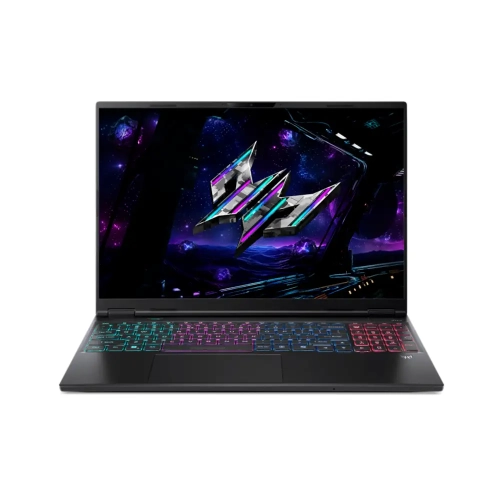 Your price for this item is $3699
-
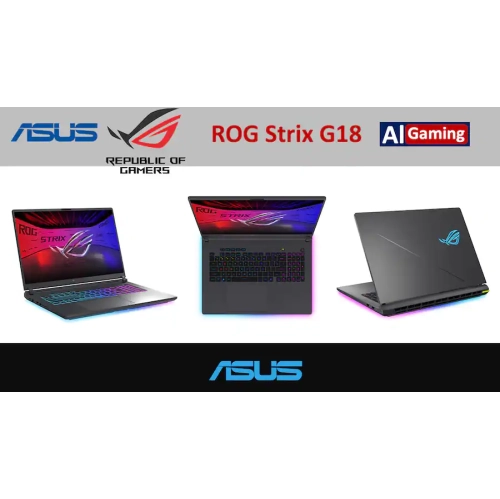 Your price for this item is $2899
-
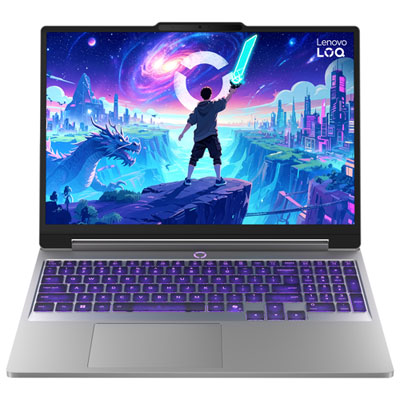 Your price for this item is $1499.99
-
 Your price for this item is $3449
-
 Your price for this item is $2999
-
 Your price for this item is $3649
-
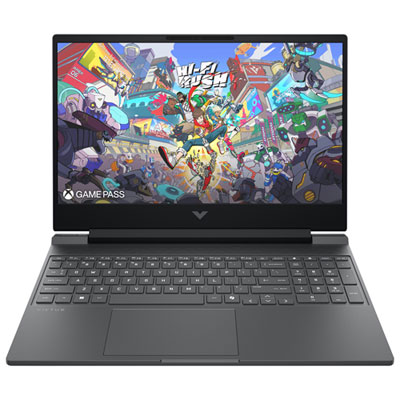 Your price for this item is $999.99
-
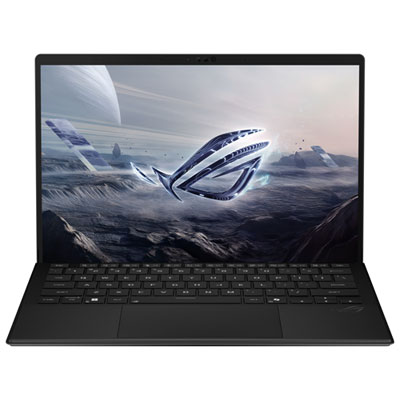 Your price for this item is $2699.99
Discover more categories related to Asus Zephyrus G16
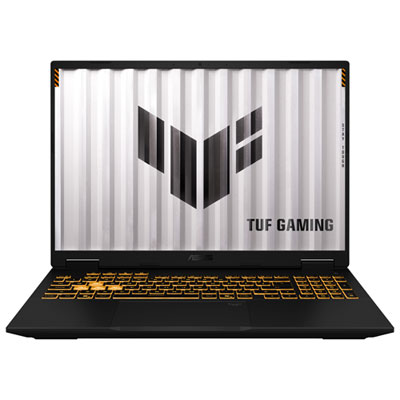
Top Collections:
Best Black Friday Deals This Year, Best Black Friday Deals On Electronics, Kindle Devices, Best Black Friday Deals On Apple Products, Best Budget Office Chairs, Best Cameras for Sports Photography, Dyson Airwrap, Canon G7X Cameras, Best Laptops for Writers, Samsung Galaxy Phones
Some products may be subject to Environmental Handling Fees
(EHF) depending on your province.
Learn more about EHFs.