Asus ROG Strix G16 Intel
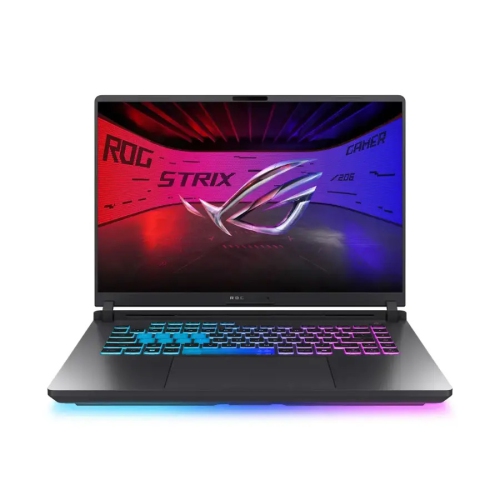
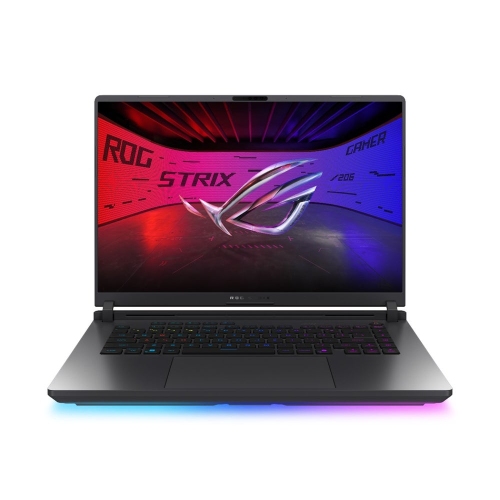
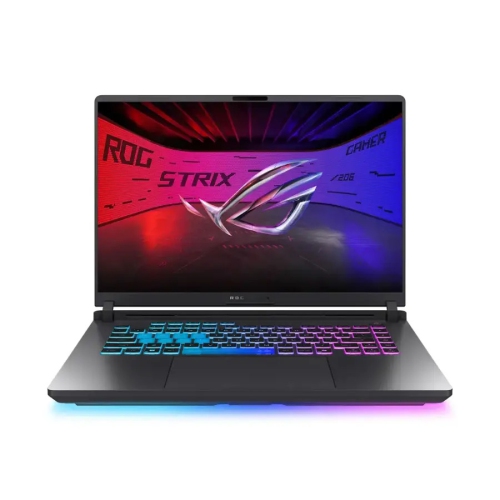
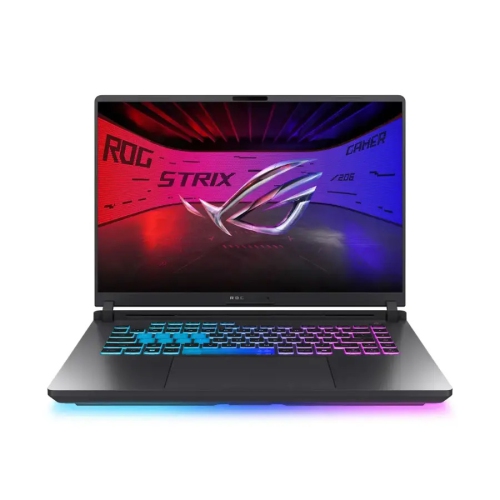
Discover the power and performance of the Asus ROG Strix G16 Intel lineup, designed for those who demand excellence in their computing experience. Whether you're a passionate gamer, a creative professional, or someone who needs reliable speed for daily tasks, the Asus ROG Strix G16 Intel offers an impressive selection to match your needs. Explore models that seamlessly blend style and functionality, making it easy to find the perfect fit for work, play, or anything in between.
Sort
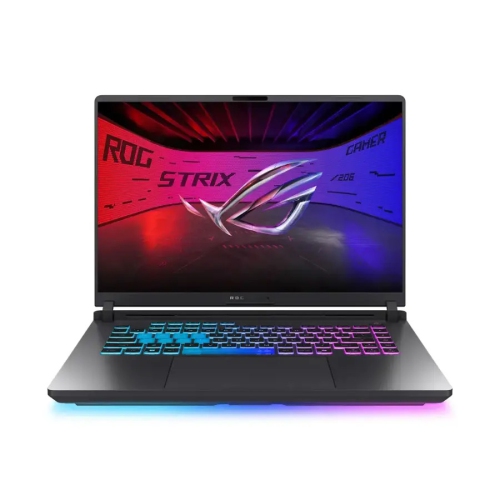
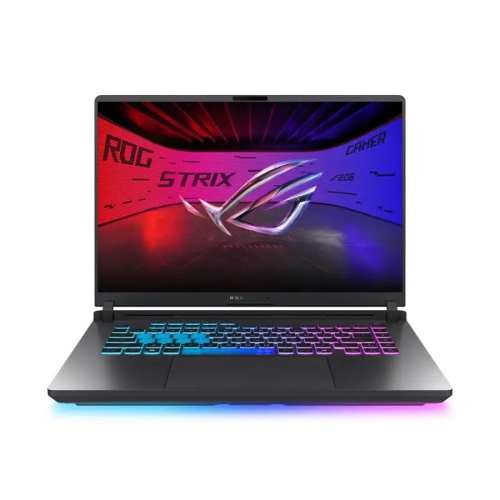
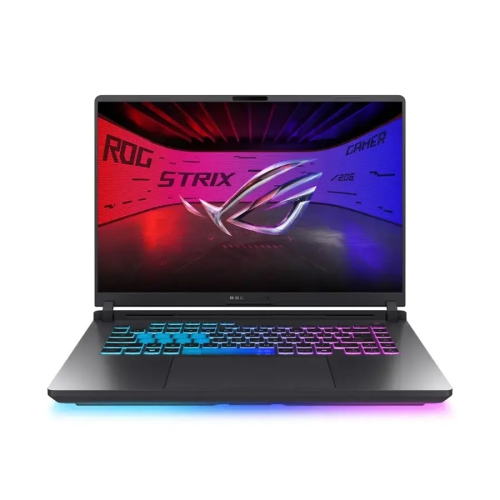
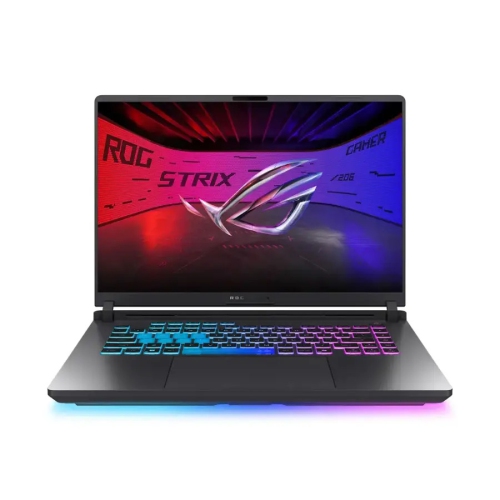
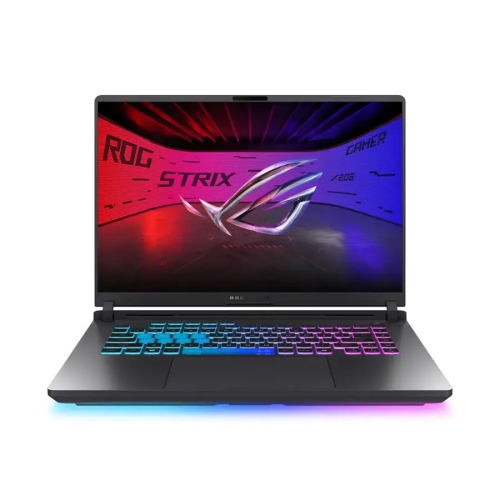
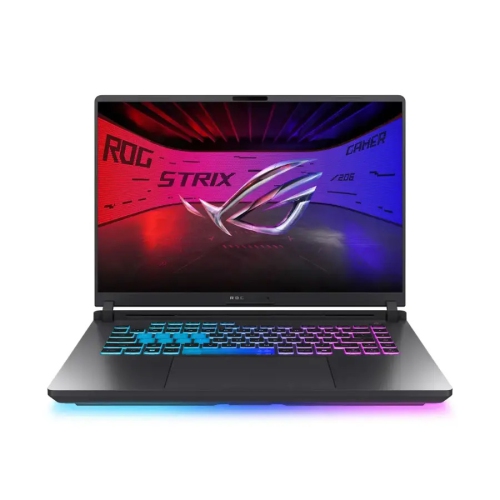
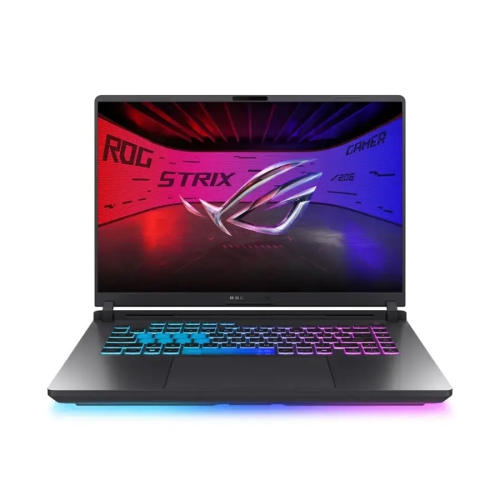
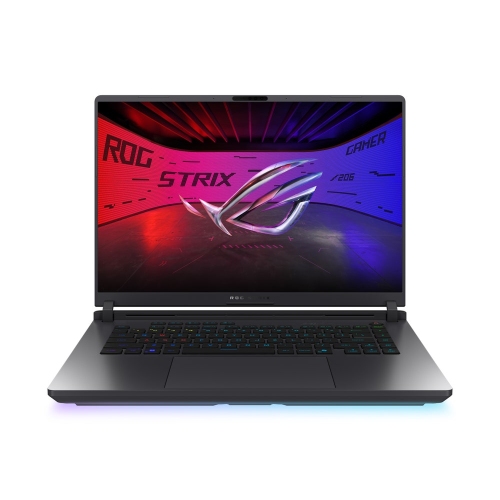
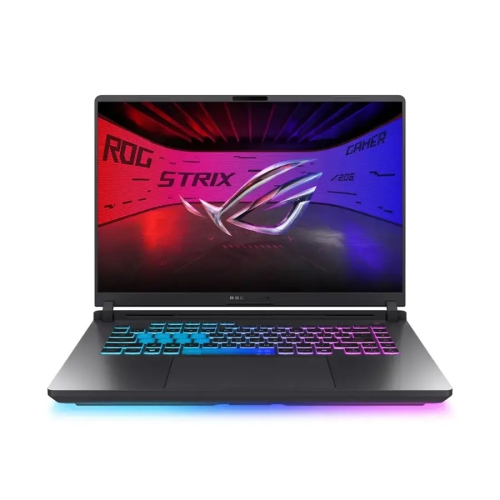
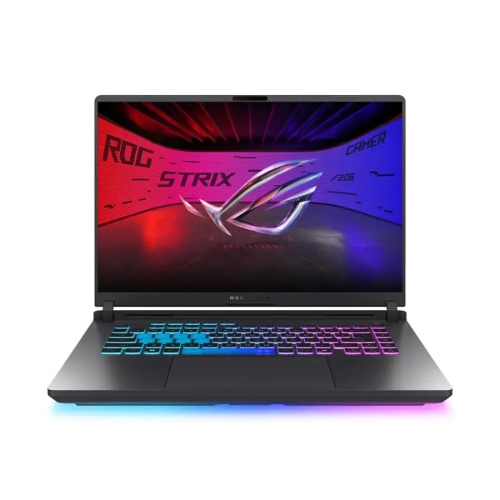
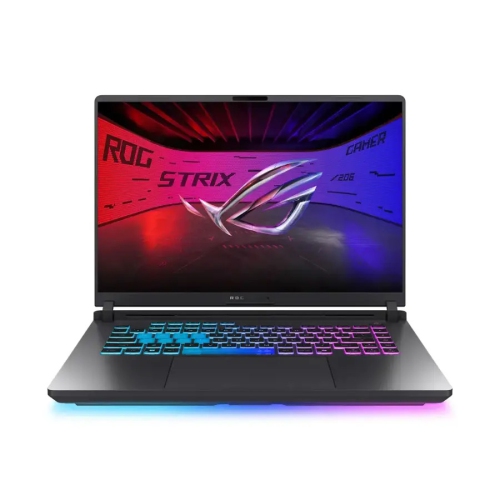
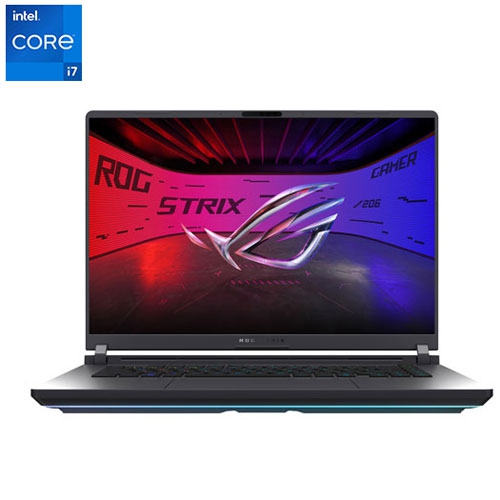
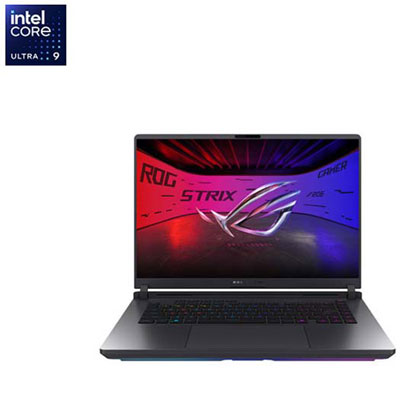
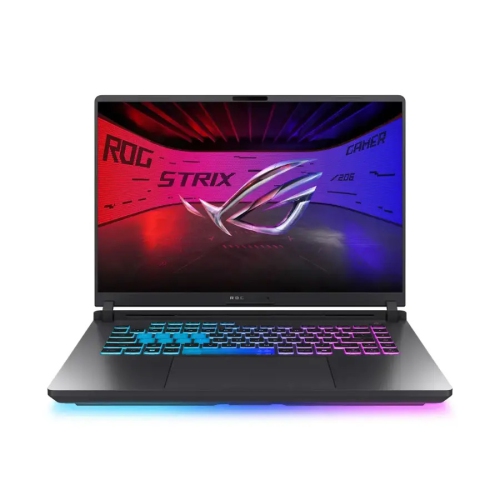
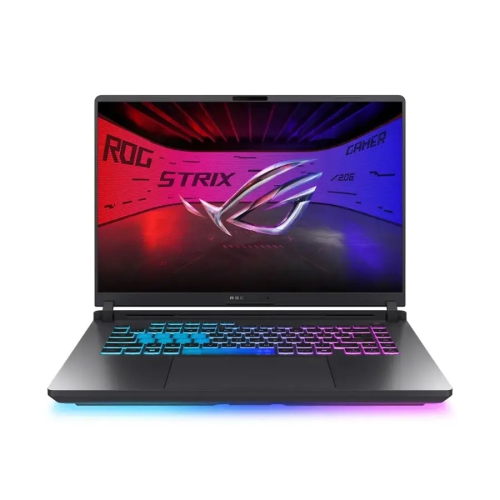
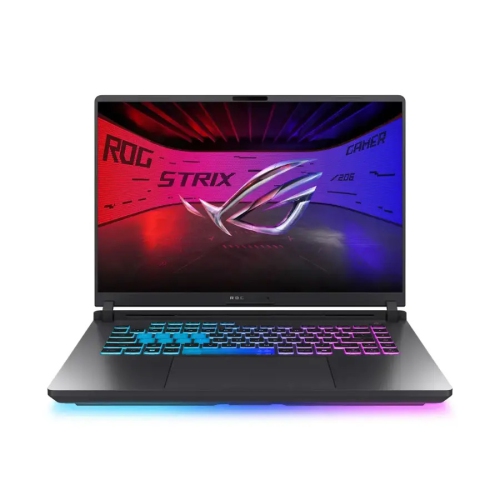

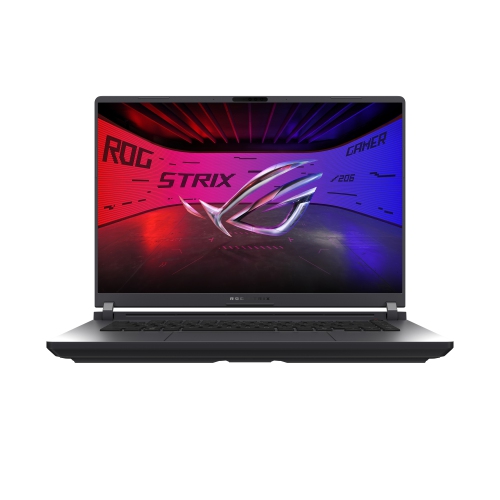
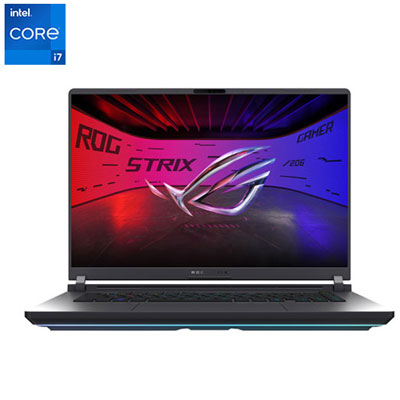
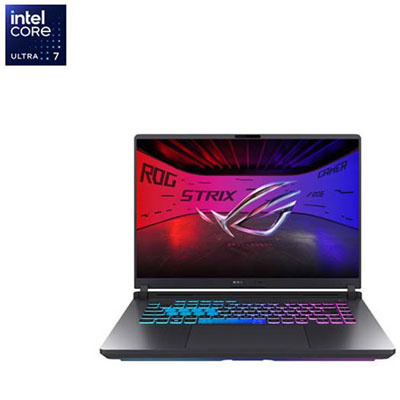
Gaming laptop performance goes beyond a single specification
High-performance 16-inch gaming laptops bring a larger gaming display, dedicated graphics, and a powerful processor into a single portable computer. They suit players who want a capable main system without committing to a desktop setup, as well as people who move between a desk, a shared living space, and a classroom or workplace. The processor handles game logic, background applications, and demanding tasks such as compiling code or exporting video, while the graphics processor does much of the work involved in rendering detailed game scenes. Their balance matters: a fast processor alone does not determine gaming performance, and a graphics processor’s name does not tell the whole story. Laptop graphics performance also depends on its power allowance, cooling design, screen resolution, and the software being used. Configurations can differ substantially between generations, even when their names look similar. Memory capacity influences how comfortably a system handles a game alongside voice chat, browser tabs, and recording software; storage capacity determines how much room remains for large game installations, creative projects, and personal files. A solid-state drive helps games and applications load promptly, although loading speed is separate from the frame rate seen during play. For shoppers narrowing their search by graphics configuration, the related ROG Strix G16 4060 selection provides a more focused comparison. Across this category, the most useful distinctions are the complete processor and graphics specifications, installed memory, usable storage, and display characteristics rather than a single headline feature. A laptop intended mainly for competitive matches has different priorities from one used for detailed single-player adventures, 3D modelling, or video production. Recording gameplay while keeping a chat application open adds another layer of demand. Looking at those activities together gives a clearer picture of how a configuration will fit everyday use, including whether its strengths lie in high frame rates, visual detail, multitasking, or a combination of all three.
The display and controls shape how a gaming laptop feels throughout a long session. A 16-inch screen provides room for game interfaces, editing timelines, spreadsheets, and side-by-side windows, while remaining easier to move than a separate monitor and desktop tower. Screen resolution describes the number of pixels available for detail; refresh rate describes how frequently the display can update. A high refresh rate can make fast movement appear smoother when the system produces enough frames, but it does not guarantee that every game will run at that speed. Higher resolutions create a sharper image and place greater demands on the graphics processor. Brightness, colour coverage, surface finish, and viewing angles also matter, particularly when the same computer is used for photography, design, or watching films. Where supported, variable refresh technology helps keep the display’s updates in step with the graphics output. Keyboard layout deserves similar attention. Clearly separated keys, comfortable spacing, and readable legends can make the difference between an enjoyable evening match and an awkward stretch of typing afterwards. Backlighting can improve key visibility, while lighting colours and effects depend on the configuration. A responsive touchpad is useful away from a desk, even for someone who prefers a mouse for gaming. Connections influence how neatly the laptop fits into an existing setup: an external display, headset, mouse, storage drive, and network cable can quickly occupy several ports. Connector shape alone does not establish every capability, since charging, display output, and data transfer support vary by port. Wi-Fi performance also depends on the router, signal strength, and other network traffic, while a wired connection can be useful for latency-sensitive play. Built-in speakers are convenient for casual viewing, but a comfortable headset may be more practical for team chat or a shared room. Camera and microphone quality become relevant when the laptop also handles online classes, meetings, or calls with friends.
Construction, cooling, and carrying comfort are equally important for a computer that may travel as often as it stays on a desk. Gaming laptop bodies can combine metal and plastic components, with different finishes across the lid, keyboard deck, and underside. Material alone does not determine durability; hinge support, panel rigidity, and careful handling all contribute to how a laptop holds up. A 16-inch screen measurement refers to the display diagonal, not the outside dimensions, so bag fit depends on the full chassis width, depth, and thickness. Padding around the corners and a separate compartment for the power adapter help keep hard accessories from pressing against the laptop. The adapter also adds to the total weight carried between locations. Battery life varies with the workload, screen settings, and power mode, and demanding games generally draw considerably more power than reading documents or browsing. Peak gaming performance is commonly associated with operation on the appropriate power adapter rather than extended battery use. Cooling systems need unobstructed airflow, making a firm, flat surface more suitable than bedding or a soft cushion. Fans may become more audible during intensive play or rendering, which is worth considering in a quiet study area or shared workspace. Everyday care is straightforward: shut down and unplug the computer before cleaning, use a soft microfibre cloth, and avoid spraying liquid directly onto the screen or keyboard. Dust around external vents can be removed gently according to the manufacturer’s care instructions. Memory and storage expansion depend on the internal design, so future upgrades should not be assumed. These laptops can serve students in technically demanding programs, players who join friends for multiplayer sessions, and creators who need graphics performance alongside everyday computing. They can also make a thoughtful gift for someone whose interests span gaming and creative work, provided the keyboard preferences, portability needs, and software requirements are understood. A configuration that suits its owner’s actual routine is more useful than one chosen solely for the largest specification number.
Top selling and popular products
-
 Your price for this item is $449
-
 Your price for this item is $3099
-
 Your price for this item is $1800.68
-
 Your price for this item is $664.05
-
 Your price for this item is $869.99
-
 Your price for this item is $2960.48
-
 Your price for this item is $489.7
-
 Your price for this item is $1199
Discover more categories related to Asus ROG Strix G16 Intel
Top Collections:
Best Black Friday Deals This Year, Best Black Friday Deals On Electronics, Kindle Devices, Best Black Friday Deals On Apple Products, Best Budget Office Chairs, Best Cameras for Sports Photography, Dyson Airwrap, Canon G7X Cameras, Best Laptops for Writers, Samsung Galaxy Phones
Some products may be subject to Environmental Handling Fees
(EHF) depending on your province.
Learn more about EHFs.