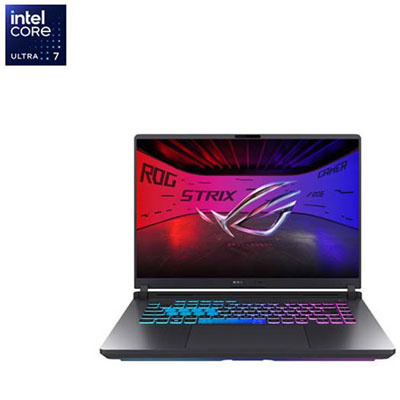
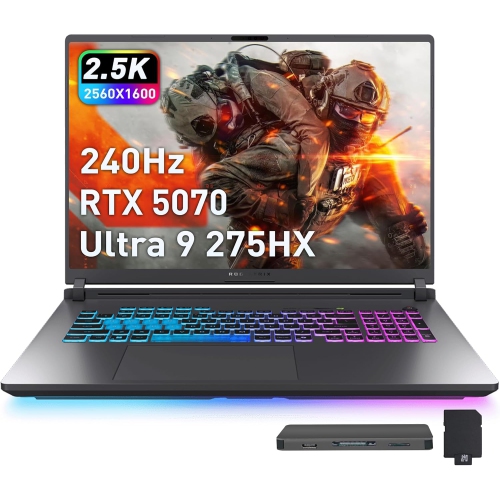
Asus Strix G16
Discover the power and performance of the Asus Strix G16, designed to elevate your computing experience whether you're at home, work, or on the go. With its sleek design and advanced engineering, the Asus Strix G16 stands out as a top choice for those seeking reliability and style in one package. Explore a range of options to find the perfect fit for your needs and take your productivity and entertainment to the next level.
Sort
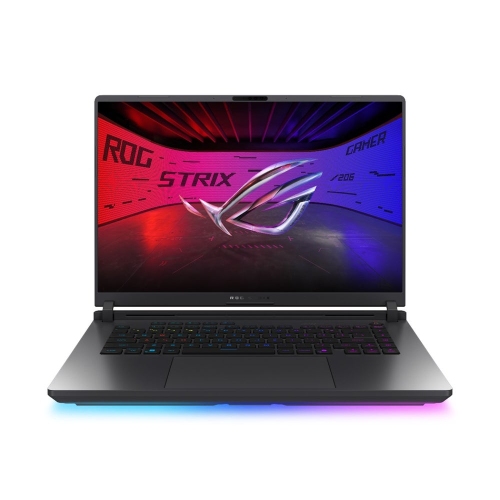
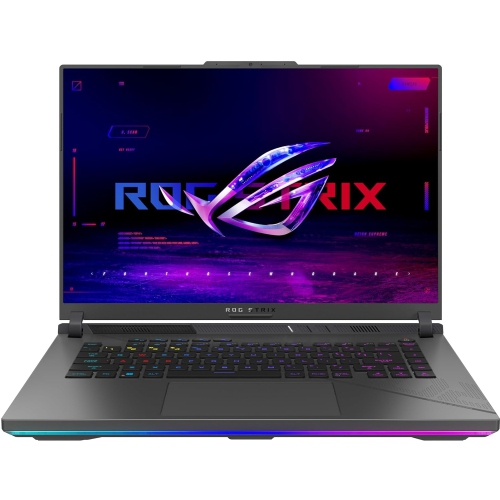
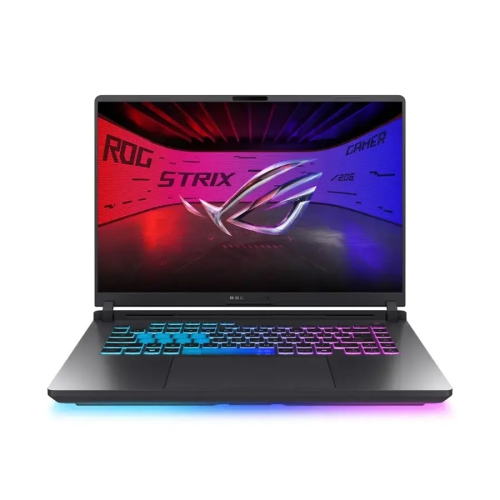

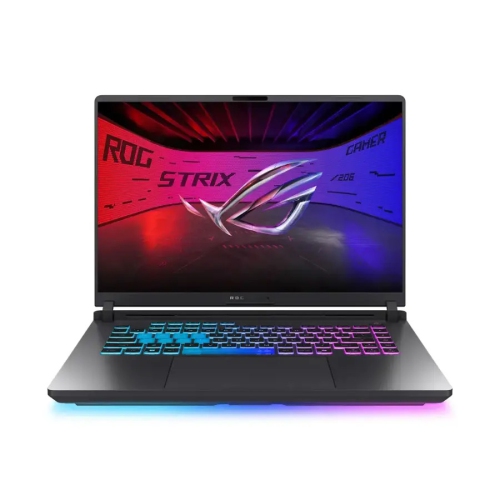
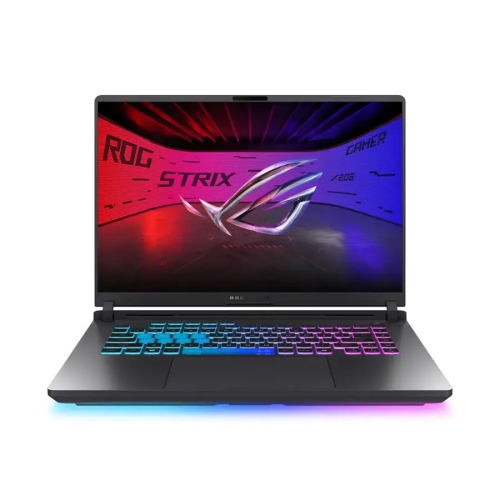
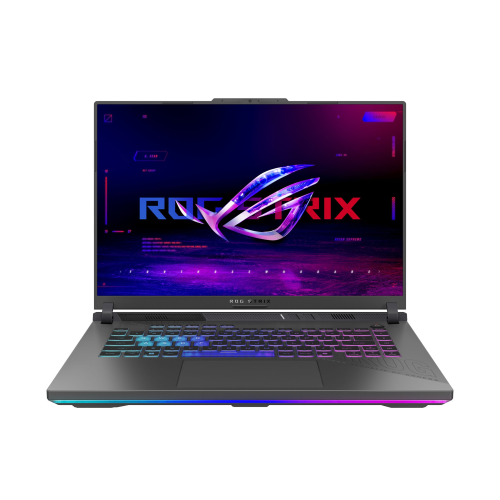
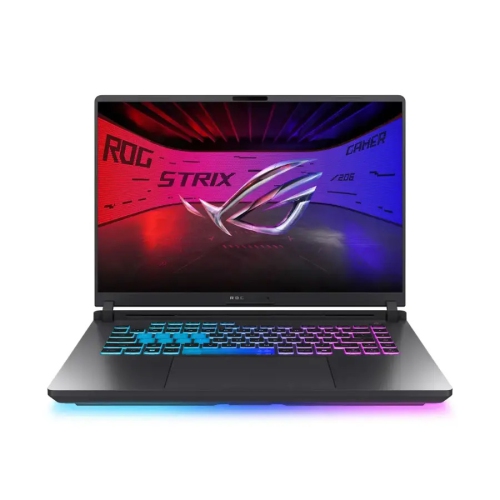
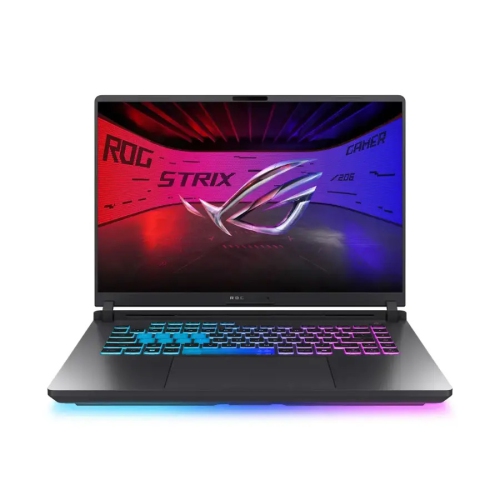
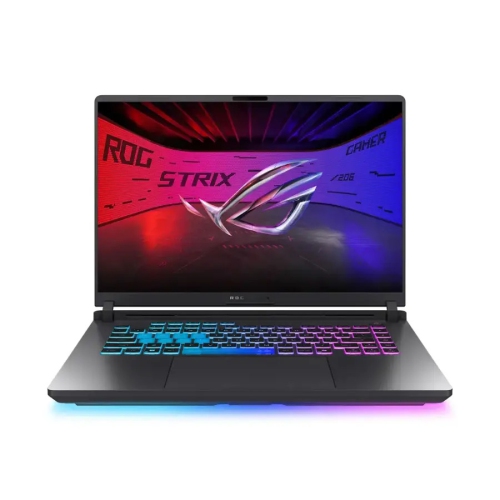
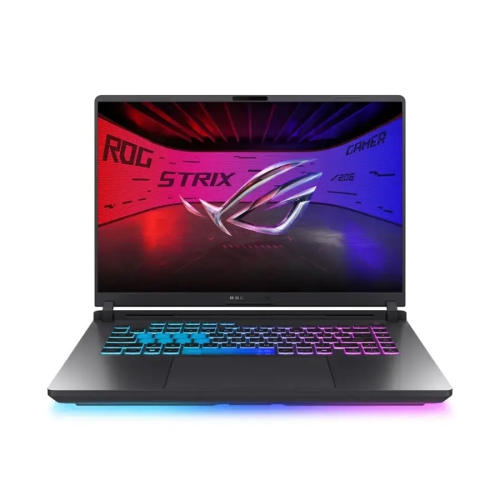
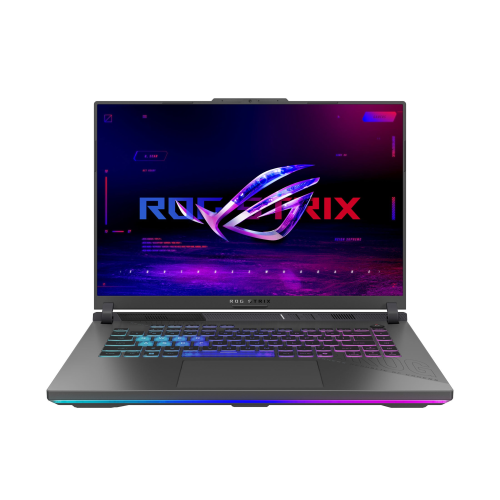
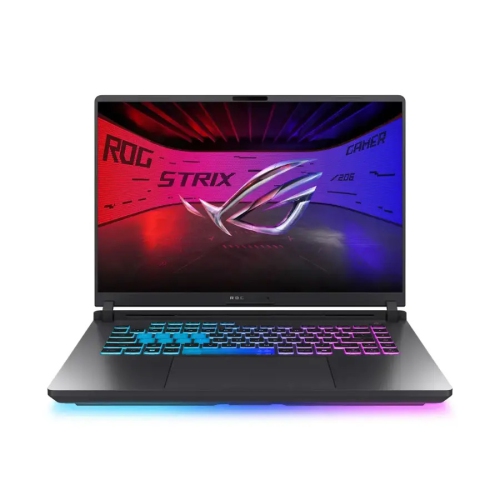
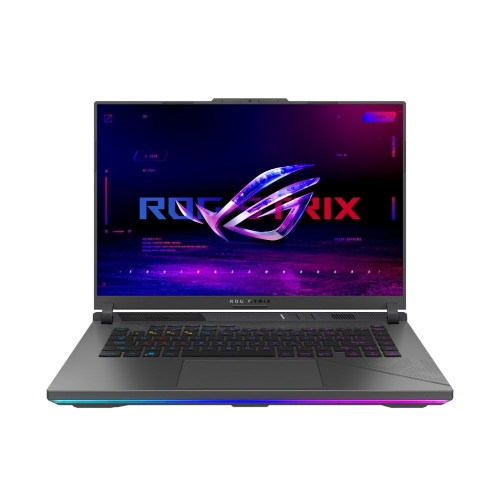
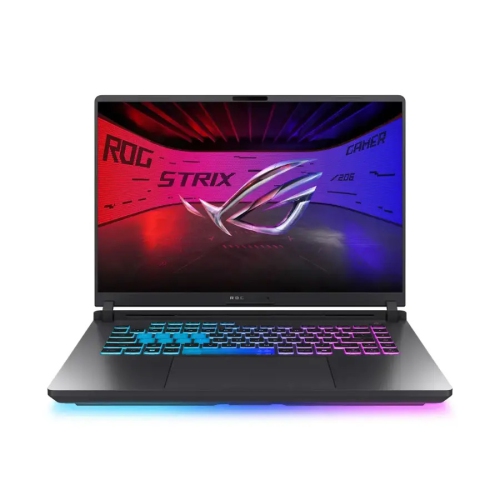
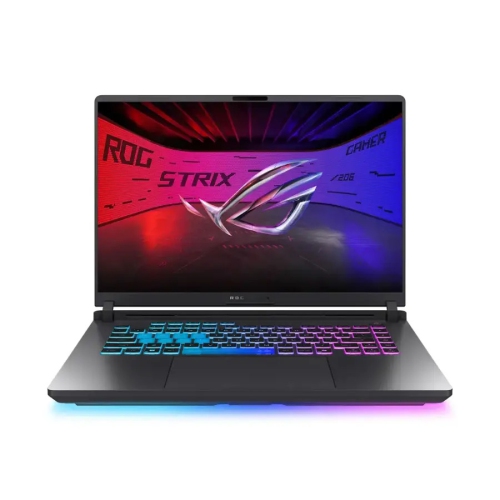
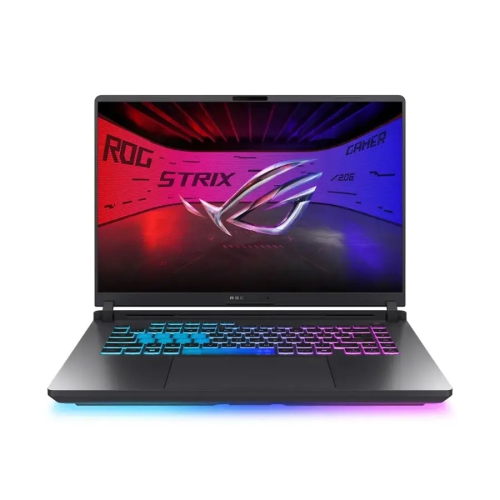
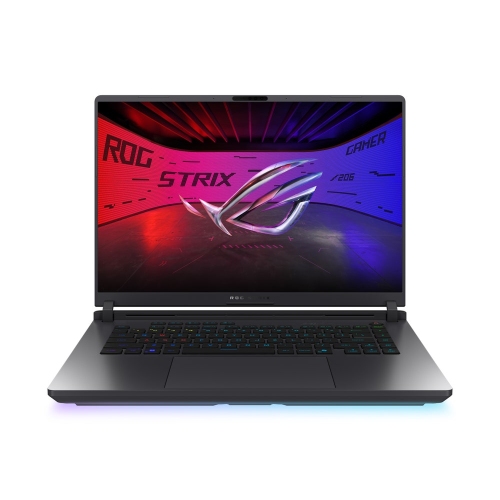
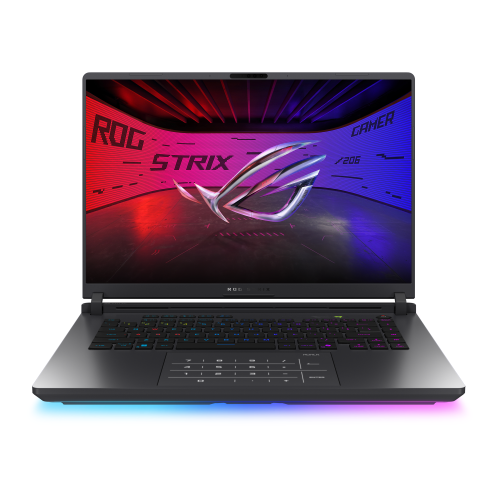
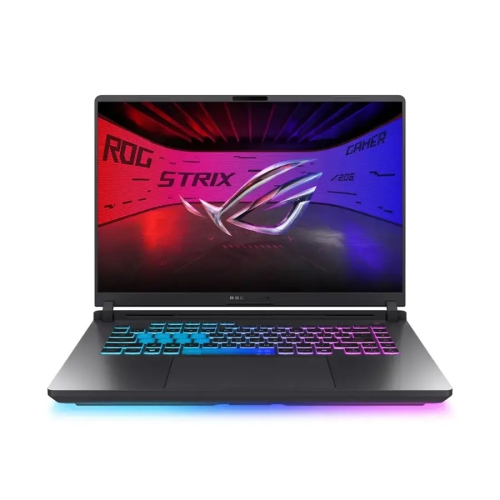
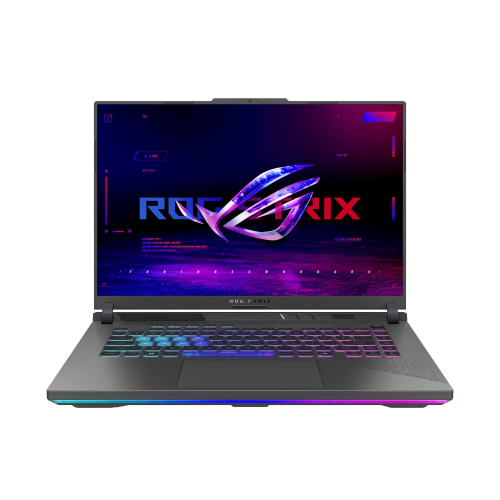
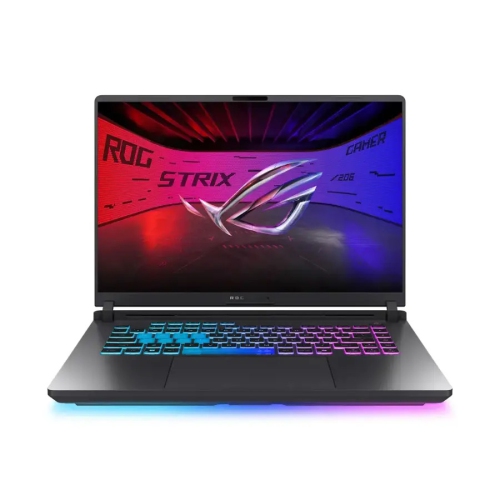
Gaming performance that goes from desk to classroom
A 16-inch gaming laptop brings a spacious display and performance-focused hardware into a computer that can move between a desk, a classroom and a weekend gaming session. This category suits players who want one machine for demanding games, everyday work and creative projects without maintaining separate desktop and portable setups. Dedicated graphics handle the visual workload, while the processor supports game logic, background applications and tasks such as compiling code or exporting video. The balance between those components matters more than any single headline specification. Competitive games played at reduced visual settings can place different demands on a laptop than richly detailed adventures running at the screen’s native resolution. Streaming gameplay, recording footage or keeping several applications open adds another layer of work. Graphics memory is also separate from system memory: it holds resources such as textures, while system memory supports active programs and multitasking. Storage capacity determines how comfortably a laptop accommodates a growing game library alongside coursework, photographs and project files. Solid-state storage helps with responsiveness and loading, although download speeds still depend on the internet connection. Hardware generations, power settings and cooling designs can all influence performance, so a shared screen size or family name does not mean every configuration behaves identically. Even graphics processors with similar names may operate at different power limits in different laptops. Sustained performance depends on how effectively the complete system manages demanding workloads over time, not simply the highest advertised boost speed. Battery operation can also change performance because portable power modes often prioritize longer runtime over maximum graphics output. For a processor-specific view of this gaming-laptop family, the Asus ROG Strix G16 Intel page provides a focused place to compare configurations. Differences in graphics, memory, storage and display specifications remain important within that narrower selection, particularly when the same laptop will support both gaming and work.
The display shapes nearly every interaction, from spotting movement across a game map to arranging a document beside a video call. A 16-inch screen offers useful working space without requiring a separate monitor, while a 16:10 aspect ratio, where fitted, provides more vertical room than 16:9 at the same width. That extra height can make timelines, spreadsheets and long pages feel less cramped. Resolution determines how much detail the panel can show, but rendering more pixels also places a heavier load on the graphics hardware. A high refresh rate can make motion appear smoother when the system delivers enough frames, and adaptive synchronization can help reduce visible tearing when supported. Refresh rate, pixel response time and brightness describe different qualities; none tells the whole story on its own. Colour coverage and accuracy are particularly relevant for photo editing, design work and video projects, while screen reflections affect comfort in rooms with overhead lighting. Keyboard layout deserves similar attention because a gaming laptop may also be the computer used to write assignments or answer messages. Key spacing, directional-key placement, travel and backlighting influence how natural the keyboard feels during extended use. A roomy touchpad is convenient away from a desk, though many players prefer a separate mouse for precise movement. Headphones can make voice chat clearer and keep game audio contained in shared spaces, especially when the cooling fans become more noticeable under load. Connections determine how easily the laptop fits an existing setup: an external display, wired network, headset, mouse and storage drive can quickly occupy several ports. USB-C describes the connector shape rather than guaranteeing every charging, display or data feature, so supported functions depend on the configuration. Wi-Fi capabilities, router quality and distance also affect wireless play. For someone who regularly moves between independent work and a full desk setup, port placement can be almost as noticeable as port count, particularly when several cables sit beside the mouse.
Build quality and everyday fit become clearer when a laptop is carried, opened and used repeatedly. Metal and moulded components can serve different purposes within a chassis, balancing rigidity, weight and practical handling. A firm keyboard deck, stable hinges and a lid that closes evenly are useful qualities for a computer that travels frequently. Screen size alone does not establish whether it will fit a bag: chassis width, depth and thickness matter, along with room for the power adapter. Performance-oriented adapters can add meaningful weight to a daily load, and a sleeve should fit the actual laptop dimensions rather than relying only on a nominal 16-inch label. At a desk, clearance around the air intakes and exhaust vents helps the cooling system work as intended. A hard, stable surface is more suitable than bedding or a cushion that can obstruct airflow. Routine care is straightforward: shut the laptop down before cleaning, use a soft cloth appropriate for the finish and avoid spraying liquid directly onto the screen or keyboard. Dust around vents deserves attention, with cleaning methods guided by the manufacturer’s care information. Storage and memory expansion may extend the usefulness of a configuration, but accessible slots, supported capacities and service procedures vary; easy access should not be assumed across an entire laptop family. Battery runtime likewise depends on screen brightness, applications, wireless activity and power mode, with demanding games generally consuming more power than reading or word processing. These practical details matter for students moving between classes, creators taking projects to collaborators and players who want their usual library wherever they set up. As a gift, a gaming laptop is especially personal: the recipient’s games, software requirements, preferred keyboard layout and tolerance for carrying extra weight all influence suitability. A configuration that matches those habits can serve comfortably as both a gaming system and an everyday computer, rather than excelling at one task while making the rest of the day less convenient.
Top selling and popular products
-
 Your price for this item is $449
-
 Your price for this item is $3099
-
 Your price for this item is $1800.68
-
 Your price for this item is $664.05
-
 Your price for this item is $869.99
-
 Your price for this item is $2960.48
-
 Your price for this item is $489.7
-
 Your price for this item is $1199
Discover more categories related to Asus Strix G16
Top Collections:
Best Black Friday Deals This Year, Best Black Friday Deals On Electronics, Kindle Devices, Best Black Friday Deals On Apple Products, Best Budget Office Chairs, Best Cameras for Sports Photography, Dyson Airwrap, Canon G7X Cameras, Best Laptops for Writers, Samsung Galaxy Phones
Some products may be subject to Environmental Handling Fees
(EHF) depending on your province.
Learn more about EHFs.