Back To School Advanced Webcams
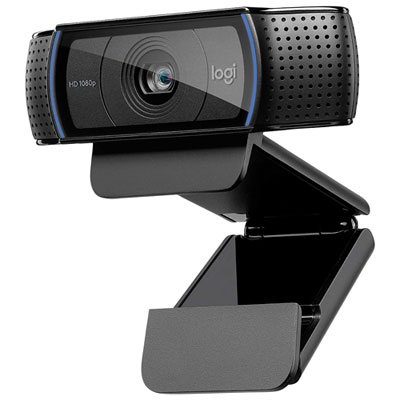
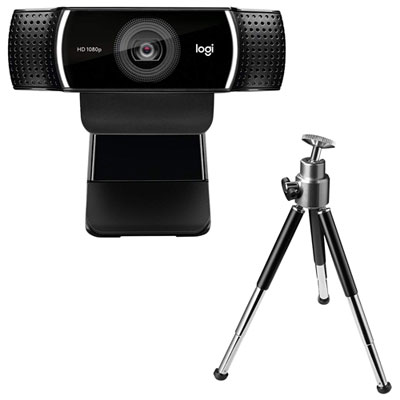
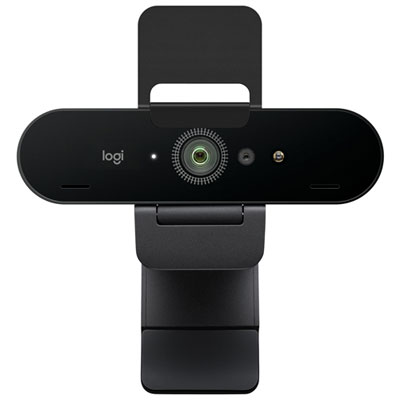
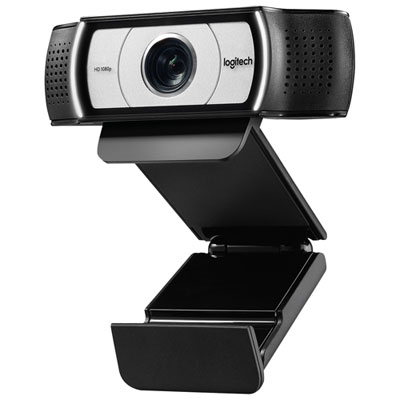
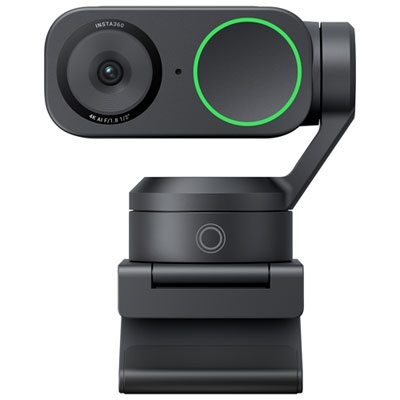
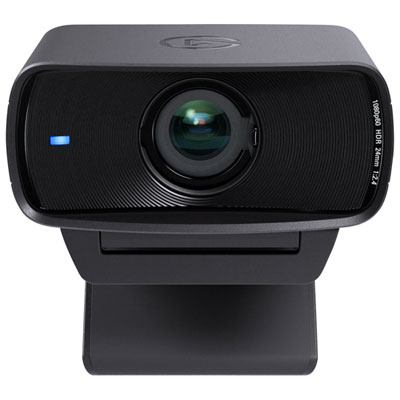
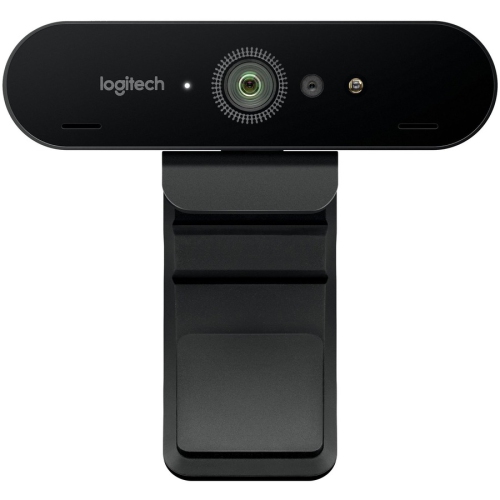
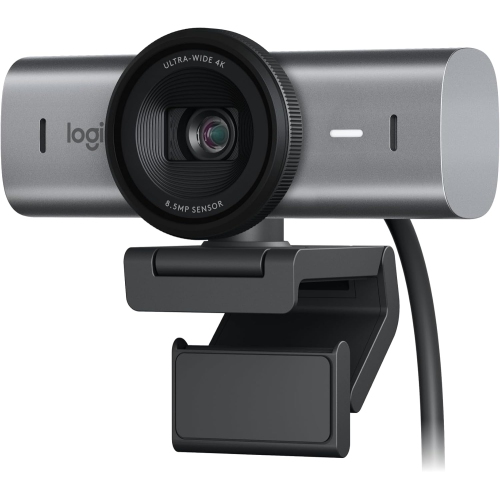
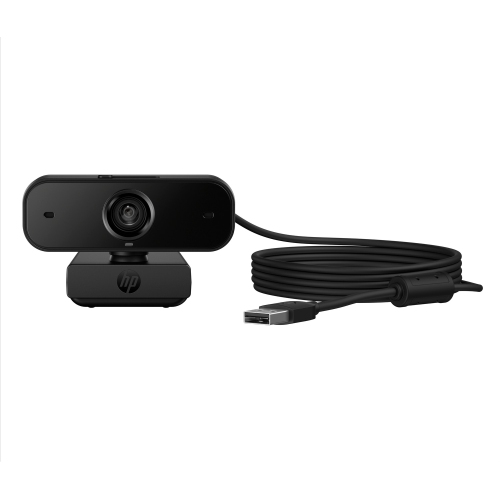
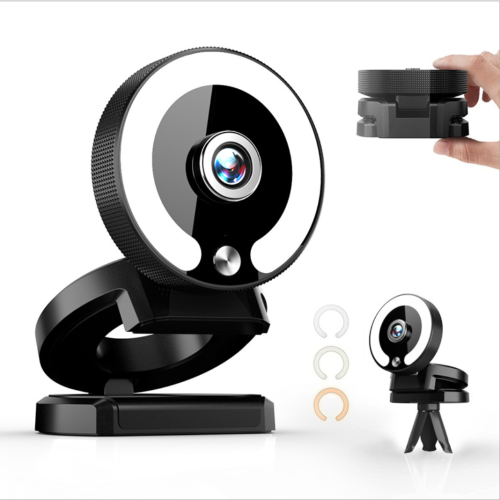
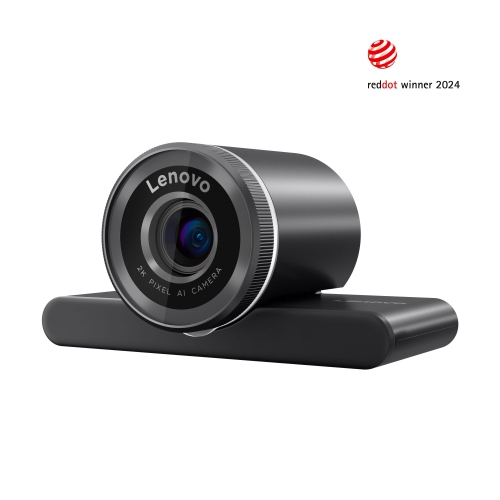
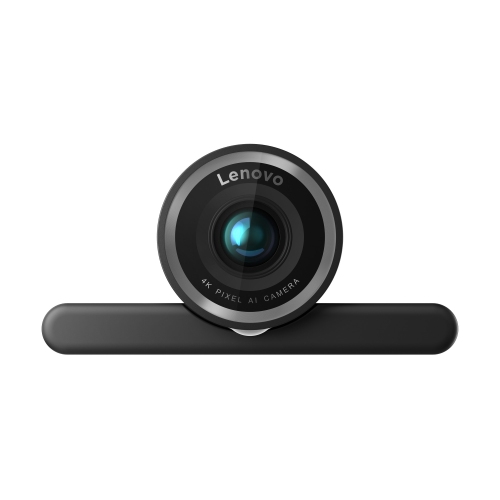
Advanced webcams for back to school help students get ready for online classes, video calls, and group projects. Browse options for your study setup, comparing video resolution, microphone features, mounting options, and compatibility with your computer and learning apps.


FAQ
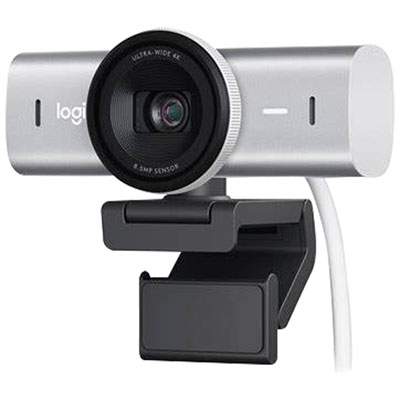
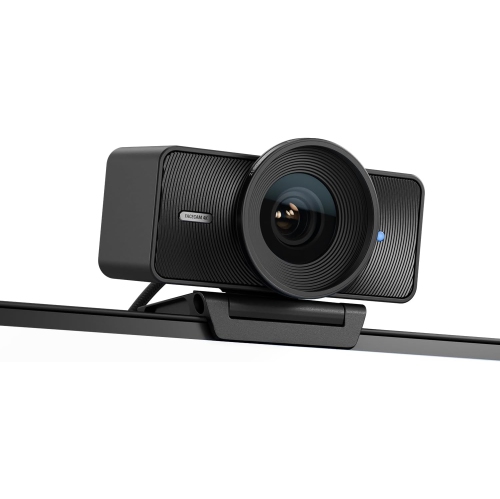
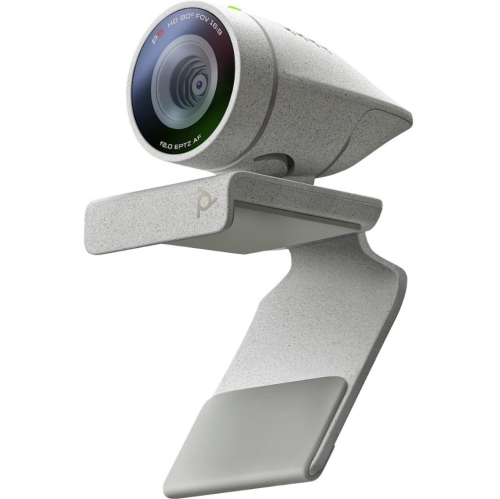
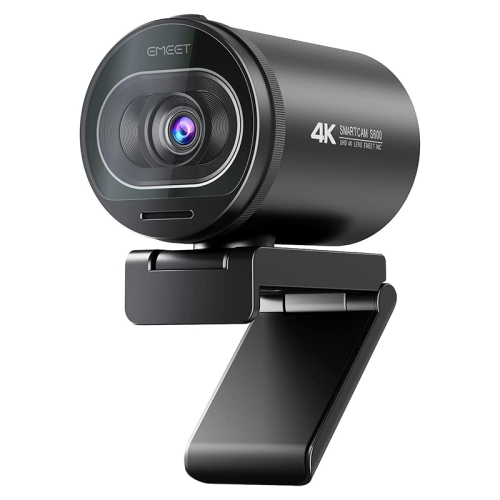
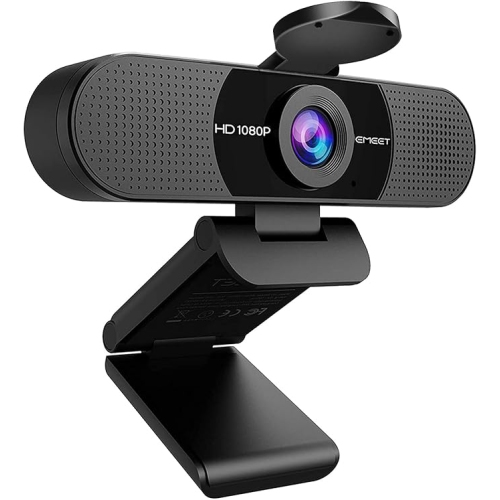
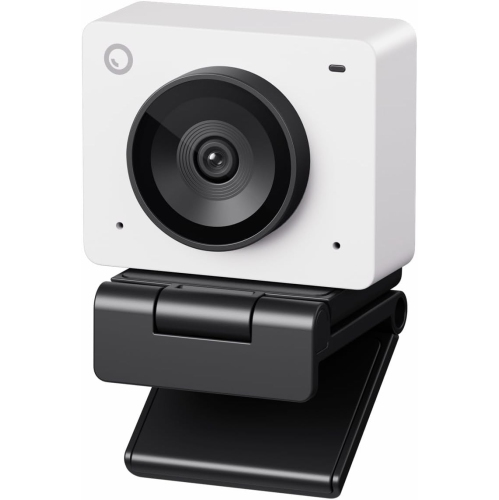
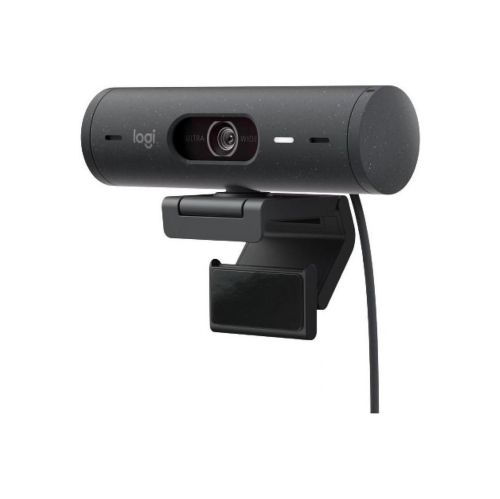
Advanced webcams may include Full HD or 4K video, autofocus, automatic framing, adjustable fields of view, and built-in microphones. Some also offer software controls for exposure, white balance, and background effects. Available features vary by model and video conferencing app.
Most external webcams connect through USB-A or USB-C. Many support plug-and-play setup, while certain features require manufacturer software. Check the webcam’s operating system requirements and connection type, then select it as the camera in your class or study group app.
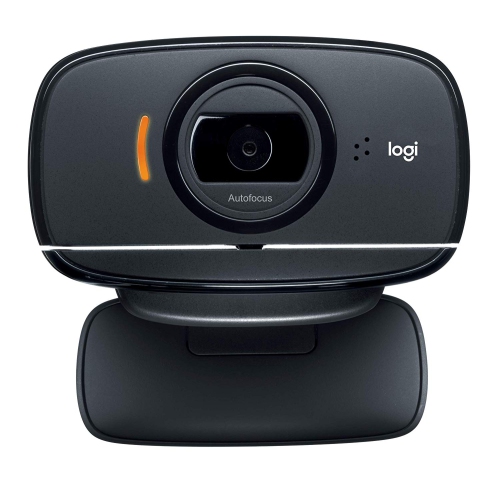
Autofocus webcams automatically adjust focus as the distance between the camera and the subject changes. Fixed-focus webcams use a preset focus range rather than adjusting automatically. Some advanced webcams also offer manual focus through compatible software.
Yes. Most video conferencing apps let you choose your camera and audio input separately. You can use an external webcam for video and select a headset, USB microphone, or your computer’s microphone for audio. Built-in webcam microphones are another option on models that include them.
Depending on the webcam and software, you may be able to adjust resolution, frame rate, exposure, white balance, focus, and framing. Some controls appear in your video conferencing app, while others are available through the webcam manufacturer’s software. Your school’s account settings may limit access to certain app features.
Top selling and popular products
Discover more categories related to Back To School Advanced Webcams
Some products may be subject to Environmental Handling Fees (EHF) depending on your province. Learn more about EHFs.