Back To School USB Webcams

Find back-to-school USB webcams for online classes, study groups and video calls. Browse external webcams for your laptop or desktop, and compare resolution, microphone features and mounting options to find a fit for your study setup. Check device compatibility and available USB ports before choosing.
Read More

Sort

Back To School USB Webcams

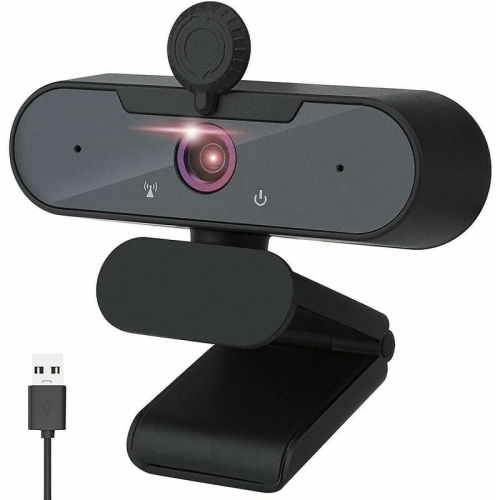
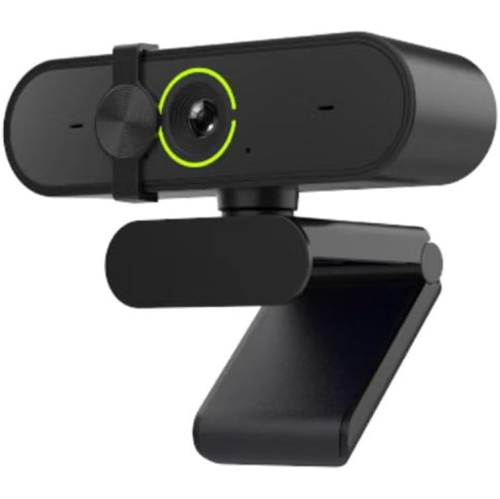
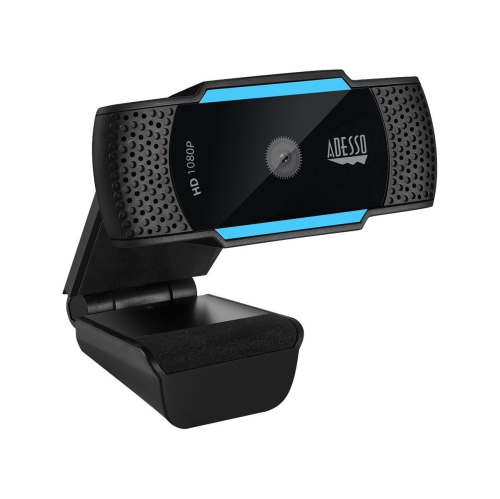
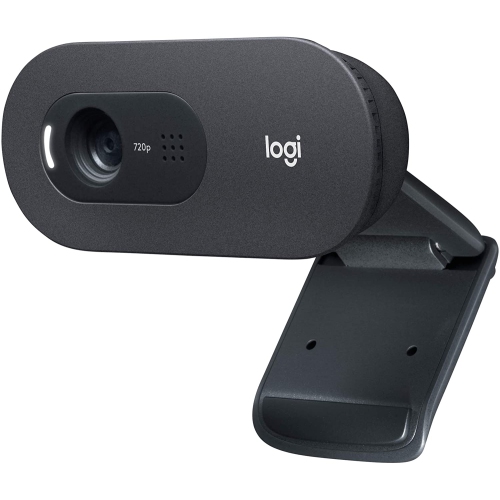
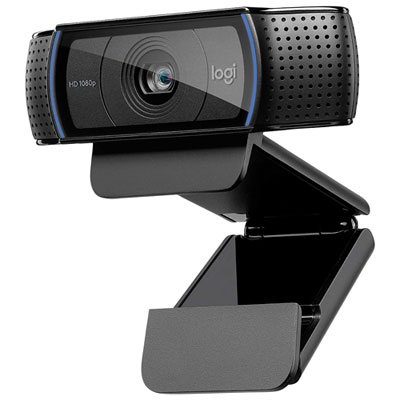
Back To School USB Webcams bring a practical upgrade to the everyday student setup, from a laptop tucked into a residence room to a desktop at the family homework table. A separate webcam offers more flexibility than a built-in camera, making it easier to place the lens at eye level and keep notebooks, a keyboard, and a second screen within reach. That small change can make online lectures, tutoring sessions, and group presentations feel more natural, especially when a laptop would otherwise be sitting low on a desk. For many students, Full HD 1080p resolution provides plenty of detail for video calls, while higher-resolution options can be useful for creating class presentations or sharing visual projects, provided the software and internet connection support that quality. Frame rate also matters: 30 frames per second is generally suitable for face-to-face conversations, while supported higher frame rates can make movement appear smoother. The best fit is a camera that suits the student’s actual routine, whether that means a weekly check-in with a tutor or several hours of online classes.

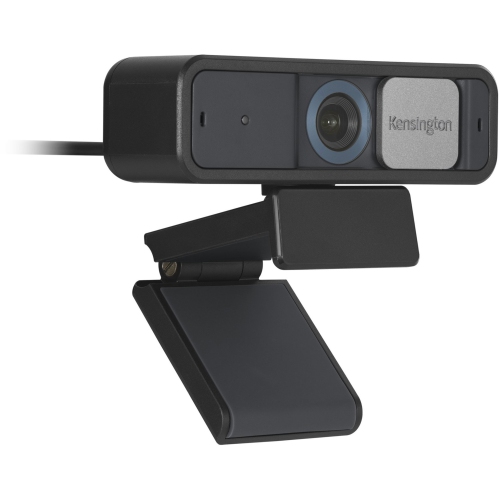
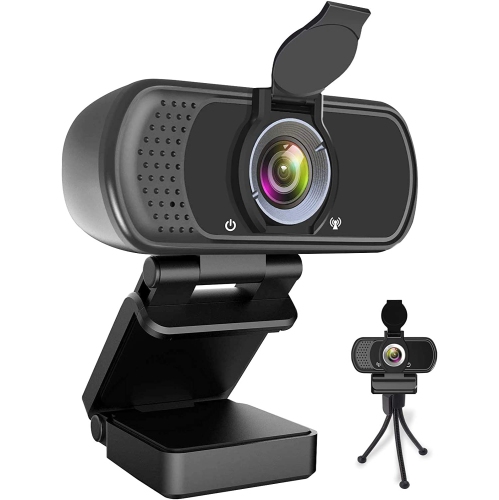
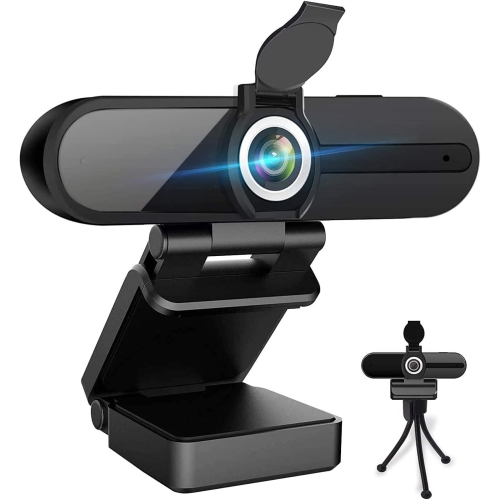
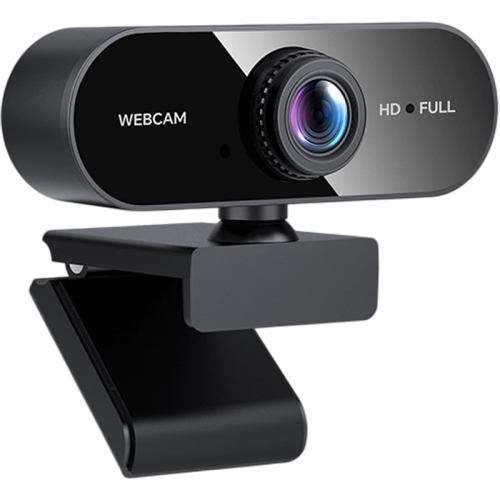
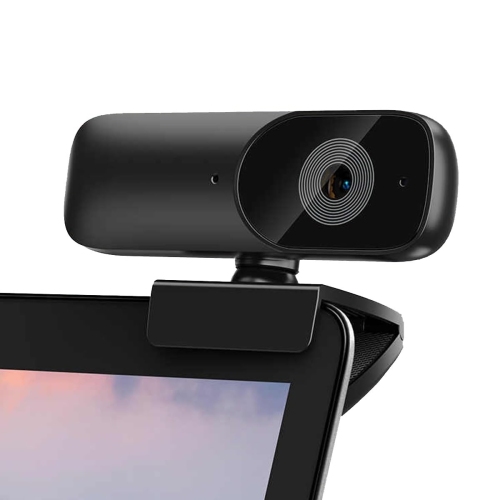
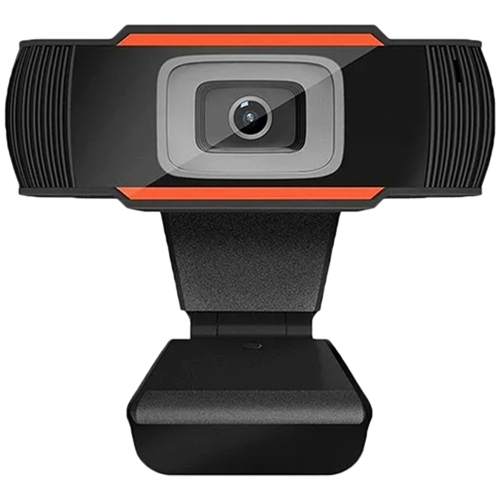
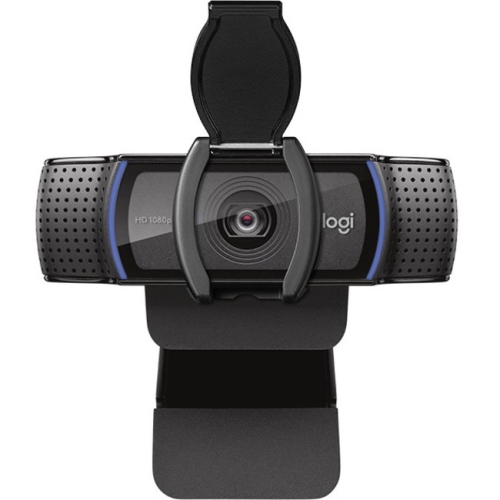
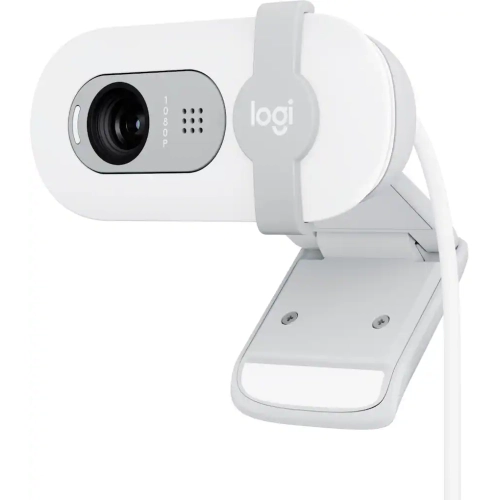
When browsing USB webcams for school, look beyond resolution to the features that make a difference on a busy weekday morning. Autofocus can help keep a face or an object sharp as its distance from the lens changes, while a fixed-focus camera can work well for someone who usually stays seated in the same spot. A wider field of view may suit collaborative projects with two people at one desk, but a narrower view can help keep the frame centred on the student rather than the laundry basket behind them. Low-light performance and automatic exposure adjustment are worth considering for rooms with uneven lighting, although placing a lamp in front of the desk rather than behind it often helps more than expected. Built-in microphones offer convenience for quick calls, but a headset or separate microphone may provide clearer speech in a shared space. A physical privacy shutter is another useful detail, giving students a straightforward way to cover the lens between classes. Adjustable clips, swivel mounts, and tripod compatibility can also make it easier to find a comfortable angle without balancing a camera on a stack of textbooks.

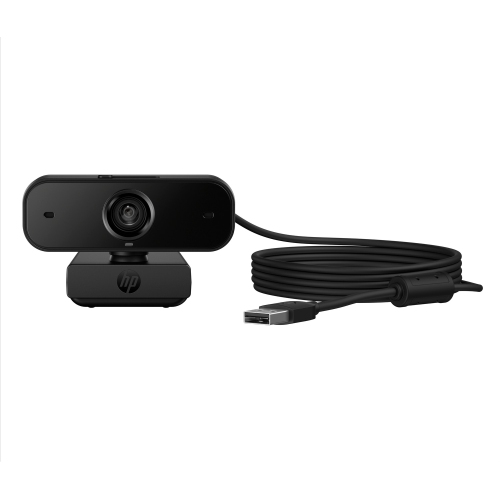
Compatibility deserves a close look before choosing a webcam for the school year. Check the camera’s operating system requirements, connection type, and support for the video-calling platforms used by the school. USB-A and USB-C connections are not interchangeable without the right adapter or hub, and some advanced controls may require additional software even when basic video works straight away. Cable length matters, too, particularly when a desktop tower sits beneath the desk or a monitor is positioned away from the laptop. For students who move between home, campus, and a study space, a compact webcam with a secure mount can be easier to pack and set up. For those building a more permanent workspace, flexible positioning and dependable microphone performance may take priority over portability. USB webcams can also make thoughtful back-to-school gifts for college and university students, distance learners, or family members returning to education. Paired with a setup they already use, a well-chosen camera can support everything from a first virtual seminar to a late-afternoon project meeting—and a catch-up with family once the schoolwork is done.

Read More

FAQ

Some products may be subject to Environmental Handling Fees (EHF) depending on your province. Learn more about EHFs.