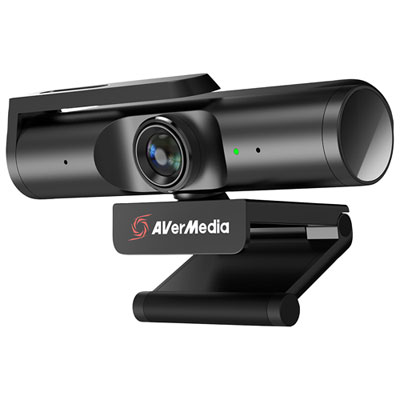
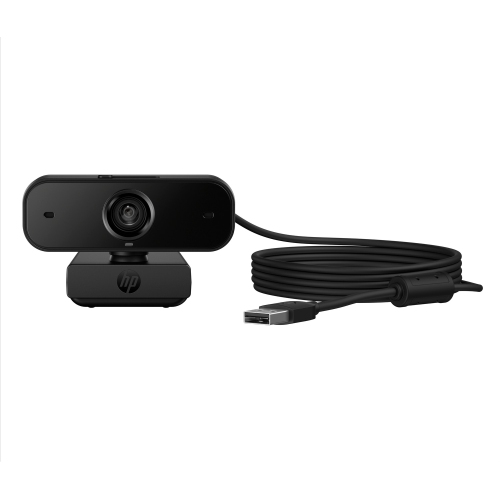
Back To School Webcam And Accessories

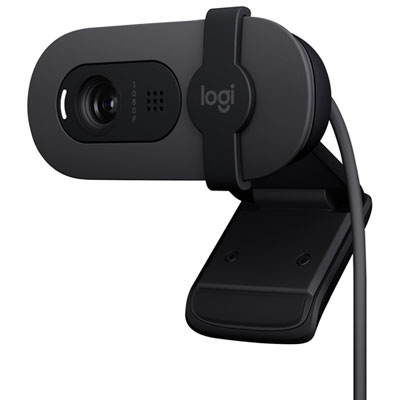
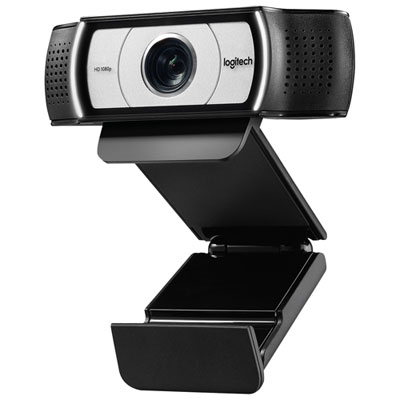
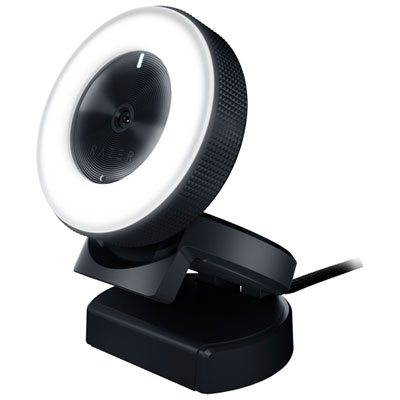
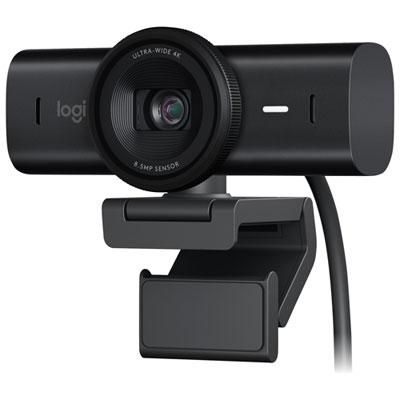
Find back-to-school webcams and accessories for online classes, study groups and video calls. Browse options for your school setup, and compare webcams by resolution, microphone features and compatibility with your laptop or desktop to find the right fit for your coursework.

Read More

Sort

Back To School Webcam And Accessories

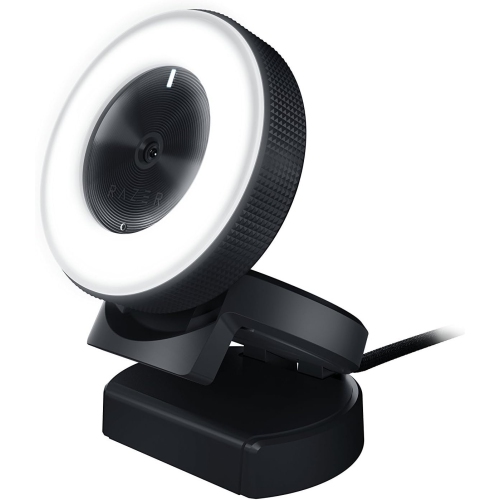
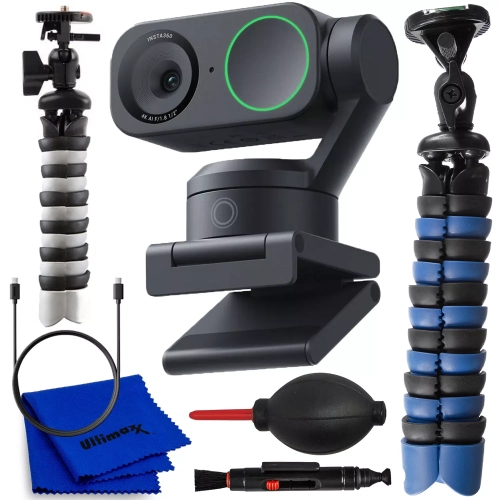
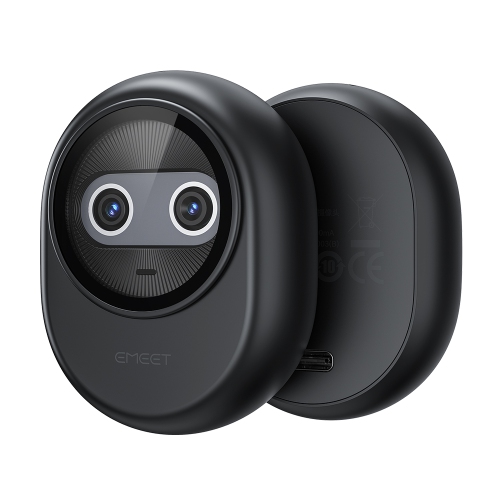
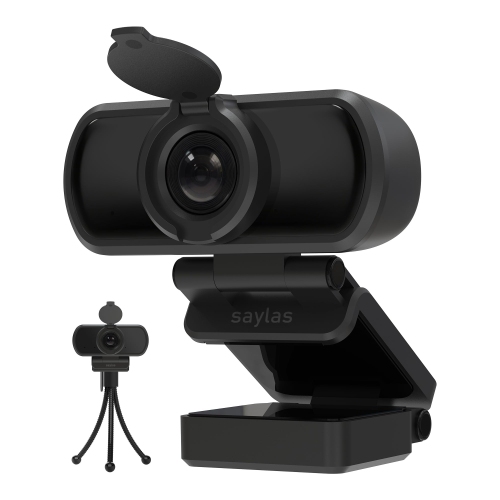
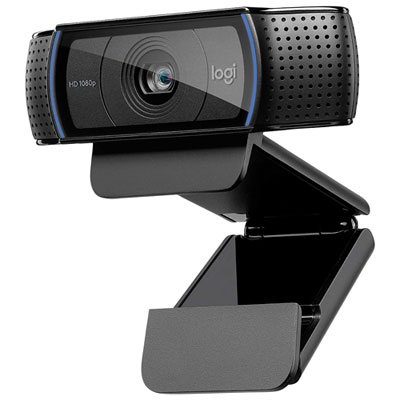
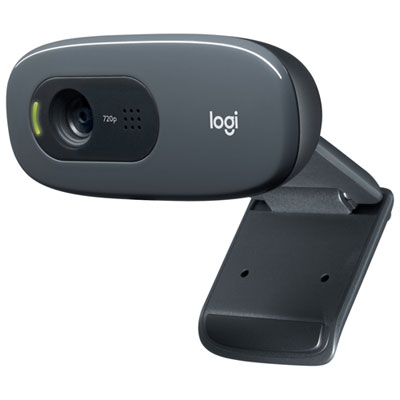
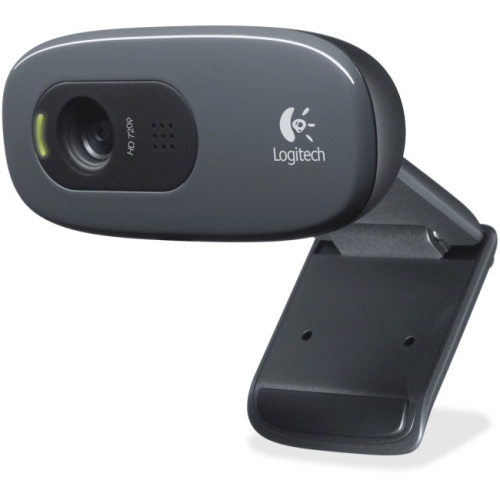
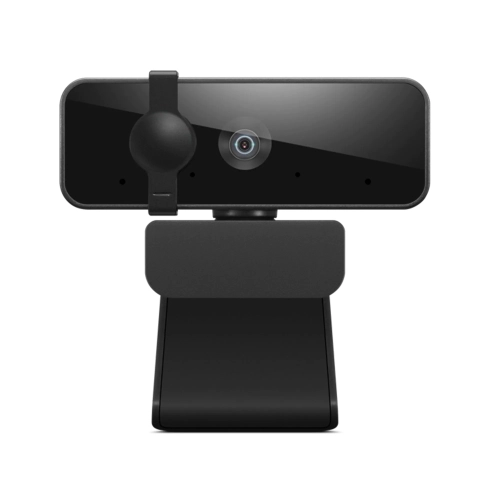
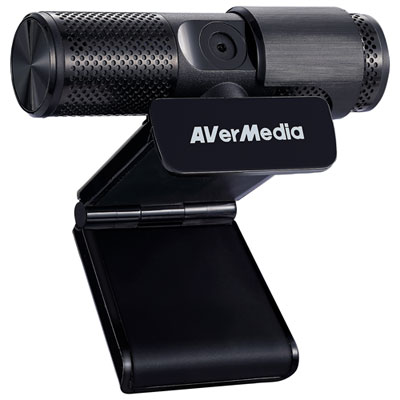
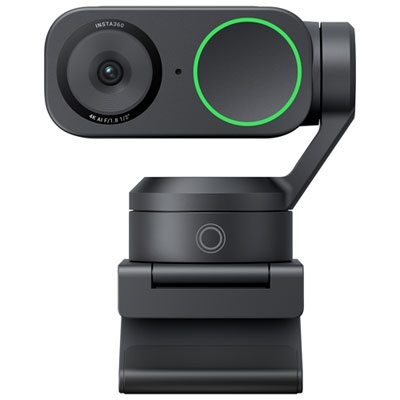
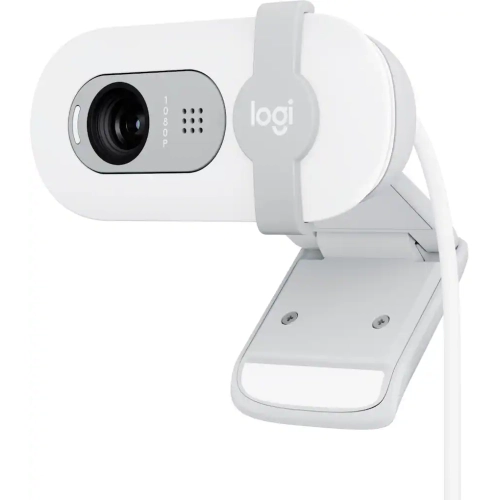
A clear picture and a comfortable desk setup can make a real difference during a busy school week, whether you’re joining a morning lecture, working through a group assignment, or catching up with a tutor from home. The Back To School Webcam And Accessories selection brings together essentials for students who want to feel more prepared for those everyday moments on camera. An external webcam can offer more flexibility than a built-in laptop camera, particularly when your laptop sits off to one side or below eye level. Look at resolution alongside frame rate, autofocus, and low-light performance rather than treating a single specification as the whole story. A higher-resolution camera can capture more detail, but the image your classmates see also depends on your internet connection and the video platform’s settings. For a student calling from a small bedroom or a shared residence room, an adjustable field of view can be especially useful: a tighter frame keeps attention on the speaker, while a wider view can help when showing a project or fitting two study partners into the picture.

The right accessories help turn a corner of the kitchen table or a compact dorm desk into a practical place to learn. Before choosing a webcam, check its operating system requirements, connection type, and compatibility with the apps used by your school. It’s also worth counting available USB ports, especially if a keyboard, mouse, and headset already occupy most of them. A compatible hub may provide additional connections, though its power and data capabilities need to suit the devices you plan to attach. Mounting deserves just as much attention. A clip should fit securely without covering part of the screen, while a small stand or adjustable mount can make it easier to position the camera near eye level. If your desk faces a bright window, a webcam may struggle to balance your face against the background; moving the light source in front of you, or adding a soft, adjustable desk light, can help produce a more even image. In a tight workspace, check stand dimensions and cable lengths so there’s still room to open a textbook, spread out notes, and write comfortably.

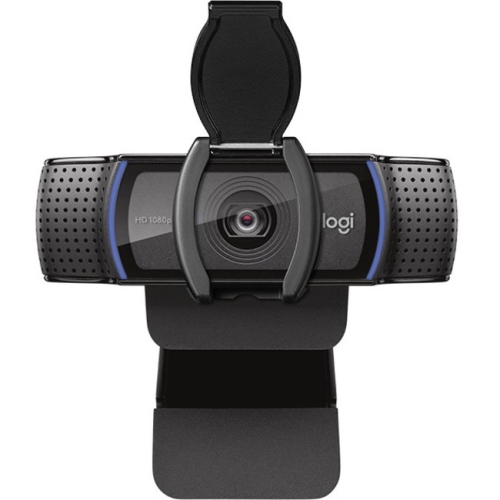
Audio, privacy, and portability round out a setup that feels good to use throughout the term. A built-in webcam microphone may be sufficient for occasional calls, while a compatible headset or separate microphone can be helpful for frequent discussions, presentations, and language lessons. In a shared space, headphones let students hear a lesson without playing it aloud for everyone nearby; microphone placement and background noise will still affect how clearly others hear them. A physical privacy shutter offers a simple way to cover the lens between sessions, and accessible controls make quick adjustments less distracting when class is already underway. Students who move between home, campus, and study spaces may appreciate a compact camera, a protective pouch, and cables that pack neatly without tangling around everything else in a bag. These accessories can also make thoughtful back-to-school gifts for a college or university student, a teen taking virtual courses, or an adult returning to the classroom. The most useful choice is one that fits their existing computer, their available space, and the way they actually study—from an evening tutoring session to a final presentation delivered with notes just beside the screen.

Read More

FAQ

Some products may be subject to Environmental Handling Fees (EHF) depending on your province. Learn more about EHFs.