Back To School Bluetooth Keyboards
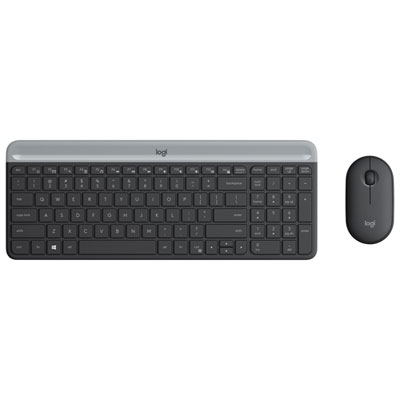
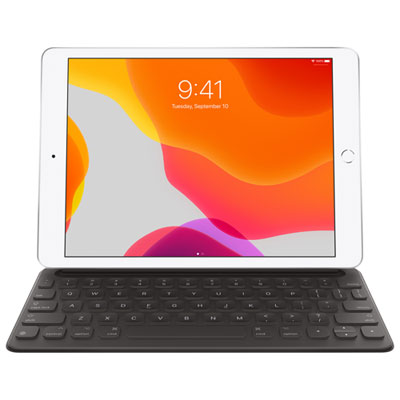
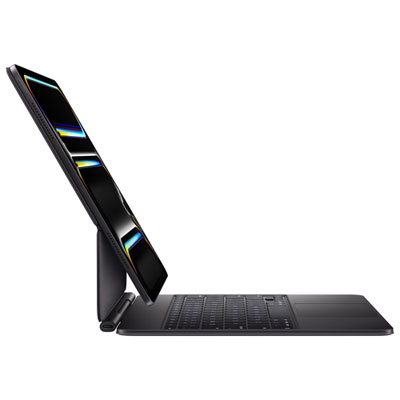
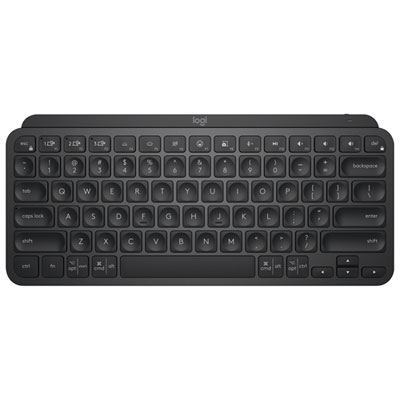
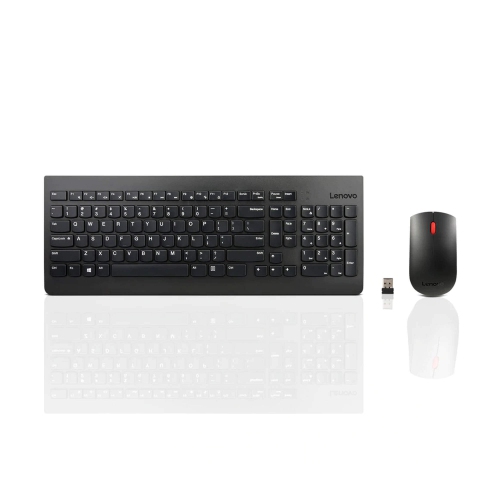
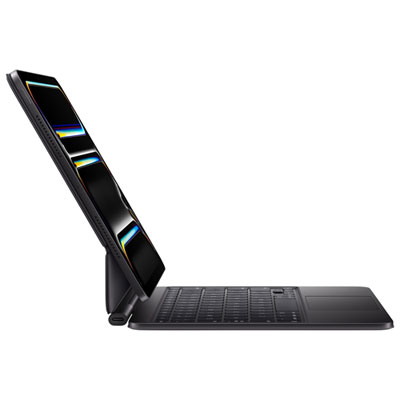
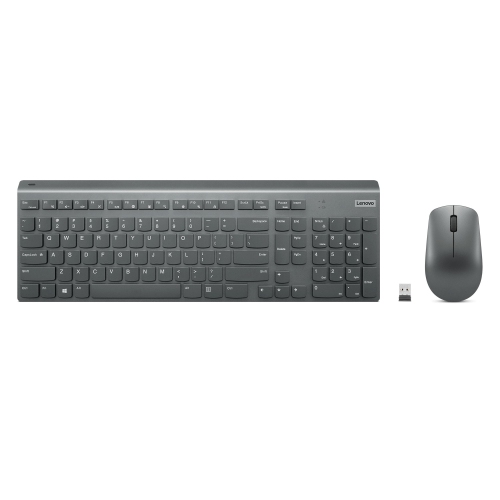
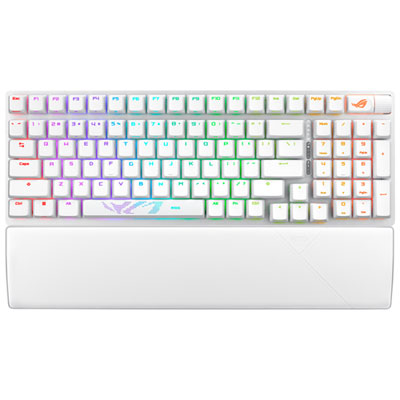
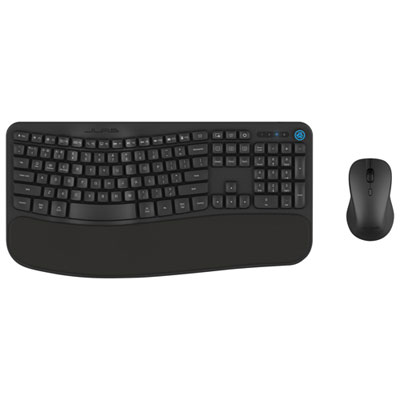
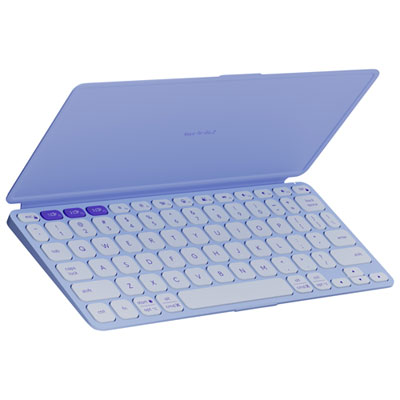
Back-to-school Bluetooth keyboards offer wireless typing for class notes, assignments, and study sessions. Explore options for compatible laptops, tablets, and desktop computers, and compare keyboard size, layout, battery requirements, and device compatibility to find a practical fit for your desk or backpack.










FAQ
Bluetooth keyboards can pair with many laptops, tablets and smartphones that support Bluetooth keyboard input. Check the keyboard’s listed operating system compatibility, as support for Windows, macOS, ChromeOS, iPadOS and Android varies by model.
Turn on the keyboard and activate its pairing mode, then open your device’s Bluetooth settings and select the keyboard. Some devices display a code that you must type on the keyboard to complete pairing. School-managed devices may require permission from your IT administrator.
Some Bluetooth keyboards support multi-device pairing, allowing you to save connections to a laptop, tablet or phone. You can usually switch between paired devices using dedicated buttons or a key combination. Check for this feature if you plan to use one keyboard across several school devices.
Bluetooth keyboards typically use replaceable batteries or a built-in rechargeable battery. Rechargeable models charge through a cable, while models with replaceable batteries require the battery type specified by the manufacturer. A charging cable does not necessarily support a wired keyboard connection.
Bluetooth keyboards come in different language layouts, including English and Canadian French options. Depending on the model, they may include function keys, media controls and operating system shortcuts. Choose a layout that matches your typing preferences, and check shortcut compatibility with the device and apps you use for coursework.
Top selling and popular products
Discover more categories related to Back To School Bluetooth Keyboards
Some products may be subject to Environmental Handling Fees (EHF) depending on your province. Learn more about EHFs.