Back To School Classroom Tech
Find back-to-school classroom tech for lesson planning, presentations, and everyday learning. Explore computers, accessories, and classroom electronics with your needs in mind, from connecting to a shared display to setting up a student workstation. Check device compatibility, available ports, and school requirements to help choose the right fit.
FAQ
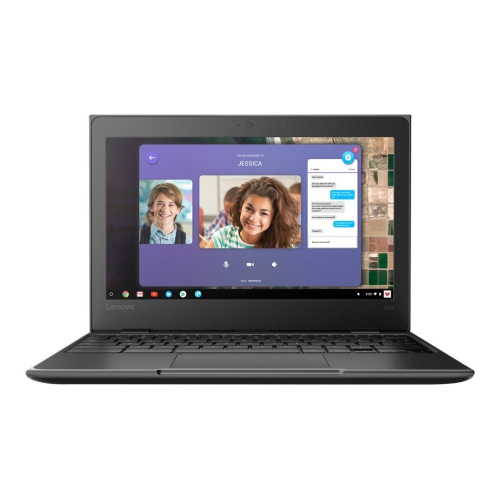
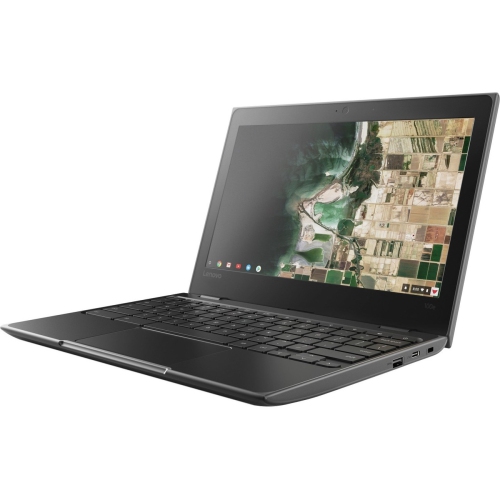
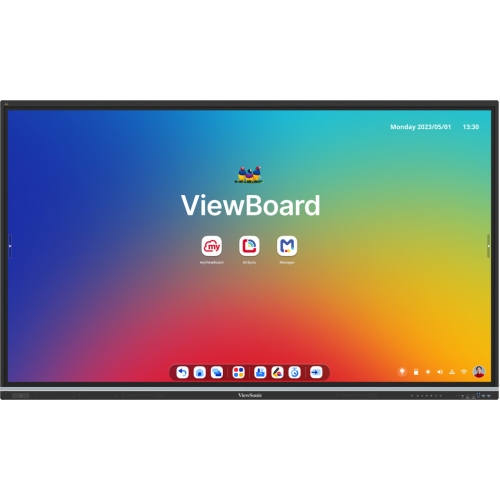
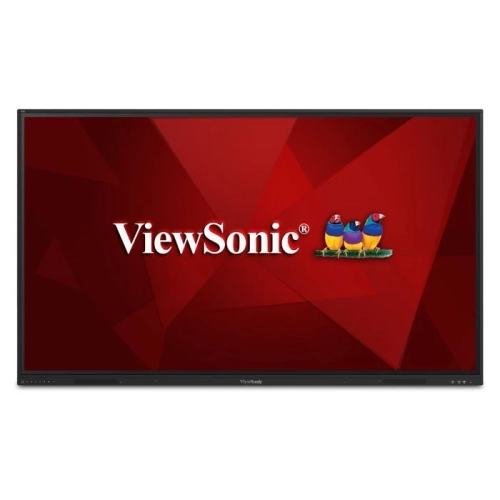
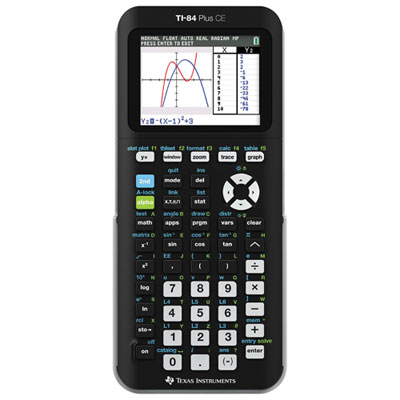
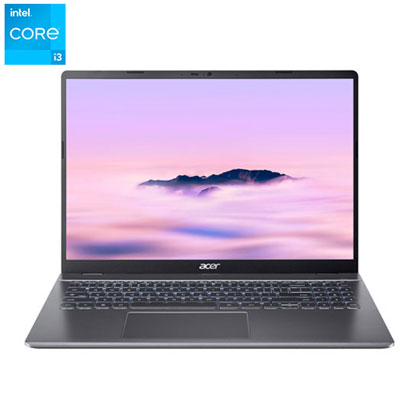
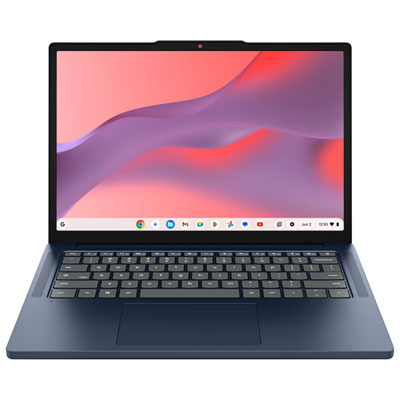
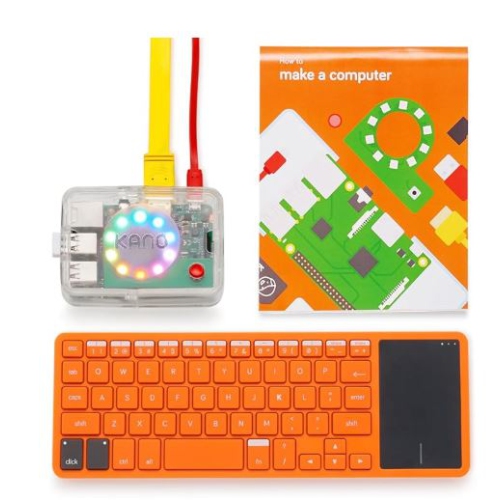
Classroom tech includes laptops, Chromebooks, tablets, projectors, interactive displays, printers, headphones, and webcams. The mix depends on the subjects taught, school software requirements, and whether students use individual or shared devices.
Check the software’s supported operating systems, processor requirements, memory, and storage requirements. Confirm whether classes require installed desktop applications or browser-based tools, and whether the device supports your school’s account and device management systems.
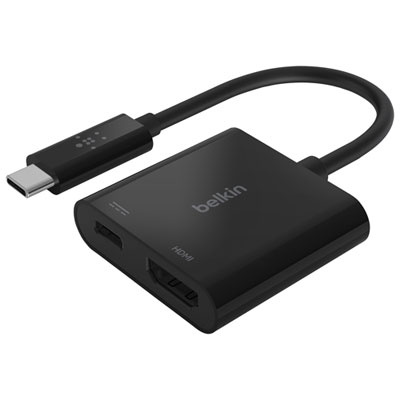
Common connection options include HDMI, USB-C with video support, and wireless screen sharing. Check the ports on both devices and confirm their supported display features. Some setups require an adapter, while wireless connections may depend on the school’s Wi-Fi network settings.
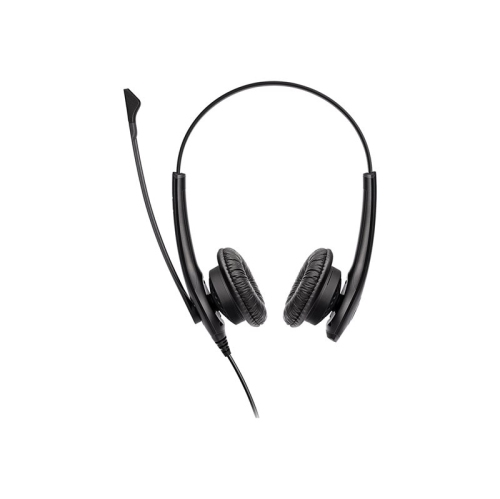
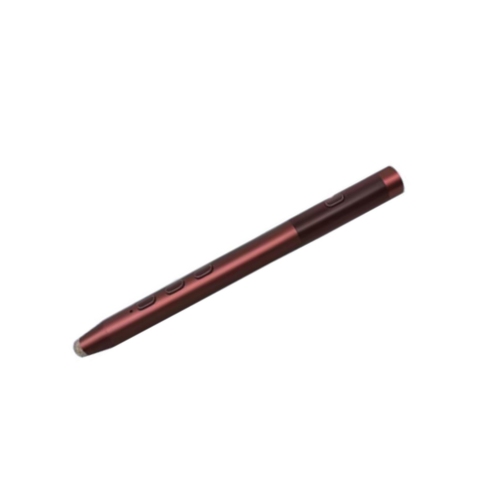
Common accessories include keyboards, mice, headsets with microphones, webcams, and USB hubs. A stylus may also be used with a compatible touchscreen device. Check connector types, operating system support, and available ports before choosing accessories.
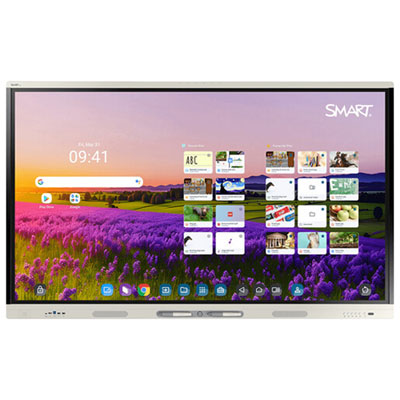
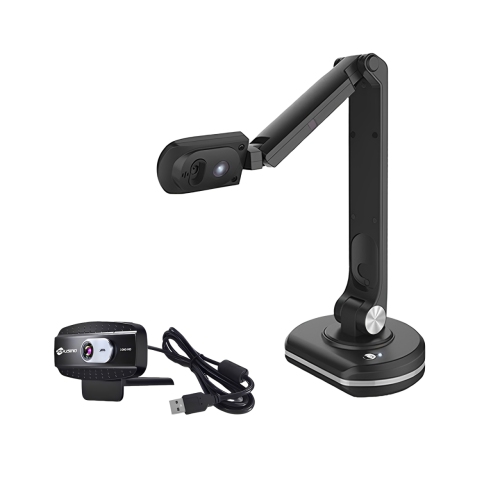
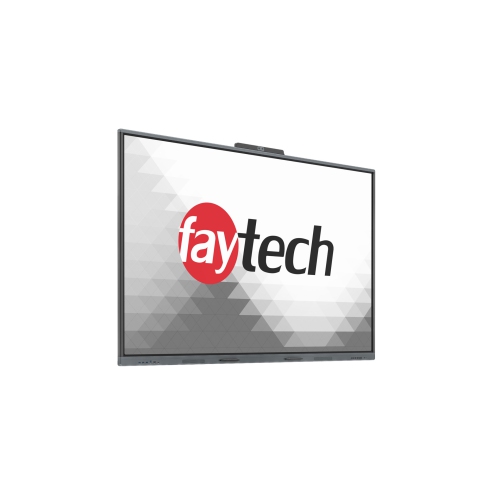
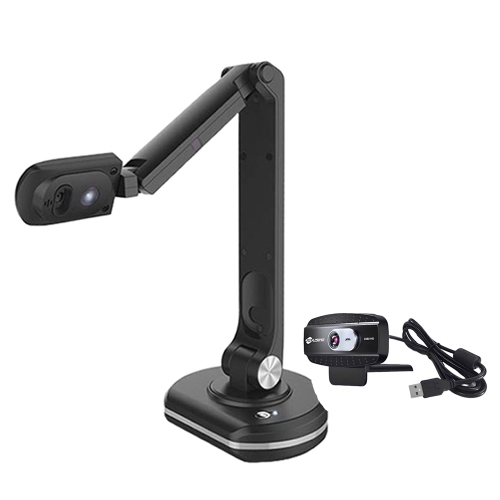
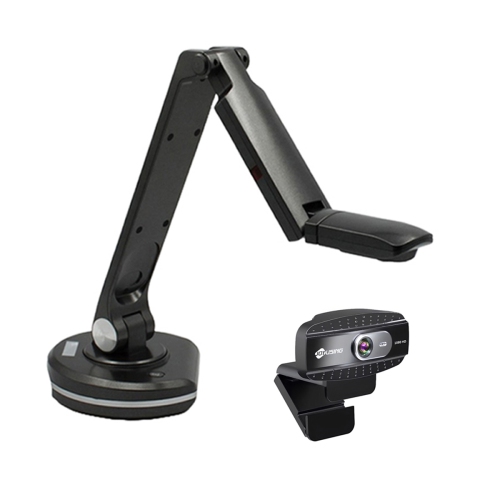
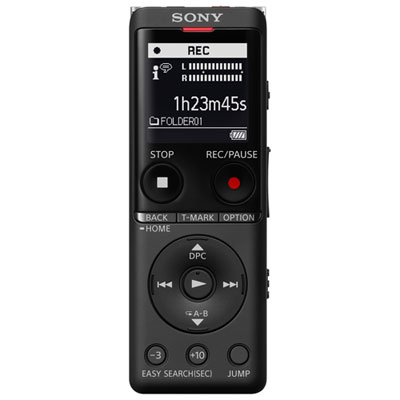
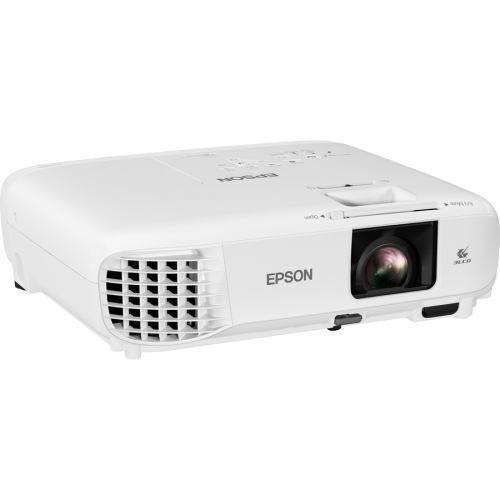
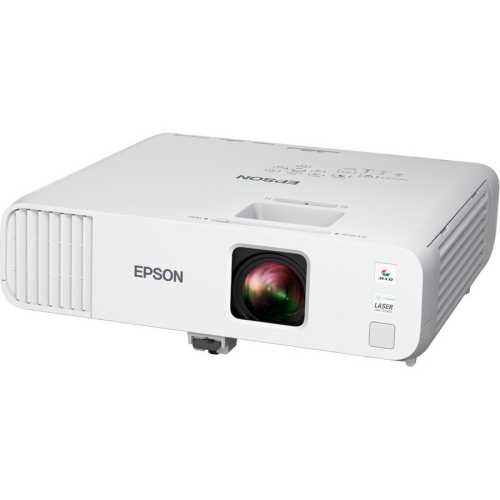
Teachers and students commonly use computers or tablets with presentation software, document cameras for showing printed pages or physical objects, and webcams and microphones for video projects. Projectors and interactive displays are often used to share materials with the class.
Top selling and popular products
Discover more categories related to Back To School Classroom Tech
Some products may be subject to Environmental Handling Fees (EHF) depending on your province. Learn more about EHFs.