Back To School Computer Peripherals
Get set for classes with back-to-school computer peripherals for your laptop or desktop. Browse keyboards, mice, webcams and headsets for typing assignments, navigating coursework and joining online classes. Compare connection types, device compatibility and desk space needs to find accessories that fit your study setup.



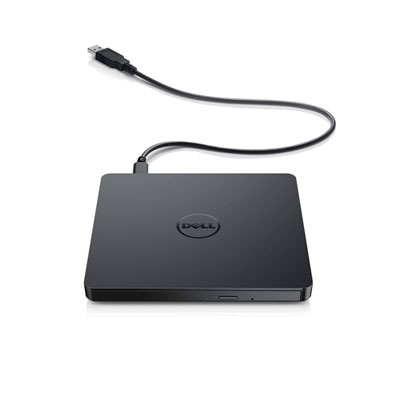


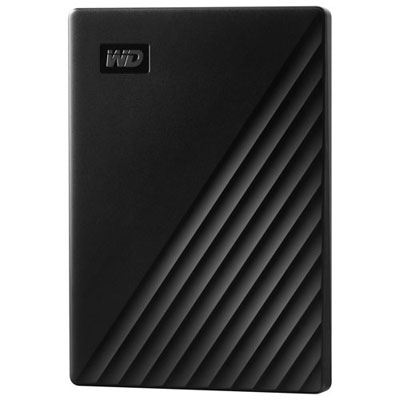
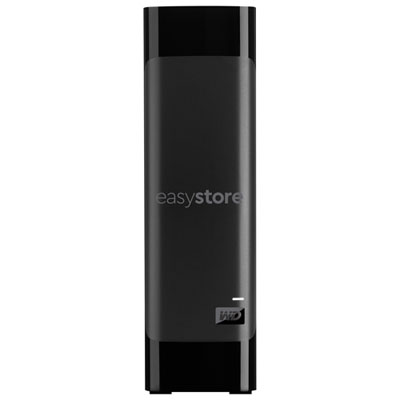



FAQ
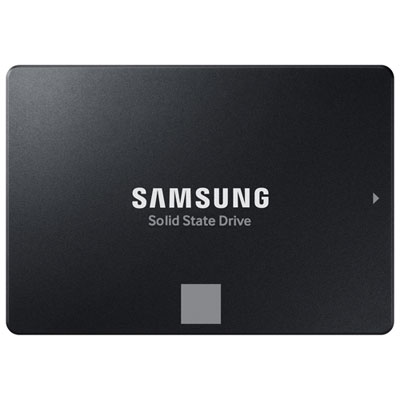
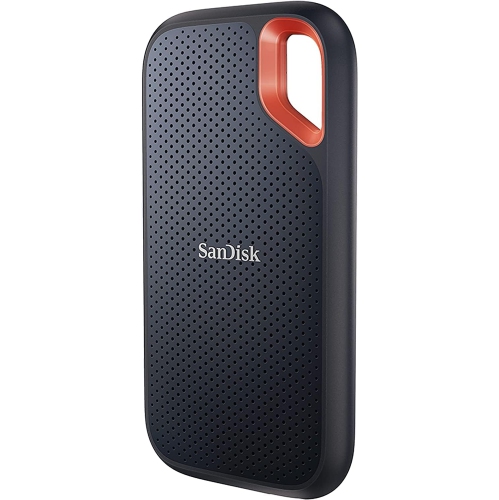
Common back-to-school computer peripherals include keyboards, mice, monitors, headsets, webcams and printers. USB hubs, docking stations and external storage drives are also useful additions, depending on your courses and computer setup.
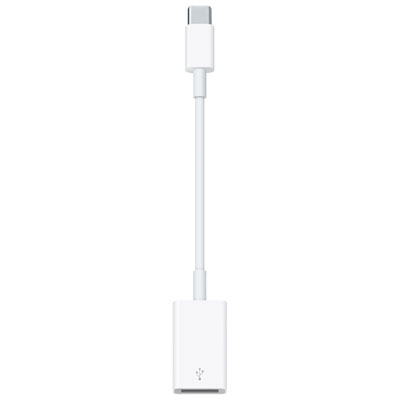
Check the peripheral’s supported operating systems, connection type and software requirements. Match its connection to your computer’s available ports, such as USB-A, USB-C or HDMI. For Bluetooth accessories, confirm that your computer supports Bluetooth. Some peripherals also require drivers or an adapter.
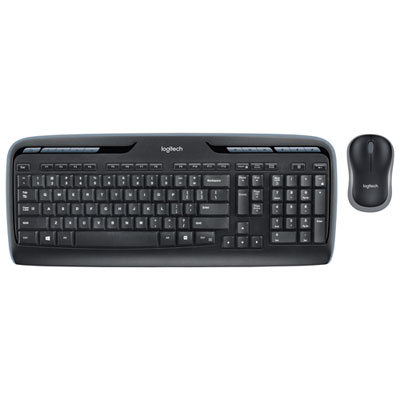
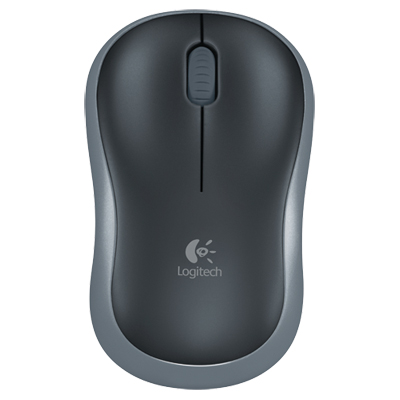
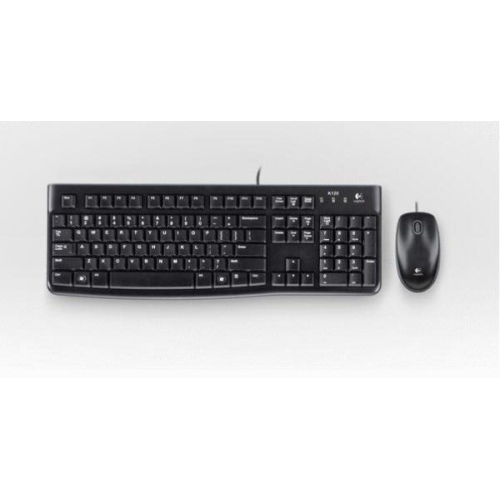
Wired keyboards and mice connect through a cable, typically using a USB port. Wireless models connect through Bluetooth or a USB receiver and use replaceable or rechargeable batteries. Some wireless accessories support multiple paired devices, letting you switch between a laptop and another compatible computer.
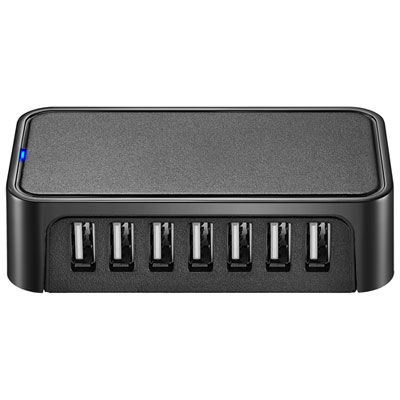
A USB hub typically adds ports for accessories such as a keyboard, mouse or external drive. A docking station often includes a broader mix of connections, such as display outputs, Ethernet and audio. Some models can also charge a connected laptop, but charging and display support depend on both the dock and the computer.
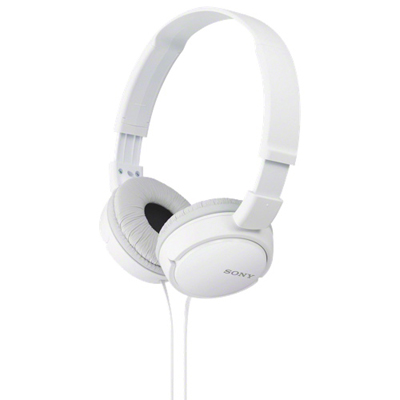
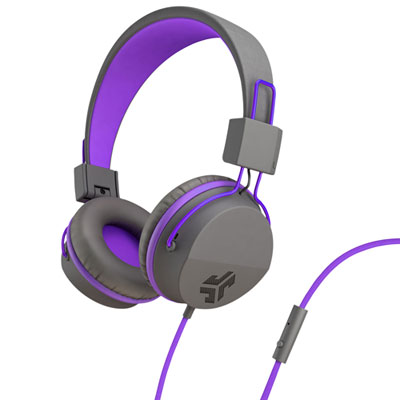
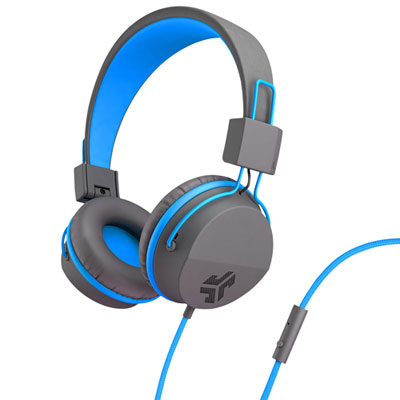
Check compatibility with your computer and the video calling platforms your school uses. For webcams, compare video resolution, microphone options and mounting styles. For headsets, look at the connection type, microphone design, mute controls and whether the model uses an integrated or separate microphone connection.
Top selling and popular products
Discover more categories related to Back To School Computer Peripherals

Some products may be subject to Environmental Handling Fees (EHF) depending on your province. Learn more about EHFs.