Back To School Laptop Peripherals
Get ready for classes with back-to-school laptop peripherals for studying, assignments, and video calls. Browse laptop accessories such as mice, keyboards, webcams, and USB hubs to find options that suit your study space. Check connection types and laptop compatibility to choose peripherals that work with your setup.






FAQ
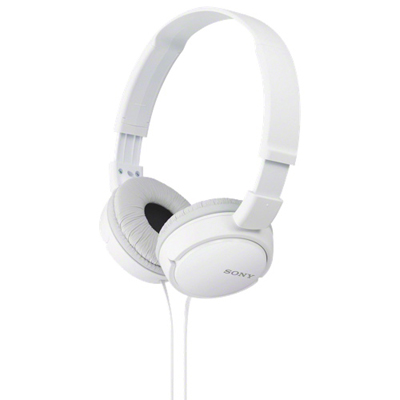
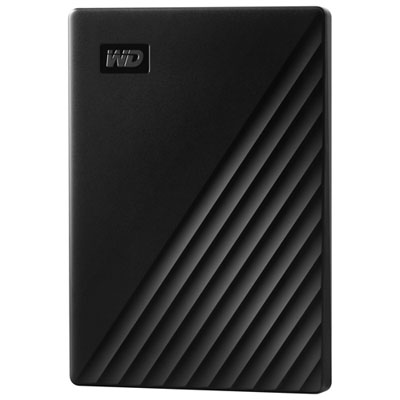
Common laptop peripherals include a mouse, keyboard, headset, webcam, external monitor and USB hub. A docking station can connect several desk accessories, while an external drive provides a separate place to store course files. Your selection will depend on your coursework, laptop connections and study habits.
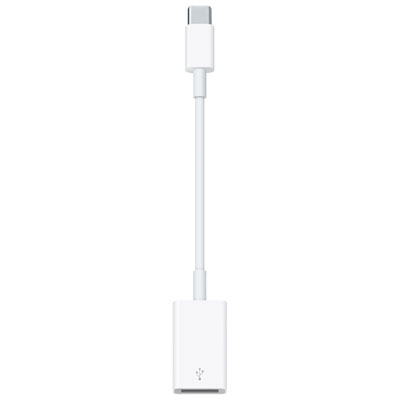
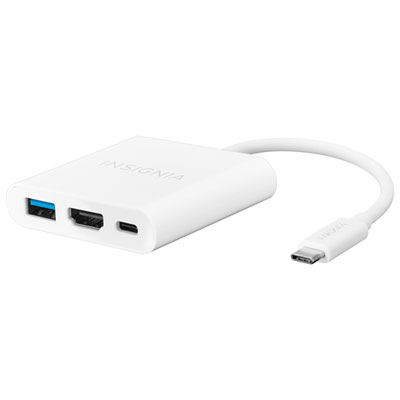
Check the peripheral’s supported operating systems, required ports and software requirements. Match its connection type, such as USB-A, USB-C or Bluetooth, to your laptop’s specifications. For USB-C accessories, confirm the features supported by the port, since not every USB-C port supports video output or charging.
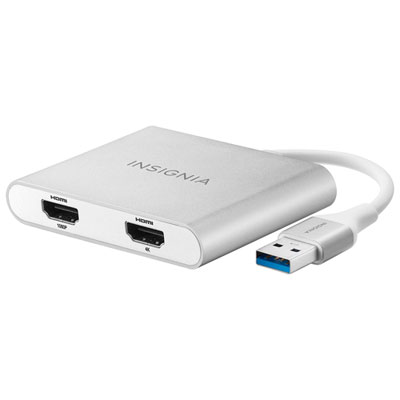
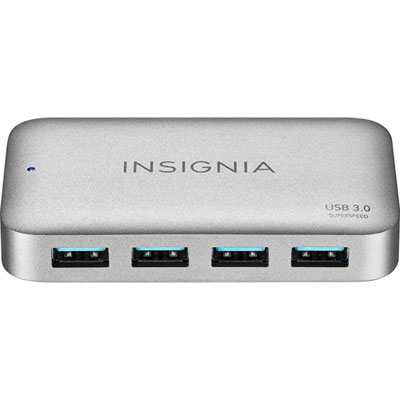
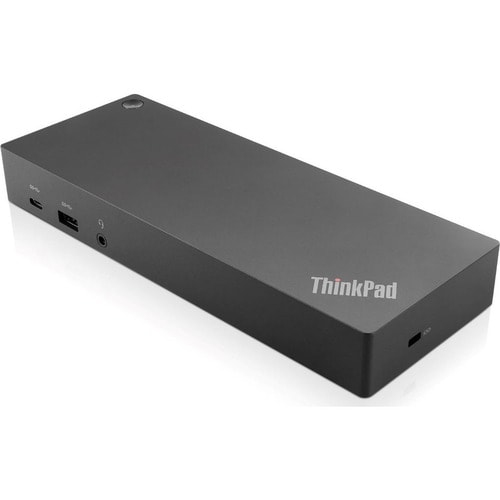
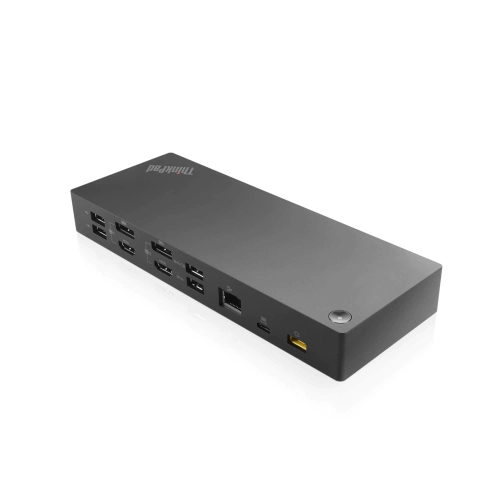
A USB hub typically adds connections for accessories such as a mouse, keyboard or external drive. A docking station generally offers a broader mix of connections, which may include monitor outputs, Ethernet, audio and laptop charging. Features vary, so check both the accessory’s specifications and your laptop’s compatibility.
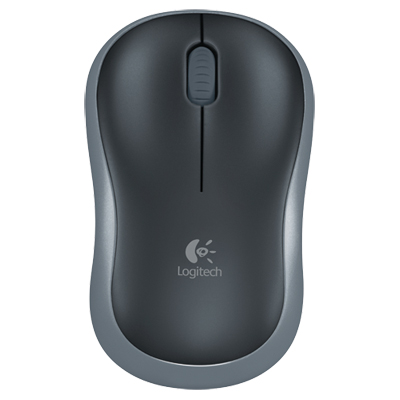
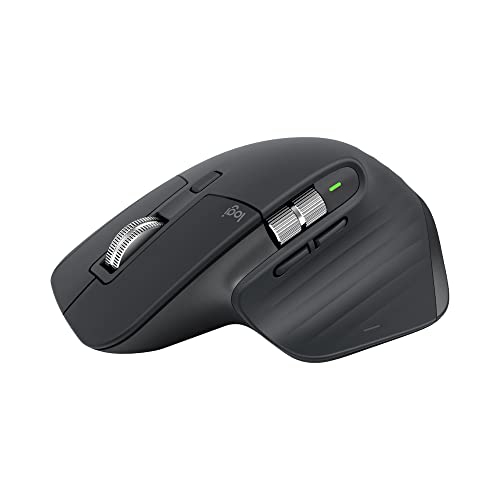
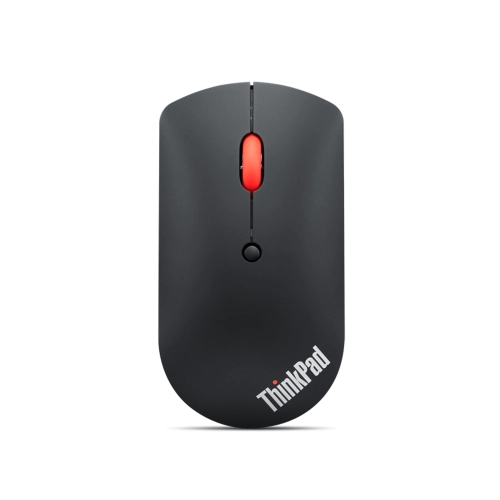
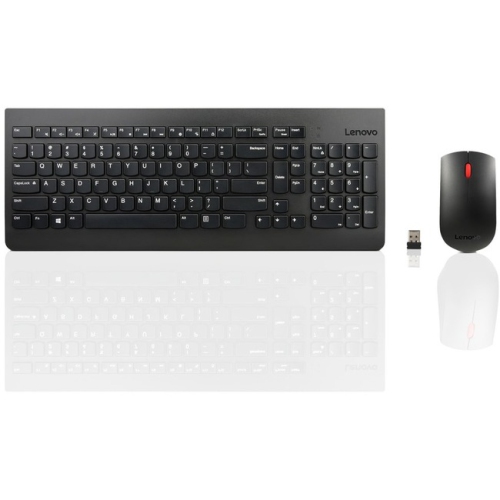
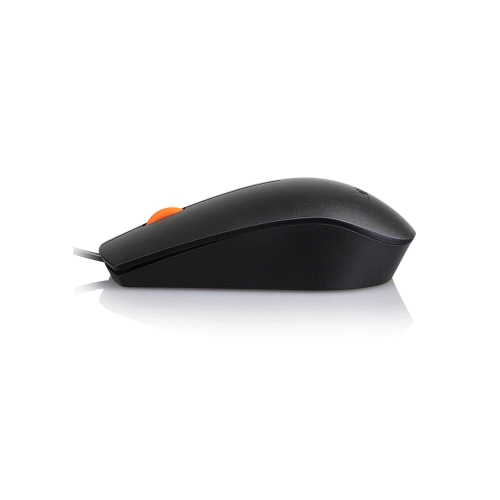
Wired keyboards and mice usually connect through a USB port. Wireless models commonly use Bluetooth or a USB receiver, and they require batteries or charging. A receiver needs a compatible USB port, while Bluetooth accessories require Bluetooth support on the laptop.
Check your laptop’s video outputs and the monitor’s inputs. Common options include HDMI, DisplayPort and USB-C with video support. You may need a compatible adapter or docking station if the connections differ. For multiple monitors, also confirm how many external displays your laptop supports.
Top selling and popular products
Discover more categories related to Back To School Laptop Peripherals

Some products may be subject to Environmental Handling Fees (EHF) depending on your province. Learn more about EHFs.