Back To School Computer Speakers
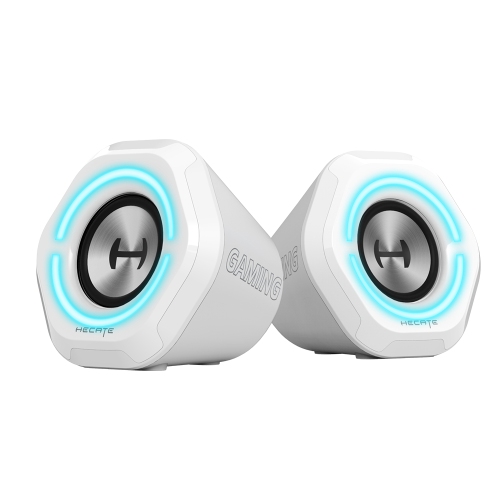
Back to school computer speakers bring clearer audio to online classes, study playlists, and study breaks at your desk. Browse speakers for laptop and desktop setups, comparing connection options, size, and volume controls to find a fit for your study space.


FAQ
Computer speakers commonly connect through a 3.5 mm audio jack, USB or Bluetooth. Check which connections your laptop or desktop supports before choosing speakers. Some USB models carry both audio and power through one cable, while others use USB for power and a separate audio cable for sound.
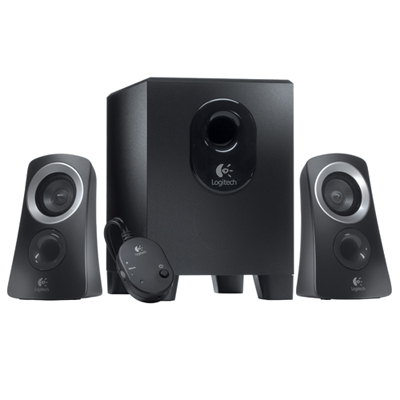
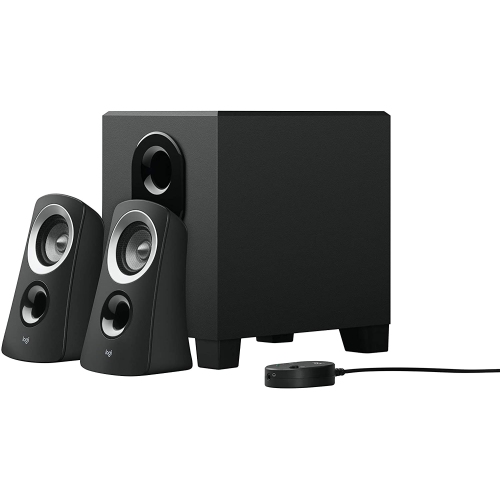
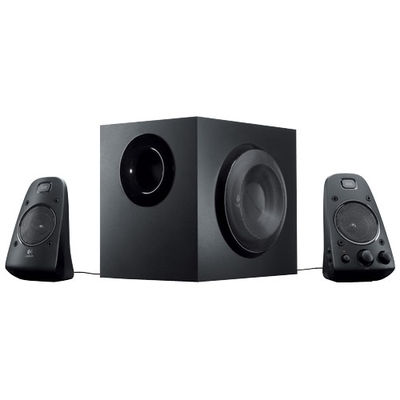
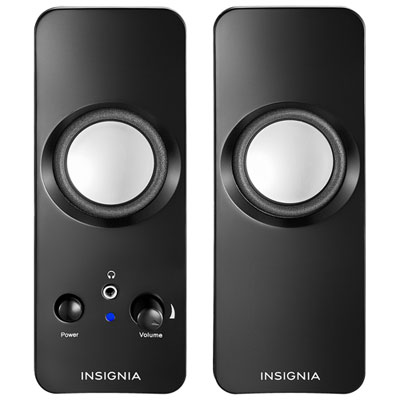
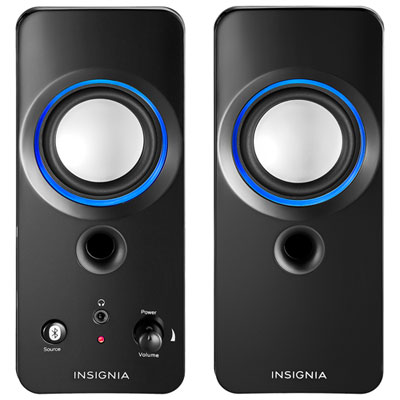
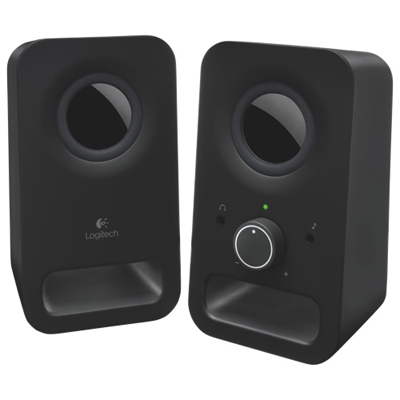
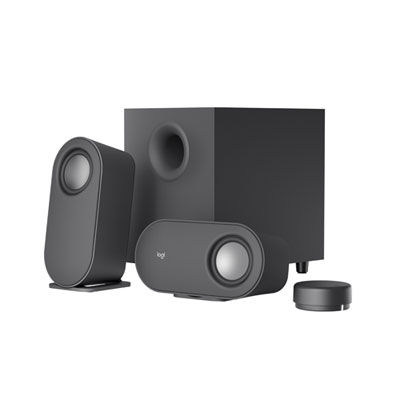
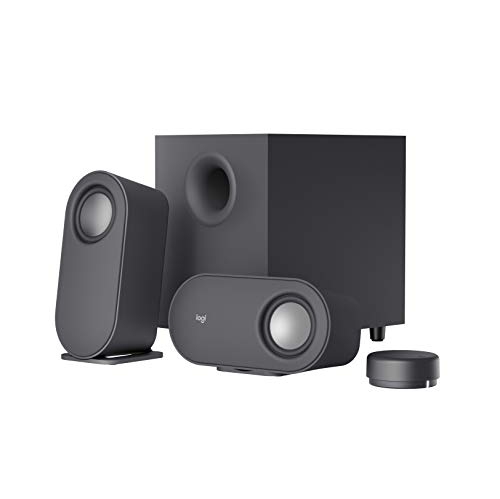
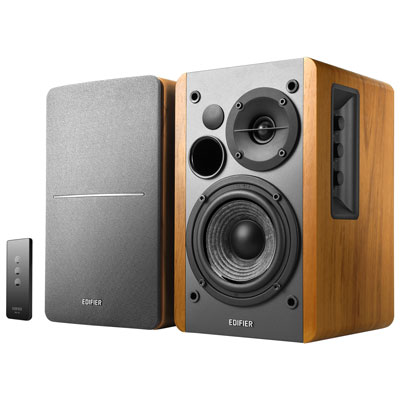
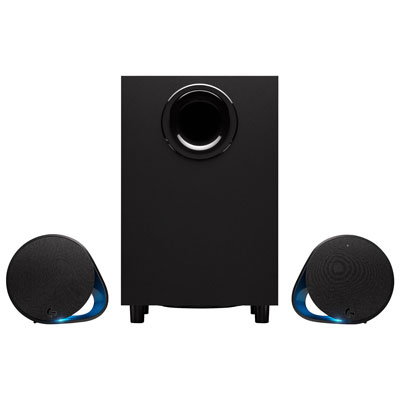
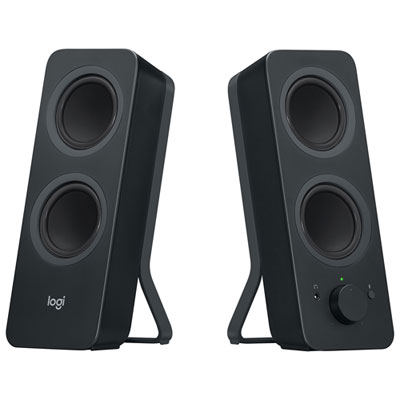
A 2.0 speaker system has two speakers for left and right stereo channels. A 2.1 system adds a separate subwoofer for bass. Both formats are common options for a school computer setup, with different cabling and placement requirements.
Computer speakers may draw power from a USB port, plug into a wall outlet or use a rechargeable battery. Bluetooth describes the audio connection, not the power source, so wireless models may still need a power cable.
Yes. You can usually select speakers or headphones in your computer’s audio settings. Some computer speakers also have a headphone jack for connecting wired headphones directly. Depending on the model, plugging in headphones may automatically mute the speakers.
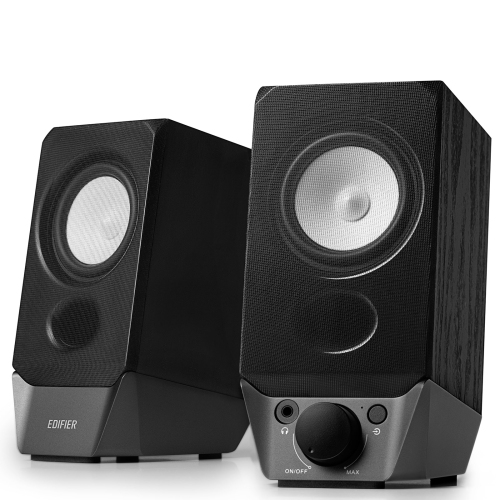
Common controls include power, volume and mute. Some models also offer bass adjustment, input selection, Bluetooth pairing or a separate desktop control dial. Available controls vary, and you can typically adjust playback volume through your computer as well.
Top selling and popular products
Discover more categories related to Back To School Computer Speakers

Some products may be subject to Environmental Handling Fees (EHF) depending on your province. Learn more about EHFs.