Back To School Desktop Speakers
Back-to-school desktop speakers bring clear audio to your study setup for online classes, video calls, and music between assignments. Browse computer speakers with your desk space and connection needs in mind, and compare controls and headphone connections to find a practical fit for your school routine.

FAQ
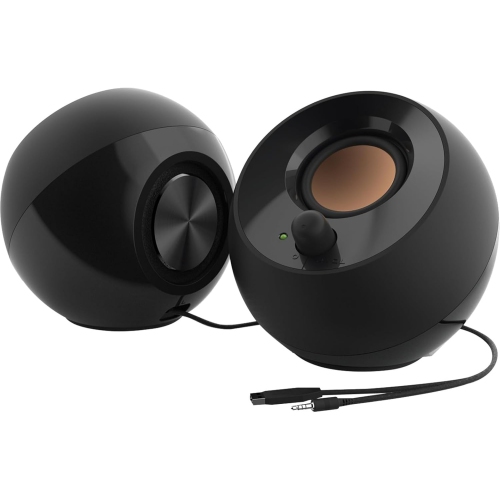
Desktop speakers commonly connect through a 3.5 mm audio cable, USB or Bluetooth. Check which audio connections your laptop or desktop supports. Some speakers use USB only for power and require a separate cable for audio.
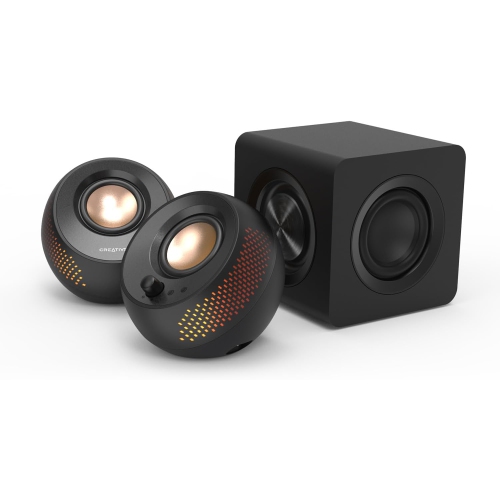
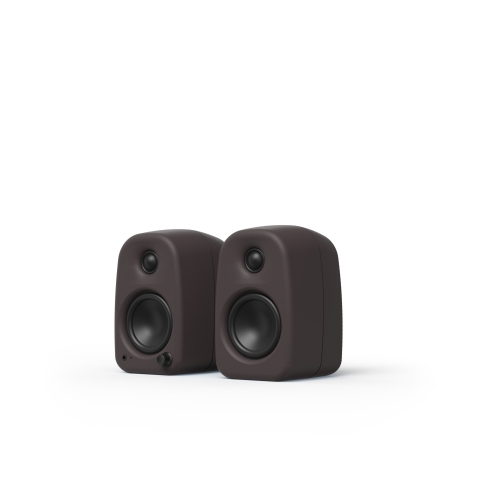
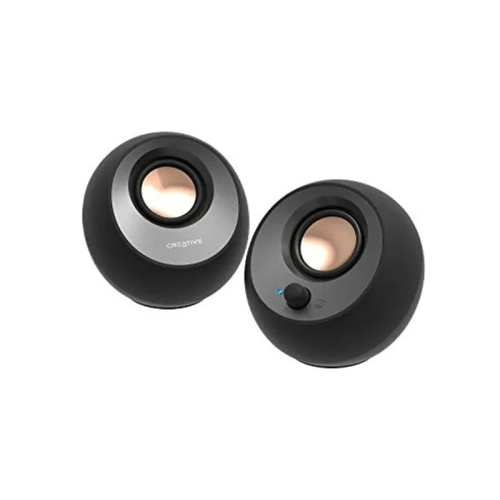
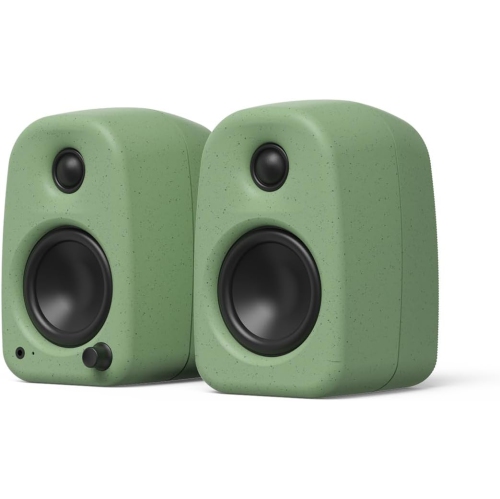
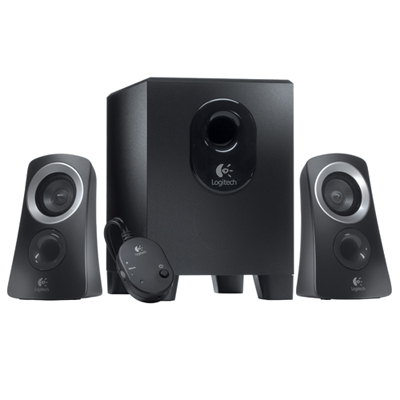
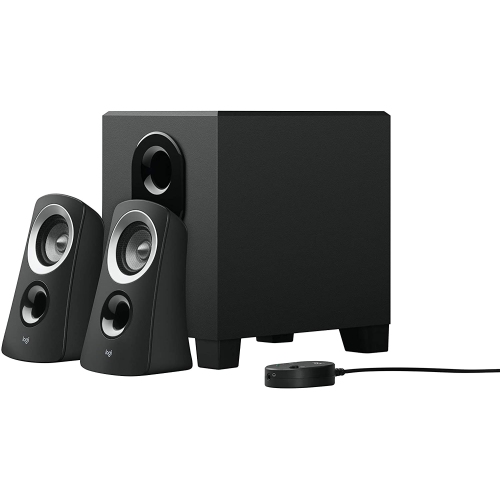
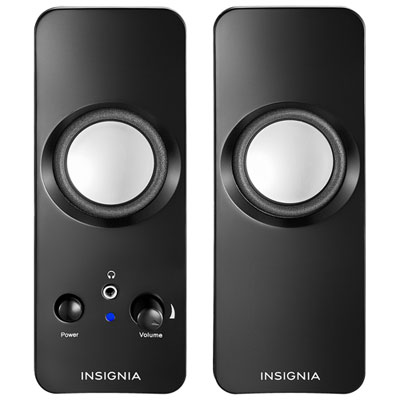
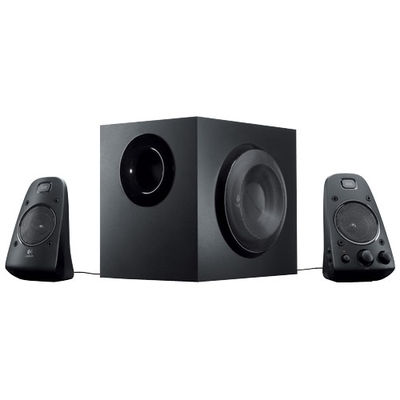
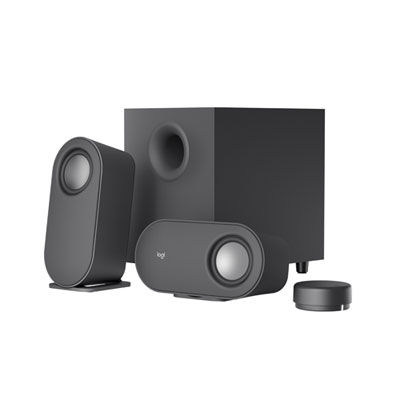
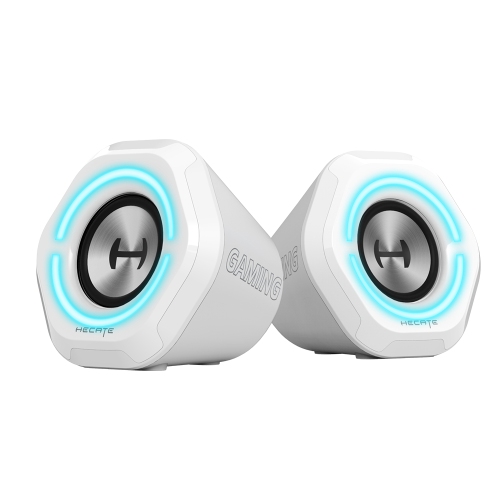
A 2.0 speaker system includes left and right speakers for stereo audio. A 2.1 system adds a separate subwoofer that handles low-frequency sounds. Both configurations are available with different connection options and controls.
Desktop speakers may draw power from a USB port, use an AC adapter plugged into a wall outlet or run on a built-in rechargeable battery. The power connection is not always the same as the audio connection, so check both requirements when planning your study setup.
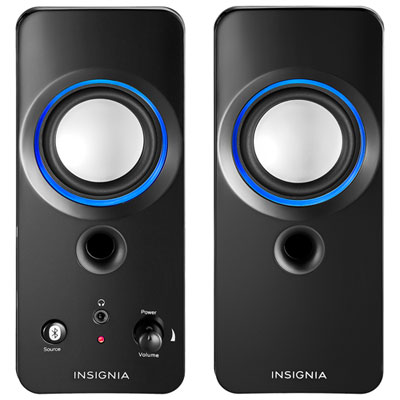
Some desktop speakers include multiple inputs, such as a wired connection for a computer and Bluetooth for a phone. Switching between devices may involve an input button, a dial or the connected device’s settings. Multiple inputs do not necessarily mean the speakers can play audio from both devices at once.
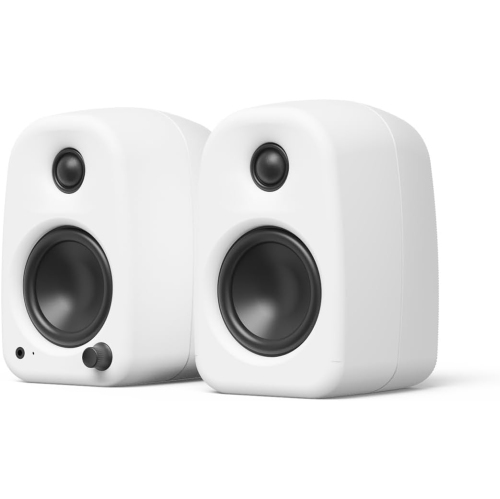
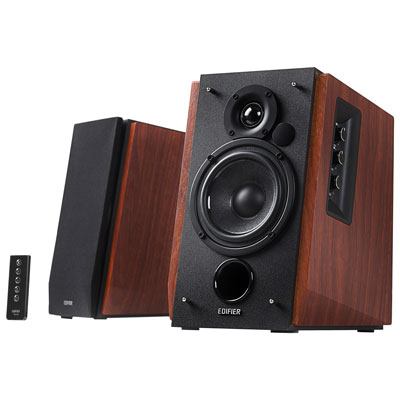
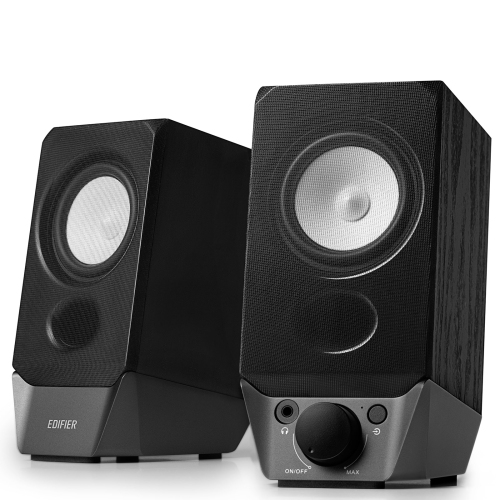
Depending on the model, desktop speakers may include a volume dial, mute button, input selector, bass adjustment or remote control. Some also have a headphone jack for switching to personal listening during study sessions. Check whether plugging in headphones automatically mutes the speakers.
Top selling and popular products
Discover more categories related to Back To School Desktop Speakers
Some products may be subject to Environmental Handling Fees (EHF) depending on your province. Learn more about EHFs.