Back To School Mesh Wi-Fi Systems For Better Connectivity
Get ready for back to school with mesh Wi-Fi systems that help extend wireless coverage across your home for online classes, homework, and study sessions. Browse multi-unit router systems and compare coverage, device capacity, and Wi-Fi standards to find a setup suited to your space and the number of students sharing your connection.
FAQ
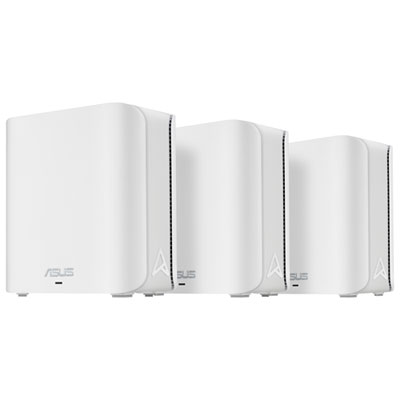
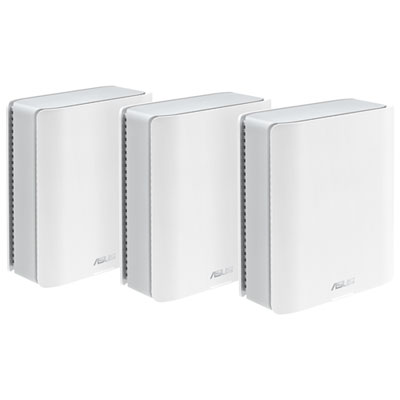
A mesh Wi-Fi system uses a main router and additional units, often called nodes, to create a single wireless network. The nodes share a network name, so students can connect their school devices without manually choosing a separate network for each node.
Most mesh Wi-Fi systems replace the router rather than the modem. The main mesh unit typically connects to your internet provider’s modem or gateway using an Ethernet cable. If your gateway already includes a router, check its bridge mode options and the mesh system’s setup requirements.
Wi-Fi-enabled laptops, Chromebooks, tablets, smartphones and printers can generally connect to a mesh network. Compatibility depends on the wireless standards and security settings supported by both the device and the mesh system. Some school-issued devices may also have connection requirements set by the school.
Depending on the model, Ethernet ports can connect the main unit to a modem, link compatible nodes together or connect wired devices such as desktop computers. Not every node includes Ethernet ports, so check the system’s specifications if wired connections are part of your study setup.
Many mesh Wi-Fi systems use a mobile app or web interface to manage network settings. Depending on the system, you can change the network name and password, view connected devices, create a guest network or set connection schedules. Available controls and account requirements vary by manufacturer.
Top selling and popular products
Discover more categories related to Back To School Mesh Wi-Fi Systems For Better Connectivity
Some products may be subject to Environmental Handling Fees (EHF) depending on your province. Learn more about EHFs.